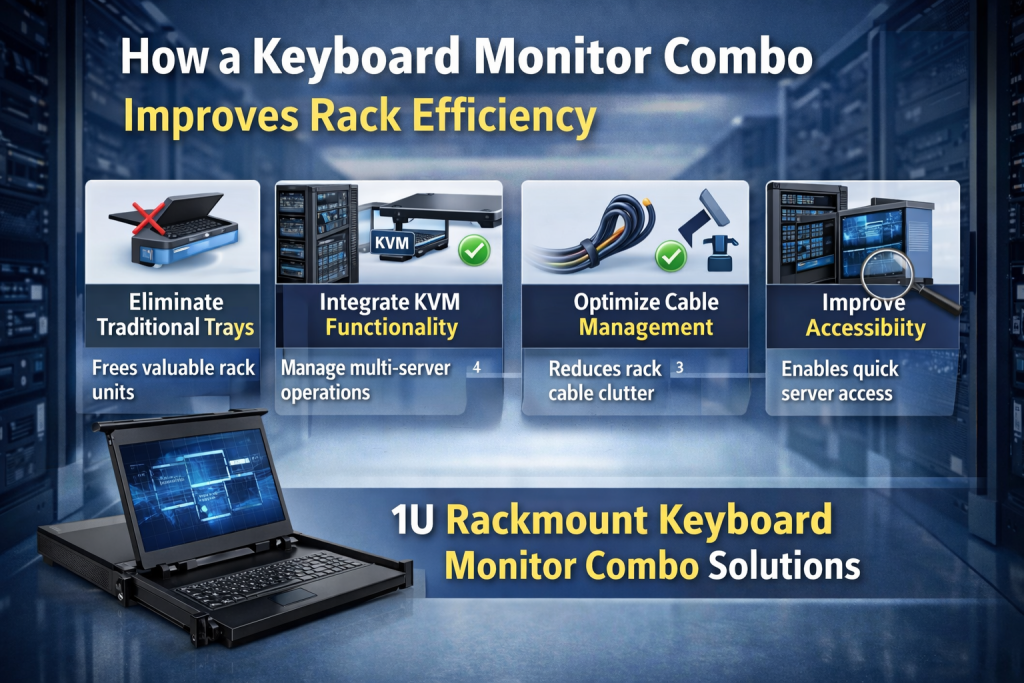
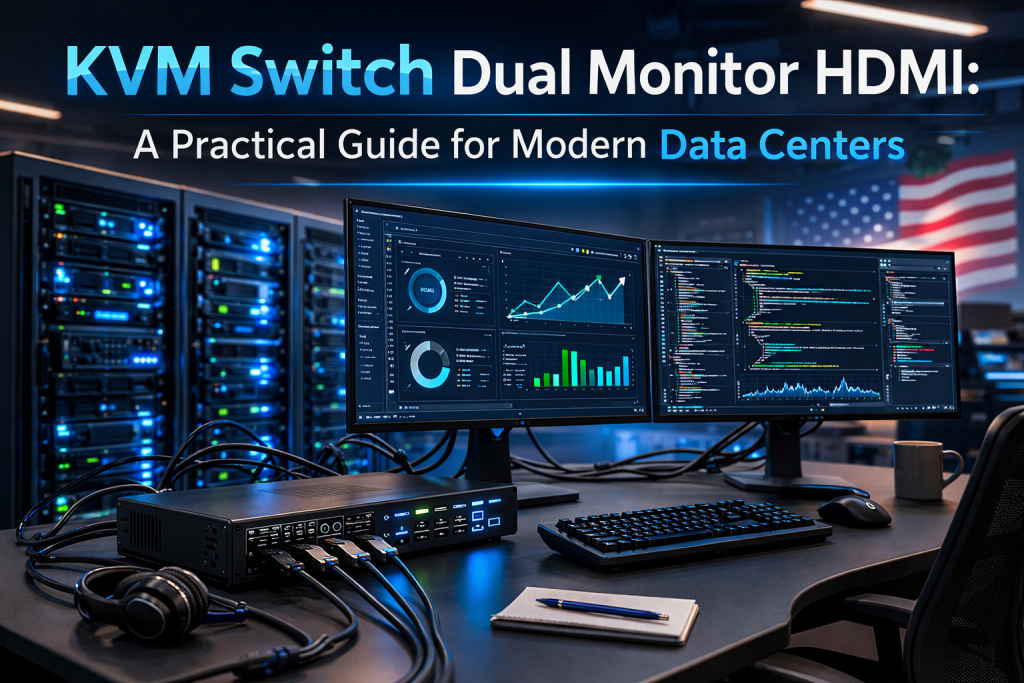
Managing multiple servers inside a data center requires efficiency, clarity, and control. A kvm switch dual monitor hdmi setup allows IT professionals to manage several systems using one keyboard, one mouse, and two HDMI monitors — reducing clutter while increasing productivity.
In enterprise environments, screen space and reliability matter. That’s where rack-mounted solutions and 4K displays play a critical role.
Why a KVM Switch Dual Monitor HDMI Setup Matters
A kvm switch dual monitor hdmi configuration allows administrators to:
- Control multiple servers from one workstation
- View two displays simultaneously
- Improve troubleshooting efficiency
- Reduce hardware redundancy
- Save rack space
In high-density server rooms, this setup reduces physical complexity while maintaining full control over connected systems.
For data centers handling virtualization, cloud hosting, or enterprise IT infrastructure, this configuration becomes essential rather than optional.
Choosing the Best Rackmount Monitor for Data Center Environments
When selecting the best rackmount monitor for data center operations, consider the following:
1. Display Quality
- Full HD or 4K resolution
- Clear color rendering
- Low latency response
2. Rack Size Compatibility
- 1U or 2U configurations
- Sliding drawer design
- Durable metal housing
3. Connectivity Options
- HDMI
- DisplayPort
- VGA compatibility
- USB integration for KVM
4. Reliability
- Industrial-grade components
- Heat-resistant design
- Long lifecycle support
Pairing a high-performance rack monitor with a kvm switch dual monitor hdmi system creates a streamlined control center within the rack.
Benefits of a 4K Rack Mount Monitor
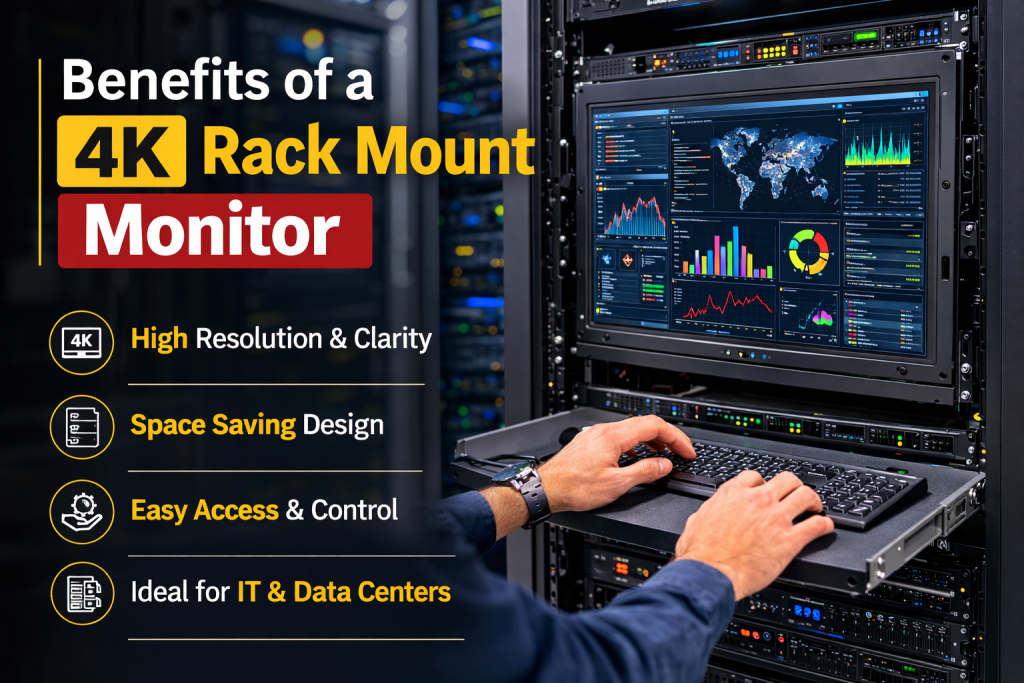
A 4k rack mount monitor enhances visual clarity, especially when working with:
- Virtual machines
- Server logs
- Surveillance systems
- Network dashboards
Higher resolution allows administrators to view multiple windows without compromising readability.
Advantages include:
- Sharper image quality
- Better multitasking
- Reduced eye strain
- Professional-grade monitoring
In modern data centers, 4K is becoming the new standard for operational visibility.
What Makes the Best Rackmount KVM?
Selecting the best rackmount kvm requires more than just port count. It should provide:
- Dual HDMI output support
- Seamless switching between servers
- USB peripheral sharing
- Secure access controls
- Hotkey switching functionality
A well-designed kvm switch dual monitor hdmi system ensures smooth transitions between systems without lag or signal loss.
Security is another major factor. Enterprise-grade KVM units often include user authentication and encryption to protect sensitive server access.
Real-World Application in Data Centers
In a multi-rack environment, engineers often need to monitor:
- Database servers
- Backup systems
- Firewall configurations
- Cloud infrastructure
A kvm switch dual monitor hdmi configuration allows viewing logs on one screen while managing configurations on the other — dramatically increasing response time during critical incidents.
When integrated with the best rackmount monitor for data center usage, it reduces the need for external workstations.
Testimonial
“After upgrading to a KVM switch dual monitor HDMI setup with 4K rack mount monitors, our troubleshooting time reduced significantly. The clarity and control inside our rack systems improved our overall workflow.”
— Senior IT Manager, Enterprise Hosting Provider
Installation Best Practices
To maximize performance:
- Use high-quality HDMI cables
- Ensure proper ventilation inside rack cabinets
- Mount monitors securely within sliding rails
- Test switching latency before deployment
- Label server ports clearly
A stable rack environment ensures long-term durability.
Frequently Asked Questions
1. What is a KVM switch dual monitor HDMI system?
It allows users to control multiple computers using one keyboard and mouse while displaying output on two HDMI monitors simultaneously.
2. Is a 4K rack mount monitor necessary for data centers?
While not mandatory, a 4k rack mount monitor improves clarity, multitasking, and monitoring efficiency in modern server environments.
3. How do I choose the best rackmount monitor for data center use?
Look for industrial durability, rack compatibility (1U/2U), HDMI support, and long-term reliability.
4. What defines the best rackmount KVM?
Dual display capability, secure switching, minimal latency, and strong build quality are key indicators.
5. Can I integrate a dual monitor HDMI KVM into existing racks?
Yes, most rackmount KVM systems are designed to integrate seamlessly with standard 19-inch server racks.
Conclusion
A kvm switch dual monitor hdmi setup is a powerful solution for efficient server management. When combined with a 4k rack mount monitor and the best rackmount kvm, it enhances visibility, control, and operational speed.
For data centers aiming to improve workflow while reducing physical clutter, upgrading to a professional rackmount KVM configuration is a strategic investment.