Data Center Buying Guides
KVM Guides and Server Room Insights
Practical buying guidance for rackmount monitors, KVM switches, console drawers, extenders, matrix switchers, and data center control workflows.
KVMSwitchTech Catalog
Popular Products
Rackmount monitor products ranked by real sales order history from the main KVMSwitchTech store.
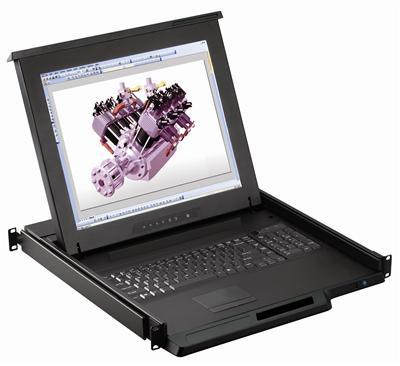
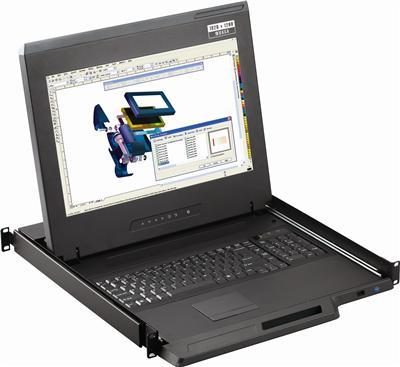
1U 17" HDMI Rackmount Monitor Keyboard Drawer with combo USB and PS2 Interface Touchpad
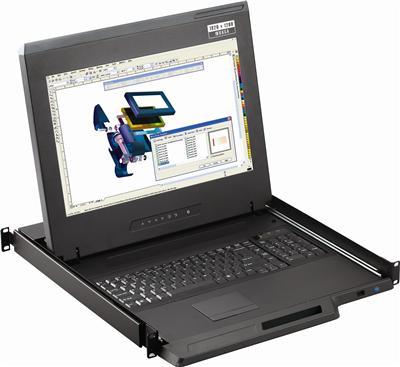
1U 17" HDMI, DVI and VGA 1080p Rackmount Monitor Keyboard Drawer with combo USB and PS2 Touchpad
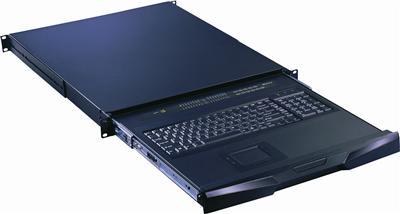
Rackmount Keyboard Short Depth Drawer with Combo USB and PS2 interface Touchpad
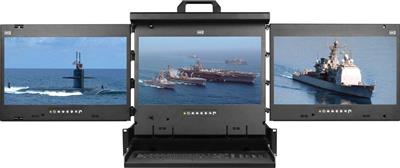
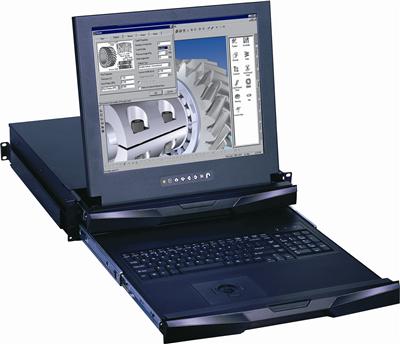
MRK-K17e-3 Cyberview 2U 17" Triple Display High Resolution Display Port 3840 x 2160 Rackmount Monitor Keyboard Console Drawer Touchpad
1U 17" HDMI, DVI and VGA 1080p Rackmount Monitor Keyboard Drawer with combo USB and PS2 Touchpad
Video Matrix Switcher Buying Guide: HDMI, HDBaseT, and Control-Room I/O
Control-room RFQ for a video matrix switcher: lock I/O, EDID, 4K30-class, RS-232 or IP, and audio extract before quoting a 4x4 HDMI SKU. Call (216) 798-7530.
HDBaseT Matrix vs HDMI Matrix: Distance, PoH, and When 8×8 Is the Right Chassis
Compare an HDBaseT matrix to a local HDMI matrix by run length, PoH class, EMI, and 8x8 vs 4x4 chassis so control-room RFQs stop cloning a 4x4 HDMI spec. Call (216) 798-7530.
Dual and Triple Display Rackmount Monitors Guide: 2U Consoles vs Dual-Head KVM
Dual and triple display rackmount monitors put two or three 17-inch panels in 2U. This is not dual-head KVM. Match screen count, DVI vs DisplayPort, and pointing device. Call (216) 798-7530.
Short-Depth 1U LCD Keyboard Drawer: Depth Budget for 24-Inch Cabinets
A short depth kvm drawer is a 1U LCD keyboard chassis for 600 mm and 24-inch cabinets. Measure rail depth, doors, and cable arms before you pick 17 vs 19 inch. Call (216) 798-7530.
4×4 HDMI Matrix Switch Buying Guide: Routing, EDID, and When to Step to 8×8
A 4x4 HDMI matrix routes four sources to four displays independently. Compare matrix vs switch vs splitter, 4K30-class bandwidth, EDID, and when to buy 8x8 or HDBaseT. Call (216) 798-7530.
PiKVM vs Rack IP KVM for Enterprise and Colo: When a Homelab Box Is Not Enough
PiKVM is a capable single-host remote KVM for a lab. A rack IP KVM switch is what most colo and enterprise RFQs require: concurrent sessions, SSL, dongles, and a chassis you can put on a BOM. Call (216) 798-7530.
DVI KVM Switch Buying Guide: Legacy Servers, Dual-Link, and USB HID in 2026
Buy a DVI KVM switch in 2026 without HDMI dongle stacks. Compare native DVI vs converters, dual-link vs single-link, USB HID vs PS/2, and RFQ fields that keep legacy servers usable.
Cat5 KVM vs HDMI USB KVM: When Dongles Beat a Local Switch
Pick a Cat5 KVM switch or a local HDMI USB KVM by cable bulk, dongle distance, leftover VGA, USB vs PS/2, and cascade vs 32-port chassis. RFQ table plus call (216) 798-7530.
IP KVM vs Crash Cart vs 1U Console Drawer for Colocation (2026)
Colo lights-out decision tree: BMC only, crash cart, 1U console drawer, or an IP KVM switch when the host BMC is dead. Ports, 4K30 vs 4K60, and RFQ notes for (216) 798-7530.