
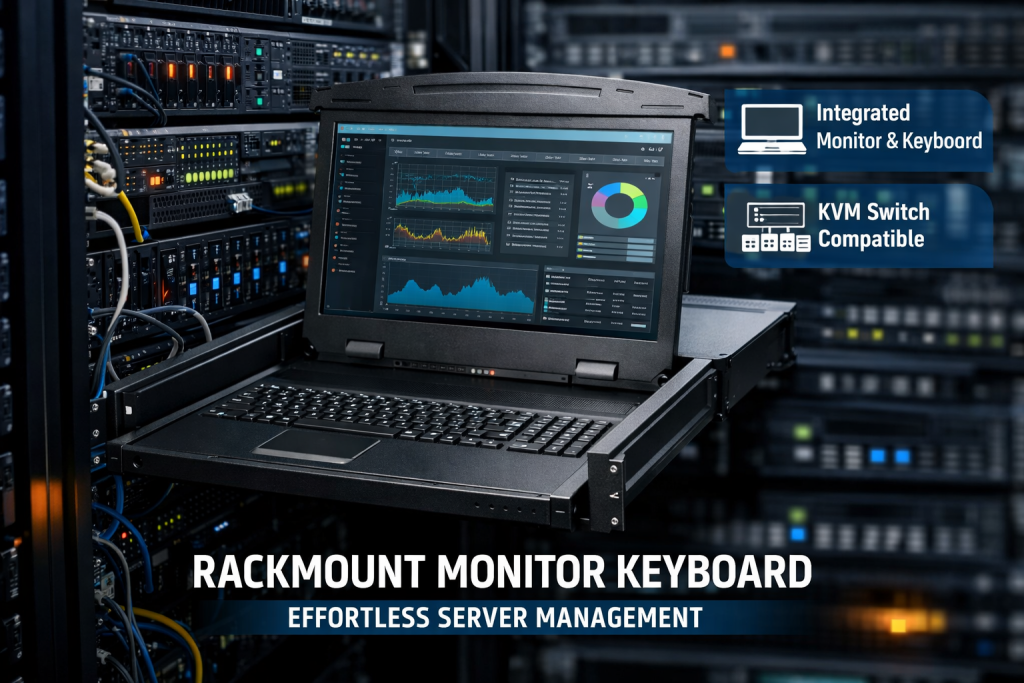
A rackmount monitor keyboard is an essential component for managing servers, network equipment, and data center operations efficiently. Designed to fit seamlessly into standard 19-inch racks, this compact solution combines a monitor, keyboard, and often a touchpad into a single unit, helping IT professionals save space while maintaining full control over their systems.
In today’s fast-paced IT environments, businesses require reliable, space-saving, and user-friendly solutions. A rackmount monitor keyboard offers exactly that by integrating functionality with convenience, making it a preferred choice for data centers, server rooms, and industrial applications.
What is a Rack Mount Monitor and Keyboard?
A rack mount monitor and keyboard is a hardware device that slides into a server rack and provides direct access to connected systems. Instead of using separate monitors and keyboards, this integrated device allows administrators to monitor and control multiple servers from a centralized location.
Whether you refer to it as a rackmount monitor and keyboard or a rackmount keyboard and monitor, the purpose remains the same—simplify system management while optimizing rack space.
Key Features of Rackmount Monitor Keyboard
A modern rackmount monitor keyboard comes packed with features designed for efficiency and durability:
- Space-Saving Design: Fits into 1U or 2U rack space, maximizing rack utilization
- Integrated Display: High-resolution LCD screen for clear system monitoring
- Compact Keyboard: Full-size or slim keyboard with touchpad or trackball
- Sliding Rail Mechanism: Easy pull-out and push-back functionality
- Durable Build: Built for continuous use in demanding environments
- Multiple Connectivity Options: Supports VGA, HDMI, or DisplayPort
- KVM Compatibility: Allows switching between multiple servers
These features make a rack mount monitor and keyboard ideal for professionals who need quick and reliable access to systems without clutter.
Benefits of Using Rackmount Monitor and Keyboard
1. Optimized Space Utilization
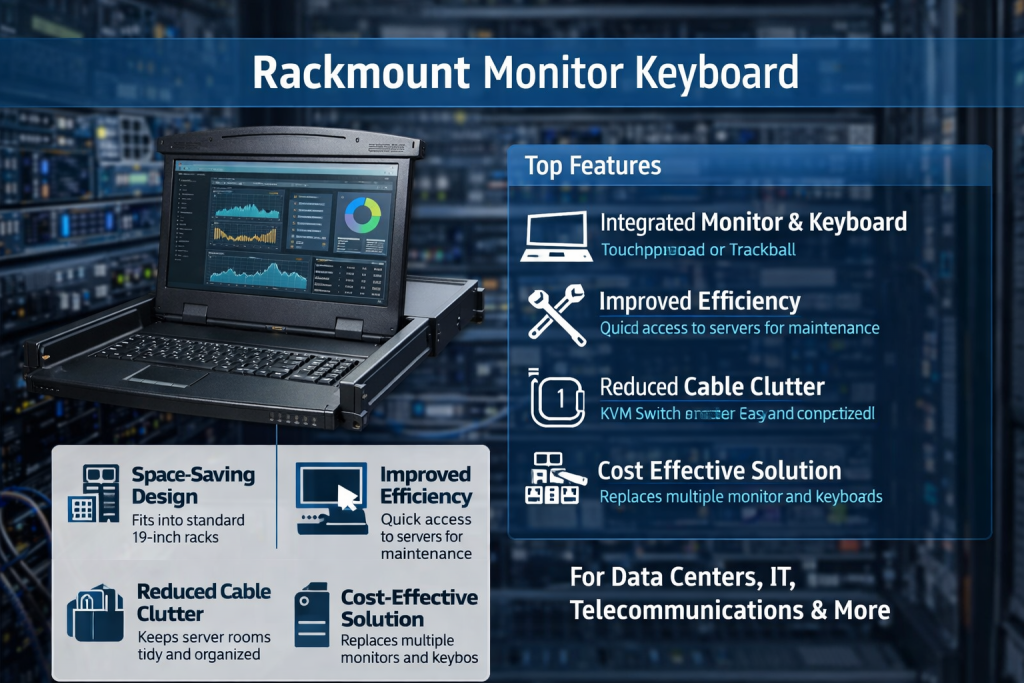
Data centers often struggle with space constraints. A rackmount monitor and keyboard eliminates the need for separate peripherals, freeing up valuable workspace.
2. Improved Efficiency
With everything integrated into one unit, IT administrators can quickly access servers without moving between different systems.
3. Enhanced Organization
A rackmount keyboard and monitor keeps server rooms tidy and well-organized, reducing cable clutter and improving workflow.
4. Cost-Effective Solution
Instead of investing in multiple monitors and keyboards, a single rack mount monitor and keyboard can handle multiple systems when paired with KVM switches.
5. Easy Maintenance
Sliding rails and compact design make maintenance and troubleshooting faster and more convenient.
Applications of Rackmount Monitor Keyboard
A rackmount monitor keyboard is widely used across various industries:
- Data Centers: Centralized server management
- IT Infrastructure: Network monitoring and troubleshooting
- Telecommunications: Managing communication systems
- Industrial Automation: Control systems in manufacturing units
- Broadcasting & Media: Equipment monitoring and control
No matter the industry, a rackmount monitor and keyboard ensures seamless operations and improved productivity.
How to Choose the Right Rackmount Monitor and Keyboard
Selecting the right rackmount keyboard and monitor depends on your specific requirements. Consider the following factors:
- Rack Size Compatibility: Ensure it fits your rack (1U or 2U)
- Screen Size & Resolution: Choose based on visibility needs
- Connectivity Options: HDMI, VGA, or USB compatibility
- Keyboard Layout: Standard or customized layout
- Build Quality: Durable materials for long-term use
- KVM Integration: Required for managing multiple systems
Choosing the right rackmount monitor keyboard ensures long-term performance and reliability.
Why Businesses Prefer Rackmount Monitor Keyboard
Businesses today demand efficiency, scalability, and reliability. A rack mount monitor and keyboard provides all three by offering a compact yet powerful solution for server management.
With increasing digital transformation, companies are investing in infrastructure that reduces downtime and enhances operational control. A rackmount monitor and keyboard plays a crucial role in achieving these goals.
Testimonial
“We upgraded our server room with a rackmount monitor keyboard, and the difference is incredible. It saved space, improved accessibility, and made system management much easier for our team.”
— Rahul Mehta, IT Manager
Frequently Asked Questions (FAQs)
1. What is the purpose of a rackmount monitor keyboard?
Arackmount monitor keyboard is used to manage servers and network devices directly from a rack, eliminating the need for separate peripherals.
2. Can a rack mount monitor and keyboard control multiple servers?
Yes, when integrated with a KVM switch, a rack mount monitor and keyboard can control multiple servers efficiently.
3. Is a rackmount keyboard and monitor suitable for small businesses?
Absolutely. Even small businesses benefit from improved organization, space-saving, and centralized control offered by a rackmount monitor keyboard.
Conclusion
A rackmount monitor keyboard is a smart investment for any organization looking to optimize server management and save space. With its integrated design, ease of use, and scalability, it has become an essential tool in modern IT infrastructure.
Whether you choose a rackmount monitor and keyboard for a large data center or a compact server room, it ensures better control, efficiency, and organization.
Call to Action
Upgrade your server management today with a high-performance rackmount monitor keyboard. Explore advanced solutions that enhance productivity, reduce clutter, and streamline your IT operations. Choose the right system and take control of your infrastructure with confidence.