
Rackmount Monitor Buyer's Guide: How to Choose a Rack LCD Console Drawer
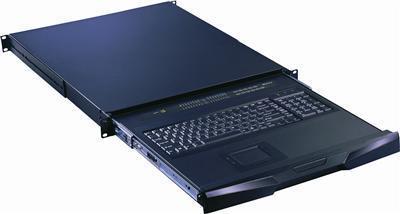
A rackmount monitor is a slim LCD display, usually with an integrated keyboard and touchpad or trackball, that folds into a 1U or 2U slot in a standard 19-inch server rack. It gives technicians a built-in console for local access to servers and network gear without a separate monitor, keyboard, and mouse taking up space. KVMSwitchTech stocks rackmount monitors and LCD keyboard drawers in 17", 19", 20", 21", and 24" sizes, in resolutions up to 4K (3840x2160), with VGA, DVI, HDMI, DisplayPort, and composite inputs, and with or without an integrated KVM switch.
Subcategories
Shop by type
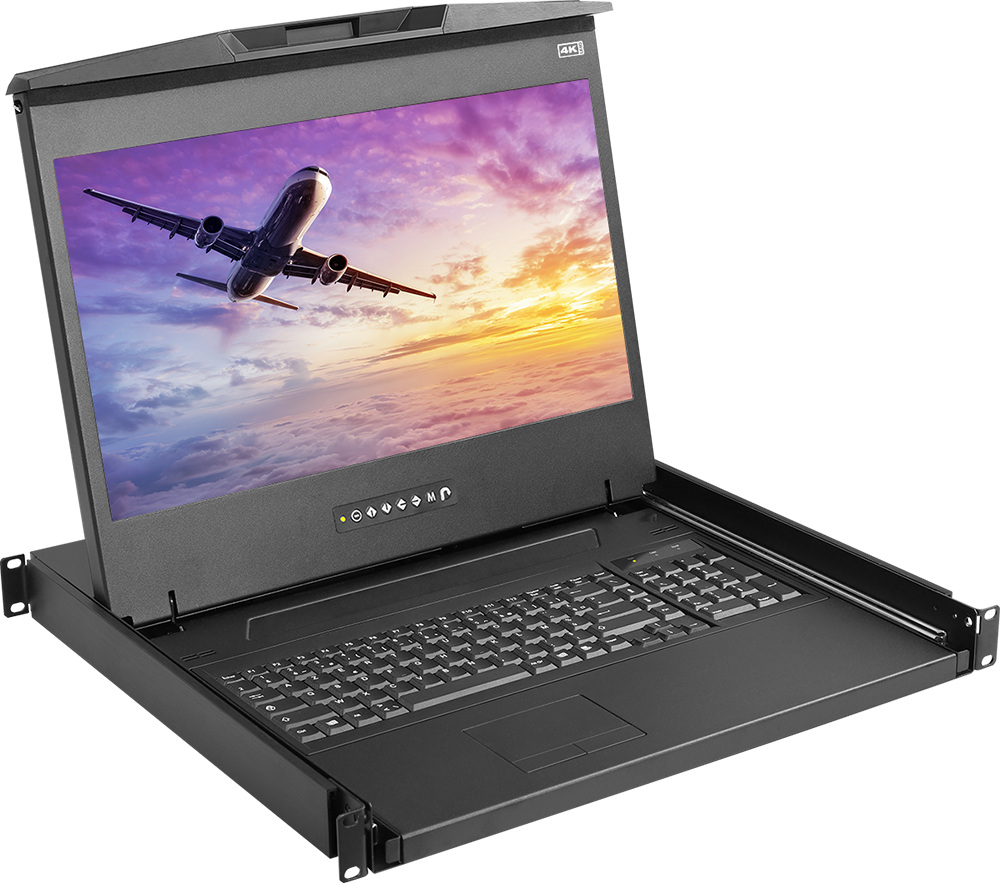 4K Rackmount Monitors
 1U KVM Drawer w USB KVM Switch
 1U KVM Drawer w PS2 KVM Switch
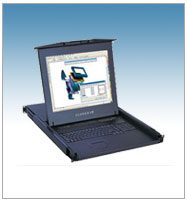 1U LCD Keyboard with IP Cat5 KVM Switch
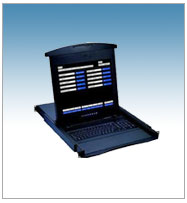 1U LCD Keyboard with IP KVM Switch
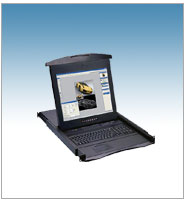 KVM Drawer
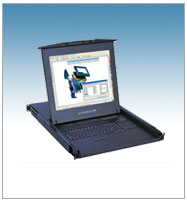 1U Composite LCD Keyboard
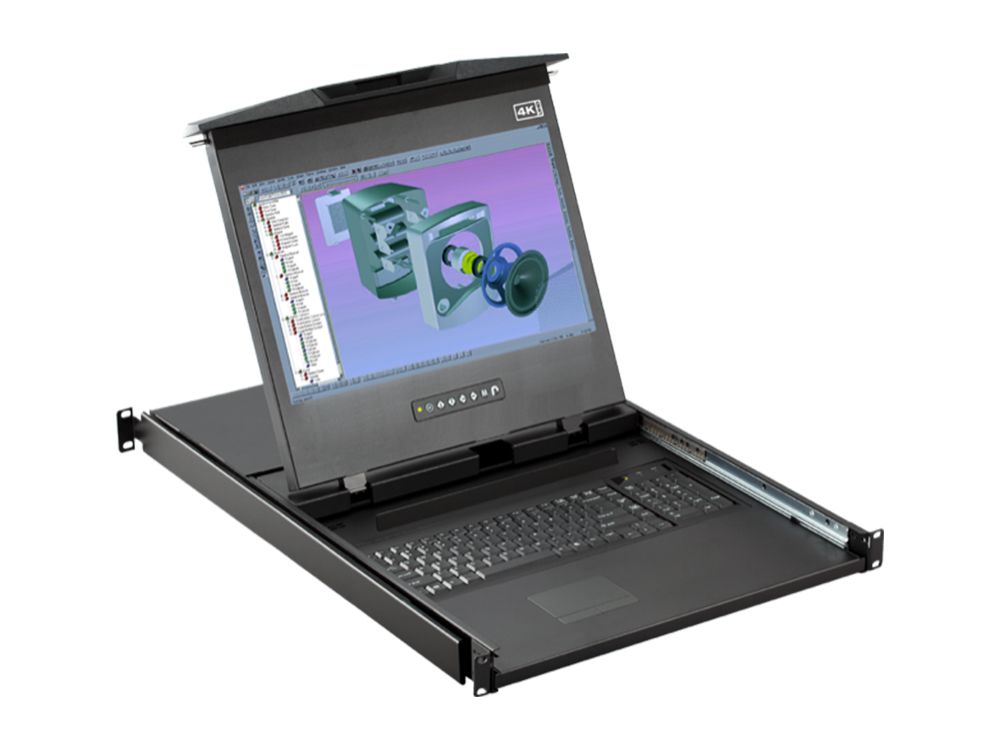 1U DisplayPort LCD Keyboard Console Drawer
 1U Dual Slide LCD Keyboard
 1U DVI LCD Keyboard
 1U HDMI LCD Keyboard
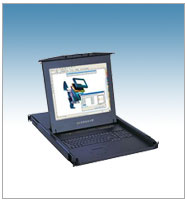 1U LCD Keyboard with Cat5 KVM Switch
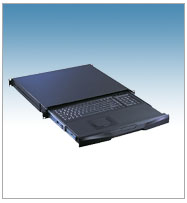 1U Rackmount Keyboards
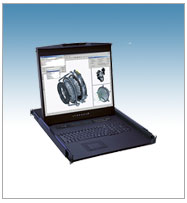 1U Rackmount LCD Keyboard
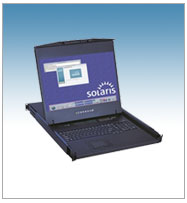 1U Solaris LCD Keyboard
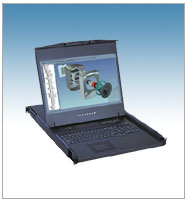 1U WideScreen LCD Keyboard
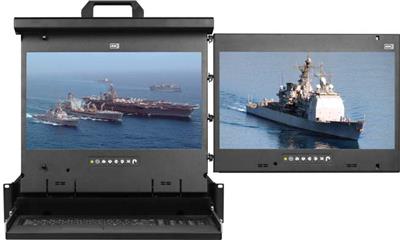 Dual and Triple Display Rackmount Monitors
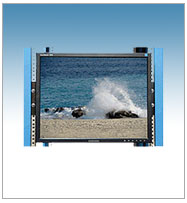 LCD Mounts
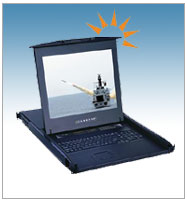 Rackmount High Brightness LCD Keyboard
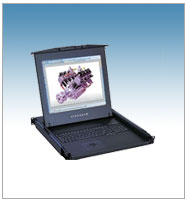 Short Depth LCD Keyboard
Browse products
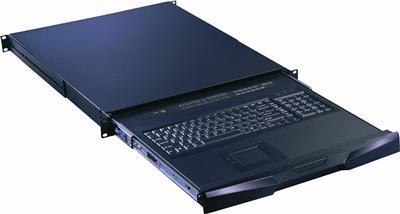
1U Rackmount Keyboards
Rackmount Keyboard Drawer with combo USB and PS2 Interface Touchpad
$599.00
$799.00
In stock
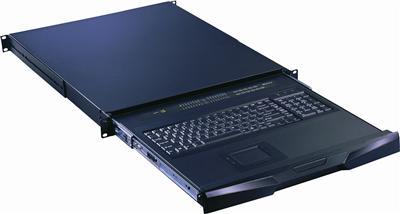
1U Rackmount Keyboards
Rackmount Keyboard Drawer with combo USB and PS2 Interface Trackball
$599.00
$799.00
In stock
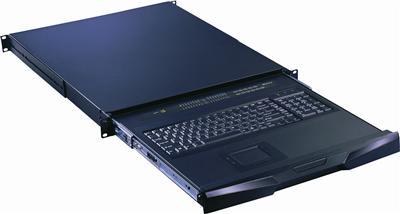
1U Rackmount Keyboards
Rackmount Keyboard Short Depth Drawer with Combo USB and PS2 interface Touchpad
$599.00
$799.00
In stock
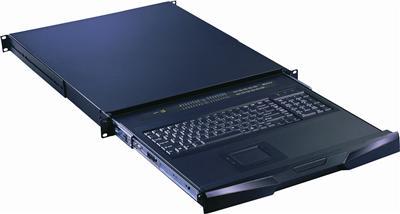
1U Rackmount Keyboards
Rackmount Keyboard Short Depth Drawer with combo USB and PS2 Interface Trackball
$599.00
$799.00
In stock
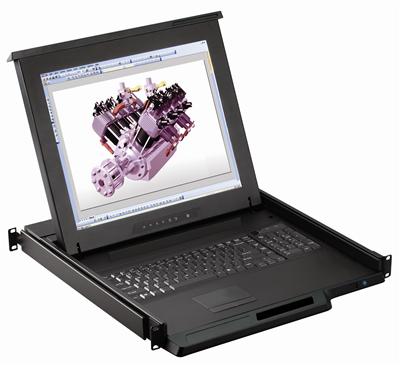
1U Rackmount LCD Keyboard
1U 17" Rack Monitor Keyboard Drawer with combo USB and PS2 Interface Touchpad
$952.00
$1,200.00
In stock
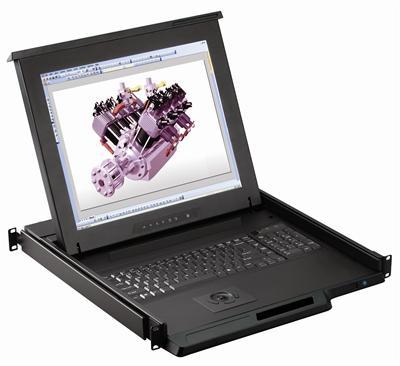
1U Rackmount LCD Keyboard
1U 17" Rack Monitor Keyboard Drawer with combo USB and PS2 Interface Trackball
$1,006.00
$1,200.00
In stock
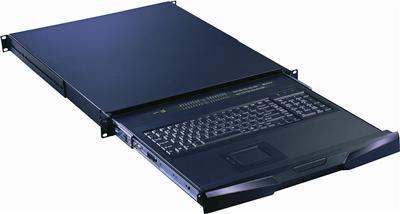
1U Rackmount Keyboards
RK-S801e Cyberview Rackmount Keyboard with Integrated 8 Port combo KVM Switch USB and PS2 Touchpad
$1,046.00
$1,500.00
In stock
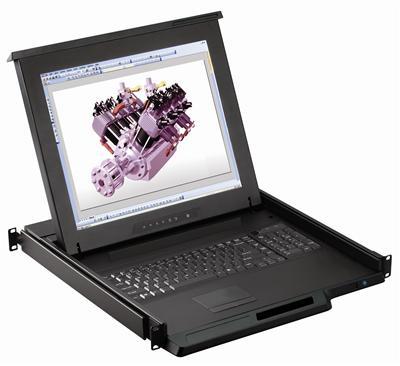
1U Rackmount LCD Keyboard
1U 17" Rackmount Monitor Keyboard Drawer Combo with USB and PS2 Interface Touchpad
$1,068.00
$1,400.00
In stock
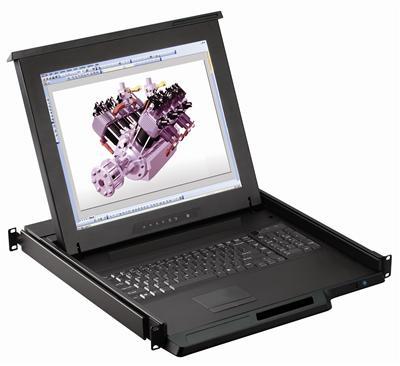
KVM Drawer
1U 17" Rackmount Monitor Keyboard Drawer Combo with USB and PS2 Interface Touchpad
$1,068.00
$1,400.00
In stock
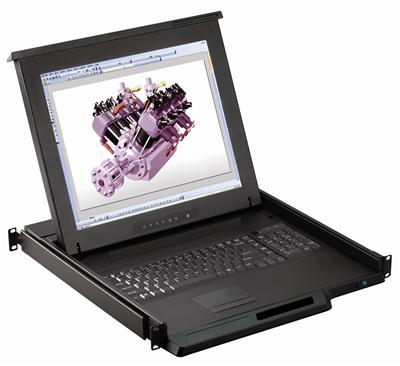
1U Rackmount LCD Keyboard
RKP117e Cyberview 1U 17" Rack Monitor Keyboard Drawer with combo USB and PS2 Interface Touchpad
$1,069.00
$1,299.00
In stock
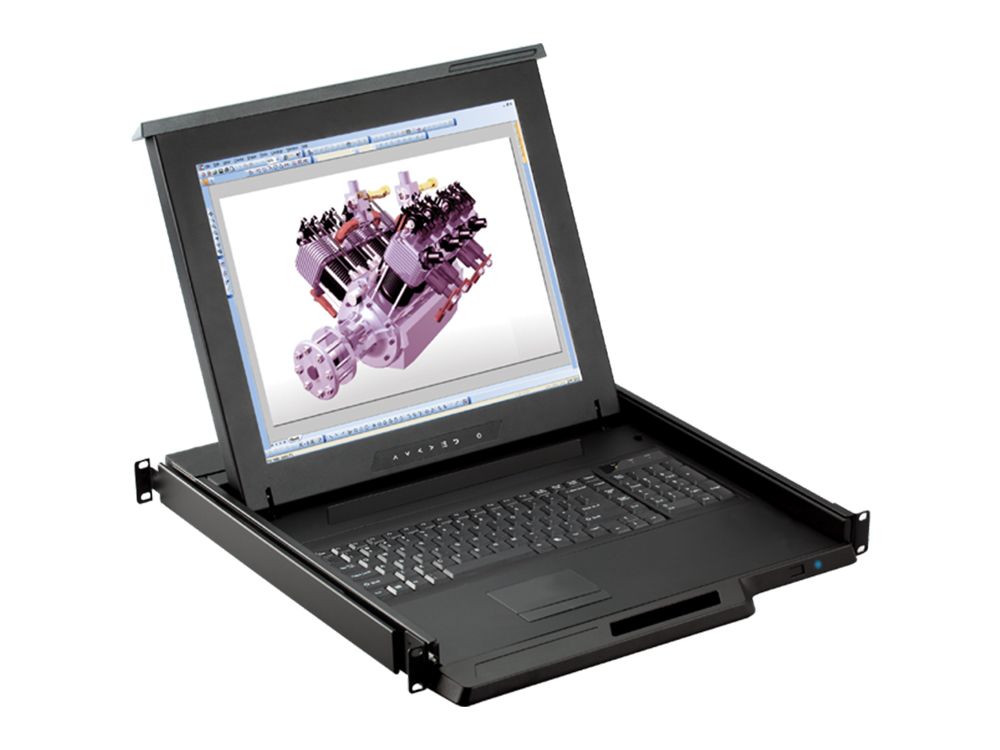
1U Rackmount LCD Keyboard
1U 19" Rackmount Monitor Keyboard Drawer Combo with USB and PS2 Interface Touchpad
$1,080.00
$1,500.00
In stock
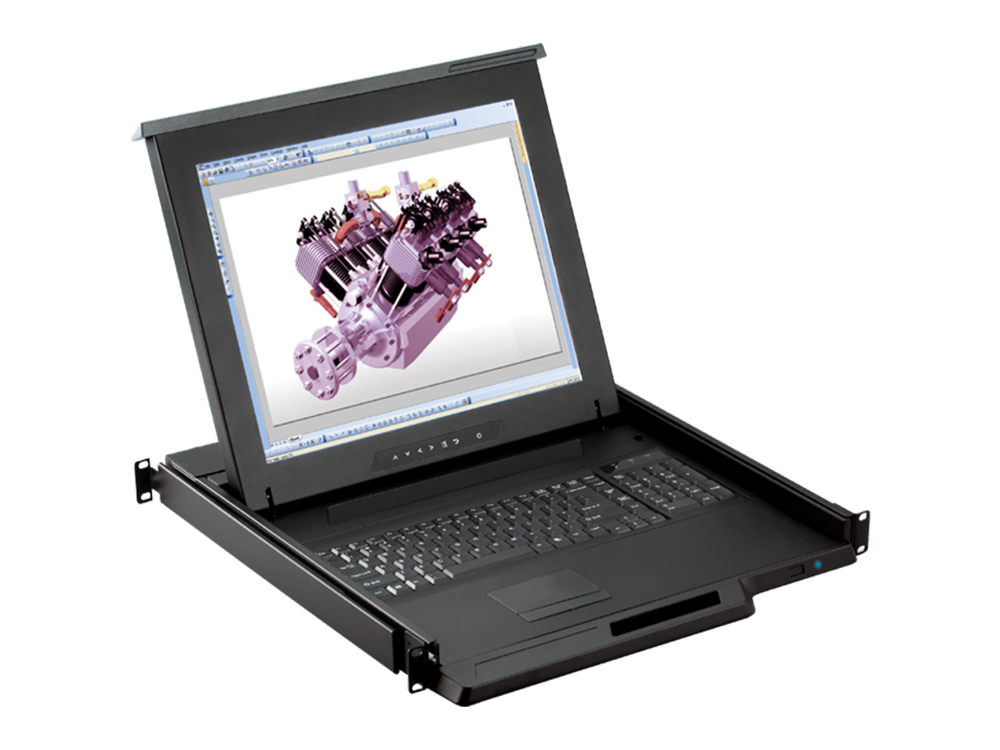
KVM Drawer
1U 19" Rackmount Monitor Keyboard Drawer Combo with USB and PS2 Interface Touchpad
$1,080.00
$1,500.00
In stock
KVM Drawer
1U 17" KVM Drawer Short Depth with Combo USB and PS2 Interface Touchpad
$1,099.00
$1,400.00
In stock
1U Rackmount LCD Keyboard
1U 19" Rack Monitor Keyboard Drawer with combo USB and PS2 Interface Touchpad
$1,099.00
$1,399.00
In stock
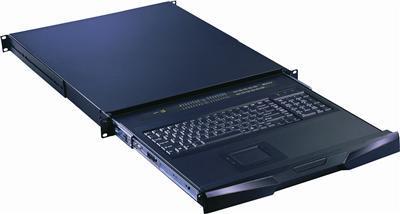
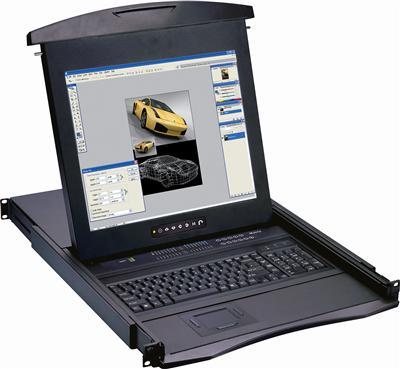
1U Rackmount LCD Keyboard
N119e Cyberview 1U 19" Rack Monitor Keyboard Drawer with combo USB and PS2 Interface Touchpad
$1,115.00
$1,299.00
In stock
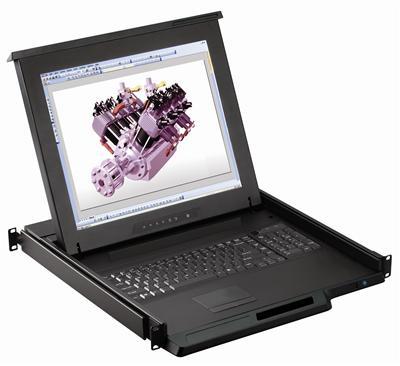
1U Rackmount LCD Keyboard
1U 17" Rackmount Monitor Keyboard Drawer Combo with USB and PS2 Interface Trackball
$1,122.00
$1,500.00
In stock
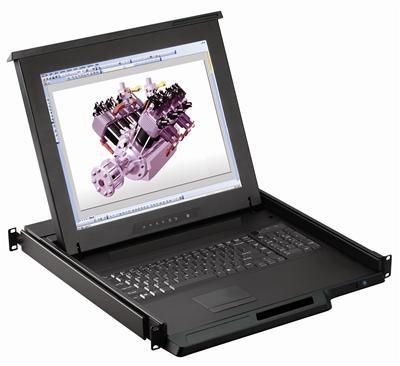
KVM Drawer
1U 17" Rackmount Monitor Keyboard Drawer Combo with USB and PS2 Interface Trackball
$1,122.00
$1,500.00
In stock
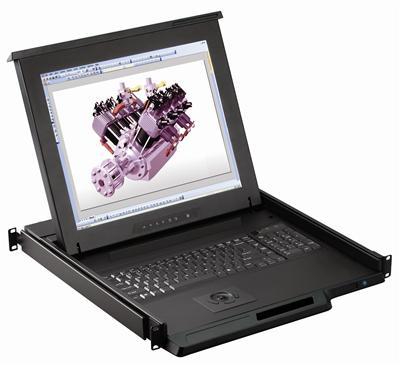
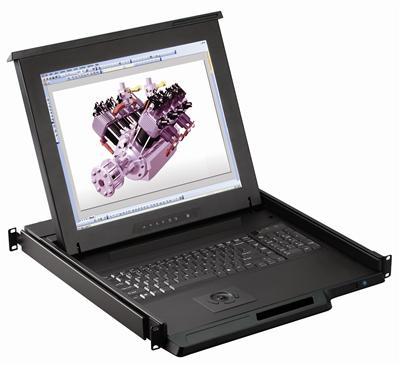
1U Rackmount LCD Keyboard
1U 19" Rack Monitor Keyboard Drawer with combo USB and PS2 Interface Trackball
$1,143.00
$1,399.00
In stock
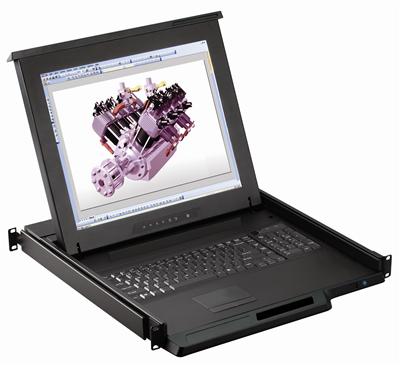
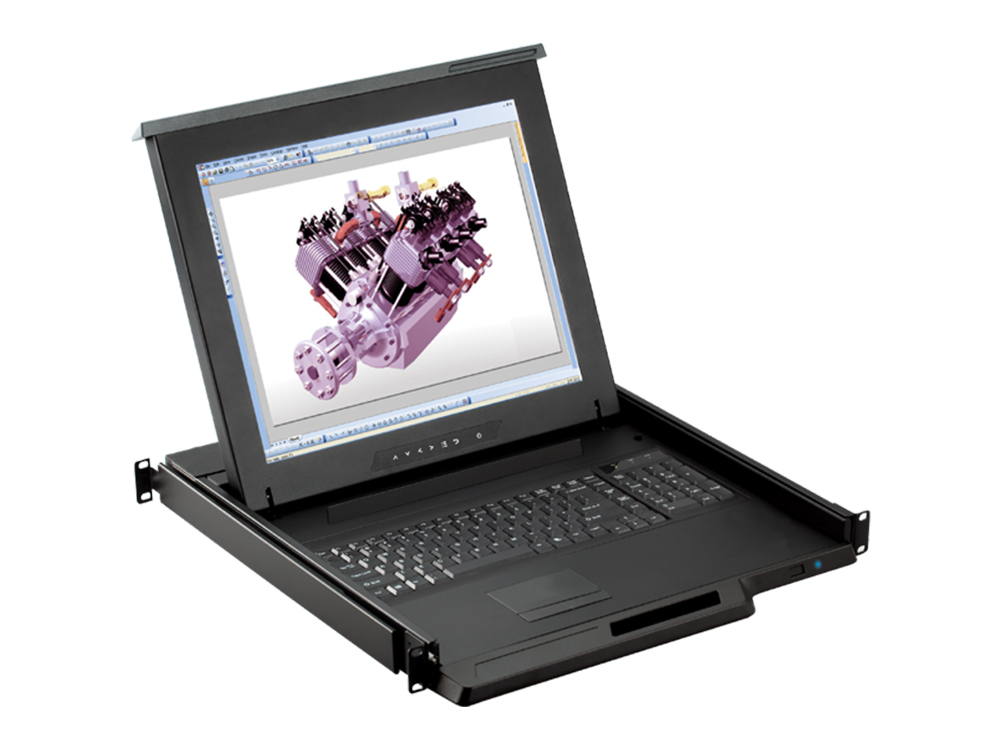
1U Rackmount LCD Keyboard
1U 19" Rackmount Monitor Keyboard Drawer Combo with USB and PS2 Interface Trackball
$1,145.00
$1,500.00
In stock
Step 1: Pick your form factor
- 1U LCD keyboard drawer – the standard single-slide monitor + keyboard console.
- Dual-slide – screen and keyboard slide independently for tight or deep racks.
- Short-depth – fits shallow wall-mount and network enclosures.
- Dual & triple display – 2U consoles with two or three screens for NOCs and control rooms.
- Keyboard-only drawer – when you already have a display or use KVM-over-IP.
Step 2: Match the video input
Choose a drawer whose input matches your servers or KVM switch to avoid adapters: HDMI, DVI, DisplayPort, VGA (widescreen), composite/BNC/S-Video, or Sun/Solaris. For a display-only unit, see our Rackmount LCDs range.
Step 3: Decide if you need an integrated KVM switch
| Need | Choose |
|---|---|
| Console for one server | Plain LCD keyboard drawer |
| Local access to 8/16/32 servers | Drawer with Cat5, USB, or PS/2 KVM |
| Remote / BIOS-level access | Drawer with KVM over IP or IP Cat5 KVM |
| Outdoor / bright environments | High-brightness sunlight-readable |
Step 4: Confirm rack depth, interface, and power
Verify the drawer's mounting depth fits your rack rails, that the console interface (combo USB and PS/2) matches your servers, and that power is standard 110-240VAC. Using a VESA display instead? See our LCD mounts.
Frequently Asked Questions
What is a rackmount monitor?
It is a thin LCD display, usually with a built-in keyboard and touchpad/trackball, that mounts in a 1U or 2U slot of a 19-inch rack to serve as a local server console.
What size rackmount monitor should I choose?
17" and 19" are the most common for 1U drawers. Larger 20"-24" and dual/triple-screen models suit NOCs and control rooms needing more screen area.
Do I need an integrated KVM switch?
Only if you need one console to control multiple servers. Choose 8, 16, or 32-port KVM (Cat5, USB, PS/2, or IP) based on server count and whether you need remote access.
What video inputs are available?
VGA, DVI-D, HDMI, and DisplayPort for modern gear, plus composite/BNC/S-Video for legacy AV and surveillance. Match the input to your source to avoid adapters.
Can rackmount monitors do 4K?
Yes. Select DisplayPort and dual/triple-display models support up to 3840 x 2160 (4K).
What if my rack is shallow?
Choose a short-depth drawer, designed to fit wall-mount and shallow network enclosures.
Not sure which rackmount console fits your rack? Our engineers help match size, video input, KVM type, and rack depth to your rack and servers. Call (216) 798-7530 for free system design help.
Filters