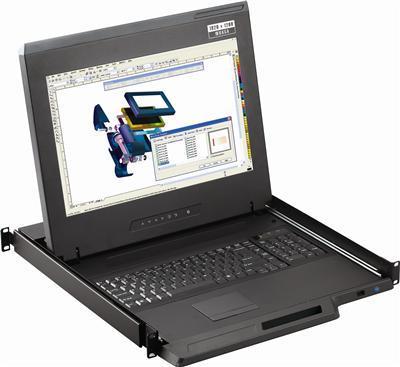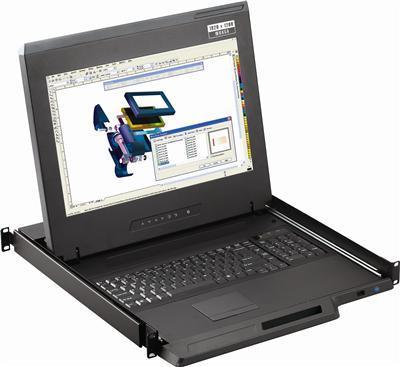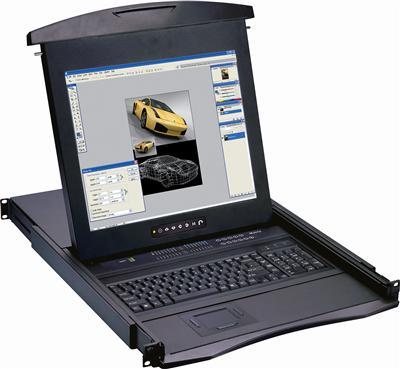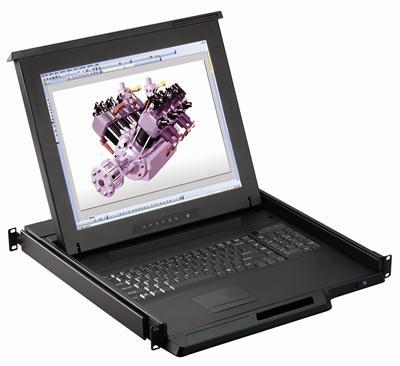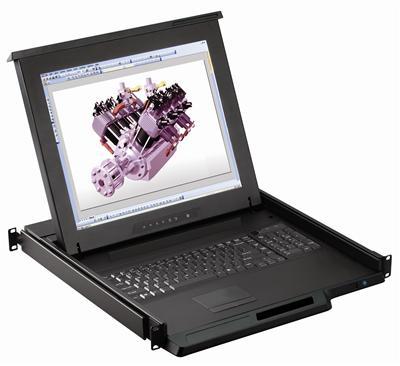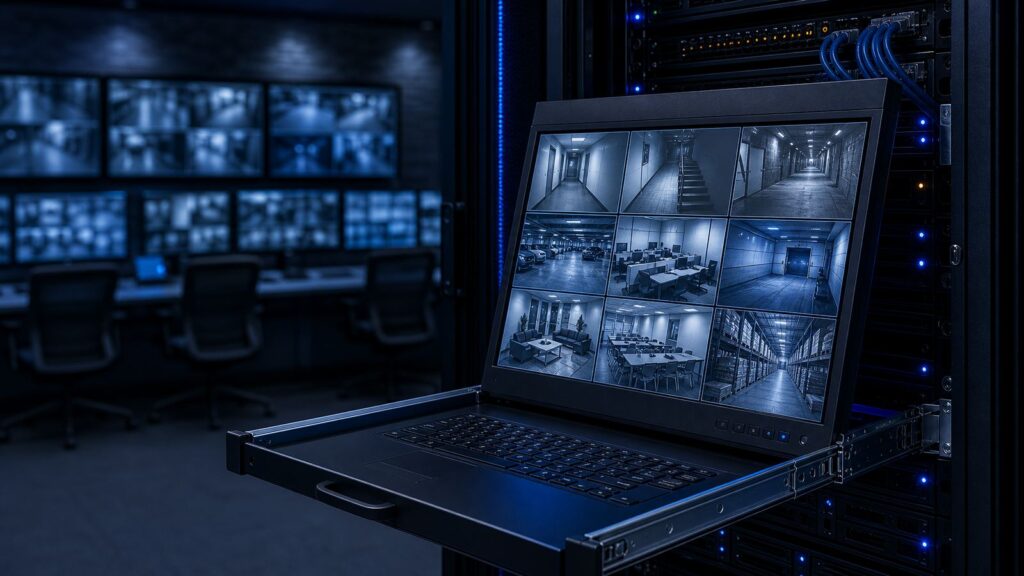
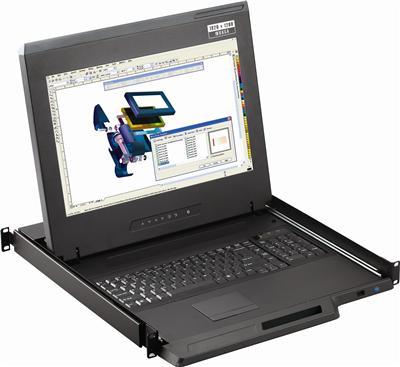
A rack mount LCD monitor is a display built to install directly into a 19-inch equipment rack instead of sitting on a desk. It gives IT teams a permanent, space-efficient screen for local access to servers, network gear, and control systems in server rooms, data centers, broadcast suites, and industrial facilities.
The catch: “rack mount LCD monitor” covers several very different form factors, from a pull-out 1U keyboard drawer to a fixed 6U panel to an integrated KVM console. Picking the wrong one wastes rack units, budget, or both. This guide breaks down the types, the specs that actually matter, and how to match a monitor to your rack.
The main types of rack mount LCD monitors
1. Folding 1U LCD drawer (slide-out console)
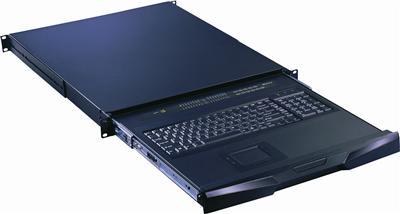
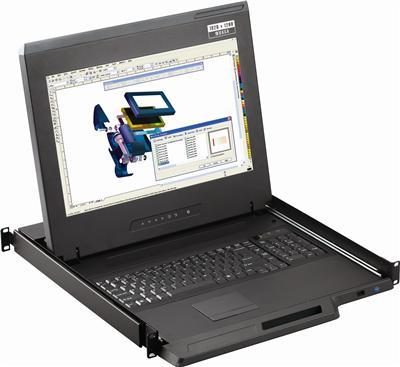
The most popular format. A 17″, 19″, or 20″ screen and, on most models, a keyboard fold flat into a single rack unit (1U) and slide out on rails when you need them. This is the go-to for dense racks where every U counts. Depth and closed height are the specs to check before you buy.
2. Fixed rackmount LCD panel
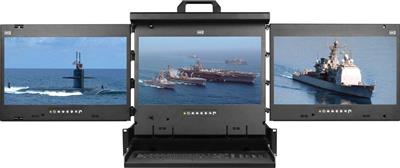
A screen bolted to the rack face that stays in the viewing position at all times. These typically occupy 6U-8U and suit control rooms and monitoring walls where the display is always on and there’s room to spare. Common sizes run 17″, 19″, and 20″, with larger panels available.
3. LCD drawer with integrated keyboard and mouse
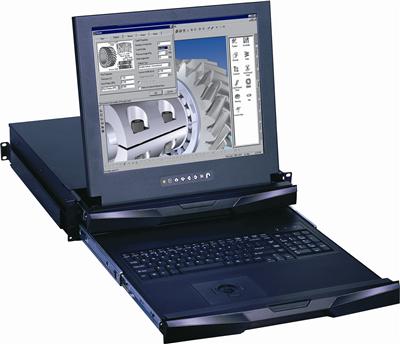
A 1U or 2U drawer that combines the display with a full 105-key keyboard and a touchpad or trackball, giving you a complete local control station in one slide-out unit. Ideal when you need to physically operate servers at the rack without rolling in a crash cart.
4. LCD console with built-in KVM switch
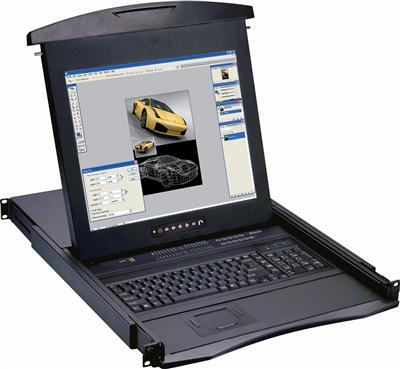
The same slide-out drawer, plus an integrated KVM switch so one screen, keyboard, and mouse control 8 to 16 servers. This is the space-saving standard for multi-server racks: one console replaces a monitor per box. Available with 17″, 19″, and 20″ screens and touchpad or trackball input.
Fixed panel vs. 1U drawer: quick comparison
| Factor | 1U slide-out drawer | Fixed panel |
|---|---|---|
| Rack space | 1U-2U | 6U-8U |
| Screen visible | Only when pulled out | Always on |
| Best for | Dense racks, occasional local access | Control rooms, constant monitoring |
| Keyboard/mouse | Usually integrated | Usually separate |
| KVM option | Common | Less common |
Specs that actually matter
Screen size. 17″, 19″, and 20″ are the standard rack options. 19″ is the most common balance of readability and cost.
Resolution. Most rack LCDs are 1080p, which is plenty for console and management work. If you’re displaying dense dashboards, 4K rack mount monitors exist but confirm the connected system and cabling can drive that resolution.
Rack depth and mounting. Measure your rack’s usable depth before ordering. Slide-out drawers need clearance for the rails, and short-depth or two-post racks may require an additional mounting kit. Most units fit standard 19-inch four-post racks.
Connectivity. Older units are VGA; newer models add HDMI and DisplayPort. Match the monitor input to your servers’ video output, and factor in any converters you’ll need.
Input device. Touchpad vs. trackball is a preference call. Trackballs handle grime better in industrial settings; touchpads feel more familiar to most users.
How to choose
- Tight on rack space? Choose a 1U slide-out drawer.
- Managing multiple servers from one spot? Choose an LCD console with a built-in KVM switch.
- Screen needs to stay visible in a control room? Choose a fixed panel.
- Need a full local workstation at the rack? Choose a drawer with integrated keyboard and mouse.
Once the form factor is set, size and depth are the two specs to lock down before ordering.
FAQs
What is the difference between a rack mount LCD monitor and a standard monitor?
A rack mount LCD monitor installs into a 19-inch equipment rack for space efficiency and permanent local access. A standard monitor sits on a desk or wall mount and isn’t designed to integrate into rack infrastructure.
Can a rackmount monitor be installed in any rack?
Most fit standard 19-inch four-post racks. Two-post or short-depth racks may need an additional mounting hardware kit, so check rack depth and post type before ordering.
How much rack space does an LCD monitor need?
A folding slide-out drawer needs just 1U-2U. A fixed panel typically needs 6U-8U because it stays extended in the viewing position.
Are rack mount LCD monitors hard to install?
No. Most are plug-and-play with standard video and USB connections and mount with the included rail kit. No special tools or software are required.
Do rack mount LCD monitors support 4K?
Some do. Standard rack LCDs are 1080p, which suits most console work, but 4K rack mount monitors are available when you need higher-density display output.
Find the right rack mount LCD for your setup
KVMSwitchTech supplies rackmount LCD drawers, fixed panels, and integrated KVM consoles in 17″, 19″, and 20″ sizes for IT teams, government facilities, hospitals, control rooms, and enterprise server rooms.
Browse our rackmount LCD solutions and rackmount monitors, or call our team at (216) 798-7530 for help matching a monitor to your rack depth, resolution, and power environment.