KVMSwitchTech
Call (216) 798-7530 Free quote

Browse by system

Cat5 Extender Buyer's Guide: How to Extend Video, KVM, and USB Signals over Cat5/Cat6

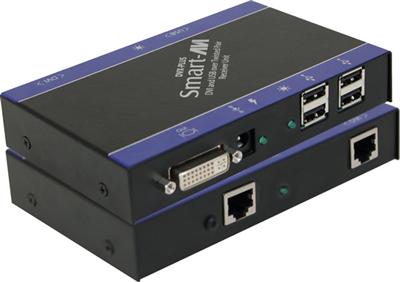
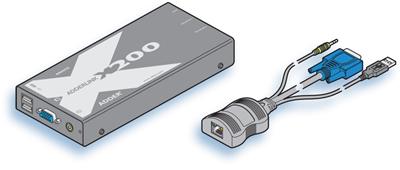
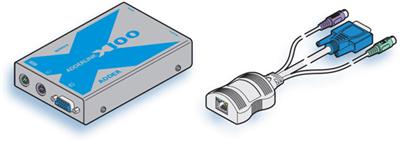
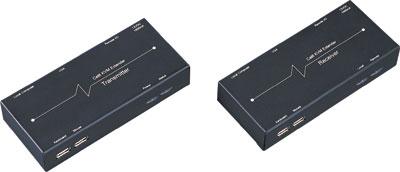
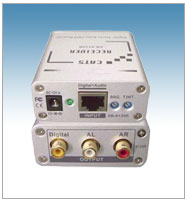
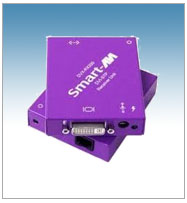
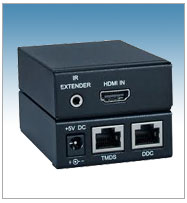
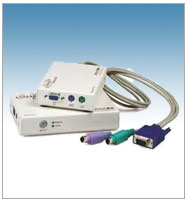
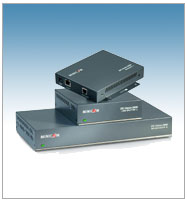
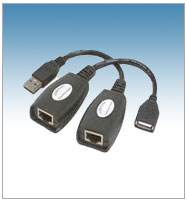
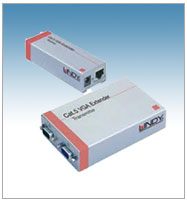
A Cat5 extender transmits video, keyboard/mouse (KVM), USB, or audio signals over inexpensive Cat5e/Cat6 UTP cable instead of bulky native cables. It consists of a transmitter at the source and a receiver at the display or device, letting you run signals hundreds of feet across a building without quality loss. KVMSwitchTech stocks Cat5 extenders for VGA, DVI, HDMI, composite, component, USB, KVM, and splitter/distribution applications, plus fiber optic and wireless options for extreme distance or cable-free setups.

Browse products

Step 1: What signal do you need to extend?

SignalSubcategoryTypical range
VGACat5 VGA ExtenderUp to 1,000 ft
DVI-DCat5 DVI ExtenderUp to 275 ft (Cat6 STP)
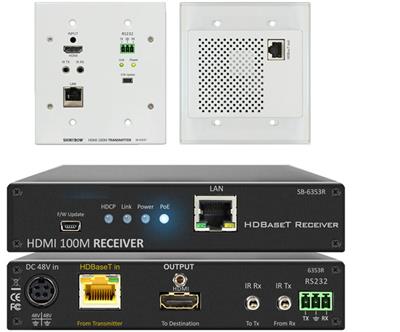
HDMICat5 HDMI ExtenderUp to 330 ft (HDBaseT)
Composite/S-VideoCat5 Composite ExtenderUp to 1,000 ft
ComponentCat5 Component ExtenderUp to 1,000 ft
USB 1.1/2.0/3.1Cat5 USB ExtenderUp to 330 ft
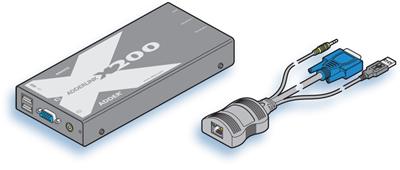
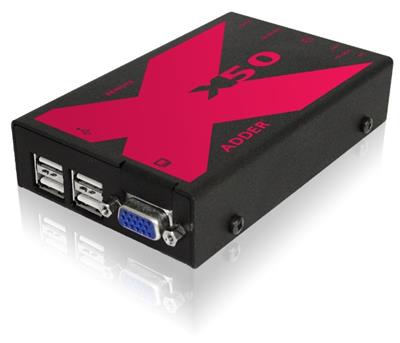
KVM (keyboard+video+mouse)Cat5 KVM ExtenderUp to 1,000 ft
Video + split to many displaysCat5 Splitter ExtenderUp to 1,000 ft per output

Step 2: Consider distance and medium

  • Under 330 ft – standard Cat5e/Cat6 UTP or STP works for most signals.
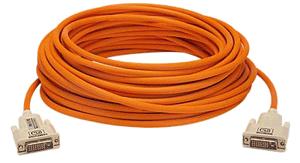
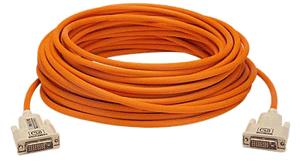
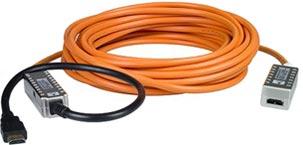
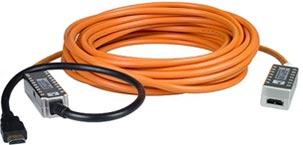
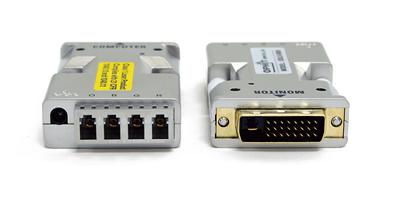
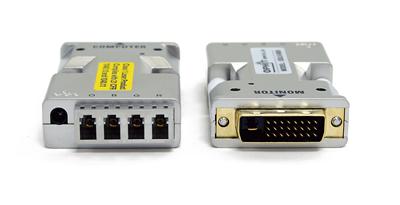
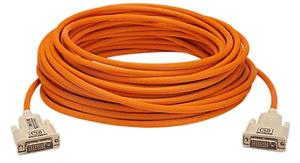
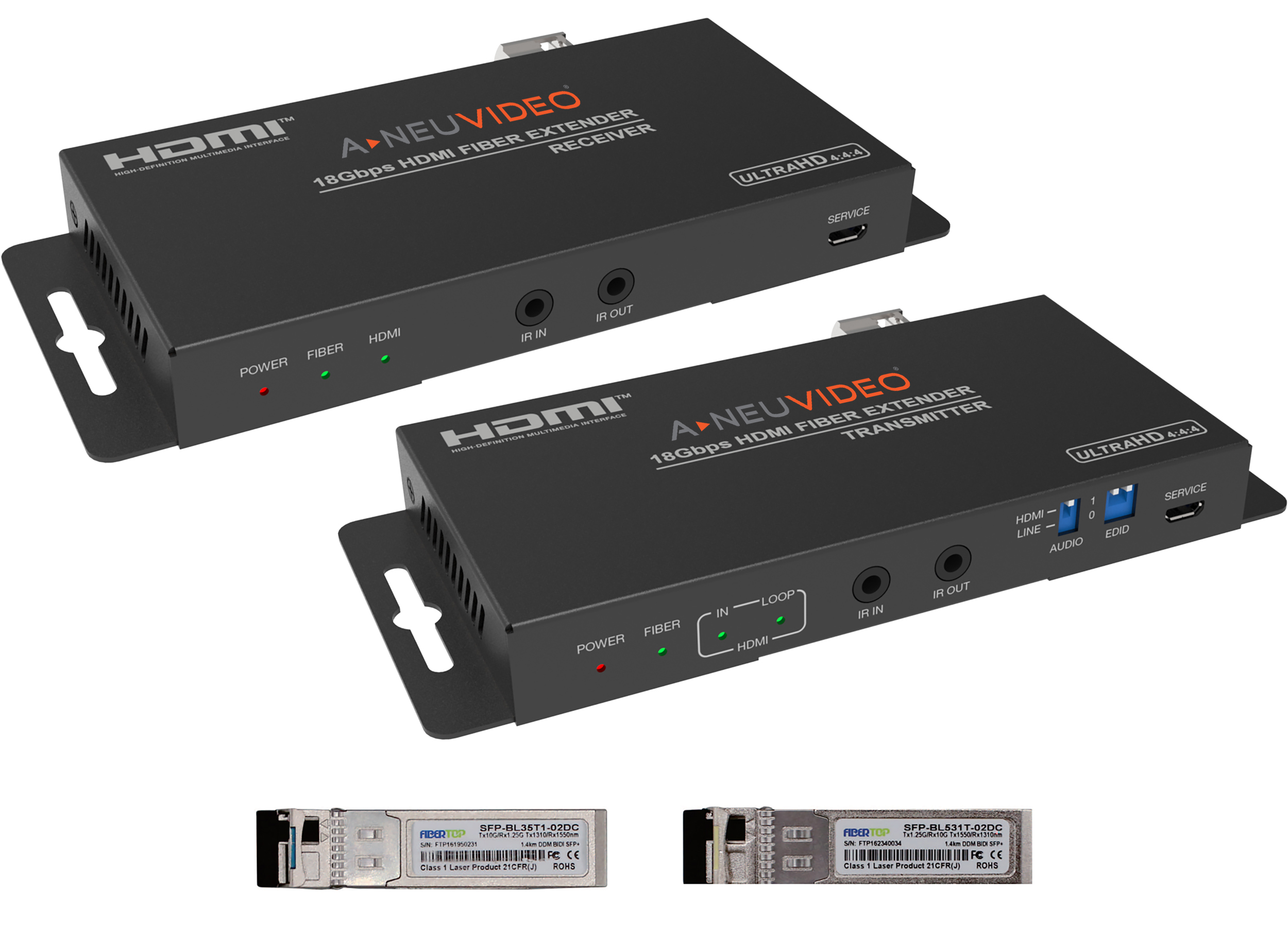
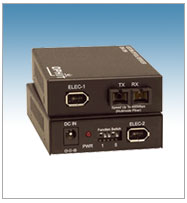
  • Over 330 ft (up to miles) – choose fiber optic extender for DVI, HDMI, or USB.
  • No cable at all – choose a wireless extender (HDMI up to 50 ft, VGA up to 200 ft, USB up to 100 ft).

Step 3: Do you need to split to multiple displays?

If one source needs to reach several screens, use a Cat5 splitter extender (combined extender + splitter) with 2, 4, 8, or 16 outputs over Cat5. Otherwise, a point-to-point extender pair is sufficient.

Frequently Asked Questions

What is a Cat5 extender?

A transmitter/receiver pair that sends video, KVM, USB, or audio signals over Cat5e/Cat6 UTP cable instead of the native cable type, enabling runs of hundreds of feet at low cost.

What cable should I use?

Cat5e is minimum; Cat6 UTP or STP is recommended for DVI and HDMI to maximize distance and quality. Always use solid-core, straight-through cable (no crossover).

Do I need power on both ends?

Most powered extenders require power at both the transmitter and receiver for the best signal reliability.

Can I extend both video and USB?

Yes, KVM extenders combine video and USB (keyboard/mouse) over a single or dual Cat5/Cat6 run.

What if I need to go more than 1,000 ft?

Use a fiber optic extender, which can reach 1,000 m (3,300 ft) or more with single-mode fiber.

Do Cat5 extenders add latency?

Properly designed Cat5 extenders add negligible latency, keeping real-time KVM and video performance intact.

Not sure which extender fits your project? Our engineers help match signal type, distance, cable type, and output count to your project. Call (216) 798-7530 for free system design help.

Filters