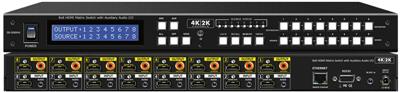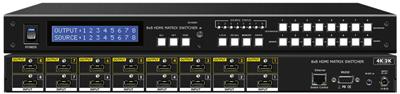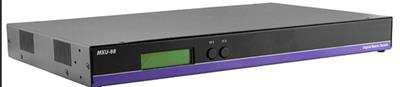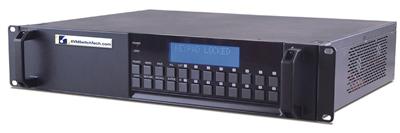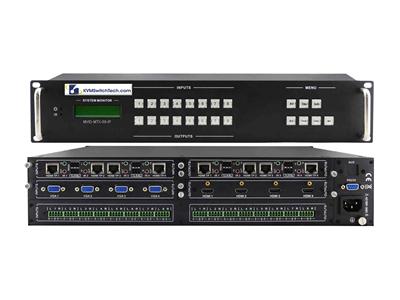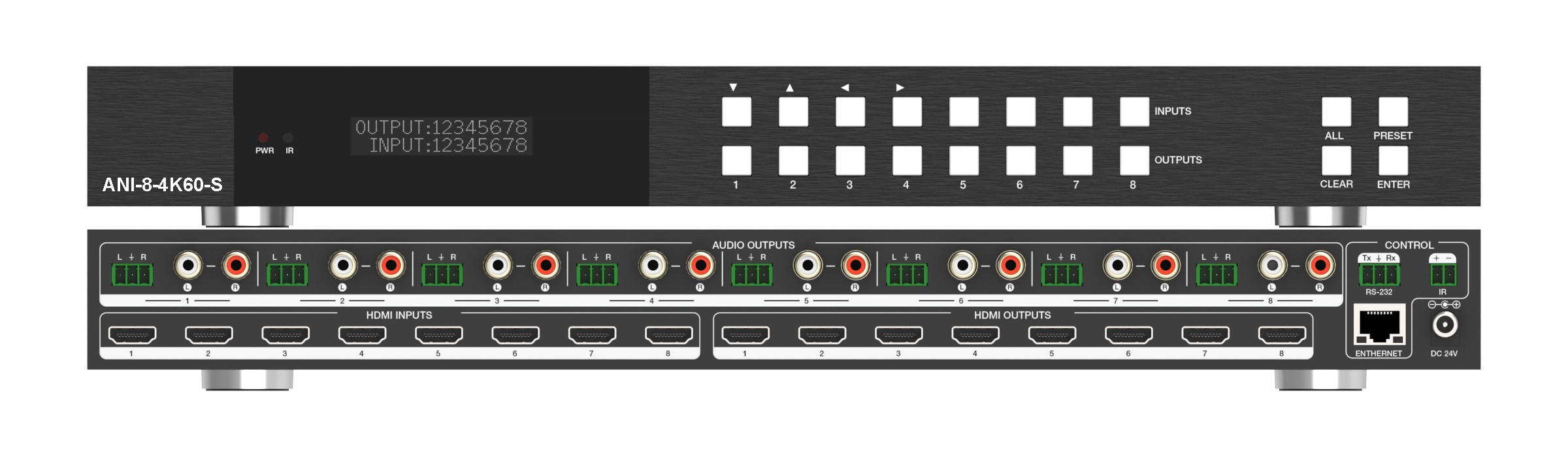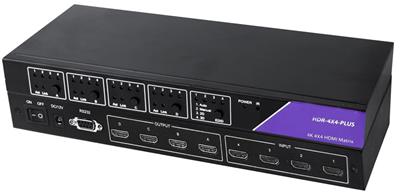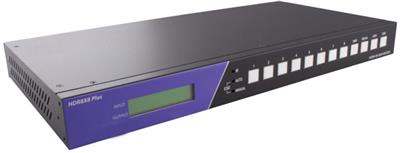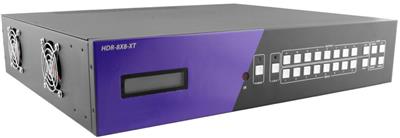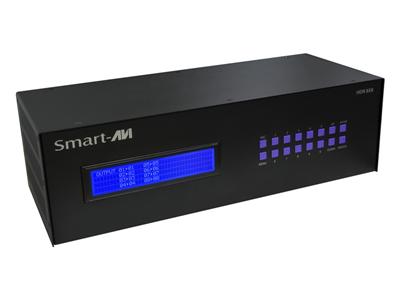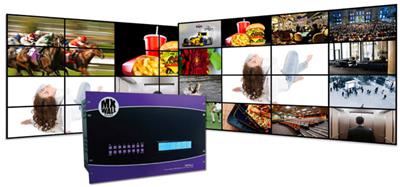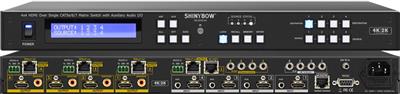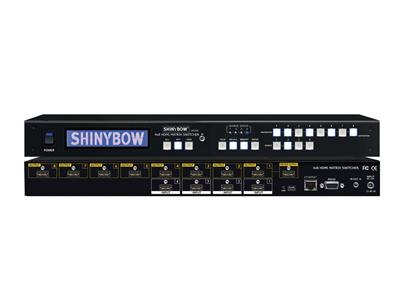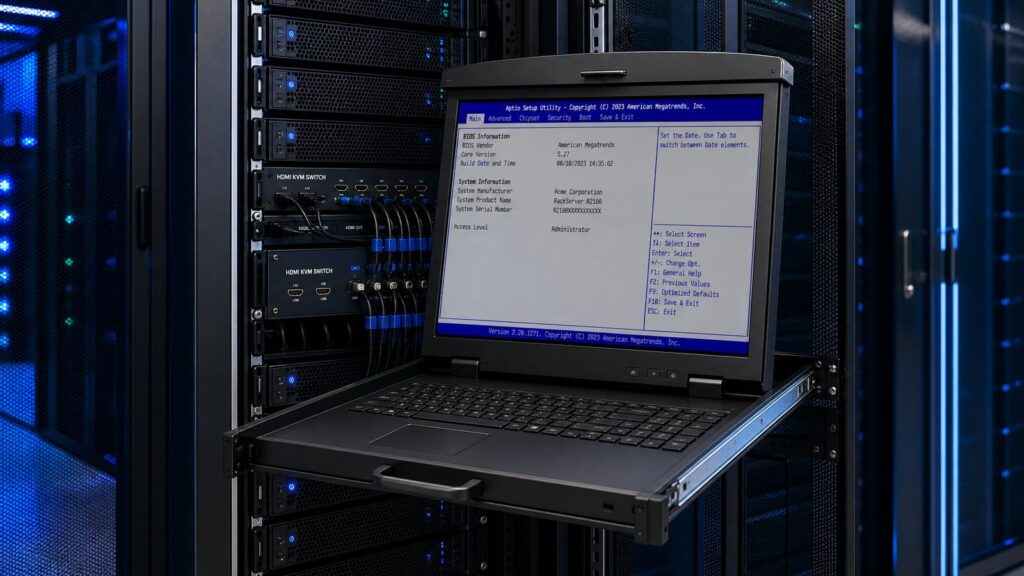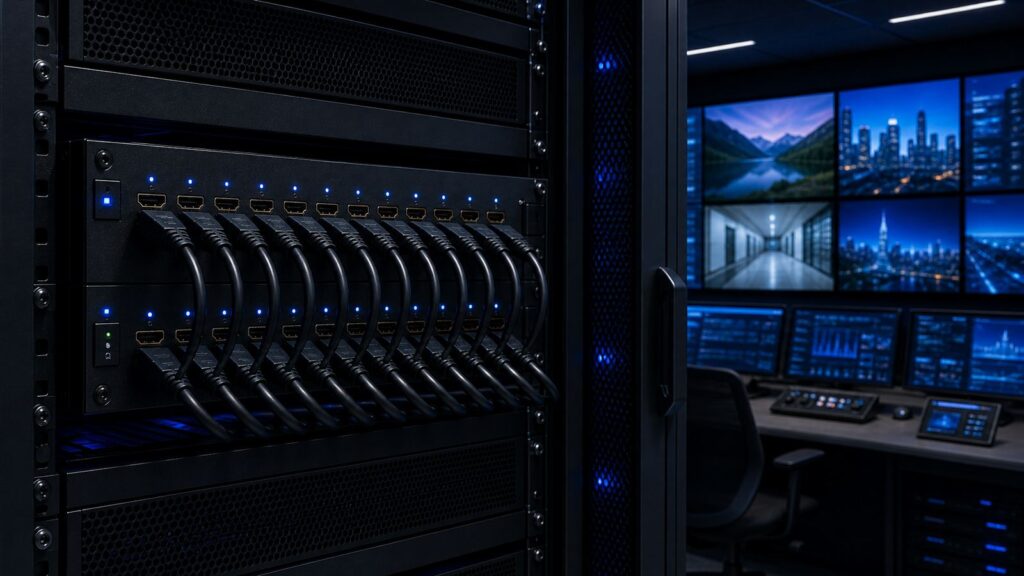
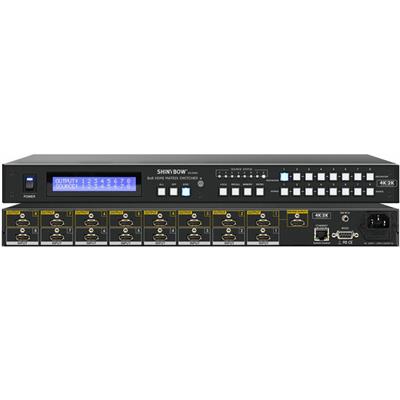
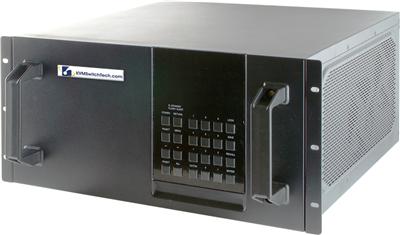
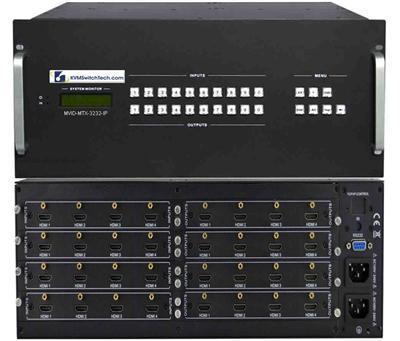
Do you have multiple HDMI video source devices and want to switch between them one at a time on your TV? Take the stress out of this process by going for an 8×8 HDMI switch.
Here’s a Quick Analogy
An 8×8 HDMI switch allows you to manually or automatically switch between different devices hooked to a single output display. Key benefits of the switch include:
- Allows switching between HDMI sources on a single display.
- Adds extra HDMI ports to connect multiple devices.
- Comes with automatic switching features and IR remote.
- An affordable and compact way to expand HDMI ports.
Types of 8×8 HDMI Switches
- Manual HDMI switch where users must press a button to switch between different connected devices.
- Automatic HDMI switch that detects an active connected device and switches to its input automatically.
- 8×8 HDMI switch with IR or infrared remote control to easily choose between HDMI device inputs from a distance.
Setting Up an 8×8 HDMI Switch
- Plug your HDMI source gadget like cable box, media streamer, game system or Blu-ray unit into the switch’s input ports using HDMI cables.
- Use an HDMI cable to connect the switch’s output to the available HDMI port on your TV.
- For manual HDMI switch, press the button on the unit that corresponds to the device input you want to use.
- For the automatic switch, turn on the source device you want to watch and the switch will auto-detect and change to that input.
- Alternatively, use IR remote control to select and swap inputs.
Perfect for military, government and corporate markets where high-speed distribution and signal management of high-resolution video signals are crucial, 8×8 HDMI switches from KVMSwitchTech can amplify and enhance HDMI signals actively, ensuring proper signal transmission between front and back-end devices. Contact them now for more details.
FAQs
- Can using an 8×8 HDMI switch affect audio or image quality?
Not necessarily especially if you are using a high quality 8×8 HDMI switch. To prevent loss of signal quality or interference, use high-speed, short HDMI cables and switch models that match your device’s resolution.
- What is one of the greatest advantages of 8×8 HDMI switches?
One of the greatest advantages of an 8×8 HDMI switch is it adds extra HDMI ports to connect several devices.
- Which environments can benefit from the use of 8×8 HDMI switches?
Multimedia meetings rooms, command and control centers, educational institutes and commercial or residential spaces with television and radio can greatly benefit from the use of 8×8 HDMI switches.
Recommended Reads:
Buy the Latest 1U Rackmount Keyboards Online and Work Effortlessly in the Toughest Environments
Get the Latest, Space-Saving Rackmount Monitors for Ease of Use
Enjoy Ultra High Definition Video with the Latest 16×16 HDMI Matrix Switcher
Save Valuable Space in Server Rooms with a Rack Mount HDMI Monitor
Access Your Servers At-The-Rack with a Compact Rack Mount Monitor Keyboard
Reduce Clutter and Be More Efficient with the Best Rackmount Keyboards