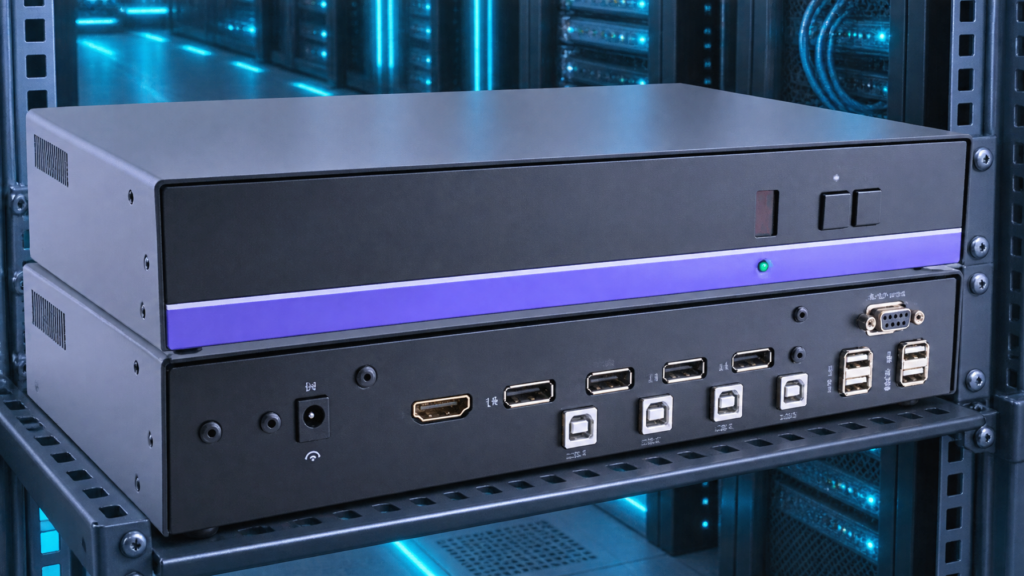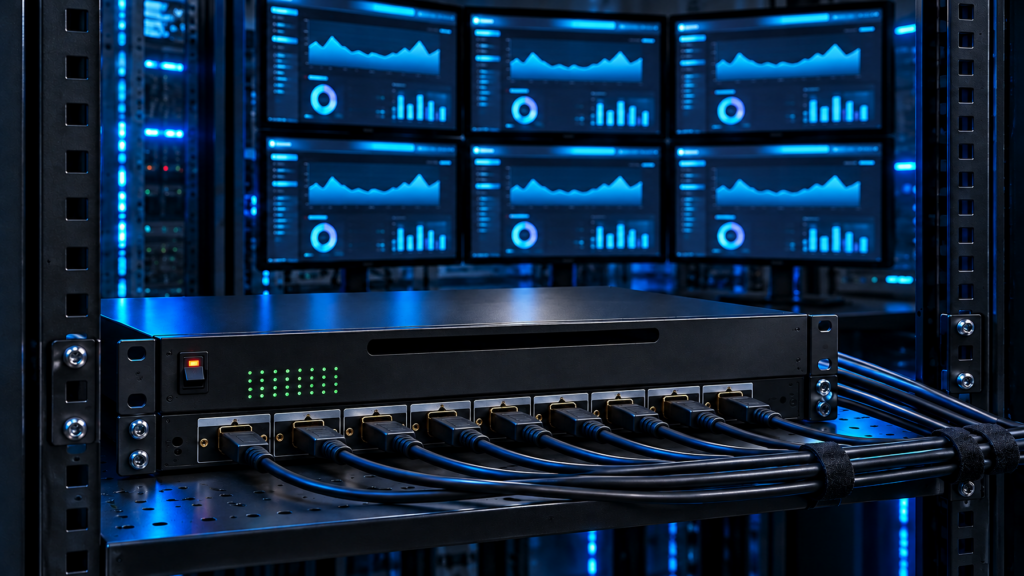

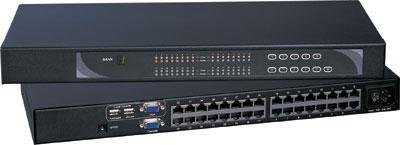
You already know 8 ports will not last. The 16-port HDMI USB box you priced last quarter is also short. The next fork is cascade versus a native 32-port rackmount KVM switch. Stack two or four smaller chassis, or buy one 1U Cat5/Cat6 unit that owns all 32 server dongles from a single OSD.
This is a BOM and cable-plant decision, not a feature-sheet beauty contest. Cascading looks cheaper on the first PO. It often loses on OSD depth, hot-key collisions, extra rack U, extra PSUs, extra failure domains, and the time it takes a night-shift tech to find server 27.
Call (216) 798-7530 with port count, video type, user count, and max CAT run. We size cascade versus a 32-port Cat5 chassis against live SKUs.

The decision in one table
| Factor | Cascade 8/16-port HDMI USB boxes | Native 32 port kvm switch (Cat5/Cat6 1U) |
|---|---|---|
| Port math | 2 x 16 or 4 x 8 = 32 logical ports | 32 RJ-45 server ports in one chassis |
| Rack U | 2U to 4U plus cable slack | 1U |
| Cable plant | Thick HDMI/USB KVM cables to each host, plus cascade cables between boxes | Thin CAT5e/6 dongle to each host, one CAT plant |
| OSD / naming | Nested menus, master/slave IDs, easy to mis-number | One server list, one set of names |
| Cascade depth | Vendor-limited (often 2 to 8 levels on Cat6 families) | None required for 32 hosts |
| Multi-user | Usually 1 local console unless you buy matrix SKUs | Cat5 matrix SKUs add extra local/extended users on the same 32 ports |
| Power | N PSUs, N firmware images | One PSU (plus optional redundant on enterprise SKUs) |
| Typical win | Mixed leftover 8-port stock, two racks that never share a bus | One row, 20 to 32 hosts, CAT already in the ladder |
If the hosts sit in one row and you already pull CAT, a Cat5 KVM switch at 32 ports is the cleaner chassis. If you inherited four 8-port HDMI units and the cascade cable is in the box, cascade can still be the right short-term patch. Do not treat that patch as the 5-year design.
What cascade kvm actually does
A cascade kvm (also called daisy-chain or master/slave) treats one switch as the console parent. Child switches hang off dedicated cascade ports or off a reserved server port. The OSD on the parent enumerates child ports as a second bank. Hot-keys usually need a bank number plus a port number.
That architecture has real limits:
- Depth. Cat6 USB KVM families commonly advertise cascade to 8 switches and hundreds of servers. HDMI USB desktop-class 8-port boxes often stop at two levels. Read the parent SKU, not a generic "cascadable" badge.
- Port tax. Some designs burn a server port for each child. Two 16-port boxes cascaded this way yield 31 usable hosts, not 32.
- OSD lag. Nested banks add keystrokes. Firmware on the child must match the parent generation or names drop off the list.
- Video path. HDMI USB cascade keeps HDMI in the stack. You cannot cascade an HDMI 8-port box into a Cat5 32-port chassis and expect a clean EDID path. Mix families and you buy converters, which is how 4K30-class signals fall back to 1080p.
- USB HID. Keyboard/mouse enumeration restarts when you hop banks. BIOS access still works if both boxes are true KVM (not HDMI-only video switches). A cheap 8×8 HDMI matrix is not a cascade kvm.
Cascading two 16-port units is the common 16 port kvm switch cascade RFQ. It works when both boxes are the same OEM family, same firmware train, and the cascade cable is the OEM part, not a random HDMI jumper.
What a 32 port kvm switch actually is
In this catalog a 32-port unit is almost always a 1U Cat5 or Cat6 KVM: 32 RJ-45 ports on the rear, dongles (USB+HDMI, USB+DVI, USB+VGA leftover, or combo PS/2+USB) at each host, local console on the front or via a separate console dongle.
Density is the point. Shop rackmount KVM switches when the row needs one 1U fabric. ATEN-class Cat5 IP SKUs put 32 RJ-45 ports in 1U. Austin Hughes-class Cat6 matrix SKUs put 32 ports in 1U and add extra user ports (local plus extended CAT users) on the same server bank. Those extra users are why a 32-port matrix beats four cascaded single-user 8-port boxes when two admins need concurrent BIOS access.
Resolution honesty: treat analog Cat5 paths as 1600×1200 or 1920×1200 class unless the dongle sheet states otherwise. HDMI Cat6 dongles are typically 1080p or 4K30-class. Do not write 4K60 into the RFQ unless that SKU sheet states 3840×2160 at 60 Hz on DisplayPort (K117e-class exception). A 32-port Cat5 chassis is a port-density buy, not a cinema-grade video matrix.
Distance: Cat5/6 dongles commonly hold a usable image across tens of meters inside the row. That is why CAT wins over stacking HDMI 8-port boxes that want 6-foot HDMI cables stuffed through the ladder.
IP is a different BOM. A 32-port Cat5 KVM over IP adds a remote session on top of the local console. This article does not replace an IP-KVM design review. If you need out-of-band WAN access, say so on the call. If you only need local plus maybe one extended CAT user, stay on analog/digital Cat5 KVM and skip the IP license.
When one 32-port chassis beats stacking
1. You already crossed 16 live hosts.
Cascading two 16-port HDMI USB boxes looks linear. The second box adds a second firmware, a second OSD map, and a second place for a PSU to die at 02:00. One 32-port Cat5 list is one map.
2. The cable plant is CAT, not HDMI bulk.
HDMI 8-port HDMI KVM switch cables are thick, short, and ugly in a 42U ladder. A 32 port cat5 kvm uses one CAT drop per host. You already have CAT in most rows. Use it.
3. Two people need the same 32 servers.
Single-user 8-port boxes cascade into a single console. Concurrent users need a matrix KVM switch (1 local + N extended, or 1 local + IP). Buy the matrix 32-port once. Do not cascade four 8-port units and then add a fifth "sharing" box.
4. Rack U is billed.
Colo and dense 1U server rows punish 4U of KVM. A 1U 32-port Cat5 switch plus dongles is the smaller footprint.
5. Naming and audit.
Change-control wants server-05 mapped to port 05 forever. Nested cascade banks produce "bank 2 port 7" tickets. One chassis, one port number, one sticker.
6. The 8-port HDMI units are the wrong video class.
If half the new hosts are DisplayPort or DVI and the old 8-port boxes are HDMI-only, cascade will not save the mix. Combo Cat5 dongles per host absorb mixed video without a second stack.
When cascade still wins
Cascade is not a failed design. It wins in a few honest cases.
Leftover identical 8-port stock. You own two matching 8-port HDMI USB KVMs, OEM cascade cable in the drawer, and you need 12 to 16 hosts for 18 months. Cascade. Revisit at 20 hosts.
Two rooms that must not share a bus. Room A is 8 HDMI hosts. Room B is 8 HDMI hosts 40 meters away with no CAT KVM plant. Two standalone 8-port boxes beat a 32-port chassis with 24 empty ports and a CAT run you will never pull.
Video isolation. Some teams refuse to put SCIF and open hosts on one chassis even with port isolation. Two cascaded (or un-cascaded) boxes keep the air gap. That is policy, not density.
Temporary surge. A 6-week lab standup of 24 blades. Rent or pull 8-port units from spare, cascade, tear down. Do not RFQ a 32-port Cat5 plant for a pop-up.
If none of those apply, stop stacking.
Cascade depth, OSD, and the 16 port kvm switch cascade trap
A 16 port kvm switch cascade RFQ usually means "two 16-port HDMI USB KVMs, one console." Ask four questions before you sign:
- Does the parent expose a dedicated cascade port, or does it steal server port 16? Stolen ports change the usable count.
- Is firmware locked across both serials? Mixed revisions drop child names from OSD.
- What is the hot-key grammar? Bank+port versus a flat 1 to 32 list. Night techs fat-finger bank codes.
- Can you name ports on the child from the parent, or only locally? Split naming is how tickets cite the wrong host.
HDMI USB 8-port and 16-port desktop/rack units often cascade two levels only. Cat6 high-density families (Raloy RSA-CATx100 class, Austin Hughes MU class) publish 8-level cascade and 256-server math. That 256 number is marketing arithmetic: 8 switches x 32 ports. You still need matching dongles, matching firmware, and a cascade topology that your techs can draw on a whiteboard at 03:00.
If the whiteboard needs more than one box and one CAT plant, you have already lost the operational argument. Buy the 32-port chassis.
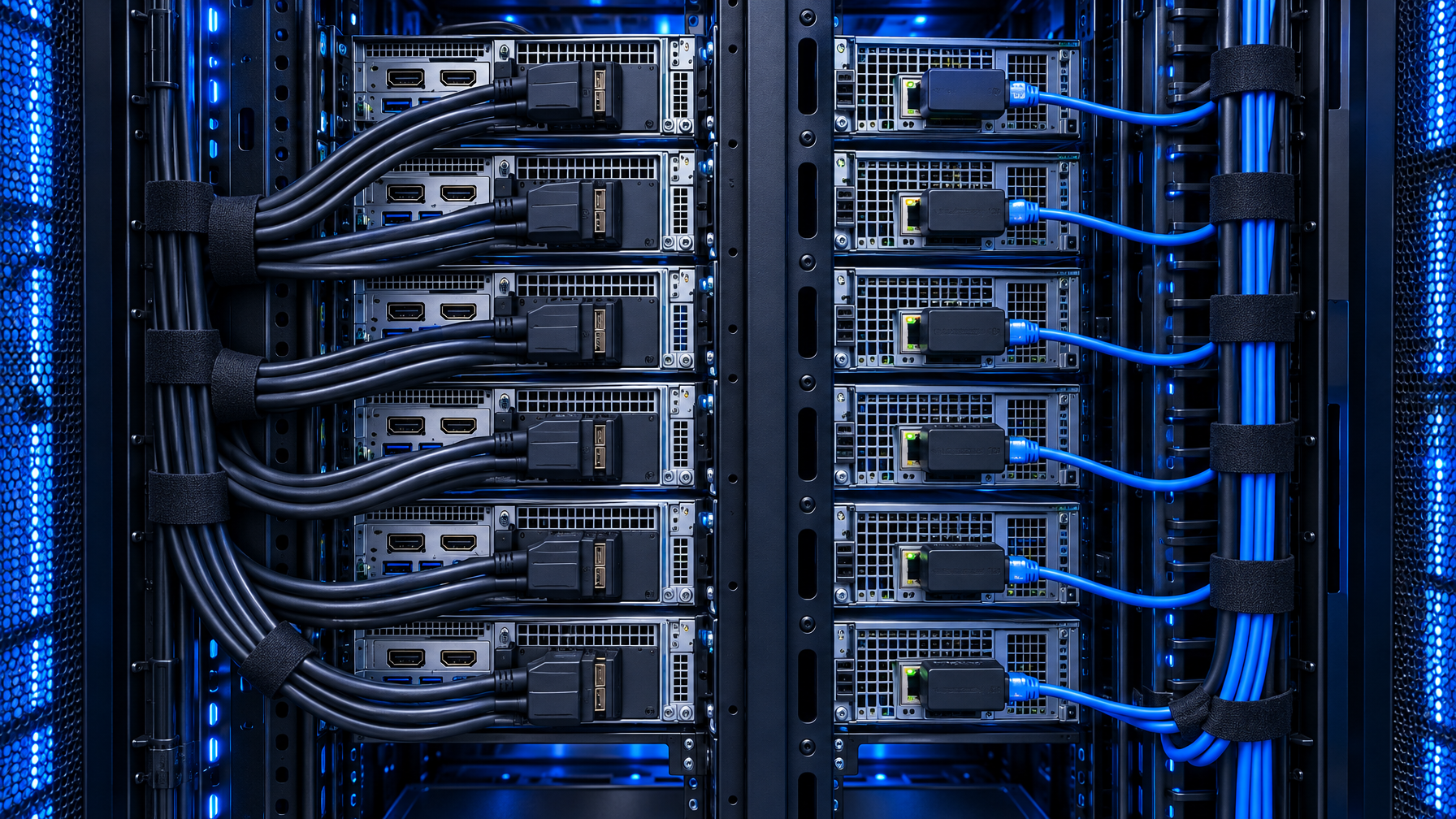
Cable plant: HDMI stack versus CAT dongles
| Item | 4 x 8-port HDMI USB cascade | 1 x 32 port cat5 kvm |
|---|---|---|
| Host cables | 32 HDMI + 32 USB (or 32 combo KVM cables) | 32 CAT5e/6 + 32 dongles |
| Inter-switch | 3 cascade cables | 0 |
| Console | 1 HDMI + USB on the master | VGA/DVI/HDMI local console per SKU |
| Service loop | HDMI bulk in the ladder | CAT in existing bundles |
| Swap a host | Unplug HDMI+USB at the server | Swap or reseat the dongle |
| Mixed video | HDMI-only stack fails DP/DVI hosts | Dongle SKU per host (HDMI, DVI, DP, combo) |
Dongle cost is the line item people forget. A 32-port chassis looks expensive until you add 32 HDMI KVM cables plus three cascade cables plus two extra 1U boxes. Price the dongle pack on the same quote as the chassis. Call (216) 798-7530 and we line both BOMs.
VGA dongles still appear on combo Cat5 SKUs for leftover BMC and old ILO/DRAC analog ports. Do not buy new VGA hosts. Convert leftover analog to HDMI/DP/DVI or keep the combo dongle only for that BMC.
Single-user versus multi-user on 32 ports
Cascade of single-user 8-port boxes remains single-user. The second admin waits.
A 32-port Cat6 matrix (example class: 1 local + 3 extended users on 32 Cat6 ports) gives concurrent BIOS-level sessions. That is the real upgrade when two sysadmins and a vendor need the same row.
IP on a 32-port Cat5 KVM is the other multi-user path. It is also a security and licensing review. Do not "cascade plus a cheap IP dongle on port 1" as a substitute. That path is a second KVM hop with worse EDID.

Failure domains and firmware
Four 8-port boxes: four PSUs, four flash images, four OSD databases. One 32-port chassis: one (or two, if redundant PSU). Mean time to restore favors the single chassis if you stock the dongle and a spare PSU.
The counter: a 32-port chassis is a bigger blast radius. If that 1U dies, 32 hosts lose local KVM until you swap the unit. Mitigations: keep a cold spare 32-port of the same family, or keep ILO/iDRAC/iLO on the network for crash carts. Most rows already have BMC. Local KVM is for BIOS, installer ISO, and BMC-down days.
Firmware policy: one image to qualify, one image to push. Cascade of mixed years is how you inherit "child not found" after a weekend patch.
Cost model (order of magnitude, not a quote)
Build two columns on the same spreadsheet:
Cascade column: (price of 8-port or 16-port HDMI USB KVM) x N + cascade cables + HDMI/USB host cables x 32 + extra rack U + extra PDU outlets.
32-port column: chassis + 32 dongles (match video per host) + CAT (often already in the row) + 1U.
Dongles plus chassis frequently land close to, or under, four HDMI 8-port kits once cables and U are honest. The operational win (one OSD, CAT plant, optional extra users) is the reason to prefer the 32-port even when the hardware delta is small.
We will run both columns against current catalog pricing. Do not use web list prices from 2024 datasheets.
RFQ checklist for (216) 798-7530
Have these answers ready:
- Live host count today, and 24-month headroom (stop at 32, 48, or 64).
- Video per host: HDMI, DVI, DisplayPort, leftover analog BMC.
- USB HID only, or USB virtual media / CAC on any ports.
- Users: 1 local, 1 local + extended CAT, or IP.
- Max CAT length, row to row.
- Cascade constraint: existing 8/16-port OEM family you must keep, or greenfield.
- Rack U and depth (Cat5 32-port 1U versus drawer, which is a different category).
- Resolution class: 1080p, 1920×1200, 4K30. Call out 4K60 only if a DisplayPort SKU sheet states it.
- Environment: office rack, colo, EMI, or air-gapped rooms (air gap argues against one chassis).
Worked examples
Example A: 22 Dell 1U hosts, HDMI, one local console, CAT already bundled.
Do not cascade two 16-port HDMI KVMs. Buy a 32 port kvm switch with HDMI USB dongles, 10 spare ports. One OSD.
Example B: 12 HDMI hosts now, 8 more in Q2, leftover pair of identical 8-port HDMI USB KVMs.
Cascade the pair for 12 months. Put a 32-port Cat5 on the 2027 capex list. Do not buy a third 8-port.
Example C: 18 hosts HDMI, 10 hosts DP, two admins, 15 m CAT.
HDMI 8-port cascade cannot take DP without converters. 32-port Cat6 matrix with mixed dongles and two user ports.
Example D: 8 hosts in the SCIF, 8 hosts in the open lab.
Two separate 8-port (or 16-port) boxes. No cascade across the boundary. A 32-port chassis is the wrong security story.
Related hardware: Cat5 KVM switch, rackmount KVM switches, HDMI KVM switch, USB KVM switch, matrix KVM switch, IP KVM switch, PS2 KVM switch, secure KVM switches, KVM drawer, 1U KVM drawer with USB KVM switch, KVM switch cables, HDMI cables, video converters, fiber optic extender, Cat5 HDMI extender, Cat5 extenders, rackmount LCDs, rackmount monitors, HDMI rackmount LCD, 1U HDMI LCD keyboard, 1U rackmount keyboard, HDMI matrix switch, video matrix switches, HDMI switch. Guides: 8 vs 12 vs 16 Port Rackmount KVM, Cat5 KVM vs HDMI USB KVM, Best USB KVM Switch, Best Enterprise KVM Switch, Best KVM Switch, IP KVM vs Crash Cart vs 1U Console Drawer.
FAQ
Is a 32 port kvm switch just two 16-port units in software?
No. Native 32 is one switching fabric, one OSD, 32 server ports. Cascade is two fabrics glued with a cascade cable.
Can I cascade a 16-port HDMI USB KVM into a 32-port Cat5 chassis?
Treat that as unsupported unless the OEM publishes that exact pair. Video and HID paths differ. Buy dongles for the 32-port instead.
How many cascade levels are safe?
Two levels of identical HDMI USB 8/16-port boxes is the practical ceiling for most IT rows. Cat6 high-density families publish more. Operationally, if you need more than two boxes, you wanted a 32-port (or 64-port) chassis.
Does cascade preserve BIOS access?
Yes, if both units are real KVM switches (keyboard, video, mouse at boot), not HDMI-only video switchers. Confirm HID emulation on both SKUs.
What about 8-port versus 32-port power draw?
Four 8-port PSUs draw more idle power and more PDU outlets than one 1U 32-port. Measure on the SKU sheet; do not assume.
Should I buy IP on the 32-port now?
Only if remote out-of-band is a stated requirement. Local 32-port Cat5 plus BMC covers most rows. An IP KVM switch is a separate security review.
Bottom line
Cascade kvm is a way to stretch 8-port and 16-port HDMI USB inventory. A 32 port kvm switch (especially a 32 port cat5 kvm in 1U) is the row-scale design: one list, CAT dongles, optional extra users, one firmware.
If you are writing a 16 port kvm switch cascade PO because 16 is no longer enough, price the 32-port chassis on the same sheet. Most rows that already pulled CAT should stop stacking.
Call (216) 798-7530 with host count, video mix, and user count. We will tell you whether cascade is a patch or whether one chassis closes the RFQ.