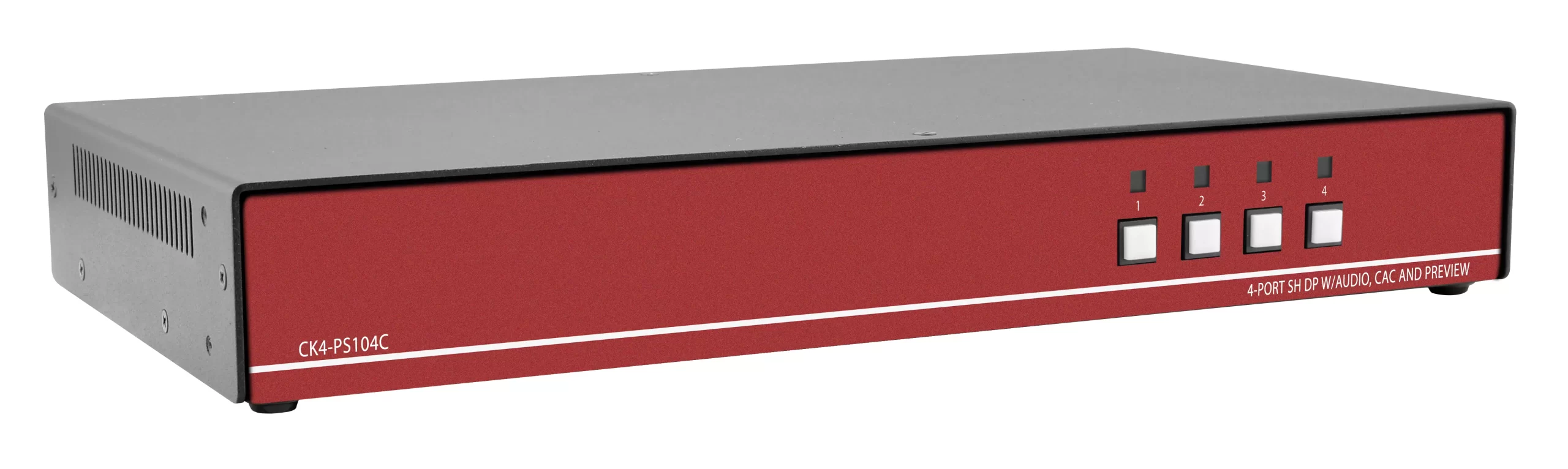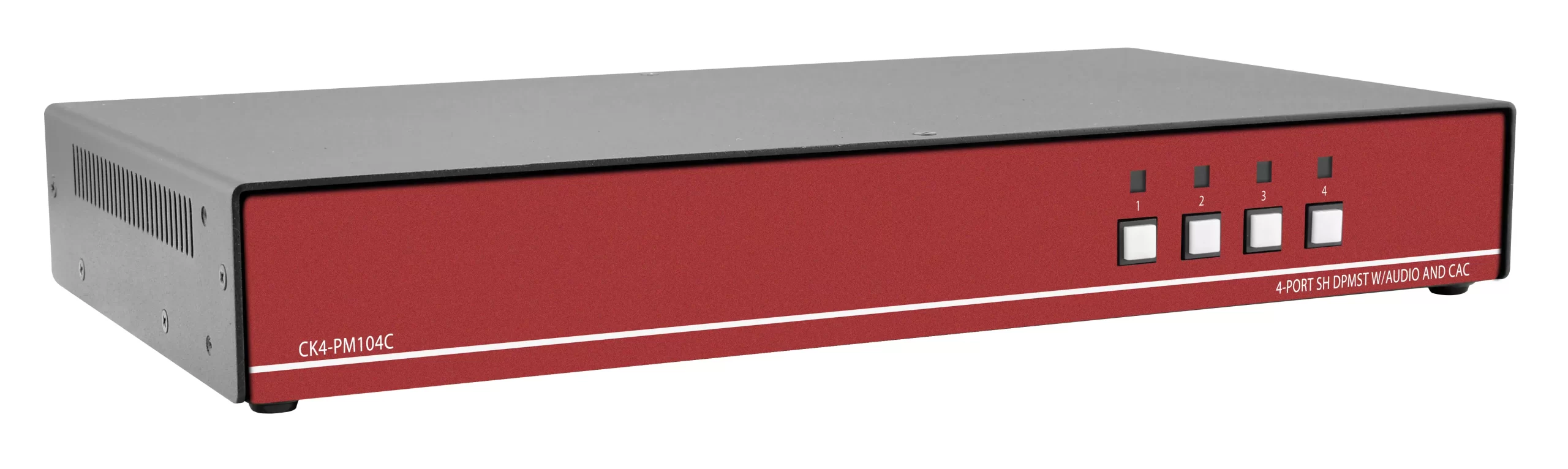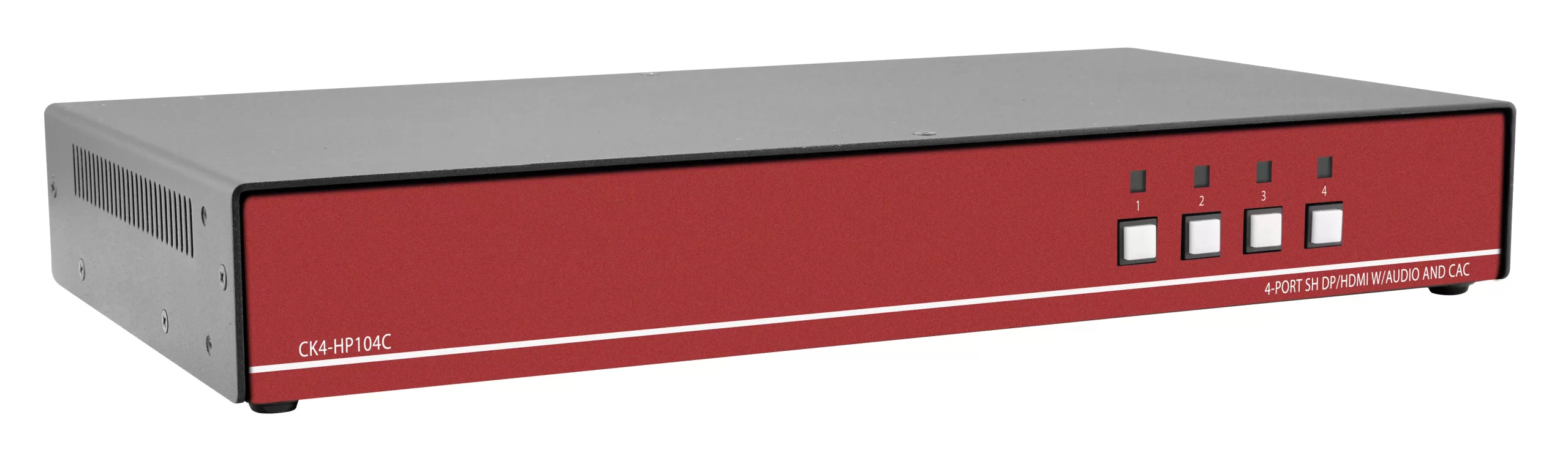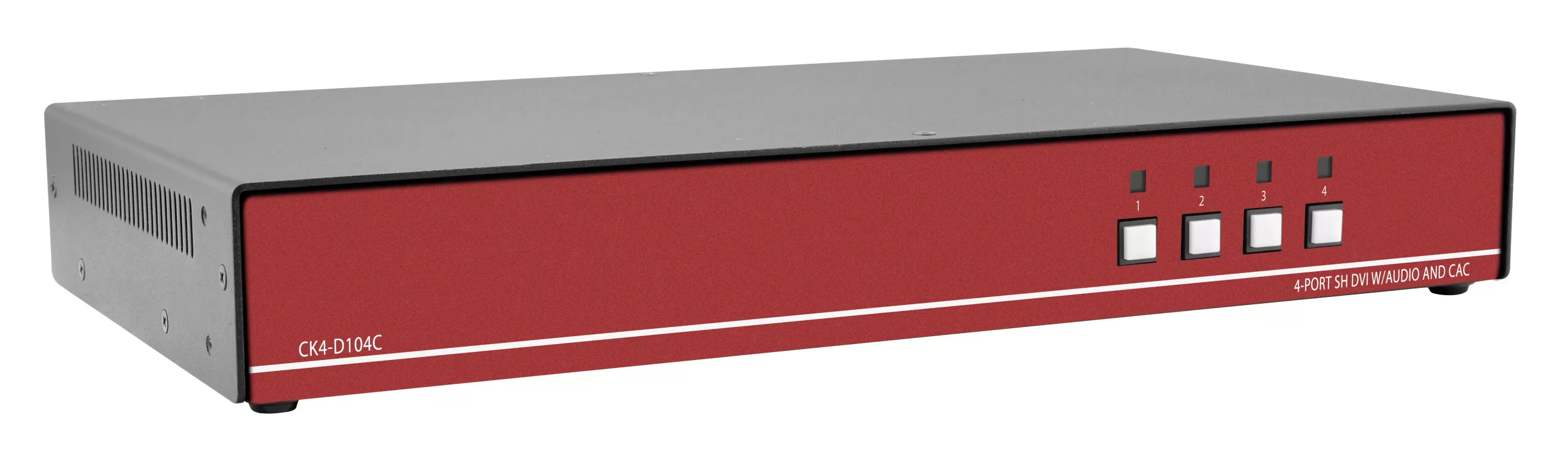
TLDR
A NIAP PP 4.0 secure KVM is a Peripheral Sharing Device validated against Protection Profile for Peripheral Sharing Device Version 4.0 (PP_PSD_V4.0). That profile replaced PP 3.0 (PP_PSS_V3.0) on 18 January 2020. For a SIPR and NIPR desk BOM you need four facts on every SKU: current PP 4.0 listing (not a leftover PP 3.0 claim), a dedicated CAC or smart-card path if the desk uses PKI login, dual-head video if the operator keeps two classified or mixed-domain displays, and TAA origin if the buy rides a GSA schedule.
Three OEM families cover most FY-end quotes:
| Family | Representative SKU | Video | Heads | Hosts | CAC | Max video | TAA |
|---|---|---|---|---|---|---|---|
| Belkin Universal 2nd Gen | F1DN208KVM-UN-4 | DP/HDMI combo | Dual | 8 | Yes (dedicated) | 4K at 60 Hz | Yes, US manufactured |
| Belkin Modular HDMI | F1DN204MOD-HH-4 | HDMI | Dual | 4 | Via modular ports | 4K at 30 Hz | Yes |
| Eaton Tripp Lite B002 N4 | B002-DP2AC2-N4 | DisplayPort 1.2 | Dual | 2 | Yes | 4K at 30 Hz | Yes |
| Black Box FlexPort | KVS4-1004HVX | HDMI or DP FlexPort | Single or dual | 2 or 4 | CAC variants in KVS4 CAC line | 4K at 30 Hz | Yes, made in USA |
Call (216) 798-7530 for a government quote. Confirm the NIAP VID and firmware string against niap-ccevs.org before the PO, not after receipt.

Scope of this comparison
This is a model-level comparison for integrators who already know why a commercial KVM cannot sit between SIPR and NIPR. It does not retell the NIAP story. If you need the explainer (what a Protection Profile is, why air-gap desks still share a keyboard), keep that on the existing education post. This page exists so a contracting officer can pick port count, video connector, CAC, and TAA without mixing PP 3.0 leftovers into a PP 4.0 line item.
PP 4.0 applies to Keyboard/Video/Mouse switches, Keyboard/Mouse (KM) switches, and isolators. A compliant device must keep data from flowing between computers through the peripherals or through the switch itself. The user interface must show which computer is selected. Port change happens on the chassis or a wired remote. OSD menus and hotkey switching are out of scope for these secure units because those paths would require more shared logic than the profile allows.
PP 4.0 versus leftover PP 3.0 on a 2026 BOM
NIAP lists PP_PSD_V4.0 with predecessor PP_PSS_V3.0 and a transition date of 18 January 2020. Many catalog pages still say "NIAP certified" without a version. That is not enough for a FY26 obligation.
Check three strings on the OEM datasheet and on the NIAP product page:
- Profile short name: PP_PSD_V4.0, not PP_PSS_V3.0.
- Validation ID (VID) for the exact series (CAC and non-CAC are often separate VIDs).
- Firmware string. Belkin Universal 2nd Gen units on the PP 4.0 product list use firmware such as 44444-E7E7. Eaton Tripp Lite CAC models appear as VID11166. Black Box CAC models appear as VID11240; non-CAC as VID11241; KM as VID11242.
IOGEAR still sells TAA secure KVMs that claim PP 3.0 (for example the GCS1414TAA3 DisplayPort unit). Those can remain in a sustainment buy if the authorizing official still accepts the older profile. They should not be mixed into a new PP 4.0 desk standard. ATEN and IOGEAR also have later PP 4.0 series (VID11617 through VID11620 for Universal Secure CAC and non-CAC). Use those if the site standard is ATEN or IOGEAR, not if the site already standardized on Belkin, Eaton, or Black Box.
Vertiv Cybex SC900 and SC800 families are also on the PP 4.0 list (several VIDs, including VID11122 and VID11252). They are valid alternatives. This article stays on Belkin, Eaton Tripp Lite, and Black Box because those three cover most GSA-style dual-head HDMI and DisplayPort quotes that arrive in August and September.
Decision table: pick the OEM family first
| Need on the desk | Prefer | Why |
|---|---|---|
| Mixed HDMI and DisplayPort hosts, 4K60, up to 8 computers, color-coded remote keyboard | Belkin Universal 2nd Gen (F1DN2xxKVM-UN-4) | Combo DP/HDMI connectors, 4K60, CAC freeze, optional remote with integrated keyboard |
| Small footprint, included remote, HDMI-only, 4 hosts, 4K30 | Belkin Modular (F1DN204MOD-HH-4) | Base plus HDMI host and console cables in the box, VESA or under-desk mount options |
| Two DisplayPort workstations, CAC, GSA TAA, 4K30 | Eaton Tripp Lite B002-DP2AC2-N4 | Two-port dual-head DP, CAC, TAA, 3-year limited warranty |
| HDMI or DP on the same chassis without a converter, 2 or 4 hosts, USA build | Black Box KVS4 FlexPort (KVS4-1004HVX and siblings) | FlexPort accepts HDMI or DisplayPort, NIAP 4.0, TAA, 3-year Double Diamond warranty |
| Keyboard and mouse only (video stays native on each PC) | Black Box Secure KM (VID11242) or Belkin modular KM filters | Lower cost and fewer video attack surfaces when each domain already has its own displays |
Belkin Secure KVM (PP 4.0)
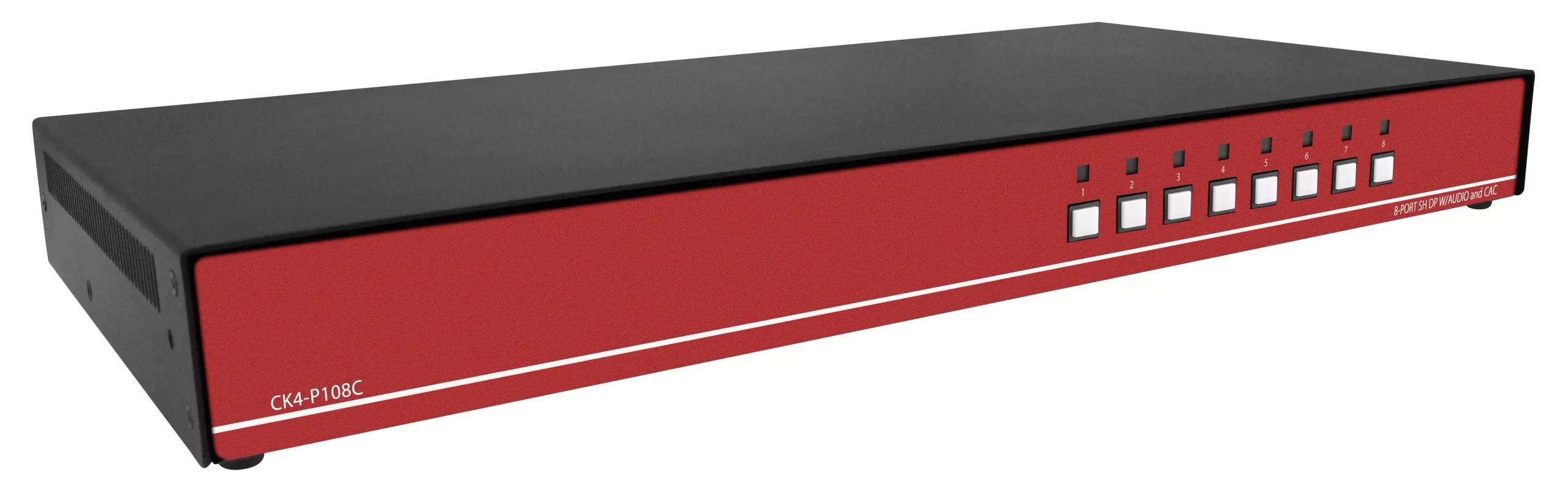
Belkin is the default on many SIPR/NIPR operator desks because the Universal 2nd Gen series uses combo DP/HDMI connectors on every host and console port. You match the cable to the PC. You do not buy a new KVM when one host is HDMI and the next is DisplayPort.
Universal 2nd Gen dual-head with CAC
F1DN208KVM-UN-4 is the 8-port dual-head CAC unit. Sister SKUs cover 2-port and 4-port (F1DN202KVM-UN-4, F1DN204KVM-UN-4) and single-head variants. Belkin states:
- Designed for NIAP Protection Profile PSD 4.0
- Combo DP/HDMI video up to 4K (3840×2160) at 60 Hz
- Eight hosts, two user displays
- Dedicated processors and emulators per port
- Optical data diodes on unidirectional paths
- Analog 3.5 mm audio with ultrasonic filtering (Belkin describes an 8th-order elliptical filter)
- CAC and audio freeze, so the smart card and analog audio stay on a chosen host while video switches
- Customizable port colors and names on the front panel
- Optional Secure KVM Remote Control with integrated keyboard that repeats those colors
- Rack-mount adapters in the box; optional under-counter extrusion mount
- TAA compliant, US manufactured
- 12 V supply with worldwide adapters
USB device detection blocks unauthorized peripherals. Active anti-tamper plus a holographic label give a visual cue if the chassis is opened. Switching is push-button or remote. There is no OSD.
Use this family when the desk has more than four domains or when 4K60 is written into the display spec. Combo connectors also reduce the converter pile that security teams reject because converters are not in the evaluated configuration.
Modular HDMI dual-head
F1DN204MOD-HH-4 is the 4-port dual-head HDMI modular kit with remote. Belkin ships the F1DN204MOD-BA-4 base, a 4-channel remote, four 6 ft dual-head HDMI host cables, one dual HDMI console cable, power supply, and enclave color labels.
Specs that matter on the BOM:
- NIAP PP PSD 4.0 design claim
- HDMI only on this SKU (other modular kits use DP or DVI cable sets)
- 4K at 30 Hz, not 60 Hz
- Four hosts, two displays
- Die-cast aluminum, desktop or remote mount
- TAA compliant
- Digital audio on the video link (no analog 3.5 mm path on this kit)
Choose Modular when desk real estate is the constraint and every host is HDMI. Do not choose it if any host is native DisplayPort unless you also buy the matching modular DP cable set and confirm that set is on the same evaluated configuration.
Belkin also lists modular base SKUs (F1DN204MOD-BA-4 and related) on the NIAP PP 4.0 product assignment list. Quote the exact cable SKUs. A base without the evaluated cables is not a complete TOE.
Eaton Tripp Lite B002 NIAP PP4.0
Eaton's Tripp Lite B002 N4 line is the straightforward GSA SKU when the site already standardized on DisplayPort and wants a short model number on the requisition.
B002-DP2AC2-N4 is the 2-port dual-head DisplayPort unit. Eaton states:
- Certified to NIAP/Common Criteria Protection Profile for Peripheral Sharing Switches v4.0
- TAA compliant for GSA Schedule purchases
- CAC port for biometric and other smart-card readers
- Isolated channel per KVM port
- DisplayPort 1.2, max 3840 x 2160 at 30 Hz, 4:4:4, 36-bit color
- USB keyboard and mouse only (full USB filtering; no flash drives)
- Secure video emulation and EDID learning so DDC lines do not carry host data
- Port selection by front-panel buttons only (no OSD, no hotkeys)
- Keyboard buffer cleared after transmission
- Firmware lock so KVM logic cannot be reprogrammed in the field
- Anti-tamper switches disable the unit if the housing opens; seals show physical evidence
- Metal chassis, external 12 V 3 A supply with US, UK, EU, and AU heads
- 3-year limited warranty
System notes from Eaton: wired USB keyboard and mouse with no internal hub and no composite device functions. Wireless HID is not supported. USB 2.0 is required on the host for CAC.
Sister SKUs in the same N4 naming pattern cover 4-port and 8-port, single-head and dual-head, plus DVI variants such as B002-DV1AC8-N4. Keep the suffix. B002 units without the N4 ending are often older PP revisions or non-secure commercial KVMs.
Eaton CAC models are listed on the PP 4.0 page as VID11166. Non-CAC as VID11167. Put the VID on the quote line so receiving can match the carton to the PCL.
Tradeoff versus Belkin: Eaton dual-head on this SKU is DisplayPort only and 4K30. Belkin Universal 2nd Gen is combo DP/HDMI and 4K60, at a higher typical street price and a larger chassis. For a two-workstation DP desk, Eaton is the tighter fit.
Black Box NIAP 4.0 (KVS4)
Black Box KVS4 is the USA-built FlexPort family. KVS4-1004HVX is the HDMI/DisplayPort FlexPort switch for two or four computers and one or two monitors.
Black Box states:
- Certified for NIAP Protection Profile for Peripheral Sharing Device Version 4.0 under the USA scheme
- FlexPort accepts HDMI or DisplayPort on the same unit
- USB HID and stereo audio
- Up to 3840 x 2160 at 30 Hz
- Made in the USA, TAA compliant
- Isolated data channels, non-reprogrammable ROM
- Secure EDID learn and constant keyboard/mouse emulation on selected and non-selected hosts
- Front-panel buttons only
- Tamperproof seals and a long-life internal anti-tamper battery
- External 12 V supply with locking connector and US, EU, UK, AU clips
- 3-year Double Diamond warranty
The KVS4 selector on Black Box covers DVI-I (KVS4-D), HDMI, DisplayPort, and FlexPort mixes, single and dual head, 2/4/8/16 port, CAC and non-CAC. Example CAC unit: KVS4-1008DX (8-port single-monitor DVI-I with CAC). Do not assume every KVS4 SKU includes CAC. The NIAP list splits Black Box into VID11240 (Secure KVM/Isolator CAC), VID11241 (non-CAC KVM), and VID11242 (Secure KM CAC).
Use FlexPort when the desk mix is still moving between HDMI and DisplayPort and you want one chassis SKU. Use a fixed DVI or DP KVS4 when the site standard is locked and you want fewer connector types in the spare bin.
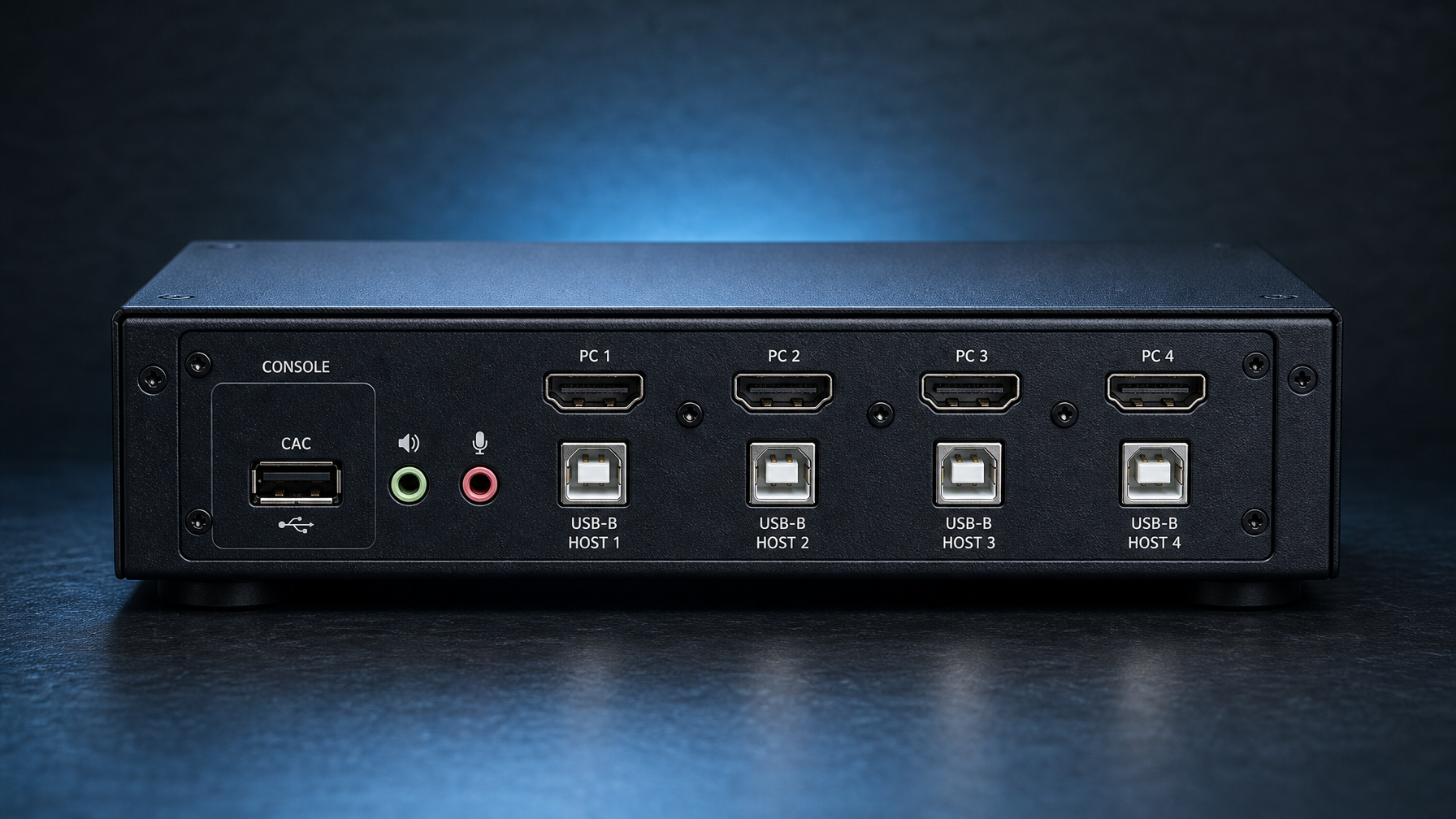
Isolated USB, CAC, and what "dedicated reader port" means
PP 4.0 treats user authentication devices as a separate peripheral class. A CAC KVM (or any smart-card KVM) needs a filtered path that presents only the reader, not a generic USB hub.
What to write on the BOM:
- Dedicated CAC or DPP port on the console side, plus a USB-B (or equivalent) CAC host port per computer.
- Explicit CAC freeze if the operator must keep the card session on SIPR while glancing at an unclassified display. Belkin documents CAC freeze on Universal 2nd Gen. Confirm freeze behavior on Eaton and Black Box for the exact SKU; do not assume it.
- No composite HID+storage devices. Eaton states this in the system requirements. A keyboard with a built-in USB pass-through will fail enumeration.
- Biometric readers only if that reader is in the evaluated peripheral set. "CAC port" on the datasheet does not automatically authorize every PIV or fingerprint gadget.
If the desk uses a separate multi-domain reader (Vertiv SCMDR0001 is on the PP 4.0 list as VID11145; Adder AS-4CR is also listed), you may buy a non-CAC KVM and a standalone reader. That is a valid architecture. It is two evaluated products, not one.
Dual-head HDMI and 4K: do not mix 30 Hz and 60 Hz in one standard
Dual-head means two independent video paths per host, not a MST hub pretending to be two monitors. Secure KVMs emulate EDID per head so a host never sees the other domain's display.
Resolution traps that show up on failed installs:
- Belkin Universal 2nd Gen: 4K60 on combo DP/HDMI.
- Belkin Modular HDMI kit: 4K30.
- Eaton B002-DP2AC2-N4: DisplayPort 1.2, 4K30.
- Black Box FlexPort KVS4-1004HVX: HDMI or DP, 4K30.
If the monitors are 4K60 IPS panels bought for a CAD or GEOINT seat, only the 4K60-capable chassis will light them at native refresh. A 4K30 KVM will either drop to 30 Hz or fail EDID learn. Write the refresh rate on the requisition next to the resolution.
HDMI versus DisplayPort on classified hosts is a cable and EDID problem, not a security-level problem. The PP cares that video paths are isolated and that the display interface cannot be used as a covert channel. It does not prefer HDMI over DP. Pick the connector the workstation GPU already has. Avoid active adapters unless that adapter is in the OEM evaluated cable list.
TAA KVM switch rules for GSA and FY-end
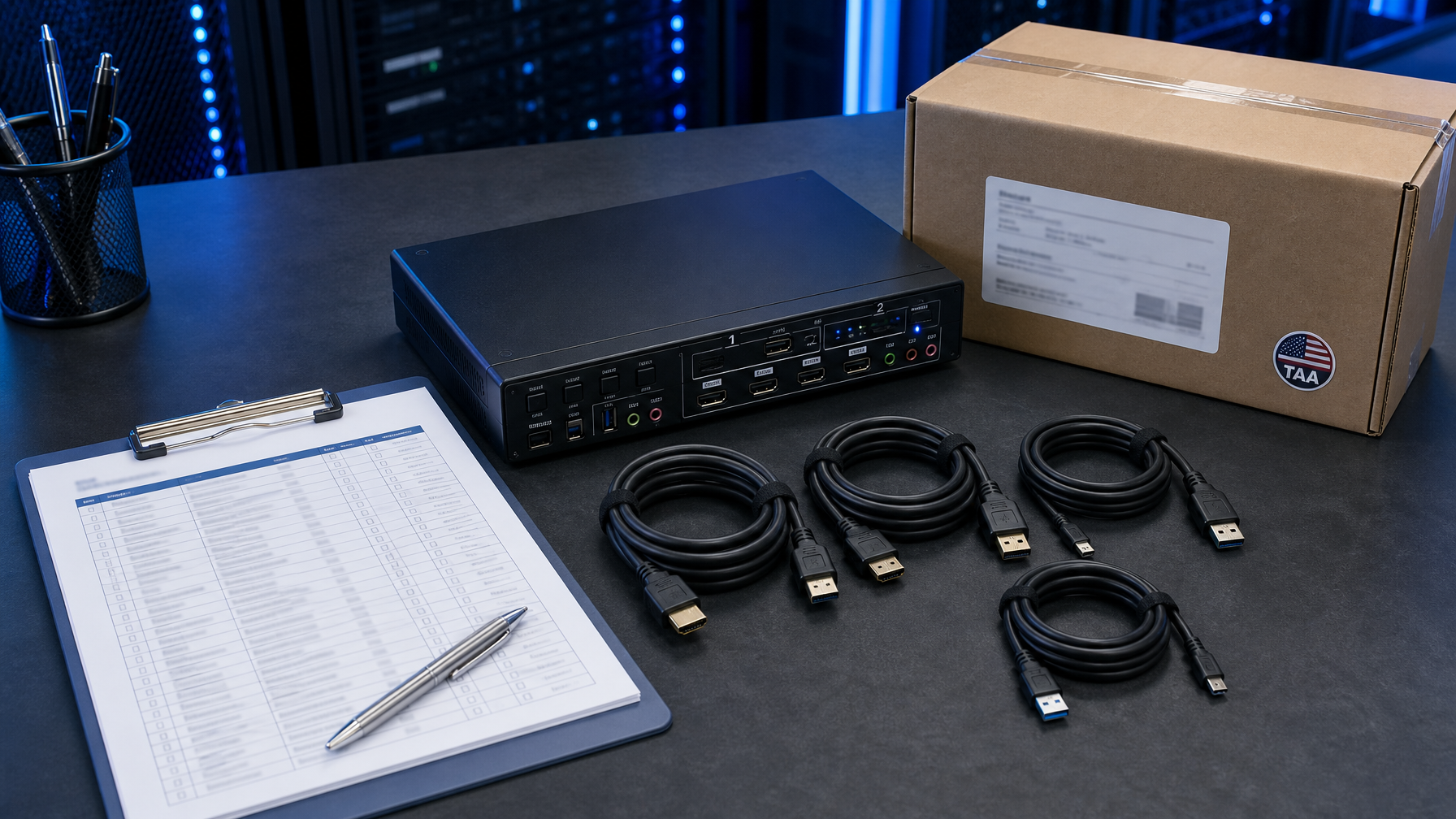
TAA (Trade Agreements Act) is a country-of-origin rule for many federal contracts, including GSA Schedule. It is separate from NIAP. A PP 4.0 unit built in a non-designated country can still fail a TAA clause.
Belkin Universal and Modular pages mark TAA Compliant and, for Universal 2nd Gen, US manufactured. Eaton marks TAA on the B002 N4 series and calls out GSA eligibility. Black Box marks Made in the USA and TAA on KVS4 FlexPort.
Put both stamps on the quote: "NIAP PP_PSD_V4.0, VID [number], TAA." Contracting officers search those tokens. "Secure KVM" alone will bounce.
Federal FY 2026 closes 30 September 2026. Public-sector distributors are already running FY-end clocks. Secure KVMs are not off-the-shelf in every port count. CAC dual-head 8-port units in particular have longer lead times. Freeze the SKU list in August if the funds must obligate in September.
BOM checklist for a SIPR/NIPR dual-head desk
Copy this into the requisition notes:
- Profile: PP_PSD_V4.0. Attach the NIAP product URL and VID.
- Firmware: match the string on the NIAP listing (example Belkin 44444-E7E7).
- Hosts: 2, 4, or 8. Leave a spare port if a third enclave is on the roadmap.
- Heads: single or dual. Dual if the operator keeps two monitors per session.
- Video: HDMI, DisplayPort, combo, or FlexPort. No third-party adapters.
- Refresh: 4K30 or 4K60. Match the monitors.
- CAC: dedicated port, per-host CAC USB, freeze required or not.
- Audio: analog 3.5 mm with ultrasonic filter, or digital-only on the video link.
- Switching: front panel and/or wired remote. No wireless remote. No OSD.
- TAA: yes. Country of origin on the quote.
- Mount: desktop, 19-inch ears, under-desk, or VESA.
- Cables: OEM TAA cable kits, one per host, length measured to the tower, plus console kit.
- Keyboard/mouse: wired USB HID, no hub, no flash, no wireless.
- Spares: one spare PSU and one spare remote if the desk is 24/7.
- Warranty: Eaton 3-year limited; Black Box 3-year Double Diamond; confirm Belkin term on the quote.
KVMSwitchTech quotes this configuration for government and defense integrators. Call (216) 798-7530 with the VID, port count, and video type.
How we quote (without turning this into a brochure)
We stock and special-order Belkin, Eaton Tripp Lite, and Black Box secure KVMs into the same government order as the rackmount consoles and matrix gear on the rest of the desk. The useful part of the call is configuration, not a lecture on NIAP. Have the number of enclaves, connector on each host, monitor count and refresh, CAC yes/no, and the contract vehicle (GSA, open market TAA, or prime flow-down). We return a line-item BOM with OEM SKUs and the NIAP VID next to each secure switch.
FAQ
Is NIAP PP 4.0 the same as Common Criteria EAL?
No. PP 4.0 is a U.S. NIAP Protection Profile evaluated under Common Criteria 3.1. It is a targeted profile for peripheral sharing, not a numeric EAL claim. Ask for PP_PSD_V4.0 and the VID, not "EAL4 KVM."
Can I use a PP 3.0 Belkin or IOGEAR on a new SIPR desk?
Only if the authorizing official still accepts PP_PSS_V3.0. NIAP transitioned the predecessor profile on 18 January 2020. New desk standards should specify PP 4.0.
Does every TAA kvm switch meet PP 4.0?
No. TAA is origin. PP 4.0 is a security evaluation. You need both for most federal secure-desk buys.
Do I need CAC on the KVM if users log in with a PIN only?
If the host authenticates with a smart card, put the reader on a filtered CAC path. If the host is password-only, a non-CAC PP 4.0 KVM (Black Box VID11241, Eaton VID11167, Belkin non-CAC UN SKUs) is enough and costs less.
Why did my 4K monitor fall back to 30 Hz?
The KVM is a 4K30 unit (Eaton B002 DP N4, Black Box FlexPort, Belkin Modular HDMI). Move to Belkin Universal 2nd Gen if the seat requires 4K60.
Are converters allowed between the PC and the secure KVM?
Not unless that converter is in the evaluated configuration. Belkin's answer is combo connectors and OEM cables. Black Box FlexPort is the other clean answer. Random HDMI-to-DP dongles break EDID and fall outside the TOE.
What about Vertiv Cybex or ATEN?
Both have PP 4.0 listings (Vertiv VID11122, VID11252, and others; ATEN VID11617 CAC Universal). They are valid. This comparison stays on Belkin, Eaton, and Black Box because those three dominate current dual-head HDMI and DP quotes. Ask if the site already standardized on Cybex or ATEN.
Sources
- NIAP Protection Profile for Peripheral Sharing Device Version 4.0 (PP_PSD_V4.0)
- Belkin F1DN208KVM-UN-4 Universal 2nd Gen 8-port dual-head CAC
- Belkin F1DN204MOD-HH-4 Modular 4-port dual-head HDMI
- Eaton Tripp Lite B002-DP2AC2-N4
- Black Box KVS4-1004HVX FlexPort NIAP 4.0
- IOGEAR GCS1414TAA3 PP 3.0 DisplayPort TAA (contrast)
- DISA DoDIN APL program notes