DisplayPort vs HDMI KVM for Dual-Head Racks: EDID, 4K60, and USB (2026)
#TLDR
A displayport kvm for a dual-head rack is a video-path decision first, then a USB decision. DisplayPort 1.4 (HBR3) carries 32.4 Gbit/s of link bandwidth. HDMI 2.0 tops out at 18 Gbit/s. Both can do 4K60 RGB 8-bit on a single head if the switch, cable, and sink all advertise that mode. Dual-head 4K60 needs two independent video paths (true dual-head) or a documented Multi-Stream Transport (MST) path. Most 1U CyberView drawers take DisplayPort 1.2 on the native LCD and optional HDMI 2.0. The Austin Hughes DG-100P Cat6 dongle is DisplayPort plus USB and stops at 1920 x 1200. Do not treat that dongle as a 4K60 path. EDID emulation must persist per head so Windows and Linux keep the same layout after you switch. USB 2.0 HID is enough for keyboard and mouse. USB 3.x is only required if you pass a CAC reader, camera, or high-speed stick through the same switch. A KM (keyboard and mouse only) is enough when each host already drives its own displays.
Who this is for
You are specifying video and USB for a dual-head crash cart, an engineering workstation pair, or a 1U drawer in a 19-inch rack. You already know what a KVM is. You need a decision framework that maps connector, bandwidth, EDID, and USB to real drawer and dongle SKUs, not a consumer dual-monitor shopping list.
Decision table (quotable)
| Decision | Choose DisplayPort KVM | Choose HDMI KVM | Choose KM only |
|---|---|---|---|
| Host GPU outputs | Native DP (most workstation and server GPUs) | Native HDMI (many broadcast, NVR, and appliance boxes) | Either; video stays on the host |
| Target on the console | DP 1.2 or DP 1.4 LCD drawer or DP dual-head switch | HDMI 2.0 dual-head switch or HDMI option on the drawer | Existing monitors already on each host |
| Dual 4K60 | Two DP 1.4 (or HDMI 2.0) video paths, or MST only if the switch documents MST | Two HDMI 2.0 paths | Not applicable |
| Cat6 dongle to CyberView Cat6 KVM | DG-100P (max 1920 x 1200) | DG-100H (HDMI + USB) | Skip video dongle |
| EDID | Per-head emulation required; DP AUX carries EDID | Per-head emulation required; DDC/CEC path | Host-local EDID only |
| USB | USB 2.0 HID default; USB 3.x if you share storage or a camera | Same | USB 2.0 HID only |
| Typical fail | Passive DP-HDMI adapter plus no EDID lock; layout resets on switch | HDMI 1.4 switch sold as 4K (often 4K30) | Operators still need to switch video by hand |

DisplayPort vs HDMI at the wire
VESA DisplayPort is a packetized link with one to four main lanes plus an auxiliary channel. Version 1.2 raised the data rate to 17.28 Gbit/s (HBR2). Version 1.3 and 1.4 keep HBR3 at 32.4 Gbit/s link rate (25.92 Gbit/s after 8b/10b). DisplayPort 1.4 adds Display Stream Compression 1.2, forward error correction, and HDR10 metadata. It does not raise the raw link rate above HBR3.
HDMI 2.0 is the common ceiling on rack KVMs and 1U drawers in 2026 catalogs. HDMI 2.0 provides 18 Gbit/s. That is enough for 3840 x 2160 at 60 Hz with 8-bit 4:4:4 or 10-bit 4:2:2, which is why so many "4K60 HDMI KVM" SKUs exist. HDMI 2.1 (48 Gbit/s) is rare inside a 1U KVM chassis. Do not write HDMI 2.1 into a BOM unless the datasheet names 2.1 on both the console port and every host port.
Practical mapping for a dual-head rack:
- Single 4K60 RGB 8-bit: HDMI 2.0 or DP 1.2 HBR2 can do it. Confirm the switch chipset, not just the connector shape.
- Dual 4K60 RGB 8-bit: you need two video pipes. MST on DisplayPort 1.2 and later can theoretically drive two 4K60 streams from one connector. Most rack KVMs do not implement MST. Spec two physical video ports per computer (true dual-head).
- 4K120 or high-refresh engineering glass: you are in DP 1.4 DSC or HDMI 2.1 territory. Almost no 1U drawer LCD is that panel. Put that glass on a desktop dual-head KVM or a dedicated rackmount LCD, not inside a 1080p rail drawer.
Passive adapters fail more often than datasheets admit. A DisplayPort source in Dual-Mode (DP++) can emit HDMI TMDS through a passive dongle. A true DisplayPort-only GPU output cannot. If the host is a recent workstation GPU, treat DP-to-HDMI as an active converter with its own EDID behavior, and test it before you freeze the BOM.
Dual-head means two video identities
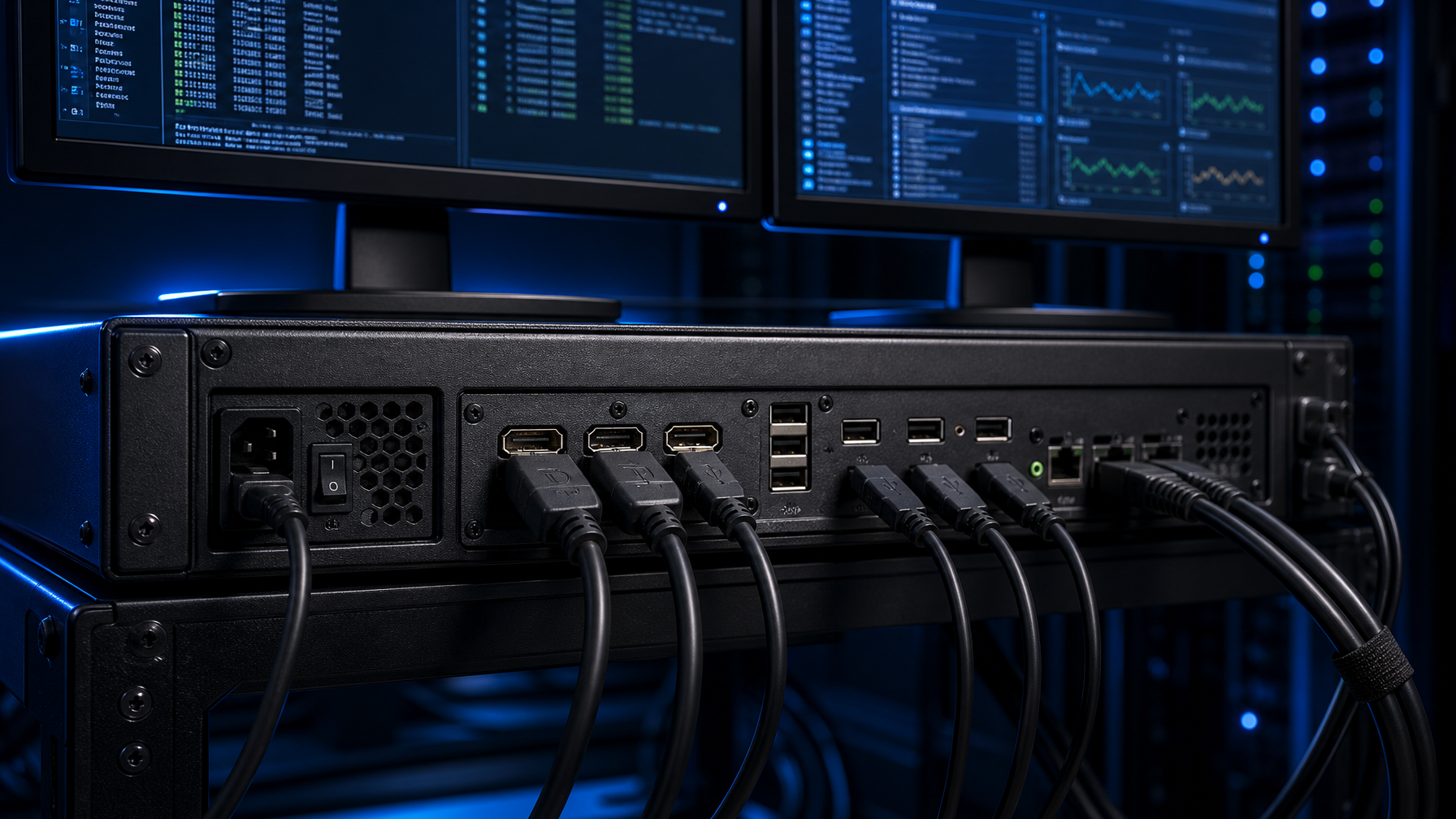
"Dual monitor KVM" in consumer copy often means one computer, two monitors, one video format. In a rack it usually means two computers (or more), each with two heads, sharing one console pair.
Count the video identities, not the monitors:
- Single-head KVM, two computers. One video cable per computer. Fine for a crash-cart KVM drawer.
- True dual-head KVM. Two video cables per computer. The switch presents two sinks to each host at all times (or emulates them). This is what "dual-head kvm switch" should mean on a quote.
- MST / daisy-chain. One DP cable carries two streams. Only valid if the KVM and the GPU both list MST. Do not assume MST because the port says DP 1.4.
- Hybrid HDMI + DP on one chassis. Useful when half the fleet is HDMI appliances and half is DP workstations. Treat each path as its own EDID domain.
If you share one 1U LCD plus one external monitor, that is still two sinks. The drawer LCD and the rear HDMI or DP output must each keep a stable EDID.
EDID: the layout that will not stay put
Extended Display Identification Data tells the GPU what timings, color, and audio a sink accepts. DisplayPort carries that dialogue on the AUX channel. HDMI uses DDC. A KVM that does not emulate EDID on every unselected port lets the GPU tear down the mode when you leave that computer. Windows then rebuilds the desktop. Dual-head makes this worse: one head comes back at 1080p, the other stays 4K, icons jump, and RDP or a local CAD session paints on the wrong screen.
What to require on the quote:
- Per-port, per-head EDID emulation. The host always sees both monitors, even when that host is not selected.
- EDID copy / lock. Learn from the real console once, then lock. Do not leave the switch in "auto" if operators hot-plug a projector on the crash cart.
- Same timing on both heads if the app is span-sensitive. Some SCADA and broadcast apps assume identical refresh.
- No silent 4:2:0 fallback. If the path cannot do 4K60 4:4:4, you want a failed handshake, not a smeared chroma mode that looks like a bad cable.
DisplayPort AUX is more fragile over cheap adapters than HDMI DDC. If you mix DP hosts into an HDMI KVM through adapters, EDID is the first thing that breaks. Prefer a native displayport kvm path, a 4-port DisplayPort to HDMI KVM with video emulation, or a documented active converter that stores EDID.
USB 2.0 versus USB 3.x on the same box
A KVM has two USB jobs.
HID (keyboard, mouse, sometimes a touchpad on the drawer). USB 2.0 full-speed is enough. Emulation should present a generic HID so the host keeps the input device across switches. That avoids BIOS and OS re-enumeration delays.
Peripheral share (CAC, token, webcam, USB NIC, installer stick). This is where USB 3.x (5 or 10 Gbit/s) matters. A CAC reader is usually USB 2.0. A camera or a large image stick is not. If the switch multiplexes USB 3.x on the same hub as HID, a flaky SuperSpeed device can stall the HID path. Prefer a switch that isolates HID from the SuperSpeed hub, or run CAC on a dedicated USB 2.0 port.
For a government desk you may also need a NIAP-listed secure KVM switch with isolated USB. That is a different article and a different SKU family. Do not put a commercial dual-head HDMI KVM on a SIPR/NIPR BOM because the video connectors match.

CyberView drawers and the DG-100P ceiling
Austin Hughes CyberView is the drawer family we specify when the console lives in the rail, not on a desk.
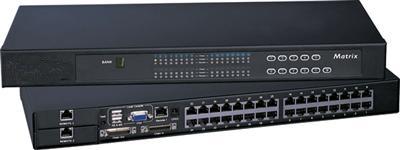
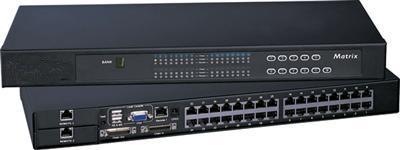
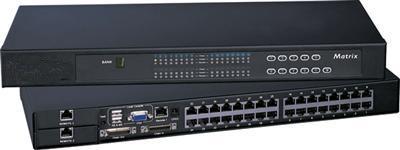
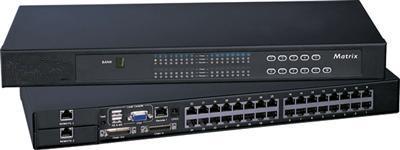
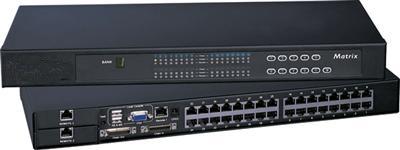
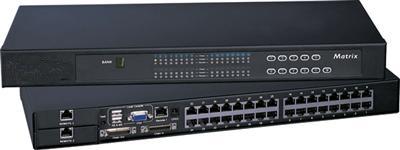
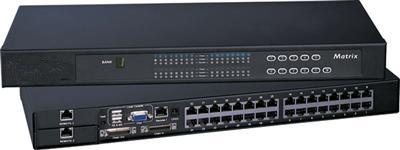
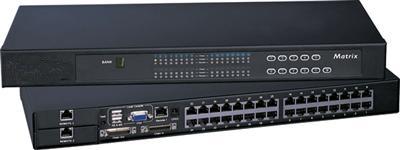
Compare that class to a catalog 1U 17 HDMI KVM drawer when the hosts are HDMI. The DK117 is a 1U dual-slide 17-inch 4K LCD. Native input is DisplayPort 1.2 plus USB keyboard and mouse. HDMI 2.0 is an option. Native panel timing is 3840 x 2160 at 60 Hz. Package contents include an attached 6 ft DP cable and USB. Integrated 8-port 4K KVM (DK117-801K) switches HDMI, DVI, and DisplayPort hosts up to 4K60.
That is the drawer story: DP 1.2 in, 4K60 on the glass, HDMI 2.0 if you order the option.
The Cat6 dongle story is different. CyberView Cat6 KVMs (for example the U-1601) accept USB-C, DisplayPort, HDMI, and legacy video through dongles at the server. The DG-100P is DisplayPort plus USB-A at the server, Cat6 at the KVM, reach up to 130 feet (40 m). Max resolution is 1920 x 1200 WUXGA / 1920 x 1080. Sibling dongles on the same accessory page: DG-100H (HDMI + USB), DG-100C (USB-C + USB), DG-100S / DG-100SD (VGA or DVI + USB).
Rule: a 4K60 dp 1.4 kvm desktop switch and a DG-100P Cat6 hop are not the same product class. If the host is 4K and the console is a 4K drawer, stay on local HDMI or DP copper into the drawer or into a 4K integrated KVM. Use DG-100P when the host is 1080p/1200p and you need 40 m of Cat6.
When a KM is enough
A KM switch shares keyboard and mouse only. Video stays on each computer's own outputs.
Use a KM when:
- Each host already has two monitors (or a dual-head dock) and you refuse to put 4K60 through another hop.
- Operators sit at a bench with glass already on the hosts; they only want one keyboard.
- You are mid-refresh and video standards are mixed (DP 1.4 engineering PCs next to HDMI NVRs). Switching video would force converters.
- Latency or color accuracy on the glass cannot tolerate another scaler.
Do not use a KM when:
- The console is a 1U drawer and there is no other glass.
- You need the selected computer's video on a shared KVM-over-IP or crash-cart LCD.
- You must blank or isolate video for a secure or shared-aisle policy.
A KM plus local dual-head glass is often cheaper and more reliable than a dual-head 4K60 KVM that never gets a locked EDID.
Spec checklist before you issue the PO
- List every host output (DP 1.2, DP 1.4, HDMI 2.0, USB-C Alt Mode) and every console sink (drawer LCD, rear output, external monitors).
- Count video identities per host. If the number is two, buy true dual-head, not MST-by-assumption.
- Write the timing in the RFQ: 3840 x 2160 at 60 Hz, 8-bit 4:4:4, both heads, EDID locked.
- State USB class: HID only, or HID plus USB 2.0 peripherals, or USB 3.x share. Name the CAC reader if it exists.
- If the path includes Cat6 dongles, write the dongle SKU and its resolution cap (DG-100P = 1920 x 1200).
- If the path includes a 1U drawer, name the input option (DP 1.2 standard on DK117, HDMI 2.0 optional).
- Ban passive adapters on the official drawing. Active converters get a model number and an EDID note.
- Test one host of each GPU family before you roll the image. NVIDIA, AMD, and Intel firmware disagree about DP++ and MST.
Worked examples
Crash cart, 1U, mixed 1080p servers. DK117 or similar DP 1.2 drawer, local DP or HDMI cables, no Cat6 dongle. Single-head is enough. USB 2.0 HID.
Engineering dual-head 4K60 workstations in the rack aisle. True dual-head displayport kvm (two DP 1.4 paths per PC) to two 27-inch panels, or a KM if those panels stay on the GPUs. Do not route 4K60 through DG-100P.
Sixteen 1080p servers, one local console, 20 to 40 m of copper. CyberView Cat6 KVM plus DG-100P (DP hosts) or DG-100H (HDMI hosts). Expect 1920 x 1200, not 4K.
HDMI NVR plus DP workstation, one dual-head desk. Hybrid HDMI + DP dual-monitor KVM, EDID lock on both sinks, USB 3.x only if you share a capture dongle.
FAQ
Does a displayport kvm always beat HDMI for 4K60?
No. HDMI 2.0 already does 4K60 8-bit. DisplayPort 1.4 helps when you need MST, DSC, or a GPU that only exposes DP. Match the host output.
Can I feed a dual-head HDMI KVM from DisplayPort hosts?
Only with a tested active converter and locked EDID. Dual-Mode (DP++) passive dongles fail on many workstation cards. Prefer native DP ports on the switch.
Why does my second monitor drop to 1080p after I switch?
The KVM is not emulating EDID on the unselected head, or an adapter is rewriting the block. Lock EDID from the real panels.
Is DP 1.4 required for a 1U 4K drawer?
Usually no. The DK117 native input is DisplayPort 1.2 and the panel is 4K60. DP 1.4 matters on desktop high-refresh or DSC paths.
USB 3.x on the KVM: do I need it?
Only if you share SuperSpeed devices. Keyboard, mouse, and most CAC readers run on USB 2.0. Isolate HID from SuperSpeed if both exist.
When is a KM better than a dual-head kvm switch?
When video already works on each host and you only want one keyboard. You avoid another 4K hop and most EDID fights.
What resolution does the DG-100P support?
Austin Hughes lists 1920 x 1200 WUXGA and 1920 x 1080, DisplayPort plus USB, Cat6 up to 40 m. It is not a 4K60 dongle.
Closing
Pick the video standard the hosts already speak. Budget two video identities for dual-head. Lock EDID per head. Keep HID on USB 2.0. Treat CyberView local drawer inputs and Cat6 dongles as different bandwidth classes. If the glass already sits on the GPU, specify a KM and stop.
Need a BOM check against a live drawer or Cat6 SKU? Call (216) 798-7530 and we will map host outputs to a CyberView input before you order.