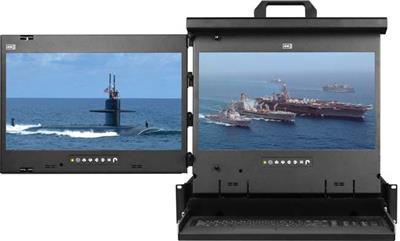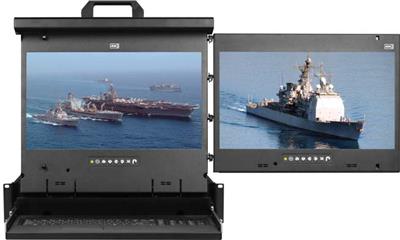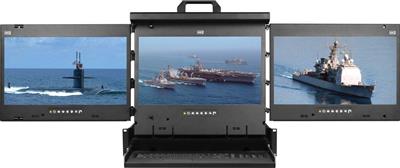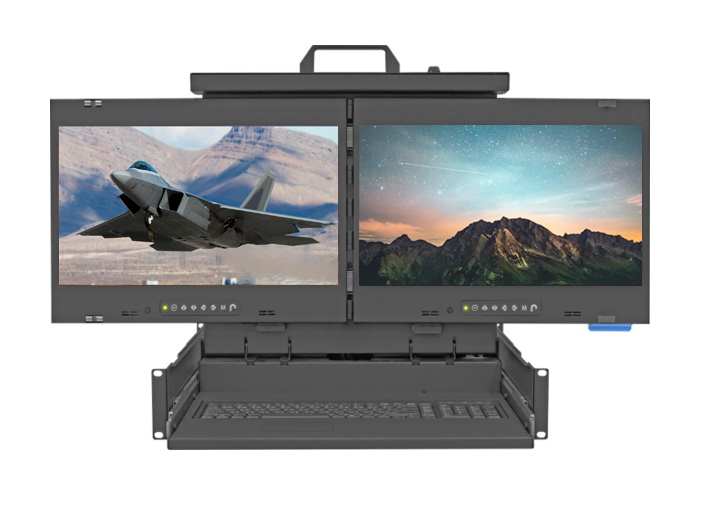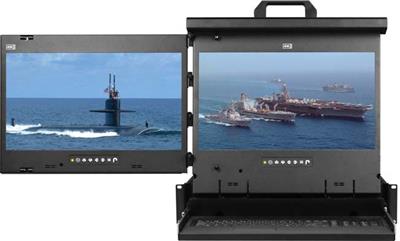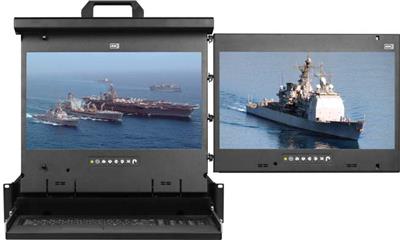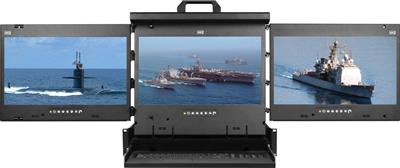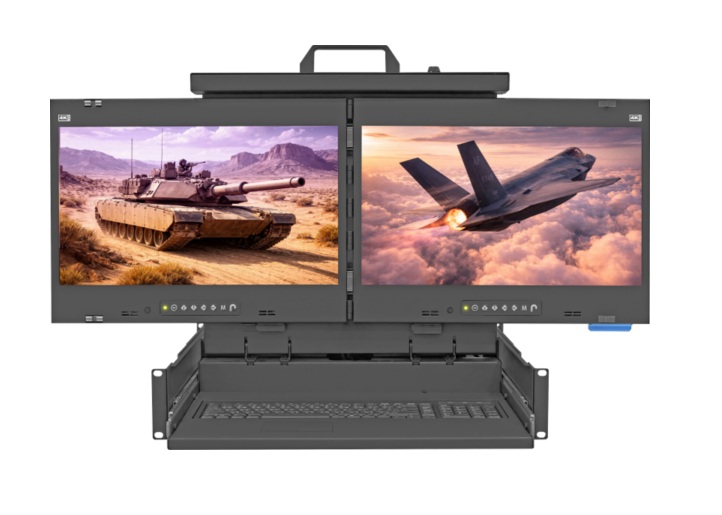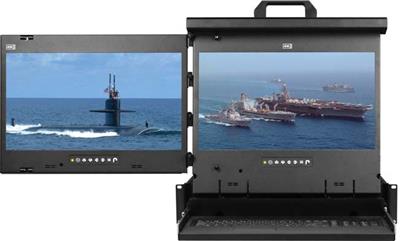
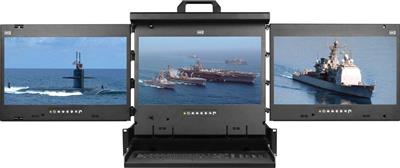
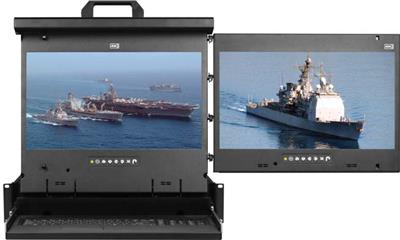
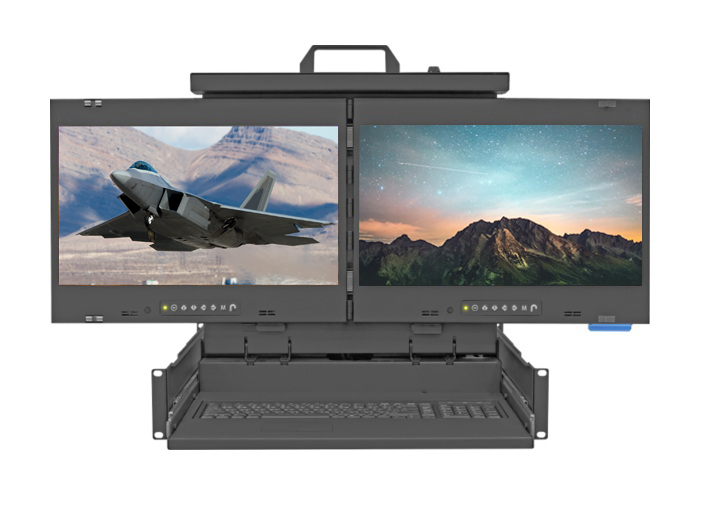
Dual and triple display rackmount monitors put two or three 17-inch LCD panels in one 2U pull-out console drawer so an operator can watch independent sources without a second crash cart. This is not dual-head KVM (one host, two outputs). Each panel is its own video input. Layout is Left+Center, Center+Right, or all three. Pointing is trackball or touchpad. Video is VGA+DVI-D at 1920×1080, or DisplayPort at 3840×2160 when the SKU sheet lists it.
Call (216) 798-7530 with screen count, layout, video format, and whether HID is shared. Shop the live dual/triple family first, then a single-screen 1U rackmount LCD keyboard if 2U is too tall.

What a dual or triple display rackmount monitor is
A dual or triple display rackmount monitor is a 2U console drawer with two or three 17-inch LED panels side by side, plus an integrated keyboard and pointing device. The assembly slides out of a 19-inch EIA rack on ball-bearing rails and folds away when not in use. Each screen connects to a separate video source: hypervisor console on the left, iDRAC on the center, ticketing or camera wall on the right.
It is not a dual-head HDMI KVM switch or DisplayPort KVM that clones or spans one PC. Dual-head KVM is HID plus two outputs from one host. Dual LCD is two (or three) independent panels in one drawer. Mixing those RFQs buys the wrong SKU.
Parent glass: rackmount monitors and rackmount LCDs. Single HDMI or DVI 1U: HDMI rackmount LCD, DVI rackmount LCD, 1U HDMI LCD keyboard, 1U DVI LCD keyboard, 1U rackmount LCD, widescreen rackmount LCD. Keyboard-only: 1U rackmount keyboard. Shallow 600 mm: short depth LCD keyboard. Local 1U combo: KVM drawer.
When dual or triple 2U is the right chassis
Buy dual or triple when:
- One operator must see two or three independent sources at the same time.
- You can spend 2U at the front of the rack and have aisle space to slide the drawer.
- HID is local (this keyboard, this trackball/touchpad), not remote IP sessions.
Skip it when:
- You need one 17 or 19 inch panel. Use a 1U LCD keyboard.
- The job is BIOS on many hosts from one set of HID. That is a rackmount KVM switch, USB KVM switch, or Cat5 KVM switch, optionally in a 1U KVM drawer with USB KVM switch.
- The site is lights-out. Spec an IP KVM switch.
- Four feeds belong on one pane. That is a PIP quad screen LCD or a video wall system, not three 17 inch LCDs.
Specs to lock on the RFQ
| Spec | Options |
|---|---|
| Screen count | 2 (dual) or 3 (triple) |
| Resolution | 1920×1080 on VGA+DVI-D, or 3840×2160 on DisplayPort when the sheet lists it |
| Layout (dual) | Left + Center, or Center + Right |
| Pointing | Trackball (b suffix) or touchpad (e suffix) |
| Form factor | 2U, 17-inch LED panels, integrated keyboard |
Do not write 4K60 unless that SKU sheet states 3840×2160 at 60 Hz. DisplayPort 4K on this family is 3840×2160 class. Confirm refresh on the PO. Analog VGA on leftover BMC is convert-or-replace: a video converter as a one-off, then DVI or DisplayPort. Do not buy new VGA-only glass.
How to choose: count, then video, then pointing
Screen count. Two systems (hypervisor + iLO) is dual. A third dashboard, camera, or alert pane is triple.
Video. 1080p VGA+DVI-D for BIOS and terminal work. DisplayPort 3840×2160 when dense HMI or log walls need the pixel count and the hosts actually output DP.
Layout. Left+Center keeps the primary pane ahead of the keyboard. Center+Right if the console sits at the left end of a row.
Pointing. Trackball for gloves or zero desk. Touchpad for a flatter closed profile.
PS/2 HID leftovers: PS2 KVM switch or 1U KVM drawer with PS2 KVM switch. Isolation rooms: secure KVM switch, not a commercial dual LCD. Concurrent two-operator HID: matrix KVM switch.
Comparison table (model families)
| Family | Screens | Resolution | Video | Layout | Pointing |
|---|---|---|---|---|---|
| MRK-F17b-2L / 2R | 2 | 1920×1080 | VGA + DVI-D | L+C or C+R | Trackball |
| MRK-F17e-2L / 2R | 2 | 1920×1080 | VGA + DVI-D | L+C or C+R | Touchpad |
| MRK-K17b-2L / 2R | 2 | 3840×2160 | DisplayPort | L+C or C+R | Trackball |
| MRK-K17e-2L / 2R | 2 | 3840×2160 | DisplayPort | L+C or C+R | Touchpad |
| MRK-F17b-3 / F17e-3 | 3 | 1920×1080 | VGA + DVI-D | Triple | Trackball or touchpad |
| MRK-K17b-3 / K17e-3 | 3 | 3840×2160 | DisplayPort | Triple | Trackball or touchpad |
Confirm live price and stock on the category page. Do not copy brochure dollars onto a PO without a current quote. Plant-floor adjacent glass: industrial LCD.
KVM, matrix, and cable plant (do not mix the RFQ)
The drawer is local glass plus HID. Switching many hosts still needs a KVM. Routing many HDMI rooms still needs a HDMI matrix switch, 4×4 HDMI matrix switch, 8×8 HDMI matrix switch, or video matrix switches. Same-room 1:N is an HDMI splitter or HDMI switch. DVI rooms: DVI matrix switch.
Distance past copper: Cat5 HDMI extender, Cat5 extenders, fiber optic extender. Cables: HDMI cables, KVM switch cables.
Related posts: DisplayPort vs HDMI KVM for Dual-Head Racks (dual-head KVM, not dual LCD), IP KVM vs Crash Cart vs 1U Console Drawer for Colocation, 8 vs 12 vs 16 Port Rackmount KVM.
FAQ
Is dual LCD the same as dual-head KVM?
No. Dual LCD is two independent panels in a 2U drawer. Dual-head KVM is one host with two video outputs plus HID. Spec them separately.
Do I need 4K?
Only if hosts output DisplayPort 3840×2160 and operators need the pixel density. 1080p VGA+DVI-D is enough for BIOS and most dashboards. Do not assume 4K60.
2U dual or 1U single?
2U dual/triple when two or three sources must stay on glass at once. 1U single when one panel and a keyboard is enough.
Can this replace an IP KVM?
No. This is local. Lights-out cages still need IP KVM or a crash-cart process.
List screen count, layout, video format, and pointing device. We will map that to a dual or triple 2U console or tell you to stay on 1U. Call (216) 798-7530.