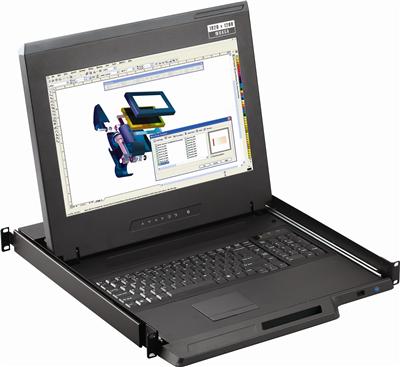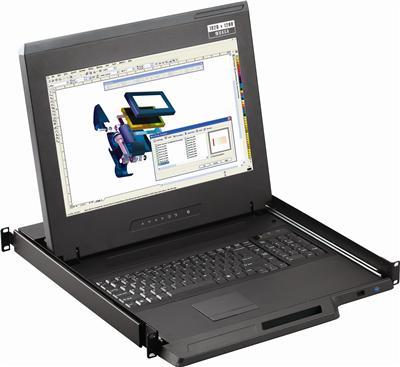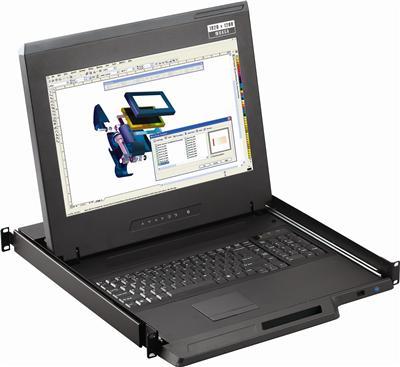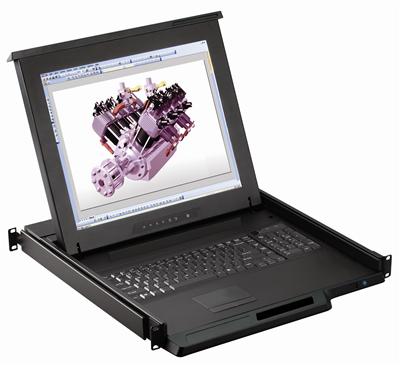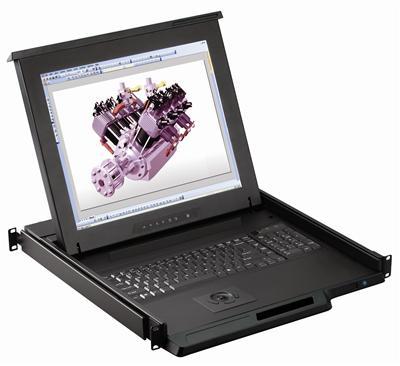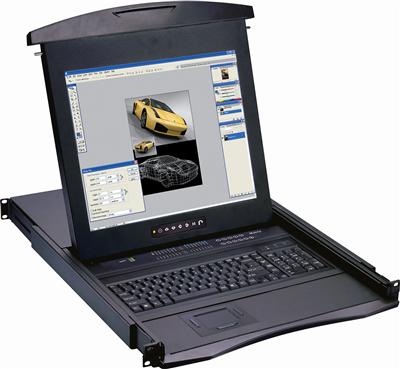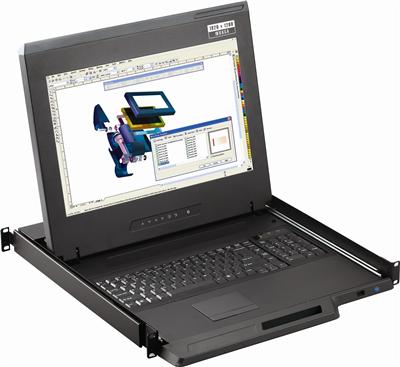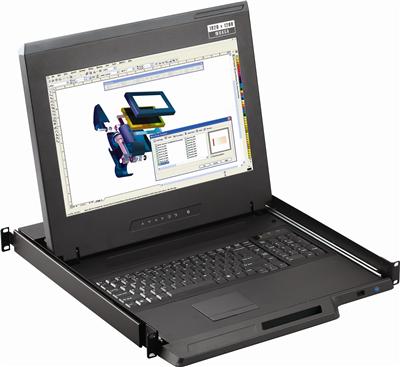
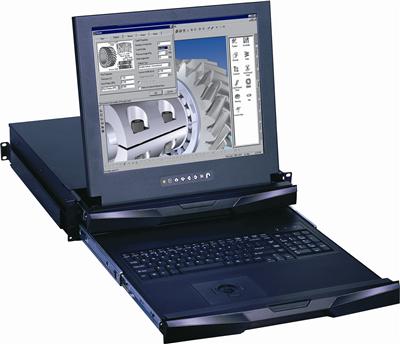
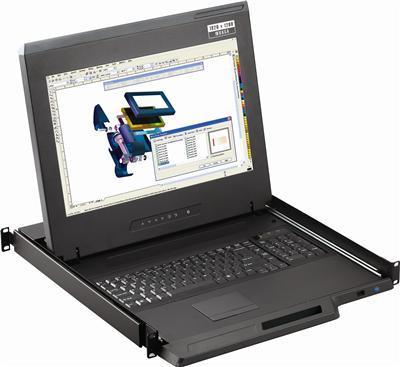
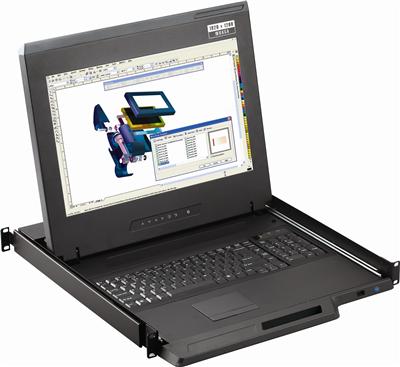
A full-depth 1U LCD keyboard chassis often measures 450 to 550 mm of body plus slides, plus a cable arm that needs another 50 to 80 mm behind the rear rail. In a 24-inch (about 610 mm) or 600 mm network cabinet, that stack does not close. Doors bind. PDU cords get pinched. The drawer sits half open until someone forces it.
A short depth LCD keyboard uses a shorter chassis (often around 480 mm / 18.9 inches of mounting depth) and a 17 inch or compact 19 inch panel. Telco, colo meet-me, wall-mount, and outdoor 600 mm enclosures are the usual fit. This piece is a depth budget. Measure rails, doors, and cable service loops first. Then pick panel size and video input.
Call (216) 798-7530 if you want a depth check against a live SKU sheet before you cut a PO. Shop the related KVM drawer and 1U rackmount LCD keyboard families after the rail math is done.

What short depth actually means on a 1U console
EIA-310 defines 19-inch rack width. It does not define cabinet depth. Vendors sell 600 mm, 800 mm, 1000 mm, and 1200 mm frames. “24-inch cabinet” in colo and telco RFQs usually means outside depth near 610 mm, not 24 inches of rail-to-rail. Front door, rear door, vertical PDUs, and cable managers steal 40 to 120 mm before any drawer body exists.
Treat these as three different numbers:
| Measurement | What to record | Why it matters |
|---|---|---|
| Outside cabinet depth | Frame front skin to rear skin | Marketing number on the enclosure quote |
| Front rail to rear rail | Inside of front EIA rail to inside of rear EIA rail | Slide kit travel and chassis length |
| Usable closed depth | Rail span minus door inset, PDU, and cable arm | Whether the drawer closes |
A short depth 1U console is a chassis whose closed length plus slide ears plus rear kit still sits inside usable closed depth. Many short-depth LCD drawers advertise about 480 mm (18.9 inches) mounting depth so they fit a 600 mm (23.6 inch) network cabinet after doors.
Full-depth 19 inch LCD keyboard drawers often need 700 mm-class or 800 mm-class cabinets once you add a rear KVM module and a cable arm. Forcing that chassis into 600 mm is the failure mode this spec prevents. Single-screen glass without a keyboard is a 1U rackmount LCD or a rackmount LCD, not this SKU.
Depth budget: work the numbers before you pick a panel
Walk the cabinet with a tape. Do not trust the sales drawing alone.
- Measure front rail to rear rail at the U you will occupy (rails bow).
- Measure front door inset: glass or solid door to the front rail face.
- Measure rear door inset plus any vertical PDU on the rear post.
- Reserve a cable service loop: 50 mm is tight; 80 mm is more honest if you run HDMI plus USB plus power.
- Subtract. The remainder is max closed chassis plus slide hardware.
Example for a 600 mm telco frame:
- Outside depth: 600 mm
- Front door + gasket: 35 mm
- Rear door + PDU: 55 mm
- Remaining interior: 510 mm
- Desired cable loop: 50 mm
- Max closed drawer stack: about 460 mm
If the short-depth datasheet lists 480 mm mounting depth, you are already over. Either drop the rear cable arm, use a shorter DC power brick, move the PDU, or pick an even shorter 17 inch chassis. Do not leave the door ajar.
For 700 mm (about 27.5 inch) frames the same math usually leaves room for a short depth LCD drawer and a modest rear KVM kit. That is the crossover where 19 inch short-depth starts to win over 17 inch.
17 inch versus 19 inch in a short chassis
Panel diagonal is not free. A 19 inch panel in 1U still has to fold, and the hinge stack plus bezel often adds a few millimeters of closed depth versus 17 inch.
| Panel | Typical native class | Closed-depth habit | When it wins |
|---|---|---|---|
| 17 inch | 1280×1024 or 1920×1080 depending on family | Shortest flip-up stack | 600 mm and wall-mount; BIOS text at arm’s length |
| 17.3 inch widescreen | 1920×1080 class | Similar to 17 inch if the chassis is short-depth | HDMI/DP sources that already output 1080p |
| 19 inch | 1280×1024 or 1920×1080 | Longer bezel/hinge; needs honest rail span | 700 mm cabinets; operators who want more BIOS real estate |
Do not assume 4K60 on a short-depth 1U. Many industrial short-depth LED consoles are 1080p or 1280×1024 class. 4K30-class is the usual ceiling unless the SKU sheet states 3840×2160 at 60 Hz. Buying 4K60 for a 600 mm cabinet wastes budget and still will not close the door.
HDMI tails map to a 1U HDMI LCD keyboard or an HDMI rackmount LCD. DVI tails map to a 1U DVI LCD keyboard or a DVI rackmount LCD. Widescreen 1080p panels live under widescreen rackmount LCD. Keyboard-only (no LCD) is a 1U rackmount keyboard.
Cable arm, rear KVM kits, and why drawers fail to latch
The chassis is only half the stack.
Cable management arm. A folding arm keeps HDMI/DVI/DP, USB HID, and IEC or DC power from snagging when you slide the drawer. In 800 mm cabinets it is mandatory hygiene. In 600 mm cabinets it is often the part that kills the close. If the arm cannot nest beside the chassis, skip it and dress a service loop to a rear lacing bar.
Integrated KVM rear kit. An 8-port or 16-port Cat5 or HDMI KVM module on the back of a 1U console adds 40 to 80 mm. That kit is fine in 800 mm and 1000 mm frames. In a 24-inch cabinet, keep the console as a local display/keyboard and park the KVM as a separate 1U in a deeper rack. USB integration: 1U KVM drawer with USB KVM switch. PS/2 leftovers: 1U KVM drawer with PS2 KVM switch or a standalone PS2 KVM switch.
Power. External bricks hang past the rear rail. Prefer IEC C14 on the chassis or a right-angle DC barrel. -48 V DC variants exist for telco; confirm polarity and fuse before you land them on a BDFB.
Connectors. HDMI and DisplayPort cables have bulky overmolds. Right-angle adapters save 15 to 25 mm. DVI-D is bulkier still. Analog VGA on leftover BMC headers is a convert-or-replace job, not a reason to buy new analog glass. Use a tested video converter only as a one-off, then land HDMI or DVI.
Rated HDMI cables and KVM switch cables belong in the same PO as the drawer. Cheap High Speed leads drop HDCP at 10 m.
Shallow rack LCD keyboard versus wall-mount and outdoor 600 mm
Network / colo 600 mm cabinets. Front and rear doors, often with vertical PDUs. Short depth LCD keyboard with ~480 mm mounting depth is the default. Confirm PDU side so the drawer handle does not hit breaker yokes.
Wall-mount 12U to 18U. Often 450 to 550 mm usable. Some wall boxes have no rear rail at all. You need a 2-post or front-rail-only short chassis. Full 4-post slide kits will not mount.
Outdoor / IP55-class 600 mm. Thermal and gasket thickness steal more interior depth. Derate another 20 to 40 mm. Specify operating temperature on the LCD (many industrial panels are 0 to 50 C, not -20 C). Adjacent plant-floor glass is an industrial LCD.
A shallow rack LCD keyboard fits when a tech needs local BIOS access and there is no crash-cart aisle. Skip it when the only need is remote KVM. Do not spend 1U and depth on a drawer if the site is lights-out and already has an IP KVM switch.
Decision framework: spec the short depth 1U console
- Cabinet class. 600 mm / 24-inch, 700 mm, wall-mount, or outdoor. Record rail-to-rail in millimeters.
- Closed-depth remainder. After doors, PDU, and a 50 to 80 mm cable loop.
- Panel. 17 inch for the tightest 600 mm; 19 inch only if remainder is honest.
- Video input. Match the server or KVM tail: DVI, HDMI, DisplayPort. Do not buy HDMI and plan to adapter it through a cheap dongle in a noisy telco aisle.
- Keyboard and pointing. USB HID is the 2026 default. Touchpad for gloves-off NOC work; trackball if operators prefer it.
- Power. 100-240 VAC versus -48 V DC. Brick versus IEC.
- Rear kit. None (local console only), or a separate KVM 1U, or an integrated kit only if depth remainder allows. Size the switch from rackmount KVM switches, a USB KVM switch, a HDMI KVM switch, or a Cat5 KVM switch.
- Compliance. TAA, FCC, CE, RoHS as the site requires. Isolation rooms stay on a secure KVM switch. Do not mix this with NIAP PP 4.0.
- Slide type. Dual-slide (LCD stays up, keyboard independently retracts) costs 2U on some short-depth 19 inch models. True 1U single-slide is what 600 mm wall boxes usually need.
Comparison: short-depth console versus the usual substitutes
| Approach | Depth demand | Local BIOS | Fits 600 mm | Notes |
|---|---|---|---|---|
| Short depth LCD keyboard (1U 17″) | Lowest among LCD+keyboard | Yes | Usually, if ~480 mm class | Best default for 24-inch cabinets |
| Short depth 19″ 1U | Medium | Yes | Only with honest remainder | Prefer 700 mm |
| Full-depth 19″ LCD keyboard | High | Yes | Rarely | Doors will not close |
| 2U dual-slide short depth | Medium height, short depth | Yes, LCD can stay up | Height may waste U | Useful if 24/7 view with door closed |
| Crash cart | Zero in-rack depth | Yes | N/A | No good in locked colo cages |
| IP KVM only | 1U elsewhere or zero | No local panel | Yes | Wrong if you still need local BIOS |
Two or three 17 inch panels in 2U is a different SKU: dual and triple display rackmount monitors. Quad-split on one pane is a PIP quad screen LCD. Fixed 8U glass lives with rackmount monitors.
Long HDMI copper fails the same way a fat cable arm fails: measure. Past copper, use a Cat5 HDMI extender, a Cat5 extender, or a fiber optic extender. Room AV is a HDMI matrix switch or a 4×4 HDMI matrix switch, not a drawer. Same-room 1:N clone is an HDMI splitter or HDMI switch.
Related decision posts: IP KVM vs Crash Cart vs 1U Console Drawer for Colocation, 8 vs 12 vs 16 Port Rackmount KVM, Cat5 KVM vs HDMI USB KVM.
Installation sequence that does not bind the slides
- Set front-rail U and rear-rail U so they match. A one-hole offset racks the slides.
- Install inner slides on the chassis on a bench. Do not hang a loaded LCD from half-seated slides.
- Torque cage nuts to the enclosure spec. Over-torque warps cheap 600 mm frames.
- Seat the chassis, then dress video and USB before you add power.
- Cycle the drawer three times fully open and closed with the door off. Measure remaining rear clearance.
- Fit the door. If it kisses the handle, shorten the cable kit or change SKU. Do not grind the handle.
- Label the U and the video input on the front bezel.
If slides grind, the rails are not coplanar. Fix the cabinet before you blame the drawer. Concurrent HID for two operators is a matrix KVM switch, not a second drawer. Wall arrays are a video wall system.
FAQ
Will a short depth kvm drawer fit every 24-inch cabinet?
No. 24-inch is outside depth. Rail span, doors, and PDUs decide. Measure usable closed depth and compare it to the SKU mounting depth (often about 480 mm on industrial short-depth LCD drawers).
Is a short depth 1U console the same as a short-depth rackmount LCD with no keyboard?
No. LCD-only short-depth drawers exist for display-only roles. A keyboard console adds the HID deck and usually a pointing device. Spec the combo if techs need local keyboard.
Can I put an 8-port KVM on the back of a 600mm rack console?
Only if the remainder after the chassis still swallows the rear kit and cables. In most 600 mm frames, keep KVM as a separate 1U or skip integration.
17 inch or 19 inch for a shallow rack LCD keyboard?
17 inch for 600 mm and wall-mount. 19 inch when rail span and door inset leave extra millimeters and operators want a larger BIOS view.
Do I need 4K?
Usually no. Short-depth 1U panels are often 1080p or SXGA. Specify 4K only when the SKU sheet states the resolution and refresh you need. Do not assume 4K60.
A short depth LCD drawer is a geometry problem. Get rail-to-rail, door inset, PDU, and cable loop in millimeters. Pick 17 inch unless the remainder clearly funds 19 inch. Match video input to the actual tail. Leave the rear KVM kit off unless 700 mm-class depth remains. Call (216) 798-7530.