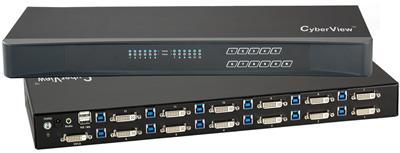
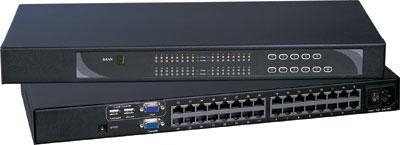
A Cat5 KVM switch is the default BOM in most server rooms. It fails when the plant is noisy, the run is longer than copper can hold, or the room needs galvanic isolation that twisted pair cannot give. That is when fiber kvm belongs on the chassis, not as an afterthought extender pair.
This guide is for sysadmins and SCIF or control-room engineers who already know 8-port versus 16-port HDMI USB boxes. The decision here is transport: CATx dongles and Cat5 matrix switching versus kvm over fiber (an optical kvm switch with SFP or fixed transceivers). We stay honest on resolution. Most fiber KVM video paths in this class are 4K30 unless the SKU sheet names DisplayPort 4K60.
Call (216) 798-7530 if you need a BOM with port count, fiber type, and console mix before you buy cable.
What fiber kvm actually is
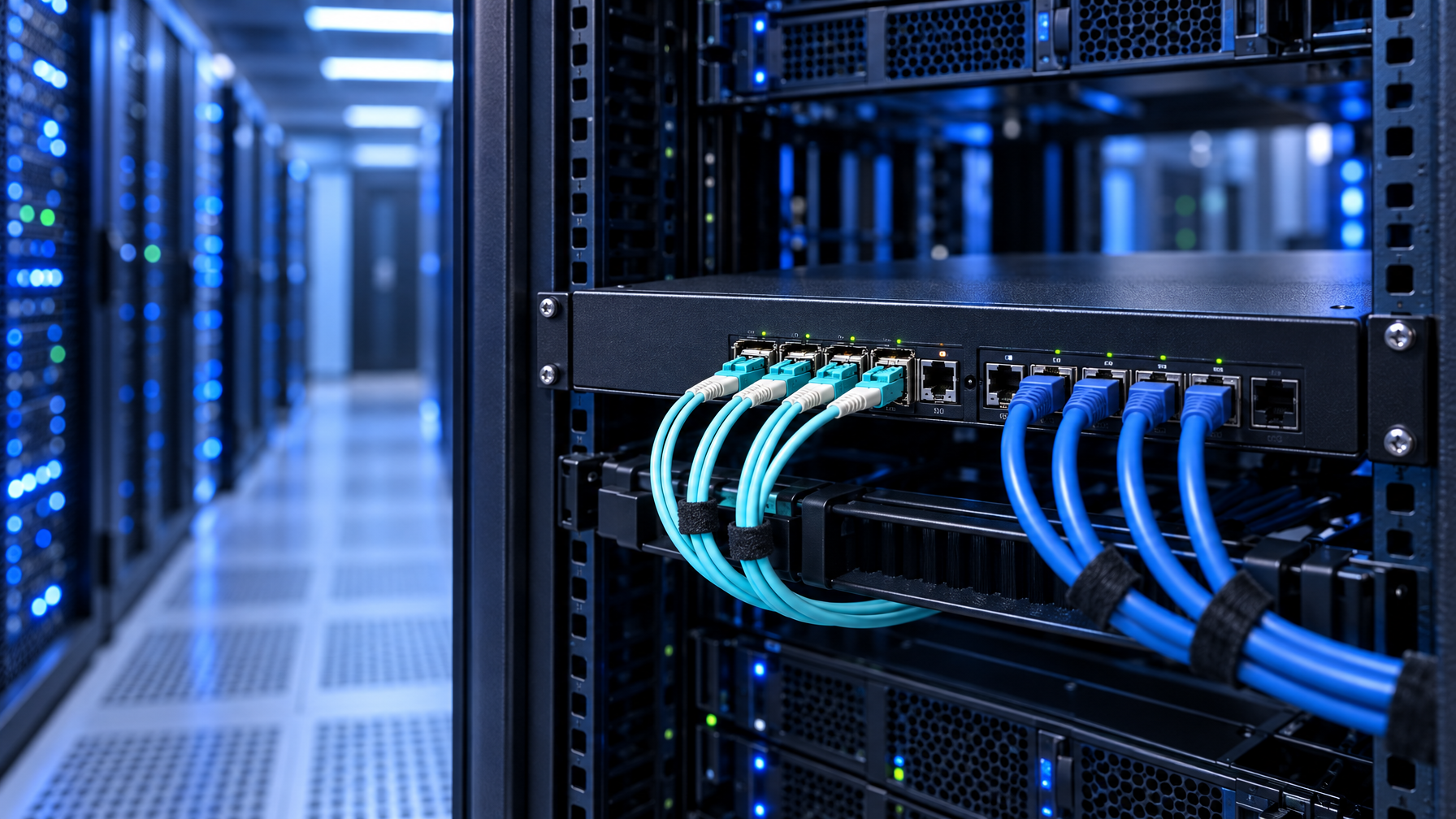
Fiber kvm is keyboard, video, and mouse switched or extended on optical fiber instead of Cat5/Cat6. The glass carries light. It does not carry the common-mode current that copper picks up from VFDs, radios, and ground loops.
Three products get mixed in RFQs. Treat them as separate SKUs.
- Fiber KVM extender pair. One transmitter at the computer, one receiver at the console. Point to point. No switching. Distance and EMI immunity only.
- CATx KVM switch plus fiber media converters. The chassis still switches on copper. Converters sit on the user or computer legs. You inherit converter latency, extra power supplies, and two failure domains.
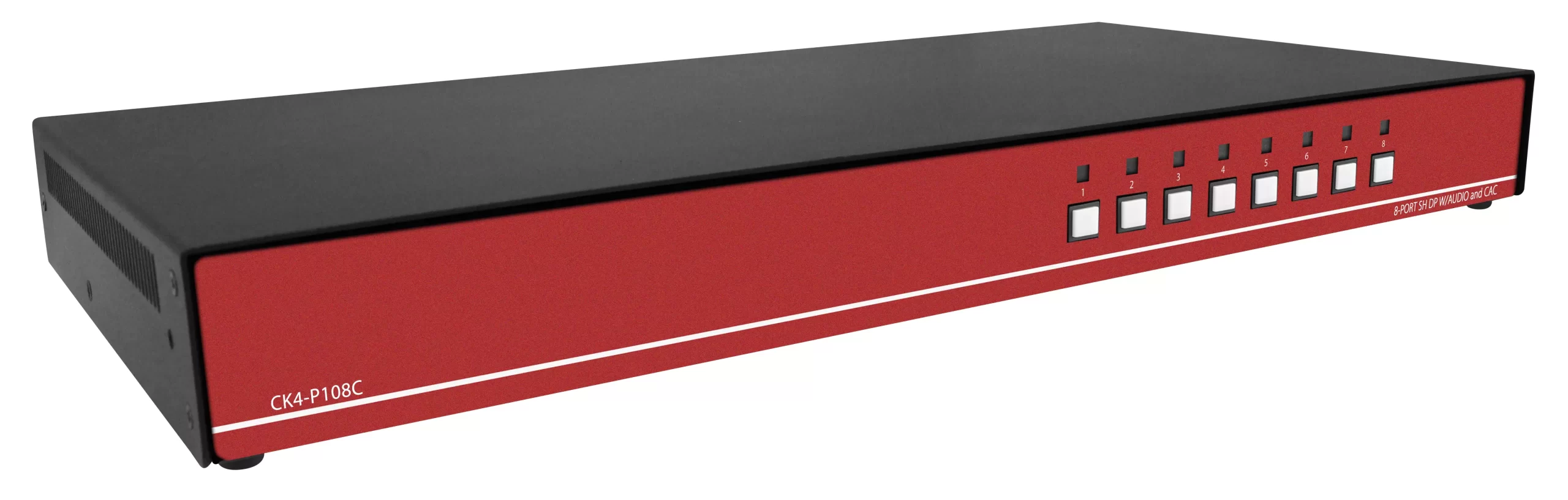
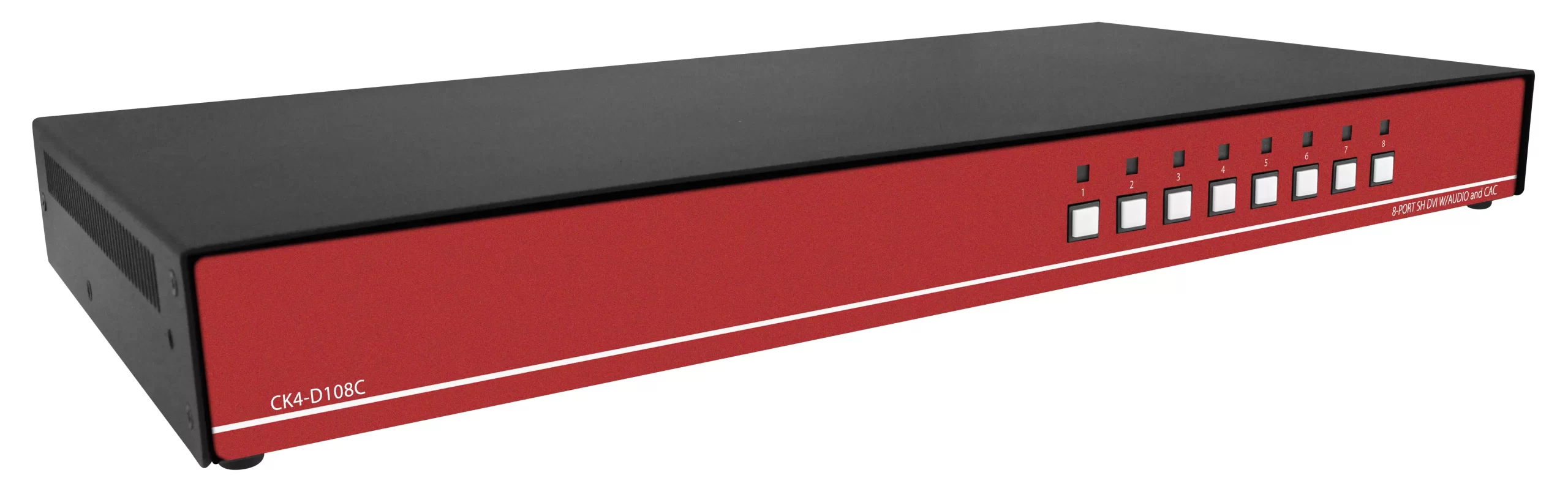
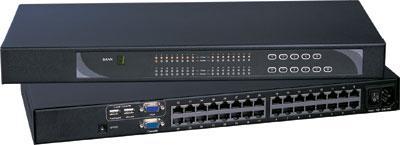
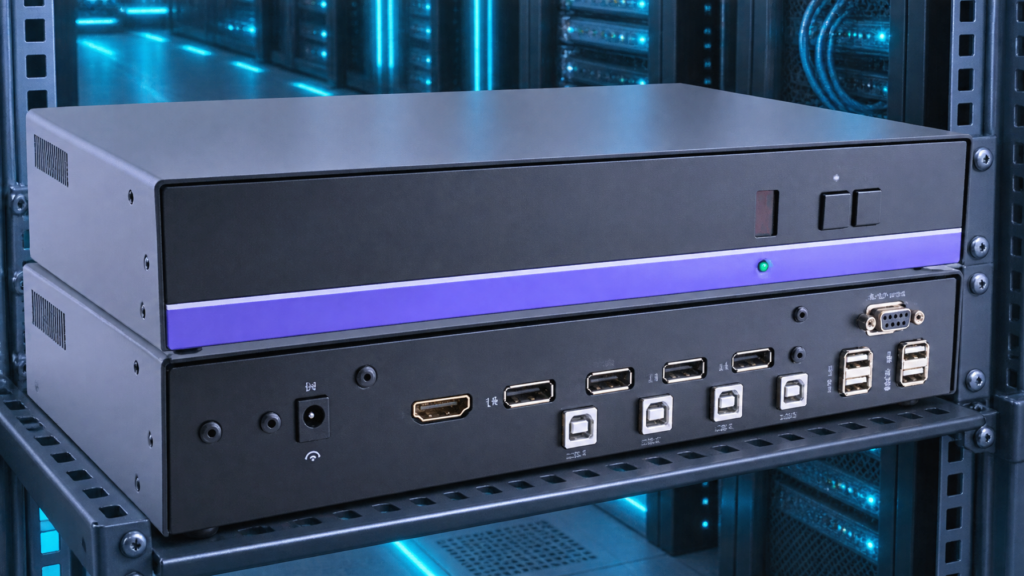
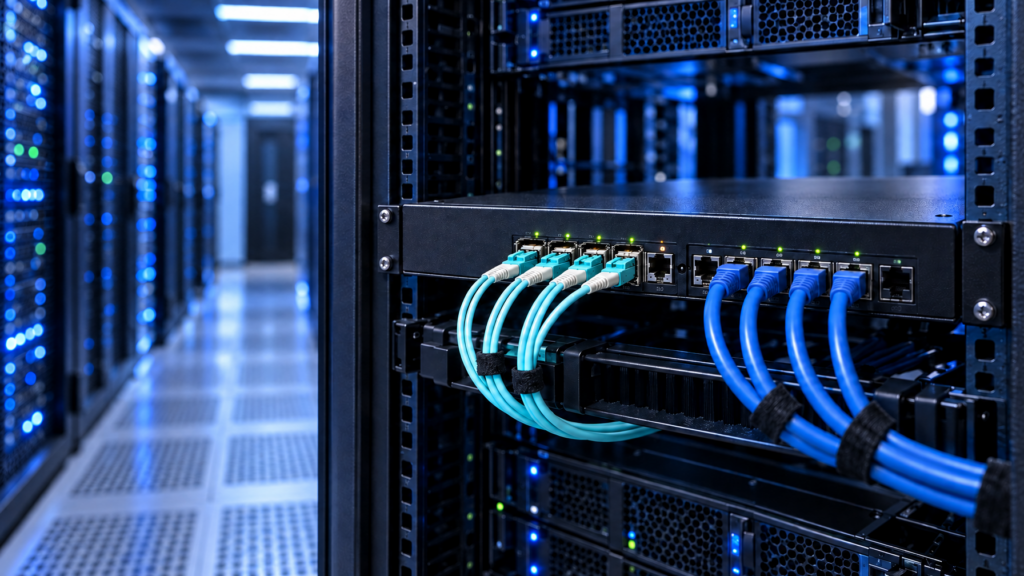
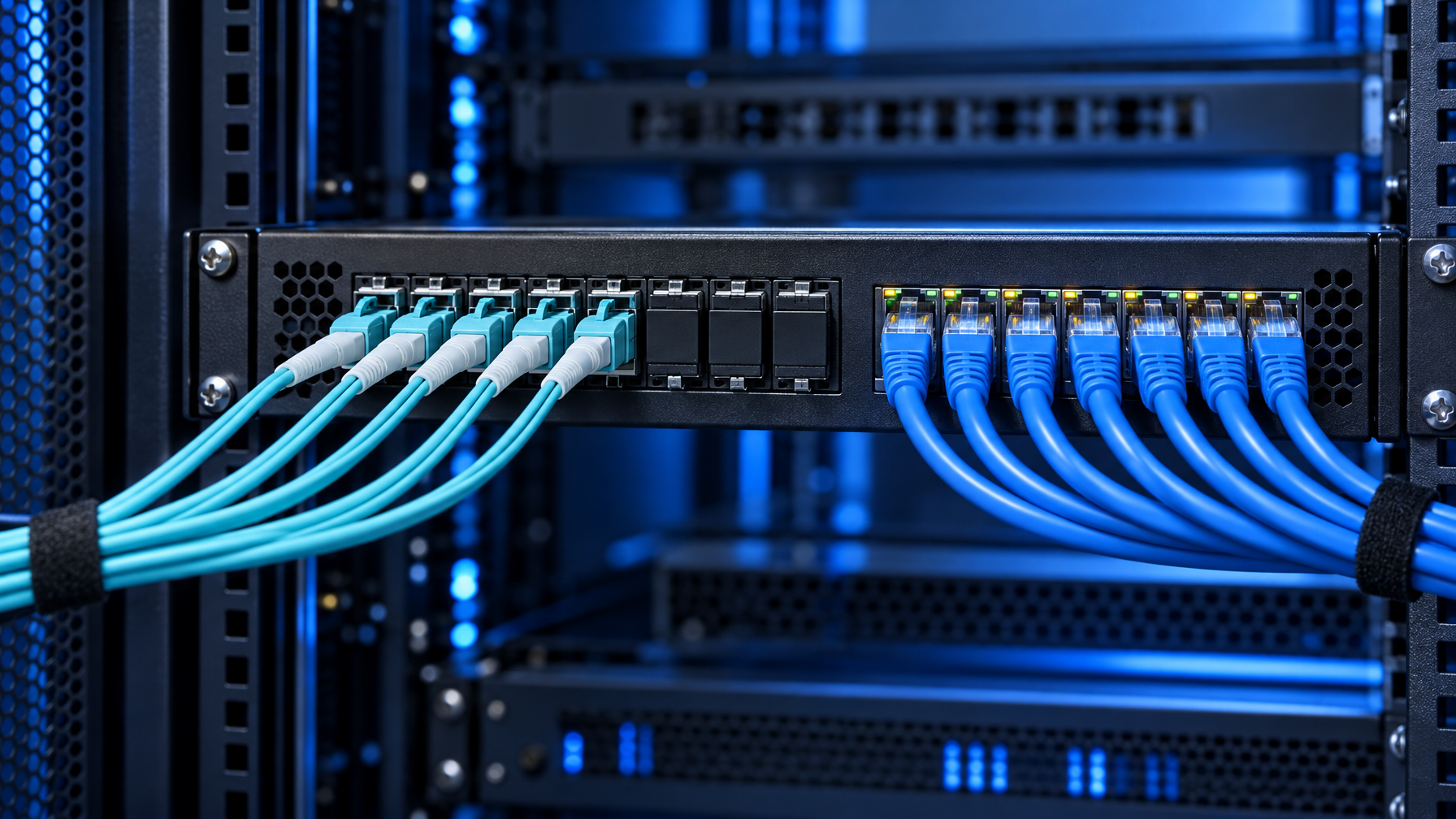
- Optical kvm switch (fiber kvm switch chassis). The matrix itself has SFP or LC ports. Computer dongles and user stations talk fiber end to end. One chassis, one firmware, one cable plant.
If you need to select among N computers from one or more consoles, an extender pair is the wrong substitute. If you only need one PC 400 m away from one desk, a switched fiber kvm chassis is overkill.
Typical Cat5 KVM switch user-to-switch distances sit in the 30 m to 150 m band depending on video rate and dongle generation. Multimode fiber KVM commonly holds 300 m to 800 m. Single-mode paths on enterprise converters and SFP KVM often reach 10 km class. Those numbers come from published Cat5 KVM and fiber converter sheets (Raritan fiber-to-Ethernet media converters list 800 m multimode and 10 km single-mode). Always read the SKU, not the brochure headline.
When CATx is still the right chassis
Keep Cat5/Cat6 KVM when all of these are true. Short-run rackmount KVM switches still win on dongle cost when copper holds.
- Runs stay inside one row or one room, well under 100 m.
- The rack is not sitting next to welders, MRI gradient amps, or high-power radio.
- You do not need dielectric isolation between the computer room and the operator.
- Port count and OSD already match an 8, 16, or 32-port Cat5 chassis you can buy today.
- Video is 1080p or 4K30-class over the existing dongle family.
CATx wins on dongle cost, patch-panel familiarity, and spare inventory. A fiber kvm switch only pays when copper fails one of the constraints above.
EMI, ground loops, and SCIF isolation
Twisted pair KVM is still a copper conductor between two grounds. Fiber is not.
EMI. Cat6 rejects a lot of noise, but it is not immune. Long parallel runs next to three-phase feeders couple into the pair. Video sparkles, USB dropouts, and OSD freezes show up before Ethernet on the same tray fails. Optical kvm switch paths ignore that field because there is no antenna.
Ground loops. If the console room and the computer room sit on different grounding electrodes, copper KVM becomes a bond you did not design. Fiber breaks that bond. That is why control rooms and generator buildings specify kvm over fiber even when distance is only 80 m.
SCIF and TEMPEST-adjacent practice. Fiber does not magically satisfy a TEMPEST or NIAP package. It does remove a conductive path through the wall. Many SCIFs still want copper KVM only inside the enclosure and optical conversion at the boundary. Confirm the AO, not a vendor slide.
Lightning and outdoor plant. A fiber kvm drop between buildings survives a surge that would cook a Cat6 extender. Keep the transceivers indoors. Do not treat outdoor-rated fiber as a license to hang SFPs in weather.
Distance bands: CATx vs multimode vs single-mode
Use this table as a planning grid, then verify against the exact SKU.
| Transport | Typical console-to-chassis distance | What breaks first | When to specify it |
|---|---|---|---|
| Cat5/Cat6 KVM dongle | 30 to 150 m | Video clock, USB HID, EDID | Same row, same room, low EMI |
| CATx plus media converter | Converter limit (often 800 m MM / 10 km SM on the fiber hop) | Converter PSU, extra hop latency | Existing Cat5 chassis, one long user |
| Multimode fiber kvm (OM3/OM4 LC) | 300 to 800 m class | Connector dirt, wrong OM grade | Campus floor, EMI tray, intra-building |
| Single-mode fiber kvm | 2 to 10 km class (SKU dependent) | Wrong SFP, APC vs UPC mix | Between buildings, SCIF boundary, long campus |
Do not mix OM1 leftover with OM4 SFPs and expect the distance on the datasheet. Do not mix UPC and APC. Do not assume LC on the chassis matches SC on the plant without jumpers.
Resolution and distance fight each other. A 4K30-class path that is happy at 80 m on Cat6 may need fiber at 200 m. A 1080p60 path may still look fine on copper at that length. Spec the pixel clock, not a marketing "4K" badge.
4K30-class honesty on optical kvm switch SKUs
Most fiber kvm SKUs in this catalog are 4K30-class unless the sheet names 4K60. The K117e exception is DisplayPort 3840×2160 at 60 Hz. HDMI fiber KVM and many SFP matrix ports in this catalog are 4K30-class.
Ask the vendor:
- Native resolution and refresh at the stated fiber length, not at 3 m.
- HDMI versus DisplayPort on the computer dongle.
- Dual-head: two 1080p fibers is not one 4K60 fiber.
- USB 2.0 HID only versus USB 3.x for mass storage. Optical HID is cheap. Optical USB 3 is not.
If the operator needs 4K60 dual-head plus CAC, you are in a different BOM. Do not stretch a 4K30 fiber kvm switch to cover it.

Extender pair versus switched fiber kvm chassis
This is the RFQ error we see most.
Extender pair. One computer, one console, long fiber. A fiber optic extender is this 1:1 path. Use it for a crash cart that lives 500 m from a single GPU workstation, or a camera PC in a Faraday cage. Add a local HDMI KVM only if you also switch short-run machines in the same rack.
Switched optical kvm switch. Many computers, one or more consoles, fiber on the computer legs, the user legs, or both. OSD or hotkey selects the target. Firmware, EDID, and USB enumeration live in one box.
Wrong substitute. Eight fiber extender pairs plus an HDMI switch at the desk. You pay eight times for optics, you lose a single OSD, and USB HID timing becomes eight independent problems. Buy a fiber kvm switch.
Wrong substitute the other way. A 16-port optical chassis for one PC and one desk. You paid for ports you will never light.
Cascade of two CATx boxes with fiber converters on the cascade port is a third anti-pattern. Cascade depth, OSD ownership, and converter failure sit on the critical path. If you need 32 computers and long fiber users, size a 32-port Cat5 chassis for the computers and put fiber only on the user stations, or move to a native fiber matrix. Freeze port count before you mix cascade depth with optics.
Single-mode versus multimode on a fiber kvm switch
| Question | Multimode | Single-mode |
|---|---|---|
| Plant already in the tray | OM3/OM4 LC is common inside buildings | OS2 is common between buildings |
| SFP cost | Lower | Higher |
| Distance headroom | Hundreds of meters | Kilometers |
| Risk | Mixing OM grades | Mixing APC/UPC, wrong wavelength |
| EMI benefit | Same as SM (both are glass) | Same as MM |
EMI does not care which mode you pick. Distance and the existing plant do. If the SCIF already pulled OS2 to the boundary, do not buy OM4 SFPs to save $40.
Bidirectional single-strand SFPs exist. Confirm the chassis supports them before you count strands in the innerduct.
Cable plant and BOM checklist
Freeze these before you issue a PO.
- Computer count and concurrent users (1-user vs 2-user vs 4-user).
- Video: 1080p, 4K30-class, or named 4K60 DisplayPort SKU.
- Dual-head or single-head.
- USB: HID only, CAC, or mass storage.
- Fiber type already in the wall: OM3, OM4, OS2, connector polish.
- Max run, including slack and patch.
- Local ports: do any computers sit in the same rack as the chassis and stay on copper?
- Power: redundant PSU on the optical kvm switch if the consoles are the only crash path.
- Spare SFPs and a one-meter LC jumper kit.
- EDID policy: emulate at the dongle, or pass through.
Call (216) 798-7530 with that list. We map it to a matrix KVM switch, a Cat5 extender, or a fiber kvm switch without forcing optics onto a 40 m clean run.
Decision framework
Work top down.
Step 1. Do you switch, or only extend?
Switch: chassis. Extend only: pair.
Step 2. Does copper fail EMI, isolation, or distance?
No: Cat5/Cat6 KVM. Yes: kvm over fiber on the failing legs.
Step 3. How many legs fail?
One long user: converters on a Cat5 chassis can be enough. All computer legs plus users: native fiber kvm switch.
Step 4. What fiber is already pulled?
Match SFPs to plant. Do not recable a building to match a brochure.
Step 5. What pixel clock is required at that length?
If the sheet is 4K30 at 10 km, do not write 4K60 into the drawing.
Step 6. What is the spare and support story?
One chassis firmware beats eight extender SKUs from three vendors.
Comparison: four BOMs
| BOM | Ports | Transport | Best fit | Avoid when |
|---|---|---|---|---|
| 16-port Cat5 KVM | 16 computers, 1 user | CATx dongles | Same-row NOC | EMI, >150 m, isolation |
| Cat5 chassis + fiber converters | Same, fiber on 1 to 2 users | Hybrid | One remote console | Every port is remote |
| Fiber extender pairs | 1:1 | Optical | Single workstation, long run | N:1 switching |
| Fiber kvm switch | N computers, M users | Optical end to end | SCIF, campus, noisy plant | Short clean copper already works |
Price follows optics count, not the chassis U height. Count SFPs and dongles, not just the 1U line item.
Related hardware: rackmount KVM switches, Cat5 KVM switch, matrix KVM switch, HDMI KVM switch, USB KVM switch, IP KVM switch, secure KVM switches, PS2 KVM switch, KVM drawer, 1U KVM drawer with USB KVM switch, fiber optic extender, Cat5 HDMI extender, Cat5 extenders, video converters, KVM switch cables, HDMI cables, rackmount LCDs, rackmount monitors, HDMI rackmount LCD, 1U HDMI LCD keyboard, 1U rackmount keyboard, HDMI matrix switch, video matrix switches. Guides: Fiber Optic Repeater vs Extender, HDMI Extender PoE vs Cat6 HDBaseT vs Fiber, Cat5 KVM vs HDMI USB KVM, 8 vs 12 vs 16 Port Rackmount KVM, IP KVM vs Crash Cart vs 1U Console Drawer, PiKVM vs Rack IP KVM, Best USB KVM Switch.
FAQ
Is fiber kvm the same as a fiber optic extender?
No. A fiber optic extender is usually video (and maybe USB) point to point. Fiber kvm implies HID plus video, and often a switched chassis. Category pages for fiber optic extenders answer distance for video plant. This article answers switched KVM on glass.
Can I hang a fiber kvm switch on the same OM4 as 10G Ethernet?
Physically, if the connectors match. Do not share a strand with production Ethernet. Give KVM its own pair. Wavelength and budget are not the same as a 10G SR link even when the connector is LC.
Does kvm over fiber add latency that operators will feel?
Optical conversion is microseconds. Operators feel USB enumeration and OSD switch time, which exist on copper too. Converter stacks add more delay than a native optical kvm switch.
Do I need single-mode for EMI?
No. Both modes are dielectric. Pick mode for distance and plant.
What about IP KVM on fiber Ethernet?
That is a different product: the KVM session rides IP, and the IP happens to run on fiber switches you already own. It is not an optical kvm switch. Leave IP KVM off this RFQ.
Will 4K60 work on my fiber kvm RFQ?
Only if the SKU sheet says so. Plan 4K30-class unless DisplayPort 4K60 is named (K117e-class exception).
Close
CATx KVM remains the right chassis for short, quiet, same-ground rooms. Fiber kvm is the chassis when EMI, isolation, or kilometers kill copper. An extender pair is not a switch. A media converter on a Cat5 matrix is not a native optical kvm switch.
Size port count first, then transport, then mode. Keep 4K claims inside the SKU sheet. For a mapped BOM, call (216) 798-7530.