TLDR
Choosing between a fiber optic KVM extender and a Cat5/Cat6 KVM extender comes down to four variables: distance, bandwidth, electromagnetic security, and budget. Fiber delivers signal over distances up to 20 km with complete immunity to electromagnetic interference (EMI), making it the standard for SCIF installations, cross-campus broadcast facilities, and long-haul government deployments. Cat5/Cat6 copper extenders top out around 100 m in point-to-point configurations (some HDBaseT models reach 150 m) but cost significantly less per endpoint and use cabling most buildings already have in place. This guide breaks down every comparison point so you can match the right KVM extender technology to your specific rack room, control center, or classified environment.
Table of Contents
- How KVM Extenders Work
- Cat5 and Cat6 KVM Extenders: Capabilities and Limits
- Fiber Optic KVM Extenders: Capabilities and Limits
- Side-by-Side Comparison: Fiber vs Copper
- SCIF, TEMPEST, and Classified Environment Considerations
- Deployment Scenarios and Recommendations
- Total Cost of Ownership
- Frequently Asked Questions
How KVM Extenders Work
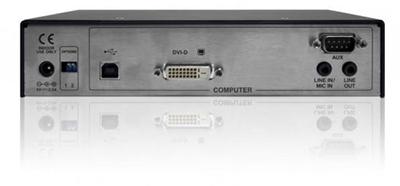
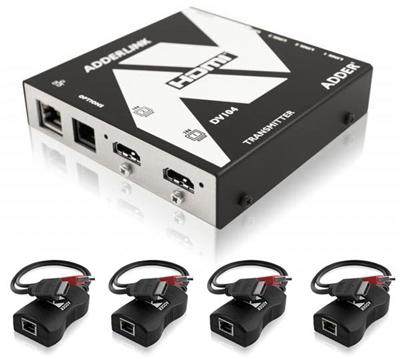
A KVM extender consists of two devices: a transmitter and a receiver. The transmitter connects to a server or workstation and captures keyboard, video, mouse, and (in most models) audio and USB peripheral signals. It encodes those signals and sends them over a cable to the receiver unit, which sits at the operator’s desk and powers the local monitor, keyboard, and mouse.
The cable between transmitter and receiver is where the fiber-vs-copper decision lives. Every other component in the signal chain (the server’s video output, the operator’s display resolution, the USB device class) stays the same regardless of cable type. Your choice of transmission medium determines three things: how far the signal can travel before degrading, how much bandwidth the link can carry, and how vulnerable the cable run is to electromagnetic eavesdropping or interference.
Two broad categories of KVM extender exist based on transmission medium:
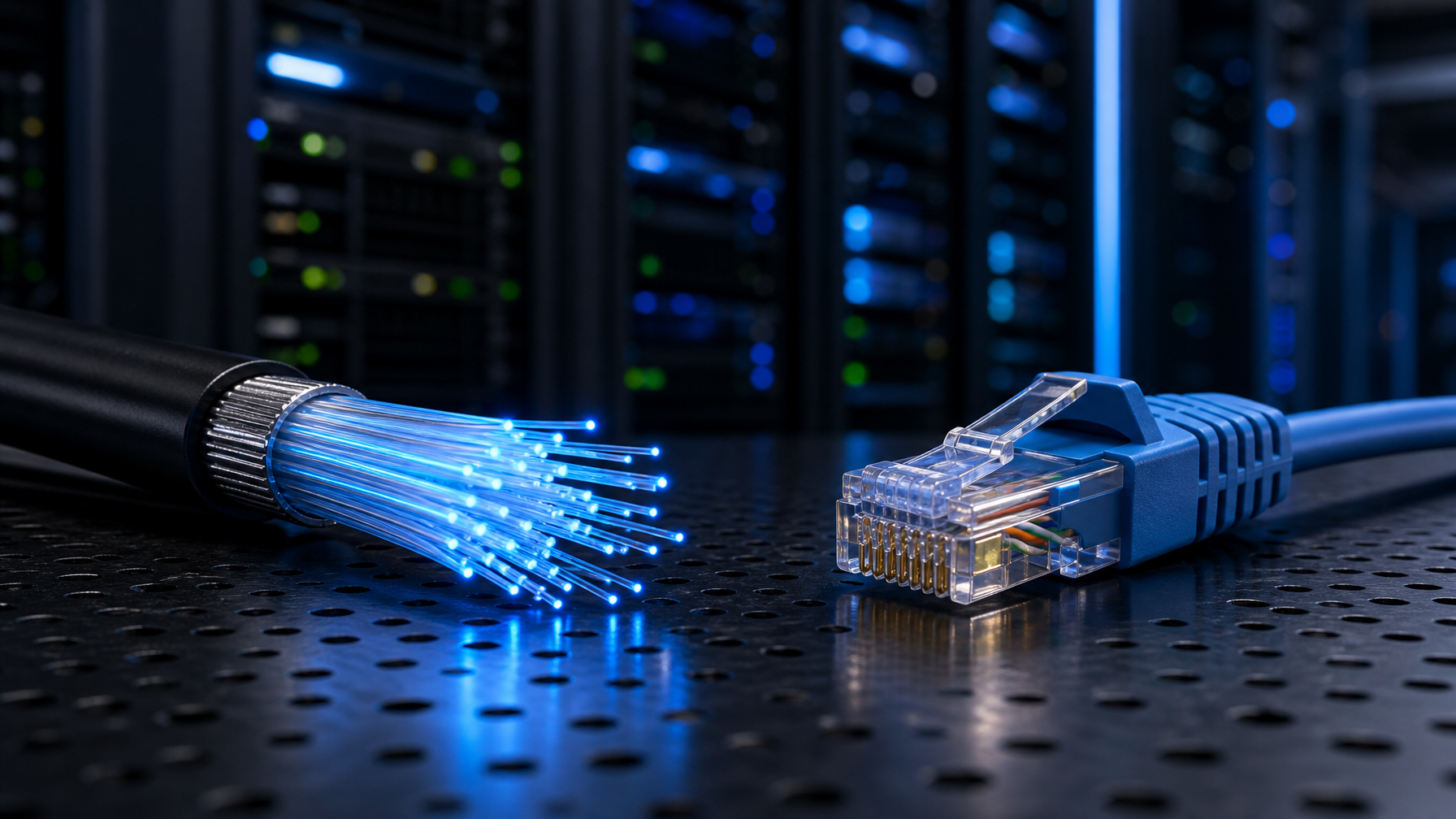
- Copper (Cat5e, Cat6, Cat6a): Uses twisted-pair Ethernet cabling with RJ45 connectors. Signals travel as electrical pulses.
- Fiber optic (single-mode or multi-mode): Uses glass or plastic strands with LC or SC connectors. Signals travel as pulses of light.
A third category, KVM over IP, also uses Cat5/Cat6 cabling but routes signals through standard network switches as IP packets rather than as a direct point-to-point link. This article focuses on the physical cable medium itself (copper vs fiber) rather than the network protocol layer, though KVM-over-IP considerations are noted where relevant.
Cat5 and Cat6 KVM Extenders: Capabilities and Limits
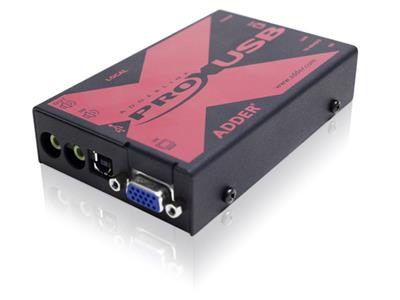
Cat5e and Cat6 cables remain the most common transmission medium for KVM extension in standard data center and office environments. Their popularity is straightforward: the cabling is inexpensive, nearly every commercial building already has structured copper runs in place, and RJ45 termination requires only a basic crimping tool. KVMSwitchTech carries a full lineup of Cat5 KVM extenders covering VGA, DVI, and HDMI video formats for these standard deployments.
Distance
The maximum point-to-point distance for a Cat5e or Cat6 KVM extender is 100 m (328 ft) under the TIA-568 standard. Some manufacturers push this to 150 m using HDBaseT 2.0 chipsets, though resolution may drop at the outer edge of that range. Cat6a cables support the same 100 m maximum but at higher frequencies (500 MHz vs 250 MHz for Cat6), which translates to more reliable 4K signal delivery at full distance.
For KVM-over-IP deployments, copper distance limits become less relevant because each network switch hop resets the 100 m segment counter. A campus with a fiber backbone and Cat6 drops at each end can deliver KVM signals across buildings, though latency increases with each switch hop.
Bandwidth and Resolution
| Cable Type | Max Bandwidth | Max Frequency | Typical KVM Resolution |
|---|---|---|---|
| Cat5e | 1 Gbps | 100 MHz | 1920 x 1200 @ 60 Hz |
| Cat6 | 1 Gbps | 250 MHz | 4K @ 30 Hz (some models 4K @ 60 Hz compressed) |
| Cat6a | 10 Gbps | 500 MHz | 4K @ 60 Hz uncompressed |
Most Cat5e KVM extenders deliver 1920 x 1200 at 60 Hz reliably across the full 100 m run. Pushing 4K at 60 Hz over copper requires Cat6a cabling and a KVM extender with HDBaseT 2.0 or a comparable high-bandwidth chipset. Some vendors advertise 4K at 60 Hz over Cat6, but these units typically use visually lossless compression to fit the signal within Cat6 bandwidth constraints.
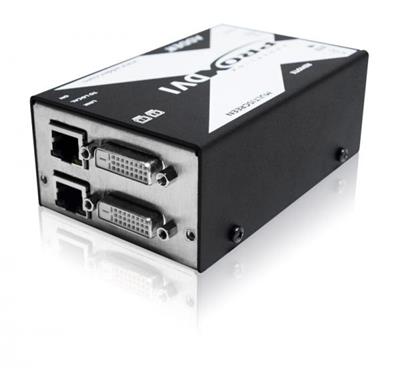
Beyond standalone KVM extenders, the broader Cat5 extender category includes VGA, DVI, HDMI, USB, and splitter-extender models for a range of signal types and port counts.
Susceptibility to Interference
Copper cables are inherently susceptible to EMI and radio frequency interference (RFI). Runs that pass near electrical panels, fluorescent lighting ballasts, elevator shafts, or heavy machinery can experience signal degradation, resulting in video artifacts, dropped USB connections, or intermittent keyboard and mouse input. Shielded (STP) Cat6a cable mitigates some of these issues but adds cost and requires grounded termination at both ends.
Installation and Maintenance
RJ45 termination is a skill most network technicians already possess. Patch cables are available off the shelf in any length, and field termination of bulk cable takes minutes. Copper cabling also supports Power over Ethernet (PoE) on some KVM extender models, eliminating the need for a power outlet at the remote receiver.
Fiber Optic KVM Extenders: Capabilities and Limits
Fiber optic KVM extenders transmit signals as pulses of light through glass or plastic strands. This fundamental difference in physics gives fiber a distinct set of advantages (and a different cost profile) compared to copper.
Distance
Fiber distance capabilities far exceed copper:
| Fiber Type | Typical KVM Extender Range | Common Connector |
|---|---|---|
| Multi-mode (OM3/OM4) | Up to 300 m (984 ft), some models to 550 m | LC duplex |
| Single-mode (OS2) | Up to 10 km (6.2 mi), some models to 20 km | LC duplex |
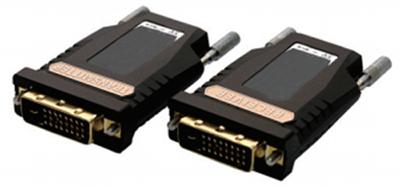
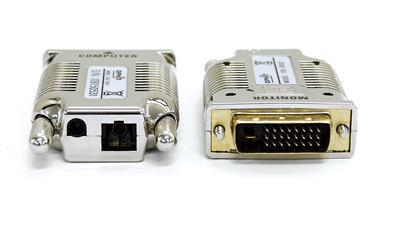
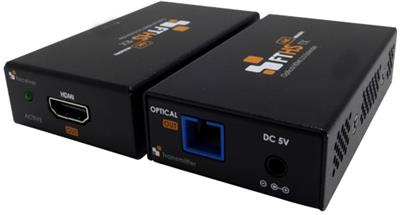
The ATEN CE690, for example, extends DVI video and USB signals up to 20 km over a single-mode fiber optic cable. Multi-mode fiber covers shorter runs (typically 300 to 550 m) but uses less expensive transceivers and is the more common choice for intra-building deployments. KVMSwitchTech’s fiber optic extender catalog includes models covering DVI, HDMI, and multi-format video over both single-mode and multi-mode fiber.
For broadcast facilities that span a campus, government complexes with buildings separated by hundreds of meters, and military installations where the server room sits in a hardened bunker far from operator stations, single-mode fiber is often the only viable option.
Bandwidth and Resolution
Fiber optic cables carry vastly more bandwidth than copper. Multi-mode OM3 fiber supports 10 Gbps over 300 m, and single-mode fiber supports 10 Gbps or more over many kilometers. This bandwidth headroom means fiber KVM extenders can deliver uncompressed 4K video at 60 Hz without the compression artifacts that sometimes appear on copper links at the edge of their performance envelope.
Some high-end fiber KVM extenders from manufacturers like Black Box and Matrox support up to four video signals over a single fiber strand, reducing cable count in multi-monitor control room installations.
EMI Immunity
Fiber optic cables contain no metal. They carry light, not electrical current. This makes them completely immune to EMI, RFI, crosstalk, and ground loop interference. In environments where copper cables would require expensive shielding (industrial floors with heavy machinery, broadcast facilities near high-power transmitters, hospital MRI suites), fiber eliminates the interference problem entirely.
This immunity also means fiber cables can safely run alongside power cables in the same conduit without signal degradation, simplifying cable routing in dense infrastructure.
Security: No Electromagnetic Emanations
Because fiber transmits light rather than electricity, it produces no electromagnetic emanations that could be intercepted. Tapping a fiber optic cable is extremely difficult compared to copper; any physical breach in the fiber causes measurable signal loss that monitoring equipment detects immediately.
This characteristic makes fiber the preferred (and in many cases required) medium for classified and sensitive compartmented information facilities, a topic covered in detail in the SCIF section below.
Side-by-Side Comparison: Fiber vs Copper
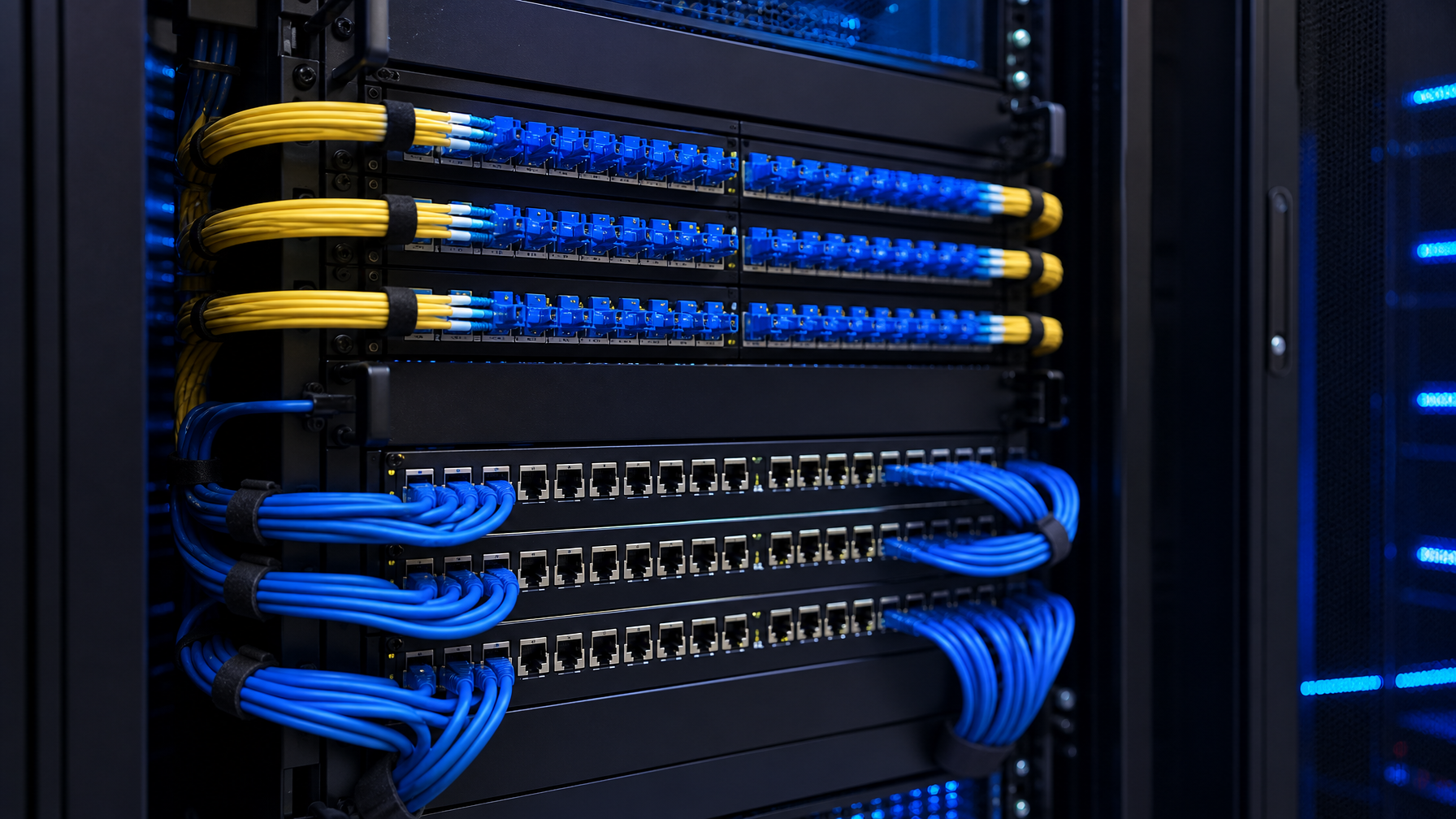
| Comparison Factor | Cat5e/Cat6/Cat6a (Copper) | Fiber Optic (Multi-mode / Single-mode) |
|---|---|---|
| Max point-to-point distance | 100 m (328 ft); up to 150 m with HDBaseT | 300 m to 550 m (multi-mode); 10 to 20 km (single-mode) |
| Max bandwidth | 1 Gbps (Cat5e/Cat6); 10 Gbps (Cat6a) | 10 Gbps (OM3); 10+ Gbps (OS2) |
| 4K @ 60 Hz support | Cat6a required; some Cat6 with compression | Native, uncompressed |
| EMI immunity | No (susceptible; shielded variants help) | Yes (complete immunity) |
| Electromagnetic emanations | Yes (detectable with TEMPEST equipment) | None |
| Cable cost per meter | $0.15 to $0.80 (Cat5e to Cat6a) | $0.30 to $2.00 (OM3 to OS2) |
| Endpoint hardware cost | Lower ($200 to $1,500 per pair) | Higher ($500 to $4,000+ per pair) |
| Termination difficulty | Low (RJ45, basic crimper) | Moderate to high (fusion splicing or pre-terminated) |
| PoE support | Yes (select models) | No |
| Weight per meter | Heavier (copper conductors) | Lighter (glass strands) |
| Bend radius tolerance | More forgiving | Less forgiving (minimum bend radius ~25 mm for OM3) |
| Typical use case | Server room to same-floor office, standard data center, short intra-building runs | Cross-campus, SCIF, broadcast, industrial, long-haul |
SCIF, TEMPEST, and Classified Environment Considerations
Government and military deployments introduce requirements that go beyond distance and bandwidth. Sensitive Compartmented Information Facilities (SCIFs) and other classified environments must comply with CNSS Advisory Memorandum TEMPEST/01-13 (and its successors), which governs the separation of RED (classified) and BLACK (unclassified) signal paths.
Why Fiber Wins in Classified Environments
Copper cables radiate electromagnetic energy as they carry electrical signals. With the right equipment, an adversary can intercept those emanations from outside the facility (a class of attack known as TEMPEST exploitation). CNSSAM TEMPEST/01-13 establishes specific RED/BLACK wireline separation distances for copper cables to mitigate this risk.
Fiber optic cables are explicitly exempt from RED/BLACK wireline separation requirements in CNSSAM TEMPEST/01-13 because they do not radiate detectable electromagnetic energy. This exemption simplifies SCIF design and reduces construction costs: fiber runs can share conduits and cable trays without the minimum separation distances that copper requires.
Practical Benefits for SCIF Deployments
- Simplified cable routing: No need to maintain physical separation between classified and unclassified cable runs when using fiber.
- Reduced shielding costs: Copper in a SCIF often requires additional shielding (conduit, grounding, filtered connectors). Fiber needs none of this.
- Tamper detection: Physical access to a fiber strand causes measurable attenuation. Monitoring systems can detect and alarm on any unauthorized tap attempt.
- Longer distance to secure server rooms: Single-mode fiber allows the server room (often located in a hardened, access-controlled area) to sit kilometers away from operator workstations without signal loss.
For integrators specifying KVM extenders in a government or defense environment, fiber is typically the default choice unless the deployment is entirely within a single SCIF where cable runs stay under 50 m and all infrastructure is already copper. In classified environments requiring multi-computer access from a single console, pair fiber extenders with secure KVM switches that meet NIAP Common Criteria certification.
Deployment Scenarios and Recommendations
Scenario 1: Standard Data Center, Server Room to NOC (Under 100 m)
A network operations center on the same floor as the server room, with cable runs under 100 m. No classified data, no unusual EMI sources.
Recommended: Cat5e or Cat6 KVM extender. The cabling is likely already in place, endpoint hardware is affordable, and distance is well within copper limits. If 4K monitors are in use, specify Cat6a cable and an HDBaseT 2.0 extender.
Scenario 2: Broadcast Control Room, Multiple Buildings (100 to 500 m)
A broadcast facility where the production control room sits in a separate building from the equipment room. Cable runs range from 150 m to 400 m. EMI from broadcast transmitters is a concern.
Recommended: Multi-mode fiber optic KVM extender. Distance exceeds copper limits, and the broadcast RF environment makes copper unreliable even at shorter runs. OM3 or OM4 multi-mode fiber covers the distance at lower transceiver cost than single-mode.
Scenario 3: Government SCIF or Classified Military Installation (Any Distance)
A SCIF, classified command center, or military operations facility where TEMPEST compliance is mandatory. Distance may be short (under 100 m) or long (cross-campus).
Recommended: Single-mode or multi-mode fiber optic KVM extender, regardless of distance. The TEMPEST exemption for fiber simplifies facility design and reduces construction costs. Even for short runs, the security benefits of zero electromagnetic emanation typically outweigh the higher endpoint hardware cost. Pair with NIAP-validated KVM switches at the server end if multi-computer access is required.
Scenario 4: Industrial or Manufacturing Floor (Under 100 m, High EMI)
A factory floor or power plant control room where operators need KVM access to servers located in an adjacent IT closet. Heavy machinery, variable-frequency drives, and high-voltage equipment generate significant EMI.
Recommended: Fiber optic KVM extender, even if the distance is within copper range. EMI immunity eliminates the video artifacts, USB dropouts, and keyboard lag that plague copper runs in electrically noisy environments. Multi-mode fiber handles these distances easily and at moderate cost.
Scenario 5: Hospital or Healthcare Facility (Mixed Distances)
A hospital campus with KVM extension needs ranging from short runs (radiology workstation to server in the same room) to longer runs (operating room to data center in another building). MRI suites present intense EMI.
Recommended: A mixed deployment. Use Cat6a copper extenders for short, interference-free runs (nurse stations, administrative offices). Use multi-mode fiber for any run near MRI equipment or crossing between buildings.
Total Cost of Ownership
The upfront price tag of KVM extender hardware tells only part of the story. A complete cost comparison must account for cabling, installation labor, ongoing maintenance, and infrastructure lifecycle.
Hardware Cost
Fiber optic KVM extender pairs typically cost two to four times more than comparable copper models. A Cat5e KVM extender pair (transmitter plus receiver) supporting 1080p at 60 Hz might retail for $300 to $800. A fiber optic pair with similar video specs often runs $800 to $2,500. High-end fiber models supporting 4K and dual-monitor configurations can exceed $4,000 per pair.
Cabling Cost
Bulk Cat5e cable runs approximately $0.15 to $0.25 per meter. Cat6a runs $0.40 to $0.80 per meter. Multi-mode OM3 fiber costs $0.30 to $0.80 per meter, and single-mode OS2 fiber runs $0.50 to $2.00 per meter. Pre-terminated fiber optic cables are also available in standard lengths for deployments that do not require custom runs.
However, cabling cost per meter is misleading for long runs. A 500 m copper deployment is physically impossible in point-to-point (it exceeds the 100 m limit), so you would need multiple switch hops, each adding hardware cost. A single 500 m multi-mode fiber run requires no intermediate equipment.
Installation Labor
Fiber termination (fusion splicing) requires specialized tools and trained technicians, adding to installation cost. Pre-terminated fiber patch cables eliminate this cost for shorter, fixed-length runs but limit flexibility. Copper termination uses widely available tools and skills, keeping labor costs lower.
Lifecycle and Maintenance
Fiber optic cables have a longer useful life than copper. They are not subject to corrosion, and their bandwidth capacity exceeds current KVM requirements by a wide margin, making them future-proof for 8K and higher-resolution extensions as those standards mature. Copper cables may need replacement when upgrading from Cat5e to Cat6a to support higher resolutions.
When Fiber Saves Money Overall
Despite higher per-endpoint costs, fiber often delivers a lower total cost of ownership in these situations:
- Runs exceeding 100 m (copper requires intermediate switches or is simply impossible)
- SCIF and TEMPEST environments (fiber eliminates shielding, separation, and filtered connector costs)
- High-EMI environments (fiber eliminates troubleshooting costs from interference-related signal issues)
- Long-term deployments (fiber’s bandwidth headroom avoids future cable replacement)
Frequently Asked Questions
Can I use Cat5e cable for a 4K KVM extender?
Cat5e supports 4K at 30 Hz on some KVM extender models, but reliable 4K at 60 Hz typically requires Cat6a cabling. If your displays run at 4K resolution and you want a full 60 Hz refresh rate, specify Cat6a cable and a KVM extender with HDBaseT 2.0 or equivalent chipset. Alternatively, choose a fiber optic KVM extender, which handles 4K at 60 Hz natively.
What is the maximum distance for a fiber optic KVM extender?
Multi-mode fiber KVM extenders typically reach 300 to 550 m (984 to 1,804 ft). Single-mode fiber KVM extenders reach 10 to 20 km (6.2 to 12.4 mi), depending on the manufacturer and transceiver module. The ATEN CE690, for example, supports up to 20 km over single-mode fiber.
Do I need a special switch for fiber KVM extenders?
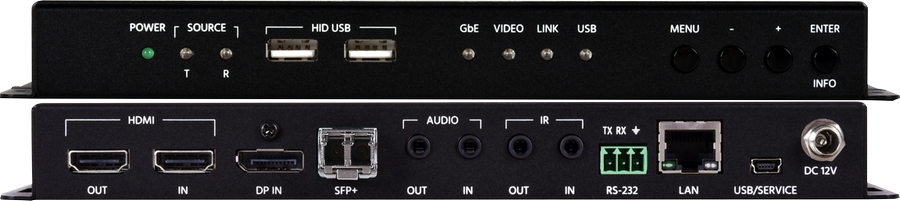
Point-to-point fiber KVM extenders do not require a switch. The transmitter connects directly to the receiver via a fiber patch cable. If you are building a KVM matrix (many-to-many configuration), you will need a KVM matrix switch that supports fiber SFP modules, or you can use a KVM-over-IP architecture with standard fiber-capable network switches.
Is fiber optic KVM extension required for SCIF compliance?
Fiber is not explicitly required by any single regulation, but it is strongly preferred because it is exempt from RED/BLACK wireline separation requirements under CNSSAM TEMPEST/01-13. Using copper in a SCIF is permitted but requires additional shielding, separation distances, and filtered connectors, all of which increase construction cost and complexity. Most integrators default to fiber for new SCIF builds.
Can I mix fiber and copper KVM extenders in the same facility?
Yes. Many facilities use a hybrid approach: copper Cat6 or Cat6a extenders for short runs within the server room or between adjacent rooms, and fiber for longer runs crossing buildings or entering high-EMI zones. Some KVM matrix systems from manufacturers like Black Box support both CATx and fiber modules in the same chassis, allowing a unified management interface across mixed cable types.
What fiber connector type do KVM extenders use?
Most KVM extenders use LC duplex connectors for fiber connections. Some older models use SC connectors. Check the extender’s specification sheet and match it to your patch panel or fiber infrastructure standard. LC is the current industry default for new installations.
How does KVM over fiber compare to KVM over IP for long-distance deployments?
KVM over fiber (point-to-point) delivers zero network latency because the signal is a direct optical link with no packet processing. KVM over IP introduces measurable latency (typically 5 to 30 ms depending on the codec and network path) but offers more flexible routing through existing network infrastructure. For latency-critical applications (real-time video editing, live broadcast switching, process control), point-to-point fiber is preferred. For large-scale, many-to-many deployments where some latency is acceptable, KVM over IP with fiber backbone switches provides better scalability.