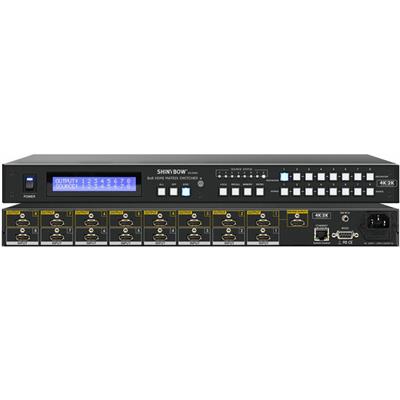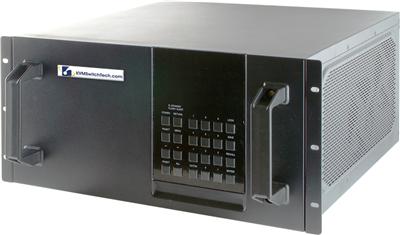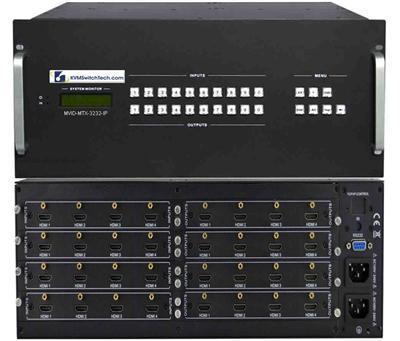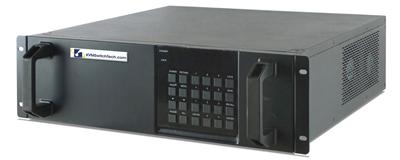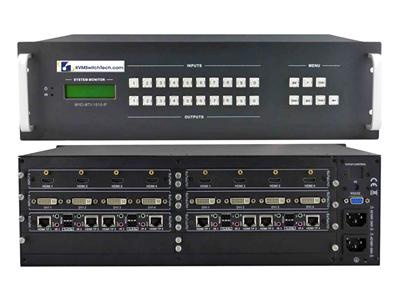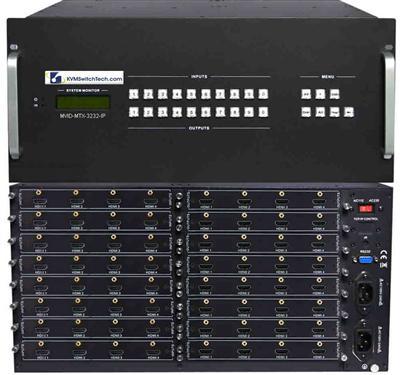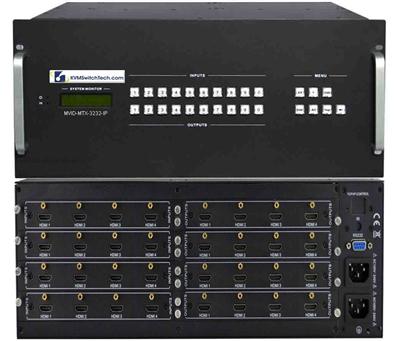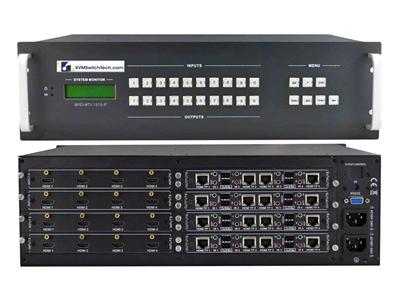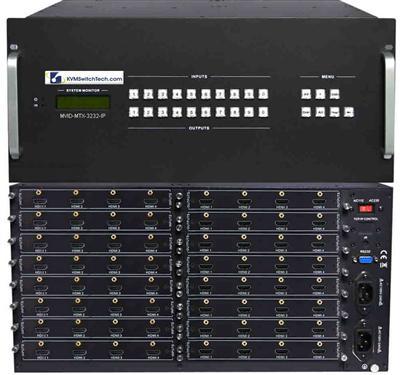
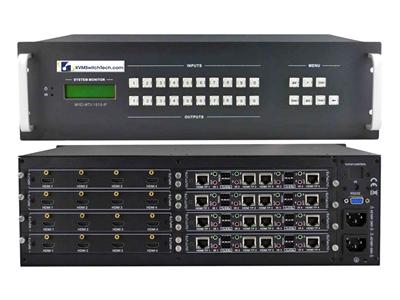
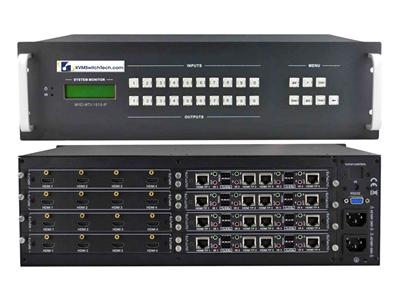
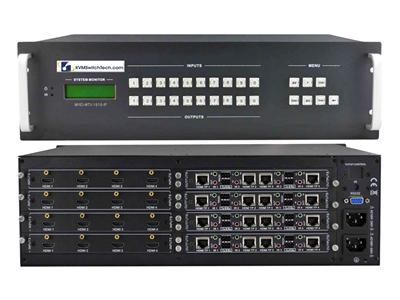
A local HDMI matrix and an HDBaseT matrix both switch any input to any output. They fail RFQs for different reasons. HDMI copper dies at a few meters of certified cable. An HDBaseT matrix puts the long haul on Cat5e, Cat6, or Cat6a so the chassis can sit in a rack while displays sit 40 m, 70 m, or 100 m away, and many kits power the receiver over the same pair (PoH).
This guide is for control-room and broadcast IT managers who already know they need a matrix, not a 1:1 extender. It covers distance bands, HDBaseT Class A vs Class B, PoH vs PoE, EMI and SCIF cutover, 4K30-class limits, and when an 8×8 HDMI matrix switcher (or 8×8 HDBaseT kit) is the right chassis instead of cloning a 4×4 HDMI bill of materials.
Call (216) 798-7530 if you want a port map checked against live SKUs before the RFQ goes out.

What an HDBaseT matrix actually is
An HDBaseT matrix is a video matrix whose outputs (and sometimes inputs) use HDBaseT over a single category cable instead of HDMI copper. Typical control-room kits include:
- HDMI inputs at the chassis (sources in the same rack or adjacent rack)
- HDBaseT outputs to wall or ceiling receivers
- Matching HDBaseT receivers (often kitted, one per zone)
- Optional mirrored HDMI outputs on the same chassis for a local confidence monitor
- RS-232, IR, and TCP/IP control
- PoH on the Cat run so the receiver does not need a wall wart
HDBaseT (HDBaseT Alliance 5Play: video, audio, Ethernet, control, and power) is uncompressed transport on category cable. It is not HDMI over IP. It is not a KVM. It does not replace fiber when you need hundreds of meters or galvanic isolation.
A local HDMI matrix is the same crosspoint with HDMI (or mixed HDMI/DP) I/O only. It is the right box when every source and every display is inside HDMI cable length of the rack, or when you already own a separate extender layer.
HDBaseT vs HDMI matrix: the decision in one table
| Factor | Local HDMI matrix | HDBaseT matrix |
|---|---|---|
| Typical display distance | HDMI copper, usually under 10 m with certified cable; active HDMI or fiber HDMI beyond that | Cat5e/6/6a: Class B often ~70 m at 1080p / shorter at 4K; Class A often ~100 m at 1080p / ~70 m at 4K30-class, SKU-dependent |
| Receiver power | N/A at the display unless you add extenders | PoH (Power over HDBaseT) common; some kits use PoE-branded receivers. Confirm PSE vs PD direction |
| Cabling plant | HDMI (or HDMI fiber) per hop | Single Cat run per zone; reuse existing structured cable if it is STP/quality Cat6 |
| EMI / SCIF | HDMI copper is short; fiber HDMI isolates | Copper Cat can pick up EMI; SCIF and TEMPEST rooms often force fiber or filtered penetrations |
| Chassis size | 4×4 is enough for a huddle or small rack wall | 8×8 is the default once you have more than four zones or you need spare ports |
| Control | RS-232 / IP / IR same as HDBaseT kits | Same plus IR/RS-232 pass-through on many receivers |
| 4K class | Many 4×4 HDMI matrices are 4K30-class unless the sheet says 18 Gbps / 4K60 4:4:4 | Same warning: do not write 4K60 into the RFQ unless the SKU sheet states it |
| Cost shape | Chassis only | Chassis + receivers. Kits that include receivers are easier to quote than mixing OEMs |
If every display is in the same rack row as the sources, stay on a local HDMI matrix. If any display is past HDMI copper and you already have Cat6 in the walls, specify a Cat5e/Cat6 HDBaseT HDMI matrix, not eight separate extenders plus a 4×4 HDMI box.
Distance bands that belong in the RFQ

Write distance as a hard requirement, not as "HDBaseT." Classes and long-reach modes differ by OEM.
Band 1: 0 to ~10 m. Certified HDMI. Local HDMI matrix. No HDBaseT tax.
Band 2: ~10 m to ~40 m. HDMI fiber or HDBaseT both work. HDBaseT wins when you want PoH, IR/RS-232 on the same Cat, and one chassis. HDMI fiber wins in noisy electrical rooms.
Band 3: ~40 m to ~70 m. This is HDBaseT Class B / HDBaseT Lite territory at 1080p on many sheets, and the 4K30-class ceiling for a lot of Class B silicon. Measure the actual installed length, including patch panels. A 70 m spec that is 78 m of channel fails.
Band 4: ~70 m to ~100 m. HDBaseT Class A on Cat6/Cat6a, often 1080p at 100 m and 4K30-class at a shorter published figure (commonly ~70 m). PoH at 100 m needs a kit that actually budgets the PSE wattage at that length.
Band 5: beyond 100 m, or through a SCIF boundary. Do not force HDBaseT. Use a fiber optic extender or an HDMI-over-fiber matrix path. HDBaseT long-reach modes that drop resolution to stretch distance are not a substitute for fiber in a classified cutover.
ATEN and similar Class A sheets commonly publish 4K at 100 m and 1080p long-reach beyond that on extenders. Matrix kits are stricter. Copy the matrix SKU sheet, not the point-to-point extender sheet.
PoH HDMI matrix: what to put on the line item
PoH (Power over HDBaseT) rides on the same category cable as video. The HDBaseT Alliance PoH approach is based on IEEE 802.3at-class power delivery over the HDBaseT link, typically up to 100 m when the kit is designed for it. That is not the same as plugging a receiver into a data-center PoE switch.
RFQ checks:
-
Direction. Most matrix kits are PSE at the chassis (power sourcing) and PD at the receiver (powered device). A few wall-plate transmitters are PD and expect PoH from the matrix or a midspan. Mixing a PD transmitter with a PD receiver on a dumb Cat run gives you a dark endpoint.
-
Wattage at length. A receiver that boots at 20 m may brown out at 90 m if the kit was qualified as "PoH, 70 m."
-
PoH vs PoE labeling. Some product titles say PoE receivers. Treat that as marketing unless the sheet names IEEE 802.3af/at on an RJ45 data port. True PoH is on the HDBaseT jack.
-
Local 12 V backup. Keep a local PSU option on SCIF or generator-transfer rooms where you do not want the matrix to be the only power source for the display-side electronics.
-
Do not share the HDBaseT pair with a LAN switch. HDBaseT is not Ethernet. Do not patch an HDBaseT output into a network switch.
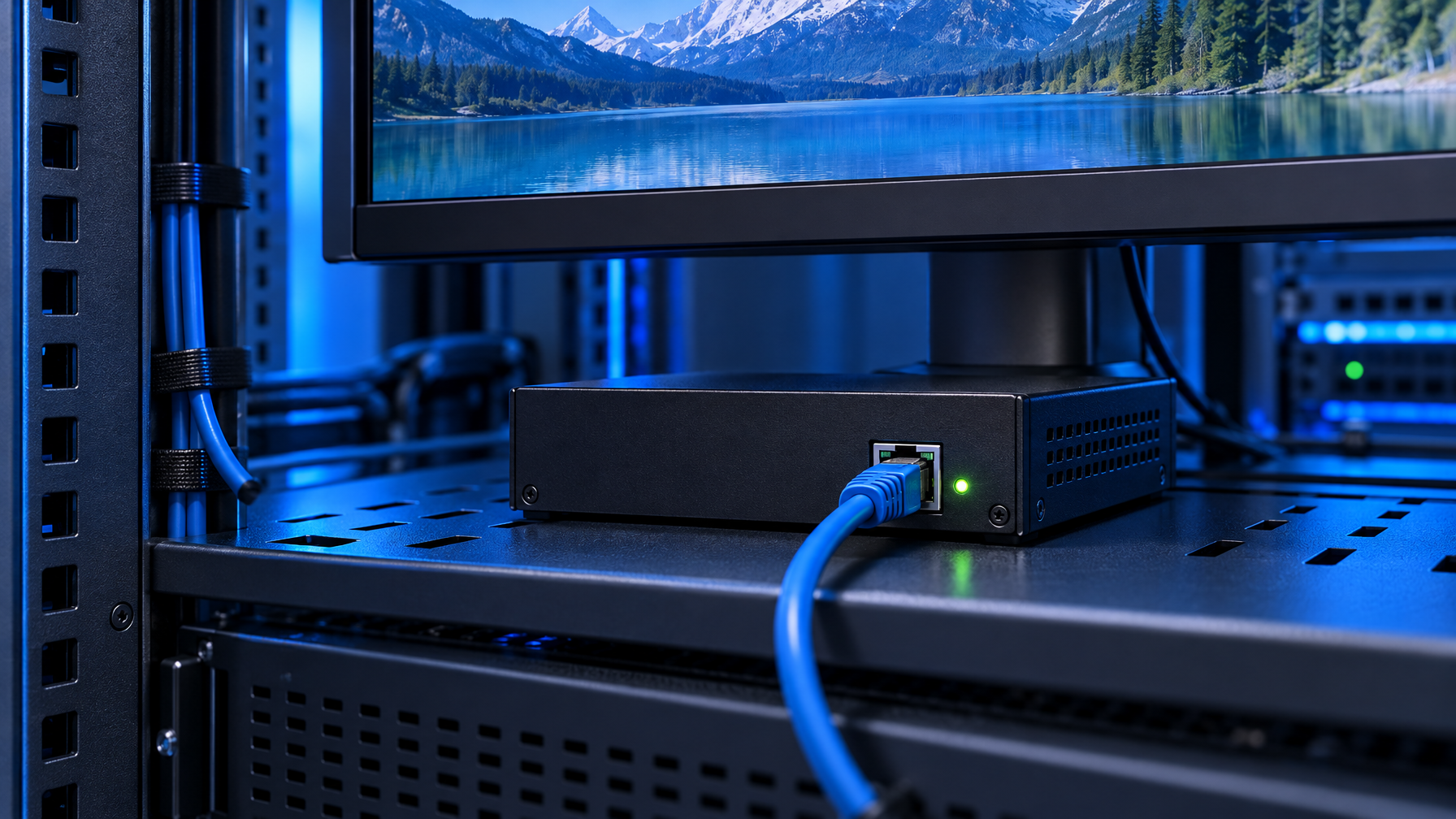
A PoH HDMI matrix (HDBaseT outputs with PoH) is the cleanest install when displays have no nearby outlet or the AHJ hates wall warts in a ceiling. It is not free power. It is a power budget you have to spec.
4×4 HDMI vs 8×8 HDMI matrix switcher vs 8×8 HDBaseT
Cloning last year's 4×4 HDMI matrix is the most common RFQ error we see after a control room adds two more operator positions.
Stay on a 4×4 HDMI matrix switch when:
- Four sources, four displays, all inside HDMI copper
- No planned spare
- No remote confidence monitor
Move to an 8×8 HDMI matrix switch (local HDMI) when:
- You have 5 to 8 HDMI endpoints in the same room or rack row
- You want spare ports for a backup encoder, a KVM output, or a legal recorder
- Distance is still HDMI copper (or you will hang separate extenders)
Move to an 8×8 HDBaseT kit when:
- Zones sit in different rooms, on a wall, or in a gallery
- You want PoH and IR/RS-232 on the Cat run
- You would otherwise buy a 4×4 HDMI matrix plus eight extender kits (that stack always loses on rack units, EDID fights, and support)
Jump past 8×8 (16×16 / 32×32 HDBaseT chassis) when:
- The room is a true video wall plus operator row plus overflow
- You already know the next renovation adds cameras or decoder PCs
Port math: count sources and displays separately, then add 20 percent spare. An 8×8 that is already full on day one is a 16×16 that you refused to buy.
Mirrored HDMI on an 8×8 HDBaseT chassis is useful. You can feed a local rackmount monitor or a confidence HDMI run without burning an HDBaseT output. Confirm whether the mirror is a true parallel output or a copy of a specific HDBaseT zone.
Resolution and HDCP: do not paste 4K60 into a copper HDBaseT RFQ
Live catalog class for many HDMI and HDBaseT matrices we sell is 4K30-class (3840×2160 at 30 Hz, often 4:4:4 or 4:2:0 depending on the sheet) unless the SKU explicitly states 18 Gbps or 4K60. HDBaseT 1.0/2.0 silicon on Cat6 has a bandwidth ceiling. 4K60 4:4:4 8-bit is 18 Gbps HDMI; a lot of HDBaseT matrix kits DSC-compress or downshift chroma to fit.
Write the RFQ as:
- Native resolution per source (BMC, decoder, camera, PC)
- Required resolution at each display
- HDCP version (1.4 vs 2.2)
- Whether HDR is in scope (usually no in a NOC)
If one PC is 4K60 DisplayPort only, that is a converter problem at the input, not a reason to demand 4K60 on every HDBaseT zone.
EDID, RS-232, and audio extract (control-room extras)
Distance is the chassis decision. These three items are how the room actually works.
EDID. Lock a conservative EDID (1080p or 4K30) on mixed-age displays. Auto EDID from the "last display plugged in" is how you get a black 4K panel next to a 1080p wall.
RS-232 / IP. An 8×8 HDMI matrix switcher that you can only drive from the front panel will sit in the wrong input during an incident. Require TCP/IP and RS-232, and ask whether HDBaseT receivers pass RS-232 to the display for power on/off.
Audio extract. Control rooms often need program audio on a DSP while video stays on the wall. Confirm analog or S/PDIF extract per output, not a single global extract.
None of these require HDBaseT. They do require you to stop copying a 4×4 HDMI "consumer matrix" spec sheet.
EMI, grounding, and SCIF cutover
HDBaseT on UTP in a generator room, MRI suite, or next to VFD-driven CRACs will sparkle. Use shielded Cat6a, bonded correctly at one end per your grounding standard, or leave HDBaseT.
SCIF and other accredited spaces usually treat copper AV penetrations as a red/black problem. A copper HDBaseT matrix that crosses the boundary is the wrong architecture. Keep the matrix inside the room on HDMI, or cross the boundary on fiber with approved filters. PoH does not make the copper "safer." It adds a powered conductor.
If the room is unclassified but electrically noisy, treat HDBaseT as copper and budget STP plus a spare fiber path for the two longest runs.
Cabling plant: Cat5e vs Cat6 vs Cat6a
HDBaseT Alliance guidance and OEM sheets converge on Cat6 or Cat6a for 4K-class runs, STP preferred, solid conductor, field-terminated to TIA-568A or B consistently. Cat5e still shows up in 1080p Class B quotes. Do not reuse random stranded patch cord as a 90 m channel.
Patch panels count as length. So do 90-degree bends and untwisted terminations. If the cable plant was pulled for 1G data, have the installer certify the HDBaseT channels, not just the data channels.
Do not mix HDBaseT and 10GBASE-T in the same bundle if you can avoid it. Alien crosstalk is a real failure mode at 4K30-class.
When a pile of extenders is worse than a matrix
Point-to-point HDBaseT extenders solve one source to one display. A PoE vs HDBaseT vs fiber extender choice is a 1:1 path, not a matrix. A control room with four sources and six displays needs a crosspoint. Eight extender kits plus an HDMI matrix is more SKUs, more PSU bricks, and eight EDID personalities.
Use extenders only for:
- One or two outlier displays past 100 m (fiber)
- A temporary gallery
- A display that must stay up if the matrix is in maintenance
For the standing room, buy the HDBaseT matrix.
RFQ checklist (copy into the statement of work)
- I/O count: sources x displays, plus spare (justify 4×4 vs 8×8 vs 16×16).
- Per-zone distance, cable type, and whether the run already exists.
- HDBaseT Class A vs B, and 1080p vs 4K30-class at that length.
- PoH: PSE location, wattage, local PSU fallback.
- Mirrored HDMI needed for rack confidence.
- HDCP, EDID lock, RS-232/IP, audio extract.
- Receiver kit included vs mix-and-match OEM (do not mix).
- EMI/SCIF: copper allowed or fiber required.
- Control system protocol (IP ASCII, RS-232, Web UI).
- Rack units, depth, and dual PSU if the matrix is on the incident path.
Buying path at KVMSwitchTech
We stock local HDMI matrices and Cat5e/Cat6 HDBaseT HDMI matrices, including kitted 4×4 and larger chassis with receivers. Compare families under video matrix switches when I/O mix is still open. The right first filter is distance and port count, not brand. If the room is all-HDMI copper, start with a local HDMI matrix. If zones leave the rack, start with HDBaseT HDMI matrix hardware and size the chassis to 8×8 unless the port math is honestly 4×4.
For a 4×4 HDMI-only huddle, the 4×4 HDMI matrix buying path still applies. Do not upgrade that RFQ to HDBaseT just because the phrase is in a vendor email.
Call (216) 798-7530 with the port map, longest run, and whether displays can take a local PSU.
FAQ
What is the difference between an HDBaseT matrix and an HDMI matrix?
An HDMI matrix switches HDMI copper (or mixed digital video) at the chassis. An HDBaseT matrix uses HDBaseT on category cable for the long outputs (and sometimes inputs), usually with kitted receivers and often PoH. Same crosspoint idea, different physical layer to the display.
How far will an HDBaseT matrix run?
SKU-dependent. Class B / Lite kits often land around 70 m at 1080p and less at 4K. Class A kits often publish 100 m at 1080p and a shorter 4K30-class figure. Measure the channel, including patch panels. Past 100 m, specify fiber.
Does a PoH HDMI matrix power the TV?
PoH powers the HDBaseT receiver, not a 120 V display. The TV or monitor still needs its own mains unless it is a small powered panel designed for the receiver's output. Confirm receiver wattage at your run length.
Is 8×8 always better than 4×4?
No. 8×8 is the right default once you have more than four endpoints or you need spare ports and a confidence HDMI. A true 4-source, 4-display rack wall should stay 4×4 HDMI if distance is copper.
Can I use an 8×8 HDMI matrix switcher with separate HDBaseT extenders?
Yes. That is how a lot of rooms grow. It costs more rack space and creates two EDID domains. If most displays are remote, a native HDBaseT matrix is cleaner.
Will HDBaseT carry 4K60?
Only if the SKU sheet says so (18 Gbps class, DSC, or HDBaseT 3.0 silicon). Treat unspecified HDBaseT matrix kits as 4K30-class. Do not write 4K60 into the RFQ from a marketing banner.
Is HDBaseT safe for a SCIF?
Copper HDBaseT across a boundary is usually the wrong answer. Keep switching inside the room or cross on approved fiber. Ask the accrediting official, not the AV datasheet.
HDBaseT vs HDMI over IP for a matrix?
HDBaseT is uncompressed (or lightly processed) point-to-point on Cat, with bounded latency. HDMI over IP is a network of encoders and a switch fabric. Control rooms that want deterministic switching and PoH still pick HDBaseT. IP wins at campus scale.
Conclusion
Pick the physical layer first: HDMI copper for short, HDBaseT for structured Cat inside 100 m, fiber past that or through a SCIF. Then pick chassis size from port math, not from last year's 4×4 PO. Spec PoH as a power budget, lock EDID, and require RS-232 or IP control.
When the longest display is past HDMI copper and you have more than four zones, an 8×8 HDBaseT kit is the chassis that matches the room. When everything is in the rack, a local HDMI matrix is enough.
Call (216) 798-7530 to match distance, PoH class, and 4×4 vs 8×8 against current inventory.