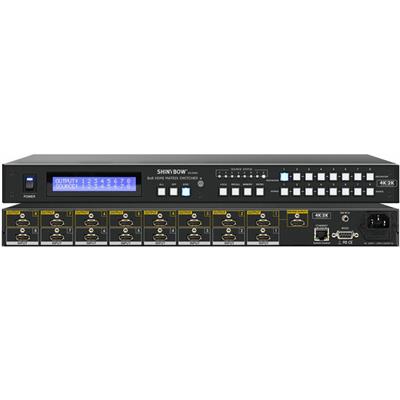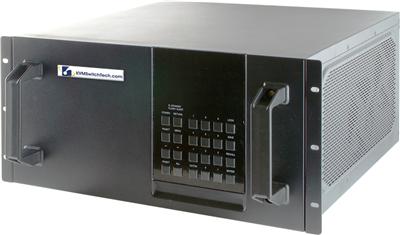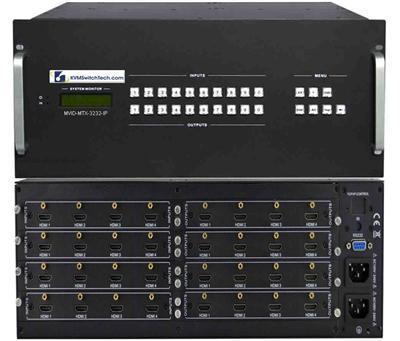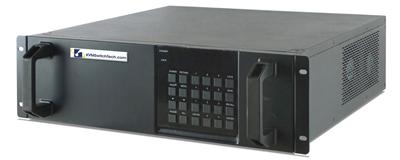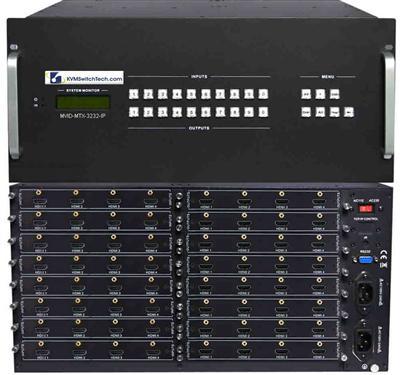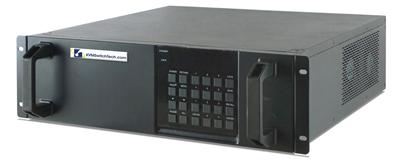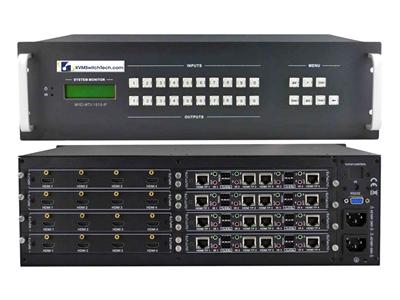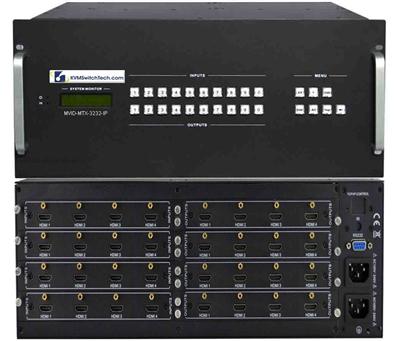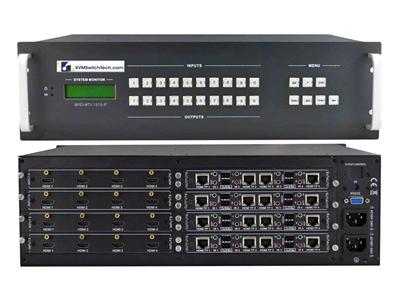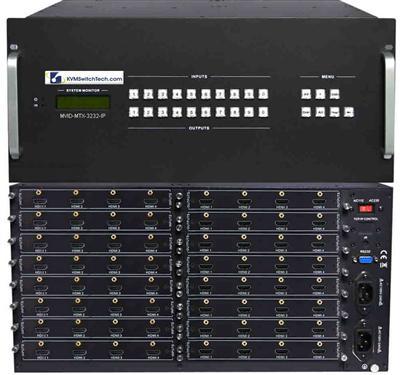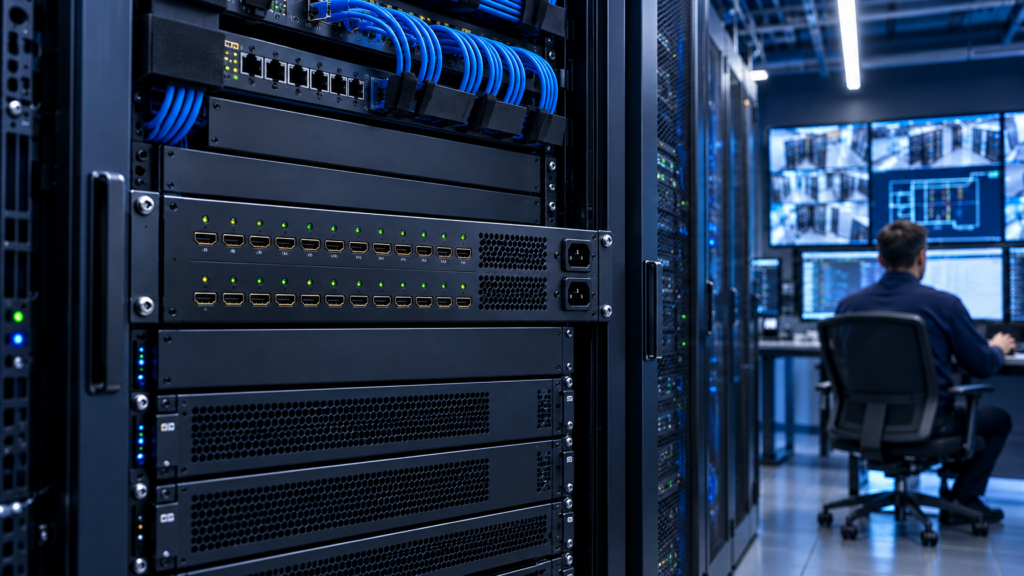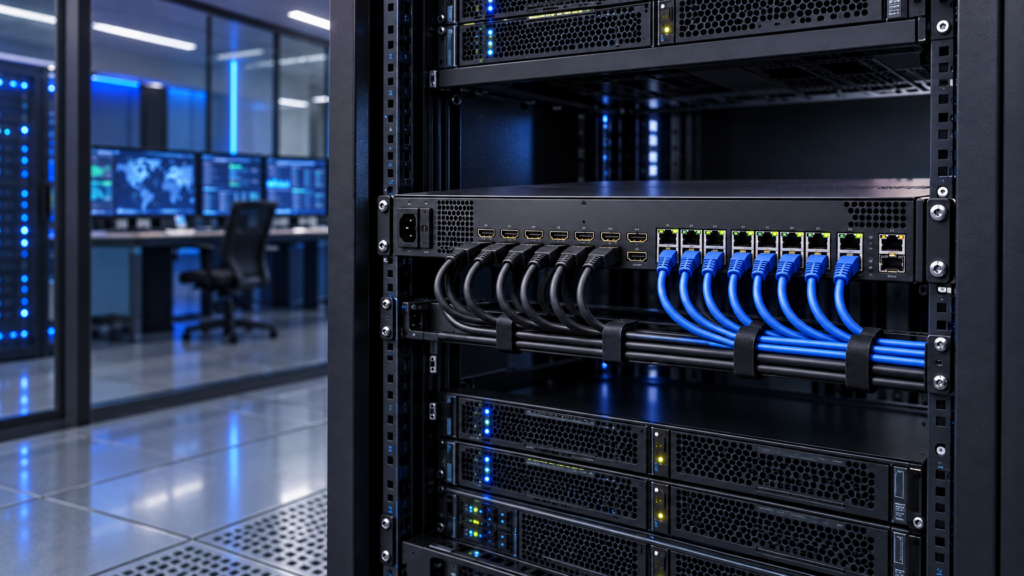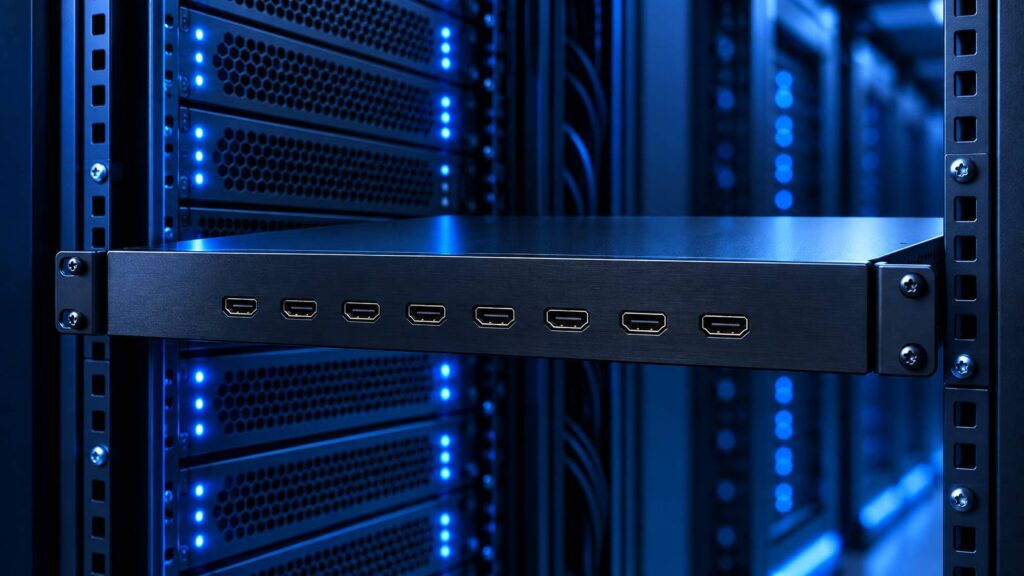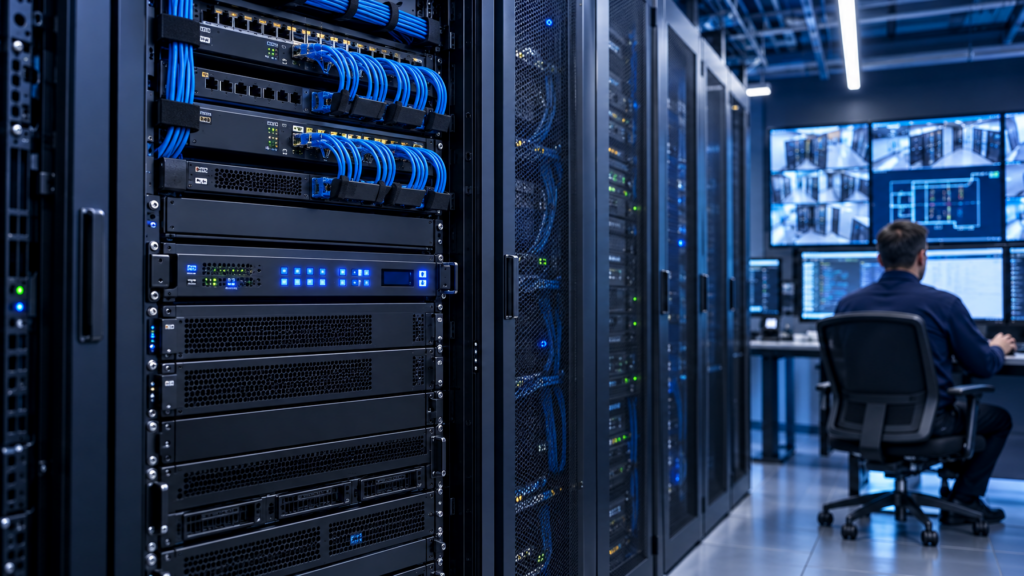
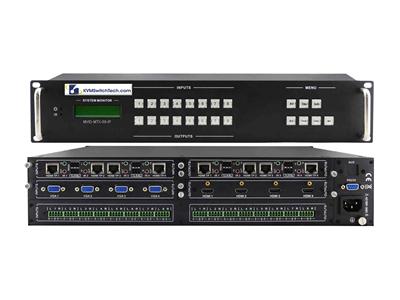
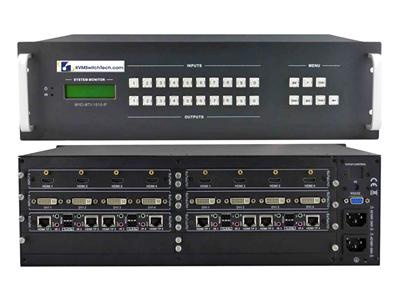
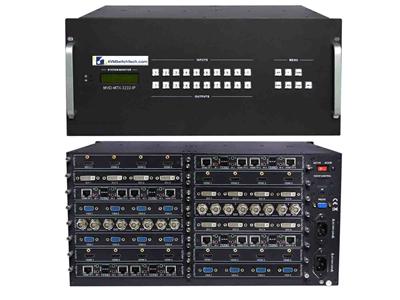
A video matrix switcher is the chassis that takes N sources and routes any source to any of M displays at the same time. It is not a 1:N splitter, not a KVM, and not a point-to-point extender. If the RFQ only says "4×4 HDMI," purchasing will buy a local HDMI box that cannot reach the far wall, cannot talk to the room controller, and cannot hand stereo to the DSP.
Fill the tables, then call (216) 798-7530 with the filled rows. We size HDMI versus HDBaseT, 4K30-class versus marketing 4K60 claims, EDID, RS-232 HDMI matrix control, and audio extract matrix ports against the actual room.
What a video matrix switcher does (and what it is not)
A true matrix lets every output pick its own input. Output 1 can show Camera A while Output 2 shows the NVR and Output 3 still shows Camera A. A splitter clones one source. An HDMI switch picks one source for one display. A KVM shares keyboard and mouse with computers. Do not mix those SKUs on the same line item.
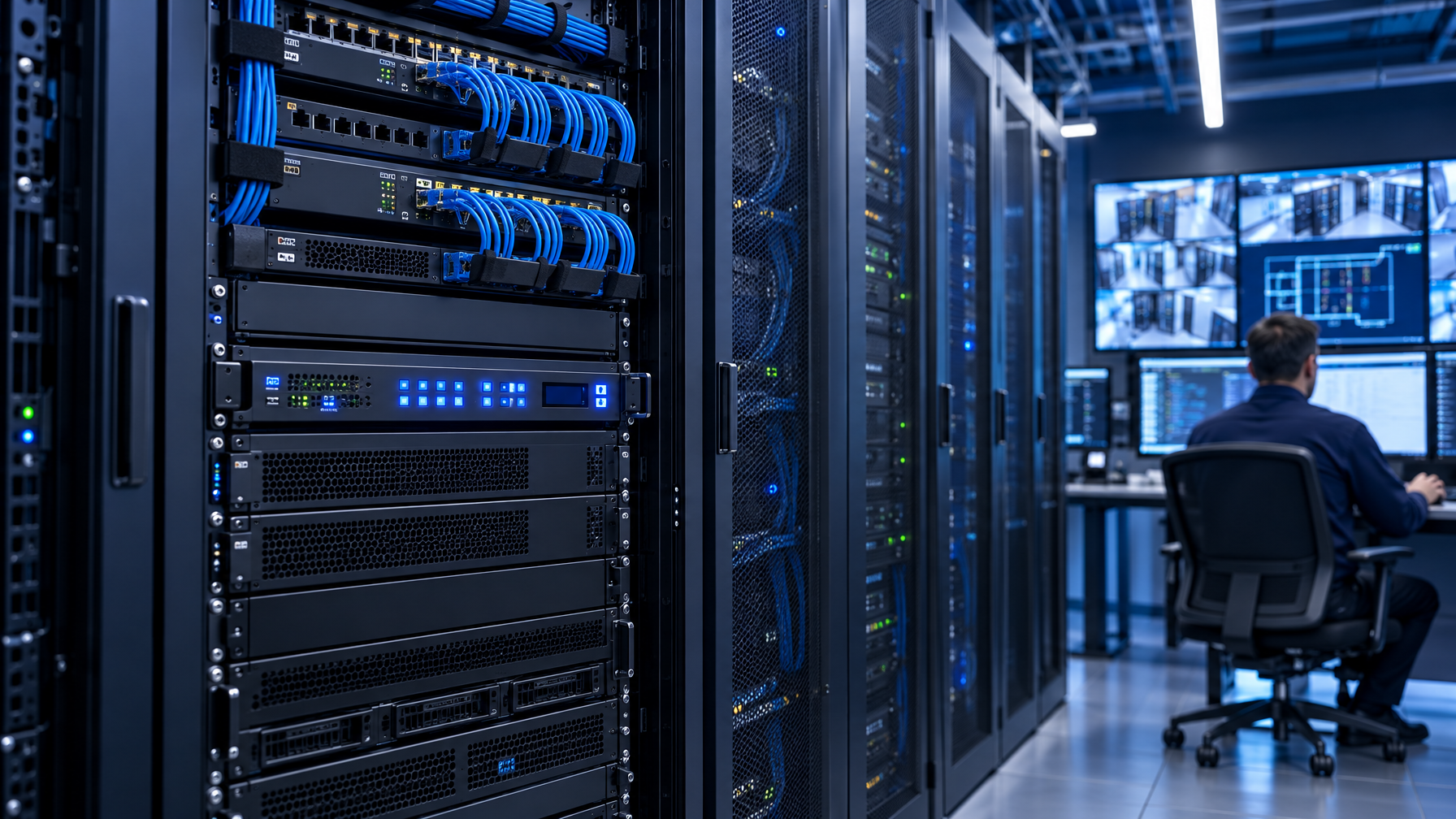
Control rooms usually need all of the following at once:
- Independent routing (any-to-any, not one-to-all).
- Stable EDID so sources do not drop to 720p when a cheap panel joins the bus.
- A control path the Crestron, Extron, or custom Python script already speaks (RS-232, TCP/IP, or both).
- Audio extract or ARC if the DSP is not in the HDMI path.
- A distance story: copper HDMI in the rack, HDBaseT or fiber past ~15 m.
HDBaseT on the same chassis is still a video matrix switcher. The difference is the output PHY, not the routing engine.
RFQ table: lock these fields before you shop SKUs
Copy this table into the ticket. Empty cells are the reason quotes bounce.
| Field | What to write | Typical control-room value | Fail mode if you skip it |
|---|---|---|---|
| I/O size | Inputs x outputs, plus 25% spare | 8×8 or 16×16 more often than 4×4 | Day-two source added; new chassis |
| Connector mix | HDMI in, HDMI out, HDBaseT out, SDI in | HDMI in + mixed HDMI/HDBaseT out | HDMI-only box, then a pile of extenders |
| Max resolution | Native, not "up to 4K" | 4K30-class (3840×2160 @ 30 Hz) unless the SKU sheet states 4K60 | Handshake loops, black frames |
| HDCP | 1.4 vs 2.2 vs mixed | Match the oldest decoder and the newest player | Encrypted source, blank wall |
| EDID policy | Copy, emulate 1080p, emulate 4K30, per-output | Per-output emulate, copy from the critical display | Lowest-common-denominator 1080i |
| Control | RS-232 baud, TCP port, API | RS-232 + IP web GUI | IR remote only; no automation |
| Audio | Extract (RCA/Toslink/3.5 mm), embed, ARC | Stereo extract to DSP | HDMI audio only; DSP starved |
| Power | IEC, PoH class on HDBaseT | Chassis IEC; document PoH if receivers are powered from the matrix | Receiver bricks everywhere |
| Rack | 1U vs 2U vs 3U, depth, airflow | 1U for 4×4/8×8 HDMI; 2U+ for mixed modular | Door will not close |
| Spare I/O | Unused ports reserved | At least +2 in and +2 out | Forklift upgrade in 18 months |
A 4×4 HDMI matrix switcher is a valid SKU when every display sits inside HDMI copper distance and the room will never grow. Most SOC and NOC floors fail that test.
HDMI matrix switcher versus HDBaseT matrix: distance first
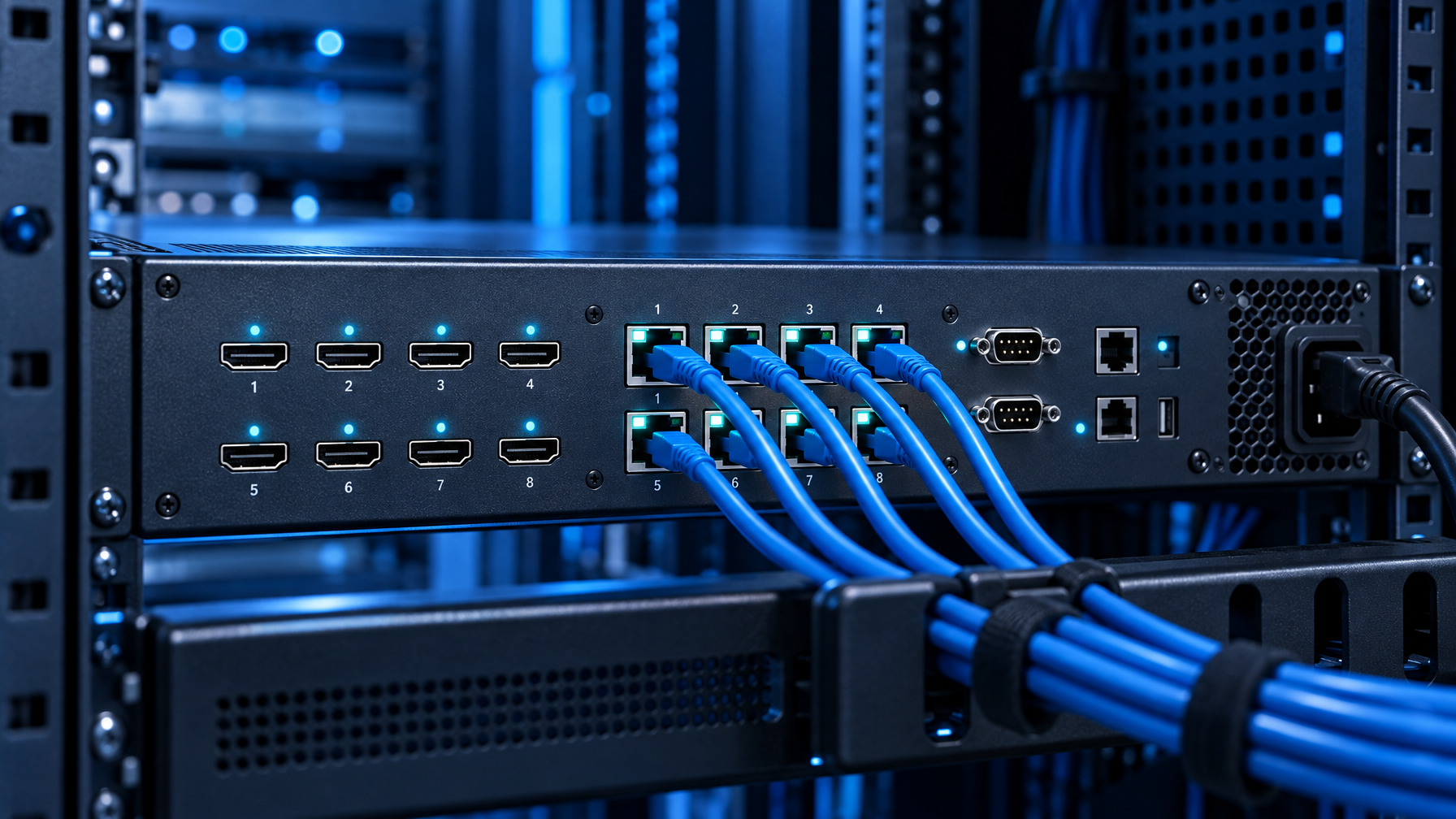
HDMI copper is a rack and adjacent-console medium. Past about 10 to 15 meters of commodity HDMI, you fight equalizers, active cables, and intermittent HDCP. HDBaseT (TPS/HDBT) puts the same video, IR, RS-232, and often power on Cat6/Cat6A. Fiber takes the run past HDBaseT class (typically 70 to 150 m at 4K30-class, SKU-dependent) or through EMI and SCIF boundaries.
Use this distance band:
| Run length (source or display to chassis) | Transport | Notes |
|---|---|---|
| 0 to 10 m | HDMI | Keep in the rack or console furniture |
| 10 to 40 m | Premium HDMI or short HDBaseT | Measure; do not guess from Amazon cable claims |
| 40 to 100 m | HDBaseT matrix outputs | Confirm 4K30-class vs 1080p distance on the sheet |
| 100 m+ or EMI/SCIF | Fiber matrix or HDMI-to-fiber tails | Copper HDBaseT is the wrong fight |
A hybrid chassis (HDMI inputs, HDBaseT outputs, HDMI loop-outs) is the usual control room matrix switcher. Local preview stays on HDMI. Far walls ride Cat6. Do not buy eight HDMI extenders around a 4×4 HDMI box unless the math is cheaper and you accept eight extra failure points.
PoH (Power over HDBaseT) class matters. If the receiver hangs above a display with no outlet, the matrix must source that power. Write the PoH class and the receiver wattage on the RFQ. "PoE HDMI" is not the same phrase; PoE extenders are point-to-point, not matrix outputs.
4K30-class is the default. Do not RFQ 4K60 unless the sheet says so.
Marketing pages say 4K. HDMI 1.4-class matrices often mean 3840×2160 @ 30 Hz (4:4:4 or 4:2:0, SKU-specific). HDMI 2.0 18 Gbps matrices can do 4K60 4:4:4. HDBaseT outputs frequently downshift: 4K30 or 4K60 4:2:0 over the Cat run even when the local HDMI loop is 18 Gbps.
KVMSwitchTech does not oversell 4K60. Treat 4K30-class as the live spec unless the individual SKU sheet states 3840×2160 @ 60 Hz. The DisplayPort K117e drawer is a 4K60 exception on the console side; it is not a matrix SKU.
RFQ language that survives a factory quote:
- "Native 3840×2160 at 30 Hz, 4:4:4, HDCP 2.2, on every HDMI output."
- "HDBaseT outputs: state 4K30 vs 4K60 and chroma. Do not write '4K' alone."
- "No scaler required if all destinations share that mode. If mixed 1080p and 4K panels exist, require per-output scaling or accept 1080p EDID globally."
HDR is a separate checkbox. HDR10 on one consumer panel can force the whole bus into a mode the video wall cannot display. For SOC walls, SDR Rec.709 at 4K30-class is the stable choice.
EDID: the handshake that kills more installs than bad cable
EDID is the display's capability list the source reads. A matrix sits in the middle, so it must present a coherent EDID. Three policies:
- Copy from Output N. Good when one "hero" display is the quality bar. Bad when that panel goes dark and every source renegotiates.
- Fixed emulate. Matrix pretends to be 1080p60 or 4K30. Sources stay locked. Mixed panels may letterbox or scale.
- Per-output EDID. Best for mixed 1080p and 4K walls if the chassis actually implements it. Confirm in the CLI, not the brochure.
Write the policy. "Smart EDID" is not a policy. Also lock:
- Audio block: 2-channel PCM vs bitstream. DSPs usually want 2-channel PCM on the extract jack even if HDMI carries more.
- Deep Color off unless every sink agrees.
- 3D off.
A control room matrix switcher that cannot freeze EDID will drop frames every time a tech hot-plugs a KVM drawer on Output 8.
RS-232 HDMI matrix control and IP: pick the protocol the room already runs
Front-panel buttons and IR remotes are fallback, not the design. Automation needs a documented command set.
| Control path | When it wins | What to demand on the RFQ |
|---|---|---|
| RS-232 | Isolated rooms, serial-only processors, air-gapped SOC | DB9 or 3-pin, baud (9600/115200), 8N1, published ASCII or binary protocol, cable pinout |
| TCP/IP (Telnet/HTTP/API) | Modern processors, web GUI for the night shift | Static IP, port, API PDF, no cloud dependency |
| IR | Conference overflow, not 24/7 walls | IR in and IR out routing if HDBaseT carries IR |
| Front panel | Break-glass | Lockout so a visitor cannot smash presets |
An RS-232 HDMI matrix still needs a USB-serial or processor COM port. If the only serial device in the rack is the matrix, IP control is simpler. Many chassis offer both. Buy both. Use IP day to day. Keep RS-232 for the night the NIC dies.
Ask for:
- Preset save/recall (at least 8).
- Query commands that return the current crosspoint map (not fire-and-forget only).
- Checksum or ACK so the processor knows the take landed.
Do not accept "app on the App Store" as the control story for a government floor.
Audio extract matrix: DSP, AES, and the silent wall
Video walls often have no speakers. Audio lives in a DSP, codec, or ceiling array. If the matrix cannot extract, you add HDMI audio de-embedders on every output you care about.
Extract options:
- Global extract: one stereo pair follows a selected output or a selected input.
- Per-output extract: each HDMI out has a mirrored analog or Toslink jack.
- ARC/eARC: useful for a consumer soundbar, rare in SOC.
RFQ the connector (RCA, 3.5 mm, Toslink, AES), the follow mode (input-follow vs output-follow), and whether extract is 2-channel only. Bitstream to Toslink is useless if the DSP expects analog.
If operators wear headsets at the console, extract to the DSP and feed the headsets from the DSP. Do not loop HDMI audio into the wall.
Chassis size: 4×4, 8×8, 16×16, modular
Count today's sources and displays, then add spare.
| Size | Fits | Watch-outs |
|---|---|---|
| 4×4 HDMI | Huddle, small briefing, all local copper | Outgrown the week the fifth decoder arrives |
| 8×8 HDMI or HDBaseT | Typical SOC quadrant, training room | Sweet spot for HDBaseT hybrid |
| 16×16 | Full wall plus consoles plus overflow | Confirm power, cooling, 2U/3U |
| Modular card frame | Mixed HDMI, SDI, fiber, HDBaseT | Higher cost; right when formats are mixed |
Specify the I/O math, not a 4×4 default because that size shows up in buyer guides. An 8×8 HDMI matrix switcher with two dark ports costs less than a 16×16 forklift in 12 months, until growth proves otherwise. Spare ports cost little. A second chassis and a second control object do not.
Modular frames win when SDI cameras, HDMI PCs, and fiber tails share one router. Fixed HDMI chassis win when every source is HDMI and distance is HDBaseT or local.
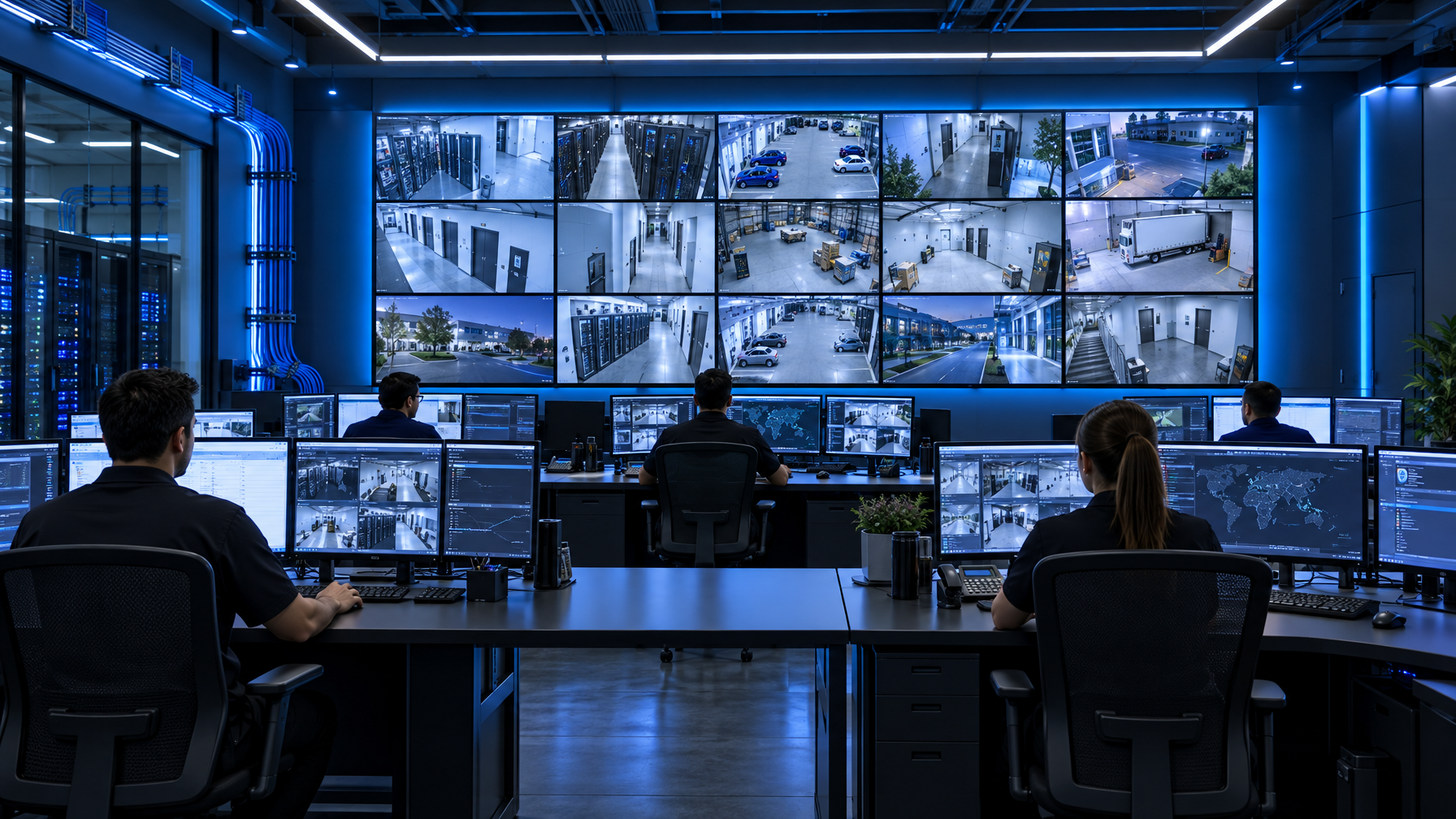
Control-room I/O patterns that actually show up
Pattern A: local rack, far wall. PCs and NVRs HDMI into the matrix in the rack. Two local preview monitors on HDMI. Six wall panels on HDBaseT. RS-232 or IP from the room controller. Stereo extract to the DSP.
Pattern B: briefing room. Four laptops (or a KVM feeding one HDMI), one cable box, one room PC. Displays: lectern confidence, two wall panels, overflow. 4×4 or 8×8 HDMI is enough if cable runs stay short. EDID emulate 1080p if the wall is 1080p.
Pattern C: mixed SDI and HDMI. Cameras SDI, PCs HDMI. You need a multi-format matrix or SDI-to-HDMI conversion before a pure HDMI matrix. Conversion before the matrix is simpler to support than a unicorn chassis nobody on the night shift has seen.
Pattern D: SCIF / EMI. HDMI copper and HDBaseT both fail the copper-out-of-room rule. Fiber matrix or HDMI-to-fiber extenders after a local HDMI matrix. Document the red/black boundary in the RFQ so vendors stop quoting Cat6.
VGA is leftover BMC and analog plant. Do not buy a new VGA matrix. Convert remaining VGA to HDMI or DVI at the source, then route digital.
Comparison: matrix versus the lookalikes purchasing will quote
| Product | Any-to-any? | Distance | Control | Use |
|---|---|---|---|---|
| Video matrix switcher | Yes | HDMI, HDBaseT, or fiber per output | RS-232, IP | Control room routing |
| HDMI splitter | No (clone) | HDMI | Rare | One PC, many cloned walls |
| HDMI switch | One output | HDMI | IR | Single display |
| HDMI extender | 1:1 | Cat6 or fiber | IR/RS-232 on some | Point-to-point only |
| KVM switch | Computers, not video walls | Local or IP | OSD | Sysadmin consoles |
| Video wall processor | Yes, plus bezel and layout | Often HDMI/HDBT | IP | True canvas walls, higher cost |
If the wall is a 2×2 canvas with one image spanned, you need a wall processor or a matrix that includes a scaler/videowall mode. A plain matrix shows one source per panel. That is the usual SOC layout (camera grid, not one giant desktop).
Commissioning checklist (do this on the bench)
- Load the EDID policy. Confirm every source locks before the chassis hits the rack.
- Take every crosspoint from the API or RS-232, not the remote. Save presets.
- Measure HDBaseT runs. Reject CCA cable. Solid copper Cat6/Cat6A.
- Confirm 4K30-class on the farthest HDBaseT output with the actual panel, not a laptop on the bench.
- Extract audio into the DSP and listen. HDMI can look perfect while audio is silent.
- Pull the network cable and prove RS-232 still routes.
- Label every input and output on the chassis and in the controller object. Night shift will not guess "Input 6."
FAQ
What size video matrix switcher should a control room buy?
Count sources and displays, add 25% spare, then round to 4×4, 8×8, or 16×16. Most SOC floors land on 8×8 or 16×16, not 4×4. Distance and format mix decide HDMI versus HDBaseT, not the I/O number alone.
Is an HDMI matrix switcher enough if the wall is across the room?
Only if every run stays inside reliable HDMI copper distance. Across a room or into another rack, specify HDBaseT outputs or fiber. Stacking HDMI extenders on a local 4×4 is a maintenance tax.
Do we need RS-232 if the matrix has a web GUI?
Yes if the room processor is serial, the network is restricted, or you want a break-glass path. An RS-232 HDMI matrix with IP as well is the default RFQ. GUI-only is a briefing-room compromise.
What does audio extract matrix mean on a spec sheet?
The chassis copies HDMI audio to analog or Toslink (sometimes AES) so a DSP can play it. Confirm follow mode, connector, and 2-channel PCM. Without extract, the wall is silent unless each display has speakers you do not want.
Should the RFQ say 4K60?
Only if every source, every cable plant, and every sink is proven 4K60 and the SKU sheet states 3840×2160 @ 60 Hz. Otherwise write 4K30-class. Ambiguous "4K" is how HDCP and chroma fights start.
Can one chassis mix HDMI and HDBaseT?
Yes. That hybrid is the usual control room matrix switcher. HDMI in, mixed HDMI and HDBaseT out, IR and RS-232 on the Cat runs, PoH if receivers need power.
How to send this RFQ
Paste the field table, the distance band, EDID policy, control protocol, and audio extract row into the ticket. Note spare ports. Note 4K30-class unless a named SKU proves 4K60. Call (216) 798-7530. We match HDMI, HDBaseT, and mixed I/O chassis to that sheet instead of defaulting you into another 4×4 HDMI overview.