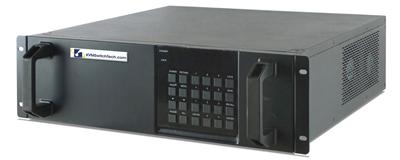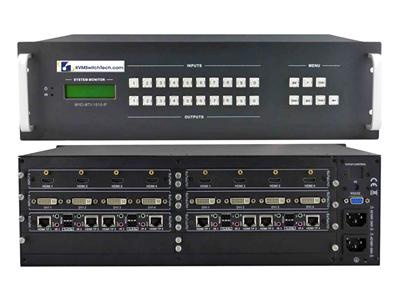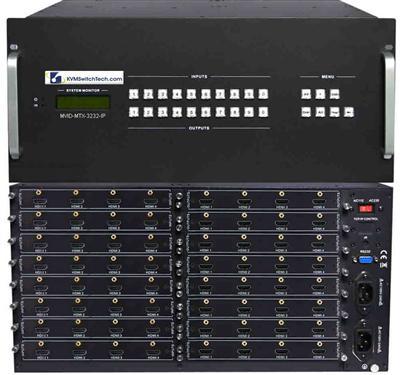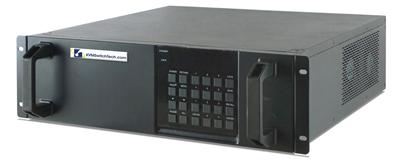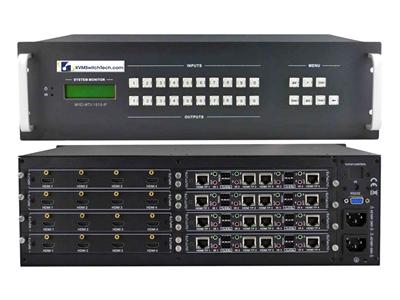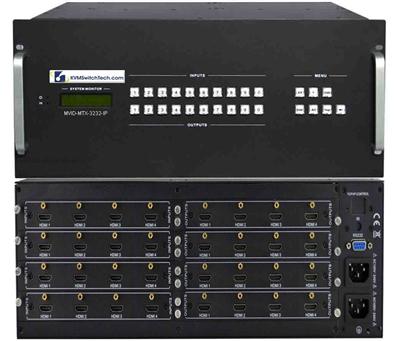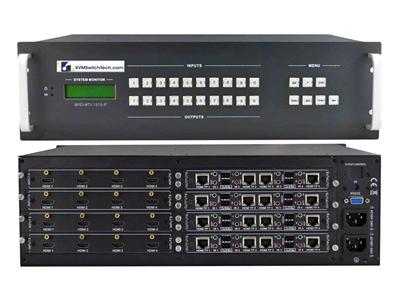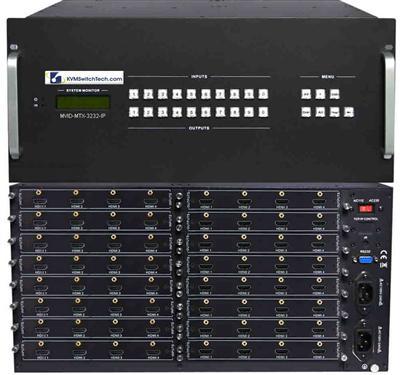
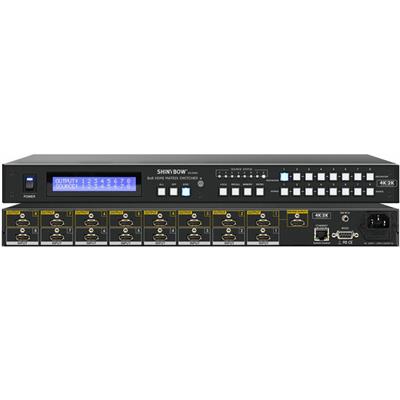
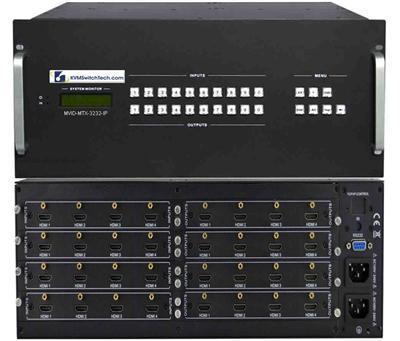
A 4×4 HDMI matrix switch is four HDMI sources to four HDMI displays with independent routing. It is not a 4-in-1-out HDMI switch and it is not a 1-in-4-out HDMI splitter. Control rooms, huddle spaces, and small NOCs buy 4×4 when two operators need different sources at the same time and a 1U chassis is enough.
Call (216) 798-7530 with source count, display count, cable length, and whether you need 1080p, 4K30-class, or a SKU sheet that actually lists 4K60. The live HDR-class HDMI matrix line on this catalog is 10.2 Gbps / 165 MHz unless a specific SKU says otherwise. Do not write 4K60 on the PO from a brochure.

What a 4×4 HDMI matrix actually does
Matrix means any input to any output, including the same input on more than one output. A 4×4 has 16 possible one-to-one maps and more if you duplicate. A HDMI switch picks one source for one display. A HDMI splitter clones one source to many displays. If the RFQ says “four PCs and four wall monitors, each operator chooses independently,” you need a matrix, not a switch plus a splitter.
Parent family: HDMI matrix switch under video matrix switches. Step up only when ports run out: 8×8 HDMI matrix switch or 16×16 HDMI matrix switch. Control-room EDID and failover language already lives in 8×8 and 16×16 HDMI Matrix for Control Rooms. This article is the 4×4 buying matrix, not a second 8×8 guide.
When 4×4 is the right chassis (and when it is not)
Buy 4×4 when:
- Four or fewer sources and four or fewer displays for the next 24 months.
- Operators sit in the same room as the chassis, or HDMI copper stays inside the length the SKU lists (often 5 to 15 m, confirm).
- You need independent routes, not a single shared image.
- Audio can follow video or sit on a separate DSP. Do not assume ARC/eARC on a rack matrix.
Skip 4×4 when:
- You already have six PCs. Buy 8×8 once. Two cascaded 4×4 boxes create EDID and HDCP fights.
- Displays sit on another floor. Copper HDMI dies. Size a Cat5 HDMI extender, a Cat5e/Cat6 HDBaseT HDMI matrix, or a fiber optic extender. Distance writeup: HDMI Extender PoE vs Cat6 HDBaseT vs Fiber.
- The job is BIOS-level KVM, not AV routing. That is a HDMI KVM switch or a rackmount KVM switch, not a matrix.
- Sources are DVI or VGA. Use a DVI matrix switch or VGA matrix switch, or a tested video converter only as a one-off.
RFQ table: 4×4 vs switch vs splitter vs 8×8
| Job | Buy | Do not buy |
|---|---|---|
| 4 sources, 1 display | HDMI switch | 4×4 (wasted outputs) |
| 1 source, 4 displays, identical image | HDMI splitter | 4×4 unless you need per-display routing later |
| 4 sources, 4 displays, independent routes | 4×4 HDMI matrix | Four splitters plus a switch |
| 6 to 8 sources | 8×8 HDMI matrix | Cascaded 4×4 |
| Same room, copper HDMI | Local 4×4 | HDBaseT matrix you do not need |
| Another IDF or building | HDBaseT or fiber path | Hope copper will “just work” |
Same-room AV still uses video switches and video splitters when the map is 1:1 or 1:N. Wall arrays: video wall system. Quad-split operator glass is a PIP quad screen LCD, not four matrix outputs unless each pane is a unique source.
Bandwidth, EDID, and HDCP (write these on the PO)
Pixel clock. 165 MHz / 10.2 Gbps HDMI is 4K30-class or 1080p60 with headroom. 4K60 4:4:4 needs 18 Gbps HDMI 2.0 silicon. If the sheet says HDMI 1.4 or 10.2 Gbps, specify 3840×2160@30 or 1920×1080@60. Overstating 4K60 fails FAT.
EDID. Prefer emulate with a stored 1080p or 4K30 timing so a dark display does not collapse every source to 640×480. Copy-from-display fails when that display is off. Lock EDID per input if two operators run different panels.
HDCP. Mixed 1.4 and 2.2 sources plus a non-HDCP recorder is a common black-screen. Ask whether the matrix can strip or pass per output. Do not assume.
HDR / deep color. Optional. Most sysadmin 4×4 jobs are RGB 8-bit console and camera feeds. Do not pay for HDR10 if the wall is 1080p status monitors.
Control, audio, and rack details
Control: front buttons, IR, RS-232, and TCP are typical. Web UI is useful. App-only control is a support ticket. Tie RS-232 to the room controller if you already have one.
Audio: many 4×4 units de-embed analog or S/PDIF. Confirm before you promise ceiling speakers. HDMI audio follow-video is the default.
Power and depth: 1U, single IEC or brick. Budget a PDU outlet and a spare brick. Measure rail depth. A short NOC rack still needs cable service loops. Local glass if someone stands at the rack: HDMI rackmount LCD or a 1U HDMI LCD keyboard. Monitor-only family: rackmount LCDs, rackmount monitors. Dual walls: dual and triple display rackmount monitors.
Cables: vendor-rated HDMI cables. Cheap High Speed leads drop HDCP at 10 m. Locking HDMI is worth it in racks.
Distance past copper: Cat5 extenders. Mixed CATx KVM is a different product: Cat5 KVM switch. Signal-path chooser: Cat5 vs HDMI vs KVM-over-IP and Fiber Optic vs Cat5/Cat6 KVM Extender.
KVM vs matrix (do not mix the RFQ)
A matrix routes video (and maybe audio). It does not present USB HID to four PCs. Keyboard and mouse belong on a USB KVM switch, a matrix KVM switch if two operators need concurrent HID, or a IP KVM switch for lights-out. Local crash cart: KVM drawer, 1U rackmount LCD keyboard, short depth LCD keyboard, 1U rackmount keyboard. Integrated USB drawer: 1U KVM drawer with USB KVM switch. PS/2 leftovers: PS2 KVM switch or 1U KVM drawer with PS2 KVM switch.
Secure rooms: a commercial 4×4 is not a secure KVM switch. Isolation RFQs stay on that line. Combo KVM cables: KVM switch cables.
Related decision posts (different jobs): 8 vs 12 vs 16 Port Rackmount KVM, Cat5 KVM vs HDMI USB KVM, DisplayPort vs HDMI KVM for Dual-Head Racks.
What to put on the RFQ
- Sources: count, connector (HDMI, DP, DVI), max timing (1080p60 vs 4K30 vs 4K60 if the sheet lists it).
- Displays: count, native timing, HDCP version.
- Routing: any-to-any required, or 1:N clone is enough.
- Control: front panel, RS-232, TCP, API.
- Audio: follow HDMI, de-embed, none.
- Distance per run in meters. Copper vs HDBaseT vs fiber.
- Form factor: 1U rack, dual power yes/no.
- EDID: emulate vs copy, locked per input.
- Spare HDMI cables and a spare PSU brick.
If that list is incomplete, call (216) 798-7530. Industrial panel-mount next to the wall is an industrial LCD. Fixed 1U glass without keyboard: 1U rackmount LCD, DVI rackmount LCD, widescreen rackmount LCD.
Buying mistakes
- HDMI switch labeled as a matrix on the quote.
- 4K60 promised on 10.2 Gbps silicon.
- Two 4×4 boxes instead of one 8×8.
- HDBaseT matrix for a 3-meter rack.
- Matrix bought to replace KVM HID.
- No EDID emulate, sources boot at 640×480.
FAQ
Is a 4×4 HDMI matrix the same as a 4-port HDMI switch?
No. A switch sends one selected source to one output. A 4×4 routes any of four sources to any of four outputs independently.
Will a 4×4 do 4K60?
Only if the SKU sheet lists HDMI 2.0 / 18 Gbps (or DisplayPort equivalent). Plan 4K30-class or 1080p60 on 10.2 Gbps units.
Can I use a 4×4 as a KVM?
No. Add a USB KVM or matrix KVM for keyboard and mouse. Video routing and HID are different chassis.
4×4 or 8×8?
Stay on 4×4 if both source and display counts stay at four for two years. If either side hits five, buy 8×8 once.
Do I need HDBaseT?
Not in the same rack. Use HDBaseT or fiber when copper HDMI length or EMI says so.
List sources, displays, timing, and run length. We will map that to a 4×4 HDMI matrix or tell you to step to 8×8 or an extender plant. Call (216) 798-7530.