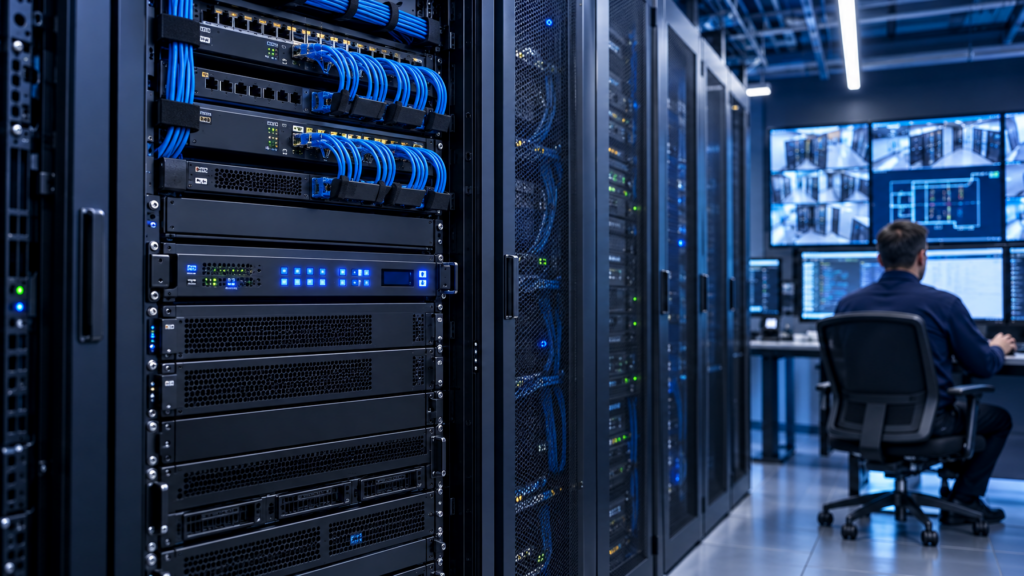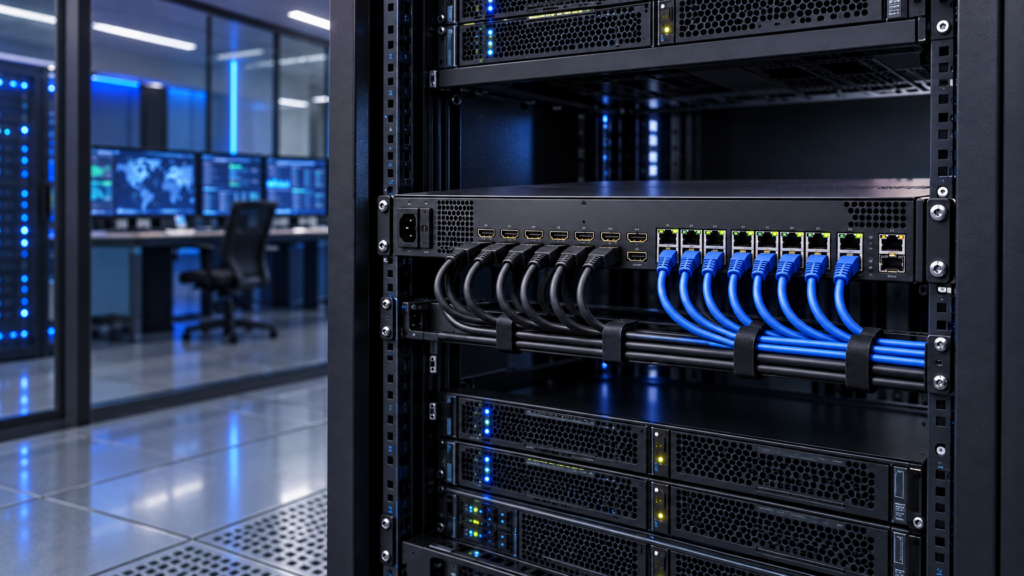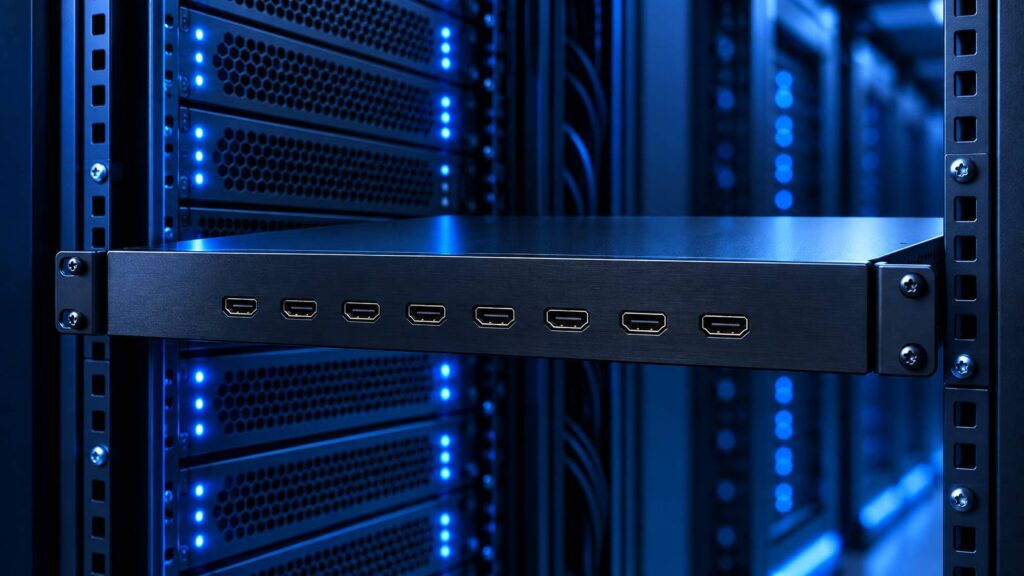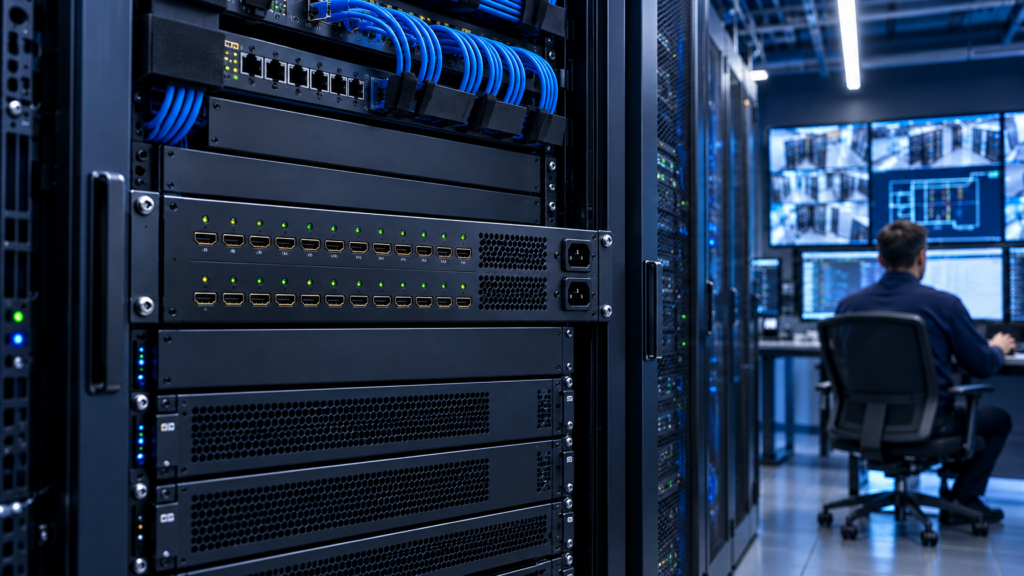
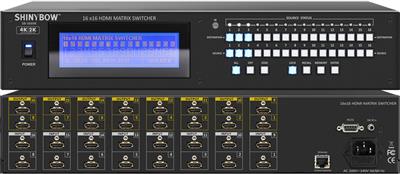
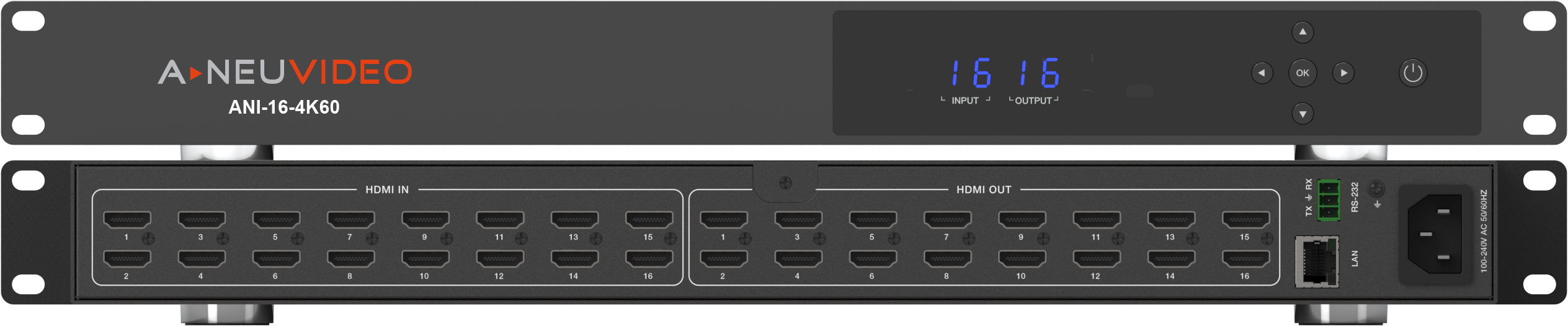
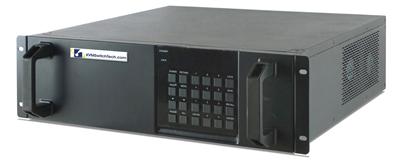
A 4×4 HDMI matrix is a conference-room SKU. A 16×16 matrix switcher is a control-room SKU. The I/O count is only the first difference. Chassis depth, mixed-format cards, EDID per output, audio breakout, and control protocol all change once you leave eight ports.
Copying a 4×4 datasheet into a 16×16 RFQ is the most common failure we see. The buyer keeps HDMI-only copper, 4K30-class language that never gets checked against the display wall, and IR-only control. Then the integrator discovers half the cameras sit 70 meters from the rack and the video wall wants a different timing than the operator LCDs.
This guide is for the AV/IT lead writing that RFQ. It stays in decision stage: chassis class, I/O mix, EDID, audio, control, and a 4×4 / 8×8 / 16×16 comparison you can paste into the spec.

What a 16×16 matrix switcher actually does
A matrix switcher routes any input to any output independently. 16×16 means sixteen sources and sixteen destinations at once. Every output can show a different source, or several outputs can share one source.
An HDMI switch presents one output at a time. A splitter copies one source to many displays. Control rooms, NOCs, broadcast galleries, and video walls use the matrix because operators need independent views of the same plant.
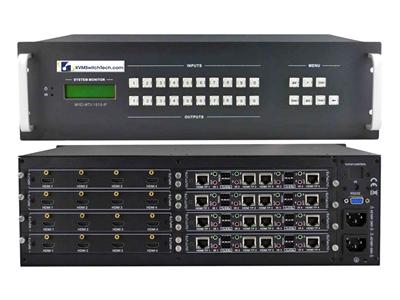
A 16×16 HDMI matrix switcher is the copper-only subset: HDMI in, HDMI out, typically 15 m or less of certified HDMI cable. A HDBaseT 16×16 chassis (or mixed HDMI plus HDBaseT cards) puts Cat6 runs in the 70 to 100 m band. Fiber I/O cards cover longer hops and electrically noisy plants. The RFQ should name the mix, not just "16×16 HDMI."
Treat 4K as 4K30-class unless the SKU sheet states otherwise. Many 16×16 HDMI boxes in this class lock 3840×2160 at 30 Hz on HDMI 1.4-era silicon. Do not write 4K60 into the RFQ unless the chassis and every I/O card list it.
Chassis class: fixed HDMI vs modular card cage
Two mechanical families show up on 16×16 bids.
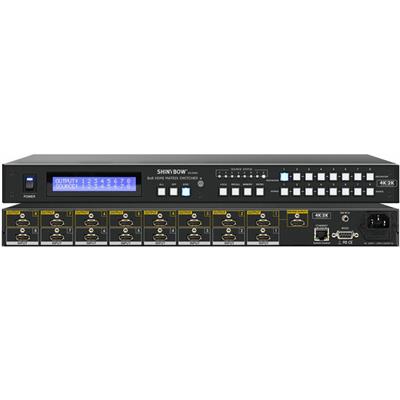
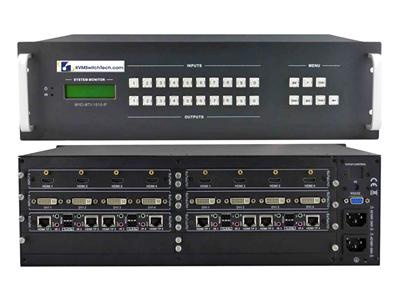
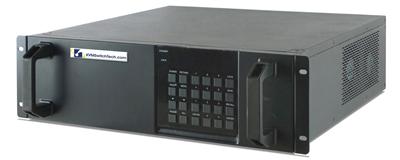
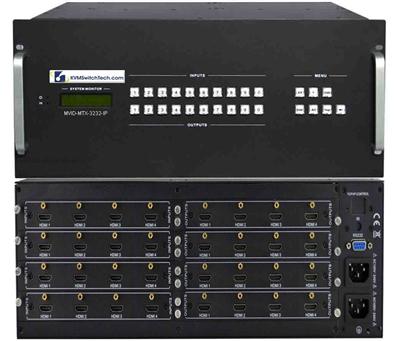
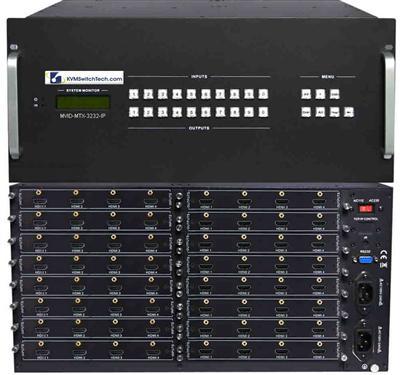
Fixed 16×16 HDMI chassis. Sixteen HDMI inputs and sixteen HDMI outputs on the rear. Front-panel buttons, IR, RS-232, and often TCP/IP. Audio extract on a subset of outputs is common. This is the right buy when every source and display sits inside HDMI cable length of the rack, EDID is homogeneous, and you do not plan to grow past 16×16.
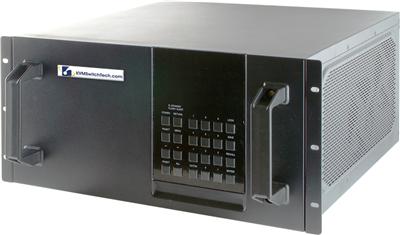
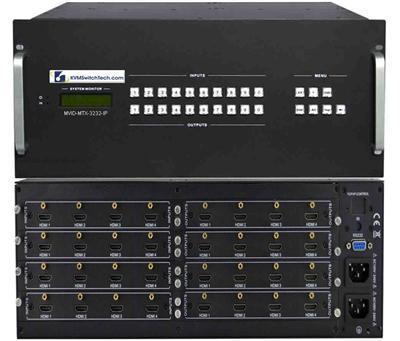
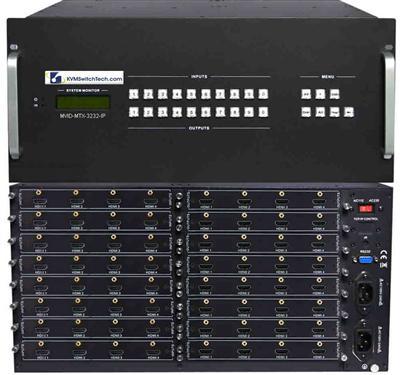
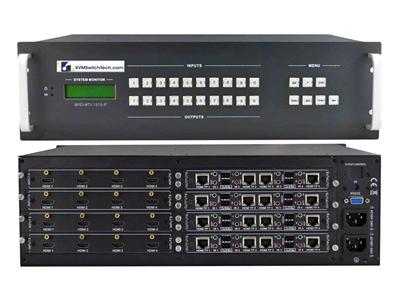
Modular 16×16 card-cage chassis. Empty (or partially populated) slots for HDMI, HDBaseT, fiber, or SDI cards. You populate 8 HDMI in + 8 HDBaseT in, then 8 HDMI out + 8 HDBaseT out, or any mix the backplane allows. This is the right buy for a control room 16×16 matrix where cameras, PCs, and decoder boxes sit in different rooms.
Fixed chassis wins on price and spare-part simplicity. Modular chassis wins when distance, format mix, or a later 8-port add is already on the drawing. Do not buy modular "for the future" if the plant is HDMI-only and will stay that way. Empty slots still cost power, cooling, and firmware complexity.
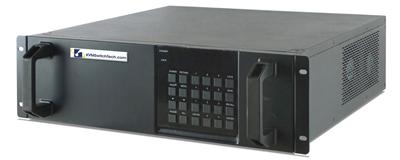
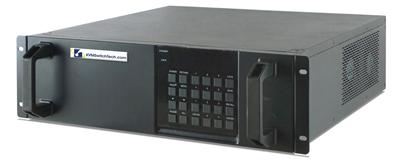
Rack units matter. Fixed 16×16 HDMI units often sit in 2U. Modular cages run 3U to 6U once power supplies and fan trays are included. Confirm depth against your four-post rails and rear cable managers. HDBaseT and fiber cards need room for RJ45 strain relief and LC duplex tails.
If the matrix feeds the wall that operators use during an outage, dual PSUs with separate PDU circuits belong on the RFQ.
I/O mix: HDMI, HDBaseT, fiber
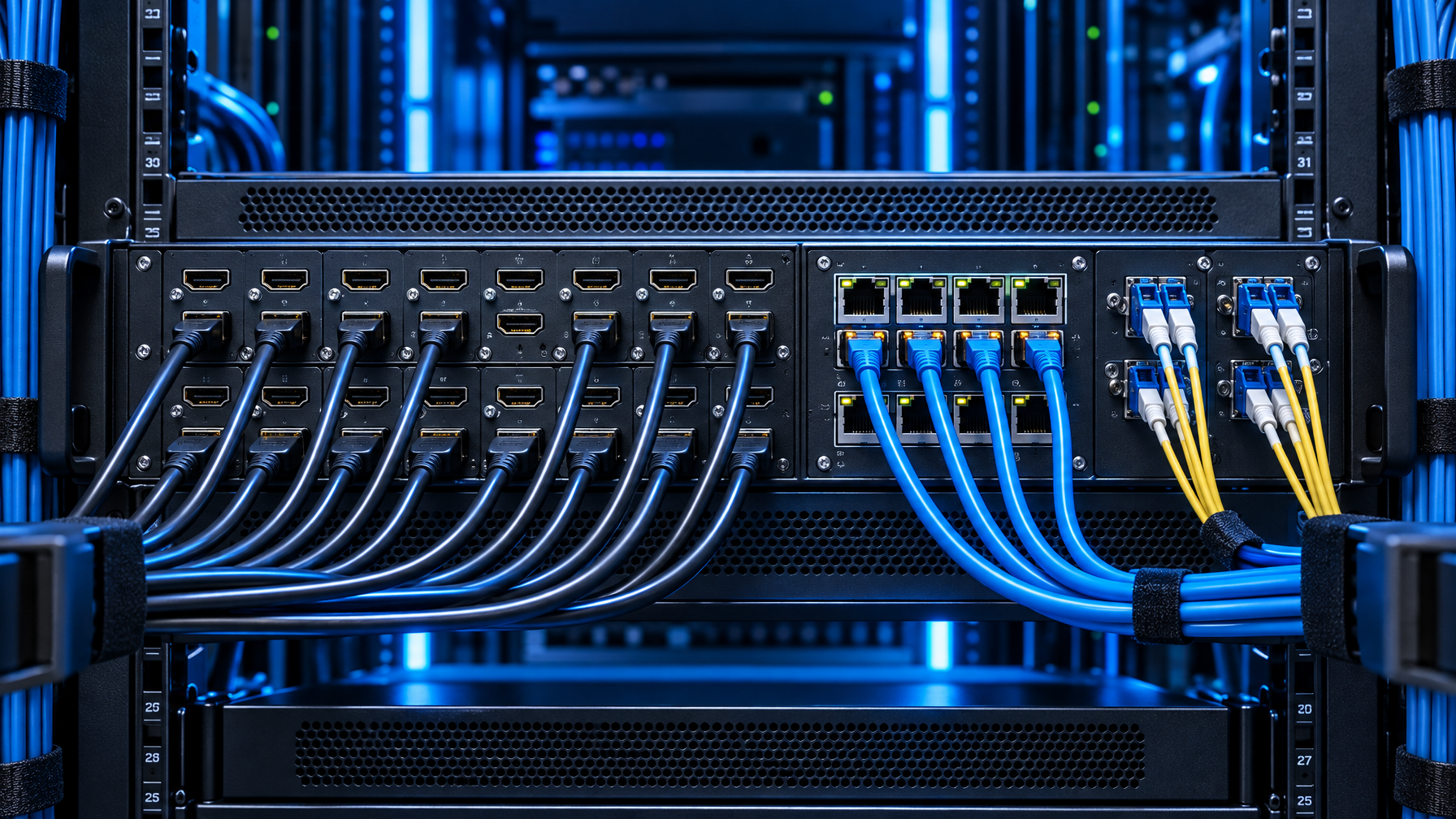
Write the plant as three distance bands, then pick cards.
| Band | Typical medium | When it belongs on a 16×16 |
|---|---|---|
| 0 to 15 m | HDMI copper | Sources and operator LCDs in the same rack row |
| 70 to 100 m | HDBaseT over Cat6 | Displays in adjacent rooms, PoH receivers, single-cable video plus control |
| 100 m+ or noisy plant | Fiber (HDMI-over-fiber or SFP cards) | Gallery to equipment room, campus, EMI |
HDMI-only 16×16. Fastest path if the rack is the center of a short-haul room. Watch HDMI cable quality and HDCP version match. Mixed HDCP 1.4 and 2.2 sources will black-screen outputs if the matrix cannot down-convert.
HDBaseT 16×16. Use when outputs (or inputs) leave the rack. Confirm whether the card is HDBaseT Class A (~100 m) or a shorter class, whether PoH powers the wall-plate receiver, and whether IR/RS-232 pass through the same Cat6. Do not assume every HDBaseT output includes PoH.
Fiber cards. Use when HDBaseT distance or ground loops fail. Specify single-mode vs multimode, connector type, and whether the card is 4K30-class or higher. Fiber does not remove EDID or HDCP work. It only changes the transport.
A video wall matrix 16×16 often needs HDMI or HDBaseT to a wall processor, not sixteen independent TVs. If a processor already sits in the rack, the matrix may only need eight outputs into that processor plus eight operator LCDs. Count real destinations, not marketing "16 screens."
Leftover VGA or analog RGB from BMC ports stays on a converter ahead of the matrix. Feed HDMI, DisplayPort, or SDI into the chassis. Do not buy analog input cards for a new 16×16.
EDID: the item that breaks 16×16 more than I/O count
EDID is the display's capability list that the source reads. On a 4×4 with identical 1080p LCDs, copy-from-output-1 often works. On a 16×16 with a video wall, 4K operator LCDs, and 1080p confidence monitors, it fails.
Specify these EDID behaviors in the RFQ:
- Per-output EDID copy. Each output can present the connected display's EDID to the routed source, or a stored EDID.
- Fixed EDID presets. 1080p, 4K30, 4K with audio, no-audio. Operators pick a preset when a source will not train.
- Lowest-common EDID for multi-output routes. If one PC fans out to four displays, the matrix must not advertise 4K to a 1080p sink.
- Hot-plug and HDCP retry. Control-room sources get power-cycled. The matrix should re-authenticate without a chassis reboot.
Ask the vendor how EDID is stored across firmware updates. A 16×16 that loses custom EDID on flash is an outage.
If the wall processor has its own EDID, lock the matrix outputs that feed it to that processor's preferred timing. Do not let front-panel "auto" fight the processor.
Audio extract, embed, and breakout
Video walls and operator LCDs rarely need the same audio as the program bus. A 16×16 that cannot extract HDMI audio to analog or S/PDIF forces a second audio router.
Typical control-room pattern:
- HDMI audio follows video to operator headsets or room speakers on selected outputs.
- Program audio extracts to the DSP or analog mixer.
- Some outputs are video-only (wall cubes) so audio is stripped to avoid EDID audio blocks that confuse PCs.
Confirm analog extract connector type (RCA, 3.5 mm, phoenix), whether extract is per-output or a global bus, and whether ARC is required. Most data-center 16×16 RFQs do not need ARC. Conference-adjacent control rooms sometimes do.
Do not specify Dolby Atmos passthrough unless the SKU sheet lists it. Many 16×16 HDMI matrices pass PCM and basic bitstream only.
Control protocol: IR is not enough at 16×16
A 4×4 can live on a remote and a web page. A control room 16×16 matrix needs:
- TCP/IP API (Telnet, HTTP, or documented UDP) for Crestron, Q-SYS, or custom Python.
- RS-232 as the fallback when the management VLAN is down.
- Front-panel lockout so night-shift button mashing cannot dump the wall.
- Preset recall (at least 8 to 16 presets) for shift change: "dayside wall," "incident," "maintenance."
- SNMP or syslog if the NOC already monitors AV gear.
IR is a demo feature. Leave it on the datasheet, do not make it the primary control path.
If multiple operators will switch, define who owns presets. A matrix with one global routing table and no user roles will get overwritten during incidents.
4×4 vs 8×8 vs 16×16: stop cloning the smaller SKU
| Spec field | 4×4 HDMI | 8×8 HDMI / HDBaseT | 16×16 matrix switcher |
|---|---|---|---|
| Typical room | Huddle / small conference | Medium conference, small NOC | Control room, gallery, video wall |
| Chassis | 1U fixed | 1U to 2U fixed or light modular | 2U+ fixed HDMI or 3U+ modular |
| Distance mix | HDMI only | HDMI plus some HDBaseT | HDMI + HDBaseT + fiber cards |
| EDID | Copy from one output often works | Per-output starts to matter | Per-output + presets required |
| Audio | Optional extract | Extract on several outputs | Extract + DSP handoff |
| Control | IR + web | RS-232 + TCP/IP | TCP/IP API + presets + lockout |
| Power | Single PSU | Single or optional dual | Dual PSU for wall-critical paths |
| Growth | Buy a new box | Sometimes 8×8 is the ceiling | Modular cards or a planned 32×32 later |
If the drawing already shows more than eight independent destinations, do not "start with 8×8 and stack two." Two 8×8 units do not become a 16×16. Cross-connecting them creates extra hops, EDID fights, and no single preset table.
If you will need 20 destinations in 18 months, say so on the RFQ. A modular 16×16 with empty slots is honest. Two stacked 8×8 units is not.
RFQ checklist (paste into the bid)
Use this as the body of the 16×16 line item.
I/O
- Inputs: count, format per port (HDMI / HDBaseT / fiber), HDCP version.
- Outputs: count, format per port, PoH yes/no on HDBaseT.
- Maximum resolution per port. Write 3840×2160 @ 30 Hz if that is the class. Write 60 Hz only from the SKU sheet.
Chassis
- Fixed vs modular. Slot map if modular.
- RU, depth, dual PSU yes/no, operating temperature.
EDID and HDCP
- Per-output copy, stored presets, behavior on fan-out, HDCP retry.
Audio
- Extract type and count, embed if required, ARC if required.
Control
- TCP/IP API document, RS-232 pinout, preset count, front-panel lock, SNMP/syslog.
Environment
- 19-inch rack, airflow front-to-back or side, cable type (Cat6A vs fiber plant already in the walls).
Acceptance
- Route every input to every output at the specified timing.
- Hot-plug two displays of different native resolutions.
- Recall two presets without dropping HDCP on the wall.
Call (216) 798-7530 with the filled checklist if you want the I/O map checked before the PO.
Control-room and video-wall patterns

NOC with operator LCDs plus a processor-driven wall. Matrix outputs 1-8 go to the wall processor. Outputs 9-16 go to operator stations. Sources are NVR HDMI, jump boxes, and a few PCs. HDBaseT is only needed if operator desks sit outside HDMI length.
Broadcast gallery. Mix of SDI and HDMI. Prefer a modular cage with SDI cards rather than a pile of SDI-to-HDMI bricks in front of a HDMI-only 16×16. Bricks fail independently and destroy EDID.
Campus security. Cameras already land on a decoder chassis. The 16×16 only sees decoder HDMI. Distance is decoder-to-matrix, usually HDMI. Do not buy HDBaseT 16×16 because the cameras are "far." The cameras never hit this matrix.
Supercomputing / SC26-style demo floor. Many laptops, short HDMI, high swap rate. Fixed 16×16 HDMI with aggressive HDCP retry and front-panel lockout beats a modular fiber cage.
Start with a 16×16 HDMI matrix switch when destinations leave 8×8. Step down to an 8×8 HDMI matrix switch or a 4×4 HDMI matrix switch only if copper HDMI covers the room. Parent: HDMI matrix switch under video matrix switches. Distance: Cat5e/Cat6 HDBaseT HDMI matrix, fiber optic extender, Cat5 HDMI extender, Cat5 extenders. Not a matrix: HDMI switch, HDMI splitter, video switches, video splitters. Walls: video wall system, PIP quad screen LCD. Convert leftover analog with a video converter. Cables: HDMI cables. HID is a HDMI KVM switch, rackmount KVM switches, matrix KVM switch, IP KVM switch, or a KVM drawer. Operator glass: rackmount LCDs, rackmount monitors, HDMI rackmount LCD, DVI rackmount LCD, 1U HDMI LCD keyboard. DVI routing leftover: DVI matrix switch. Prior guides: 4×4 HDMI Matrix Switch Buying Guide, HDBaseT Matrix vs HDMI Matrix, Video Matrix Switcher Buying Guide, HDMI Extender PoE vs Cat6 HDBaseT vs Fiber, 8×8 and 16×16 HDMI Matrix for Control Rooms.
Common RFQ mistakes
Cloning 4×4 HDMI language. "HDMI 4K matrix, IR included" is not a 16×16 spec.
Counting wall cubes as matrix outputs. If a processor takes one or four inputs and drives the wall, those cubes are not 16 matrix outputs.
4K60 on every line. Unless the card and the display both list 60 Hz at the chroma you need, you will get 4K30 or 1080p.
No EDID section. The chassis will still ship. The PCs will not train.
IR as primary control. Night shift will lose the remote. Put TCP/IP and presets in writing.
Leftover VGA sources. Convert BMC or analog RGB to HDMI or DisplayPort before the matrix. Do not add analog input cards to a new 16×16.
Two 8×8 units. Not a 16×16. Not a failover pair unless you design a true A/B with a downstream switch.
FAQ
Is a 16×16 HDMI matrix switcher enough for a control room?
Only if every source and display is inside HDMI length of the rack and EDID is under control. If desks or wall plates sit 20 m or more away, specify HDBaseT or fiber outputs.
How is HDBaseT 16×16 different from HDMI 16×16?
HDBaseT moves the same matrix crosspoint over Cat6 for roughly 70 to 100 m, often with PoH and serial. HDMI 16×16 keeps copper HDMI on the rear. Many cages mix both.
Do I need a modular chassis?
You need modular cards when formats or distances mix, or when you will add ports without replacing the frame. HDMI-only rooms should buy fixed 16×16.
What EDID setup should we require?
Per-output copy, at least four stored presets, and a defined fan-out rule. Test two different native displays on day one.
Can we run a video wall matrix 16×16 without a wall processor?
Sixteen independent displays, yes. A tiled wall with one image span, no. Tiling belongs in a processor or the wall's own controller. The matrix only presents the inputs.
What belongs in a 16×16 vs 8×8 decision?
Count independent destinations and mixed-format ports. More than eight destinations, or HDMI plus HDBaseT plus fiber, is 16×16 class. Do not stack 8×8 units to fake it.
Next step
Fill the RFQ checklist with real port counts and distance bands, then size chassis class before you pick a SKU. For a 16×16 matrix switcher map against an existing rack and wall processor, call (216) 798-7530.