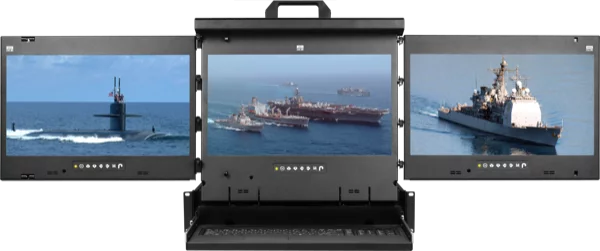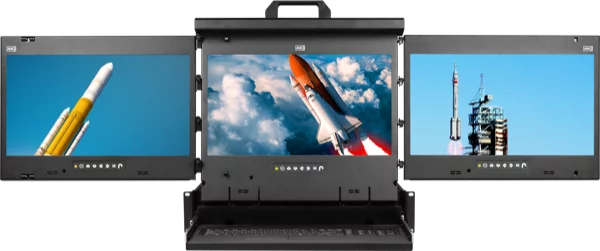
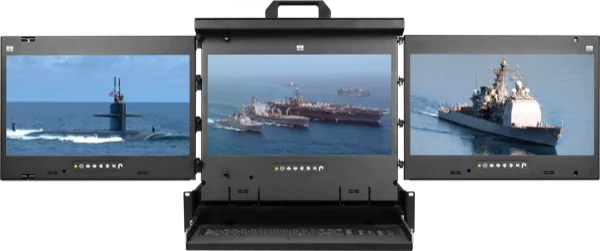
Dual and triple display rackmount monitors consolidate two or three 17-inch LCD screens into a single 2U pull-out console drawer, giving operators simultaneous visibility into multiple systems from one rack position. KVMSwitchTech carries 12 Cyberview models from Austin Hughes, spanning 1080p VGA/DVI-D and 4K DisplayPort configurations with trackball or touchpad input. Prices range from $4,188 to $8,070. This guide breaks down every model so you can match screen count, resolution, input type, and pointing device to your deployment.
Table of Contents
- What Is a Dual or Triple Display Rackmount Monitor?
- Why Multi-Screen Rackmount Consoles Matter
- Key Specifications to Evaluate
- 1080p Dual Display Models (VGA/DVI-D)
- 4K Dual Display Models (DisplayPort)
- 1080p Triple Display Models (VGA/DVI-D)
- 4K Triple Display Models (DisplayPort)
- Comparison Table: All 12 Models at a Glance
- How to Choose the Right Configuration
- Conclusion
What Is a Dual or Triple Display Rackmount Monitor?
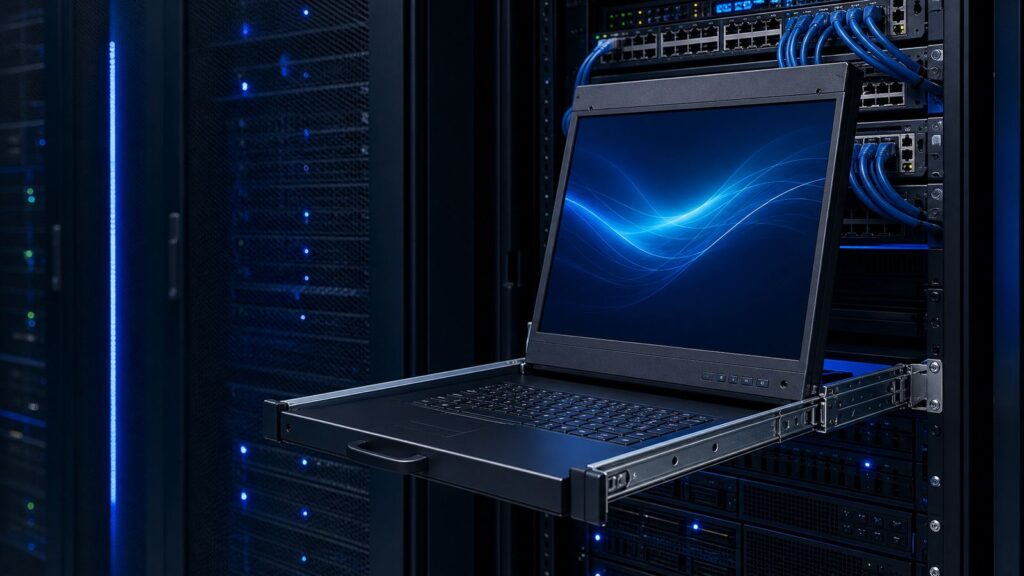
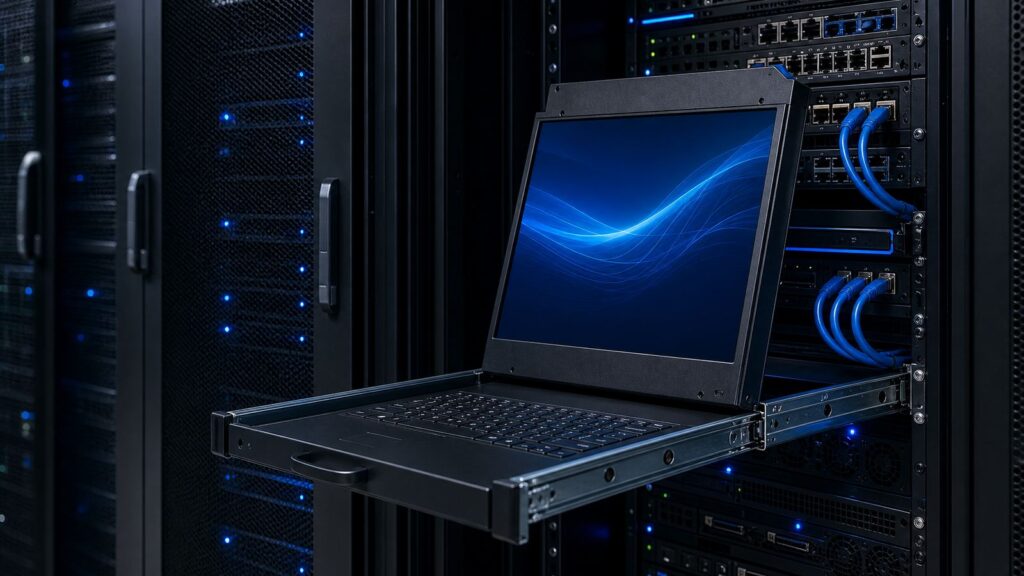
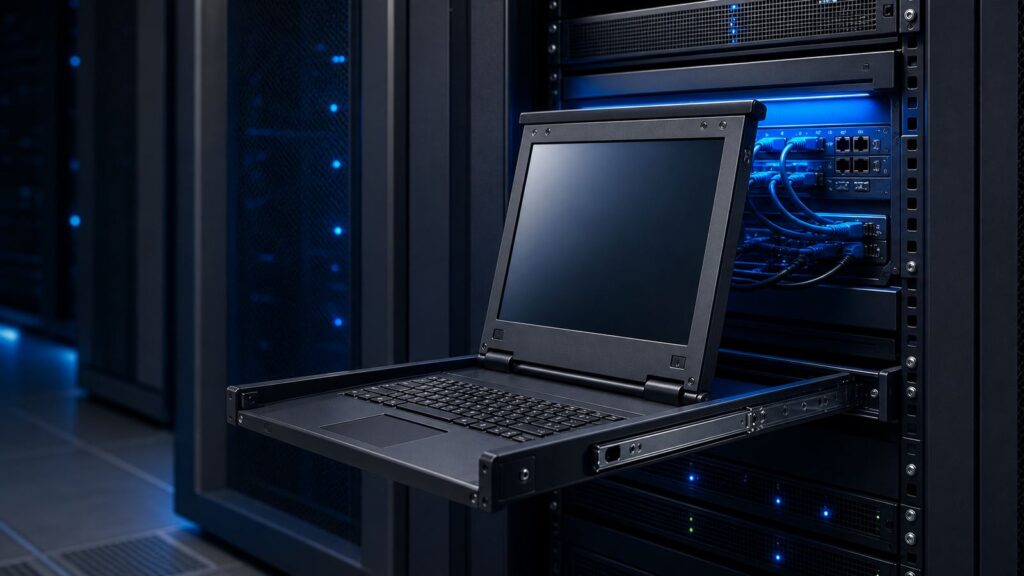
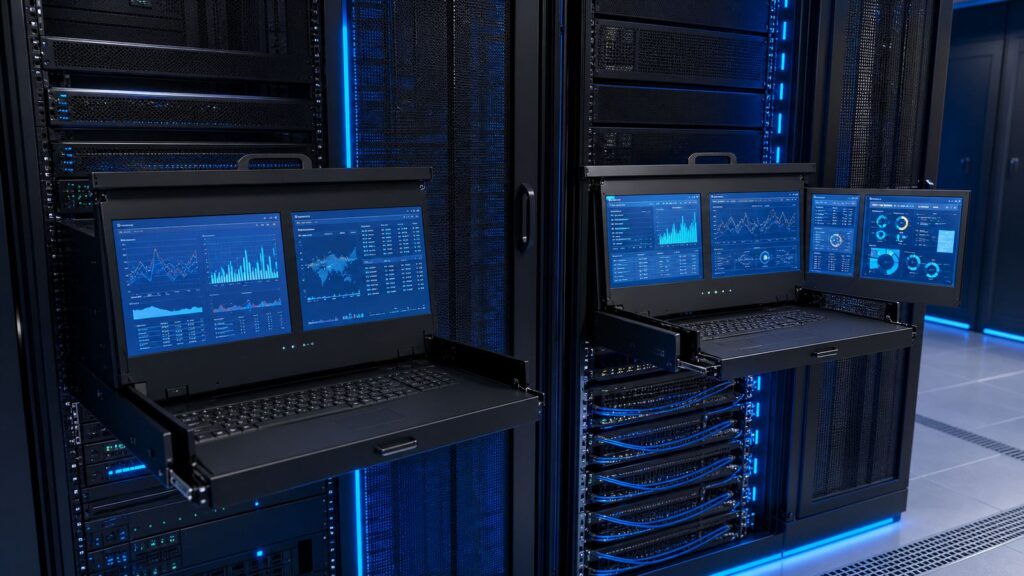
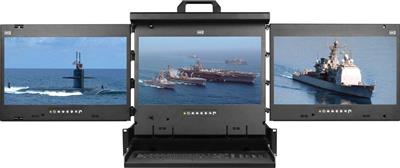
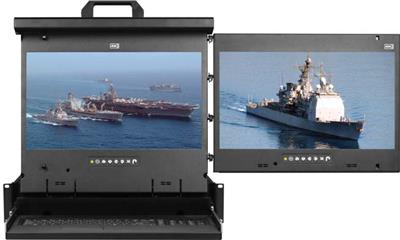
A dual or triple display rackmount monitor is a 2U console drawer that houses two or three 17-inch LCD panels side by side, along with an integrated keyboard and pointing device (trackball or touchpad). The entire assembly slides out from the front of a standard 19-inch server rack on ball-bearing rails, giving operators a full multi-screen workstation that folds away when not in use.
Each screen connects independently to a separate video source, so one operator can monitor two or three distinct servers, network feeds, or surveillance streams without switching between inputs or occupying additional rack space with standalone monitors.
Why Multi-Screen Rackmount Consoles Matter
In environments where continuous visual monitoring is critical, dedicating a single screen to a single task creates a problem: rack space runs out fast, and operators waste time toggling between systems. Multi-screen rackmount consoles solve this by collapsing two or three independent displays into the same 2U footprint that a single-screen drawer would occupy.
Common deployment scenarios:
- Network Operations Centers (NOCs): Watch bandwidth dashboards, alert feeds, and ticketing systems simultaneously.
- Data centers: Monitor hypervisor consoles and out-of-band management interfaces side by side.
- Broadcast and media: Preview multiple video feeds or playout channels in real time.
- Military and government: Maintain situational awareness across classified and unclassified networks on adjacent screens.
- Industrial control rooms: Track SCADA/HMI panels alongside environmental monitoring systems.
Key Specifications to Evaluate
Before selecting a model, confirm these five variables:
| Specification | Options Available |
|---|---|
| Screen count | 2 (dual) or 3 (triple) |
| Resolution | 1920 x 1080 (VGA/DVI-D) or 3840 x 2160 (DisplayPort) |
| Screen layout | Left + Center, Center + Right, or all three |
| Pointing device | Trackball or touchpad |
| Video input | VGA + DVI-D, or DisplayPort |
All models share a 2U form factor, 17-inch LED-backlit panels, integrated keyboard, and a metal chassis rated for 24/7 operation.
1080p Dual Display Models (VGA/DVI-D)
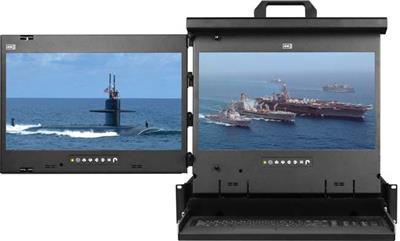
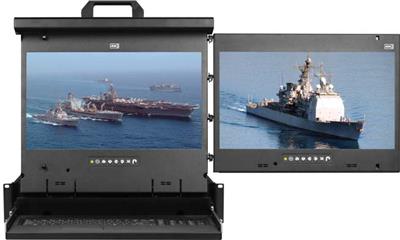
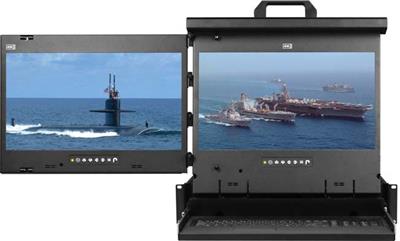
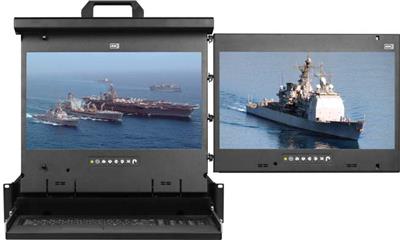
These four models pair two 17-inch 1920 x 1080 screens with VGA and DVI-D inputs. Choose between Left+Center or Center+Right layouts and trackball or touchpad input.
4K Dual Display Models (DisplayPort)
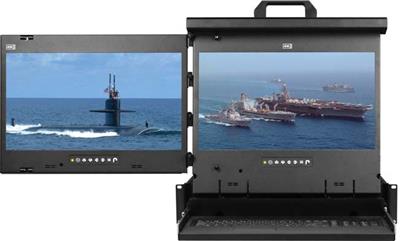
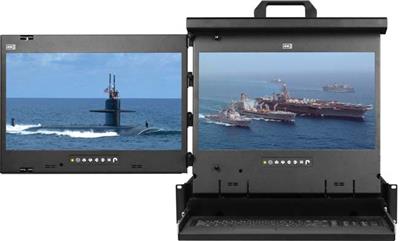
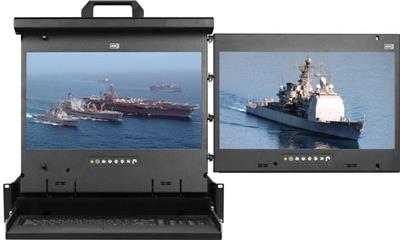
For operators who need sharper text, finer detail, and more on-screen real estate, these four models upgrade to 3840 x 2160 resolution via DisplayPort. Same dual-screen 2U form factor, same Left+Center or Center+Right layout options.
1080p Triple Display Models (VGA/DVI-D)
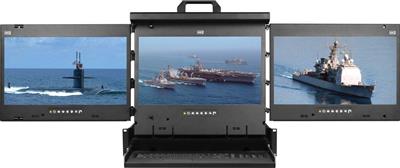
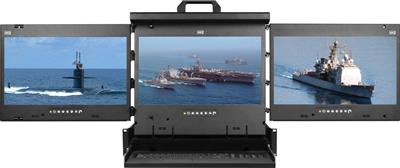
Triple display models add a third 17-inch screen for operators who need to monitor three separate feeds at once. These two models use VGA and DVI-D at 1920 x 1080, with trackball or touchpad options.
4K Triple Display Models (DisplayPort)
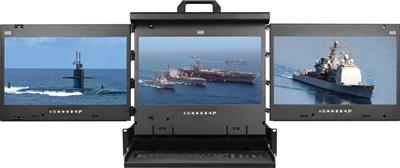
The flagship models in the lineup. Three 17-inch 3840 x 2160 DisplayPort screens in a single 2U drawer, delivering the highest pixel density and the most screen real estate available in a rackmount console.
Comparison Table: All 12 Models at a Glance
| Model | Screens | Resolution | Video Input | Layout | Pointing Device | Sale Price |
|---|---|---|---|---|---|---|
| MRK-F17b-2L | 2 | 1920 x 1080 | VGA + DVI-D | Left + Center | Trackball | $4,188 |
| MRK-F17b-2R | 2 | 1920 x 1080 | VGA + DVI-D | Center + Right | Trackball | $4,188 |
| MRK-F17e-2L | 2 | 1920 x 1080 | VGA + DVI-D | Left + Center | Touchpad | $4,505 |
| MRK-F17e-2R | 2 | 1920 x 1080 | VGA + DVI-D | Center + Right | Touchpad | $4,505 |
| MRK-K17b-2L | 2 | 3840 x 2160 | DisplayPort | Left + Center | Trackball | $5,575 |
| MRK-K17b-2R | 2 | 3840 x 2160 | DisplayPort | Center + Right | Trackball | $5,575 |
| MRK-K17e-2L | 2 | 3840 x 2160 | DisplayPort | Left + Center | Touchpad | $6,017 |
| MRK-K17e-2R | 2 | 3840 x 2160 | DisplayPort | Center + Right | Touchpad | $6,017 |
| MRK-F17b-3 | 3 | 1920 x 1080 | VGA + DVI-D | Triple | Trackball | $5,341 |
| MRK-F17e-3 | 3 | 1920 x 1080 | VGA + DVI-D | Triple | Touchpad | $5,803 |
| MRK-K17b-3 | 3 | 3840 x 2160 | DisplayPort | Triple | Trackball | $8,070 |
| MRK-K17e-3 | 3 | 3840 x 2160 | DisplayPort | Triple | Touchpad | $8,070 |
How to Choose the Right Configuration
Start with screen count. If your workflow involves monitoring two systems simultaneously (for example, a hypervisor console and an IPMI/iDRAC interface), a dual display is sufficient. If you need a third feed (network monitoring dashboard, security camera feed, or a dedicated alert panel), go with a triple.
Then pick your resolution. The 1080p VGA/DVI-D models work well for terminal-based management, BIOS configuration, and standard monitoring dashboards. If you regularly read dense log output, work with high-resolution SCADA/HMI interfaces, or need to fit more information on each screen, the 4K DisplayPort models deliver four times the pixel count.
Choose your layout (dual models only). Left+Center positions the keyboard between the right edge and the second screen, keeping your primary view directly ahead. Center+Right shifts the pair to the right, which can be preferable when the console sits at the left end of a rack row.
Pick your pointing device. Trackball models (the “b” suffix) are popular in environments where gloves are worn or desk space is zero. Touchpad models (the “e” suffix) offer gesture support and a flatter profile.
Related Product Categories
Looking for a single-screen console instead? Browse the 1U rackmount LCD keyboard drawers for space-efficient single-monitor setups, or the 1U DisplayPort LCD console drawers for single-screen 4K. For KVM switching between multiple servers through one console, see the full rackmount KVM switch lineup.
Conclusion
Dual and triple display rackmount monitors eliminate the trade-off between screen count and rack space. Every Cyberview model in this lineup fits into 2U, integrates a full keyboard and pointing device, and connects each screen independently so operators can watch multiple systems without toggling. Whether you need 1080p for standard monitoring or 4K for pixel-dense dashboards, the 12 models above cover every combination of screen count, resolution, layout, and input device.
Need help matching a configuration to your rack environment? Our engineers can walk through your deployment requirements and recommend the right model. Call (216) 798-7530 for free system design assistance.