TLDR
Choosing a rackmount monitor comes down to three specs that decide whether the unit fits and stays useful for the next five years: screen size, native resolution, and rack depth. Screen size sets how much you can read from a standing position at the rack. Native resolution decides how much you can see at once and whether a modern server or KVM output looks crisp or blurry. Rack depth decides whether the drawer physically closes in your cabinet, and this is the spec that derails the most orders. In short: match the screen size to your working distance, match the native resolution to the highest-resolution source you plan to attach, and measure your usable mounting depth before you buy anything labeled "short depth." If you are unsure about depth clearance, call our team at (216) 798-7530 and we will verify the fit against your exact rack before you order.

Why these three specs decide the purchase
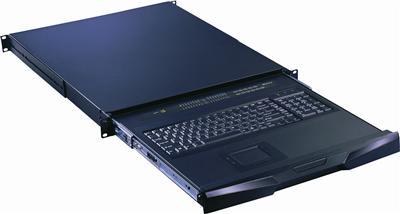
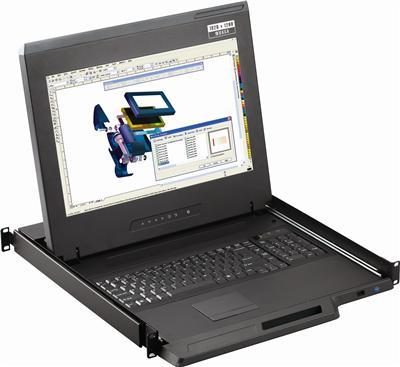
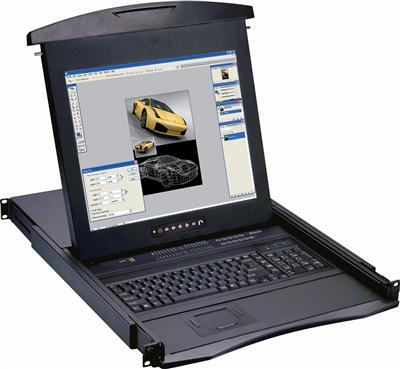
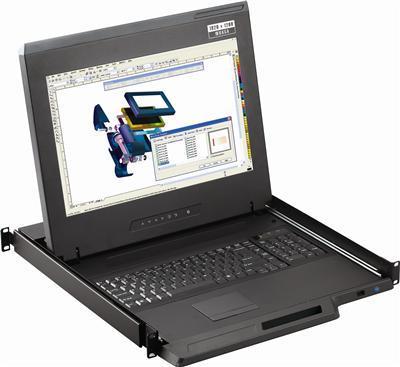
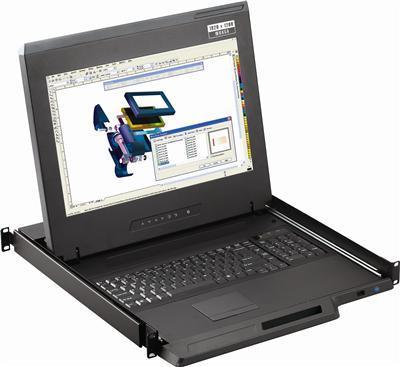
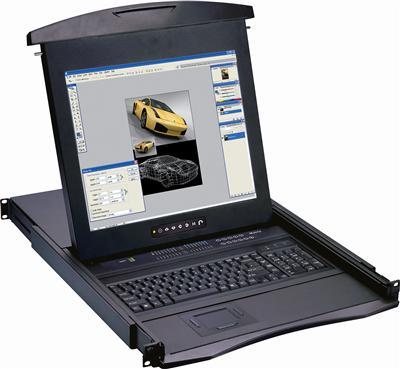
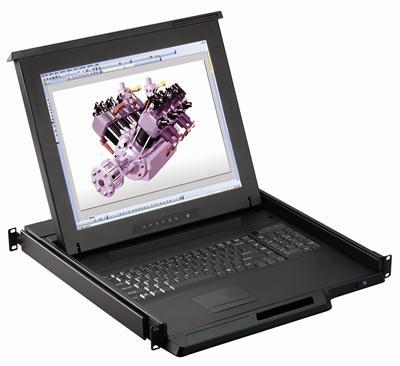
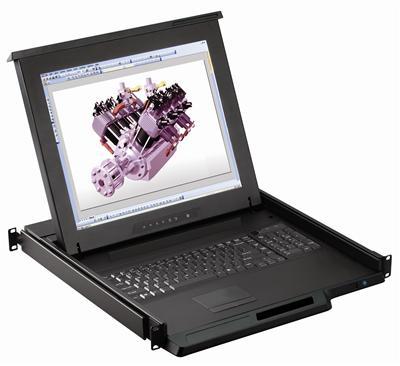
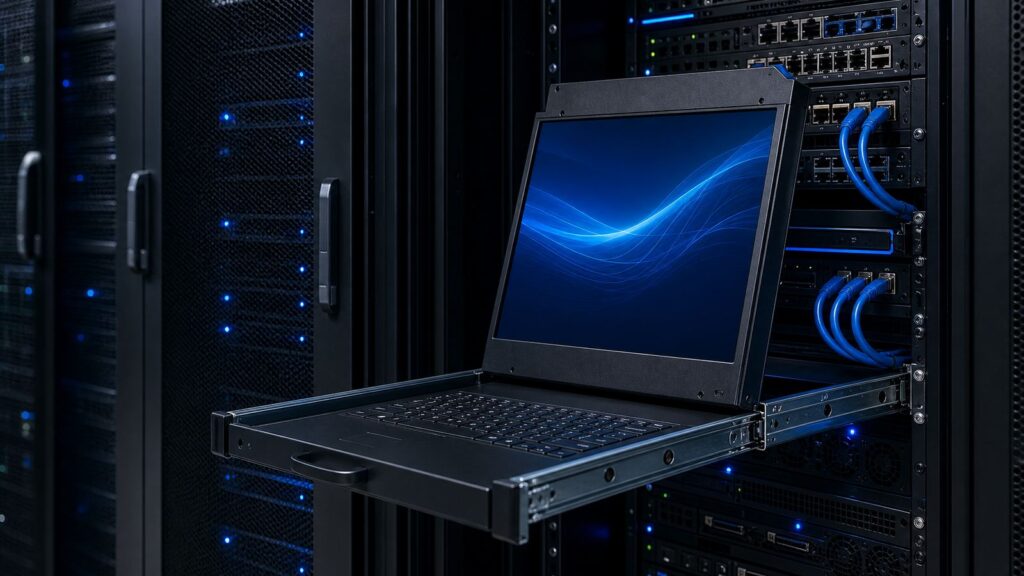
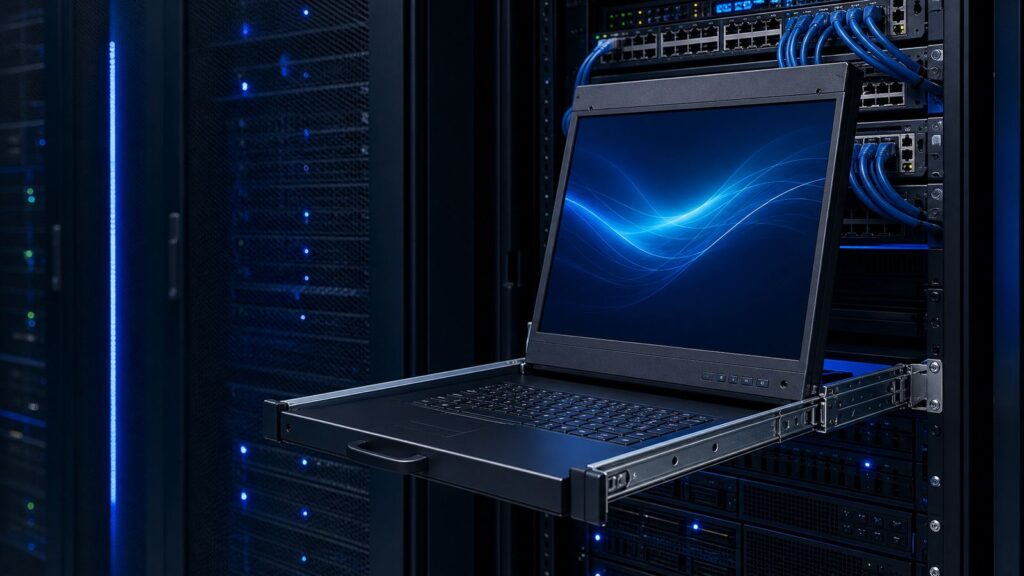
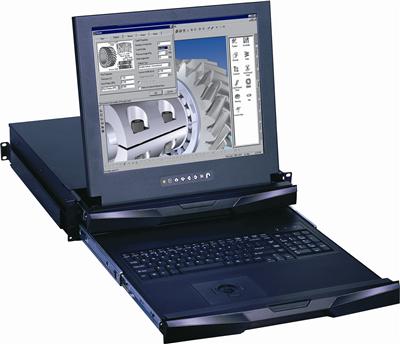
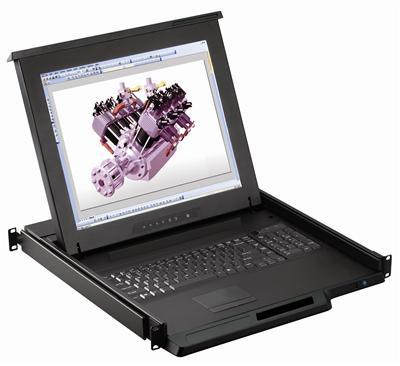
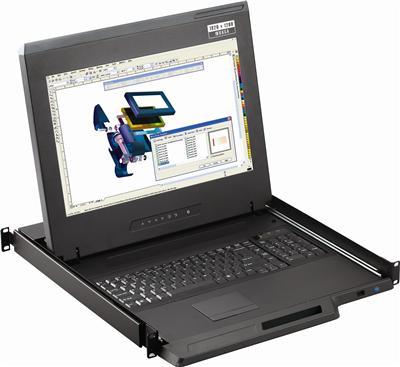
A rackmount monitor is a slim display, usually 1U or 2U tall, that mounts on the 19 inch rails of a server or network rack. Many models fold into a drawer with a keyboard and pointing device, a console design also sold as rackmount LCD keyboard drawers, so the whole console tucks away when it is not in use. Because the unit lives inside a fixed enclosure and gets used for quick, close-range work, the buying decision is more constrained than picking a desktop monitor.
Three specs carry almost all of that constraint:
- Screen size controls readability at the rack and the vertical rack units the console consumes.
- Native resolution controls how much fits on screen and whether attached sources look sharp.
- Rack depth controls whether the unit physically installs in your cabinet at all.
Get these three right and the rest (brightness, panel type, touchpad versus trackball) is preference. Get depth wrong and the drawer will not close. Get resolution wrong and you either scroll constantly or your source output looks soft. The sections below take each spec in turn, then give you a fit table and a measuring method you can run in five minutes.
Screen size: match it to how you actually use the rack
Rackmount monitors cluster around a few common sizes. The most widespread is 17 inch, followed by 19 inch, with larger widescreen options (18.5 inch, 21.5 inch, and up) available for control rooms and monitoring walls.
The right size depends on your working distance and your task, not on "bigger is better."
- 17 inch is the default for server-room maintenance where you stand at the rack, log in, run a task, and close the drawer. It reads well at arm's length, and it keeps the console to 1U in many designs, which preserves rack space.
- 19 inch and 19.5 inch suit anyone who spends longer sessions at the rack or works with dense text (log tailing, multiple terminal windows). The extra panel area reduces squinting during extended troubleshooting.
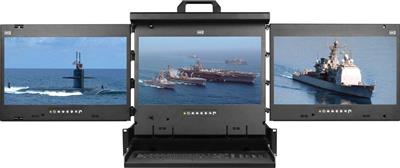
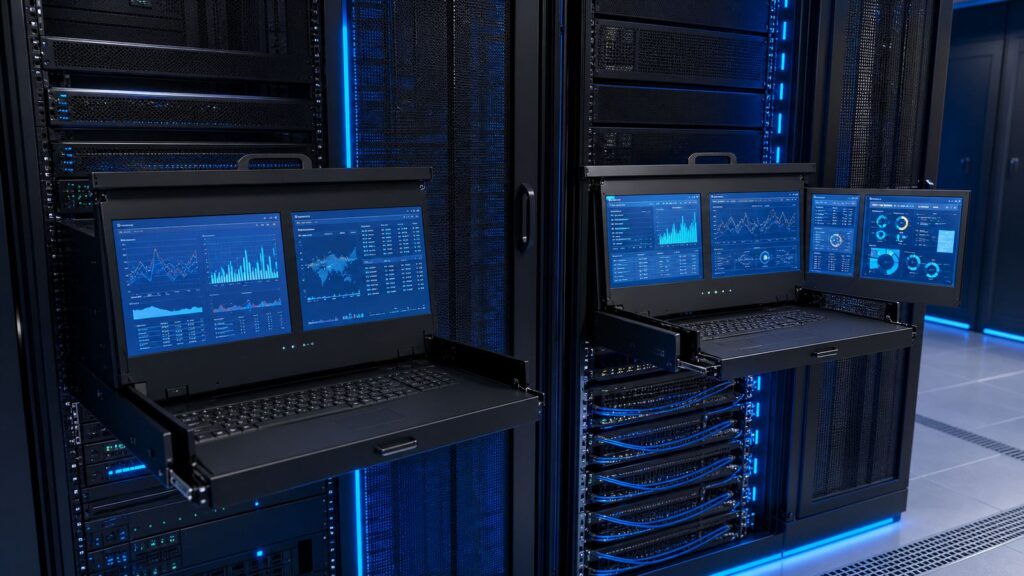
- Widescreen 18.5 inch to 24 inch fits control rooms, broadcast racks, and NOC positions where an operator watches the display for long stretches and needs a 16:9 layout for dashboards or video.
A practical rule: if a person stands more than roughly two feet from the panel while working, or reads from it for more than a few minutes at a stretch, size up. If the console is for occasional configuration and then folds away, 17 inch is usually plenty and saves both money and rack units.
One caution on rack units. A 1U console (roughly 1.75 inches of rack height) is the space-saving choice, but the folding geometry needed to fit a panel and keyboard into 1U can limit the panel's tilt range. A 2U console gives a more comfortable viewing angle and often a larger or higher-resolution panel. If rack space is tight, prioritize 1U; if ergonomics matter more than a single rack unit, 2U is worth it. For a sense of a real 1U configuration, see a 1U 20 inch HDMI rackmount monitor with keyboard.
Native resolution: match it to your highest-resolution source
Native resolution is the fixed pixel grid of the panel. Feed the panel its native resolution and text is crisp. Feed it anything else and the display scales the image, which softens text and can introduce artifacts. This is why native resolution, not "maximum supported resolution," is the number that matters.
Common rackmount monitor resolutions in 2026:
- 1280 x 1024 (SXGA, 5:4) still appears on legacy 17 inch and 19 inch panels. It is fine for BIOS screens, switch consoles, and older KVM outputs, but it feels cramped for modern operating systems.
- 1920 x 1080 (Full HD, 16:9) is the current mainstream for rackmount displays. It matches what most servers, KVM switches, and appliances output by default, so it is the safe choice for mixed environments. Austin Hughes, for example, ships 17 inch rack consoles at Full HD native resolution (Austin Hughes RP-F1417).
- 3840 x 2160 (4K UHD, 16:9) is available in compact rack consoles, including 17 inch models that drive 4K at 60Hz (Austin Hughes DK1417). 4K makes sense when you attach modern servers, GPU hosts, or 4K-capable KVM and matrix outputs and want to see the full desktop without scaling.
The key matching rule: buy for the highest native resolution you will actually feed the panel, not the highest number on the spec sheet. A 4K panel fed a 1080p KVM signal gains you nothing except cost, because the source caps the detail. Conversely, a 1080p panel attached to a 4K host forces the host to downscale, so you lose the detail you paid for on the server side.
Two source-side factors decide what resolution reaches the panel:
- The output of whatever you attach. If the monitor connects through a KVM switch, the KVM's supported resolution is the ceiling, not the panel's. A 4K console behind a 1080p KVM shows 1080p. If you are speccing the switch alongside the console, our HDMI KVM switch buyer's guide covers port count and 4K support in detail.
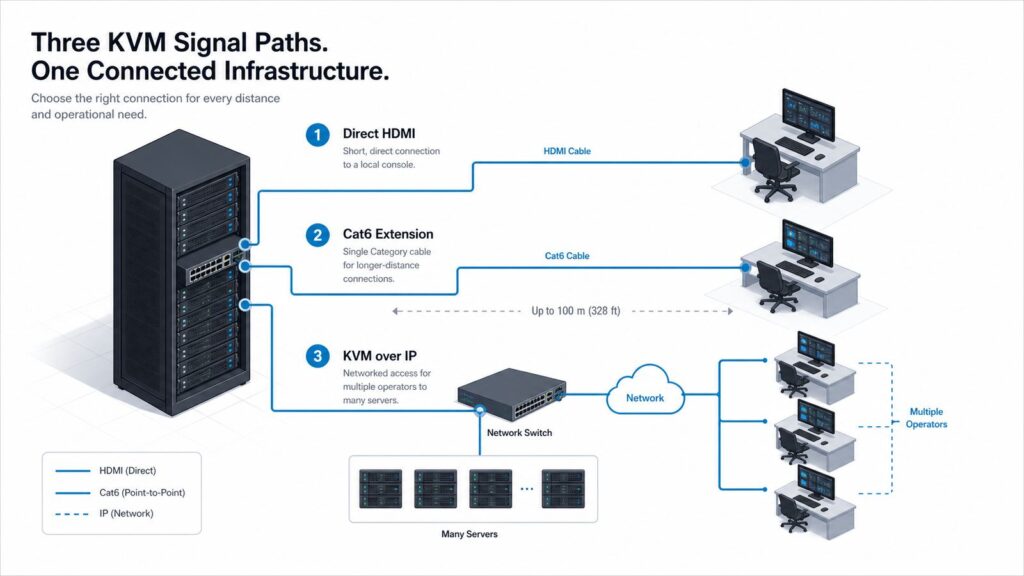
- The cable and distance. Long HDMI or VGA runs and older extenders can quietly drop you to a lower resolution or refresh rate. If you are extending signal over Cat5/Cat6 or fiber to reach the rack, confirm the extender carries the resolution you expect at the distance you need.
If you are unsure which resolution your KVM or extender actually passes through, that is worth a two-minute phone check before you commit to a 4K console you cannot feed.
Rack depth: the spec that breaks the most orders
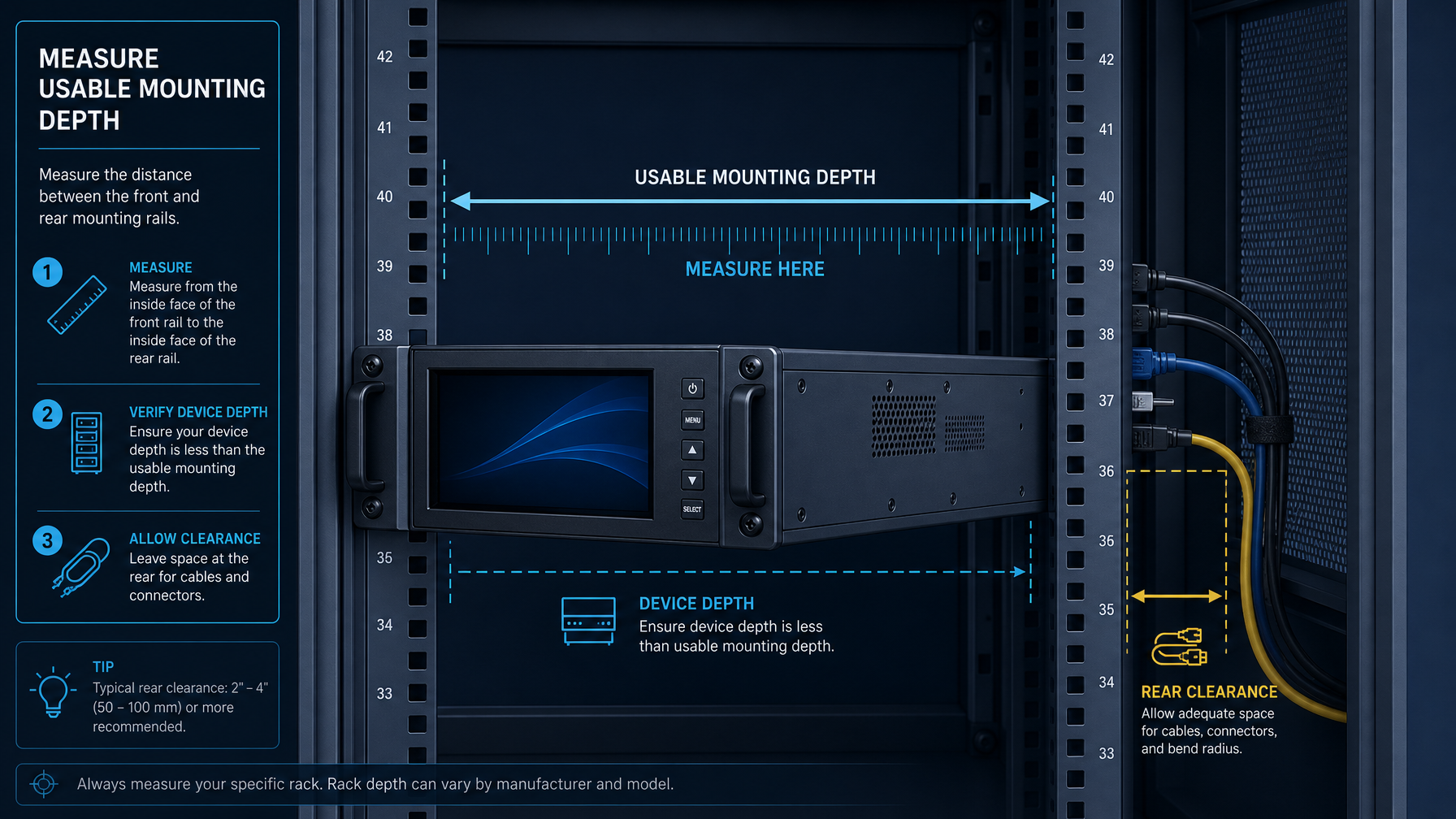
Depth is where rackmount monitor purchases go wrong. A unit can be the right size and resolution and still be unusable because it does not fit the mounting depth of your rack. This is especially common in wall-mount cabinets, network racks, and shallow comms cabinets, where usable depth can be far less than in a full-size server cabinet.
Understand the numbers on the spec sheet
Rack cabinets are built to the EIA-310 standard for 19 inch equipment, which fixes the rail width and the vertical hole spacing but leaves mounting depth up to the cabinet maker (RackSolutions: Server Rack Sizes). That is why depth varies so widely. Full server cabinets commonly offer 36 inches of mounting depth or more (StarTech 42U cabinet, 36 inch mounting depth), while wall-mount network cabinets can be as shallow as 18 inches (15U wall-mount cabinet, 18 inch deep).
Two depth figures matter on a rackmount monitor:
- Chassis depth: how far the unit body extends behind the mounting rails when the drawer is closed. A short-depth 17 inch console can have a chassis depth around 14 to 15 inches (RackmountMart LCD1U17-38, 14.5 inch chassis depth).
- In-use depth: how far the drawer and keyboard extend in front of the rails when the console is pulled out and open. This decides whether a closed cabinet door can shut and whether the open drawer collides with equipment in front.
A "short depth" or "ultra short depth" console is engineered specifically to fit shallow cabinets by shrinking the chassis depth. If your cabinet is shallow, this label is what you are shopping for.
Measure your usable depth before you buy
Do this before you select a model, not after the box arrives:
- Measure rail-to-rail mounting depth. Measure the front-to-back distance between the front mounting rails and the rear mounting rails (or the rear wall if there are no rear rails). This is your true usable mounting depth, not the cabinet's external dimension.
- Subtract clearance for cabling and the rear door. Leave at least a couple of inches behind the unit for power and video cables and for the rear door to close without crushing them. If you route thick bundles, leave more.
- Confirm the chassis depth fits. The console's chassis depth must be less than your usable mounting depth minus your cable clearance. If it is close, choose a short-depth model.
- Check the front clearance for the open drawer. Confirm the front door (if any) can close over the retracted console, and that pulling the drawer out will not hit equipment or a wall in front of the rack.
- Confirm rail-mount compatibility. Check whether the console uses fixed rails, telescoping slides, or an adjustable rail kit, and confirm that kit spans your front-to-rear rail distance. Some slide kits have a minimum and maximum depth range; your measured depth has to fall inside it.
If the measured depth lands within an inch or two of a model's chassis depth, do not guess. That margin is exactly where returns happen. Send us your measurement and rack model and we will confirm the fit at (216) 798-7530.
The rackmount monitor fit table
Use this as a starting point, then verify depth against your own rack before ordering. You can cross-check these picks against our full rackmount monitor lineup.
| Use case | Recommended size | Recommended native resolution | Rack height | Depth priority |
|---|---|---|---|---|
| Occasional server maintenance, standing at rack | 17 inch | 1920 x 1080 | 1U | Short depth if wall or network cabinet |
| Extended troubleshooting, dense text/logs | 19 inch to 19.5 inch | 1920 x 1080 | 1U or 2U | Standard, verify usable depth |
| Modern servers, GPU hosts, 4K KVM/matrix sources | 17 inch to 19 inch | 3840 x 2160 (4K) | 1U or 2U | Confirm source and cable carry 4K |
| Control room, NOC, broadcast monitoring | 18.5 inch to 24 inch widescreen | 1920 x 1080 or higher | 2U | Standard cabinet, front clearance for operator |
| Shallow wall-mount or comms cabinet | 17 inch | 1920 x 1080 | 1U | Ultra short depth required, measure first |
How the three specs interact
The specs are not independent. Three interactions catch buyers most often:
- Size versus rack units. Larger panels and more comfortable tilt usually push you from 1U to 2U. If both rack space and ergonomics matter, 17 inch at 2U can be a good compromise: a smaller panel with room for a better viewing angle.
- Resolution versus source and distance. A 4K panel only pays off if the source outputs 4K and the signal path (KVM, cable, extender) carries it at your distance. Match the panel to the weakest link in that chain.
- Depth versus everything. Depth is the hard constraint. A shallow cabinet can rule out a larger or higher-resolution model simply because the chassis that houses it will not fit. Solve depth first, then optimize size and resolution within what fits.
Work the decision in that order in reverse when the cabinet is tight: confirm what depth allows, then pick the best size and resolution inside that envelope.
Frequently asked questions
What size rackmount monitor is best for a server room?
For standing maintenance at the rack, 17 inch at 1U is the common default because it reads well at arm's length and preserves rack space. Step up to 19 inch or 2U when operators run longer sessions, read dense logs, or need a more comfortable viewing angle. Control rooms and NOC positions usually justify a widescreen panel because operators watch the display for extended periods.
Do I need a 4K rackmount monitor?
Only if you will actually feed it a 4K source. A 4K rack console pays off when you attach modern servers, GPU hosts, or 4K-capable KVM and matrix outputs and want the full desktop without scaling. If your sources and KVM switch top out at 1080p, a 4K panel adds cost without adding visible detail, because the source caps the resolution reaching the screen.
What does "short depth" mean on a rackmount monitor?
Short depth (and ultra short depth) means the console's chassis is engineered to extend less far behind the mounting rails so it fits shallow cabinets. A short-depth 17 inch console can have a chassis depth around 14 to 15 inches, versus deeper standard units. It is the spec to shop for in wall-mount network cabinets and shallow comms racks where usable mounting depth is limited.
How do I measure my rack for a rackmount monitor?
Measure the front-to-back distance between the front and rear mounting rails to get your true usable mounting depth. Subtract a couple of inches for cabling and rear-door clearance. The console's chassis depth must fit inside what remains. Also confirm the rail or slide kit spans your rail-to-rail distance, and that the open drawer clears any front door or equipment. When the margin is under two inches, verify with the seller before ordering.
Why does my rackmount monitor look blurry?
Almost always because the panel is not receiving its native resolution. If the source or the KVM switch in the path outputs a lower resolution, the panel scales the image and text softens. Long or low-quality cable runs and older extenders can also drop resolution or refresh rate. Set the source to the panel's native resolution and confirm every device in the signal path supports it.
Can a rackmount monitor connect through a KVM switch?
Yes, and most rack consoles are built to. When it does, the KVM switch's supported resolution becomes the ceiling for what reaches the panel, so match the console's native resolution to what the KVM actually passes. If you extend the signal over Cat5/Cat6 or fiber to reach a distant rack, confirm the extender carries your target resolution at that distance.
Before you order: verify the fit
Screen size, native resolution, and rack depth are the three specs that decide whether a rackmount monitor works for the next five years or gets returned in a week. Match the size to your working distance, match the resolution to your highest source (through the KVM and cable path, not just the panel), and measure your usable mounting depth before you shop the "short depth" label.
If any of those three is close to a limit, especially depth, do not guess. Our team verifies size, resolution path, and depth clearance against your exact rack and sources before you buy. Call (216) 798-7530 and we will confirm the right console for your cabinet.