
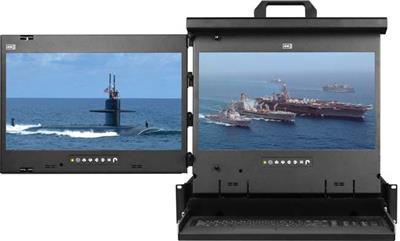
Dual Rackmount Monitor and Triple Rackmount Monitor
A dual rack mount monitor or triple rack mount monitor is a 2U pull-out drawer with two or three industrial LCD panels, so a NOC or data-center operator can watch multiple hosts from one rack. Most models have 17-inch or 17.3-inch screens; some WUXGA models use 16.2-inch screens. Console models include a keyboard and touchpad or trackball, while display-only drawers do not. Single-screen consoles belong with KVM drawer and 1U rackmount LCD keyboard models. Fixed panels are in rackmount LCDs; browse all form factors under rackmount monitors. Call (216) 798-7530 with screen count, video input, pointing-device preference, and closed-cabinet depth in mm.
This category covers 2U dual- and triple-screen drawers, not 3RU dual 7-inch broadcast monitors, desktop dual-head KVMs, 1U single-screen drawers, or fixed-face panels.


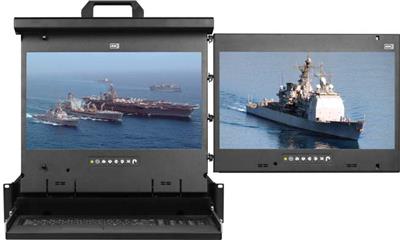
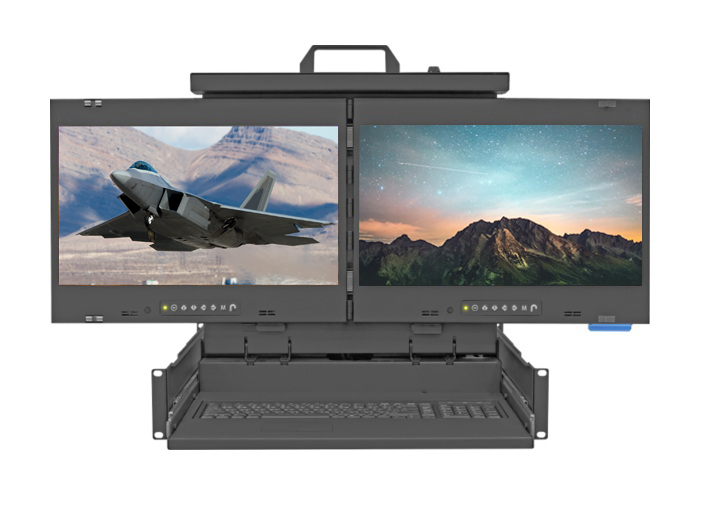
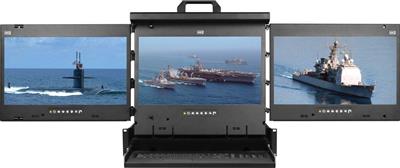
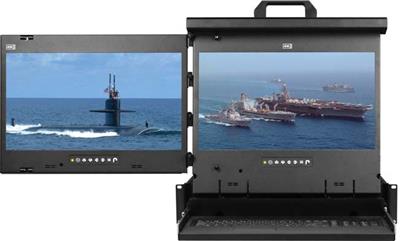

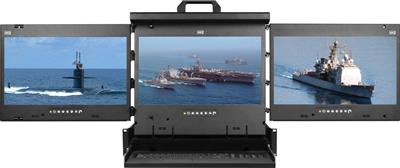


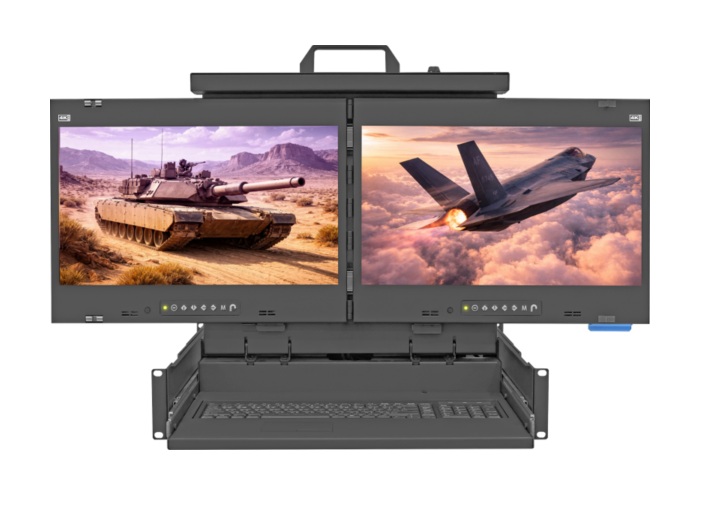
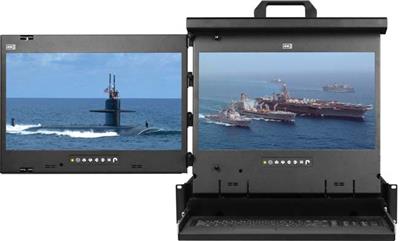
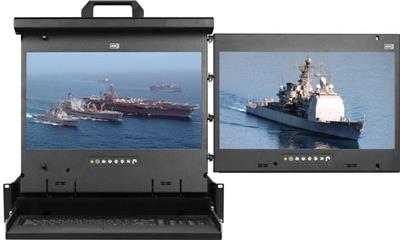
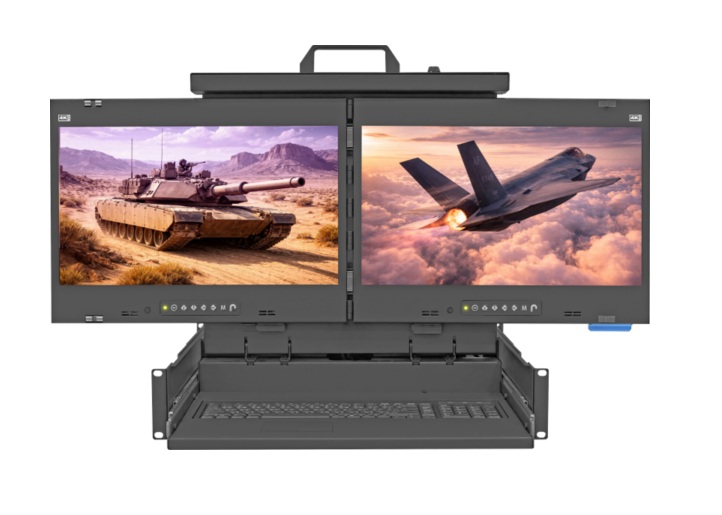
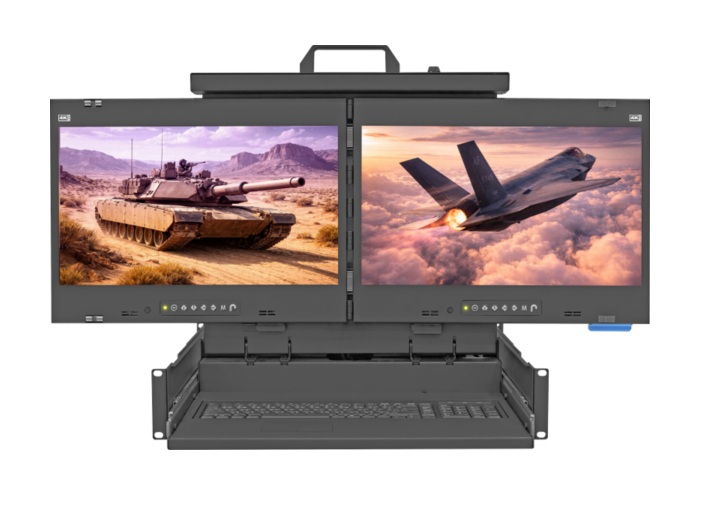
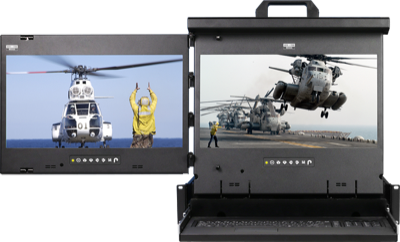
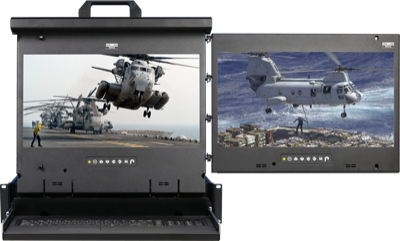
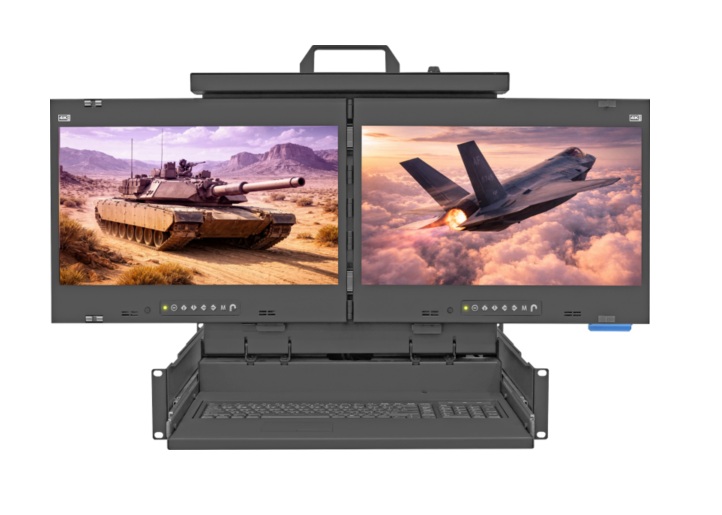
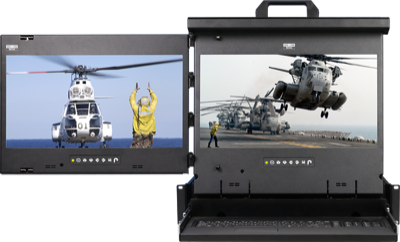
What a dual rackmount monitor is
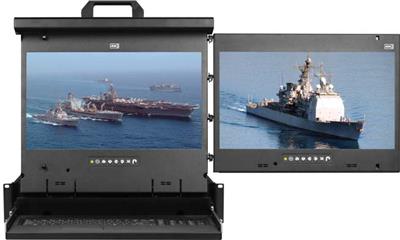
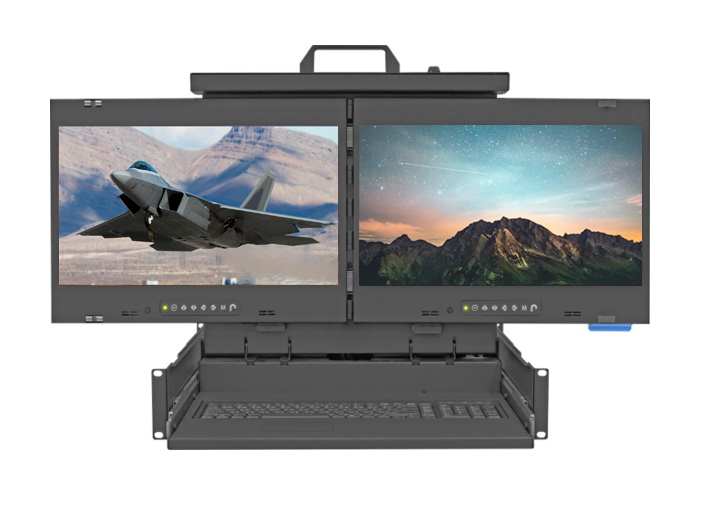
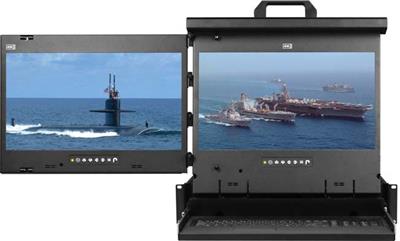
Dual and triple models in this range fold two or three screens into a 2U sliding drawer. The dual layout can place a display to the left, center, or right, depending on the SKU; triple models provide three simultaneous views. MRK console drawers add a keyboard and touchpad or trackball. MRP display drawers provide the screens without those controls. Check the individual product for panel size, layout, and included controls rather than treating every 2U drawer as the same configuration.
Dual rack mount monitor vs triple rackmount monitor
| Layout | U | Typical screens | Controls | Use when |
|---|---|---|---|---|
| Dual (left, center, or right) | 2U | Two 17-inch or 17.3-inch panels; some 16.2-inch WUXGA models | Keyboard and touchpad/trackball on console models; none on display-only models | Two hosts or a host plus a monitoring view |
| Triple | 2U | Three panels, with size and resolution varying by SKU | Keyboard and touchpad/trackball on console models; none on display-only models | Three concurrent rack views |
| Single-screen drawer | 1U | One 17-inch or 19-inch LCD | Depends on model | One console per rack; see KVM drawer |
Video and HID
Match the drawer to each host's video output. The F17 models in this range are 1080p-class VGA/DVI-D, while K17 DisplayPort models list 3840×2160. Treat those 4K models as 4K30-class unless the individual SKU sheet explicitly confirms 60 Hz. WUXGA X17 variants have different panels again, so verify resolution on the product page. For a new digital installation, choose an appropriate DVI-D or DisplayPort model; VGA remains useful for legacy hosts. On keyboard-console models, choose a touchpad or trackball from the specific SKU. Display-only MRP drawers need separate input controls if the installation requires them.
Measure usable cabinet depth and rail clearance before ordering. A 600 mm cabinet may be too shallow for a multi-screen drawer to close; confirm the mounting-depth range and folded dimensions for the exact model.
When you do not need this page
For one screen and a keyboard, browse 1U rackmount LCD keyboard. For remote access rather than a local drawer, see IP KVM switch. For a single 19-inch display, compare 19 Inch Rackmount Monitor. These alternatives have different rack-space and control requirements.
RFQ checklist
- Two screens or three, and the preferred left/center/right arrangement.
- Panel size and resolution for each source.
- Video input: VGA/DVI-D 1080p, WUXGA, or DisplayPort 4K30-class; verify any 60 Hz need against the SKU sheet.
- Keyboard-console or display-only drawer; touchpad or trackball where applicable.
- Closed cabinet depth and available rail clearance in mm.
- Host count and whether a separate rackmount KVM switch will sit behind the drawer.
For a quote, call (216) 798-7530 with the model or layout you need.
FAQ
What is a dual rack mount monitor?
A 2U sliding rack drawer with two LCD panels. Console models add a keyboard and pointing device; display-only models do not.
What is a triple rack mount monitor?
A 2U drawer with three LCD panels for simultaneous rack views. Check the SKU for panel size, video inputs, and whether controls are included.
Is this the same as a 3RU dual 7-inch broadcast monitor?
No. These are larger dual- and triple-screen IT rack drawers, not compact broadcast scopes.
Will a 600 mm cabinet close on a 2U dual or triple drawer?
Not necessarily. Share the usable closed depth and rail clearance in millimeters so we can check the exact model before quoting.
Should I choose VGA for a new installation?
Use VGA when the source requires it. For digital hosts, compare DVI-D or DisplayPort models and verify the supported resolution and refresh rate on the SKU sheet.
Do these drawers all include a keyboard?
No. MRK console drawers include a keyboard and pointing device; MRP display drawers are screen-only. Select the model that matches your control setup.
Need help matching a 2U multi-screen drawer to your rack? Call (216) 798-7530 with screen count, video input, and cabinet depth.
Filters