HDMI Matrix Switch Buyer's Guide (2026): 4×4 vs 8×8 vs HDBaseT vs Modular Chassis
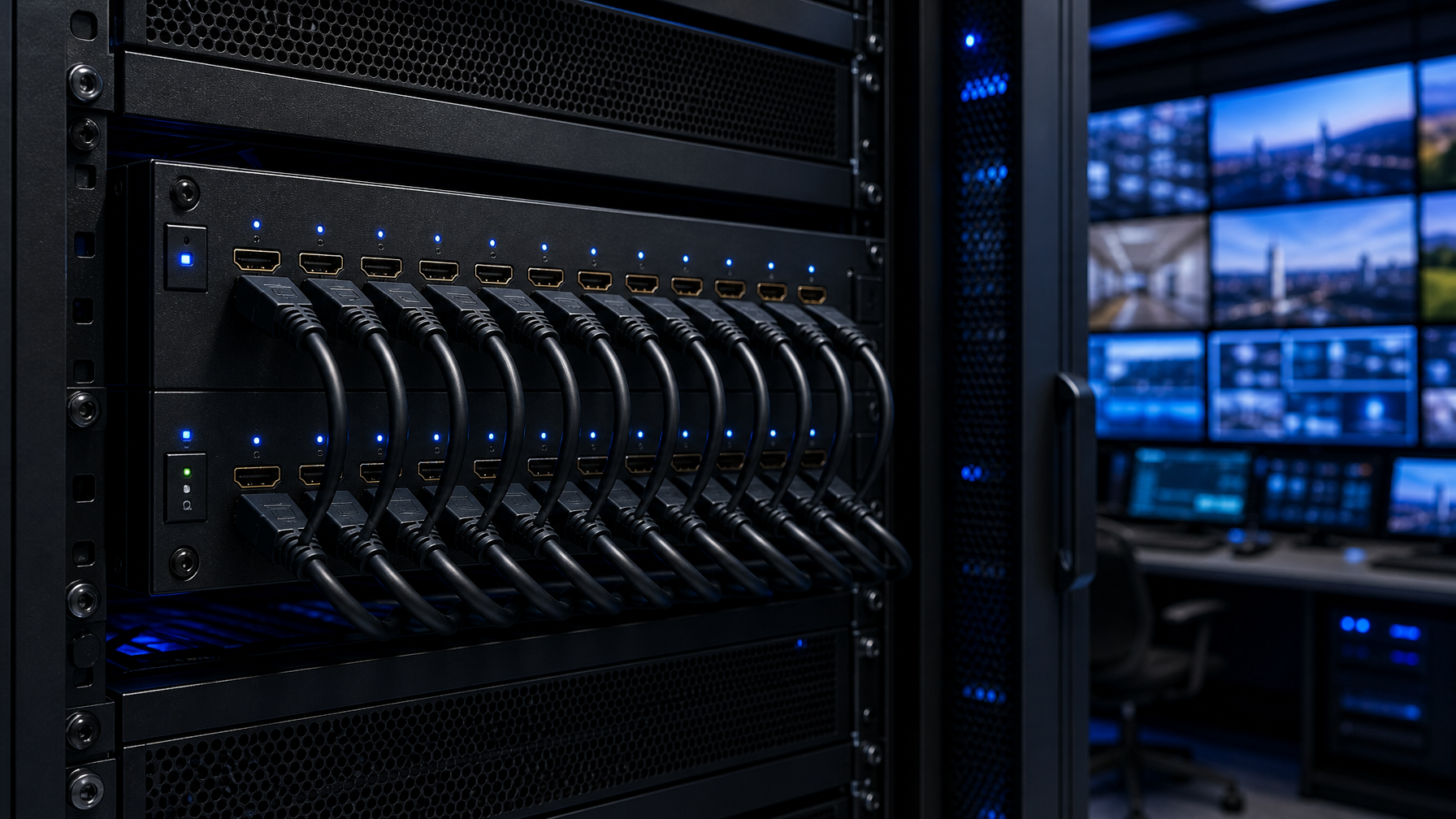
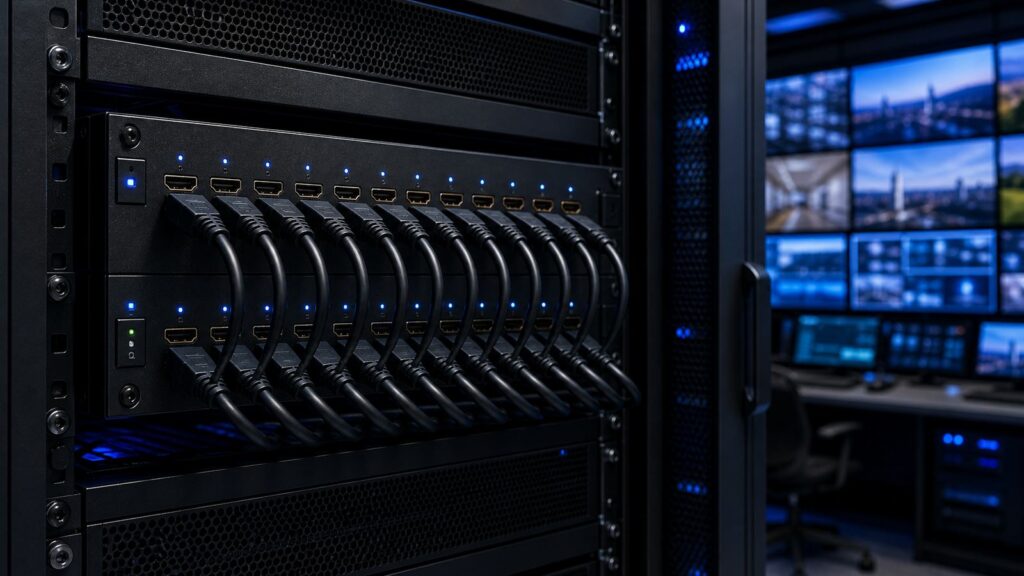
An HDMI matrix switch routes any of its inputs to any of its outputs, independently and simultaneously. Unlike a splitter (one source to many displays) or a basic switch (many sources to one display), a matrix lets you send Source 1 to Display 3 while Source 2 goes to Displays 1 and 4, all at the same time. For control rooms, broadcast suites, command centers, and enterprise server rooms, that any-to-any flexibility is the whole point.
This guide breaks down how to choose the right matrix by port count, distance, resolution, and architecture, including when a modular chassis matrix beats a fixed-port unit. Browse our full range of HDMI matrix switches as you read along.
Quick answer: which HDMI matrix do you need?
| Deployment | Recommended architecture | Why |
|---|---|---|
| Small conference room, 2-4 sources | 4×4 fixed matrix | Lowest cost, plug-and-play |
| Mid-size control room, 4-8 sources | 8×8 fixed matrix | Balanced I/O headroom |
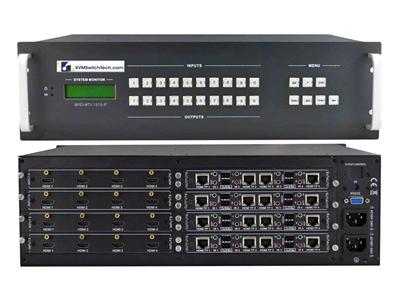
| Displays beyond 15 ft / different rooms | HDBaseT matrix (over Cat6) | Extends 4K to 100m on structured cabling |
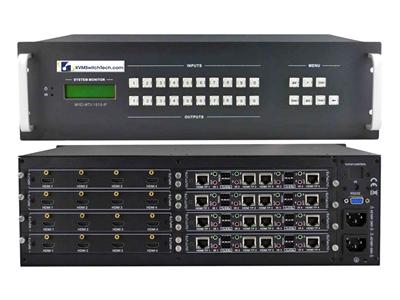
| Large command center, mixed signal types, future growth | Modular chassis matrix | Swap/scale I/O cards; mix HDMI, SDI, fiber |
| Data-center / 24-7 mission-critical | Modular chassis with redundant PSU | Hot-swap cards and power for uptime |
Understand port count first (the NxN number)
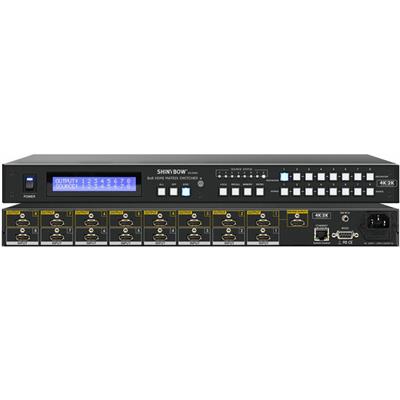
Matrix switches are labeled by inputs x outputs. A 4×4 has 4 inputs and 4 outputs; an 8×8 has 8 and 8. Two rules save most buyers from a costly mistake:
- Count sources and displays separately. You don't need a square matrix. If you have 6 sources and 4 displays, an 8×8 gives you headroom on both sides, but a dedicated 6×4 (if available) may be cheaper.
- Buy one size up if growth is likely. Fixed matrices can't add ports later. The jump from 4×4 to 8×8 is far cheaper than replacing the whole unit in 18 months.
4×4 vs 8×8 vs 16×16 at a glance
| Spec | 4×4 | 8×8 | 16×16 |
|---|---|---|---|
| Typical use | Boardroom, retail | Control room, bar/restaurant | Broadcast, command center |
| Relative cost | $ | $$ | $$$$ |
| Rack space | 1U | 1U-2U | 3U+ (often modular) |
| Growth headroom | None | Limited | Card-based on chassis models |
| Shop | 4×4 matrices | 8×8 matrices | 16×16 matrices |
Distance: when you need HDBaseT
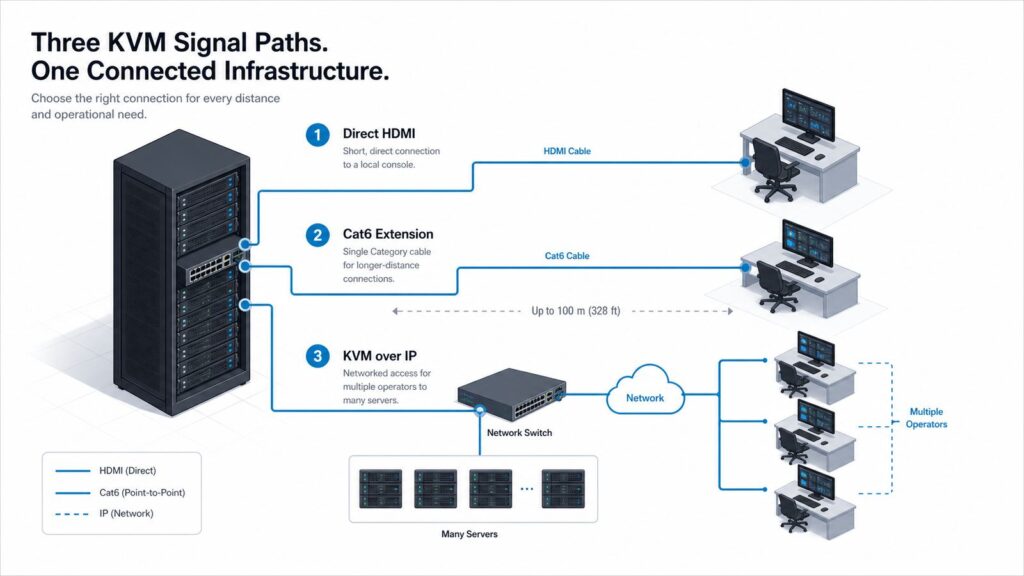
Native HDMI reliably runs about 15-25 ft before signal degradation. Past that, a standard matrix will drop 4K or introduce sparkle and dropouts. HDBaseT matrix switches solve this by transmitting video, audio, and control over a single Cat6/Cat6a cable to a compatible receiver at the display, up to 100m (328 ft) at 1080p and roughly 40m for uncompressed 4K.
Choose HDBaseT when:
- Displays are in different rooms or across a facility.
- You want to reuse or run structured cabling instead of bulky HDMI runs.
- You need integrated IR/RS-232 control back to the source.
Our Cat5e/Cat6 HDBaseT HDMI matrix switchers ship with matched receivers, so you get a validated end-to-end path. For runs beyond HDBaseT limits or where electrical isolation matters (between buildings, near heavy machinery), step up to fiber optic extension instead.
Resolution and EDID: don't get burned by 4K claims
"4K" is not one spec. Confirm these before buying:
- Resolution + refresh: 4K30 (4:2:0) is common on budget units; 4K60 4:4:4 is required for sharp text on computer sources.
- HDMI version / bandwidth: HDMI 2.0 = 18 Gbps (4K60). HDMI 2.1 = 48 Gbps (needed for 4K120 or 8K).
- HDCP version: must match your sources (HDCP 2.2/2.3) or protected content shows a black screen.
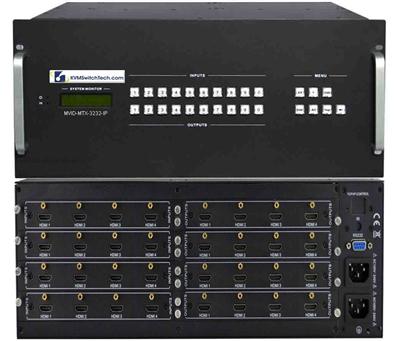
- EDID management: a good matrix handles EDID so each source outputs a resolution every display can accept. Without it, a mixed-display setup produces blank or downscaled outputs. Units like our 16×16 UHD 4K@60Hz matrix with smart EDID management handle this automatically. (We cover EDID in depth in our HDMI KVM switch buyer's guide.)
Fixed vs modular chassis matrix: the scalability decision
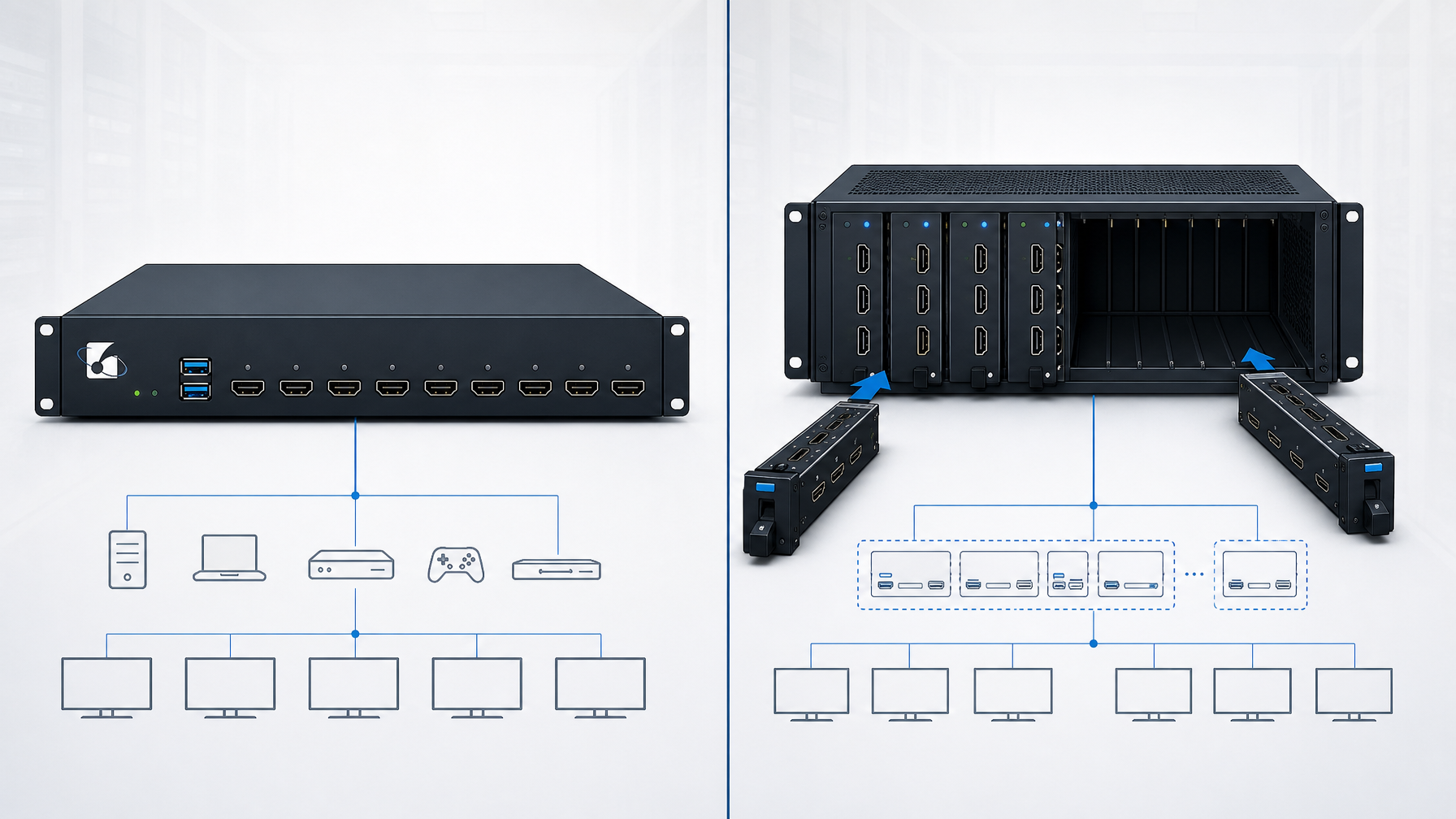
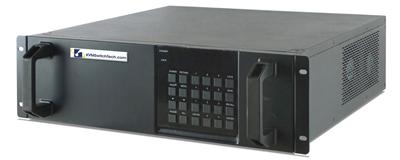
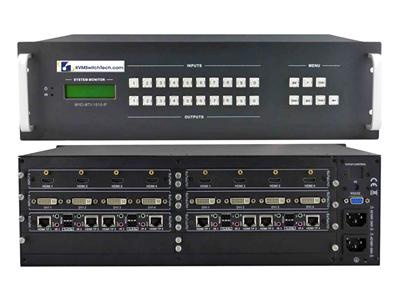
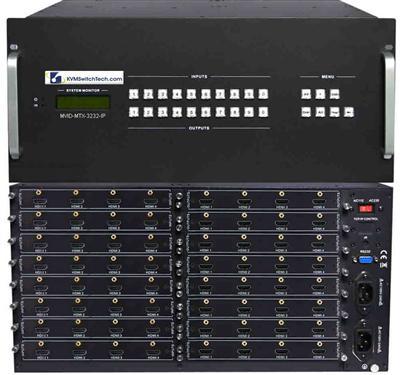
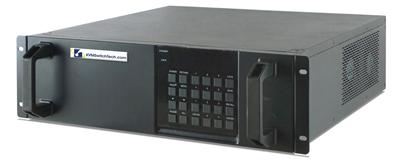
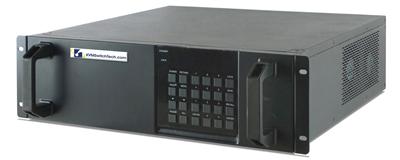
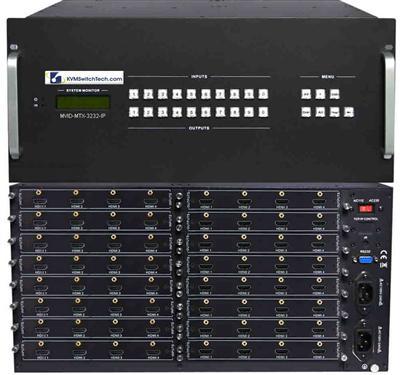
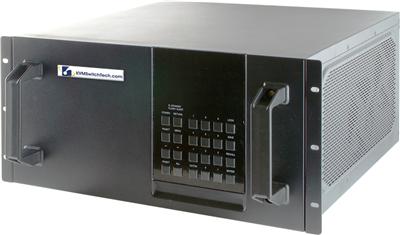
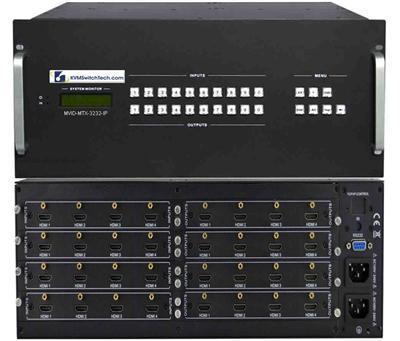
This is the question most large buyers get wrong. A fixed matrix has a set number of HDMI ports soldered in. A modular (chassis-based) matrix is a rack frame with slots that accept input and output cards, so you populate exactly the I/O you need and swap card types later.
| Factor | Fixed matrix | Modular chassis matrix |
|---|---|---|
| Upfront cost | Lower | Higher (frame + cards) |
| Scale to more ports | Replace whole unit | Add cards to open slots |
| Mixed signal types | Single type only | HDMI, SDI, DVI, fiber, HDBaseT cards in one frame |
| Redundancy | Rare | Hot-swap cards + dual PSU options |
| Best for | Stable, known port count | Growing or mission-critical deployments |
Choose modular when any of these are true:
- You expect to add sources/displays over the next 2-3 years.
- You need to mix signal formats (e.g., HDMI cameras plus SDI broadcast feeds) in one router.
- Uptime is critical and you need hot-swappable cards and redundant power.
- You're consolidating several fixed switches into one managed frame.
For a 24-7 command center, the higher upfront cost of a modular chassis is usually offset within the first expansion cycle, because you add a card instead of forklifting the entire unit. See our 16×16 modular matrix switch (4Kx2K, HDMI/DVI/VGA) for a single-format modular option, or the 16×16 multi-video-format matrix (HDMI/DVI/SDI/VGA/fiber) when you need to mix signal types in one frame.
Control and management features that matter
- Control interface: front-panel buttons are fine for small setups; look for web GUI, TCP/IP, RS-232, and IR for integrated AV control.
- Presets/routing macros: one-touch layouts for shift changes or scenarios.
- Video wall support: some matrices tile one source across multiple displays, useful for control-room walls.
- Audio de-embedding: pulls audio out to a separate system where needed.
Buyer's checklist
- Count sources and displays; add growth headroom.
- Measure your longest cable run, then pick native HDMI, HDBaseT, or fiber.
- Lock down exact resolution, HDMI version, and HDCP.
- Confirm EDID management is included.
- Decide fixed vs modular based on growth and redundancy needs.
- Match the control interface to your AV/IT environment.
Talk to an engineer before you buy
Matrix deployments fail on the details: an EDID mismatch, an underspecced 4K claim, or a fixed unit that can't grow. Our team spec's these systems every day for control rooms, broadcast, healthcare, and government facilities.
Call (216) 798-7530 and we'll size the right HDMI matrix, HDBaseT, or modular chassis for your deployment, the first time.
Browse our HDMI Matrix Switches or contact us for a tailored recommendation.
Frequently asked questions
What is the difference between an HDMI matrix and an HDMI splitter?
A splitter sends one source to multiple displays showing the same content. A matrix routes any input to any output independently, so different displays can show different sources at the same time.
What size HDMI matrix do I need?
Count your sources and your displays separately, then choose a matrix that meets both with some headroom. If you have 5 sources and 4 displays, an 8×8 gives room to grow; fixed matrices cannot add ports later.
How far can an HDMI matrix send video?
Native HDMI is reliable to about 15-25 ft. An HDBaseT matrix extends 4K over Cat6 up to roughly 40m and 1080p to 100m. For greater distances, use fiber optic extension.
Do I need a 4K60 matrix or is 4K30 enough?
For video playback, 4K30 can suffice. For computer sources with fine text, choose 4K60 4:4:4 with HDMI 2.0 (18 Gbps) or higher to keep text crisp.
What is a modular matrix switch?
A modular (chassis-based) matrix is a rack frame with slots for input/output cards. You populate only the ports you need and add or change cards later, including mixing HDMI, SDI, and fiber, which fixed matrices cannot do.
When should I choose a modular chassis over a fixed matrix?
Choose modular when you expect to expand, need to mix signal types, or require redundancy (hot-swap cards and dual power supplies) for mission-critical, 24-7 operation.