
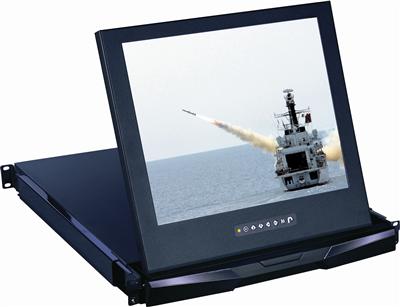
1U Rackmount LCD Buyer's Guide
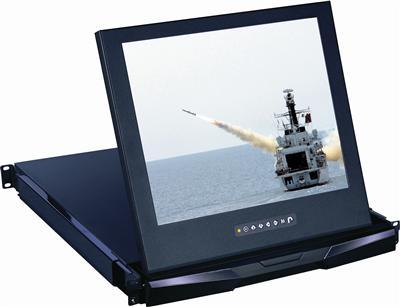
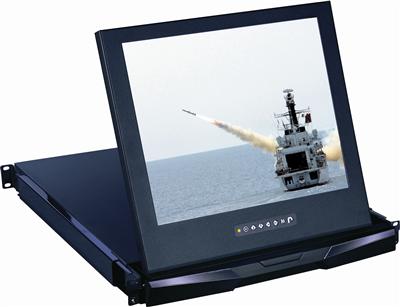
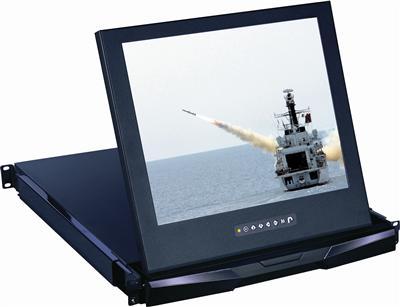
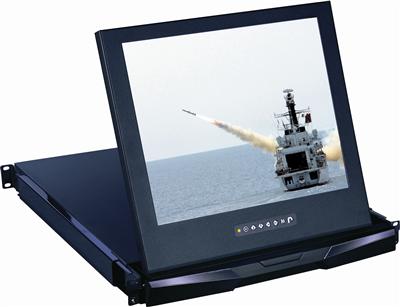
A 1U rackmount LCD is a flip-up display in a slim 1U slide-out drawer, giving you a built-in screen for your rack without taking up valuable U-space. It supports plug-and-play and is available with VGA, DVI, HDMI, composite, and widescreen options. Sizes range from 17" to 20" with resolutions up to 1920x1200.
Browse products
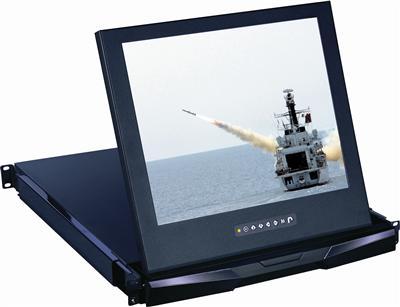
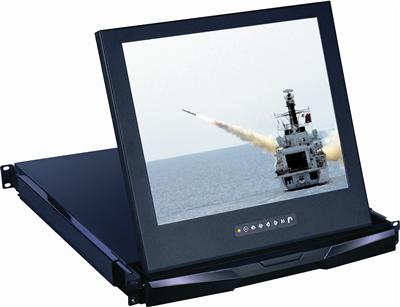
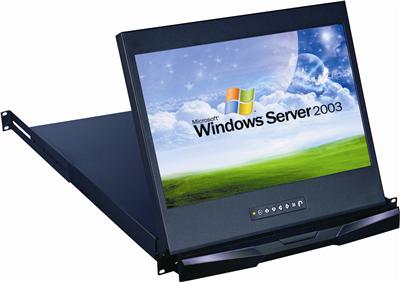
1U Rackmount LCD
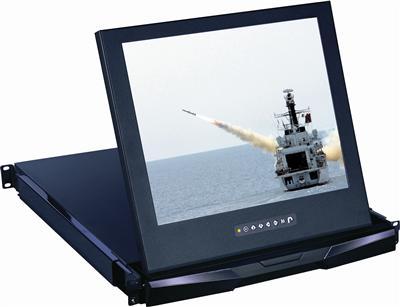
RP-W119 Cyberview 1U 19" WideScreen Rackmount LCD Monitor Drawer
$1,014.00
$1,400.00
In stock
1U Rackmount LCD
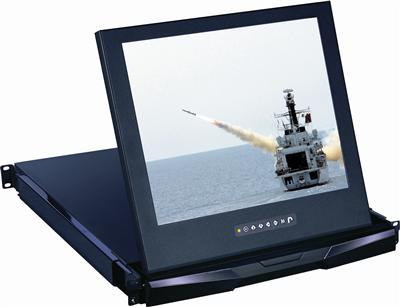
1U 19" Composite and S-Video Rackmount LCD Monitor Drawer
$1,144.00
$1,500.00
In stock
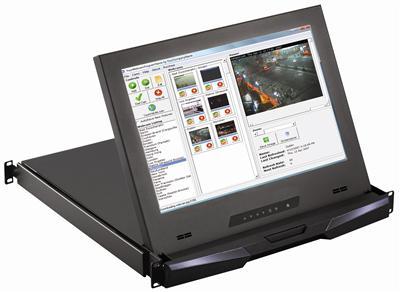
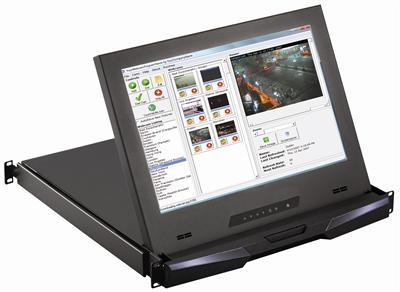
1U Rackmount LCD
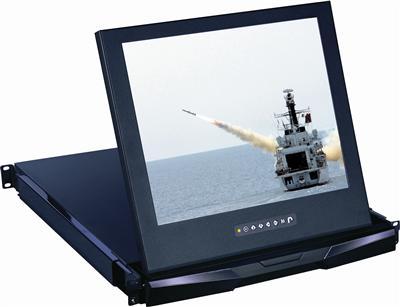
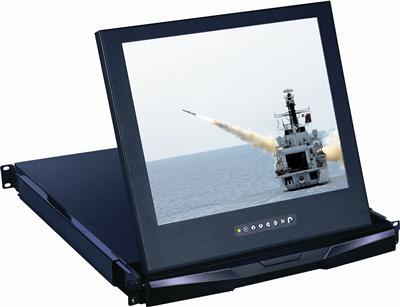
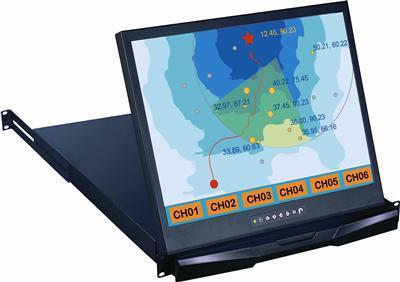
1U 17" Widescreen 1080p High Resolution 1920 x 1080 Rackmount LCD Monitor with DVI-D and VGA Connectors
$1,499.00
$1,800.00
In stock
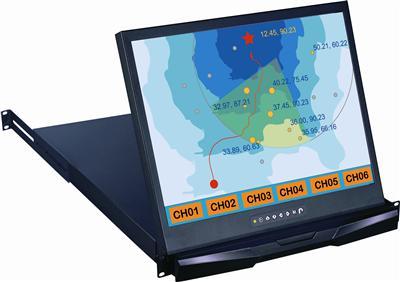
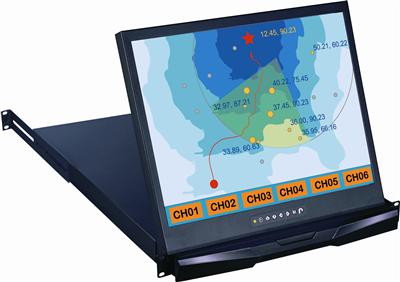
1U Rackmount LCD
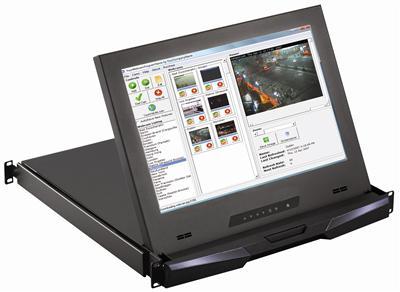
RP120-HDMI Cyberview 1U 20" HDMI Rackmount LCD Monitor Drawer
$1,918.00
$2,400.00
In stock
1U Rackmount LCD
1U 20" Composite and S-Video Rackmount LCD Monitor Drawer
$2,041.00
$2,700.00
In stock
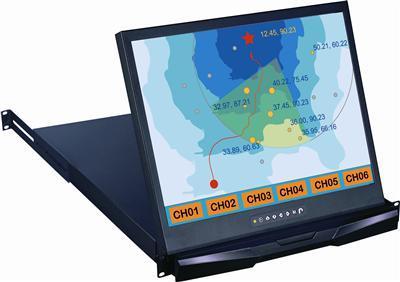
1U Rackmount LCD
RP120-AV Cyberview 1U 20" Composite and S-Video Rackmount LCD Monitor Drawer
$2,133.00
$2,700.00
In stock
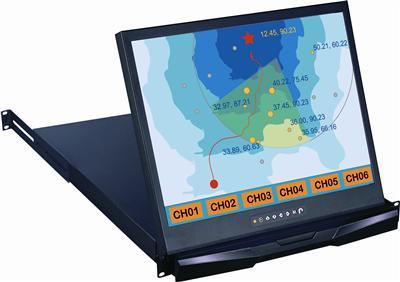
1U Rackmount LCD
RP120-DVI Cyberview 1U 20" DVI Rackmount LCD Monitor Drawer
$2,133.00
$2,700.00
In stock
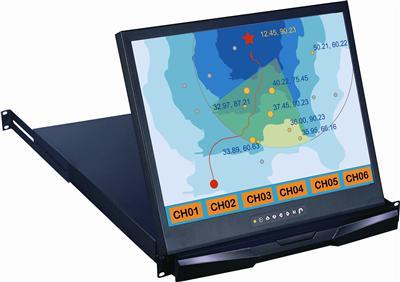
Key features to confirm
- 1U flip-up drawer – slides out for use, folds away when not needed.
- 17", 19", 20" LCD sizes.
- VGA, DVI, HDMI, composite/BNC/S-Video, and widescreen input options.
- Optional touch, DC power, and audio.
- CE, FCC, RoHS, TAA certified.
| Need | Choose |
|---|---|
| Standard 1U display | 1U VGA rackmount LCD |
| Digital video | 1U DVI or HDMI drawer |
| Shallow rack | Short-depth 1U LCD |
| Always-on panel | 6U-10U fixed LCD |
For a multi-U always-on panel see the 6U-10U LCD, or for a keyboard too see rackmount monitors.
Frequently Asked Questions
What is a 1U rackmount LCD?
A flip-up LCD display in a 1U slide-out drawer that saves rack space and provides local visual monitoring.
What sizes are available?
17", 19", and 20" panels.
What inputs does it support?
VGA standard, with DVI, HDMI, composite/BNC/S-Video, and widescreen variants.
Is a touchscreen version available?
Yes, USB and serial touchscreen options are offered on select models.
Choosing a 1U rack display? Our engineers help match screen size, video input, and depth to your rack and application. Call (216) 798-7530 for free system design help.
Filters