DVI rackmount monitor vs DVI KVM drawer
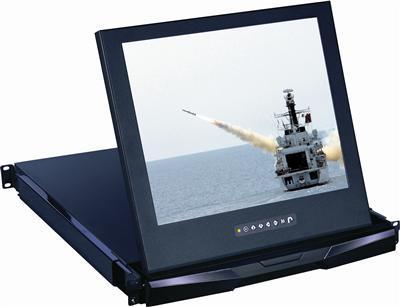
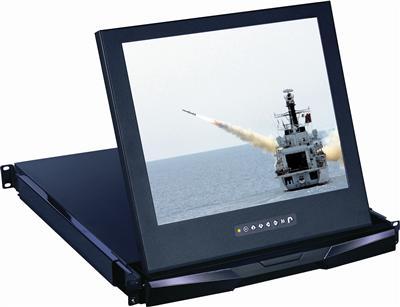
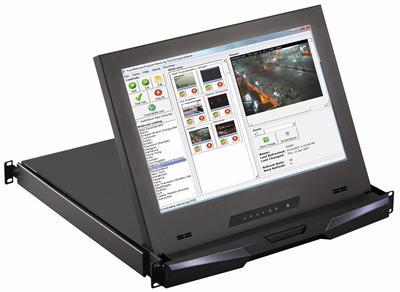
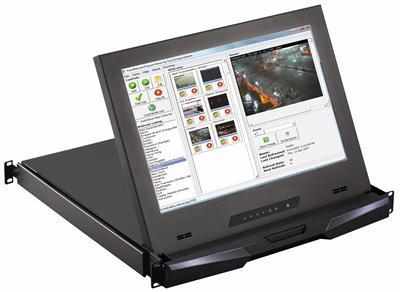
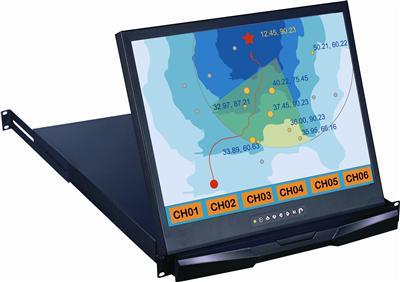
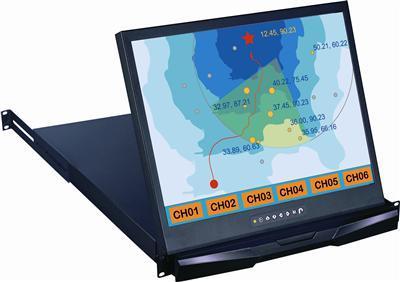
This page is monitor-only: every unit below is a display with no keyboard. That distinction matters because half the results for this search are actually KVM drawers. If the same 1U slot has to provide local keyboard and pointer for console work, use a 1U DVI LCD Keyboard drawer instead. If the screen only has to show a feed from a server, KVM switch, or industrial PC, stay here and pick a form factor from the table.
How to spec a DVI rack monitor
DVI-D vs DVI-I. These panels take DVI-D, the digital-only connector. A DVI-I source cable still fits a DVI-D socket as long as you use a DVI-D cable; what does not work is expecting the panel to read the analog pins. If the source is analog-only, use the VGA input that most of these panels carry instead of an adapter.
Single-link vs dual-link. Nothing in this category needs dual-link. Single-link DVI-D carries up to 1920×1200 at 60 Hz, and the highest native panel here is 1920×1080 (17" widescreen) followed by 1600×1200 (20" units). Buy plain single-link DVI-D cables and spend the difference on strain relief.
1280×1024 vs 1600×1200 vs 1920×1080. The standard 17" and 19" panels are 1280×1024 four-by-three: right for BIOS screens, KVM menus, and console text. Step to a 20" 1600×1200 unit when operators read dense logs, or a 17" widescreen 1920×1080 when the source is a modern 1080p head. Match the host output to the panel native; a scaled signal is why rack screens look blurry, not the panel.
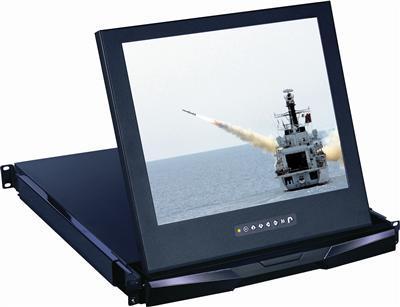
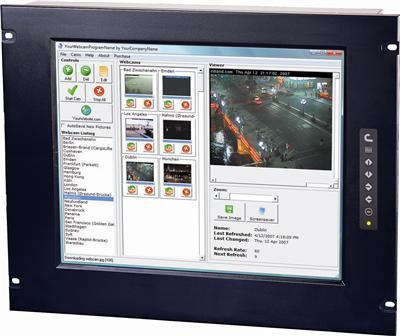
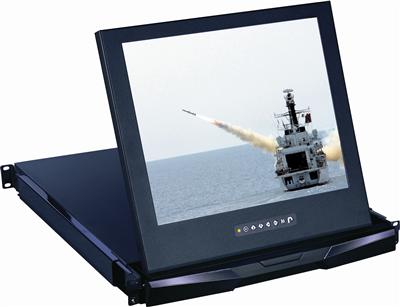
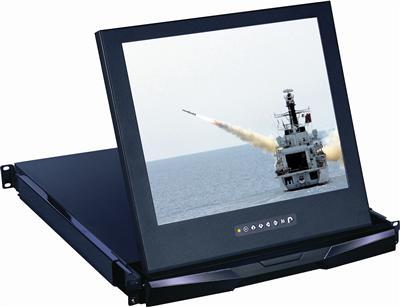
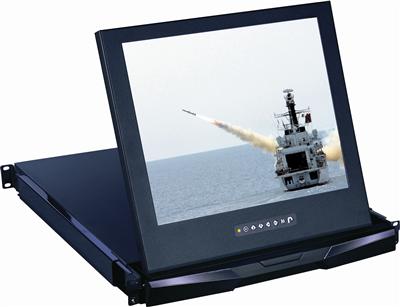
Rack depth. Fixed panels are thin (about 2.2–2.6 inches) and only consume face space. 1U drawers need real rail depth: standard units run to roughly 23.6 inches, short-depth builds like the RP1419-DVI and the shallow 17" and 19" drawers fit about 18.9 inches. Measure post-to-obstruction and leave an inch for the DVI plug and bend.
VGA fallback. Most units here pair DVI-D with a second analog path (VGA, and on legacy models BNC or S-Video), which keeps one screen usable through a migration from analog KVMs to digital hosts. None of these panels is a 4K unit; for 3840×2160 sources use a 4K rackmount monitor, and for native-HDMI racks see the HDMI rackmount monitor line.
Frequently asked questions
What is a DVI rackmount monitor?
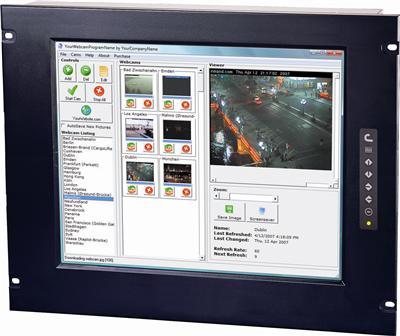
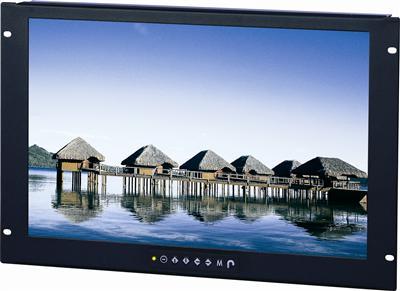
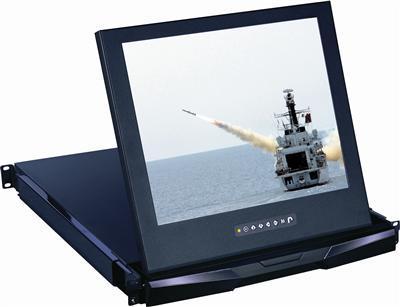
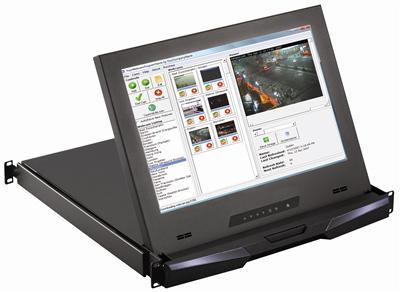
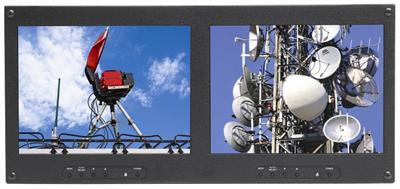
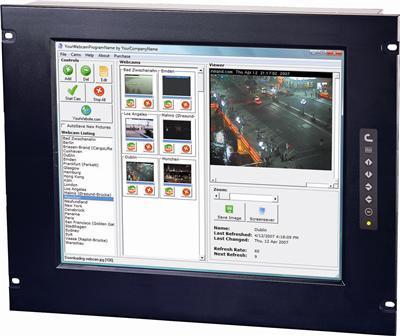
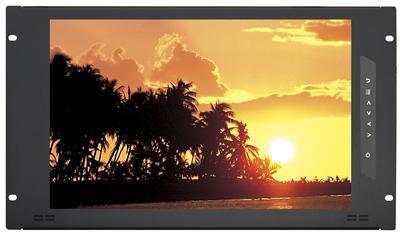
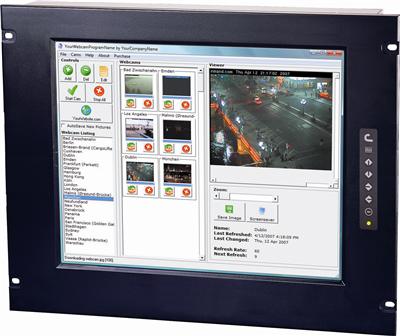
A rack-mounted LCD with a native DVI-D input, built as a 1U slide-out drawer or a 6U–9U fixed panel. It is display-only; DVI units with a keyboard are KVM drawers and live on the 1U DVI LCD keyboard page.
DVI rackmount monitor vs DVI rackmount LCD?
Same product class, two names. Monitor emphasizes the finished rack unit, LCD the panel inside it. Every SKU in the grid above answers to either term, and this URL is canonical for both.
DVI-D vs VGA rack LCD?
DVI-D is digital end to end: no ghosting, no auto-adjust drift, pixel-exact at native resolution. VGA survives on legacy KVMs and appliances. Most panels here carry both, so you can run DVI-D as primary and keep VGA as the fallback input.
17 vs 19 vs 20 inch?
17" and 19" standard panels share 1280×1024; pick by viewing distance and rack face budget. 20" units step up to 1600×1200 for denser text. The 17" widescreen builds run 1920×1080 for modern sources, and the compact 10.4" units (1024×768, VGA and DVI-D) fit where a full-width panel cannot.
Drawer vs fixed 8U?
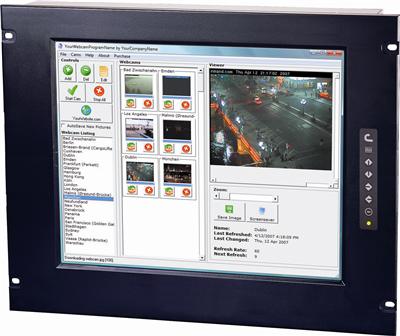
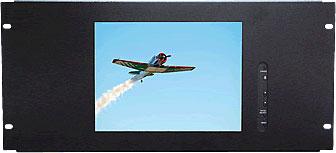
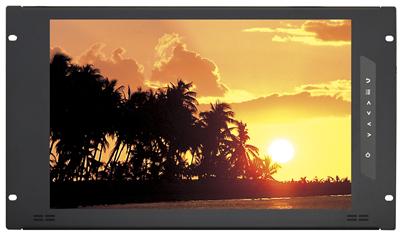
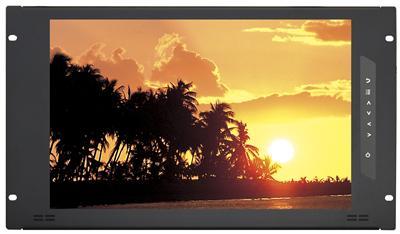
A 1U drawer hides between uses and saves seven rack units, but needs 18.9–23.6 inches of rail depth. An 8U fixed monitor like the RP819-DVI needs almost no depth (about 2.2 inches) and keeps the screen permanently at eye level. Buy the drawer for occasional console checks, the fixed panel for always-on monitoring.
Speccing a DVI rack monitor? Call (216) 798-7530 with form factor (1U drawer or 6U–9U fixed panel), screen size, native resolution (1280×1024, 1600×1200, or 1920×1080 widescreen), DVI-D vs VGA fallback, and rack depth. That is what we quote.