When choosing the right server management solution, businesses often compare a rackmount monitor with a traditional console setup. Both options serve the same core purpose—monitoring and controlling servers—but their efficiency, space usage, and scalability are very different.
For modern data centers and enterprise IT environments, a rackmount monitor is often the preferred solution.
What Is a Rackmount Monitor?
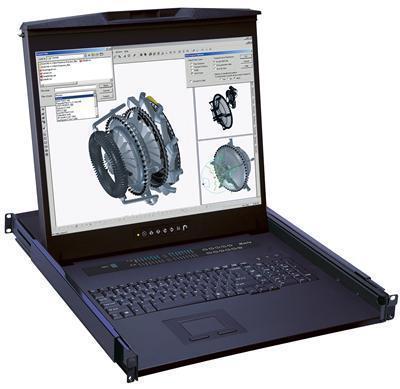
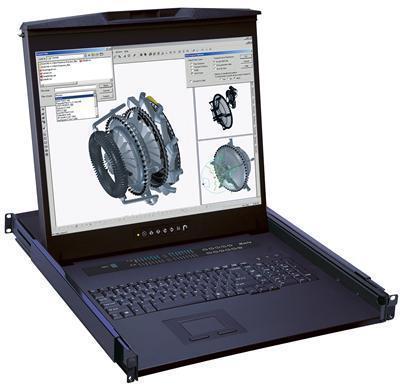
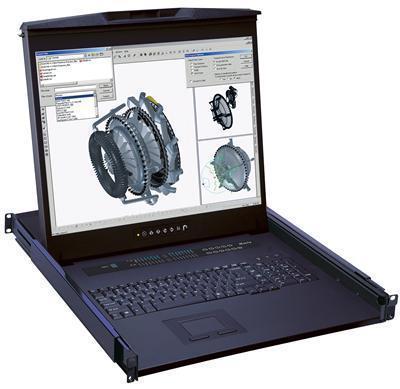
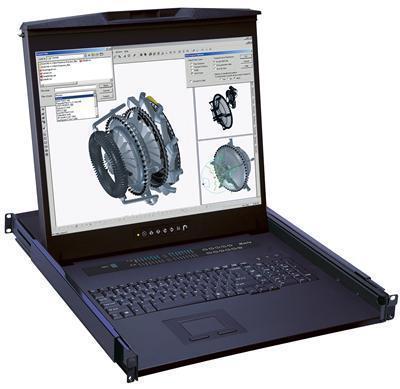
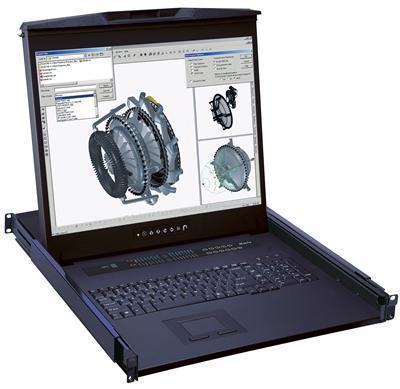
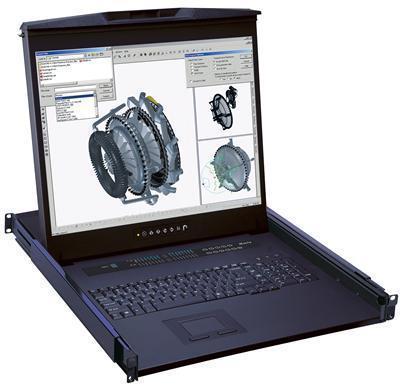
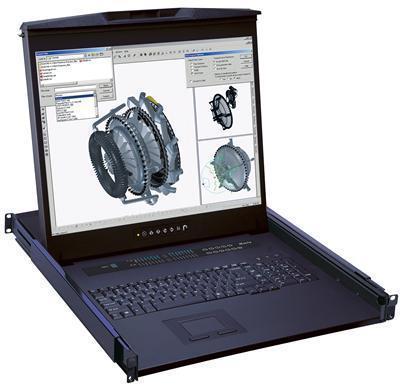
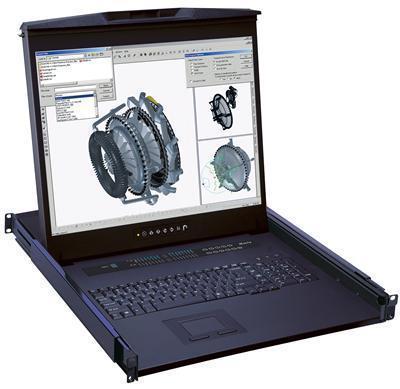
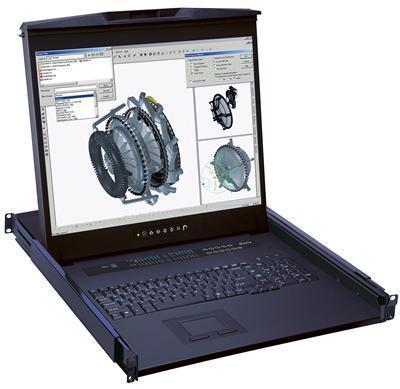
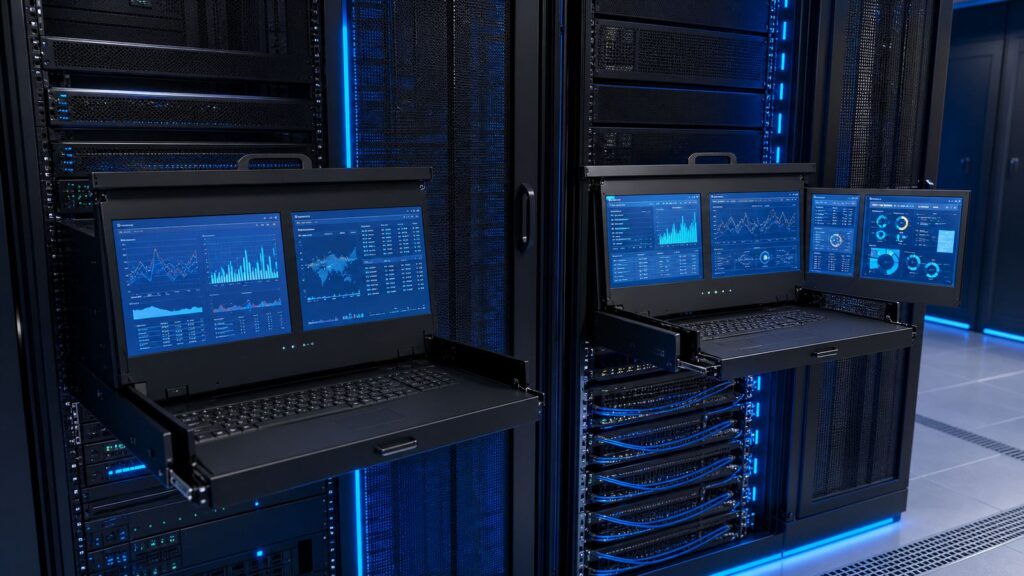
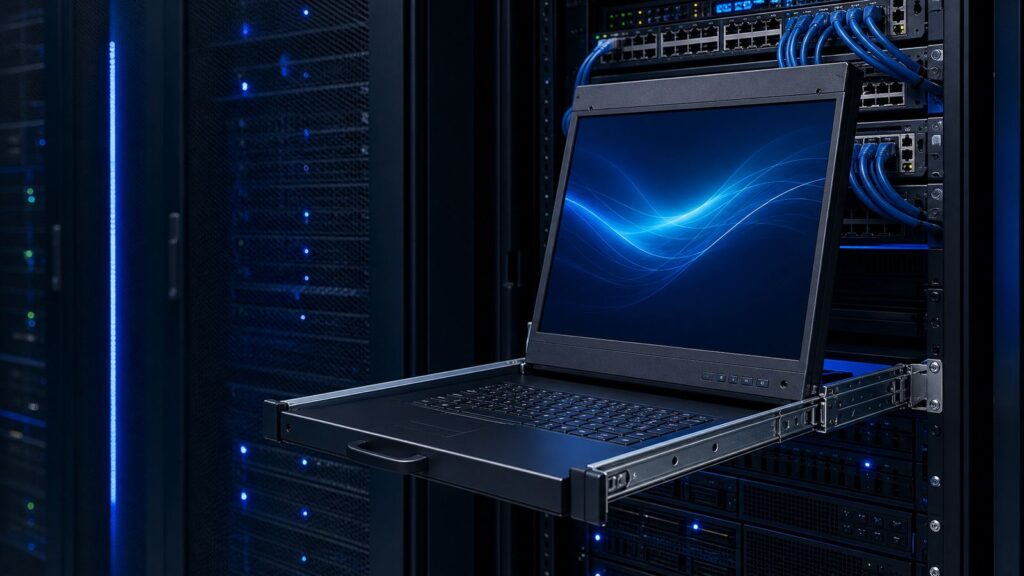
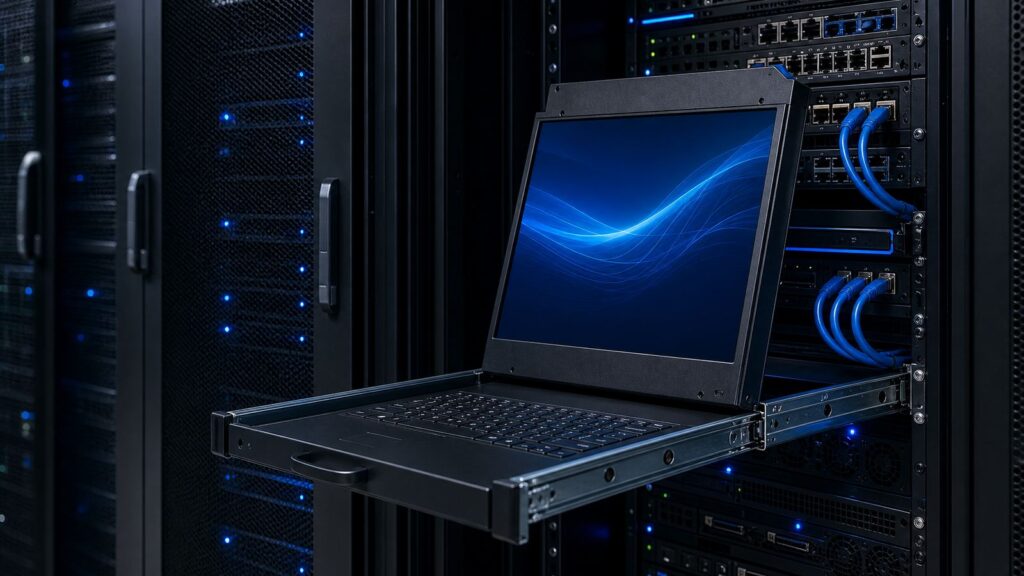
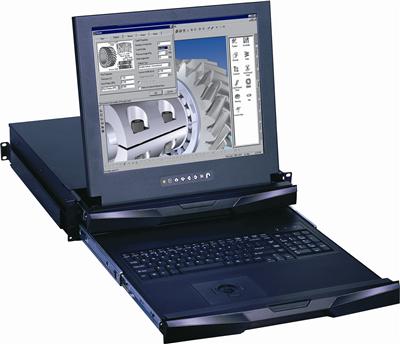
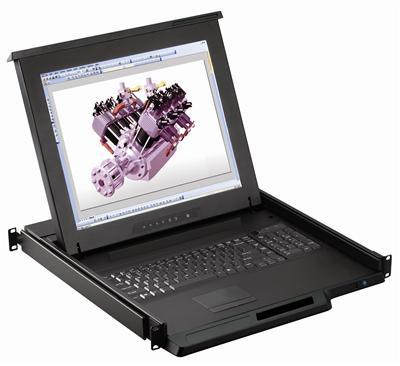
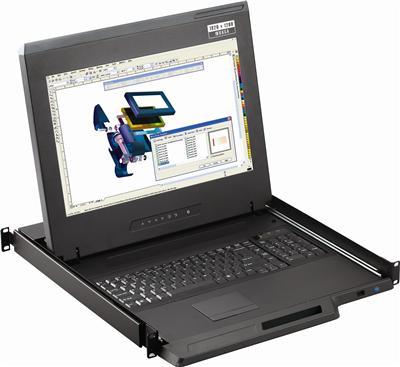
A rackmount monitor is a compact display unit designed to fit inside a standard 19-inch server rack.
Most setups come with:
- integrated keyboard
- touchpad or trackball
- KVM switch compatibility
- 1U or 2U design
A rack mount monitor and keyboard setup allows IT teams to manage multiple servers directly from the rack.
This is ideal for:
- data centers
- server rooms
- control rooms
- NOC environments
What Is a Traditional Console Setup?
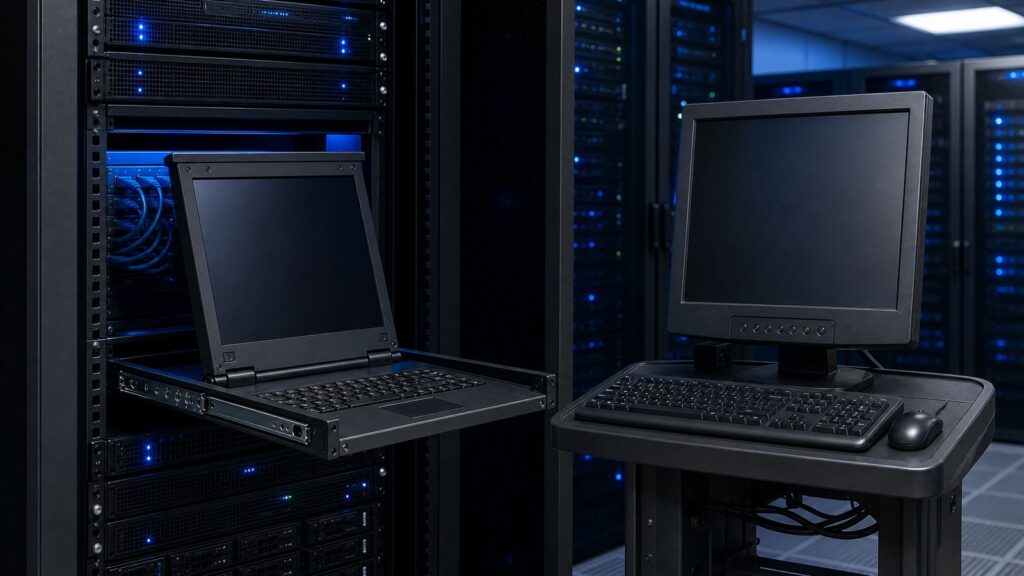
A traditional console setup usually includes:
- desktop monitor
- external keyboard
- mouse
- separate workspace
This setup works well in small office IT rooms but becomes inefficient in large-scale infrastructure environments.
Key Difference: Space Efficiency
The biggest advantage of a rackmount monitor is rack optimization.
A rackmount monitor and keyboard solution fits directly inside the server rack and saves valuable floor space.
Traditional consoles require:
- desk area
- extra cable management
- external peripherals
For USA data centers where space directly impacts cost, rack-mounted systems are much more practical.
Better Cable Management
A rackmount keyboard and monitor setup keeps all controls centralized.
This reduces:
- cable clutter
- accidental disconnections
- maintenance complexity
Traditional consoles often create messy cable environments.
Faster Server Troubleshooting
In real-world IT operations, downtime is costly.
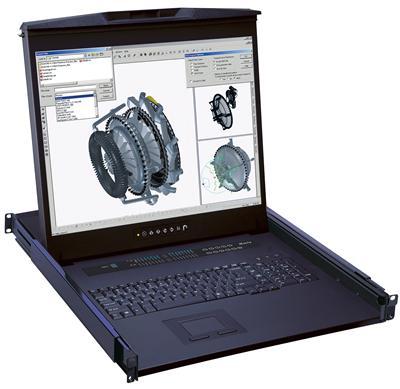
With a rackmount monitor, engineers can slide out the console and instantly access:
- BIOS
- server logs
- remote controls
- KVM switching
This improves troubleshooting speed.
Long-Term Scalability
For growing businesses, scalability matters.
A rackmount monitor supports expansion better than a traditional console.
As server racks grow, adding more rack-mounted consoles is easier than managing multiple external desks.
Expert Recommendation
For enterprise and data-center environments, a rackmount monitor is the better choice.
Traditional console setups may still be suitable for:
- small IT offices
- temporary server rooms
- low-density environments
But for professional infrastructure, rack-mounted solutions deliver better performance and space utilization.
Customer Experience
“After switching from a traditional desk console to a rackmount solution, our rack space utilization improved significantly and troubleshooting became much faster.”
— IT Operations Manager, USA
FAQs
Which is better for data centers?
A rackmount monitor is generally better due to space efficiency and faster access.
Is a rack mount monitor and keyboard expensive?
It may have a higher upfront cost but offers better long-term ROI.
Can a rackmount keyboard and monitor manage multiple servers?
Yes, especially with integrated KVM functionality.
Conclusion
For modern USA server environments, a rackmount monitor offers clear advantages over a traditional console setup.
It saves space, improves cable management, and supports enterprise scalability.
Call to Action
Explore enterprise-grade rack solutions at KVM Switch Tech
and upgrade your data-center workflow today.