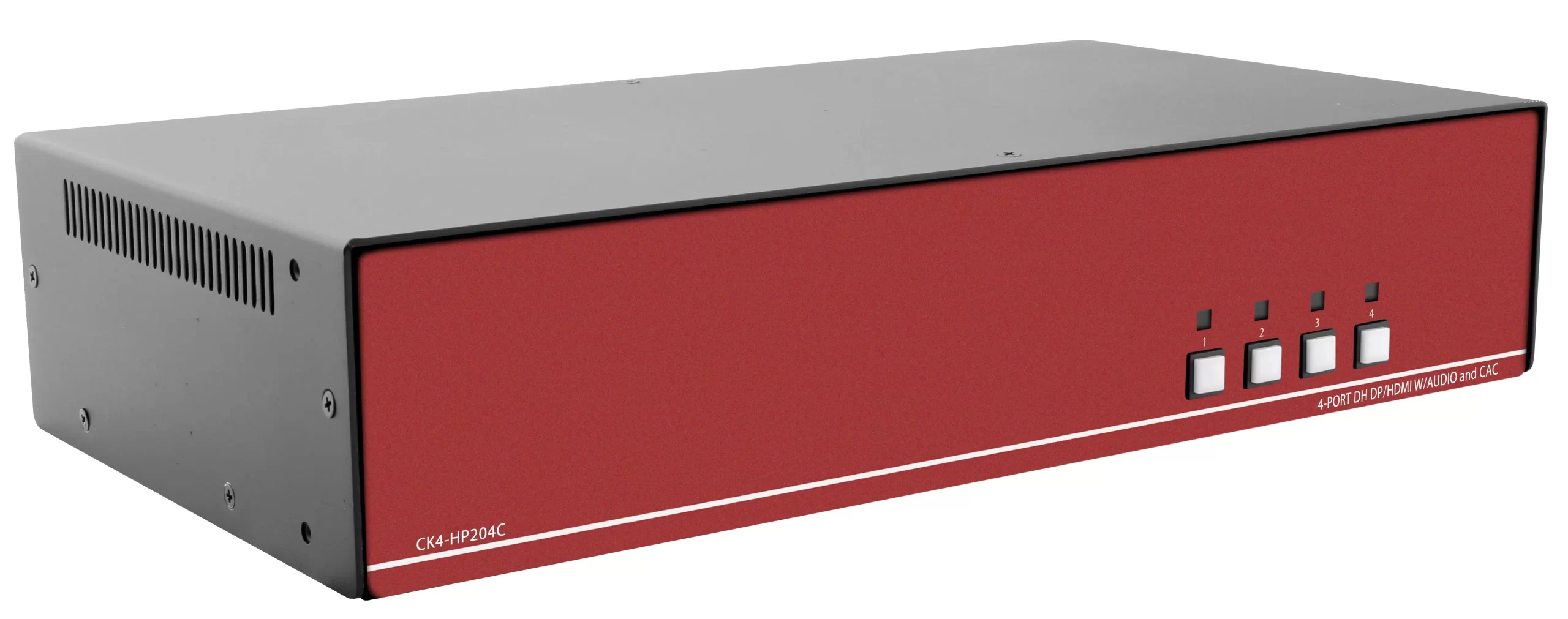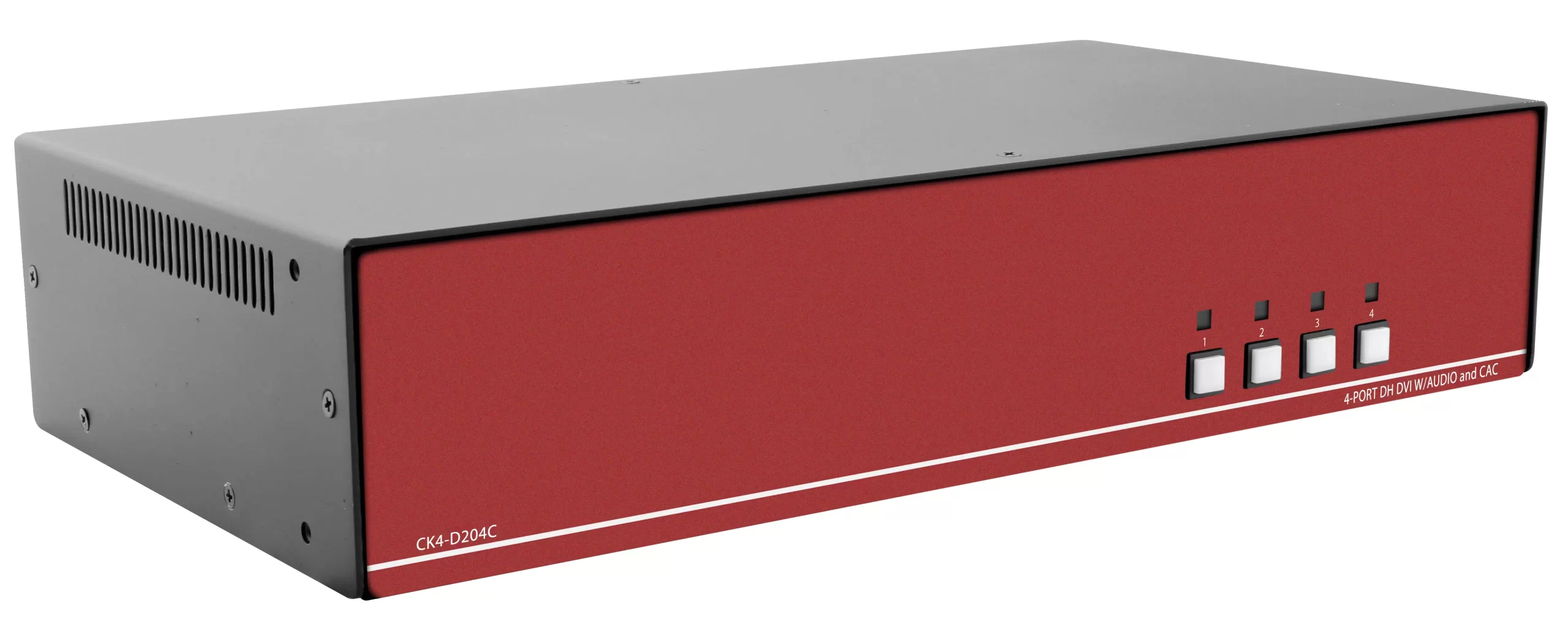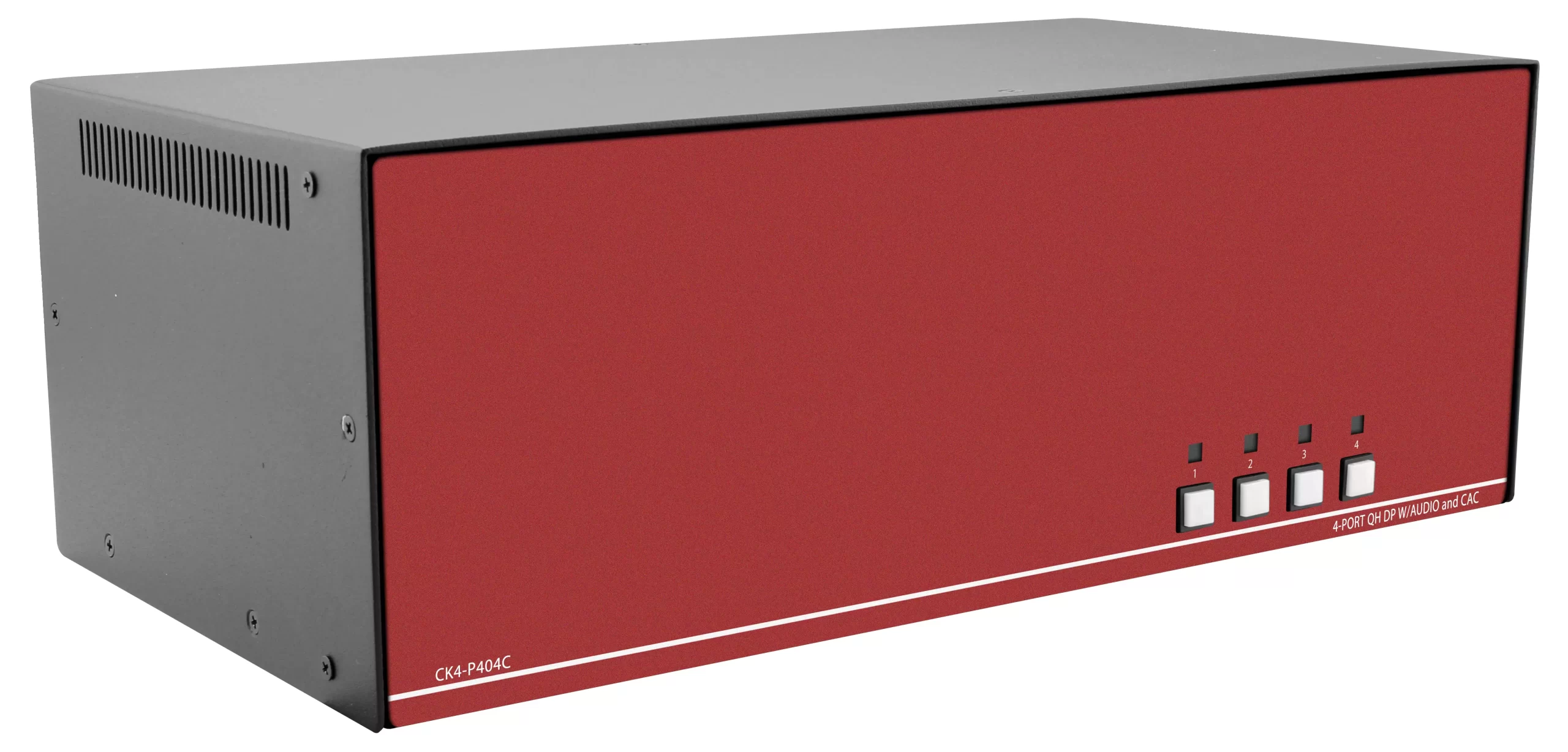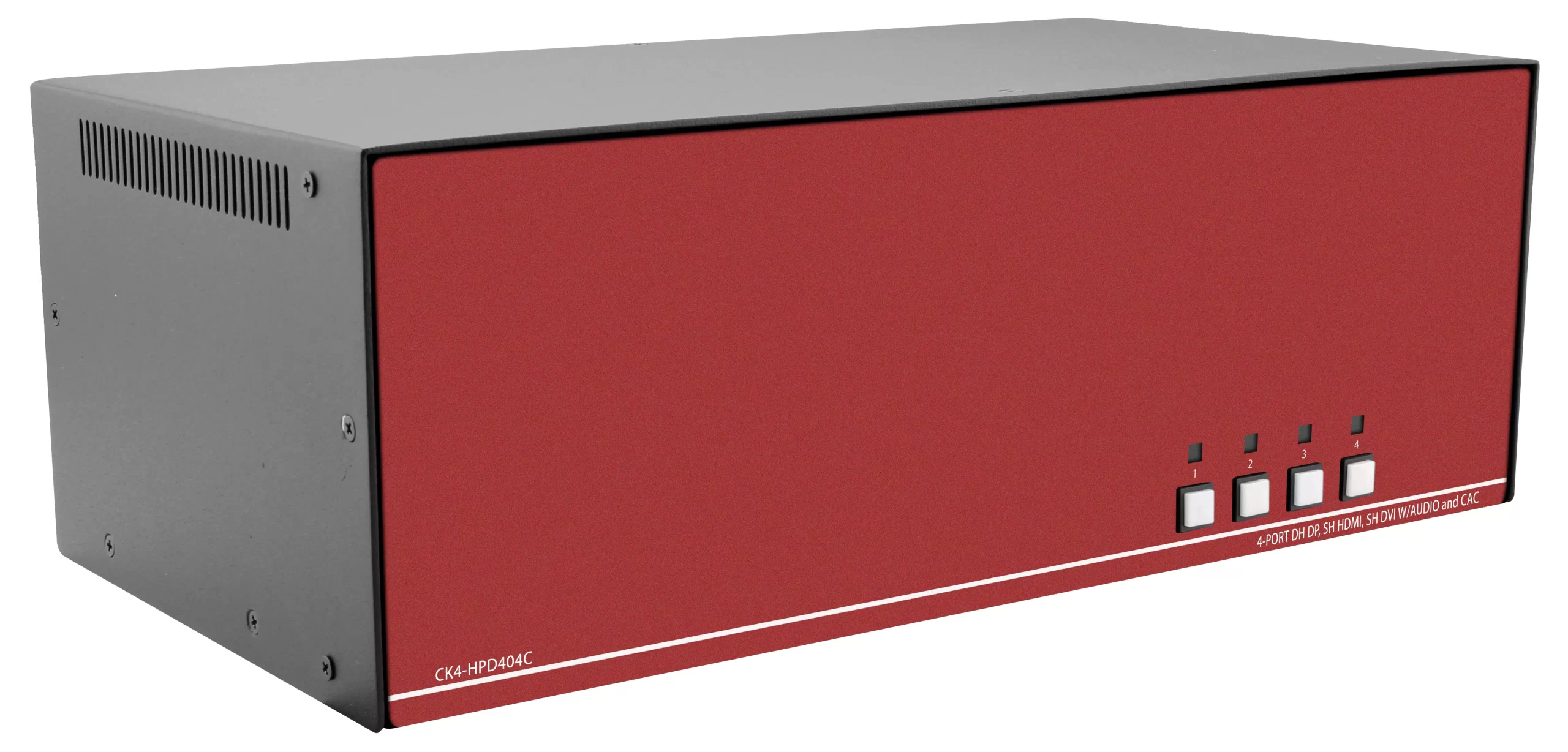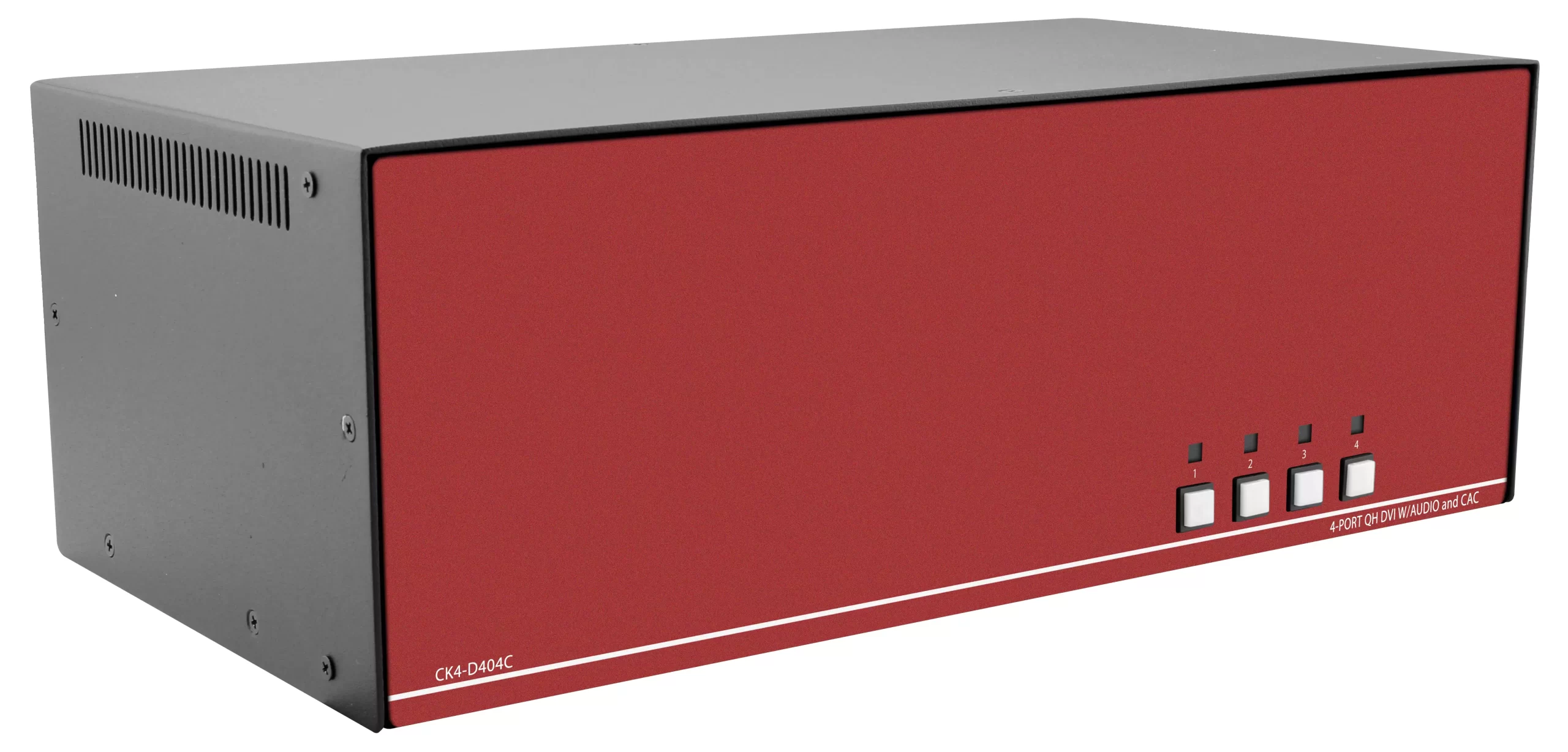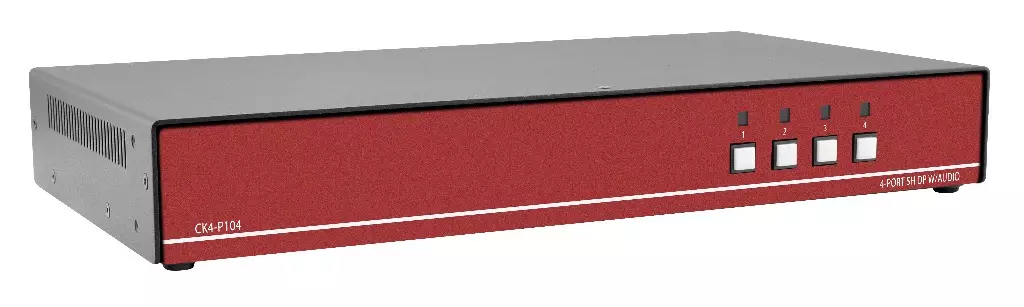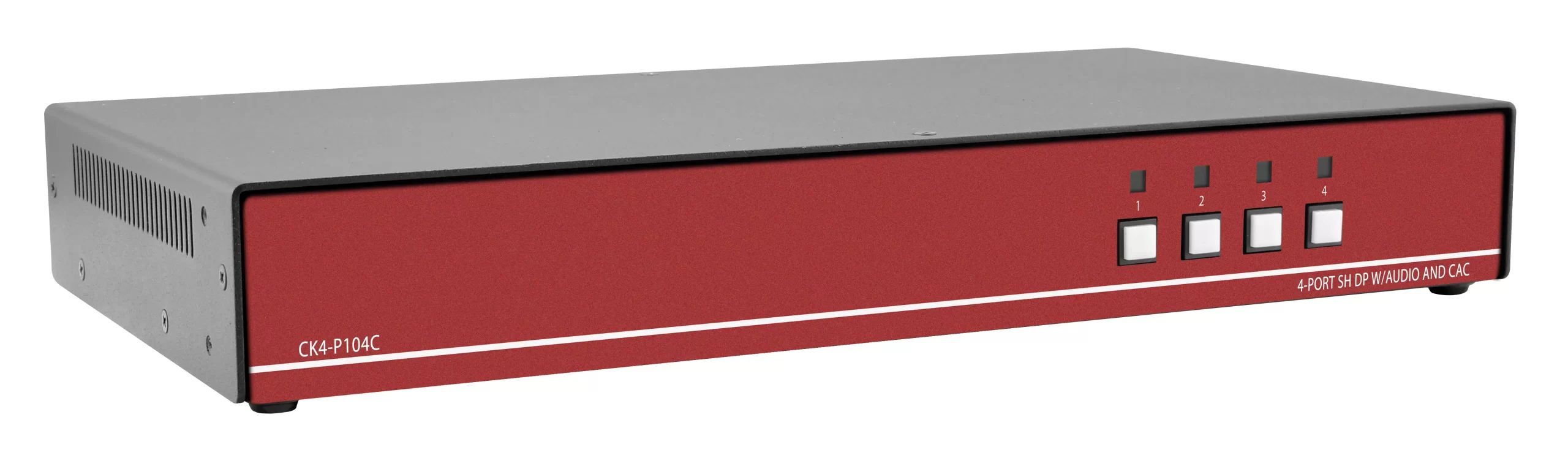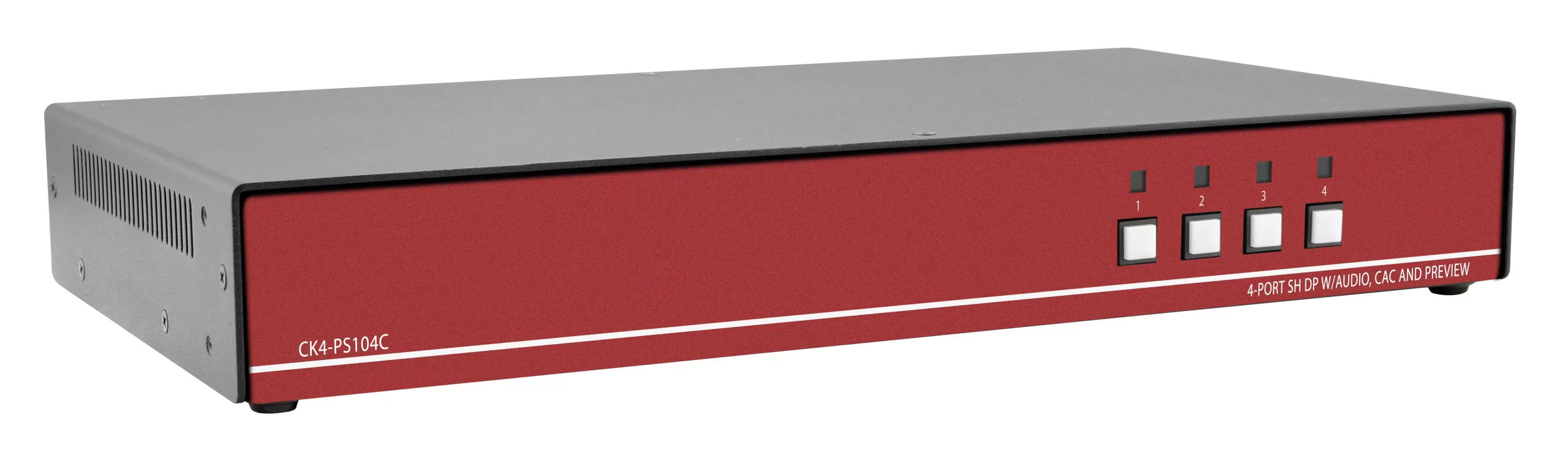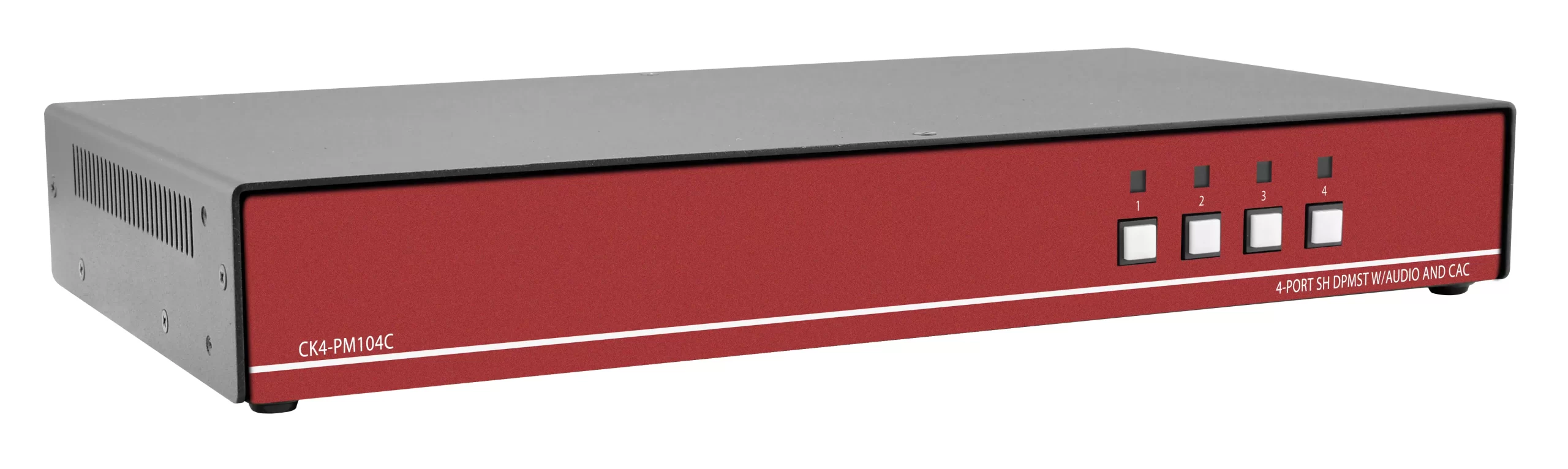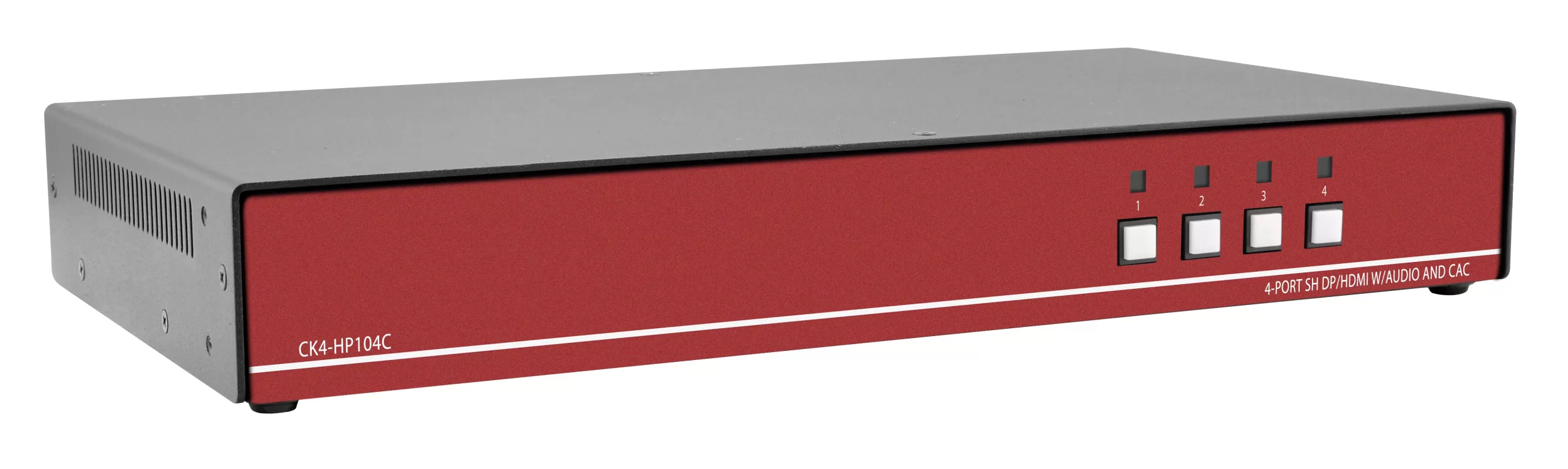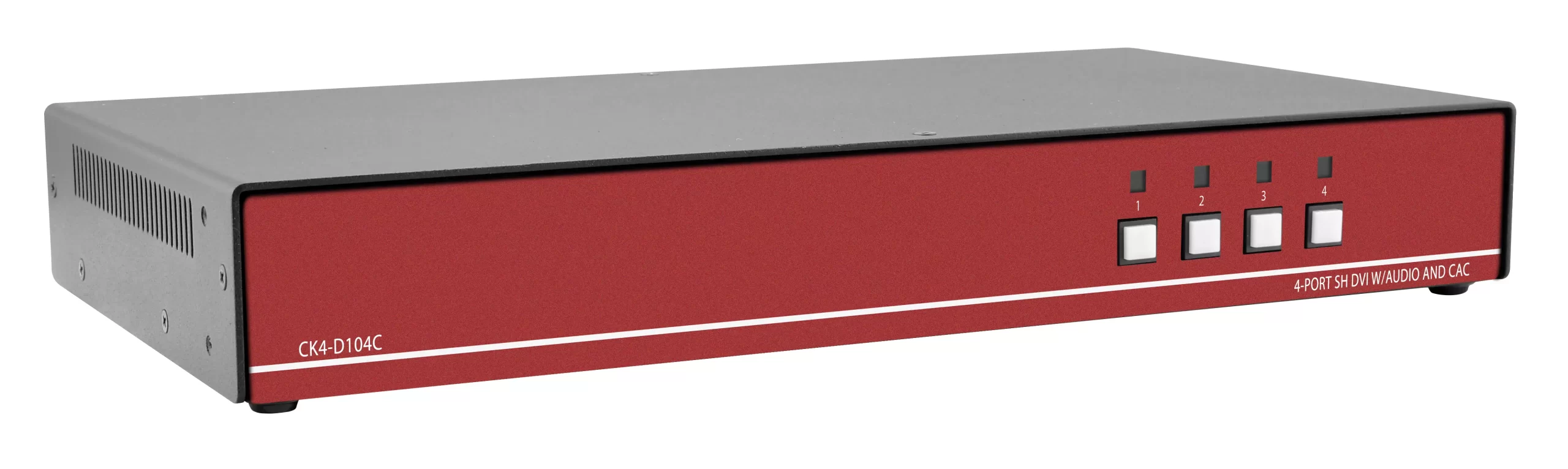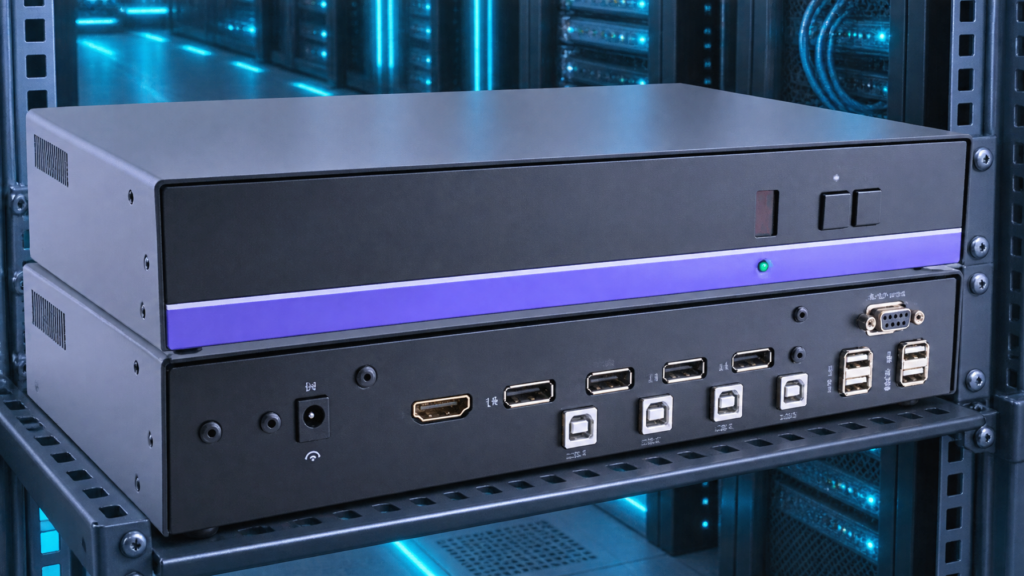

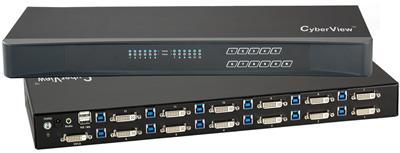
A DVI KVM switch sits between leftover DVI-D or DVI-I computers and a shared keyboard, mouse, and display. The chassis selects one computer at a time, passes USB or PS/2 HID, and keeps the video path in the DVI electrical domain. HDMI converters, cheap DVI-to-HDMI cables, and "universal" KVMs that ingest HDMI then emit DVI through a dongle do a different job. They often work at 1920×1200. They fail when the source is dual-link 2560×1600, when two DVI heads must switch together, or when a BMC video tail has no HDMI PHY at all.
This guide is for sysadmins and AV/IT leads who still have DVI workstations, lab PCs, or out-of-band BMC video. Skip this if you need a rackmount LCD or a DVI keyboard drawer. VGA is leftover analog. Convert VGA to HDMI, DisplayPort, or DVI-D at the source. Do not buy a new VGA KVM.
If you are scoring a PO this week, call (216) 798-7530 with port count, single-link vs dual-link, head count, USB vs PS/2 HID, and whether the console is DVI or already HDMI.
Who still needs a DVI KVM in 2026

DVI did not vanish from racks just because laptop docks went HDMI and USB-C. The leftover inventory is specific:
- Engineering workstations whose GPUs still expose dual-link DVI-D for 2560×1600 panels (WQXGA, 30-inch class). Single-link DVI tops out at 1920×1200 at 60 Hz. Dual-link is the reason those panels exist.
- Dual-head DVI PCs in trading, GIS, and CAD benches where both heads must switch as a pair.
- Server BMC or service-processor video that is DVI-D or DVI-I on a crash-cart tail. Many older platforms never grew an HDMI serializer.
- Secure or air-gapped labs that freeze hardware revisions. The GPU, the monitor, and the KVM stay DVI because recertifying an HDMI stack is the larger project.
- Broadcast and medical carts that still ship DVI-D I/O even when the rest of the facility moved on.
HDMI wins when every source already has HDMI or DisplayPort, when you need audio on the same cable, or when the console display is HDMI-only and you refuse dongles at the desk. DisplayPort wins for MST, DSC, and true 4K60 on SKUs that list it. A DVI KVM switch is the exception path, not a growth category. Treat it that way on the RFQ.
DVI-D, DVI-I, DVI-A, and dual-link: the electrical facts

DVI covers several pinouts. Match the SKU to the pins on the GPU, not the plastic shell.
| Variant | Pins that matter | Analog | Digital TMDS | Typical KVM use |
|---|---|---|---|---|
| DVI-D single-link | Digital only | No | One TMDS link | 1920×1200 @ 60 Hz class |
| DVI-D dual-link | Digital only, extra TMDS pair | No | Two TMDS links | 2560×1600 @ 60 Hz class |
| DVI-I single-link | Digital plus analog pins | Yes | One TMDS link | Digital KVM plus rare analog fallback |
| DVI-I dual-link | Digital plus analog, extra TMDS | Yes | Two TMDS links | Dual-link digital; analog is a trap |
| DVI-A | Analog only | Yes | None | Do not KVM this. Convert or retire. |
A DVI-D KVM switch carries TMDS only. A DVI-I labeled chassis may still be digital-only inside. Read the SKU sheet for "digital video" vs "analog passthrough." Analog pins on DVI-I are VGA in a different shell. We do not recommend new analog KVM hardware. If a BMC is analog-only on those pins, convert to HDMI or DVI-D with an active converter at the source, then switch digitally.
Dual-link is the buying fork that HDMI dongles miss. Dual-link DVI uses additional TMDS pairs to carry pixel clocks above the single-link ceiling. A passive DVI-D to HDMI cable is single-link TMDS mapped onto HDMI. It cannot invent the second link. If the workstation is 2560×1600 on dual-link DVI-D, a native dual link DVI KVM is the chassis that keeps that timing. An HDMI KVM plus adapters will clock down, blank, or "work" at 1920×1200 while the operator thinks the panel is broken.
EDID still applies. The KVM must present a sink EDID that the GPU will mode-set against. Cheap DVI KVMs freeze a 1920×1200 EDID even when the console is a 2560×1600 panel. True Emulation-class USB HID (AdderView and similar) keeps keyboard and mouse enumerations stable across ports so CAD dongles and security tokens do not re-enumerate on every switch. Demand both: dual-link video where needed, and USB emulation that does not drop HID.
Native DVI chassis vs HDMI converter stack
Decision table for the RFQ, not a brand ranking.
| Path | Video domain | HID | Dual-link 2560×1600 | Dual-head | Failure modes | Use when |
|---|---|---|---|---|---|---|
| Native DVI-D KVM | TMDS DVI end to end | USB or PS/2 on the chassis | Yes, if the SKU is dual-link | Yes, on dual-head DVI SKUs | Cable length, EDID table, USB hub depth | Sources are DVI and must stay DVI |
| Native DVI-I KVM (digital path) | TMDS; analog pins unused | USB or PS/2 | Only if dual-link digital | SKU-dependent | Buyers assume analog works | Connectors are DVI-I but signal is digital |
| HDMI KVM plus DVI-HDMI cables | HDMI PHY with TMDS mapping | USB on HDMI KVM | No (single-link map) | Only if HDMI KVM is dual-head and both adapters behave | HDCP, HDMI EDID, hot-plug storms, 1920×1200 cap | All sources can run single-link and you already standardized HDMI consoles |
| DisplayPort KVM plus DP-DVI dongles | DP to TMDS conversion | USB on DP KVM | Unreliable; dongle-dependent | Fragile | Dual-mode vs active dongle mix | Do not use as the DVI plan |
| USB KVM that happens to include a DVI SKU | Whatever the video card in that SKU is | USB is the product story | Check the video column, not the USB column | Check head count | Scoring USB while ignoring dual-link | USB HID is the constraint and video is already single-link DVI |
HDMI adapter stacks fail in three repeatable ways.
- Single-link ceiling. The adapter is electrically single-link. Dual-link sources downclock.
- EDID and HDCP. HDMI sinks advertise HDMI CEA modes and HDCP. A DVI GPU may reject the EDID, or an HDCP handshake on a converter brick can stall a non-HDCP DVI source.
- Hot-plug and power. Passive cables steal 5 V poorly. Active converters need PSU bricks that get kicked out of the rack. The KVM then sees a sink disappear on port 3 only.
Native DVI avoids HDCP on the video path in typical IT KVMs. You still handle EDID. You still spec cable length (DVI copper is short; plan extenders separately if the console is a room away). You do not inherit HDMI audio, ARC, or CEC. That is a feature in a server room.
Do not oversell resolution. Live catalog honesty on this site is 4K30-class unless a SKU sheet states otherwise. Dual-link DVI is a 2560×1600 class path, not a 4K60 path. If the new console is 3840×2160, DVI is the wrong interface. Move those seats to DisplayPort or HDMI SKUs that actually list the timing.
Dual-head DVI: when two connectors are one computer

A dual-head DVI KVM switches two DVI outputs from the same PC as one port. The operator hits one button. Both monitors change. That is the trading-desk and dual-WQXGA pattern.
A pair of independent single-head DVI KVMs does not do this. Ports drift. EDID tables diverge. One head lands on PC-A while the other is still on PC-B.
RFQ checks for dual-head:
- Both connectors on the PC module are dual-link if the panels are 2560×1600. Mixed single-link plus dual-link on one SKU is a defect for this use.
- USB HID is shared per computer, not per head.
- Console side: two DVI inputs on the desk, or a confirmed dual-head console cable set. Do not assume a single DVI console port clones both heads. Cloning is a splitter problem, not a KVM problem.
- Secure dual-head DVI SKUs (isolated USB, dedicated CAC) are a different RFQ. Isolation and NIAP language belong on the secure KVM switches sheet, not as a substitute for dual-link timing.
Cascade only if the OEM documents DVI cascade and you accept the EDID and USB depth cost. A 32-port DVI plan is often one larger chassis rather than stacked 8-port units. That comparison is a rackmount KVM switch port-count decision, not a reason to jump to HDMI.
Legacy DVI KVM vs replacing the video tail
Sometimes the right buy is not a DVI KVM switch. Replace the video tail.
Replace the tail when:
- The GPU already has DisplayPort or HDMI and DVI is a leftover cable choice.
- The console display is HDMI or DP only and you would dongle forever.
- You need 3840×2160. DVI will not get you there at 60 Hz, and 4K30-class HDMI/DP is the honest path.
- VGA is the real source. Convert at the computer. Do not extend analog.
Keep native DVI when:
- The GPU or BMC has DVI-D or DVI-I only.
- Dual-link 2560×1600 is in production and tested.
- Dual-head DVI must switch as a pair.
- Change control forbids new video PHYs on the classified or validated PC.
A hybrid rack is normal: HDMI KVM for new builds, one DVI KVM island for the leftover row. Do not force one chassis to ingest DVI, HDMI, and DP through a tray of adapters. Mixed-format KVMs exist. They still need per-port EDID discipline. Mixed-format still fails dual-link if any hop is single-link HDMI.
Port count, USB, audio, and rack form
Spec the boring columns so the PO matches the bench.
Ports. 2 and 4 port desktop DVI KVMs cover a bench. 8, 12, and 16 port 1U units cover a crash-cart row. Count computers, not monitors. Dual-head still counts as one computer.
USB. Prefer USB HID emulation that holds keyboard and mouse across switches. Pass-through USB 2.0 for tokens and some KVMs add a dedicated CAC port on secure SKUs. USB 3 video KVMs are a different product family (USB video capture). Do not confuse them with TMDS DVI units on the USB KVM switch shelf.
Audio. Analog audio jacks on older DVI KVMs are optional. HDMI audio is not available on a DVI-D path. If the operator needs embedded audio, that seat is HDMI or DP.
OSD and hotkeys. Port names in the OSD save night-shift mistakes. Hotkey vs front-button vs optional remote: pick one workflow and document it.
Power. External bricks fail in racks. Prefer IEC inlets on 1U units when the SKU offers them.
Cables. DVI copper length is short. Buy the OEM KVM switch cables that match single-link vs dual-link. A dual-link cable on a single-link port is wasted money. A single-link cable on a dual-link source is a silent 1920×1200 cap.
RFQ checklist (copy into the ticket)
- Source connector per PC: DVI-D or DVI-I, single-link or dual-link. Photo the GPU bracket.
- Native timing: 1920×1200 vs 2560×1600 vs anything 4K-class (if 4K, stop and change interface).
- Head count: one DVI or two DVI that must switch together.
- BMC vs full workstation: BMC tails often need a short DVI run and no USB3 hub depth.
- Console connector: DVI monitor vs HDMI desk display (dongle policy).
- HID: USB keyboard/mouse, PS/2 leftover, CAC/token.
- Isolation: none vs secure dual-head DVI with dedicated CAC.
- Port count and 1U vs desktop.
- Cable length to console. If more than a few meters, plan a digital extender after the KVM, not analog.
- VGA present: convert to digital at source. No new VGA KVM.
Call (216) 798-7530 with that list. We map it to live DVI KVM SKUs rather than an HDMI chassis that needs a drawer of adapters.
Comparison: what "beats HDMI" actually means
HDMI is the better default for new PCs. Dual-link DVI beats HDMI in the narrow cases above because HDMI adapters cannot carry the second TMDS link, and because a DVI BMC has no HDMI PHY to negotiate with.
| Requirement | Native dual link DVI KVM | HDMI KVM plus adapters |
|---|---|---|
| 1920×1200 single-head | Yes | Usually yes |
| 2560×1600 dual-link | Yes, on dual-link SKUs | No (single-link map) |
| Dual-head DVI pair | Yes, on dual-head DVI SKUs | Only if both adapters and both HDMI inputs stay in lockstep |
| DVI-only BMC | Yes | Needs a converter brick at the BMC |
| HDMI-only console | Needs a monitored DVI-to-HDMI path at the desk | Native |
| Embedded audio | No | Yes, if the HDMI KVM passes audio |
| 4K60 | No | Only if the HDMI/DP SKU sheet states it; default honesty is 4K30-class |
If the RFQ is "we might 4K later," do not buy DVI and hope. Buy the interface you will run in 18 months, or keep DVI as a frozen island.
Related hardware: DVI KVM switch, USB KVM switch, rackmount KVM switches, secure KVM switches, Cat5 KVM switch, matrix KVM switch, IP KVM switch, PS2 KVM switch, KVM drawer, 1U KVM drawer with USB KVM switch, KVM switch cables, HDMI cables, DVI matrix switch, HDMI matrix switch, video matrix switches, video converters, fiber optic extender, Cat5 HDMI extender, Cat5 extenders, rackmount LCDs, rackmount monitors, DVI rackmount LCD, HDMI rackmount LCD, 1U DVI LCD keyboard, 1U rackmount keyboard, dual and triple display rackmount monitors. Guides: DVI KVM Switch Buying Guide, Best USB KVM Switch, 8 vs 12 vs 16 Port Rackmount KVM, DisplayPort vs HDMI KVM, Cat5 KVM vs HDMI USB KVM.
FAQ
Is a DVI KVM switch the same as a DVI video switch?
No. A DVI video switch or DVI switcher routes video only. A DVI KVM switch also switches keyboard and mouse. If the ticket says "DVI switch" and the operator still needs HID, write KVM on the PO.
Can I use a DVI-D to HDMI cable into an HDMI KVM?
For single-link 1920×1200, often yes, with EDID luck. For dual-link 2560×1600, no. For dual-head, only if the HDMI KVM is dual-head and both cables behave. Treat it as a lab test, not a standard.
Does DVI-I mean I can hang a VGA monitor on the KVM?
Do not plan on it. Many DVI-I KVMs are digital inside. VGA should convert to digital at the PC. New analog KVM buys are out of policy here.
What resolution should I write on the RFQ?
Write the GPU's current mode, not a marketing 4K line. Dual-link DVI RFQs should say 2560×1600 @ 60 Hz if that is the panel. Do not write 4K60 on a DVI chassis.
Do I need True Emulation or equivalent USB?
If the seat uses a CAD dongle, a security token, or a keyboard that re-enumerates badly, yes. Demand HID emulation that does not drop devices on port change.
Where does a USB-scored DVI SKU fit?
USB listicles score HID and USB topology. They do not replace a dual-link video check. Read the video column. If the SKU is DVI but single-link, it is not a 2560×1600 answer.
Closing decision
Keep a native DVI KVM switch when the computers still emit DVI-D or DVI-I, when dual-link 2560×1600 is real, or when two DVI heads must move together. Use HDMI or DisplayPort KVMs for new video. Convert VGA. Do not treat adapter piles as a dual-link design.
Need a SKU mapped to that matrix? Call (216) 798-7530.