TLDR
A quad multiviewer puts four HDMI video sources on a single display, replacing stacks of individual monitors at each operator station. Three display architectures compete for SOC, NOC, and 911 dispatch deployments: PIP (picture in picture), quad-split, and multi-input monitors with built-in multiview processing. Each has different strengths depending on whether operators need equal attention across all feeds, a primary feed with secondary thumbnails, or the flexibility to change layouts shift by shift. This guide covers the technical differences between the three modes, maps each one to real deployment scenarios, and lists the spec decisions that determine whether a multiviewer setup will actually work in a 24/7 control room.
What is a quad multiviewer?
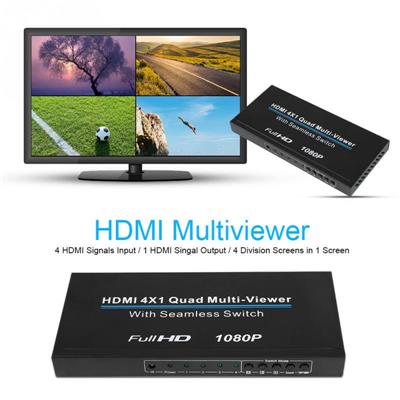
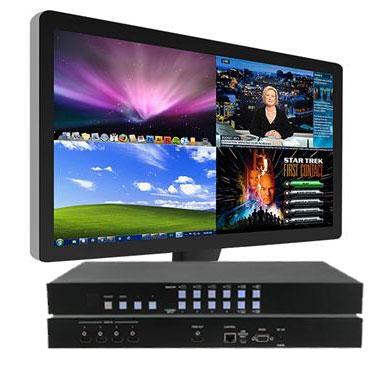
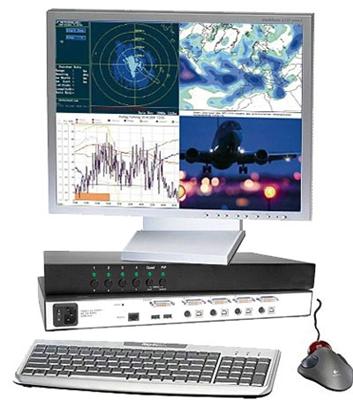
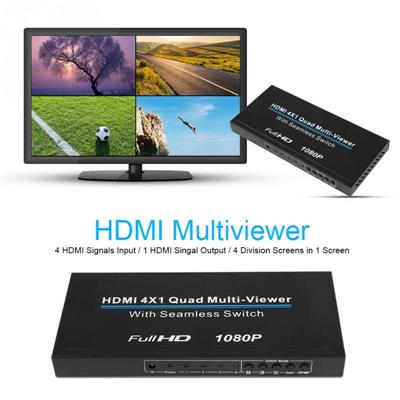
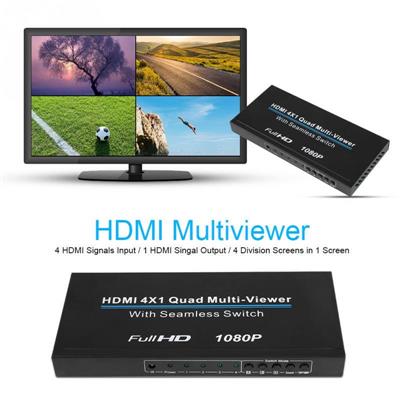
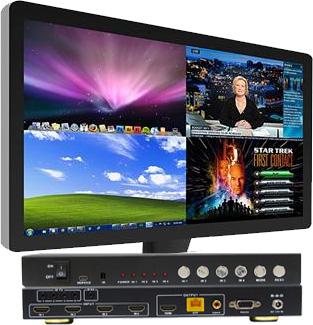
A quad multiviewer is a hardware device (or a monitor with built-in processing) that accepts four video inputs and composites them onto a single output display. The processor scales each input to fit within a defined window on the screen, then renders all four feeds simultaneously at real-time frame rates.
The concept originated in broadcast television, where production crews needed to monitor multiple camera angles on a single reference display. Over the past decade, the same technology migrated into security operations centers (SOCs), network operations centers (NOCs), 911 dispatch consoles, and industrial control rooms. The reason is simple: operators who monitor multiple systems react faster when all feeds are visible at the same time, without toggling between windows or turning to look at separate screens.
Most quad multiviewers connect via HDMI, though some models accept DisplayPort, DVI, or VGA inputs for legacy equipment. For environments with mixed video formats, video converters can standardize signals before they reach the multiviewer. Output resolution ranges from 1080p on entry-level units to 4K UHD (3840×2160) on higher-end processors, such as the 4×1 4K60 UHD quad multiviewer seamless video switcher. The output connects to any standard display, whether that is a standalone desktop monitor, a rackmount monitor in a server cabinet, or a 65-inch display mounted above an operator console.
Three display modes compared: PIP, quad-split, and multi-input multiview
The terms "PIP," "quad-split," and "multi-input multiview" describe different ways a quad multiviewer arranges four video sources on screen. Each layout has distinct operational strengths.
Quad-split mode
Quad-split divides the screen into four equal quadrants. Each quadrant displays one video source at approximately 960×540 effective resolution on a 1080p output, or 1920×1080 per quadrant on a 4K output. All four feeds receive the same screen area and visual weight.
Best fit: SOC monitoring stations where an operator watches four camera zones or four network dashboards simultaneously and needs to give equal attention to each feed. Quad-split also works well in 911 dispatch centers where the operator monitors a CAD system, a mapping display, a radio log, and a camera feed with no single source taking priority.
Limitation: Every source is scaled down, so fine text (terminal windows, log files, small-font dashboards) can become difficult to read. On a 1080p output, each quadrant is limited to roughly 540 vertical lines, which makes small type illegible at normal viewing distances.
PIP (picture in picture) mode
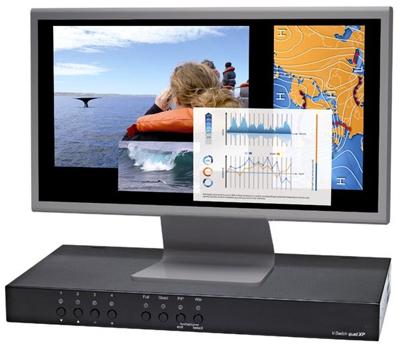
PIP designates one source as the primary full-screen image and overlays the remaining three sources as small thumbnail windows, typically along one edge of the screen. The primary source occupies 80 to 90 percent of the display area, while each thumbnail shows a scaled-down view of its source.
Best fit: NOC environments where one dashboard (a network topology map or an alerting console) dominates the operator's attention, but secondary feeds (server room cameras, ticketing queues, bandwidth graphs) still need to remain visible for quick glances. PIP also suits 911 dispatch integrators who want the CAD interface at full resolution while keeping camera and radio feeds visible in the margin.
Limitation: The three secondary feeds are small. On a 1080p output, each PIP thumbnail may be only 320×240 or smaller, which limits readability to large-element content like camera video or simple status indicators. Complex dashboards with small text will not be legible in a PIP thumbnail.
Multi-input monitors with built-in multiview
Some monitors ship with a built-in multiview processor, eliminating the need for an external quad multiviewer box. AG Neovo, for example, manufactures 27-inch, 32-inch, and 65-inch 4K monitors with four HDMI inputs and built-in multiview processing that supports 17 different layout configurations, including quad-split, PIP, PBP (picture by picture), and custom asymmetric arrangements. These monitors handle source detection, scaling, and window arrangement internally.
Best fit: New-build control rooms where reducing box count, cabling, and rack space matters. Because the multiview processor is internal, there is no external unit to rack-mount, power, or cable. That simplifies deployment and removes a potential point of failure. Built-in multiview monitors also work well as individual operator displays where each station runs independently and does not feed into a centralized video wall controller.
Limitation: The multiview capability is tied to that specific monitor. If the monitor fails, the multiview function goes with it. External quad multiviewer boxes can be swapped independently of the display. Built-in multiview monitors also tend to cost more per unit than a standard display plus a standalone multiviewer, though the total installed cost (including cabling, rack space, and labor) may be comparable.
Comparison table: PIP vs. quad-split vs. multi-input multiview
| Feature | Quad-split | PIP | Multi-input monitor |
|---|---|---|---|
| Layout | Four equal quadrants | One full-screen primary, three thumbnails | Flexible (quad, PIP, PBP, custom) |
| Per-source resolution (1080p output) | ~960×540 per quadrant | Primary: 1920×1080; thumbnails: ~320×240 | Varies by layout selection |
| Per-source resolution (4K output) | ~1920×1080 per quadrant | Primary: 3840×2160; thumbnails: ~640×480 | Up to 1920×1080 per quadrant in quad mode |
| Best for | Equal monitoring of four feeds | One primary feed with supplementary views | Flexible shift-by-shift reconfiguration |
| Text readability | Moderate (4K recommended for dashboards) | Primary: excellent; thumbnails: poor | Good in 4K, layout-dependent |
| Hardware complexity | External box + any display | External box + any display | Single integrated unit |
| Failure isolation | Box and display are independent | Box and display are independent | Single point of failure |
| Typical price range | $220 to $2,200 for the multiviewer box | Same (most boxes support both modes) | $800 to $3,500 per monitor |
Deployment scenarios by environment
Security operations center (SOC)
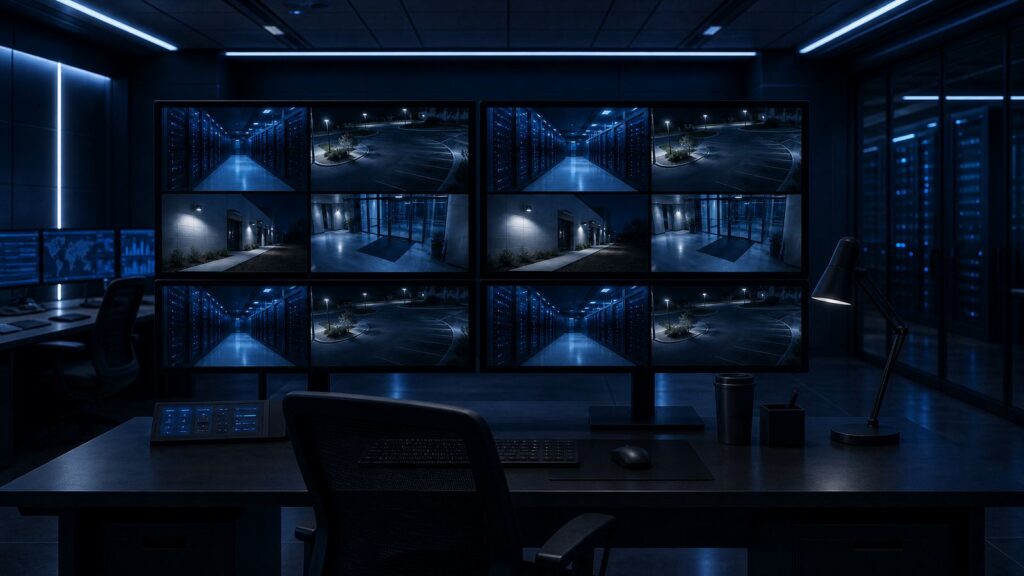
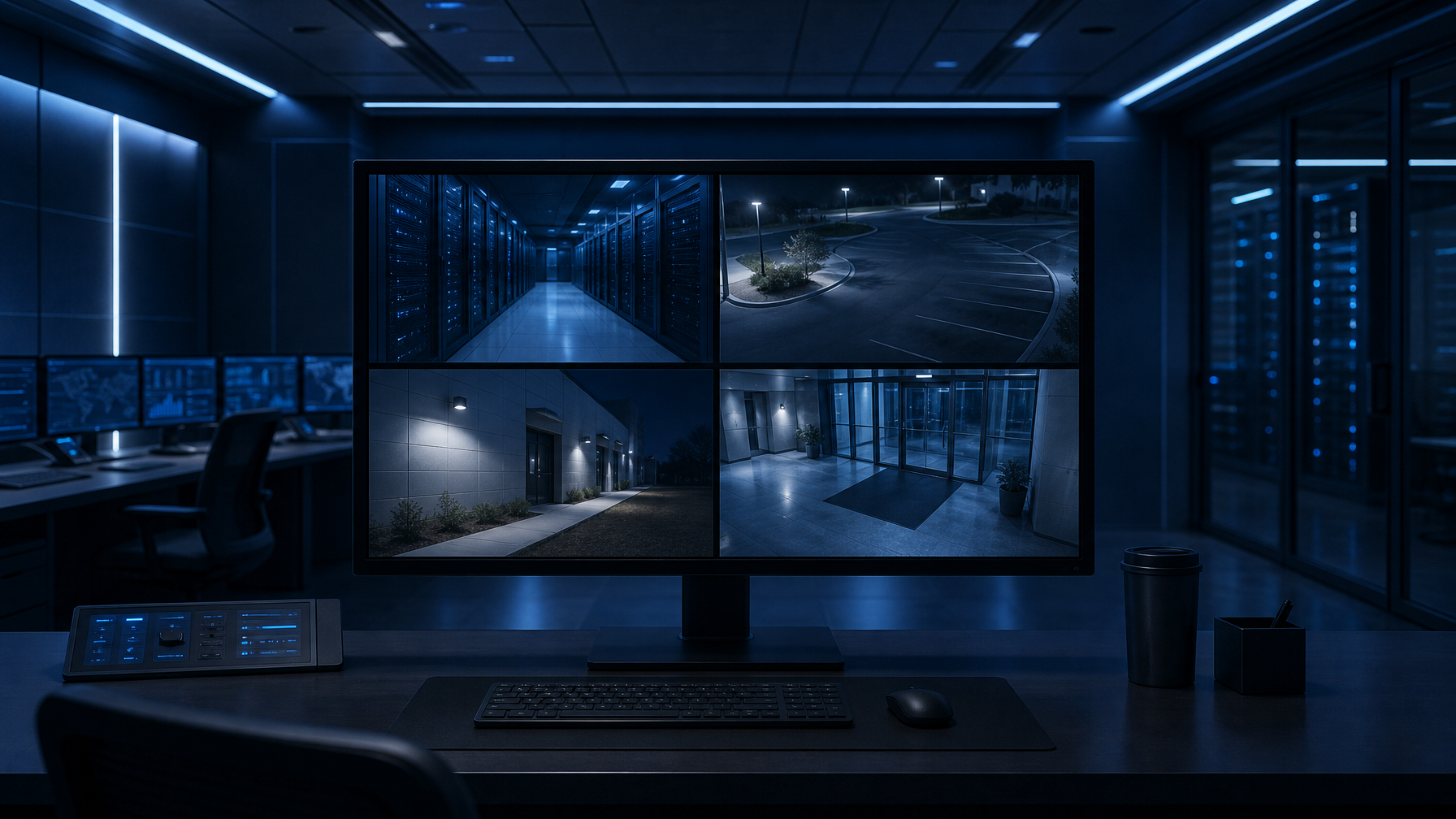
A SOC operator typically monitors multiple CCTV camera zones alongside access control logs and alarm management software. Every feed needs equal visual weight. Quad-split on a 4K display gives each camera zone 1920×1080 effective resolution, which is enough for facial recognition and incident detail at typical surveillance camera quality.
For SOCs with more than four feeds per operator, cascade configurations allow multiple quad multiviewers to feed into each other. A two-level cascade puts 16 sources on a single screen, though each source is scaled down further. At that density, a large-format display (43 inches or larger) is necessary to maintain usable image size.
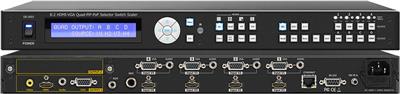
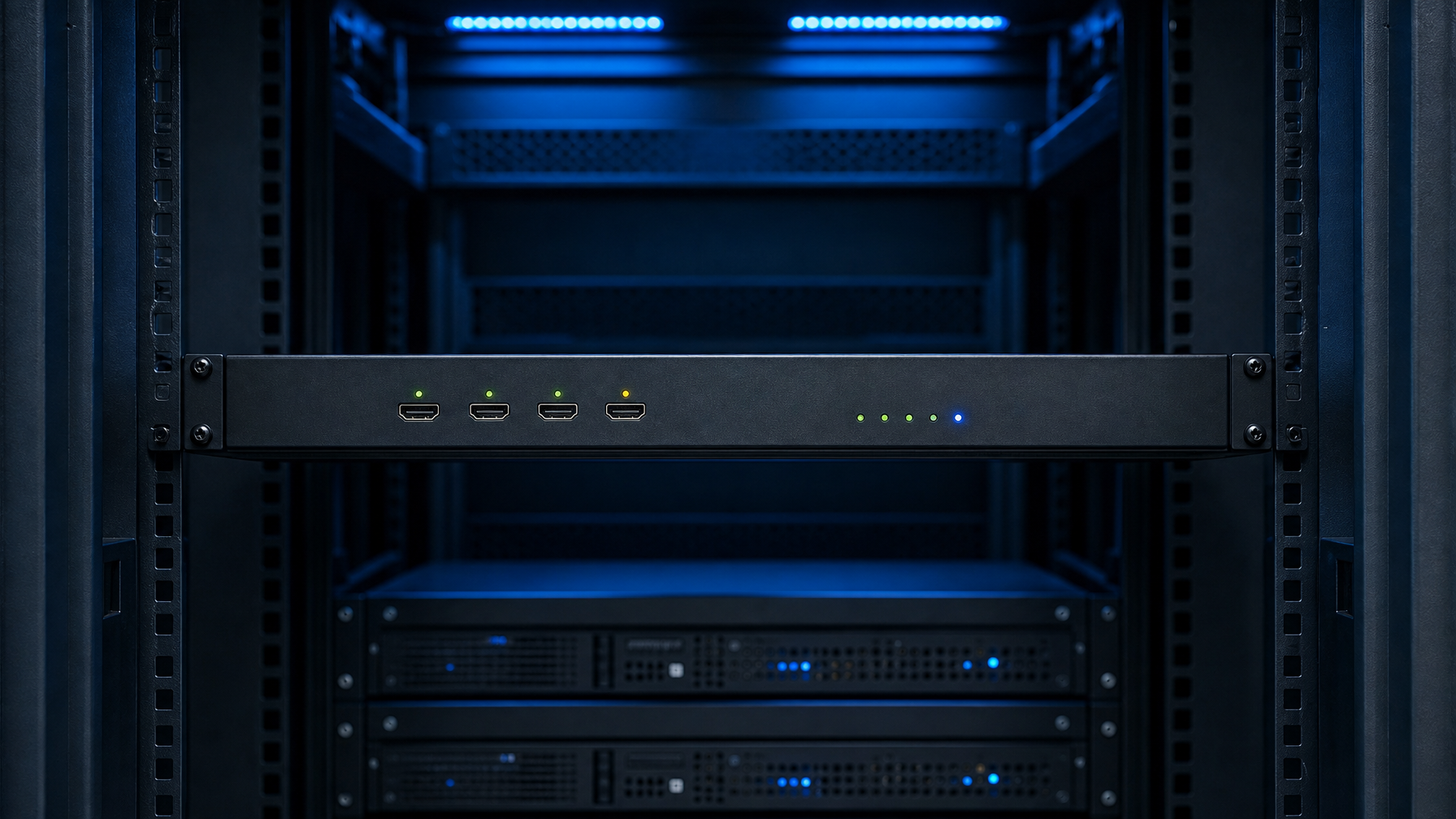
Rackmount quad multiviewers from the rackmount PIP quad screen splitter category are popular in SOC equipment racks because they mount directly alongside patch panels, NVRs, and network switches. A 1U rackmount multiviewer with four HDMI inputs and RS-232 or TCP/IP control integrates into existing rack infrastructure without consuming desk space. Pairing the multiviewer with an HDMI rackmount LCD creates a complete rack-mounted monitoring station.
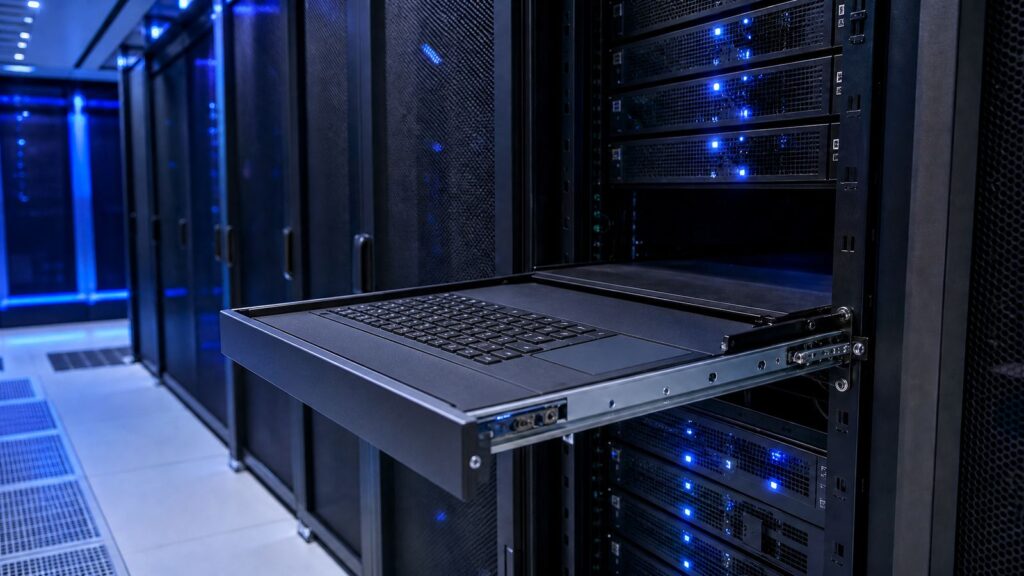
For SOCs that also need local server management alongside camera monitoring, adding a 1U LCD keyboard console drawer to the same rack provides a full operator workstation without leaving the aisle.
Network operations center (NOC)
NOC operators typically have one primary monitoring dashboard (SolarWinds, Nagios, PRTG, Zabbix, or a similar NMS) that demands full attention, supplemented by secondary feeds: a server room camera, a ticket queue, a bandwidth utilization graph. PIP mode is the natural fit here because the NMS dashboard needs full resolution for readable text, while the secondary feeds are glance-and-confirm content.
The ability to switch the primary source via IR remote, front-panel buttons, or RS-232 commands matters in NOC environments. When an alert fires on a secondary feed, the operator needs to promote it to full-screen within seconds. Most quad multiviewers support instant source switching through all three control methods. For more complex source management, an HDMI switch upstream of the multiviewer can expand the total number of sources available for selection.
TCP/IP and web GUI control matters in NOCs too, since operators often manage the multiviewer remotely alongside other rack equipment. Higher-end multiviewers support Telnet or browser-based configuration for layout selection, source switching, and output resolution changes without leaving the NOC management console.
NOC video walls that display shared dashboards visible to the entire team benefit from video wall systems rather than individual multiviewers. Individual operator stations, by contrast, are where quad multiviewers excel.
911 dispatch and public safety answering points (PSAPs)
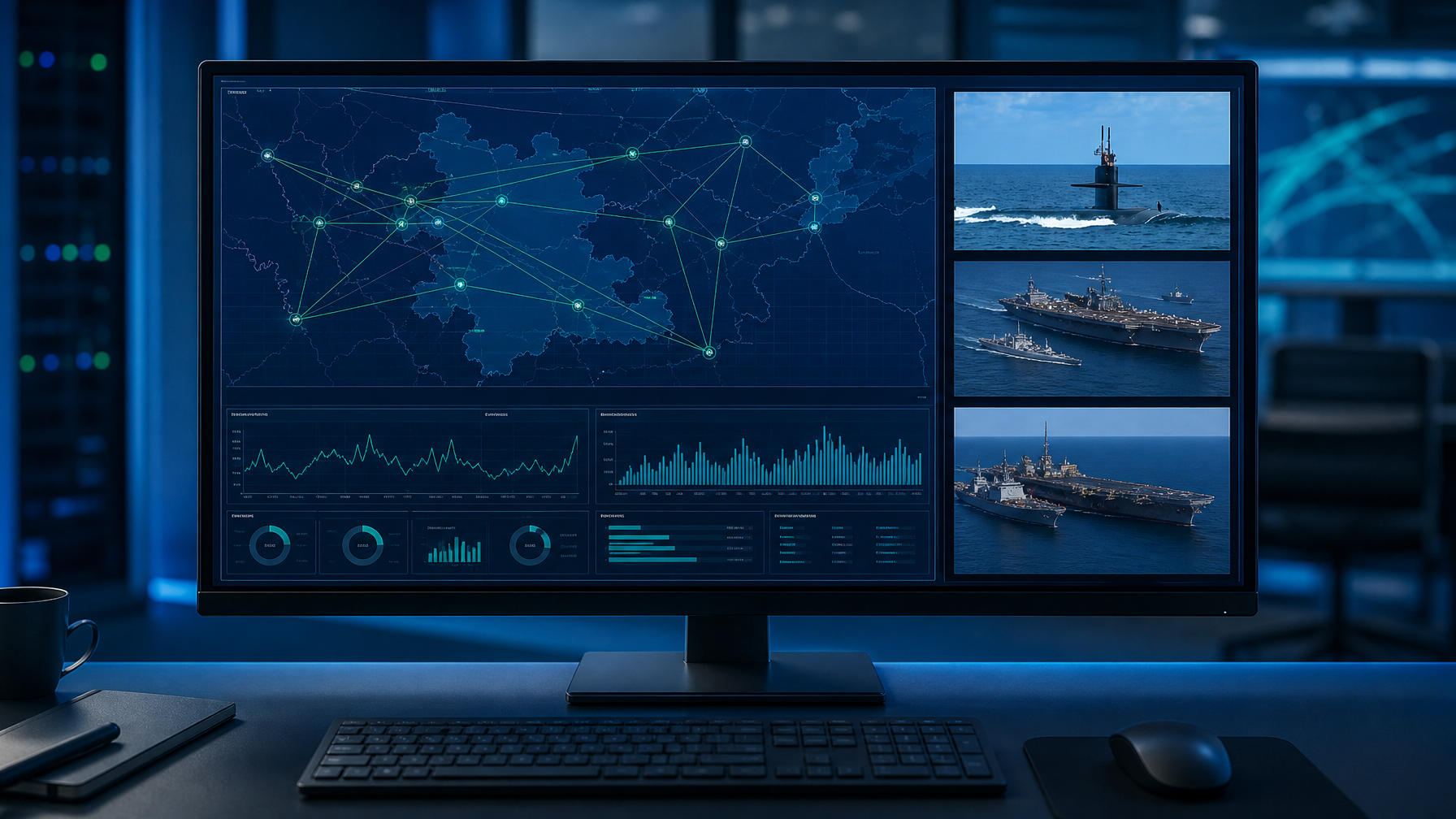
911 dispatch consoles typically combine a CAD (computer-aided dispatch) terminal, a GIS mapping display, a radio system interface, and increasingly, live camera feeds from municipal surveillance systems or first-responder body cameras. The dispatcher's primary task is the CAD interface, which makes PIP mode the default recommendation.
However, some PSAPs are moving toward flexible multi-input monitors that let dispatchers reconfigure their layout based on incident type. During a routine call, the dispatcher keeps CAD full-screen. During a critical incident, they switch to quad-split to see the CAD, the map, the nearest camera feed, and the radio log simultaneously. That kind of flexibility is exactly where multi-input monitors with 17 or more layout presets pay for themselves.
PSAP deployments also need to consider CJIS (Criminal Justice Information Services) security requirements. The multiviewer itself does not typically process or store data, so it is generally outside the CJIS security boundary. However, integrators should confirm that the multiviewer's control interface (web GUI, Telnet) is on an isolated management VLAN, not exposed to the operational network carrying sensitive law enforcement data. For KVM access to dispatch servers, secure KVM switches with NIAP certification ensure compliant switching between networks of different classification levels.
Industrial control rooms and SCADA environments
Process control operators in utilities, manufacturing, and energy facilities monitor SCADA HMI screens, camera feeds of physical equipment, alarm annunciator panels, and environmental sensors. Quad-split works well here because SCADA HMI screens tend to use large, high-contrast elements designed for readability at reduced resolution.
In hazardous or harsh environments, check the multiviewer's operating temperature range. Most commercial units are rated 0 to 40 degrees Celsius. For environments with extreme lighting conditions, sunlight-readable rackmount LCD monitors provide high-nit displays that remain legible under direct light. Industrial-grade LCD monitors designed for continuous 24/7 operation offer extended temperature ranges and rugged construction suitable for factory floors and utility control rooms.
Spec checklist: what to verify before purchase
Input and output resolution
Confirm the multiviewer supports the resolution of every source device. A common mistake is purchasing a 1080p-only multiviewer for a deployment that includes a 4K camera or a workstation running at 2560×1440. The multiviewer will either reject the signal or downscale it, potentially losing critical detail.
On the output side, 4K output is strongly recommended for any deployment involving text-heavy sources (dashboards, terminal windows, log files). At 4K, each quadrant in quad-split mode gets 1920×1080 effective resolution, which is enough for readable 12-point text at normal viewing distances.
HDMI version and HDCP compliance
HDMI 1.4 supports 4K at 30Hz. HDMI 2.0 supports 4K at 60Hz. For most security and control room applications, 4K at 30Hz is adequate because the source content (dashboards, cameras, logs) does not demand high frame rates. However, if any source outputs HDCP-protected content (some enterprise video conferencing systems, media players, or digital signage sources), the multiviewer must support the corresponding HDCP version (1.4 or 2.2) or the source will display a blank screen or an error message. Use quality HDMI cables rated for the bandwidth your sources and multiviewer require; a cable rated for HDMI 1.4 will bottleneck a 4K 60Hz signal.
Control methods
At minimum, look for IR remote and front-panel button control. For rack-mounted deployments, RS-232 is the standard control interface. For networked environments, TCP/IP control via Telnet or a web GUI adds remote management capability. Some higher-end units also support control via mobile apps.
Audio handling
Most quad multiviewers support audio follow (the audio output tracks whichever source is selected as primary) and audio breakaway (the audio output is independent of the video layout). In dispatch and SOC environments, audio is typically handled by separate audio systems, so the multiviewer's audio capability may be secondary. However, confirm that the multiviewer can at least pass through embedded HDMI audio to avoid unexpected silence when an operator expects audio from a camera feed.
Rack mounting and form factor
Standalone multiviewer boxes are typically half-rack or full-rack width and 1U tall. Some mount directly in a 19-inch rack with included ears. Others require a shelf. For deployments where rack space is scarce, compact half-rack units or integrated rackmount monitors with built-in multiview processing are worth evaluating.
Rackmount LCD monitors with built-in quad-split capability combine the display and processor in a single rack-mounted unit. The PIP quad screen LCD lineup includes these integrated units. They are available as 1U sliding drawers (17-inch or 19-inch panels) and as 6U to 10U fixed-mount panels (19-inch to 22-inch). The 1U drawer form factor is particularly space-efficient for server rooms and telco closets where operators need occasional multi-source monitoring but do not have a dedicated console desk. Widescreen rackmount LCDs offer wider aspect ratios that give each quadrant more horizontal resolution in quad-split mode.
For environments that need DVI inputs rather than HDMI, DVI rackmount LCDs accept DVI signals natively. Facilities using composite video from older CCTV systems can use composite rackmount LCDs or route composite feeds through a composite-to-HDMI converter before reaching the multiviewer.
Extension over CATx cable
Some multiviewers include a CATx extender that sends the composited output to a remote display over a single Cat6 or Cat6a cable. This is useful when the multiviewer sits in an equipment rack but the display is mounted 50 to 250 feet away at an operator console or on a wall. The CAT5 HDMI extender category includes dedicated HDMI-over-Cat extenders rated for various distances. Confirm the maximum supported distance at the desired output resolution. Cat6 solid UTP typically supports 1080p at 60Hz up to 125 feet, while Cat6a/7 solid cable extends that to 250 feet.
For larger installations where the multiviewer output needs to reach multiple remote displays simultaneously, a CAT5 splitter extender distributes the signal to several endpoints over Cat cabling. If the source-to-multiviewer distance is the issue rather than multiviewer-to-display, CAT5 extenders can bridge the gap between remote source devices and the multiviewer input.
Splitting and switching HDMI sources upstream of the multiviewer
In many control room deployments, the same HDMI source needs to appear on multiple displays or multiviewers simultaneously. An HDMI splitter duplicates a single HDMI output to two, four, eight, or more displays. For example, a single NVR HDMI output can feed both the operator's quad multiviewer and a wall-mounted overview display.
When more than four sources compete for the multiviewer's four inputs, an HDMI switch lets the operator select which four sources are active. For matrix routing where any source can appear on any display, an HDMI matrix switch provides full crosspoint switching. Larger installations with 8×8 or 16×16 routing requirements can use dedicated 8×8 HDMI matrix switchers or 16×16 HDMI matrix switchers. For long-distance matrix distribution over Cat cable, HDBaseT HDMI matrix switches extend signals up to 230 feet per output.
Standalone multiviewer vs. built-in multiview: which approach to choose
Three factors drive this decision.
Factor 1: Existing display infrastructure. If the control room already has displays in place and the project is adding multi-source capability, a standalone multiviewer box is the lower-cost, lower-disruption path. The box connects between the sources and the existing display.
Factor 2: Desired layout flexibility. External multiviewer boxes typically offer three to five layout options (quad, PIP, full-screen, dual). Built-in multiview monitors from manufacturers like AG Neovo offer 17 or more layout presets, including asymmetric PBP layouts where one source gets two-thirds of the screen while three sources share the remaining third. If the deployment requires frequent layout changes between shifts or incident types, built-in multiview monitors offer more options out of the box.
Factor 3: Failure isolation and serviceability. In a 24/7 environment, separating the multiview processor from the display means either component can be swapped independently. A failed display does not take the multiviewer offline, and a failed multiviewer does not require replacing an expensive monitor. For mission-critical SOCs and PSAPs, this separation may justify the extra cabling and rack space.
Common mistakes to avoid
Mistake 1: Buying a 1080p multiviewer for text-heavy sources. In quad-split mode on a 1080p output, each quadrant gets approximately 960×540 resolution. Dashboard text, terminal windows, and log files will be unreadable. For any deployment involving text sources, spec a 4K multiviewer and a 4K display.
Mistake 2: Ignoring EDID management. EDID (Extended Display Identification Data) tells the source device what resolutions the display supports. Some multiviewers have fixed EDID tables, others allow custom EDID programming. If a source device negotiates the wrong resolution because of an EDID mismatch, the quadrant will show a blank or distorted image. Look for multiviewers with configurable EDID or at least a default EDID table that matches your source devices.
Mistake 3: Forgetting audio routing. If dispatchers or operators need audio from one specific source while viewing all four, the multiviewer must support audio breakaway. Not all entry-level units include this feature.
Mistake 4: Overlooking control network security. Any multiviewer with TCP/IP or web GUI control has a network interface. In SOC and PSAP environments, this interface should be on a dedicated management VLAN, segmented from operational traffic. Placing the multiviewer's control port on the same network as CJIS or classified data creates a compliance exposure.
Mistake 5: Assuming all HDMI inputs are equal. Some multiviewers accept 4K on only one or two inputs and limit the remaining inputs to 1080p. Read the spec sheet input by input, not just the headline "supports 4K" claim.
Frequently asked questions
Can I cascade multiviewers to display more than four sources?
Yes. Most quad multiviewers allow cascading: the output of one unit feeds an input on the next unit. A two-level cascade puts 16 sources on a single screen. However, each cascade level introduces latency (typically one frame, or about 16 milliseconds at 60Hz) and reduces the effective resolution per source. Each unit in the cascade must be configured and controlled independently.
What is the difference between a multiviewer and a video wall controller?
A multiviewer puts multiple sources on one display. A video wall controller puts one or more sources across multiple displays arranged in a grid (2×2, 3×3, etc.). Some high-end processors handle both functions. For individual operator stations, a quad multiviewer is the right tool. For a shared wall display visible to an entire room, a video wall controller is typically more appropriate. Some deployments combine both: a multiviewer at each operator desk for individual monitoring, plus a digital signage or video wall system for shared situational awareness displays.
Do multiviewers introduce visible latency?
Hardware-based multiviewers process video with minimal latency, typically under one frame (16ms at 60fps). This is imperceptible for monitoring applications. Software-based multiviewers running on a PC may introduce higher latency depending on the graphics hardware and processing load.
Can I use a multiviewer with mixed-resolution sources?
Yes. Most quad multiviewers include scalers that accept different input resolutions on each port and scale them to fit the configured layout. Confirm that each input port supports the specific resolution of the source you plan to connect. Some units accept resolutions from 480i through 4K on all inputs; others have per-port limitations. For sources with non-HDMI outputs (VGA, DVI, component), use a video converter to convert the signal to HDMI before feeding it into the multiviewer.
What display size works best for quad-split in a control room?
For 1080p quad-split (960×540 per quadrant), a 27-inch or larger display at normal desk viewing distance (24 to 30 inches) provides readable camera feeds but struggles with small text. For 4K quad-split (1920×1080 per quadrant), a 32-inch display works well for mixed camera and dashboard content. For wall-mounted displays viewed from 6 to 10 feet, 43 inches or larger is recommended. Dual and triple display rackmount monitors offer another option for operators who prefer separate physical screens for different source groups rather than a single quad-split display.
Bottom line
Choosing the right quad multiviewer comes down to what operators actually do with the information on screen. Quad-split serves equal-attention monitoring. PIP serves primary-dashboard environments. Multi-input monitors with flexible layouts serve environments where operational demands change between shifts or incident types. Match the display mode to the operator's workflow, spec 4K output for any text-heavy source, and verify HDCP, EDID, and control method compatibility before placing the order.
Browse the full PIP quad screen LCD lineup, explore rackmount PIP quad screen splitters for rack-based deployments, or check the complete rackmount monitor and rackmount LCD catalogs. Call (216) 798-7530 for free system design help.