8 vs 12 vs 16 Port Rackmount KVM: USB, HDMI, and DVI Buying Matrix (2026)
Count live servers plus a 25 to 40 percent spare, then pick 8, 12, 16, or 32 ports in a 1U chassis. A 12 port KVM switch is the Q4 rack-refresh default when you have 8 to 10 hosts today and two more on order. Match video per host (HDMI, DVI-D, DisplayPort, or VGA) with the correct dongle, not a mixed "combo" hope. Cascade only when one chassis cannot hold the count; cascade adds hop latency and OSD complexity. Write the RFQ around EIA-310 1U depth, included cable count, hot-plug USB, and OSD, not a desktop 8-port USB switch.
Call (216) 798-7530 if you need a line-item SKU mix before the bid window closes.
What this matrix is for
This page is a decision tool for a sysadmin who already knows a KVM is required and now has to put a port count on an RFQ. It is not a primer on how many ports a lab needs. That question lives on How Many KVM Switch Ports Do You Need? A Port Count Sizing Guide for IT Teams (2026). Here the job is narrower: 8 vs 12 vs 16 vs 32, USB vs HDMI vs DVI, cascade vs a larger chassis, and 1U rack depth so purchasing does not default to a consumer 8 port kvm switch.
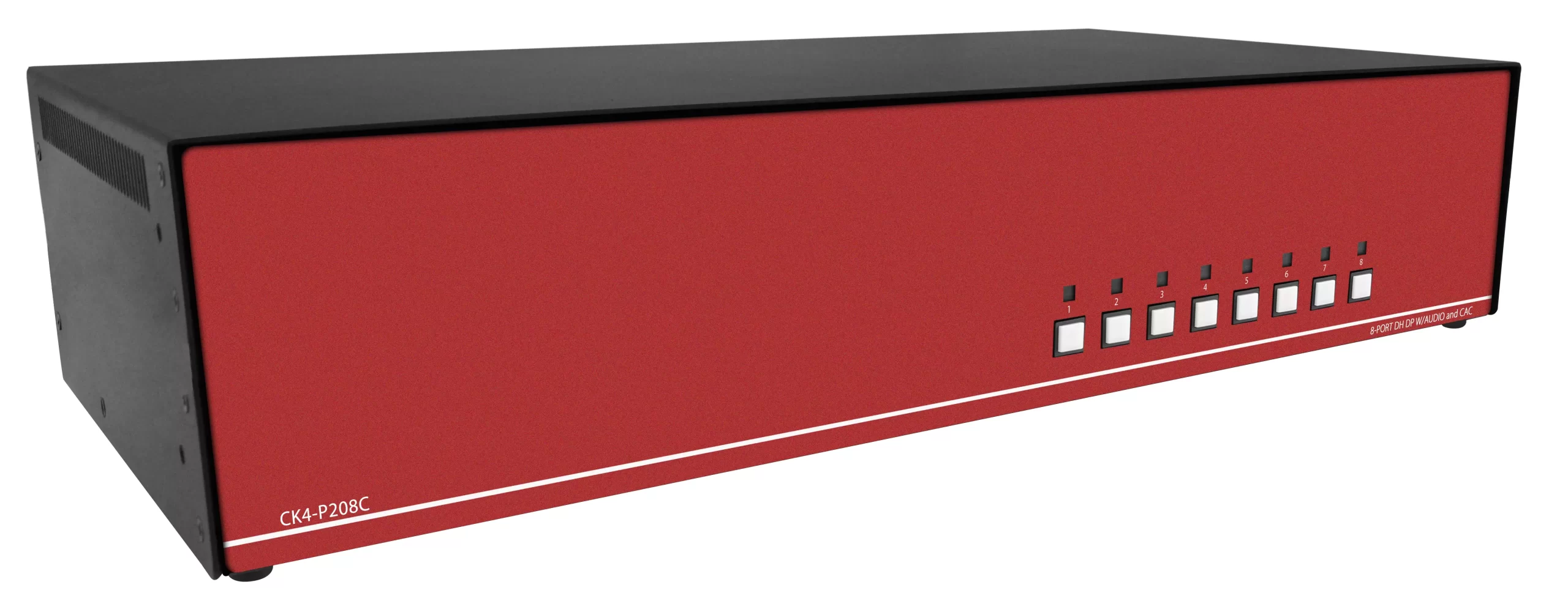
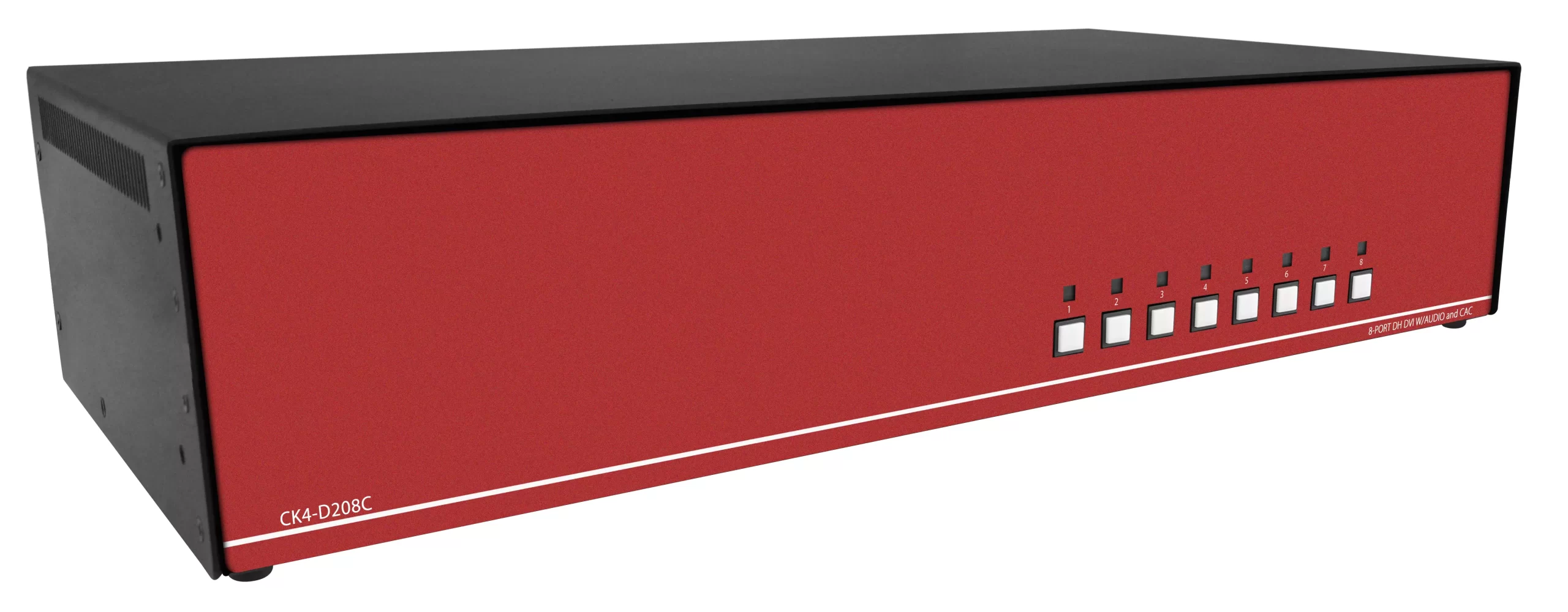
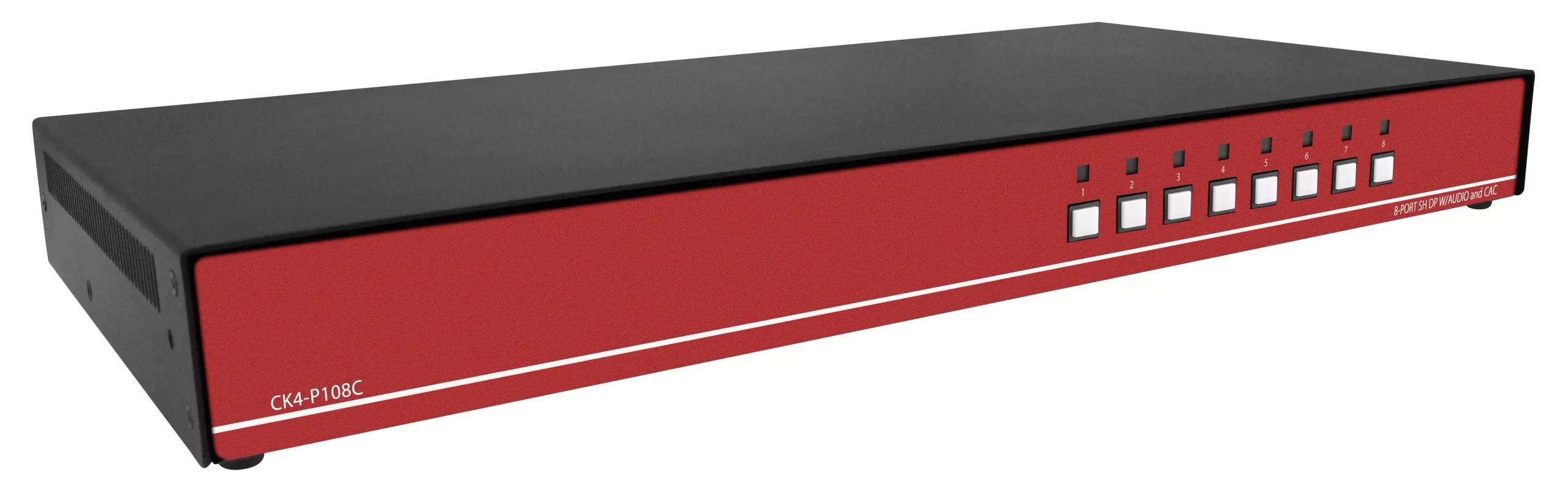
Enterprise rack KVMs sit in a 19-inch EIA-310 rail set. One rack unit is 1.75 inches (44.45 mm), which is why almost every 8, 12, and 16-port chassis claims 1U. EIA-310 and common rack-unit calculators treat 1U as that 1.75-inch increment. Depth still varies. A 1U height does not guarantee a short-depth chassis, so the RFQ must state rail-to-rail depth, not only "1U." Start the chassis hunt on rackmount KVM switches. HDMI and DVI hosts belong on an HDMI KVM switch or DVI KVM switch. USB HID fleets belong on a USB KVM switch. Legacy PS/2 rows belong on a PS2 KVM switch. Cat5 dongle plants belong on a Cat5 KVM switch.
Port-count buying matrix (8 vs 12 vs 16 vs 32)
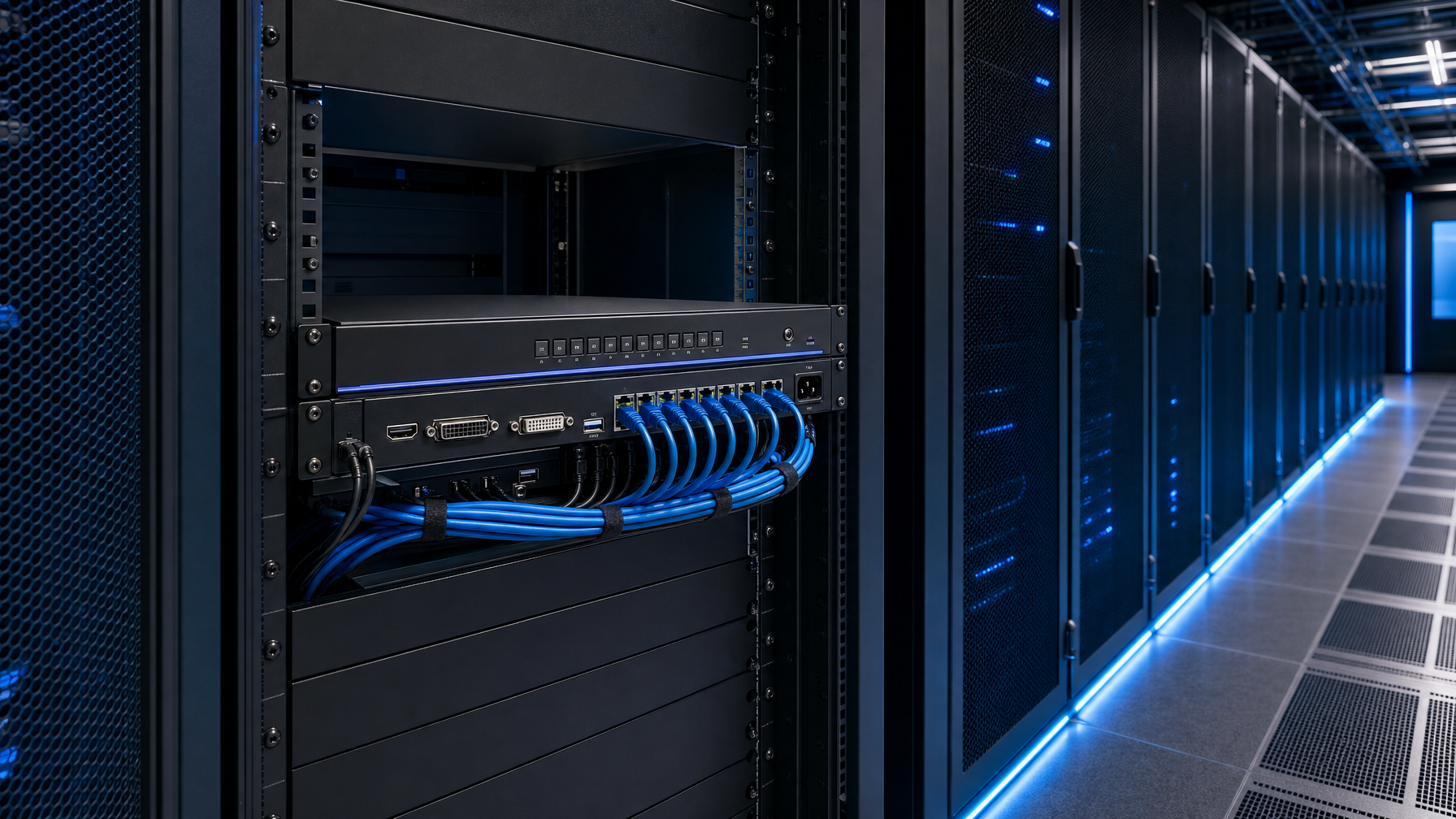
Use this table as the first cut. Then lock video and USB per port.
| Port count | Typical live hosts | Spare ports | Form factor | Cascade role | Common miss |
|---|---|---|---|---|---|
| 8 | 4 to 6 | 2 | 1U rack or desktop | Rare; buy 12 instead if growth is likely | Desktop USB "gaming" 8-port with no OSD, no rails |
| 12 | 8 to 10 | 2 to 4 | 1U rack | Optional | Under-counting dual-NIC jump boxes as extra KVM ports |
| 16 | 11 to 14 | 2 to 5 | 1U rack | Common first cascade parent | Ordering 16 HDMI when half the fleet is still DVI-D |
| 32 | 20 to 28 | 4 to 8 | 1U or 2U, or 16+16 cascade | Parent chassis or two 16s | Buying 32 analog VGA when the rack is already HDMI 4K |
A 12 port KVM switch wins most mid-row RFQs because 8 ports force a second buy inside 12 months, and 16 ports sit idle if the row is only eight 1U servers plus a management jump host. Sixteen-port rackmount KVM units win when the row already holds a full 12-pack plus blades or a second vendor's out-of-band nodes.
Do not treat dual-head video as two KVM ports unless the switch is a dual-console or dual-head model. Dual displays on one server still consume one KVM port on a single-head chassis. Dual-head needs a different SKU family. See DisplayPort vs HDMI KVM for Dual-Head Racks: EDID, 4K60, and USB (2026) when the GPU is two heads, not two computers.
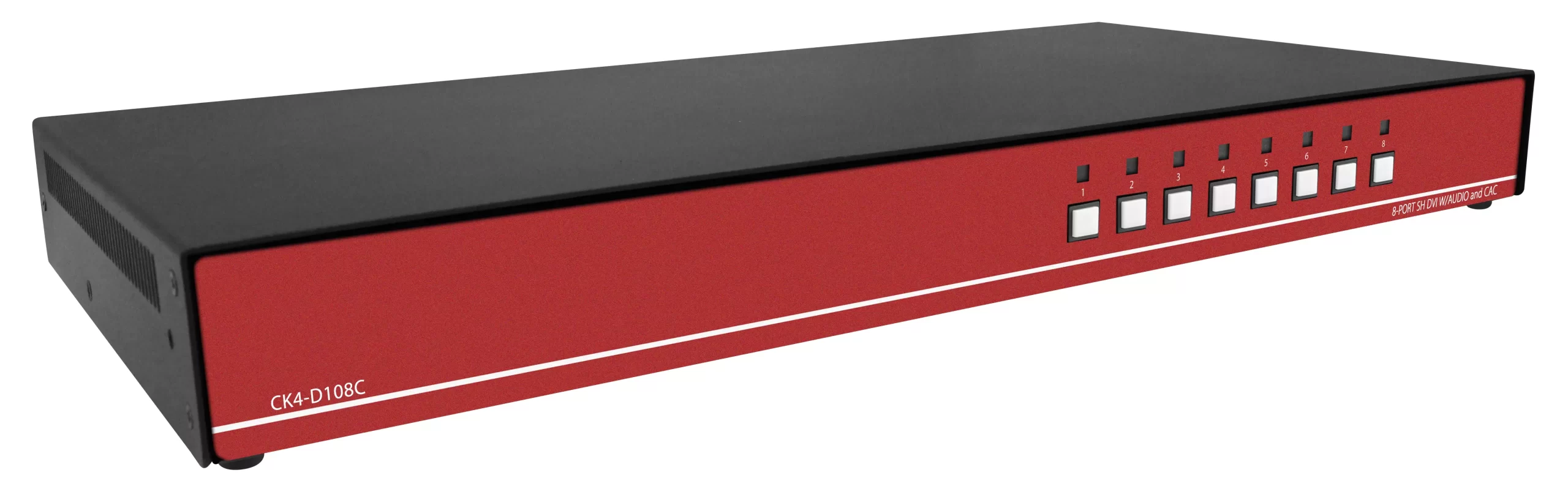
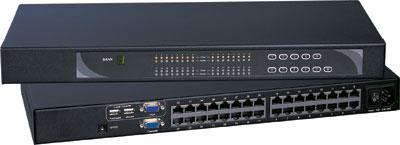
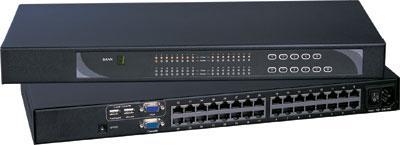
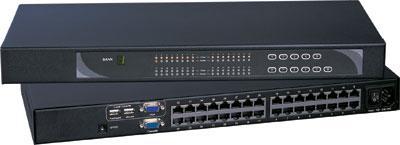
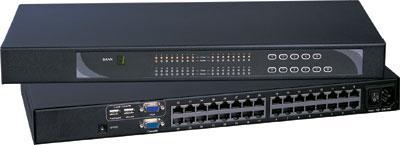
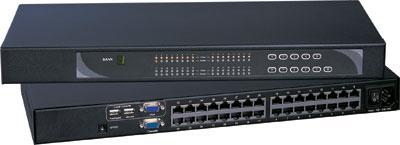
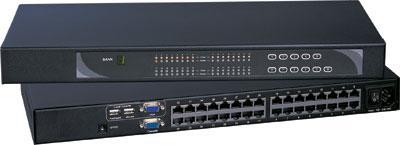
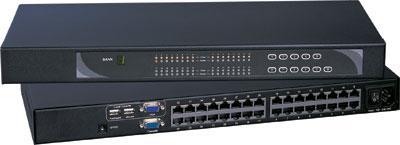
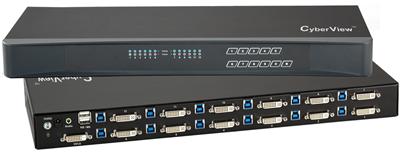
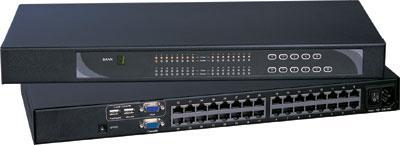
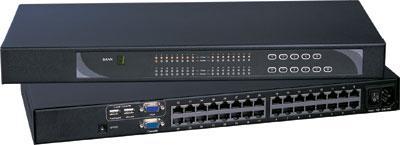
Concrete 12-port DVI SKUs: the Cyberview CV-1201D 12 Port USB DVI KVM Switch with Audio 1920 x 1200 Video Resolution and the 12 Port USB DVI KVM Switch with Audio 1920 x 1200 Video Resolution. A 16-port combo VGA/USB/PS2 example is the CV-S1601 Cyberview KVM Switch 1U Rackmount combo USB and PS2 and VGA interface 16 Ports.
USB, HDMI, and DVI: dongle type is the RFQ, not the port count
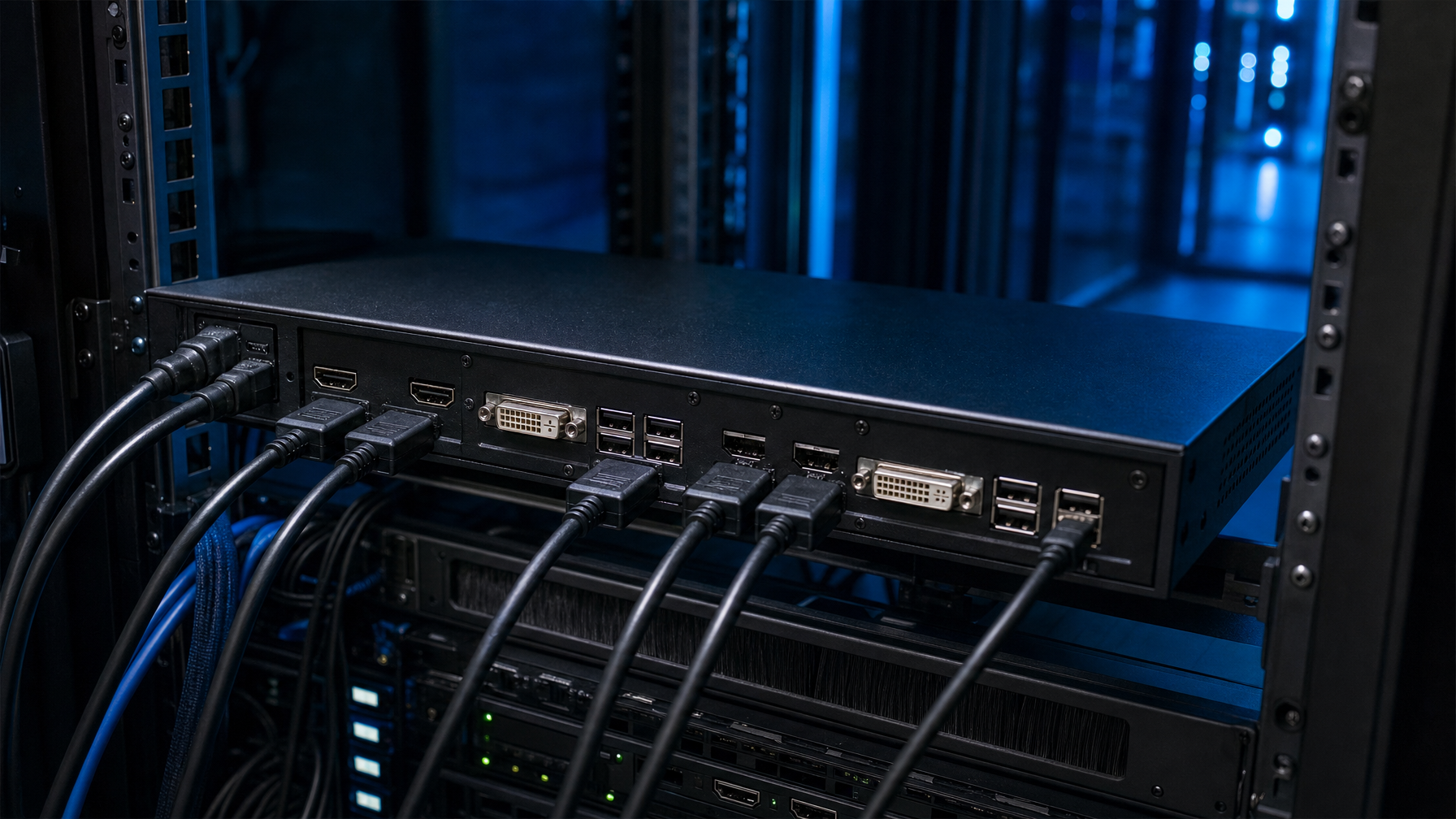
Port count is the headline. Dongle type is the line item that fails at rack-and-stack.
USB HID vs USB hub. Almost every modern rack KVM presents keyboard and mouse as USB HID. That is not the same as a USB 3.0 hub for virtual media. If the runbook needs ISO mount from the console, specify virtual media (often USB 2.0 or 3.0 on a dedicated port), not "USB KVM."
HDMI. Use HDMI dongles when the host GPU or iLO/iDRAC VGA-to-HDMI dongle already outputs HDMI, or when the rack uses HDMI KVM drawers. Confirm HDCP and EDID behavior if any host is a media appliance rather than a server BMC. 4K60 HDMI KVMs are a different cable plant than 1080p HDMI. HDMI 4K and EDID rules for commercial desks are in the HDMI KVM Switch Buyer's Guide: Port Count, 4K Support, and EDID Explained (2026).
DVI-D. Still the default on many OEM 12-port SKUs. Austin Hughes documents the Cyberview CV-1201D as a 12-port DVI-D KVM with USB and audio, 1U, hot-pluggable, no drivers, with video support listed up to 1920 x 1200 (and 2560 x 1440 on the spec table). Chassis size is 171 x 443 x 44 mm. Cascade is listed as none on that SKU. That is the pattern: 12 ports, DVI-D plus USB, 1U, no cascade. If you need cascade, you do not copy that SKU blindly.
VGA / PS2 combo. Older 8-port and 16-port rack units (ATEN CS1308 class, TRENDnet TK-1604R class, IOGEAR GCS1716 class) still ship VGA plus USB/PS2 combo cables. They cascade well. They do not belong on a 4K HDMI row.
DisplayPort. Treat DP as its own dongle family. An HDMI KVM with a cheap DP-to-HDMI adapter on the host often drops MST or 4K60. Specify native DP if the GPU is DP-only.
Write the RFQ as N ports of video-type X with USB HID, plus M spare dongles of the same type. Mixed HDMI and DVI in one chassis is possible on some modular Cat5/HDBaseT KVMs. It is not free on a fixed 12-port DVI box. Spare dongles and console leads come from KVM switch cables.
Cascade math: when 16 is cheaper than 32
Cascade (daisy-chain) lets an 8-port or 16-port parent address more computers through child switches.
Documented examples from OEM pages (names in plain text, verify on the current datasheet before you bid):
- ATEN CS1308: 8-port PS/2-USB VGA, control of up to 64 computers, up to 8 additional switches cascaded.
- IOGEAR GCS1808: 8-port USB/PS2 combo VGA, up to 64 computers with up to 8 additional cascaded switches.
- TRENDnet TK-1604R: 16-port 1U USB/PS2 VGA, daisy-chain up to 8 levels (128 computers).
- TRENDnet TK-804R: 8-port stackable 1U, cascade up to 16 levels (128 computers).
- IOGEAR GCS1716KITU: 16-port combo with USB cables in the kit, TAA option on that SKU.
Cascade rules for the RFQ:
- Same family only. An ATEN CS1308 does not cascade to a Cyberview DVI 12-port.
- Video type follows the chain. VGA cascade does not magically become HDMI.
- Count hop latency. Each extra chassis adds OSD delay and another failure domain.
- Prefer one 16-port or 32-port chassis when all hosts sit in the same rack and use the same video. Cascade when hosts span two racks or when you already own a compatible 8-port parent.
- If the 12-port DVI SKU has cascade = none, do not plan a 24-port future on that chassis.
A 16 port rackmount kvm plus a second 16 is often cleaner than an 8-port cascade tree to 64. The 64-port number looks good in a datasheet. Day-2 ops hate hunting which child holds server 41.
When the console is remote rather than at the rack, port count still applies, but the chassis family changes to an IP KVM switch. See KVM Over IP in 2026: A Data Center Decision Framework (Including Raritan KX III Replacements). Cross-domain desks are a different SKU: secure KVM switches, plus NIAP PP 4.0 Secure KVM Comparison: CAC, Dual-Head HDMI, and TAA (2026).
1U depth, drawers, and what rackmount must mean

"Rackmount" on a consumer listing often means ears in the box. On a data-center RFQ it must mean:
- EIA-310 19-inch rails, 1U equals 1.75 in.
- Stated chassis depth (example: CV-1201D at 6.73 in body depth, 17.44 in width, 1.73 in height).
- Front OSD or hotkeys that work with gloves and a flashlight.
- Included cable count. A 12-port switch that ships six cables is a 6-port install until purchasing adds the rest.
- Optional DC input (12/24/48/125/250 V) if the row is DC plant.
KVM drawers (LCD + keyboard + switch in 1U) change the port-count math. The drawer is the console. The switch inside may be 8, 12, or 16 ports. Do not double-count a drawer port as a second chassis. If the row already has a 1U LCD drawer, buy a matching 12-port or 16-port module, not a second desktop 8 port kvm switch on a shelf.
Browse a KVM drawer, a 1U KVM drawer with USB KVM switch, or a 1U KVM drawer with PS2 KVM switch. Glass-only rows sit on rackmount LCDs or rackmount monitors. Keyboard-only 1U trays sit on a 1U rackmount keyboard. Buyer notes: KVM Drawer Buyer’s Guide 2026: 1U Console vs Integrated Switch.
Integrated 8-port and 16-port drawer examples: the RKP117-S801e Cyberview 1U 17" Rackmount Monitor Keyboard Touchpad with Integrated 8 Port Combo USB and PS2 KVM Switch, the RKP117-S1601e Cyberview 1U 17" Rackmount Monitor Keyboard Touchpad with Integrated 16 Port Combo USB and PS2 KVM Switch, and the 12-port DVI drawer Cyberview X117-1201De 1U 17" DVI-D 1920 x 1200 Rackmount Monitor Keyboard with 12 Port DVI KVM Switch Touchpad.
Short-depth racks (telco, wall-mount, SCIF cabinets) fail long VGA cable kits. State maximum cable length (typically 1.8 m / 6 ft kits on DVI 12-port SKUs) and whether Cat5/HDBaseT dongles are in scope for longer runs. Short cabinets: short depth LCD keyboard. HDMI glass in 1U: HDMI rackmount LCD and 1U HDMI LCD keyboard. DVI glass: DVI rackmount LCD and 1U DVI LCD keyboard. Combo LCD+keys: 1U rackmount LCD keyboard.
RFQ checklist: 12 port KVM switch and neighbors
Copy this block into the bid package.
Must-have
- Port count: 8 / 12 / 16 / 32 (circle one). Spare ports: ___.
- Video per port: HDMI / DVI-D / DP / VGA. Mixed: yes/no, with port split.
- USB HID on every port. Virtual media: required / not required.
- Form: 1U EIA-310 rackmount, depth max ___ mm. Desktop rejected.
- OSD + hotkeys. No driver install on hosts.
- Cable kit: one dongle per populated port, same video type, length ___ .
- Cascade: none / same-family only, max children ___ .
- Power: AC 100-240 / DC ___ V. Dual power: yes/no.
- Compliance: FCC, CE, RoHS. TAA if the contract requires it.
- Warranty: 2 years minimum.
Reject
- USB-only sharing switches with no video OSD.
- 4-port or 8-port plastic desktop units with HDMI 4K marketing and no rails.
- "12-port" listings that ship six cables and call the rest optional with no SKU.
- Cascade across brands.
- HDMI-to-DVI adapters as a substitute for native DVI-D ports on legacy servers.
Worked examples
Example A: eight Dell 1U servers, iDRAC VGA, growth to ten. Do not buy an 8-port. Specify a 12 port KVM switch, VGA or DVI-D based on the actual rear connector, USB HID, 1U, twelve cables. Spare of four covers the two on-order nodes and a crash-cart laptop.
Example B: twelve HDMI 1080p appliances plus four DVI engineering workstations. One mixed chassis only if the vendor publishes a mixed dongle map. Otherwise two SKUs: 16-port HDMI for the appliances (or 12 HDMI + 4 spare) and a small DVI 8-port for the workstations. Do not force DVI-D 12-port onto HDMI hosts through adapters.
Example C: 22 hosts, two racks, VGA already in production on IOGEAR 16-port. Add a second same-family 16-port and cascade, or replace with a 32-port if both racks share a console location. Do not add a 12-port DVI island.
Example D: SCIF, DC 48 V, no cascade, 10 hosts. 12-port 1U with DC option, cascade none, TAA if required. Depth and EMI matter more than saving two ports.
HDMI vs DVI vs USB: quick decision tree
- Read the rear I/O on the actual server, not the datasheet photo.
- If more than 80 percent of ports share one video type, buy that type at 12 or 16.
- If the split is 50/50, two smaller chassis beat one "universal" adapter pile.
- USB-C hosts still need a video path. USB-C alt-mode is not a KVM port unless the SKU says so.
- Audio is optional. Do not pay for analog audio on headless servers.
FAQ
Is a 12 port KVM switch enough for a 14-host row?
No. Use 16, or 12 plus a documented cascade child in the same family. A 12-port chassis with two unused ports is correct for 8 to 10 hosts, not 14.
Does kvm switch 12 port mean twelve cables in the box?
Not always. Some 12-port DVI units include six 6 ft cables. The RFQ must state cable quantity. Treat missing cables as a separate line item, not a surprise at install.
When is an 8 port kvm switch the right rackmount buy?
When the rack is a four-node edge or a lab with a hard cap of six hosts, the chassis is 1U with rails and OSD, and there is no 12-month growth plan. Otherwise step to 12.
Can I cascade a 16 port rackmount kvm to a 12-port DVI unit?
Only if both SKUs document the same cascade protocol. Many 12-port DVI 1U units list cascade as none. Assume no.
Does 1U always fit a 600 mm cabinet?
Height fits. Depth may not. Put max depth in millimeters on the RFQ. The CV-1201D body is about 171 mm deep; VGA combo 16-port units and LCD drawers are often much deeper.
USB 3.0 on the KVM: do I need it?
Only for virtual media or a console USB hub. Keyboard and mouse run on USB 1.1/2.0 HID. Do not filter SKUs on USB 3.0 unless the runbook mounts ISOs from the local console.
Closing
Pick port count from live hosts plus spare, then lock video dongles, then lock 1U depth and cable count. A 12 port KVM switch is the default RFQ for 8 to 10 hosts. Step to 16 port rackmount kvm when the row is already dense. Use 32 or a same-family cascade only when one chassis cannot hold the count. Keep consumer 8-port boxes out of the bid.
For a SKU mix (HDMI, DVI, USB, drawer vs standalone) call (216) 798-7530.