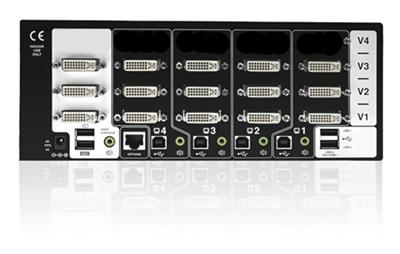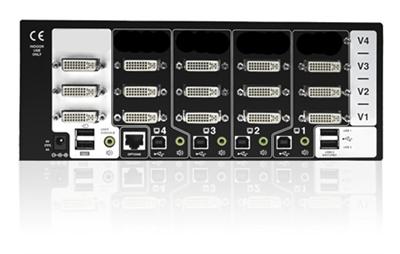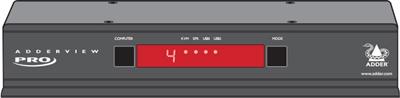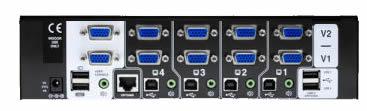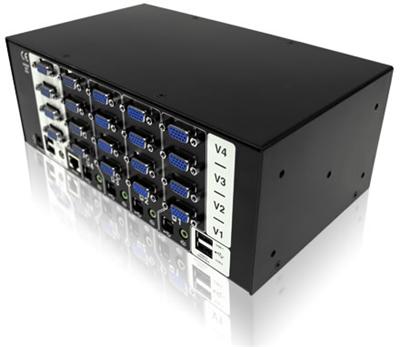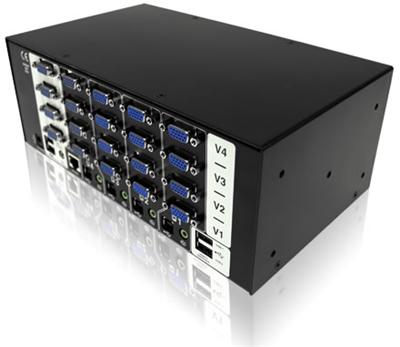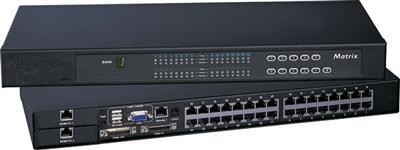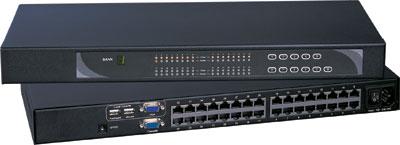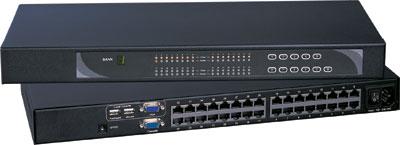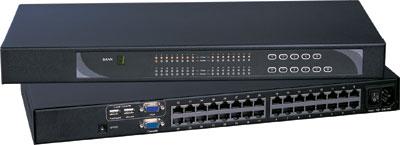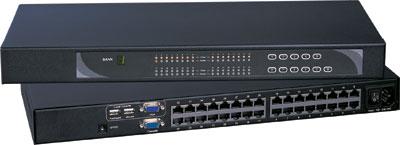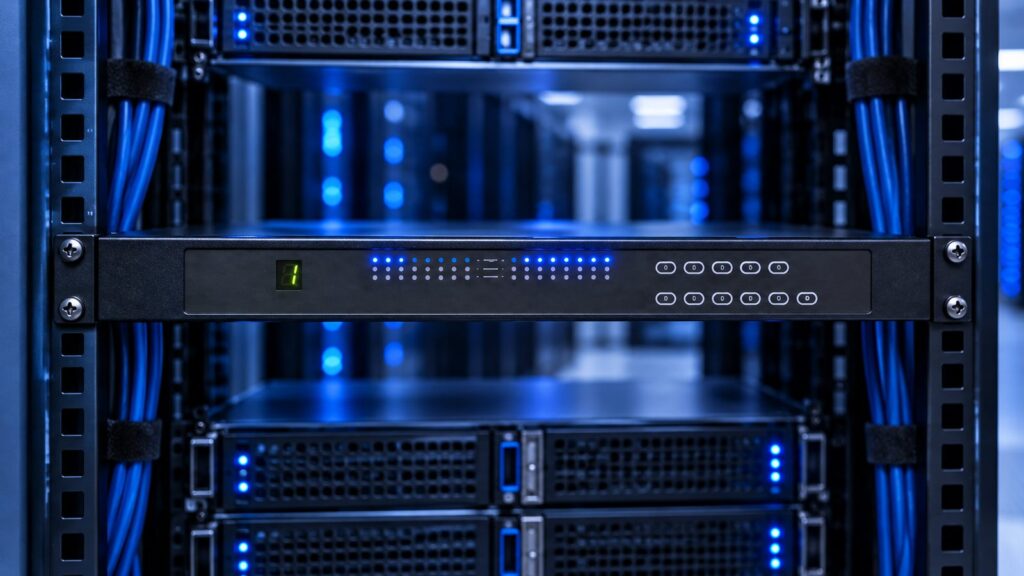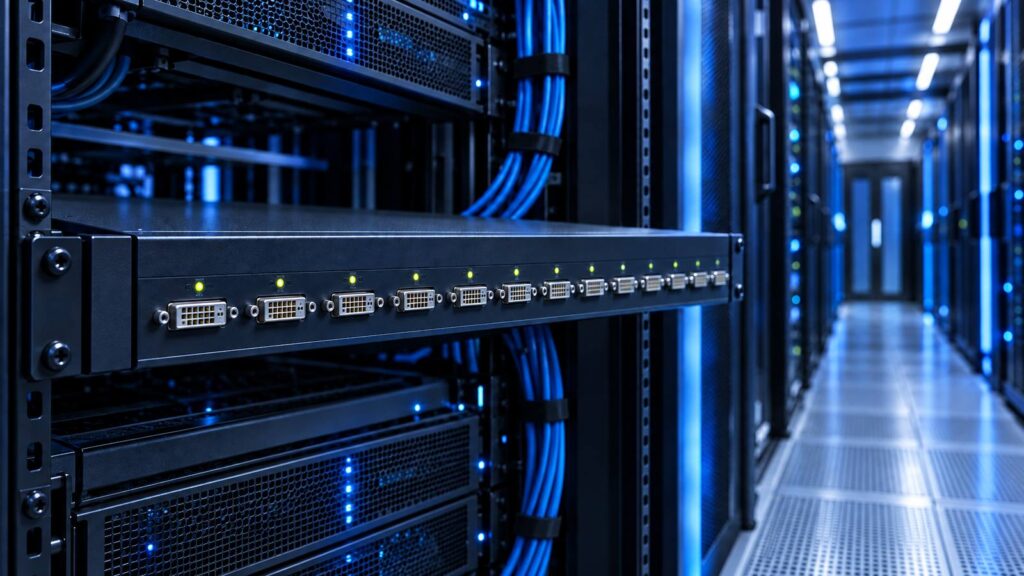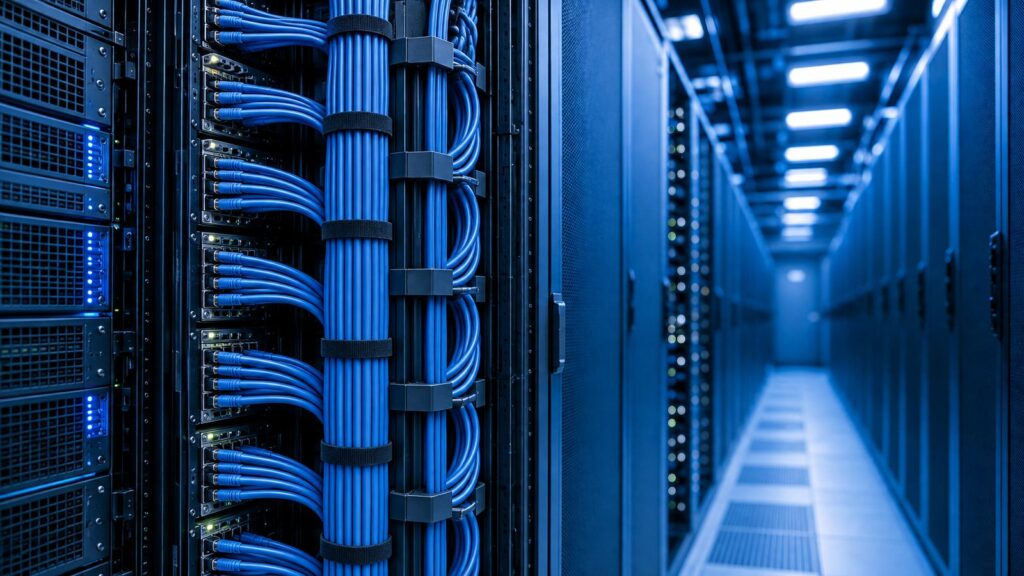
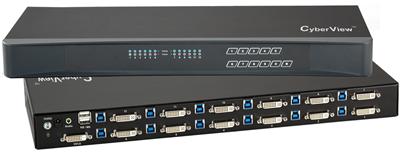
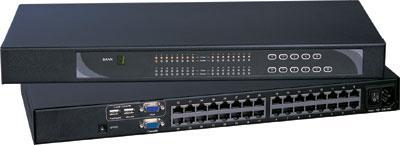
A Cat5 KVM switch (often sold as Cat6 KVM) puts RJ-45 ports on the chassis and a KVM dongle at each server. One Cat5e, Cat6, or Cat7 patch carries keyboard, video, and mouse. A local HDMI USB KVM puts HDMI and USB (or combo) ports on the chassis and runs native HDMI plus USB cables to each host.
Pick Cat5/Cat6 KVM when servers sit more than a few meters from the switch or in adjacent racks; the rack already has leftover VGA, DVI, DisplayPort, HDMI, USB, and PS/2 hosts; cable bulk in a 42U rear channel is the real constraint; or you plan to cascade chassis instead of stuffing every HDMI cable into one 16-port faceplate.
Pick local HDMI USB KVM when every host is HDMI + USB in the same rack, within short HDMI cable reach; you need native HDMI features the dongle line does not carry; or you refuse dongle SKUs as extra failure points.
This is not an extender comparison and not an 8 vs 12 vs 16 port-count matrix. Port count is already decided in 8 vs 12 vs 16 Port Rackmount KVM. This page is cable plant vs dongle math. Write down server count, leftover video types, USB vs PS/2, max CATx run, cascade vs 32-port chassis, and certifications. Then call (216) 798-7530.
What each architecture actually is
Local HDMI USB KVM
The switch face has HDMI (or DVI, DisplayPort) plus USB HID ports, or a combo cable per port. Each server gets one HDMI (or DVI/DP) cable from GPU or iLO/iDRAC video out to the KVM port, and one USB-A (or USB-B) for keyboard and mouse. The console side is HDMI + USB keyboard/mouse, sometimes with audio. Video stays in the HDMI domain end to end. There is no CATx conversion in the KVM path.
This is the right default for a small rack of identical HDMI USB servers within about 3 to 5 meters of the switch. Size a local HDMI KVM switch when every host is HDMI in the same rack, or a USB KVM switch when HID is USB and video is already decided. DVI-only ports stay on the same HDMI/DVI family; call the DVI SKU a DVI KVM switch in the RFQ sentence. PS/2 leftovers use a PS2 KVM switch. Dense same-row chassis without CATx start from rackmount KVM switches.
Cat5 KVM switch (Cat6 KVM in most 2026 catalogs)
The switch face is a row of RJ-45 jacks. Each jack is not Ethernet LAN. It is a proprietary analog or digitized KVM payload over twisted pair. At the server you attach a KVM dongle (also called a KVM adapter cable): server end HDMI + USB, or VGA + USB, or DVI + USB, or DisplayPort + USB, or USB-C, or PS/2 + VGA; switch end RJ-45 into Cat5e/Cat6/Cat7 to the chassis.
Austin Hughes CyberView DG-100H is a typical HDMI USB dongle: Cat6 toward the switch, HDMI + USB-A toward the host, up to 130 feet (40 m), resolutions up to 1920 x 1080 / 1920 x 1200. ATEN KH1516A is a typical 16-port Cat 5 chassis: 16 RJ-45 KVM ports, mixed adapters (PS/2, USB, VGA, DVI, HDMI, DisplayPort), daisy-chain to 512 computers, video up to 1920 x 1200 @ 60 Hz at 30 m with the matching adapter family. Kinan publishes USB HDMI CAT5 adapters at 100 m transmit distance on its KC/LC/HT series. That figure is vendor-specific. Do not copy it onto a CyberView or ATEN RFQ.
Cat6 KVM in 2026 marketing is the same architecture as Cat5 KVM. The jack is still RJ-45. Cat6 (or Cat6a/Cat7) gives tighter pair twist and often a slightly cleaner analog run. Buy the cable grade the OEM names in the dongle datasheet. Browse the Cat5 KVM switch line when CATx plus dongles is the path. Combo leads match KVM switch cables rather than mixing random HDMI plus USB pairs. HDMI copper runs use HDMI cables.
Cable plant in a 42U rack
Port count is not the bottleneck once you already chose 8, 12, or 16. Rear-channel bulk is.
| Path per host | Typical conductors | Bend radius and bulk | Serviceability |
|---|---|---|---|
| Local HDMI USB | HDMI + USB (two cables, or one combo) | HDMI heads are large; USB-A adds a second run | Easy to swap one host; messy at 16 |
| Cat5/Cat6 KVM | One Cat5e/6/7 patch + a dongle at the server | RJ-45 is small; dongle hangs at the NIC/video area | Extra SKU (the dongle); one CATx to dress |
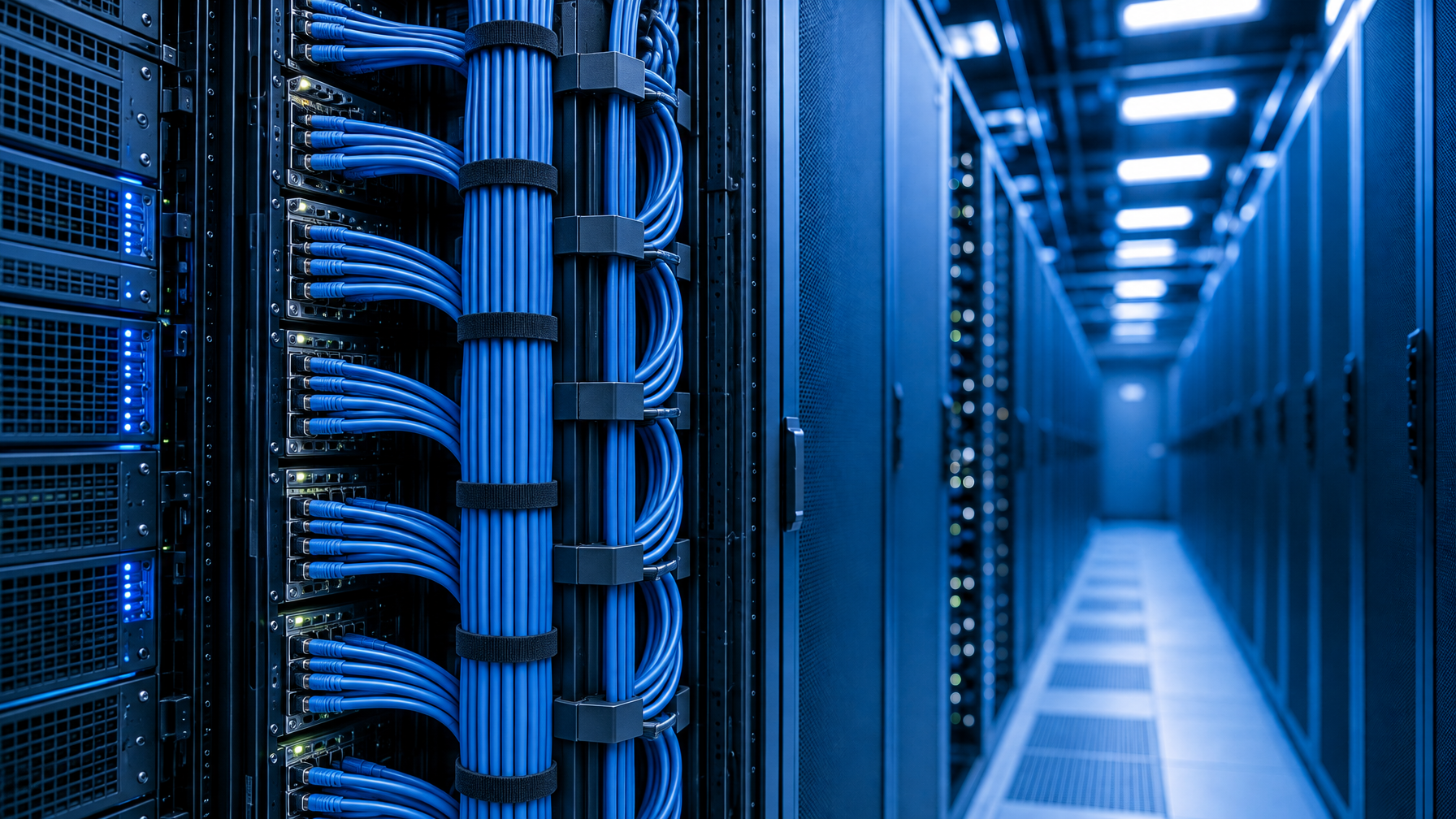
Sixteen HDMI cables plus sixteen USB cables fill a vertical manager fast. Sixteen Cat6 patch cords do not. The dongle still occupies space at the server. Plan 15 to 20 cm of slack so a rail slide does not yank the HDMI latch.
If hosts sit in two or three adjacent racks, local HDMI USB loses immediately. HDMI copper at 1080p is commonly specified around 10 to 15 m with good cable. 4K30 HDMI copper is often quoted around 50 feet (about 15 m). 4K60 copper is much shorter. Cat5 KVM dongles in the CyberView class land at 40 m. ATEN FHD adapters land at 30 m for 1920 x 1200. That is in-row and next-row territory, not building-riser territory.
For building-riser or 100 m class runs, leave this article and size a dedicated Cat5 HDMI extender, the broader Cat5 extenders set, or a fiber optic extender. That is a different RFQ. Distance writeups: HDMI Extender PoE vs Cat6 HDBaseT vs Fiber and Fiber Optic vs Cat5/Cat6 KVM Extender. Remote BIOS over WAN is an IP KVM switch, covered in the colo piece once it is live and in Cat5 vs HDMI vs KVM-over-IP.
Distance: dongle CATx vs native HDMI
| Architecture | Typical in-rack distance | Published examples |
|---|---|---|
| Local HDMI USB | Same rack, short HDMI | HDMI copper: tens of feet at 1080p; shorter at higher pixel clocks |
| Cat5/Cat6 KVM dongle | Same row / next rack | CyberView DG-100H: 40 m (130 ft) at up to 1920 x 1080 / 1920 x 1200 |
| Cat5 chassis + ATEN adapter | Same row | KH1516A: 1920 x 1200 @ 60 Hz to 30 m; 1600 x 1200 @ 60 Hz to 40 m; 1280 x 1024 @ 75 Hz to 50 m |
| Dedicated HDMI-over-Cat extender | Aisle / IDF | Separate product class. Not a Cat5 KVM switch. |
USB HDMI over Cat5e/Cat6 console extenders in the 330 ft (100 m) class are extender SKUs, not multi-port Cat5 KVM switches. Mixing extender distance into a Cat5 KVM RFQ is a common bid error. If every host is inside the same 42U and HDMI cables stay under about 3 m, local HDMI USB wins on simplicity. If any host is past HDMI copper comfort, or you want one cable type in the vertical manager, the Cat5 KVM switch wins.
Mixed video: leftover VGA vs HDMI
This is the strongest argument for dongles. A local HDMI USB KVM wants HDMI (or a single video standard) on every port. VGA leftovers need converters. Converters add EDID fights, extra power, and another failure point. Format change belongs on a video converter only when you stay on local HDMI, not as a substitute for mixed dongles.
A Cat5 KVM switch treats the chassis port as CATx and treats the dongle as the video translator: VGA + USB on old 1U appliances, HDMI + USB on current 1U servers, DVI + USB or DisplayPort + USB where those heads exist, USB-C dongles (CyberView DG-100C class) on compact hosts. ATEN documents mixed combinations on both console and computer sides, with adapter ID so you can move a server to a new port without re-teaching the name.
If the rack is 100 percent HDMI USB and will stay that way, skip the mixed-dongle story. If the rack still has iLO VGA, a serial console server with VGA, and a handful of HDMI hosts, Cat5 KVM with mixed dongles is the clean RFQ. Dual-head GPU nodes are usually easier on local dual-head HDMI, as in DisplayPort vs HDMI KVM for Dual-Head Racks.
USB vs PS/2 on the dongle and the console
HID type is independent of video type. Write both on the RFQ. Most 2026 servers: USB HID. Legacy industrial PCs: PS/2 + VGA (ATEN KA7120 / KA7520 class). Console side: many Cat5 chassis still expose PS/2 and USB on the local console so an older drawer or a USB keyboard both work.
ATEN KH1516A console ports: USB Type-A, PS/2 keyboard, PS/2 mouse, HD-15 VGA console video. Local HDMI USB KVMs usually drop PS/2 entirely. If one host is still PS/2, either convert it (fragile) or move that host onto a Cat5 dongle.
A local console in the same rack is a KVM drawer, a 1U rackmount LCD keyboard, a 1U HDMI LCD keyboard, or a 1U DVI LCD keyboard. Shallow cages use a short depth LCD keyboard. Keyboard-only is a 1U rackmount keyboard. Integrated USB switching is a 1U KVM drawer with USB KVM switch. PS/2 integrated switching is a 1U KVM drawer with PS2 KVM switch. Drawer vs integrated switch is the KVM Drawer Buyer’s Guide 2026.
Monitor-only glass (no keyboard) is an HDMI rackmount LCD, a DVI rackmount LCD, a 1U rackmount LCD, or a widescreen rackmount LCD. Broader sets: rackmount LCDs and rackmount monitors.
Virtual media (ISO mount over the KVM USB path) is not free on Cat5 SMB chassis. ATEN notes KH1516A does not support virtual media even with a virtual-media adapter. If you need virtual media, leave this SMB Cat5 class and RFQ an IP KVM or a VM-capable chassis. Do not assume the HDMI USB dongle magically adds VM.
Cascade vs a 32-port Cat5 chassis
Once port count exceeds a single faceplate, Cat5 architecture scales with less cable pain than local HDMI. Two patterns:
- Cascade / daisy-chain. ATEN KH1516A: 16 direct, then daisy-chain up to 31 additional KH1516A units for 512 computers. Dedicated DB-25 daisy-chain ports and OEM daisy-chain cables (0.6 m up to 15 m in the ATEN 2L-170x family).
- Single denser chassis. ATEN KH1532A is the 32-port sibling in the same Cat 5 family. One 1U, 32 RJ-45, still adapter-based.
Local HDMI USB cascade exists on some brands, but each extra chassis still wants a bundle of HDMI+USB from the new hosts. The rear channel problem multiplies. Shared any-to-any consoles are a matrix KVM switch, not a cascade.
Practical 42U math: 8 to 16 HDMI USB hosts, same rack, same video: local 8/12/16 HDMI USB KVM. 16 to 32 mixed VGA/HDMI hosts, same row: 16-port Cat5 plus cascade, or one 32-port Cat5. 32 to 100+ hosts across a row: Cat5 cascade or jump to IP KVM. Do not run 64 HDMI cables to a pair of local switches. Cascade firmware and OSD must match the family. Mixing Brand A dongles on Brand B RJ-45 ports fails. Dongles are proprietary.
RFQ table: fill this before you buy
Copy this into the quote request. Call (216) 798-7530 with the cells filled.
| Field | What to write | Why it decides Cat5 vs local HDMI USB |
|---|---|---|
| Server count (today) | Integer | 8/12/16 local vs 16/32 Cat5 vs cascade |
| Server count (24 months) | Integer | Cascade headroom |
| Hosts in this rack vs next rack | Counts | Next-rack forces CATx dongles or extenders |
| Longest KVM run (meters) | Measured | HDMI copper vs 30 to 40 m dongle vs extender |
| Video leftovers | VGA / DVI / HDMI / DP / USB-C counts | Mixed leftovers favor Cat5 dongles |
| HID leftovers | USB vs PS/2 counts | PS/2 leftovers favor Cat5 adapters |
| Dual-head hosts | Count and connector pair | Local dual-head HDMI USB or two dongles |
| Resolution at console | 1080p / 1920 x 1200 / 4K30 | Many Cat5 lines top out at 1080p or 1920 x 1200 |
| Pixel clock honesty | 10.2 Gbps / 4K30-class vs true 4K60 | Do not write 4K60 unless the datasheet says 18 Gbps class |
| Virtual media needed? | Yes / no | May disqualify SMB Cat5 chassis |
| Cascade vs one 32-port | Choice | Cable plant and spare 1U |
| Cable on hand | Cat5e / Cat6 / Cat6a / none | Cat6 KVM wants the grade the OEM lists |
| Certifications | TAA, NIAP, hospital, none | Chassis and dongle must both qualify |
| Console type | HDMI USB keyboard, VGA PS/2 drawer, other | Console conversion is a Cat5 strength |
Government cages may need a secure KVM switch instead of SMB Cat5. Spec language: TAA vs NIAP PP 4.0 Secure KVM and NIAP PP 4.0 Secure KVM Comparison.
When dongles lose
- Extra SKU per video type. HDMI USB, VGA USB, DP USB, USB-C each have a part number. A 16-port chassis plus 10 HDMI dongles plus 6 VGA dongles is 17 line items.
- Failure domain. A crushed dongle HDMI latch looks like a dead KVM port until you swap the dongle.
- Resolution ceiling. DG-100H class: 1920 x 1080 / 1920 x 1200. KH1516A FHD adapters: 1920 x 1200 @ 60 Hz at 30 m. If the console must show 4K, most Cat5 KVM lines in this class do not.
- No virtual media on some SMB Cat5 chassis (KH1516A explicit).
- Not Ethernet. You cannot patch a Cat5 KVM RJ-45 into a LAN switch. Wrong patch means no video, and you can damage gear if someone forces PoE onto a KVM jack. Label the KVM CATx bundle.
If those costs outweigh rear-channel bulk, buy local HDMI USB KVM and keep HDMI runs short. HDMI distribution in the same room is an HDMI splitter or HDMI switch, under video splitters and video switches. Control-room walls use an HDMI matrix switch, an 8×8 HDMI matrix switch, a 16×16 HDMI matrix switch, a 4×4 HDMI matrix switch, or a Cat5e/Cat6 HDBaseT HDMI matrix. Parent set: video matrix switches. DVI/VGA walls: DVI matrix switch, VGA matrix switch. Related: 8×8 and 16×16 HDMI Matrix for Control Rooms.
Resolution honesty (4K30-class vs marketing 4K60)
Cat5 analog and many digitized Cat5 KVM paths were built for 1080p and 1920 x 1200. That is enough for BIOS, iLO, and most sysadmin consoles. HDMI local KVMs can carry higher pixel clocks if the SKU is built for it. Many rack HDMI KVMs are still 10.2 Gbps / 165 MHz pixel clock (4K30-class HDMI), not 18 Gbps 4K60. Do not write 4K60 on the RFQ unless the datasheet lists the TMDS/FRL class that supports it. This article does not treat a Cat5 KVM switch as a 4K matrix. If you need 4K60 KVM, you are in a different product family.
Decision tree (short)
- All hosts HDMI + USB, same rack, HDMI under about 3 m, 8 to 16 ports, no PS/2, no VGA leftovers: local HDMI USB KVM.
- Mixed VGA/HDMI/DP or leftover PS/2, or hosts in the next rack under 30 to 40 m: Cat5 KVM switch + matching KVM dongle per host.
- More than 16 hosts and you want one console: 16-port Cat5 + cascade or 32-port Cat5.
- Need BIOS-over-WAN, virtual media, or 100 m class: leave this page; RFQ an IP KVM switch or a true extender.
FAQ
Is Cat6 KVM different from a Cat5 KVM switch?
In catalogs, almost never. Both use RJ-45 KVM ports and server dongles. Cat6 (or Cat7) cable is the medium. Use the grade the dongle OEM specifies. Do not mix with LAN Cat6 in the same unlabeled bundle.
Can I use a cheap HDMI USB dongle from a different brand on my Cat5 chassis?
No. The payload on the CATx pair is proprietary. ATEN adapters on ATEN KH ports. CyberView DG-100H on CyberView Cat6 KVM. Cross-brand RJ-45 will not enumerate.
How far can a KVM dongle run?
Vendor-specific. CyberView DG-100H: 40 m. ATEN KH1516A FHD path: 30 m at 1920 x 1200, 50 m at 1280 x 1024 @ 75 Hz. Kinan quotes 100 m on its own adapters. Write the OEM name next to the meter figure on the RFQ.
Does a Cat5 KVM switch replace HDMI USB KVM for dual-head servers?
Only if you budget two dongles (or a dual-head Cat5 SKU, which is rare in SMB). Dual-head is usually easier on a local dual-head HDMI USB KVM in the same rack.
USB vs PS/2: do I need both dongles?
Count hosts. USB-only racks: USB dongles only. One PS/2 appliance: one PS/2 adapter, not a USB-to-PS/2 dongle pile at the host.
Should I cascade two 16-port Cat5 units or buy 32-port?
If both chassis sit in the same rack and you have 1U, 32-port is simpler (one OSD, one power inlet). If hosts split across racks, cascade with OEM daisy-chain cables, or put a 16-port in each rack and accept two consoles. Measure daisy-chain cable length; ATEN publishes up to 15 m daisy-chain SKUs.
Where does fiber or HDBaseT fit?
Those are extender or matrix paths for distance and 4K class video. They are not a substitute for an in-rack Cat5 KVM switch. Keep that RFQ separate.
KVMSwitchTech supplies Cat5/Cat6 KVM chassis, HDMI USB KVM, and the dongle mix (HDMI USB, VGA USB, and related adapters) for mixed racks. The useful RFQ is not “16-port KVM.” It is server count, leftover VGA vs HDMI, USB vs PS/2, longest CATx run, cascade vs 32-port, and certifications. Call (216) 798-7530 with that table filled.