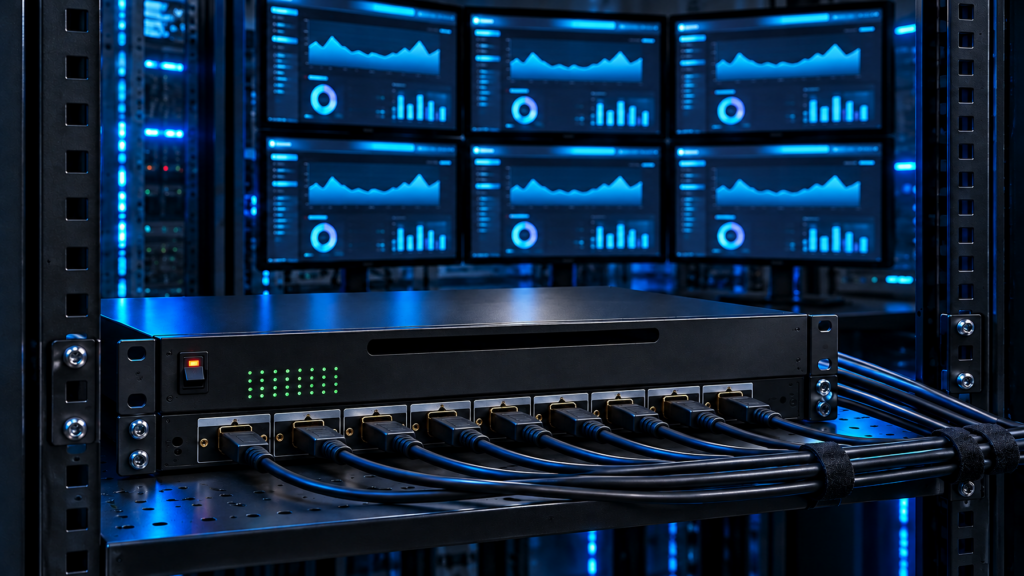
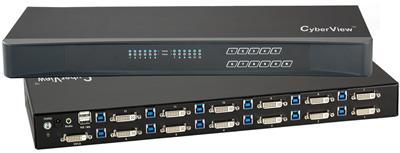
An HDMI splitter and a KVM switch both sit in the video path. They solve opposite problems. A splitter takes one computer (or one player) and clones that picture to many screens at once. A KVM switch takes many computers and lets one operator pick which machine owns the display, keyboard, and mouse.
RFQs mix the two SKUs all the time. A control-room buyer pastes an 8-port HDMI splitter onto a line that actually needs eight PCs under one console. A rack buyer asks for a "video splitter vs kvm" comparison and then orders a 1×8 clone box because the price is lower. The PO lands, the displays light up, and nobody can type.
Use this as the filter before purchasing writes a SKU. It covers hdmi splitter vs kvm, hdmi splitter vs switch, and when a matrix belongs on the PO instead. Spec honesty stays at 4K30-class unless a SKU sheet states otherwise.
The one-sentence test
Ask this before you open a catalog:
Do operators need to type on more than one computer, or do they only need to see one computer on more than one screen?
- Many screens, one source, no keyboard on those extra screens: HDMI splitter.
- One (or few) consoles, many computers, HID required: KVM switch.
- Many sources and many displays, independent routes: HDMI matrix.
- Many sources, one display, video only, no HID: HDMI switch (not a splitter, not a KVM).
If the sentence on the RFQ is "share the wall" you are in splitter or matrix territory. If the sentence is "share the keyboard" you are in KVM territory. Those two sentences are not interchangeable.
What an HDMI splitter actually does
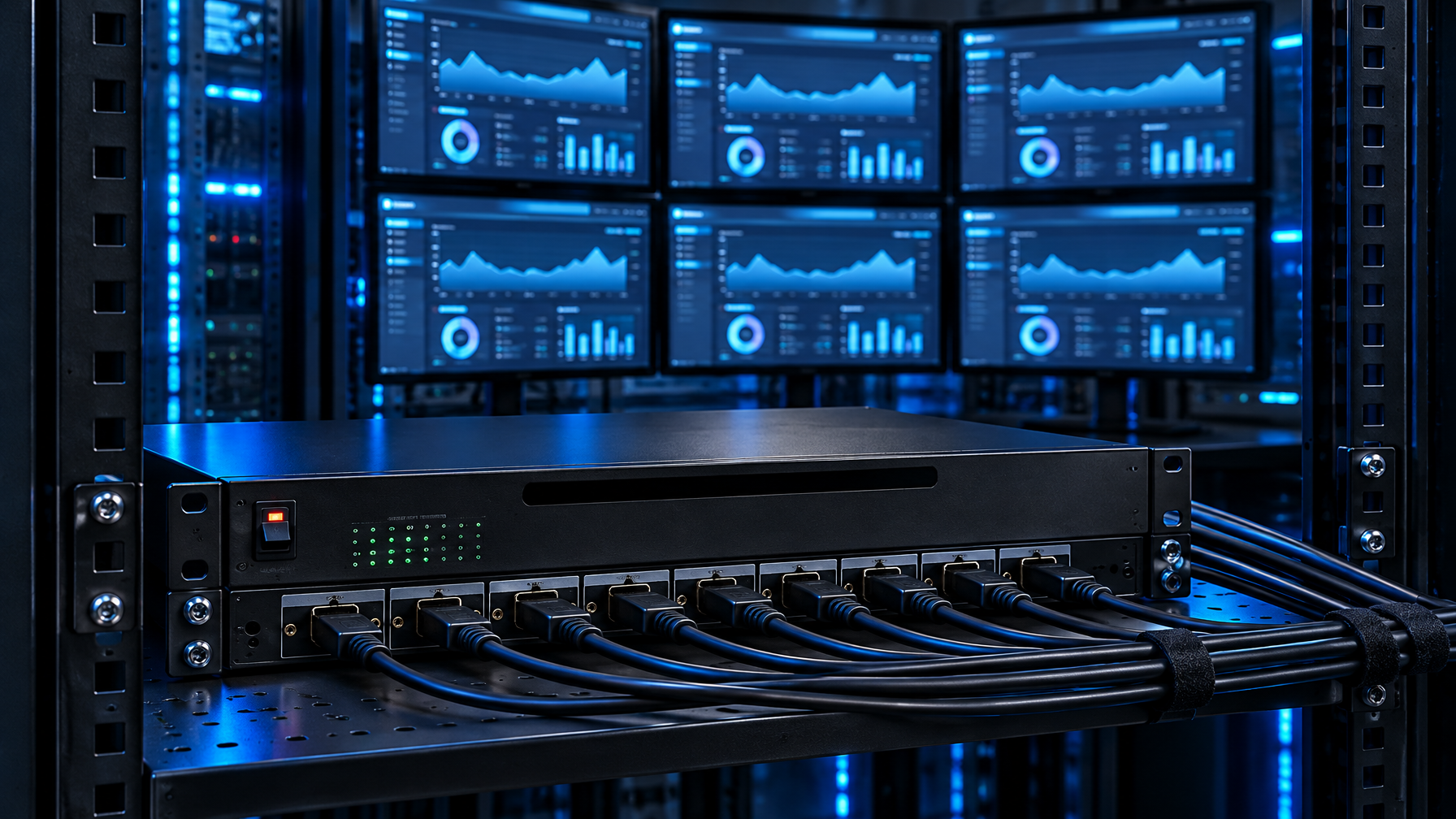
A splitter is a 1-to-N video fan-out. One HDMI input. N HDMI outputs. Every output shows the same picture at the same time (subject to EDID and HDCP). There is no USB HID path. There is no port selector that hands keyboard focus to a second PC, because there is no second PC in the topology.
Typical jobs:
- Duplicate a status dashboard onto a NOC wall and a local rack LCD.
- Feed the same briefing PC to a conference display and an overflow monitor.
- Clone a single encoder or player to several preview monitors.
What a splitter does not do:
- Select among computers.
- Emulate a keyboard or mouse on unused hosts.
- Keep USB peripherals mapped to a chosen CPU.
- Act as a failover KVM when a host dies. The picture dies with the single source.
HDCP and EDID still matter. A cheap 1×8 box often reads EDID from one display (or a baked table) and forces that timing on every output. Mix a 1080p wall tile with a 4K console and you can lose the higher mode or lose handshake on one leg. Powered (active) splitters handle longer copper and denser timings better than passive dongle splitters. That is still video cloning, not control.
What a KVM switch actually does

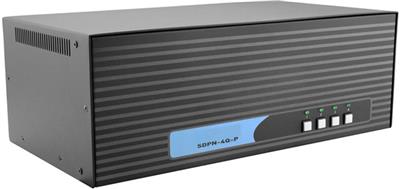
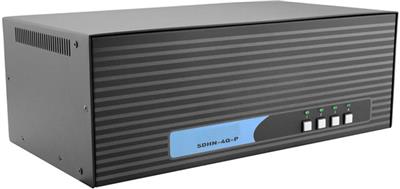
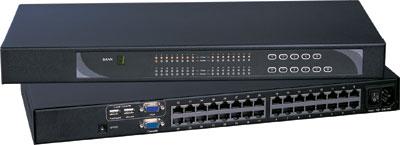
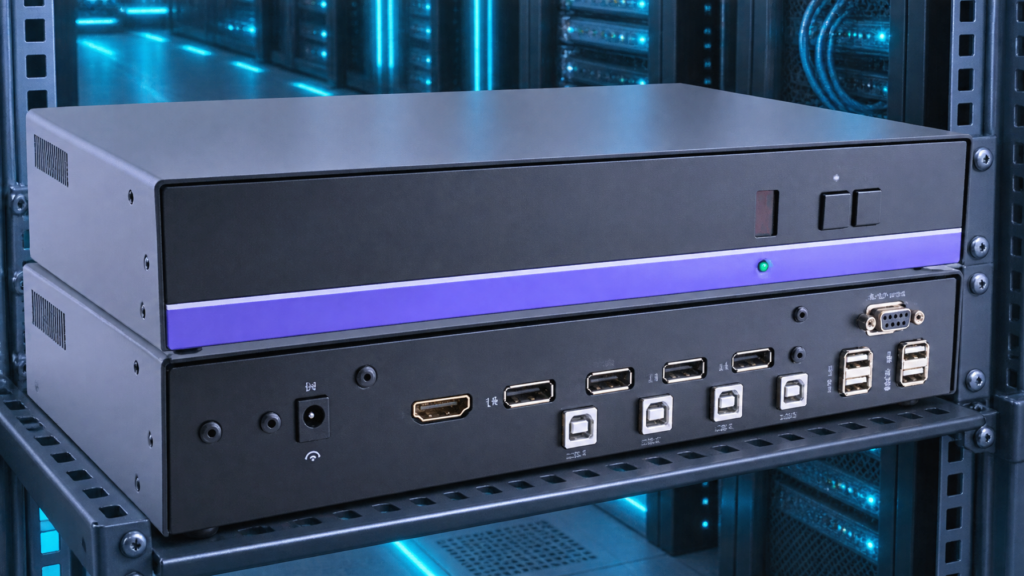
A KVM switch is an N-to-1 (or N-to-few) selector for keyboard, video, and mouse. Multiple computers connect as sources. One operator console (or a small set of consoles) connects as the sink. The chassis switches video and HID together so the operator works on the selected host.
Typical jobs:
- Two to sixteen rack servers or workstations under one keyboard and one or two monitors.
- Secure or air-gapped hosts that must share a desk without a software agent.
- Dual-head admin desks that keep EDID stable on every attached CPU.
What a KVM does not do by default:
- Clone one PC to eight wall tiles. That is a splitter (or a matrix with the same source routed to many outputs).
- Give every viewer independent source choice. That is a matrix.
- Replace a docking station's USB-C power and NIC role.
True Emulation (or equivalent USB HID emulation) keeps unused hosts from dropping the keyboard on port change. EDID emulation keeps each CPU from re-timing the desktop when you leave that port. Those two features are why a KVM is not "an HDMI switch with extra USB." An HDMI-only switch has no HID path.
HDMI splitter vs switch vs KVM vs matrix
Buyers search "hdmi splitter vs switch" and "hdmi splitter vs kvm" as if those pairs were the same. They are four different boxes.
| Device | Sources | Displays | HID (keyboard/mouse) | What the operator gets |
|---|---|---|---|---|
| HDMI splitter | 1 | Many (same image) | No | One PC cloned to many screens |
| HDMI switch | Many | 1 (one image at a time) | No | Pick which player is on the TV; no typing |
| KVM switch | Many | 1 or few (selected host) | Yes | Pick which PC you type on |
| HDMI matrix | Many | Many (independent routes) | Video control only unless the SKU is a KVM matrix | Any source to any display |
A video splitter vs kvm comparison that only talks about port count will pick the wrong chassis. Port count on a splitter is output count. Port count on a KVM is computer count.
Failure mode: the splitter on a multi-PC RFQ
This is the PO we see most often.
- The statement of work says "eight HDMI computers, one operator, shared 4K display."
- Purchasing searches HDMI splitter, finds an 8-port 1×8, and matches the number eight.
- The box arrives. One HDMI in. Eight HDMI out. The eight computers have nowhere to plug except a nest of adapters into a single input.
- Someone adds a cheap HDMI switch in front of the splitter. Video now selects. Keyboards stay on the desks, or a USB switch is added as a second box, and hotkey state drifts from the video state.
Fix: specify a KVM with eight computer ports, the right video connector (HDMI, DisplayPort, or dual-head), and USB HID. If the wall also needs the selected PC cloned, put a splitter or a matrix output after the KVM console port, not instead of the KVM.
Do not use leftover VGA splitters or analog distribution amps for new work. Convert BMC or legacy VGA tails to HDMI or DisplayPort, then split or switch in digital. New analog VGA hardware is not a growth path.
When the splitter is the right buy
Buy the splitter when all of these are true:
- There is one source of truth (one PC, one player, one encoder).
- Every extra screen must show that same picture, not a different host.
- Nobody at those extra screens needs a keyboard into that source (or they already sit at the source).
- Distance and timing fit the splitter class (powered unit for 4K30-class or long copper; check HDCP version against the displays).
Control rooms often need both: a KVM at the operator desk, then a splitter or matrix feed from a dedicated multiviewer or from a PC that is not the KVM console path. Keep those as two line items.
When the KVM is the right buy
Buy the KVM when any of these are true:
- Two or more computers must share one keyboard and mouse.
- Hosts must keep USB enumeration while unselected (emulation).
- You cannot install software agents (air gap, classified, medical, industrial PLC PCs).
- Dual-head or 4K30-class desks need stable EDID on every CPU.
If the RFQ also says "push the selected session to the wall," add a splitter or matrix on the console output. Do not replace the KVM.
When you actually need a matrix
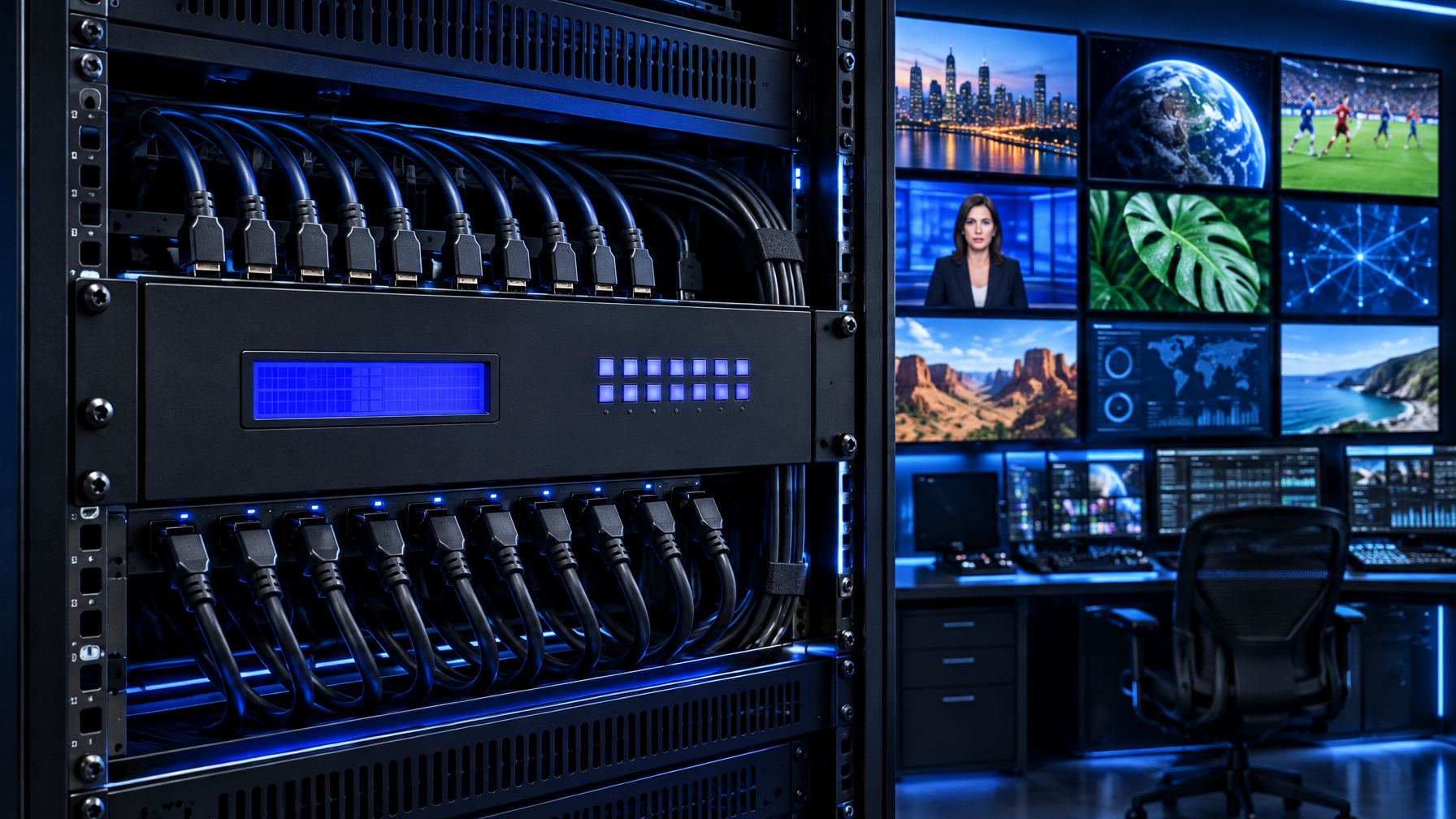
A matrix is many-to-many video. Control-room walls, briefing rooms, and teaching theaters use it so each display can pick a different source. A 4×4 or 8×8 HDMI matrix is not a KVM. It has no HID unless you buy a separate KVM layer or a true KVM matrix SKU.
Use a matrix when:
- Display A must show PC 1 while Display B shows PC 3.
- Operators change routes during a shift without recabling.
- HDBaseT or fiber tails carry the same routing over distance.
Do not use a matrix as a cheap KVM. You will still need keyboards at every PC, or a second HID fabric.
RFQ table: copy this onto the PO
Fill every row before purchasing writes a SKU.
| RFQ field | Splitter answer | KVM answer | Matrix answer |
|---|---|---|---|
| How many computers generate unique desktops? | 1 | 2 or more | 2 or more |
| How many displays need independent content? | 0 (all clones) | Usually 1 console (or dual-head of the selected PC) | 2 or more |
| Keyboard and mouse required on the shared path? | No | Yes | Only if the SKU is a KVM matrix |
| USB devices (auth token, headset) follow the selected PC? | No | Yes, if the KVM has USB sharing | No, unless specified |
| EDID strategy | One table or first display | Per-port emulation on every CPU | Per-output or per-route |
| HDCP | Must match all clone displays | Must match console display(s) | Must match every route |
| Resolution class | State 1080p vs 4K30-class per SKU sheet | Same; do not write 4K60 unless the sheet says it | Same |
| Distance | Copper splitter vs extender after the splitter | Console cable length vs CATx/fiber KVM | HDBaseT/fiber matrix tails |
| Failover | None (single source) | Port switch to another host | Route change |
| Form factor | Desktop puck vs 1U | Desktop vs rack KVM | Almost always rack |
If column two and column three both have checks, you need two devices, not a compromise SKU.
EDID, HDCP, and USB: why the cheap mix fails
EDID. A splitter presents one EDID to the source. Mixed displays fight over that table. A KVM should present a stable EDID to every computer so Windows and Linux do not reshuffle windows when you leave a port.
HDCP. A splitter must authenticate every output. One non-HDCP panel can take down the clone set on strict sources. A KVM authenticates the console path. Do not assume a consumer splitter will pass a professional source's HDCP version.
USB. Splitters have none. HDMI switches have none. A USB switch stacked next to an HDMI switch is not a KVM. The two selectors drift. Hotkeys on the USB box will not move the picture. Operators type into the wrong host.
Audio. Splitters copy HDMI audio to every display that accepts it. KVMs send HDMI or analog audio with the selected port. If the wall needs program audio and the desk needs a headset, specify both paths.
Topology patterns that work
Pattern A: clone only. PC to splitter to N displays. No HID beyond the PC's own desk.
Pattern B: operate many PCs. PCs to KVM to one console. Optional: KVM console HDMI looped to a splitter for a read-only wall of the selected PC.
Pattern C: independent walls. PCs (and players) to HDMI matrix to many displays. Separate KVM or crash carts for typing.
Pattern D: dual-head admin. Dual-head KVM, not two splitters. Splitters cannot keep two unique heads in lockstep across port changes.
Pattern E: leftover VGA BMC. Convert to HDMI or DisplayPort first. Then apply A through D. Do not buy a new VGA splitter.
hdmi splitter or kvm: a five-question script for the call
- How many unique computers produce a desktop we care about?
- How many people need to type, and from how many desks?
- Must extra screens show the same image, or different sources?
- What is the native connector and timing on each GPU (HDMI 1080p, HDMI 4K30-class, DisplayPort)?
- Do unused hosts need to keep USB and EDID so they do not reconfigure overnight?
Answers 1=one, 2=none extra, 3=same image: splitter.
Answers 1=many, 2=one desk, 3=selected PC only: KVM.
Answers 1=many, 3=different images per screen: matrix, plus a KVM if anyone types.
Call (216) 798-7530 with those five answers. We map SKUs from the live catalog instead of forcing an 8-port splitter onto an 8-PC console job.
Spec honesty (read this before the datasheet)
Marketing pages blur 4K. Treat HDMI KVM and splitter paths as 4K30-class unless the individual SKU sheet states a higher mode. DisplayPort SKUs can differ. Do not write 4K60 into the PO from a category title.
Consumer "8K" HDMI switches on retail listings are outside this decision. Enterprise RFQs should quote the timing the GPU actually emits and the panel actually locks.
Common search phrases, mapped to the right box
| What people type | What they usually need |
|---|---|
| hdmi splitter vs kvm | The one-sentence test above |
| hdmi splitter or kvm | Splitter if clone-only; KVM if HID |
| kvm vs hdmi splitter | KVM for multi-PC control |
| hdmi splitter vs switch | Splitter clones; switch selects video only |
| video splitter vs kvm | Same as row one; splitter has no keyboard |
If the ticket says "HDMI switch for two PCs and one keyboard," it is a KVM ticket that used the wrong noun.
Related hardware: HDMI splitter, video splitters, HDMI switch, video switches, HDMI matrix switch, 4×4 HDMI matrix switch, 8×8 HDMI matrix switch, 16×16 HDMI matrix switch, video matrix switches, HDMI KVM switch, USB KVM switch, rackmount KVM switches, Cat5 KVM switch, matrix KVM switch, IP KVM switch, secure KVM switches, KVM drawer, 1U KVM drawer with USB KVM switch, video wall systems, PIP quad screen LCD, Cat5 HDMI extender, fiber optic extender, Cat5 extenders, video converters, HDMI cables, KVM switch cables, rackmount LCDs, rackmount monitors, HDMI rackmount LCD, 1U HDMI LCD keyboard. Guides: 4×4 HDMI Matrix Switch Buying Guide, Video Matrix Switcher Buying Guide, HDBaseT Matrix vs HDMI Matrix, Best USB KVM Switch, Best Enterprise KVM Switch.
FAQ
Can I use an HDMI splitter to share one keyboard across PCs?
No. A splitter has no HID path. You would still need a keyboard on each PC or a real KVM.
Can I put a splitter after a KVM?
Yes. That clones the currently selected PC to extra displays. The wall follows the operator's port choice.
Can I put a KVM after a splitter?
That topology is backwards. The splitter already collapsed you to one source. The KVM then has only one computer to select.
Is an HDMI switch the same as a KVM?
No. An HDMI switch picks among video sources for one display. It does not switch USB HID. Some consumer units add a USB hub. That still is not host-side emulation on every computer.
Do I need a matrix if I have both a wall and a desk?
Only if the wall must show a different source than the desk at the same time. If the wall should mirror the desk, a splitter on the KVM console output is enough.
What about DisplayPort sources?
Same logic. DisplayPort splitter vs DP KVM is still clone versus control. Do not assume an HDMI splitter plus adapters is equal to a native DP KVM on dual-head cards.
Decision recap
Shared video is a splitter. Shared control is a KVM. Independent routes are a matrix. Match the RFQ field table, then pick the chassis. If the PO already bought the wrong 1×8 clone box for an eight-PC desk, stop stacking USB switches. Replace the line with a KVM and, if the wall still needs a clone, add the splitter on the console output.
KVMSwitchTech stocks splitters, HDMI and DisplayPort KVMs, and HDMI matrix chassis for IT, government, hospital, and control rooms. For a line-by-line RFQ check, call (216) 798-7530.