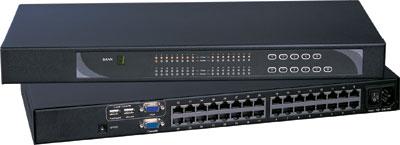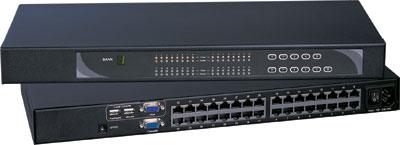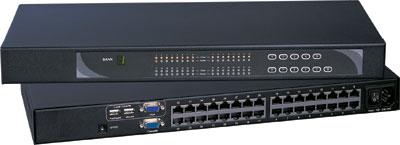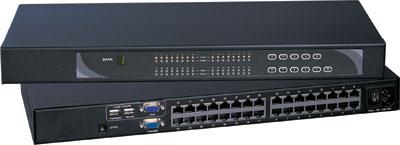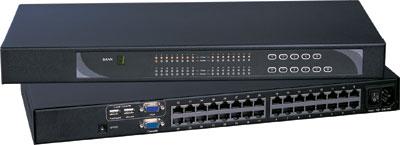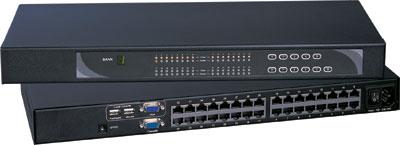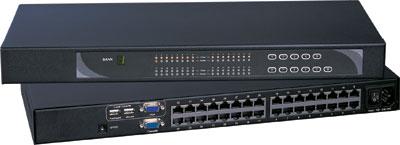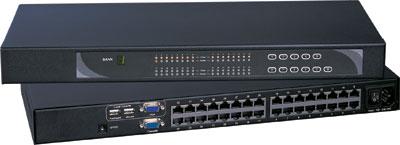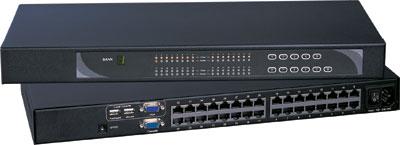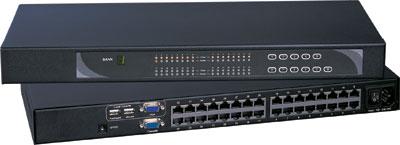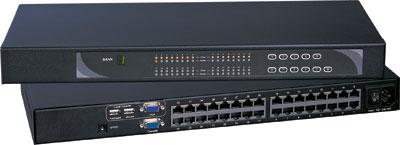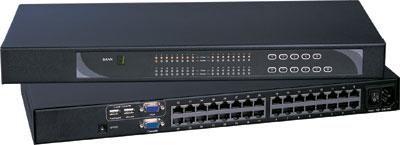
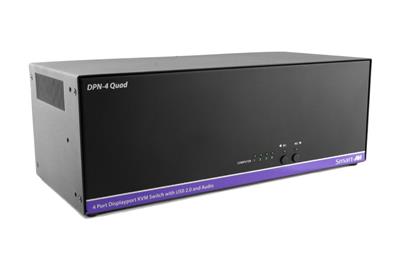
A DVI KVM switch still belongs on RFQs in 2026 when the source GPU or BMC outputs DVI-D or DVI-I natively. HDMI adapter chains look cheap until EDID fails at POST, dual-link 1920×1200 drops to 1280×1024, or USB HID emulation loses the BIOS cursor. This guide is for IT managers who keep DVI and VGA servers in mixed HDMI racks and need a native DVI chassis instead of a converter pile.
Call (216) 798-7530 with port count, connector type (DVI-D, DVI-I, or mixed VGA), single-link vs dual-link, and USB HID vs PS/2 before you order cables. Port-count HDMI/USB/DVI mix is already in 8 vs 12 vs 16 Port Rackmount KVM. This page decides whether the video standard should be DVI at all.
Who still needs a DVI KVM in 2026
DVI did not vanish from server rooms. It concentrated. Typical holdouts: older 1U and 2U servers with onboard DVI-D or DVI-I and no DisplayPort or HDMI on the rear I/O; industrial PCs, CNC controllers, and medical carts that certified a DVI panel years ago and will not recertify HDMI; KVM drawers and crash-cart LCDs specified at 1920×1200 (WUXGA), which maps cleanly to single-link DVI-D; dual-head operator stations that still use two DVI outputs at 1920×1200 rather than one 4K30 HDMI path; air-gapped or NIAP-bound rooms where the existing DVI KVM already passed the site security package.
If every host already outputs HDMI or DisplayPort, buy an HDMI KVM switch. Do not force DVI in the middle. If even two production hosts are DVI-only, a native DVI KVM switch is usually cheaper than a bag of active adapters plus the next outage those adapters cause. USB HID-only local switching is a USB KVM switch. Dense same-row chassis: rackmount KVM switches.
Native DVI vs HDMI converter stacks
The usual shortcut is an HDMI KVM plus DVI-to-HDMI dongles on every legacy host. That fails in three predictable ways.
EDID and handshake. Passive DVI-to-HDMI adapters pass TMDS when the pinout matches. They do not invent a reliable EDID path. Many BMC VGA/DVI cores read EDID once at power-on. If the dongle presents a dummy sink or no sink until the KVM wakes, the host boots at 1024×768 or with a blank console until you reboot.
Single-link bandwidth. Single-link DVI-D tops out around 165 MHz pixel clock, which covers 1920×1200 at 60 Hz. Dual-link DVI uses extra TMDS pairs for 2560×1600-class panels. An HDMI 1.4 KVM may accept 1920×1200, then choke dual-link sources because the dongle only wired single-link pins. 165 MHz is 4K30-class HDMI language, not 4K60. Do not write 4K60 on a DVI RFQ.
USB HID vs video-only adapters. A video dongle does nothing for keyboard and mouse. You still need USB or PS/2 on the KVM. Mixing a video converter with a USB-only KVM on a PS/2-only industrial PC leaves you with picture and no input at BIOS. Format change belongs on a video converter only as a tested one-off, not as the fleet plan.
Use native DVI when more than one host is DVI-D or DVI-I with no HDMI/DP option in firmware, you need 1920×1200 or 2560×1600 without scaling, BIOS and iLO/iDRAC/IMM must work before the OS loads, or security policy forbids extra active electronics in the video path. Use HDMI (or DP) KVM plus converters only when one leftover DVI host is scheduled for replacement inside a quarter, the converter is an active, powered, EDID-emulating unit you have already tested through POST, and you accept that unit as a spare-parts SKU. Dual-head HDMI/DP: DisplayPort vs HDMI KVM for Dual-Head Racks.
RFQ table: native DVI vs converter stack
| Decision field | Native DVI KVM | HDMI KVM + DVI dongles |
|---|---|---|
| Video path | TMDS in and out, no protocol convert | Extra handshake per host |
| 1920×1200 @ 60 Hz | Single-link DVI-D, typical | Works if HDMI path and EDID agree |
| 2560×1600 | Dual-link DVI required | Often fails; HDMI path may not carry dual-link |
| BIOS / pre-OS | Same connector the GPU already uses | Common blank or 640×480 until OS |
| USB HID | Specified on the chassis | Separate from video adapters |
| Failure domain | One switch, known cables | Switch + N adapters + N power bricks |
| When it wins | Mixed DVI fleet, WUXGA drawers | One-off host, short remaining life |
DVI-D, DVI-I, and VGA on the same rack
DVI-D is digital only. It is the right default for 1920×1200 digital panels and most 2008-era server GPUs. DVI-I adds analog pins so a passive DVI-I to VGA adapter can feed an analog monitor. Some secure dual-head KVMs ship DVI-I so one chassis covers digital and analog sources. Confirm whether analog is actually wired. A DVI-I connector with digital-only silicon is still DVI-D in practice. VGA remains on older BMCs. Do not assume a DVI KVM accepts VGA. You need either a DVI-I analog path, a VGA KVM, or an active VGA-to-DVI scaler you have tested at POST.
Homogeneous DVI-D hosts: buy DVI-D KVM, DVI-D cables, skip analog. Mix of DVI-D and VGA: either two small KVMs (cleaner EDID) or a DVI-I chassis with documented analog support. DVI-D hosts and an HDMI operator display: use a DVI KVM with HDMI console output if the sheet lists it, or a quality DVI-to-HDMI cable on the console side only. Keep host cables native. Never cascade a VGA-to-HDMI scaler into an HDMI KVM and call it a DVI solution. That is three handshakes for one server. VGA walls: VGA matrix switch. DVI walls: DVI matrix switch.
Single-link vs dual-link DVI
Single-link DVI-D: 1920×1200 at 60 Hz is the workhorse for 17-inch and 19-inch rack LCDs. If every panel in the room is 1920×1080 or 1920×1200, single-link is enough. Dual-link DVI: extra TMDS pairs for 2560×1600 and similar. Operator desks with 30-inch DVI panels still show up in SCADA and GIS rooms. A single-link KVM will not invent those pairs. The image either downclocks or goes blank. Cable length: dual-link is less forgiving. Stay inside the length the OEM sheet lists, usually well under 5 meters for copper, and use dual-link-rated cable. A single-link cable on a dual-link port is a common lab-to-rack failure. If the RFQ says 1920×1200, write single-link DVI-D on the PO. If anyone mentions 2560×1600, 30-inch, or dual-link, stop and requote.
USB HID vs PS/2 vs USB 2.0/3.0 peripherals
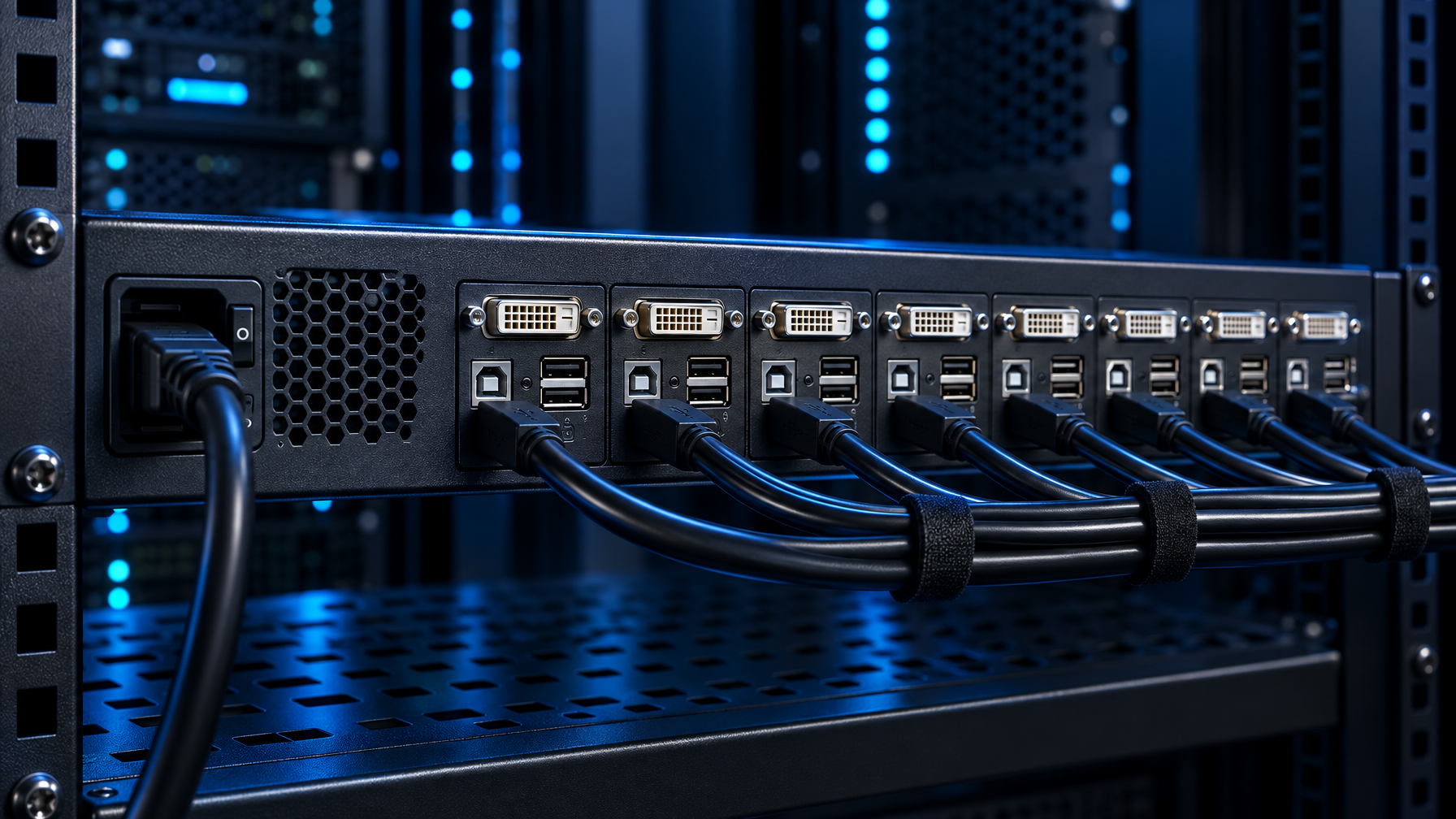
A DVI KVM is useless if keyboard and mouse die in BIOS. Emulated USB HID. The KVM presents a generic keyboard and mouse to every host, even when no console is attached. That keeps iLO and BIOS usable and avoids USB re-enumeration storms when you switch ports. This is the default for a modern USB KVM switch that also carries DVI. Transparent USB. Flash drives, CAC readers, and some KVMs’ extra USB ports pass through as the real device. Transparent USB is not HID emulation. A CAC reader on a transparent port can disappear when you switch away. If you need CAC, specify a dedicated CAC port or a secure KVM switch that documents reader type and USB hub port. Do not assume a commercial DVI KVM ships CAC. Spec: NIAP PP 4.0 Secure KVM Comparison and TAA vs NIAP PP 4.0 Secure KVM.
PS/2. Industrial PCs and some older servers still expose Mini-DIN, not USB. A USB-only KVM will not talk to them without a PS/2-to-USB adapter, and many of those adapters fail before the OS USB stack loads. Buy a PS2 KVM switch with native Mini-DIN ports, or confirm the adapter is specified for BIOS. Analog audio on 12-port USB DVI KVMs is common. Treat it as optional. Do not make audio a reason to drop HID emulation.
RFQ checklist for HID: keyboard and mouse emulated HID, present at POST; extra USB transparent vs emulated, listed separately; PS/2 native ports if any host lacks USB; CAC reader type, port, and whether the SKU is a secure KVM.
Port count, form factor, and mixed HDMI racks
Desktop 2-port and 4-port USB DVI KVMs fit a bench or a small SCADA desk. Rack 8-port, 12-port, and 16-port USB DVI KVMs fit mixed server rows. A 12-port USB DVI unit at 1920×1200 with analog audio is a typical catalog SKU for leftover DVI fleets. Do not stuff DVI hosts into an HDMI KVM because the HDMI unit has more ports. Leave HDMI hosts on the HDMI KVM and DVI hosts on the DVI KVM. Two 8-port chassis beat one 16-port HDMI box plus eight dongles. Dual-head: two DVI outputs per host need a dual-head DVI KVM (two video paths per channel), not a splitter. Splitters clone one image. Dual-head KVMs keep left and right unique. Any-to-any: matrix KVM switch.
1U LCD drawers: a DVI KVM and a DVI rack LCD can share a crash-cart role. That is a different SKU family from a standalone DVI KVM. This article covers the switch. If you need a drawer, specify DVI-D 1920×1200 on the drawer RFQ separately so you do not mix HDMI drawer electronics with DVI hosts. Local console: KVM drawer, 1U rackmount LCD keyboard, 1U DVI LCD keyboard, 1U HDMI LCD keyboard, short depth LCD keyboard, 1U rackmount keyboard. Integrated USB: 1U KVM drawer with USB KVM switch. PS/2 integrated: 1U KVM drawer with PS2 KVM switch. Drawer vs switch: KVM Drawer Buyer’s Guide 2026.
Monitor-only glass: DVI rackmount LCD, HDMI rackmount LCD, 1U rackmount LCD, widescreen rackmount LCD, rackmount LCDs, rackmount monitors, dual and triple display rackmount monitors, PIP quad screen LCD.
Cable, EDID, and hot-plug details that break installs
Use vendor-rated KVM switch cables rather than leftover dual-link video leads. HDMI copper on the console side only: HDMI cables. Use DVI cables the KVM vendor rates. Random dual-link cables with missing analog pins are fine for DVI-D but fail DVI-I analog. Locking DVI thumbscrews matter in racks. Unlocked connectors walk out during adjacent cable pulls. EDID copy or emulate: prefer emulate with a stored 1920×1200 timing if hosts boot headless. Copy-from-monitor fails when the console is unplugged. Hot-plug: some BMCs ignore HPD after boot. Switching KVM ports should not require a host reboot. Test that on the actual BMC, not a desktop GPU. Power: many 8-port and 12-port DVI KVMs need an external brick. Budget a PDU outlet and a spare brick.
Distance past copper DVI is not this chassis. Size a Cat5 HDMI extender, Cat5 extenders, or a fiber optic extender. Related: HDMI Extender PoE vs Cat6 HDBaseT vs Fiber, Fiber Optic vs Cat5/Cat6 KVM Extender. Mixed CATx dongle plants: Cat5 KVM switch and Cat5 KVM vs HDMI USB KVM. Remote BIOS: IP KVM switch, IP KVM vs Crash Cart vs 1U Console Drawer, Cat5 vs HDMI vs KVM-over-IP.
Secure and dual-head DVI SKUs
If the room is multi-classification, a commercial USB DVI KVM is the wrong product. NIAP PP 4.0 secure KVM switches exist in DVI-I dual-head form with USB HID emulation and, on some SKUs, a dedicated CAC port. Those units isolate video and USB per channel. Do not substitute a commercial 12-port DVI switch into that RFQ. Call out DVI-I vs DVI-D on the secure sheet, dual-head vs single-head, dedicated CAC port vs “USB hub, plug a reader in,” and USB emulation behavior (always-on HID). Commercial CyberView-class DVI KVMs are for enterprise and lab racks, not assumed 810H or NIAP stock.
What to put on the RFQ (copy this block)
- Connector per host: DVI-D, DVI-I, VGA (count each).
- Console display: DVI-D 1920×1200, dual-link 2560×1600, or HDMI console out.
- Single-link vs dual-link (do not mix without a dual-link chassis).
- Port count now and in 24 months.
- Dual-head: yes/no, heads per host.
- Keyboard/mouse: USB HID emulation required at BIOS; PS/2 if needed.
- Extra USB: none, HID-only, or transparent (list devices: CAC, dongle, flash).
- Audio: required or omit.
- Form factor: desktop, 1U rack KVM, or separate from any LCD drawer.
- Cable length each host; dual-link-rated if dual-link.
- EDID: emulate 1920×1200 or copy (state which).
- Security: commercial vs NIAP PP 4.0; CAC reader type if any.
- Power: internal vs brick; spare brick line item.
If that list is incomplete, do not guess. Call (216) 798-7530. Same-room HDMI distribution is an HDMI splitter or HDMI switch, under video splitters and video switches. Control rooms: HDMI matrix switch, 8×8 HDMI matrix switch, 16×16 HDMI matrix switch, 4×4 HDMI matrix switch, Cat5e/Cat6 HDBaseT HDMI matrix, video matrix switches, 8×8 and 16×16 HDMI Matrix for Control Rooms. Wall arrays: video wall system. Industrial panel-mount: industrial LCD.
Buying mistakes we see on returns
- HDMI KVM for DVI servers. Adapter of the week until the first firmware update changes EDID.
- Single-link KVM on dual-link panels. Image boots, then the operator panel stays black.
- USB-only KVM on PS/2 industrial PCs. Video works, BIOS keyboard does not.
- Transparent USB assumed to be HID. Hosts re-enumerate every switch; BMC console drops.
- One chassis for HDMI and DVI. Forced conversion on half the ports.
- Skipping EDID emulate. Headless hosts come up at 800×600.
- Drawer electronics mixed into a desktop DVI KVM RFQ. Different power, OSD, and cable pinouts.
FAQ
Is a DVI KVM switch still worth buying in 2026?
Yes, if native DVI or DVI-I hosts remain in production and you need BIOS-level control. It is not worth buying as a “future HDMI” platform.
Can I use HDMI cables on a DVI KVM?
Only with a DVI-HDMI adapter on a digital TMDS path, and only after you confirm EDID and single-link limits. Host-side native DVI cable is the default.
What resolution should I specify?
1920×1200 at 60 Hz single-link DVI-D covers most rack LCDs. Specify dual-link only for 2560×1600-class panels. Do not write 4K60 on a DVI RFQ.
DVI-D or DVI-I?
DVI-D if every source and sink is digital. DVI-I if you must pass analog VGA through the same connector and the silicon actually supports analog.
USB DVI KVM vs PS/2?
USB HID emulation for any host with USB keyboard/mouse at BIOS. Native PS/2 if the host has no USB HID in firmware.
How is this different from an 8-port vs 16-port HDMI USB KVM article?
Port-count HDMI/USB/DVI mix guides optimize how many HDMI USB ports to buy. This guide decides whether the video standard should be DVI at all, and which DVI variant.
List every DVI, DVI-I, and VGA host, the console panel timing, and HID type. We will map that to a native DVI KVM (or tell you honestly to stay on HDMI). Call (216) 798-7530.