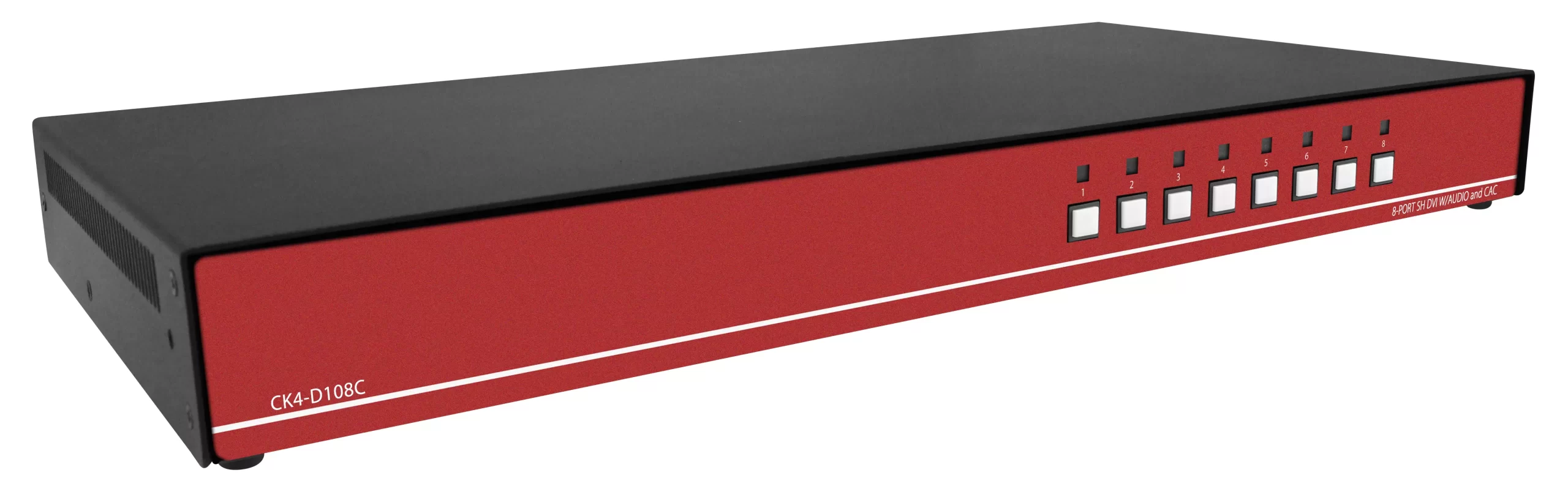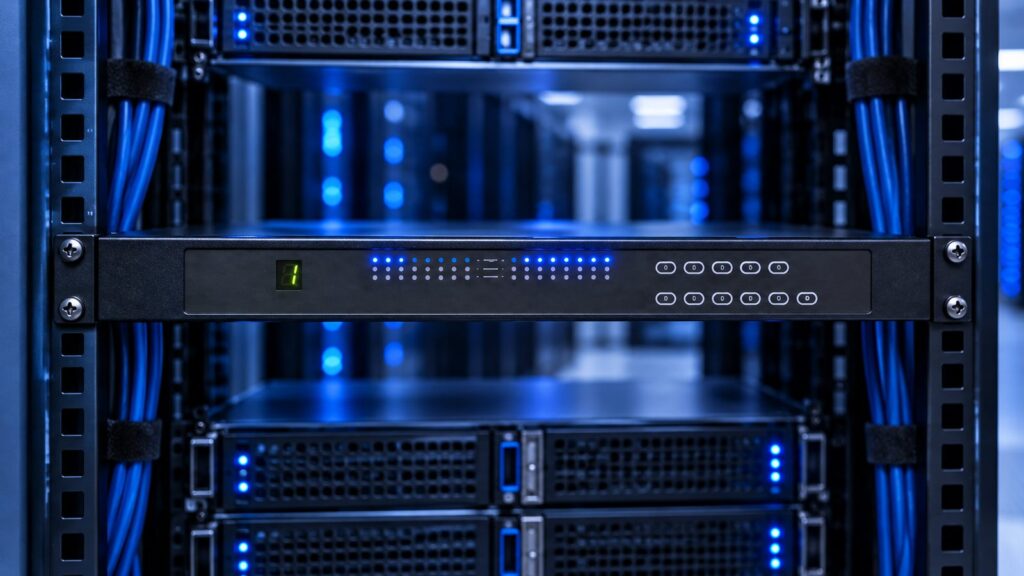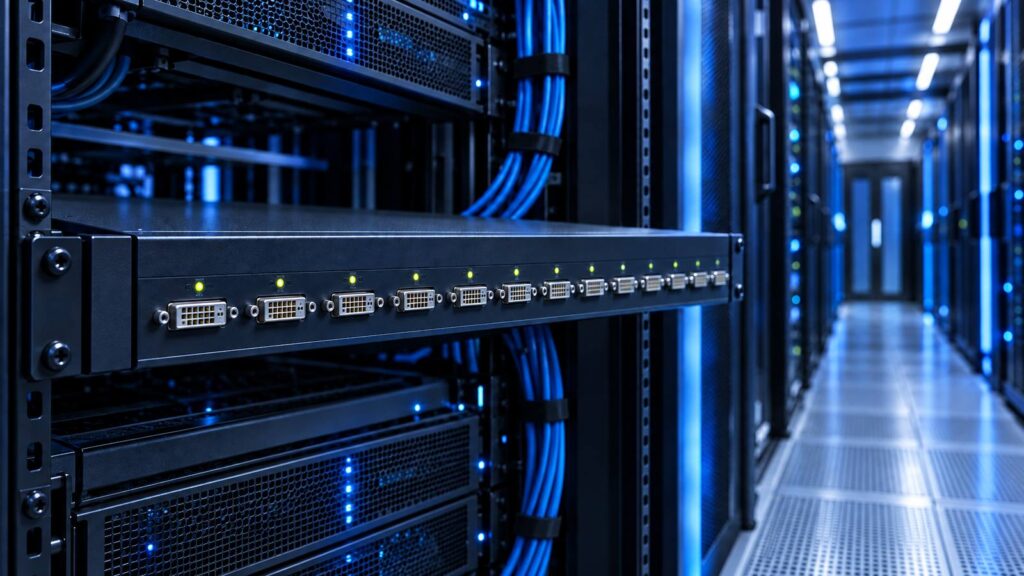
BMC remote console covers most colo hosts until the BMC itself is dead, mis-addressed, or locked out of BIOS. A crash cart is the cheapest fallback and the slowest when video ports sit on the rear of a 42U cage. A 1U console drawer gives local BIOS access in that cage without rolling a cart. An IP KVM switch (a KVM over IP device) is the path when you need BIOS-level remote access independent of the host BMC, with virtual media and shared sessions. Treat 4K claims as 4K30-class unless the data sheet lists both pixel clock and frames per second. Call (216) 798-7530 with port count, video format, cage depth, and any TAA or NIAP requirement.

Why colo lights-out is a four-path problem
Colocation cages mix three access layers that buyers often collapse into one RFQ:
- In-band OS tools (SSH, RDP, hypervisor consoles). They die when the OS is down.
- Host BMC (iDRAC, iLO, IMM, IPMI, Redfish). They give remote KVM-like video until the BMC firmware, LAN, or credentials fail.
- Physical video and USB on the server itself. BIOS setup, BMC static IP, and firmware recovery live here.
NVIDIA DGX B200 and DGX H100/H200 user guides both document a common case: you set a static BMC IP from the system BIOS when you cannot reach the BMC on the network. That is a local console job. An IP KVM switch sits on path 3 and tunnels it over the management LAN. A crash cart and a 1U drawer also sit on path 3. They differ in who walks the aisle and how long the cage stays dark.
Spiceworks threads still describe rear-only video ports that make a crash cart a huge pain in a colo cage. HPE LCD8500 console kit QuickSpecs pitch the 1U form factor as faster than a typical crash cart for at-the-rack work. Sysadmin threads in 2026 still argue whether in-rack KVM is worth the RU versus serial OOB to iDRAC and network gear. The right answer is a decision tree, not a brand loyalty test.
Decision tree: BMC only, crash cart, 1U drawer, IP KVM
Use this in order. Stop at the first path that covers the failure you actually see.
| Failure you see | BMC only | Crash cart | 1U console drawer | IP KVM switch |
|---|---|---|---|---|
| OS hung, BMC video works | Yes | Overkill | Overkill | Optional |
| Need BIOS, BMC LAN is up | Yes (BMC remote console) | Backup | Backup | Optional |
| BMC dark, wrong IP, or locked | No | Yes, if staff on site | Yes, in that cage | Yes, remote BIOS |
| Need ISO mount with OS down | Sometimes (BMC virtual media) | USB stick on site | USB on the drawer | Virtual media on the KVM over IP device |
| Shared remote sessions, several admins | BMC per host | No | No | Yes |
| Cage rules ban rolling carts | n/a | Fail | Prefer | Prefer if remote is allowed |
| Video ports only on the rear | n/a | Slow | Pulls to the hot aisle if you cable it | CIM/dongle at the server |
Path A. BMC only
Keep this as the default for modern Dell, HPE, Lenovo, and SuperMicro hosts. IPMI and Redfish already expose remote console and power. BMC-only fails when the BMC has no address, a bad VLAN, or a dead dedicated NIC, firmware bricks the BMC, policy blocks BMC virtual media, or the host is a workstation, GPU node, or appliance with no usable BMC KVM. That last case is why colo still buys an IP KVM switch and a local drawer.
Path B. Crash cart
A crash cart is a monitor, keyboard, and mouse on wheels plus a bag of HDMI, DisplayPort, VGA, and USB adapters. Cost is low. Latency to BIOS is high: badge in, find the cage, find the rear ports, fight cable length, then wait for POST.
Crash cart wins when you visit the facility a few times a year, cage rules allow aisle carts, and server count is small with video connectors on the front. It loses when rear-only ports force you into the cold aisle with a 3-foot HDMI lead, or when after-hours BMC-dark events need a same-hour BIOS change.
Path C. 1U console drawer (local BIOS, same cage)
A KVM drawer is a local console that stays in the rack. HPE states the 1U kit is more convenient and faster than a typical crash cart. Size a 1U rackmount LCD keyboard when you need panel plus HID in one slide, or a 1U HDMI LCD keyboard when every host is HDMI. DVI leftovers map to a 1U DVI LCD keyboard. Shallow cages need a short depth LCD keyboard. Keyboard-only RU uses a 1U rackmount keyboard.
Integrated USB switching lives on a 1U KVM drawer with USB KVM switch. PS/2 leftovers use a 1U KVM drawer with PS2 KVM switch. Widescreen panels sit in widescreen rackmount LCD SKUs. Monitor-only glass (no keyboard) is a 1U rackmount LCD or an HDMI rackmount LCD. DVI monitor-only is a DVI rackmount LCD. Broader glass is under rackmount LCDs and rackmount monitors.
Drawer wins when hands still enter the cage for cabling and hardware swaps, you need BIOS and BMC static IP without a cart, and colo RU cost is acceptable for one unit. It is local. If nobody is in the building, the cage stays dark. Confirm native resolution and HDMI vs DisplayPort vs VGA on the RFQ. This article is the access-architecture choice, not a drawer SKU picker. For SKU-level drawer vs integrated switch, read the KVM Drawer Buyer’s Guide 2026.
Path D. IP KVM switch (KVM over IP device)
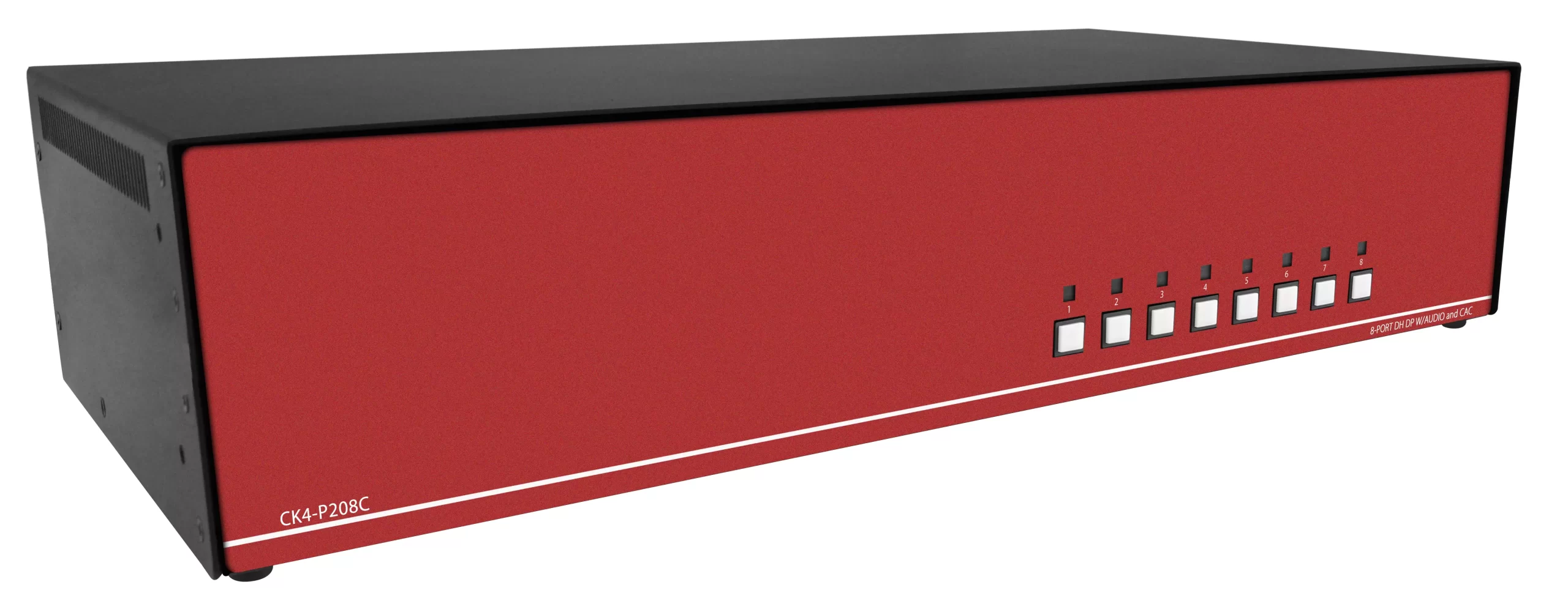
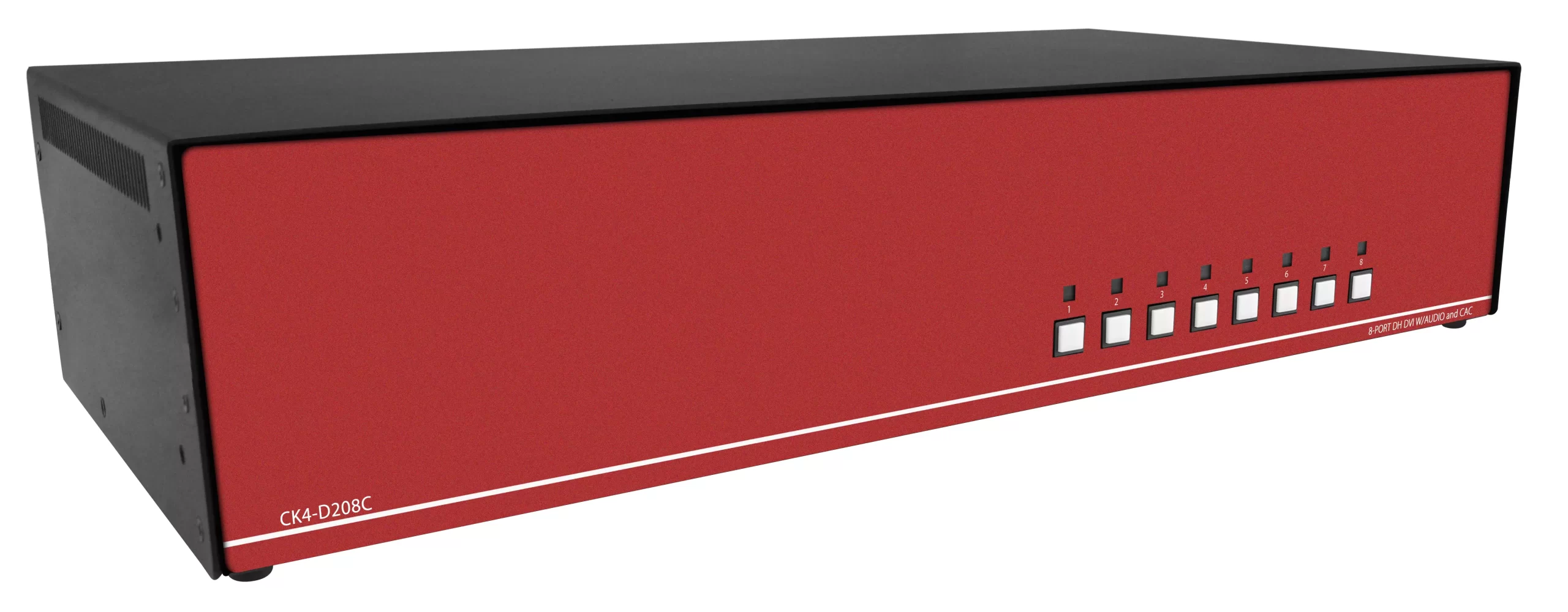
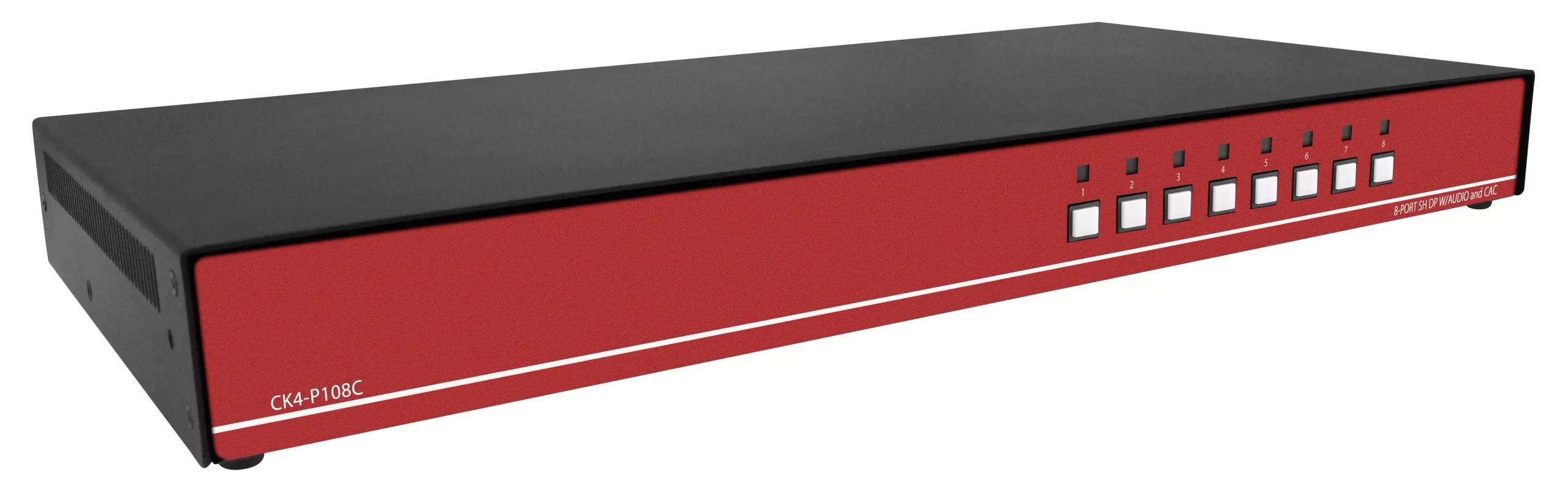
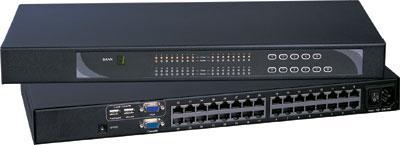
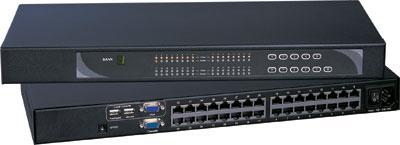
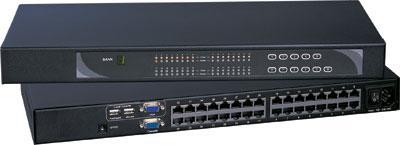
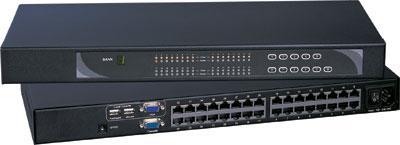
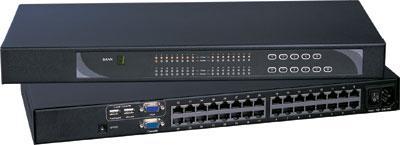
An IP KVM switch captures keyboard, video, and mouse at the server (or via a CIM/dongle) and presents BIOS-level sessions over IP. It does not depend on the host BMC. That is the point when the BMC is dark. Size the chassis from the IP KVM switch line and the broader rackmount KVM switches set.
Enterprise examples: Raritan Dominion KX III documents BIOS-level remote management, virtual media, dual power, dual LAN, and models from 8 to 64 ports. Raritan lists 30 frames-per-second at 1080p or 1920×1200 for the KX III class, and 4K video sessions at 30 FPS on the User Station path. Raritan posted a June 5, 2026 end-of-life notice for Dominion KX III, with end of support December 31, 2028, and a move to Dominion KX III G2. The KX IV-101 FAQ states 4K (3840×2160) at 30 frames per second and 1080p at 60. Vertiv still positions Avocent and Cybex KVM plus serial consoles for secure access to critical systems.
IP KVM wins when you need BIOS with nobody on the colo floor, several admins share sessions, you mount ISOs without a USB stick in the cage, or hosts have mixed VGA, HDMI, DVI, DisplayPort, or USB-C video. It loses when BMC already covers every host and you will not pay for CIMs, dual PSUs, and another management subnet.
How a KVM over IP device attaches in a colo cage
Most enterprise IP KVM plants use a CIM or dongle at each server, then Cat5 or Cat6 back to the switch. That is the same cable plant idea as a Cat5 KVM switch, with IP sessions on the chassis. Local HDMI USB KVM uses a thick HDMI plus USB bundle to a nearby HDMI KVM switch and does not give remote BIOS by itself. USB HID-only local switching is a USB KVM switch. PS/2 leftovers can sit on a PS2 KVM switch.
In a colo cage the CIM sits on the video and USB ports you would otherwise hunt with a crash cart. If those ports are rear-only, dress the dongle in the cold aisle once, then skip the crawl for later POST work. If the facility only allows work from the hot aisle, confirm you can reach the video ports or add a short local extender. Do not invent a front KVM port that the server does not have. Copper HDMI distance uses a Cat5 HDMI extender or the broader Cat5 extenders set. EMI, SCIF, or campus runs use a fiber optic extender. Combo leads belong with KVM switch cables and HDMI cables.
Virtual media on a KVM over IP device mounts an ISO to the host USB stack at BIOS time. That is how you recover a box when BMC virtual media is disabled or the BMC is dark. Crash carts do the same with a physical stick. Drawers do it with a USB port on the console. Pick the method that matches staffing.
Session sharing matters in a NOC. One admin can watch POST while another owns the keyboard. BMC HTML5 consoles are per host and often single-user. An IP KVM switch is the shared keyboard for a rack. Cross-connect video walls in a NOC use an HDMI matrix switch, an 8×8 HDMI matrix switch, or a 16×16 HDMI matrix switch, not the KVM chassis. Smaller rooms use a 4×4 HDMI matrix switch or a Cat5e/Cat6 HDBaseT HDMI matrix. DVI and VGA walls stay on a DVI matrix switch or VGA matrix switch. The parent set is video matrix switches.
Honest video: 4K30 vs 4K60 on colo KVM over IP
Do not write 4K60 on an RFQ unless the chassis data sheet lists both resolution and frame rate. Raritan public numbers are a useful template:
- KX III class: 1080p / 1920×1200 at 30 FPS. User Station language includes 1080p and 4K sessions at 30 FPS.
- KX IV-101: 4K at 30 FPS; 1080p at 60 FPS.
Many HDMI matrix and modular KVM lines in this catalog class run 10.2 Gbps / 165 MHz pixel clock. That is 4K30-class HDMI, not 4K60. If a salesperson says 4K with no FPS, treat it as 4K30 until the PDF proves otherwise. BIOS text and POST screens do not need 4K60. GPU nodes and workstation desktops might. Dual-head GPU racks are covered in DisplayPort vs HDMI KVM for Dual-Head Racks. Port-count sizing is in 8 vs 12 vs 16 Port Rackmount KVM. Signal-path comparison is in Cat5 vs HDMI vs KVM-over-IP.
For local 1U drawers, match native panel resolution to the servers you actually POST. A 1920×1080 drawer is enough for most BIOS. Widescreen 1440×900 and 1024-class panels still exist in the channel. Do not assume 4K in 1U. Quad-split operator glass is a PIP quad screen LCD, not an IP KVM session. Dual LCD slides sit in dual and triple display rackmount monitors.
Colo constraints the RFQ must list
Cage and aisle. Front video vs rear-only. Hot aisle vs cold aisle access. Cart allowed or banned. Maximum cable length from server to drawer or CIM.
RU and depth. 1U drawer plus rails vs 1U IP KVM chassis plus dongle bulk. Short-depth racks need measured chassis depth, not a catalog “1U” claim.
Network. Isolated management VLAN for the KVM over IP device. Dual LAN if the colo SLA requires failover. Do not share the BMC VLAN with production if policy forbids it.
Power. Dual PSU on enterprise IP KVM. Local drawers often use a single C14. Confirm PDU whip type.
Security. Who authenticates: local accounts, LDAP/AD, CAC/PKI. Raritan documents AES, FIPS 140-2, CAC, 802.1x, and IPv6 on KX III. Government cages may need TAA and NIAP PP 4.0 on a secure KVM switch, which is a different SKU family than a standard IP KVM switch. Spec language is in TAA vs NIAP PP 4.0 Secure KVM and NIAP PP 4.0 Secure KVM Comparison.
Ports and CIMs. Count servers, not RU. Note leftover VGA vs HDMI vs DisplayPort vs USB-C. Cat5/Cat6 dongle plants reduce HDMI cable bulk in a 42U cabinet. Local HDMI USB KVM wins when every host is within a few feet and connectors match. Shared-console any-to-any is a matrix KVM switch.
Staffing. Remote-only NOC: IP KVM. On-site techs every shift: drawer plus BMC may be enough. Rare visits: crash cart plus BMC.
Worked examples
Eight Dell hosts, healthy iDRAC, two after-hours BIOS events a year. BMC only. Keep a crash cart in the colo office or a 1U drawer if carts are banned. Skip the IP KVM switch until a BMC-dark event costs more than the chassis.
Mixed GPU nodes with no usable BMC KVM, rear DisplayPort, remote Linux admins. IP KVM switch with DisplayPort CIMs, virtual media, dual LAN. Add a 1U drawer only if on-site techs still need local BIOS when the management network is down.
Colo cage, 24 servers, rear VGA, techs on site, no remote BIOS requirement. 1U console drawer with a local KVM or Cat5 dongles. Crash cart as spare. BMC for power and OS-level OOB.
KX III installed, vendor EOL June 5, 2026, support through December 31, 2028. Plan CIM-compatible replacement or G2 refresh before EOS. Match port count, CIM video type, and 4K30 vs 1080p session needs.
What to keep separate on the RFQ
Local console and remote IP KVM are different line items. Do not order an HDMI rackmount LCD when you need a keyboard drawer. Do not order a keyboard drawer when the need is a monitor-only LCD. HDMI distribution in the same room is an HDMI splitter or HDMI switch, under video splitters and video switches. Format change is a video converter. Wall arrays are a video wall system. Industrial panel-mount glass is an industrial LCD.
Do not ask for 4K60 HDMI matrix or modular switch language if the live spec is 10.2 Gbps / 165 MHz (4K30-class). BIOS work does not need 4K60. Related matrix notes: 8×8 and 16×16 HDMI Matrix for Control Rooms. Extender distance is HDMI Extender PoE vs Cat6 HDBaseT vs Fiber and Fiber Optic vs Cat5/Cat6 KVM Extender.
What to say on the call to (216) 798-7530
KVMSwitchTech sizes colo KVM over IP, local drawers, and related console hardware for IT teams, government cages, hospitals, and enterprise server rooms. Bring server count and video connectors (HDMI, DP, DVI, VGA, USB-C); BMC coverage; remote BIOS vs local-only vs both; in-rack HDMI vs Cat5/Cat6 dongle vs IP; dual PSU, dual LAN, virtual media; TAA or NIAP PP 4.0 if any; honest video class: 1080p30, 4K30, or proven 4K60.
Checklist before you spend RU
- List every host and whether BMC remote console works today.
- List video connectors and front vs rear.
- State whether remote BIOS is an SLA or a nice-to-have.
- State whether carts are allowed in the aisle.
- Count RU you can spend on a drawer, an IP KVM chassis, or both.
- Write dual PSU, dual LAN, virtual media, and auth method.
- Write TAA or NIAP PP 4.0 if the cage is government.
- Call (216) 798-7530 with that list.
FAQ
Does an IP KVM switch replace iDRAC or iLO?
No. Keep the BMC for power, sensors, and OS-independent management when it works. The IP KVM switch covers BIOS and video when the BMC is dark or missing.
Is KVM over IP the same as a KVM over IP device sold as “IP KVM”?
Yes in this article. “IP KVM switch,” “KVM over IP,” and “KVM over IP device” all mean BIOS-level keyboard/video/mouse over the management network, not a host BMC HTML5 console.
When is a crash cart enough for colo?
When visits are rare, carts are allowed, and video ports are easy to reach. Rear-only ports in a tight cage push you to a 1U drawer or IP KVM.
Do I still need a 1U console drawer if I buy IP KVM?
Yes if the management network can fail and on-site staff still need POST. No if every BIOS event is remote and the IP path has dual LAN plus dual PSU.
Can I get 4K60 on colo KVM over IP?
Only if the data sheet lists 4K at 60 FPS. Public Raritan KX IV-101 language is 4K at 30 FPS and 1080p at 60. Assume 4K30 until the PDF says otherwise.
What about serial OOB instead of KVM?
Serial console switches remain useful for network gear and some BMC serial ports. They do not show BIOS graphics. GPU and workstation nodes still need video KVM.
BMC first. Crash cart for rare local BIOS. 1U drawer when the cage needs local POST without a cart. IP KVM switch when the host BMC is dead and remote BIOS is the SLA. Write ports and certifications down, then call (216) 798-7530.