A PiKVM box on a homelab bench solves a real problem. You get HDMI capture, USB HID, and often ATX power control without buying a commercial IP KVM switch. For one tower, a Raspberry Pi based unit is enough.
That same box fails most enterprise and colo RFQs. Procurement asks for concurrent remote users, certificate-based SSL, a 1U chassis with dual power, local console fallback, and a port count that matches a rack, not a single motherboard. This article is a decision framework for sysadmins who already like PiKVM and need to know when a rack IP KVM is the right remote KVM path. Call (216) 798-7530 if you need a port map for a specific cage. For BMC-dark colo access (crash cart vs drawer vs IP), see IP KVM vs Crash Cart vs 1U Console Drawer for Colocation.

What remote kvm actually means in 2026
Remote KVM is BIOS-level keyboard, video, and mouse over a network. It is not RDP, VNC, or iLO/iDRAC by itself. OS remote desktop dies when the kernel panics, when you are in the boot menu, or when the host has no NIC driver yet. A KVM over ethernet or IP path still presents a virtual keyboard and a captured video stream so you can enter firmware, reinstall, or power-cycle from another site.
Three architectures show up in RFQs:
- Single-host dongle or Pi-class appliance (PiKVM V3/V4, NanoKVM-class boards). One HDMI (or similar) input, one USB HID, optional ATX header. One operator at a time is the normal case.
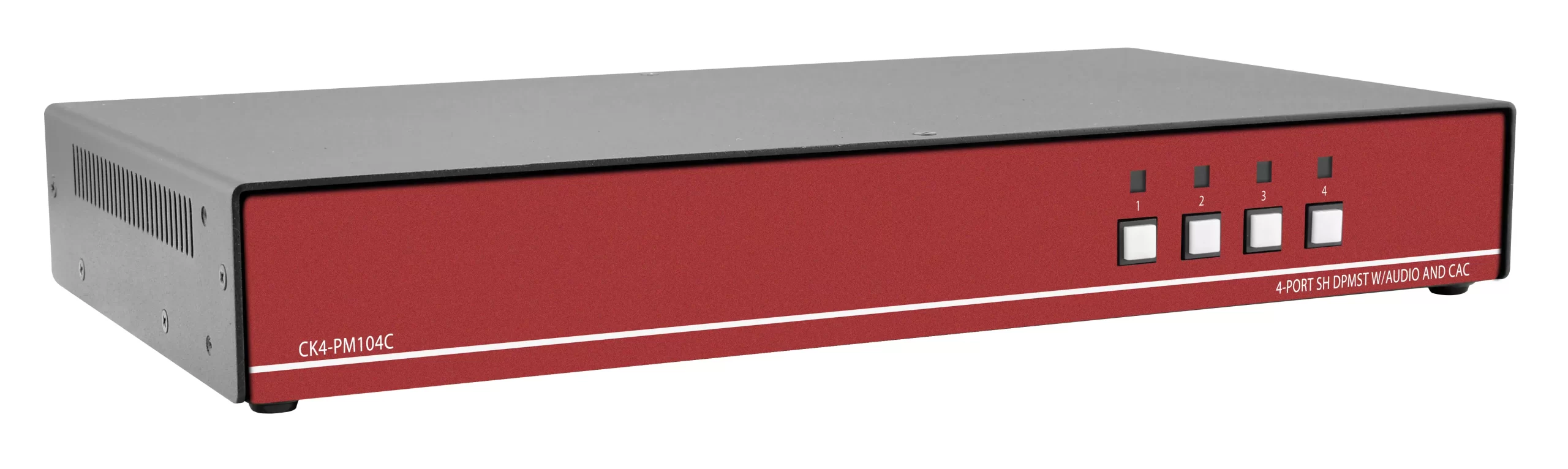
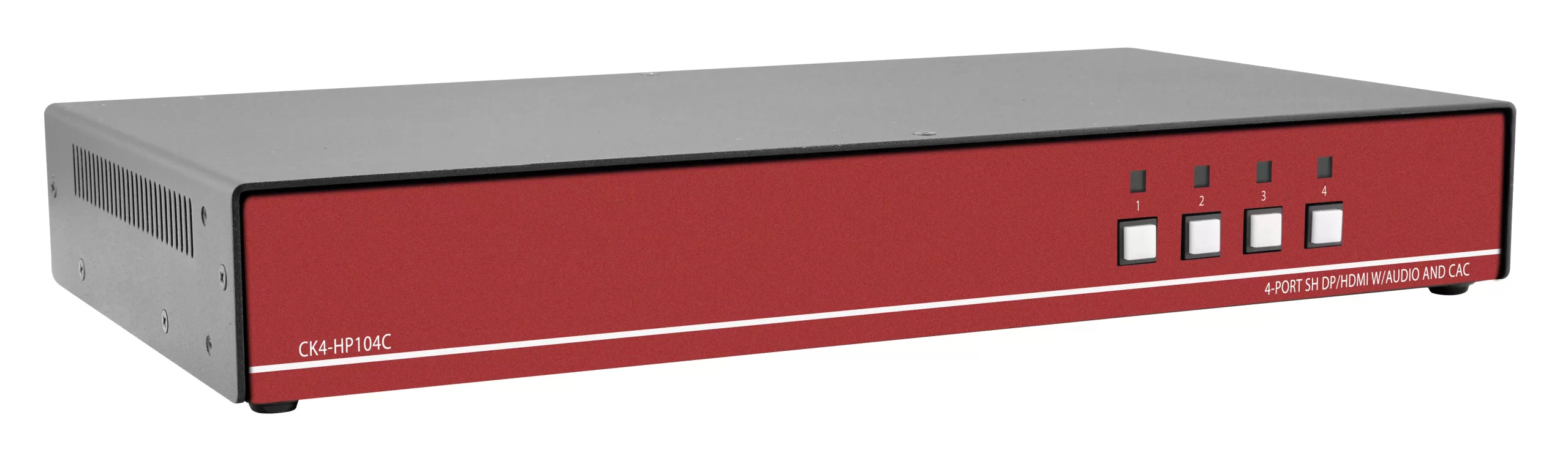
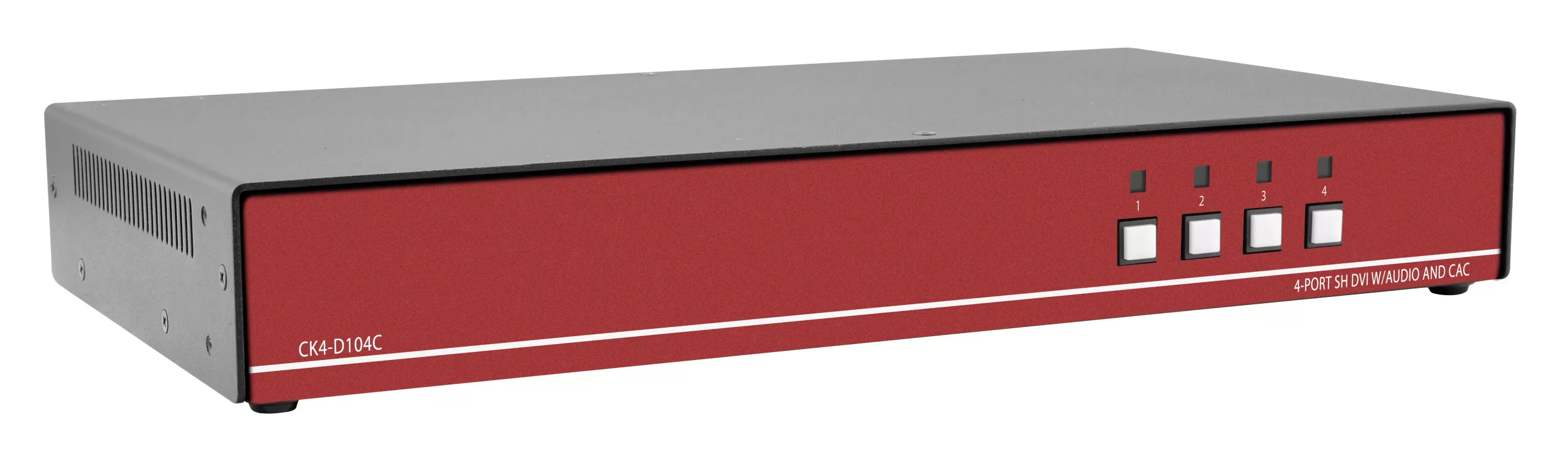
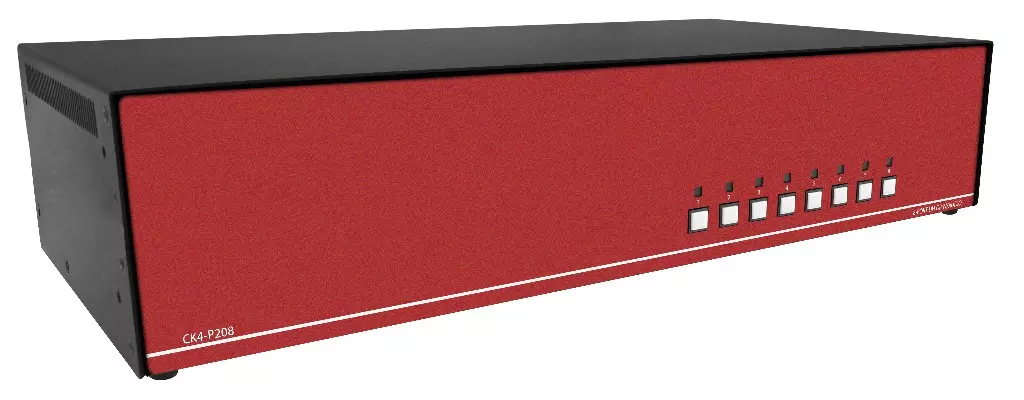
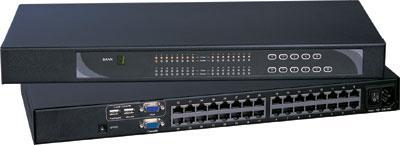
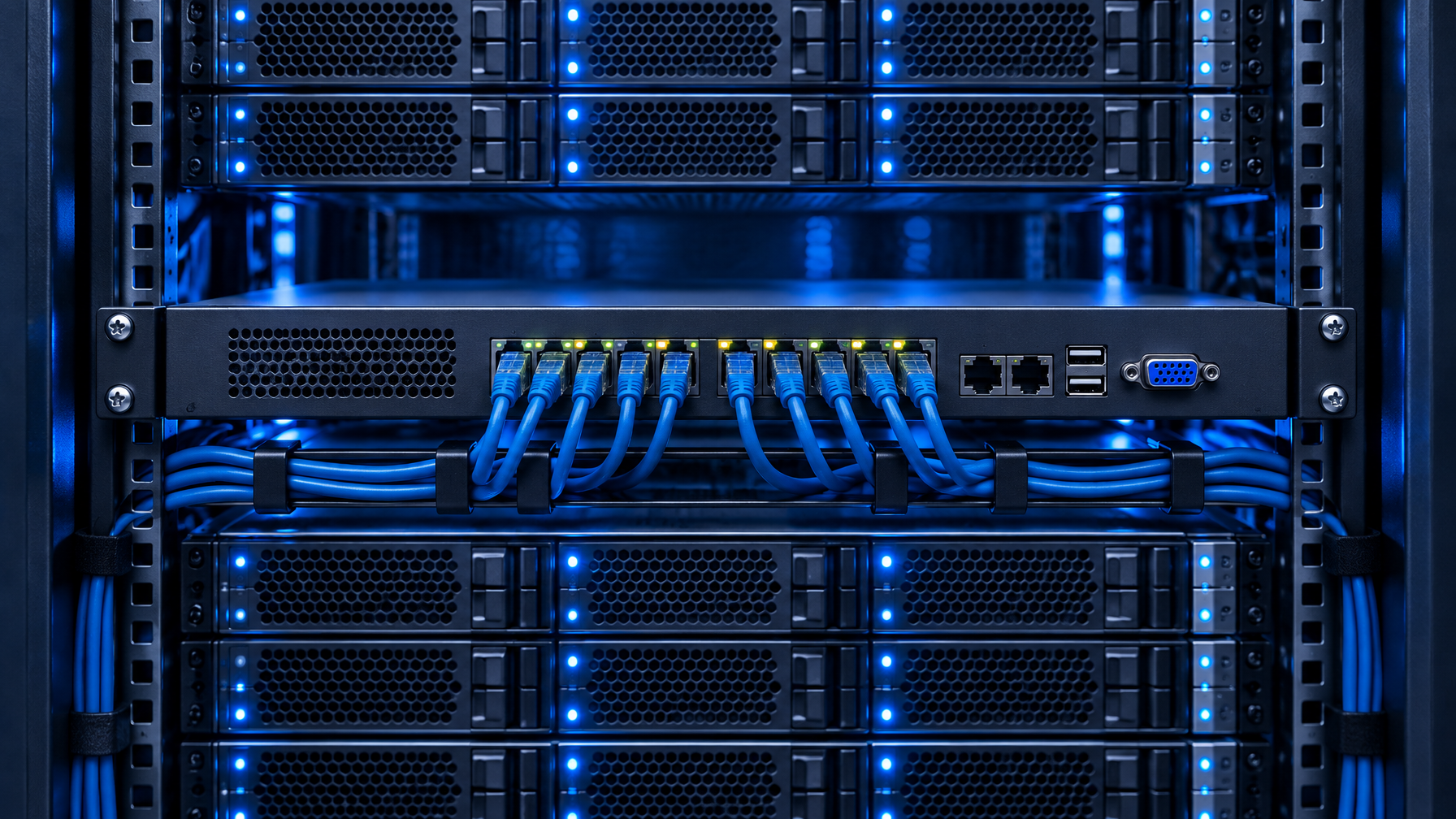
- Rack IP KVM switch. 8, 16, or 32 server ports in 1U, one or more dedicated IP sessions, plus a local console port. Cat5/Cat6 dongles or HDMI/USB cables to each host. Size the chassis from rackmount KVM switches.
- Hybrid: a local KVM or crash cart plus a small IP gateway. Useful in a closet. Poor fit when the cage is unstaffed. Local BIOS without IP is a KVM drawer or a 1U rackmount LCD keyboard.
PiKVM’s own product line is explicit about the first model. V3 is a Raspberry Pi 4 based KVM over IP. V4 Mini is a compact HDMI-capture unit. The vendor describes ready-made devices and DIY, with no charge for software updates. That is a strong homelab story. It is not a multi-server switch.
PiKVM vs IP KVM: the comparison that belongs on an RFQ
| Criterion | PiKVM-class (single host) | Rack IP KVM switch |
|---|---|---|
| Hosts per appliance | 1 (HDMI/USB to one machine) | 8, 16, 32+ via dongles or cables |
| Concurrent IP users | Typically 1 interactive session | 1 local + 1 or 2 dedicated IP users on many 1U matrices |
| Form factor | Desktop brick, Pi case, or small DIN-style box | 1U rack chassis, dual PSU options |
| Video | HDMI capture at the Pi; resolution depends on capture chip and CPU | Per-dongle video (VGA, DVI, HDMI, DP) into a shared switch fabric |
| HID | USB gadget on the Pi | Per-port USB or PS/2 dongle; HID stays with the switch |
| Power control | ATX header or smart PDU you add | Often PDU integration or IPMI-adjacent workflows; still confirm per SKU |
| SSL / IdP | You terminate TLS on the Pi OS; you own patches and certs | Appliance SSL, LDAP/AD on enterprise SKUs, session logs |
| Local fallback | Keyboard on the Pi if you attach one; not a rack console | Local console port so a tech in the cage still has KVM |
| BOM / asset tag | Maker SKU or DIY BOM | Manufacturer P/N, serial, TAA options on some lines |
| Failure domain | If the Pi dies, that host has no remote kvm | If one dongle dies, other ports stay up |
Use this table in vendor Q&A. If the answer to “how many servers in the cage?” is more than one, a single PiKVM per host becomes a pile of SD cards, PSUs, and HDMI cables. That pile is what colo remote KVM RFQs reject. Cable-plant math for CATx vs native HDMI is in Cat5 KVM vs HDMI USB KVM: When Dongles Beat a Local Switch. Port count is in 8 vs 12 vs 16 Port Rackmount KVM.
When a PiKVM is the right tool
Keep the Pi (or a commercial PiKVM assembled unit) when all of these are true: one host, or a lab where you physically move the HDMI dongle; you accept community support, Discord, and GitHub issues as the support path; you will patch PiKVM OS yourself and rotate TLS certs; no auditor is asking for dual-factor on the KVM, session recording, or a signed firmware chain from a named OEM; the rack has no spare 1U, and the host already sits on a desk. A lab GPU box, a build server, and a home NAS fit. A 12-server colo cage does not.
When the homelab box fails the RFQ
These clauses show up in enterprise and colo statements of work. Map each one to hardware, not to marketing copy.
Session count
Two admins debugging a hung cluster at 02:00 need two IP sessions, or at least one IP session plus a local console that does not kick the remote user. Many 1U IP KVM switches advertise 1 local + 1 Cat5/6 remote + 2 IP users. A PiKVM V4 Mini is one operator looking at one HDMI source. If the SOW says “two simultaneous remote kvm users,” a single-host Pi cannot satisfy it without a second appliance and a second HDMI tap. Shared any-to-any consoles are a matrix KVM switch.
SSL, identity, and the attack surface
PiKVM OS can run HTTPS. You still own the certificate, the OS image, the SD card, and every CVE on the Raspberry Pi stack. Homelab threads in 2026 still argue about clone boards and delayed patches. Security teams that already fight shadow IT will treat an unmanaged Pi in a colo rack as an unapproved jump host.
A commercial IP KVM switch is still a network device you must harden. The difference is a vendor firmware train, a serial number, and usually LDAP or RADIUS on the SKU sheet. Ask for TLS version and cipher list, whether default credentials can be disabled before the unit hits the network, session timeout and idle lock, and whether the management NIC can sit on a dedicated OOB VLAN. Write those answers into the RFQ. Do not assume “open source” equals “already approved.” Government cages may need a secure KVM switch. Spec language: TAA vs NIAP PP 4.0 Secure KVM and NIAP PP 4.0 Secure KVM Comparison.
Dongle vs local console

Rack IP KVM designs split into two physical paths:
- Dongle (Cat5/Cat6): a small adapter at each server converts video + USB to a single CATx run back to the 1U switch. Better cable plant in a deep rack. Confirm video type per dongle (VGA vs DVI vs HDMI vs DP). See the Cat5 KVM switch line when the plant is CATx. Combo leads: KVM switch cables and HDMI cables.
- Local console: PS/2 or USB keyboard/mouse plus a video port on the switch itself, or a dedicated local user. A tech with a ticket can stand in the cage and work without the IP path. HDMI hosts use an HDMI KVM switch. USB HID-only is a USB KVM switch. PS/2 leftovers sit on a PS2 KVM switch.
PiKVM sits on the host’s HDMI and USB. There is no CATx dongle plant and no shared local console for the rest of the rack. If your colo remote KVM runbook says “crash cart optional because the IP KVM has a local port,” a Pi does not meet that runbook. Local glass: 1U HDMI LCD keyboard, 1U DVI LCD keyboard, short depth LCD keyboard, or a 1U rackmount keyboard. Integrated USB switching is a 1U KVM drawer with USB KVM switch. PS/2 integrated: 1U KVM drawer with PS2 KVM switch. Drawer vs integrated switch: KVM Drawer Buyer’s Guide 2026.
Monitor-only (no keyboard) is an HDMI rackmount LCD, a DVI rackmount LCD, a 1U rackmount LCD, or a widescreen rackmount LCD. Broader glass: rackmount LCDs and rackmount monitors.
Multi-rack and port math
Port math is where DIY dies. 8 hosts, one PiKVM each: 8 appliances, 8 PSUs, 8 HDMI cables, 8 USB cables, 8 management IPs. 8 hosts, one 8-port IP KVM: 1U, 8 dongles, 1 or 2 management IPs, 1 local console. At 16 and 32 ports the gap is larger. KVM over ethernet in the commercial sense is usually CATx from dongle to switch, then IP from switch to operator. It is not “eight Pis on a cheap switch.” Building-riser distance is a Cat5 HDMI extender or Cat5 extenders, not more Pis. EMI or campus: fiber optic extender. Distance writeups: HDMI Extender PoE vs Cat6 HDBaseT vs Fiber and Fiber Optic vs Cat5/Cat6 KVM Extender. Signal-path chooser: Cat5 vs HDMI vs KVM-over-IP.
Power, depth, and colo rules
Colo cages often ban random wall-warts. They want C13/C14, dual feed, and a depth that clears the rear door. A PiKVM Mini on a USB-C PSU taped to a rail will fail a remote-hands photo. A 1U IP KVM with dual IEC inlets is a standard SKU. Ask the facility: are non-rackmount SBCs allowed on the rail; is there a smart PDU already, or must the KVM do ATX; who is allowed to press the physical power button if the IP path is down.
BIOS, capture, and resolution honesty
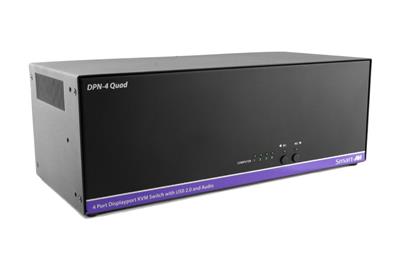
PiKVM HDMI capture is good enough for firmware menus on a workstation. Server BMC VGA, 30 Hz panels, and odd EDID on older RAID cards still surprise people. Commercial dongles exist per video standard for a reason. Match the dongle to the host output. Do not plan a 4K60 remote session unless the SKU sheet states that rate. Most lights-out work is 1080p-class or 4K30-class capture. Overstating 4K60 in an RFQ creates a failed FAT. Dual-head GPU racks: DisplayPort vs HDMI KVM for Dual-Head Racks. Dual LCD slides: dual and triple display rackmount monitors. Quad-split operator glass is a PIP quad screen LCD, not an IP session.
Architecture patterns that actually ship
Pattern A: one Pi per critical host
Use for a single jump host or a lab hypervisor. Document the SD card image, the TLS cert path, and who patches it. Keep it off the production OOB VLAN until security signs off.
Pattern B: 1U IP KVM for the cage
Standard colo remote KVM. Size ports to current hosts plus 20 percent spare. Put the management NIC on OOB. Train remote-hands on the local console. This is the pattern KVMSwitchTech quotes most often for mixed VGA/HDMI/DP racks.
Pattern C: IP KVM plus BMC
iLO, iDRAC, and Redfish already give power and some console. IP KVM still covers hosts with dead BMC licenses, whitebox nodes, and network gear that only has HDMI or VGA. Do not buy both for the same function on the same host unless the BMC console is unusable.
Pattern D: KVM over ethernet dongles across two racks
When hosts sit in adjacent racks, CATx dongles beat HDMI copper. Confirm distance ratings on the dongle sheet. This is still an IP KVM switch, not a Pi.
RFQ checklist (copy into the ticket)
- Host count now and in 12 months.
- Video per host (VGA, DVI single-link, dual-link, HDMI, DP). No silent conversion. Format change is a video converter, not a Pi dongle.
- USB HID vs PS/2. Older SUN or serial consoles need a different SKU.
- Concurrent IP users (1 vs 2) and whether a local user counts against that license.
- SSL: who issues the cert, LDAP/AD bind, MFA if required.
- Local console: yes/no, and whether remote-hands will use it.
- Power: single vs dual IEC, draw, and PDU mapping.
- Depth and rail kit. Measure the cabinet, do not guess.
- TAA or NIAP only if the contract names them. Do not claim MIL-STD-810H on commercial CyberView unless the quote lists methods.
- Support: next-business-day RMA vs “open a GitHub issue.”
If items 4, 5, 6, or 9 are mandatory, a PiKVM is out. If only item 1 equals 1, a PiKVM may still win on cost. NOC walls are an HDMI matrix switch, an 8×8 HDMI matrix switch, a 16×16 HDMI matrix switch, a 4×4 HDMI matrix switch, or a Cat5e/Cat6 HDBaseT HDMI matrix. Parent: video matrix switches. DVI/VGA walls: DVI matrix switch, VGA matrix switch. Same-room HDMI: HDMI splitter, HDMI switch, video splitters, video switches. Wall arrays: video wall system. Industrial panel-mount: industrial LCD. Related matrix: 8×8 and 16×16 HDMI Matrix for Control Rooms.
Do not ask for 4K60 HDMI matrix language if the live spec is 10.2 Gbps / 165 MHz (4K30-class). BIOS work does not need 4K60.
Cost is not the unit price
An $80 to $300 PiKVM looks cheap against a commercial 8-port IP KVM. Add your time to image, harden, and renew certs; a spare Pi and SD card in the cage; HDMI cable plant vs CATx dongles; the ticket cost when two people need the console at once; the audit finding if the Pi is an unapproved device. Colo remote KVM is an operations product. The switch is the smaller line item next to remote-hands hours.
Security notes without theater
Open-source KVM over IP devices show up in threat-hunting writeups because they are easy to hide and they emulate HID. That is not an argument against PiKVM in a lab you own. It is an argument for asset tags, management ACLs, and not leaving a default password on any remote kvm device, commercial or DIY. Harden both classes: management interface on OOB only; unique creds, no default admin; firmware or OS image pinned and hashed; disable unused HID features (USB storage passthrough) if policy forbids them.
FAQ
Is PiKVM an IP KVM switch?
No. It is a single-host KVM over IP appliance. An IP KVM switch aggregates many hosts and usually adds a local console.
Can I put a PiKVM in colo?
Some facilities allow it if it is rail-mounted, on approved power, and on the OOB VLAN. Many will not. Ask before you ship it.
What is KVM over ethernet in vendor language?
Usually CATx between dongle and switch. Sometimes people say it when they mean any IP KVM. In an RFQ, write “CATx dongle” or “IP session” so the vendor cannot swap meanings.
Do I still need iDRAC if I buy a rack IP KVM?
BMC is still useful for sensors and power. IP KVM covers pre-boot video when BMC console is missing, licensed off, or too slow. They overlap on power; they do not fully replace each other.
How many IP users do we need?
If two people ever debug together, specify two IP users or 1 IP + local. If only one admin exists, one IP user plus local is enough.
Will a rack IP KVM do 4K60?
Only if the SKU sheet says so. Plan 1080p or 4K30-class unless DisplayPort path on that exact card lists 3840×2160 at 60 Hz.
1 host, lab, you patch it: PiKVM-class. 8 or more hosts, colo, two admins, SSL on a BOM: rack IP KVM switch. Mixed video types: commercial dongles, not HDMI converters into a Pi. Auditor or TAA clause: commercial SKU, quote the clause, do not improvise on a Pi. Call (216) 798-7530.