#TLDR
A kvm drawer (also called a rackmount console drawer) folds an LCD, keyboard, and pointing device into one 1U slot so you can work at the rack without a crash cart. Buy a plain drawer when one host or an existing KVM already sits in the rack. Buy a drawer with an integrated 8/16/32-port switch only when this console must select among many servers. Spec video first (VGA, DVI, HDMI, composite/S-Video), then rail depth, then 17 inch vs 19 inch, then touchpad vs trackball. Combo USB and PS/2 covers mixed fleets. Short-depth SKUs exist for wall-mount and shallow cabinets.
Browse live SKUs on the KVM drawer category. Call (216) 798-7530 if you need a BOM matched to rail depth and video.
Who this is for
You are an IT manager or sysadmin writing a local-console line item. You already know what a KVM is. You need a decision framework that maps host video, rack depth, pointing device, and switch integration to real 1U drawers, not a consumer “best KVM” list.
This post supports the commercial hub. It does not replace it. Shop and compare on kvm-drawer. Related hardware lives under rackmount monitors, rackmount LCDs, rackmount KVM switches, 1U rackmount keyboards, and 1U LCD keyboard drawers.
Decision table (quotable)
| Decision | Choose this | Skip this |
|---|---|---|
| One server or an existing KVM already in the rack | Plain console drawer (LCD + keyboard + pointer) | Built-in 8/16/32-port switch |
| Many servers, local only | Drawer + USB/PS2 or Cat5 KVM | IP module you will never log into |
| Many sites, remote hands | Drawer + IP KVM path (IP KVM category) | Another local-only 8-port |
| Shallow or wall-mount cabinet | Short-depth 17 inch drawer | Full-depth 19 inch chassis |
| Mixed USB and PS/2 hosts | Combo USB + PS/2 SKU | USB-only if any host is still PS/2 |
| Gloved or industrial aisle | Trackball | Glass touchpad |
| VGA-era servers | Combo VGA drawer | HDMI-only panel |
| HDMI appliances / NVRs | 17 inch HDMI drawer or 19 inch HDMI | VGA-only panel plus a pile of adapters |
| Analog CCTV / composite | Composite + S-Video drawer | HDMI SKU |
Austin Hughes documents the same split on its CyberView console drawer line: standard LCD drawers, ultra-short depth, dual-slide, large LCD, multi-display, high-brightness, and SUN variants, with optional integrated KVM.
What a KVM drawer actually is
A kvm drawer is a 1U (sometimes 2U on large-LCD models) sliding chassis. Pull it out, raise the LCD, type. Push it in, the aisle is clear.
Three things sit in that chassis:
- Panel. Usually 17 inch or 19 inch. Native resolution on catalog 1U drawers is often SXGA (1280 x 1024) or 1080p. Do not assume 4K unless the datasheet names 3840 x 2160.
- Keyboard + pointer. Touchpad is the default. Trackball is the industrial option.
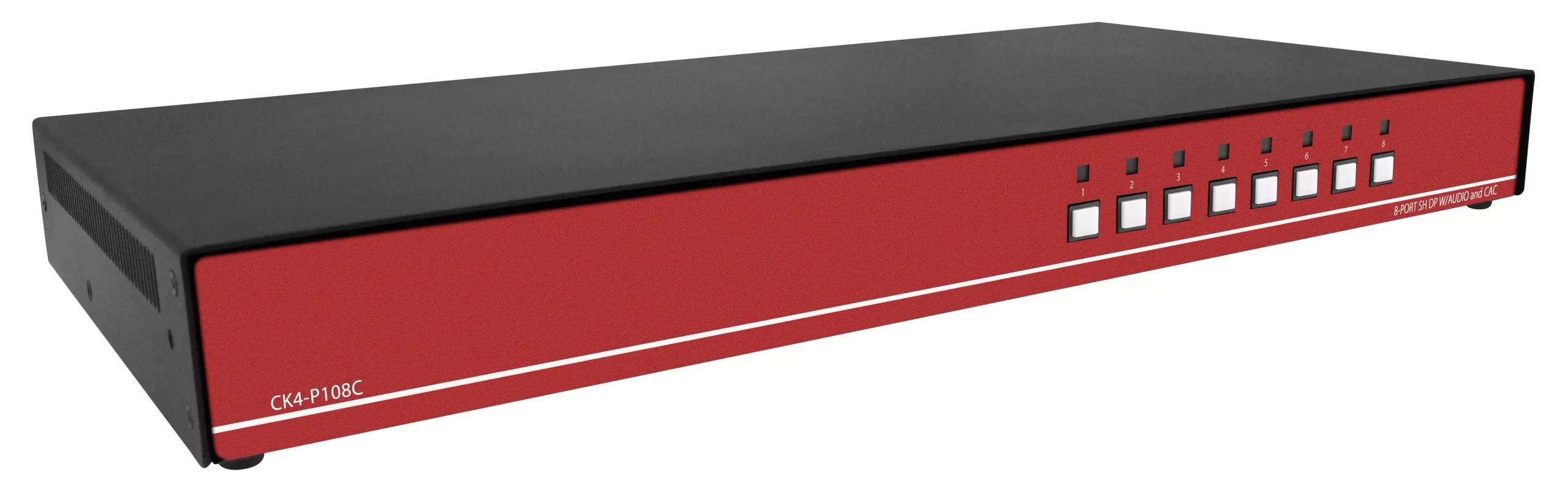
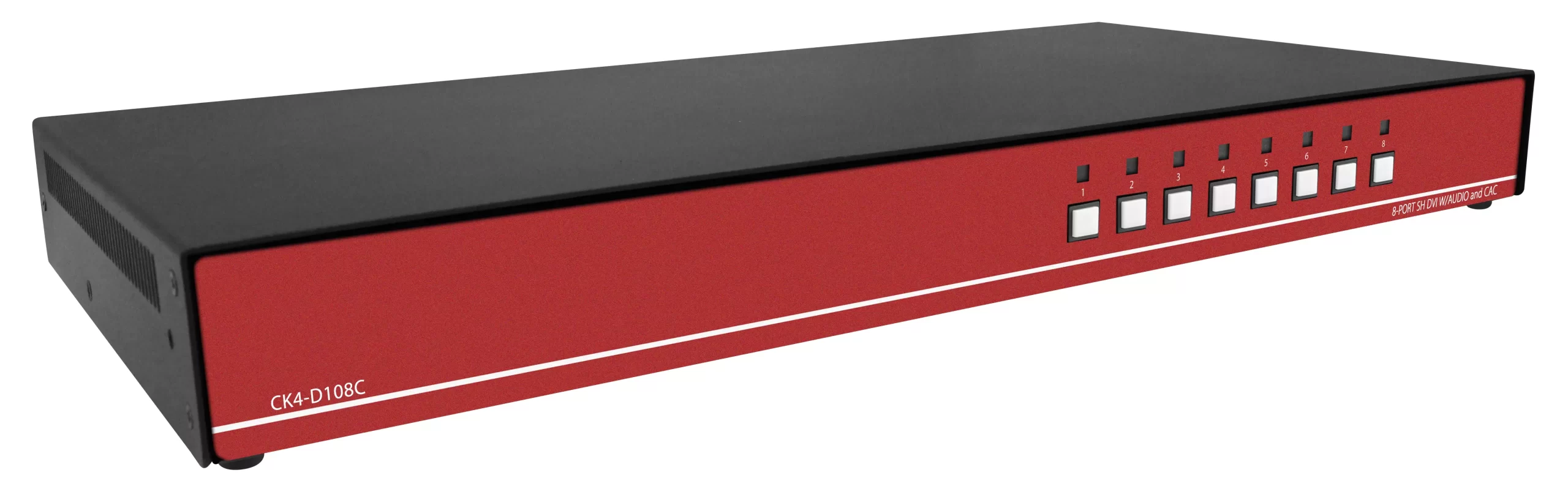
- Optional KVM switch. Not required. A plain drawer is a local console for one host or for the console ports of a separate rackmount KVM.
People also search “KVM console drawer,” “LCD KVM drawer,” and “rackmount monitor keyboard.” Those phrases describe the same form factor. Keep “kvm drawer” as the commercial term and send shoppers to the category page.
A drawer is not a secure KVM. Isolation, NIAP PP, and CAC belong on the switch, not on the LCD rail. See our NIAP PP 4.0 comparison.
A drawer is also not KVM-over-IP by itself. Remote BIOS and out-of-band sessions need an IP module or a dedicated IP KVM switch. Decision framework: KVM over IP in 2026.
Plain drawer vs drawer with switch
| Config | What you get | When it wins | Typical fail |
|---|---|---|---|
| Plain kvm drawer | LCD + keyboard + pointer, one video/USB (or combo) path | Single server, lab rack, or console ports of an existing switch | You later need 8 hosts and you have no spare 1U |
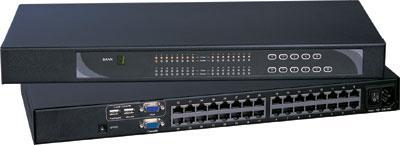
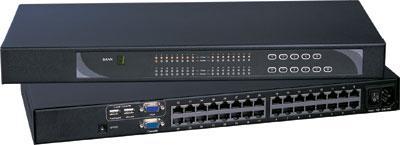
| Drawer + integrated KVM | Same console plus 8/16/32 local ports | One SKU, one rail pair, one power inlet | You overbuy ports you never cable |
| Drawer + external Cat5/IP KVM | Console on the rail, switch elsewhere | You already standardized on Cat5 dongles or IP | Dongle resolution ceiling (often 1920 x 1200) |
Start from host count, not from the fattest SKU.
- 1 host: plain drawer. Example: 1U 17" combo USB/PS2 touchpad.
- 2-8 hosts, all local: integrated 8-port or a separate 8-port plus a plain drawer.
- 16-32 hosts: size ports with How many KVM switch ports do you need, then decide if the switch lives in the drawer or in its own 1U.
- Multi-site: keep the local drawer and add IP. Do not force every aisle visit through a browser.
Combo USB and PS/2 on the SKUs above is the safe default for mixed fleets. Keyboard-only 1U trays (no LCD) live under 1U rackmount keyboards. Compare those options in Server Keyboard for Data Centers.
Video format: VGA, DVI, HDMI, composite
Match the native output. Adapters add EDID surprises.
| Host output | Drawer to spec | Live example |
|---|---|---|
| VGA / combo analog | Standard combo USB/PS2 drawer | 17" combo touchpad, 19" combo touchpad |
| DVI | DVI drawer | 17" DVI touchpad |
| HDMI | HDMI drawer | 17" HDMI touchpad, 19" HDMI touchpad |
| Composite / S-Video | Analog video drawer | 17" composite/S-Video, 19" composite/S-Video |
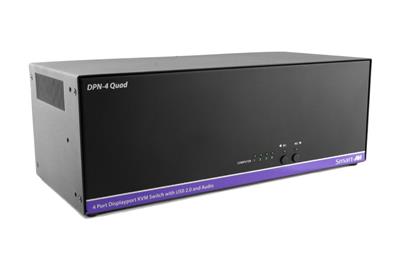
| DisplayPort dual-head / 4K60 | Confirm DP version on the LCD; often a dedicated DP console, not a VGA 1U | See DisplayPort vs HDMI KVM |
HDMI 2.0 is the common ceiling on 1U drawers in current catalogs. HDMI 2.1 inside a 1U chassis is rare. Write 4K60 into the PO only if the datasheet names it on the panel and the host port.
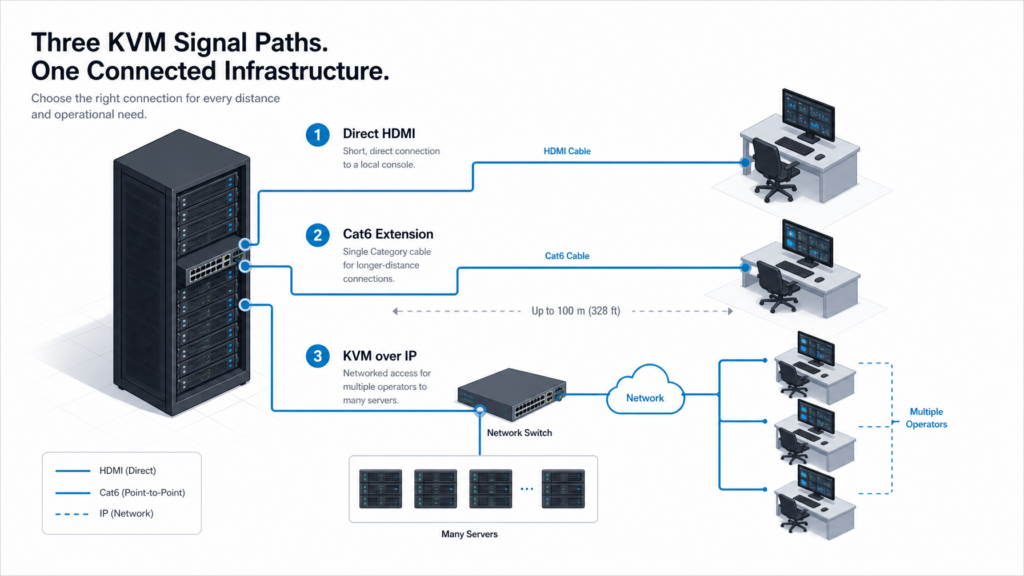
Passive DP-to-HDMI dongles fail when the GPU is true DisplayPort-only. Test before you freeze the BOM. For HDMI switch theory (ports, EDID, 4K claims) use the HDMI KVM buyer’s guide. Signal-path tradeoffs (copper HDMI vs Cat5 vs IP) sit in Cat5 vs HDMI vs KVM-over-IP.
If the job is matrix routing to a wall, that is not a drawer problem. Use an HDMI matrix switch. Quad-split security walls belong with HDMI quad multiviewers.
17 inch vs 19 inch, and short depth
| Need | Size | Notes |
|---|---|---|
| Standard 19-inch cabinet, typical 800-1000 mm depth | 17 inch or 19 inch | 19 inch is easier on aging eyes; 17 inch leaves more rail clearance |
| Wall-mount or short cabinet | 17 inch short-depth | Measure from post to door with the LCD folded |
| Widescreen 1080p preference | Confirm native panel, not diagonal only | Diagonal does not equal 16:9 |
Short-depth examples:
- 17" short-depth combo touchpad
- 17" short-depth combo trackball
- 17" rackmount short-depth touchpad
- 19" short-depth combo touchpad
Also check short-depth LCD keyboards.
Measure three numbers before you order:
- Rail-to-rail depth with the door closed and the LCD stowed.
- Aisle clearance with the drawer fully extended and the panel at 90 degrees. A 19 inch panel needs more knee and door space.
- Post type (square hole, 10-32, M6) and whether the kit includes one-man slides.
Monitor-size logic (17 through 4K, depth, native resolution) is covered in How to choose a rackmount monitor. Dual and triple fixed LCDs are a different product family: dual and triple display rackmount monitors.
Touchpad vs trackball
| Pointer | Use it when | Avoid when |
|---|---|---|
| Touchpad | Clean NOC, office-adjacent closet, operators in street clothes | Gloves, oil, frequent wipe-downs |
| Trackball | Industrial aisle, gloves, you want a sealed pointing surface | Operators who only know a laptop pad |
Same video and USB, different pointer:
- 17 inch combo: touchpad vs trackball
- 19 inch combo: touchpad vs trackball
- 19 inch monitor-keyboard combo: touchpad vs trackball
- HDMI 17 inch: touchpad vs trackball
USB 2.0 HID is enough for keyboard and pointer. Spec USB 3.x only if you pass a CAC reader, camera, or high-speed stick through the same path.
Product cards (start here)
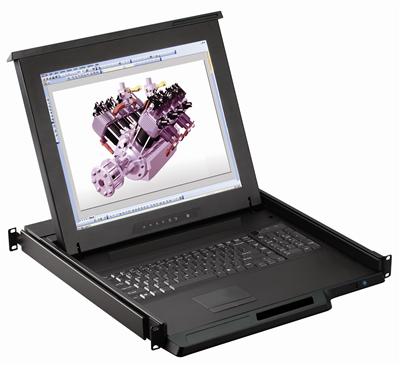
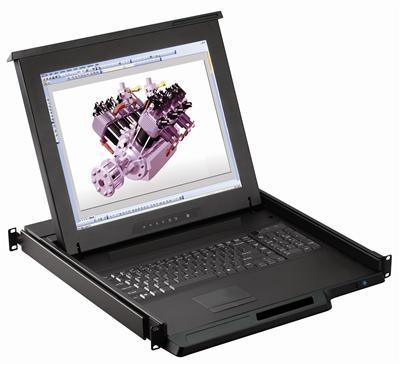
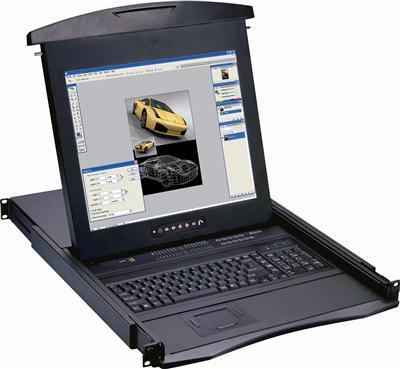
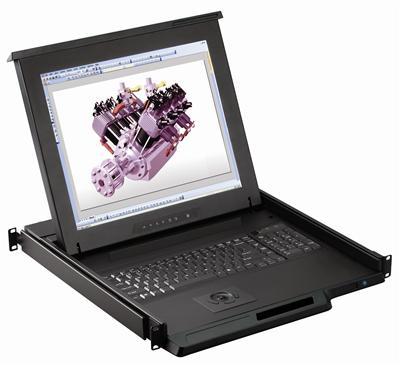
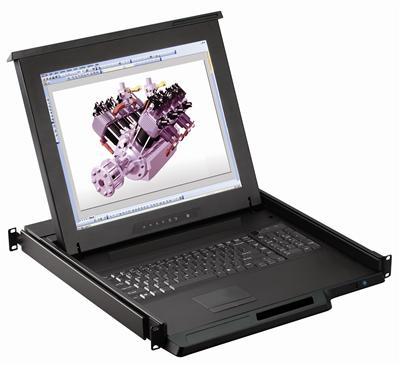
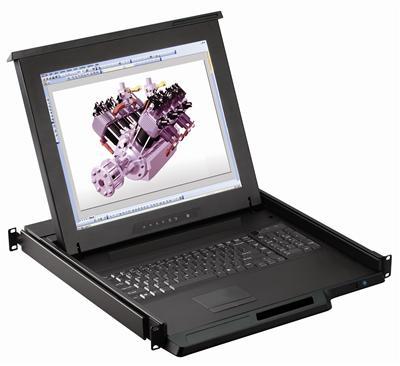
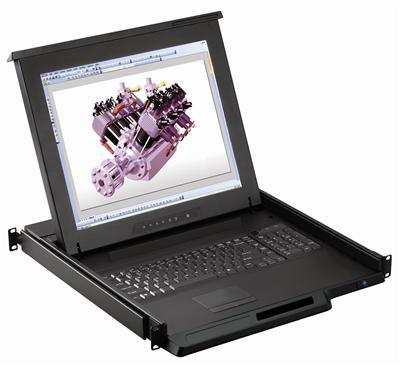
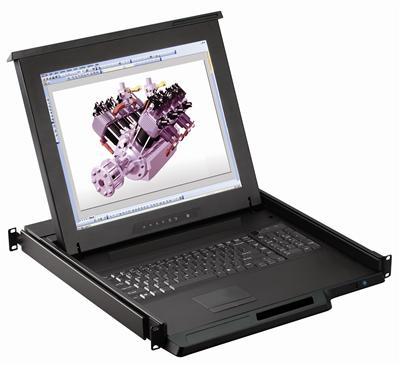
Full grid: product-category/kvm-drawer. Monitor-keyboard combos without a switch also sit in that list, for example the 17" monitor keyboard combo touchpad and 19" monitor keyboard combo touchpad.
Install and power notes
- One-man slides. Most of these SKUs use two-person-optional rails. Confirm cage nuts and rear bracket kit before the truck shows up.
- Cable service loop. Leave slack for full extension. HDMI and DVI do not like a sharp bend at the rear post.
- Power. Drawers take a small IEC or external brick depending on model. Do not steal a PDU outlet reserved for a UPS-backed server without checking inrush.
- EDID. If Windows rearranges displays every time you close the drawer, the switch or dongle is dropping the sink. Lock EDID on the KVM, not on the OS.
- USB HID vs USB 3. Keyboard and mouse stay on USB 2.0. High-speed devices need a documented USB 3 path.
Control-room walls and matrix layouts are covered in control room display solutions. USB KVM (no LCD) lives under USB KVM switches. HDMI/DVI desktop switches: HDMI DVI KVM. Cat5 KVM: Cat5 KVM switch.
Older combo posts that still rank for “rack mount monitor and keyboard” should stay supporting, not compete with this keyword: compact rack mount monitor keyboard. Definitional monitor content stays on what is a rackmount monitor.
FAQ
What is a kvm drawer?
A 1U rack console that combines an LCD, keyboard, and pointing device. Add an integrated KVM only if this console must select among multiple servers.
Do I need a built-in KVM switch?
No. A plain drawer is enough for one host or for the console ports of a separate switch.
17 inch or 19 inch?
17 inch fits more cabinets and short-depth kits. 19 inch is easier to read. Measure stowed depth and aisle swing either way.
Touchpad or trackball?
Touchpad for clean rooms. Trackball for gloves and industrial aisles.
Will it fit a shallow rack?
Order a short-depth SKU and measure post-to-door with the LCD folded. Start with the 17" short-depth drawer.
HDMI, DVI, or VGA?
Match the native host output. HDMI drawers exist in 17 and 19 inch. DVI and composite/S-Video are separate SKUs.
Is a kvm drawer the same as KVM over IP?
No. IP is a different signal path. Pair a local drawer with IP KVM when you need remote BIOS.
Next step
Pick video format and rail depth first, then pointer, then whether the switch belongs in the same 1U. Shop the live grid: KVM drawers.
Need a matched BOM? Call (216) 798-7530.