
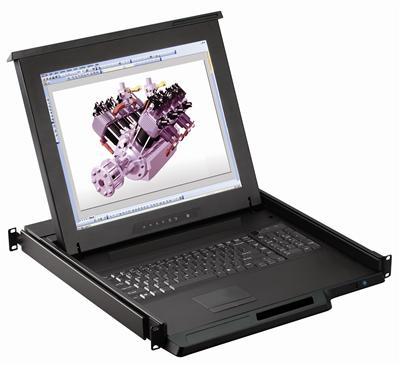
1U LCD Keyboard with IP KVM Switch Buyer's Guide
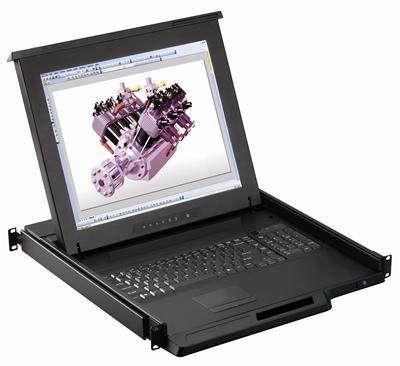
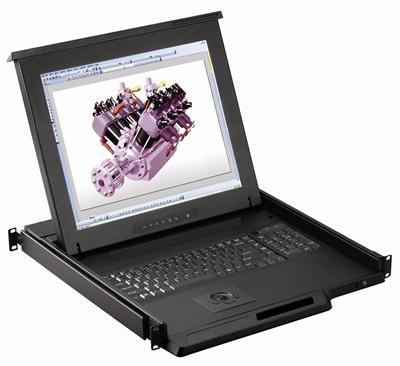
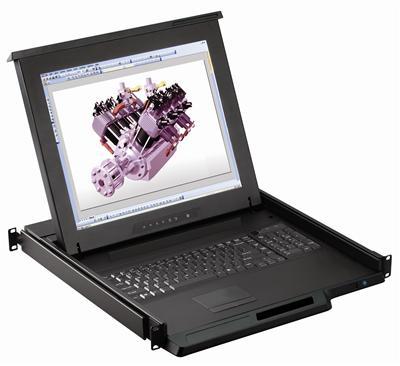
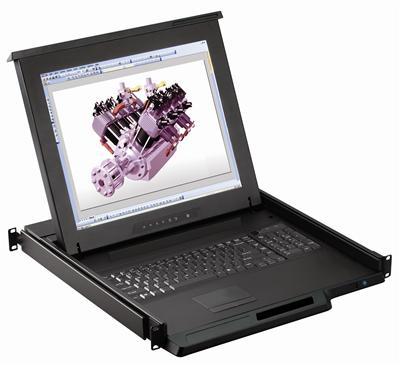
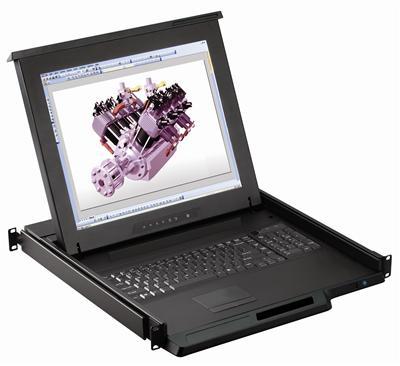
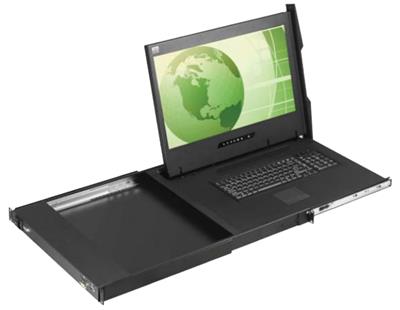
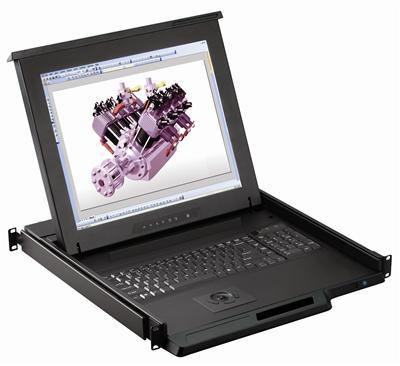
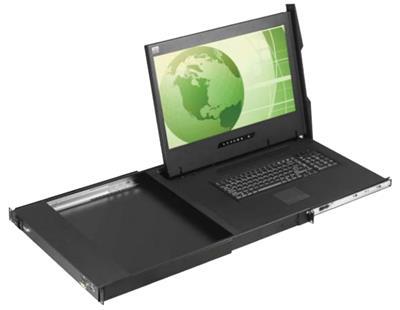
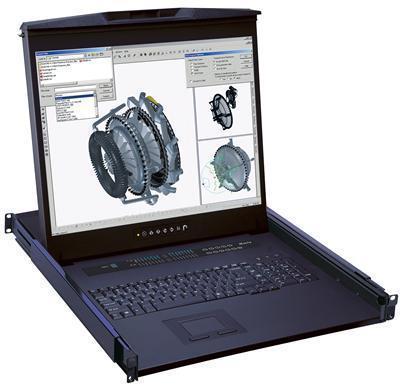
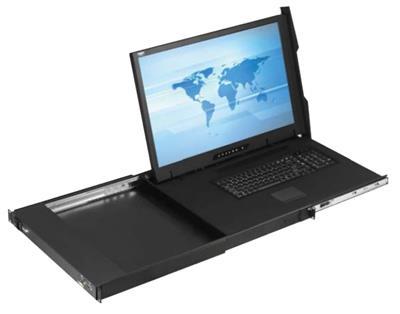
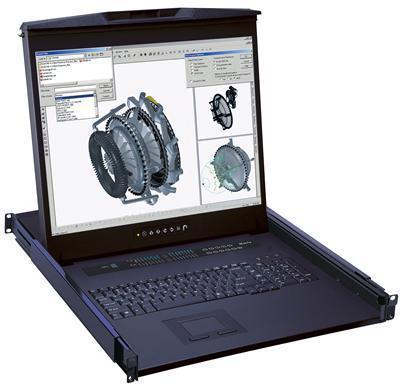
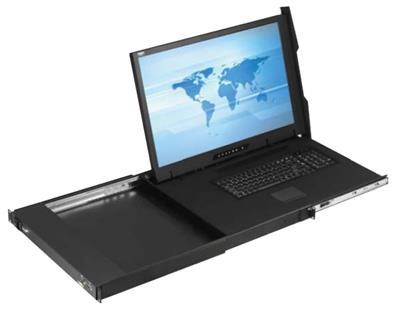
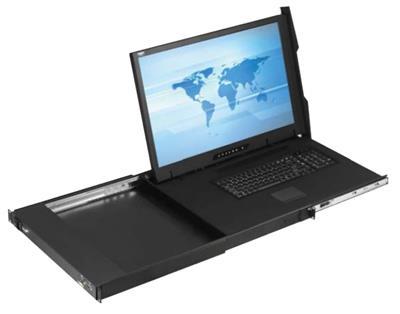
A 1U LCD keyboard drawer with a KVM-over-IP switch gives you a local rack console plus secure remote, BIOS-level control of your servers over the network. Administrators can reboot, enter BIOS, and troubleshoot from anywhere, while the drawer still provides hands-on access at the rack.
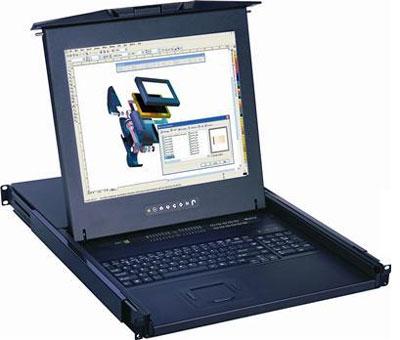
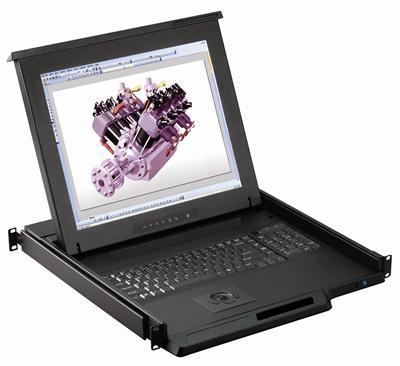
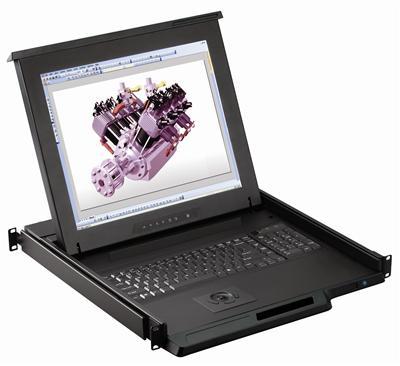
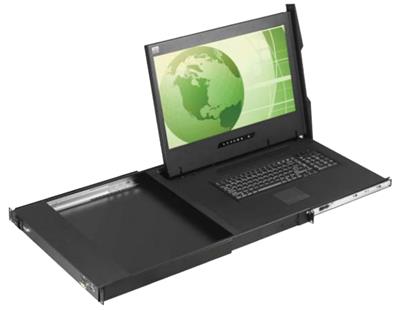
Key features to confirm
- KVM over IP – full remote control including BIOS and reboot.
- Dual console – 1 local + 1 IP user.
- 8 or 16 ports, with larger LCD IP models (20"-24", 1080p/1200p).
- Combo USB and PS/2 server support.
- Optional USB hub on some 21"/24" models.
| Need | Choose |
|---|---|
| Remote, direct KVM cabling | IP KVM drawer (this category) |
| Remote + Cat5 cabling | IP Cat5 KVM drawer |
| Local only | USB or PS/2 KVM drawer |
See the IP Cat5 KVM drawer or all rackmount monitors.
Frequently Asked Questions
What is KVM over IP?
Technology that lets you control servers remotely over the network at BIOS level, as if you were at the rack.
Can I still use it locally?
Yes, most models offer a local console plus one IP user simultaneously.
What screen sizes are offered?
17" and 19" standard, plus 20", 21", and 24" 1080p/1200p models.
How many servers?
8-port and 16-port IP KVM options are stocked.
Need BIOS-level remote access? Our engineers help match port count, screen size, and IP console count to your rack and servers. Call (216) 798-7530 for free system design help.
Filters