
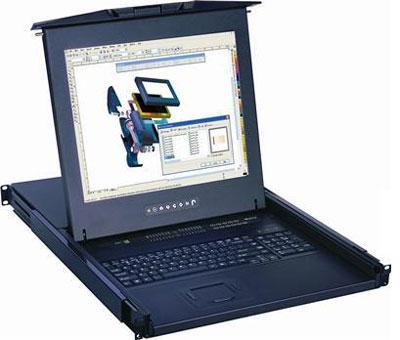
1U LCD Keyboard with IP Cat5 KVM Switch Buyer's Guide
A 1U LCD keyboard drawer with an IP Cat5 KVM switch combines a local rack console with Cat5/Cat6 cabling to your servers and remote KVM-over-IP access. You get one console at the rack plus browser-based BIOS-level control from anywhere, and Cat5 cabling keeps runs tidy and long.
Browse products
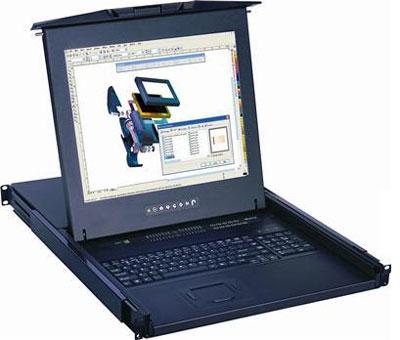
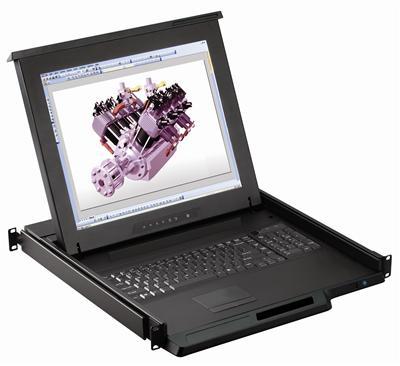
1U LCD Keyboard with IP Cat5 KVM Switch
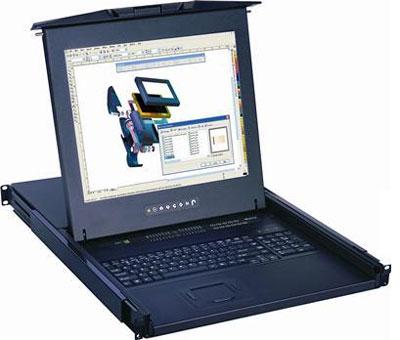
1U 17" Rack Monitor with Integrated CAT5 KVM over IP Switch Touchpad, 8 Ports
$2,599.00
$2,999.00
In stock
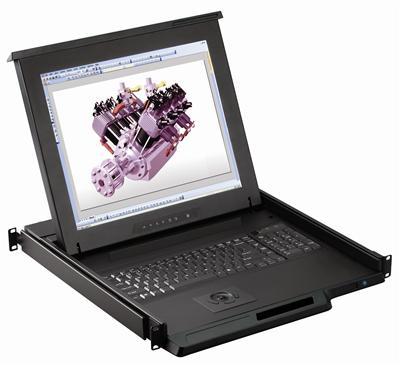
1U LCD Keyboard with IP Cat5 KVM Switch
1U 17" Rack Monitor with Integrated CAT5 KVM over IP Switch Trackball, 8 Ports
$2,599.00
$2,999.00
In stock
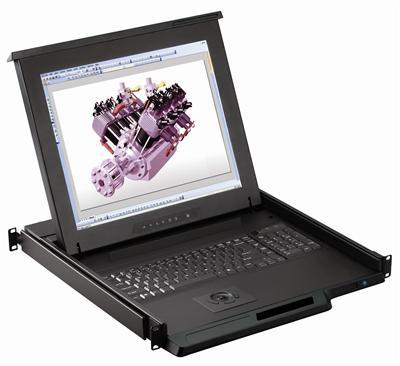
1U LCD Keyboard with IP Cat5 KVM Switch
1U 17" Rack Monitor with Integrated CAT5 KVM over IP Switch Trackball, 8 Ports
$2,599.00
$2,999.00
In stock
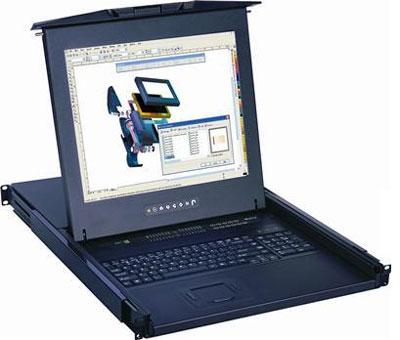
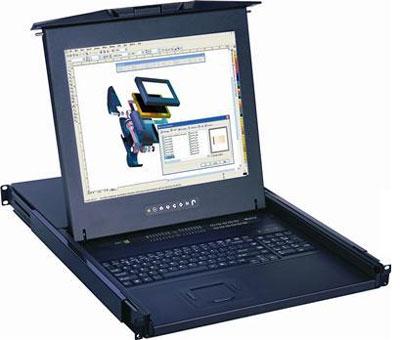
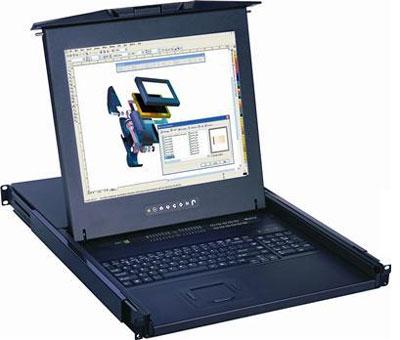
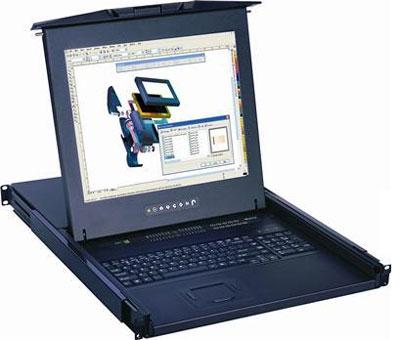
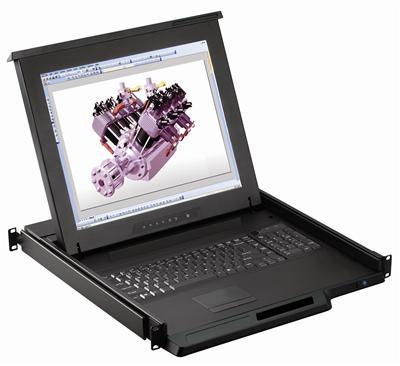
1U LCD Keyboard with IP Cat5 KVM Switch
1U 17" Rack Monitor with Integrated CAT5 KVM over IP Switch Touchpad, 16 Ports
$2,699.00
$3,199.00
In stock
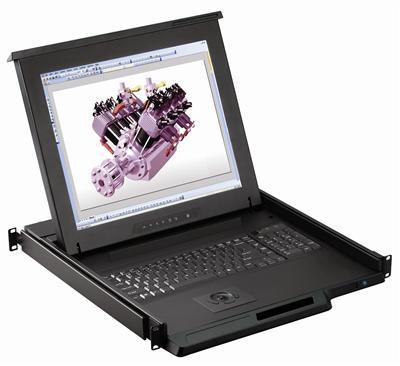
1U LCD Keyboard with IP Cat5 KVM Switch
1U 17" Rack Monitor with Integrated CAT5 KVM over IP Switch Trackball, 16 Ports
$2,699.00
$3,199.00
In stock
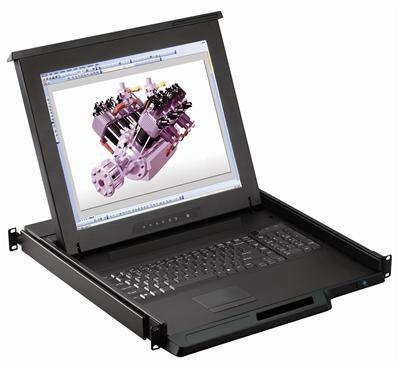
1U LCD Keyboard with IP Cat5 KVM Switch
1U 19" Rack Monitor with Integrated CAT5 KVM over IP Switch Touchpad, 8 Ports
$2,699.00
$3,099.00
In stock
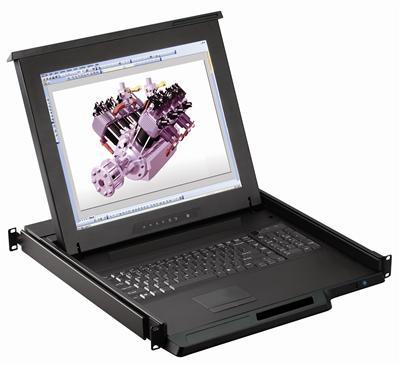
1U LCD Keyboard with IP Cat5 KVM Switch
1U 19" Rack Monitor with Integrated CAT5 KVM over IP Switch Touchpad, 8 Ports
$2,699.00
$3,099.00
In stock
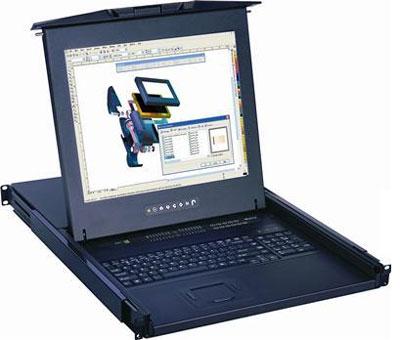
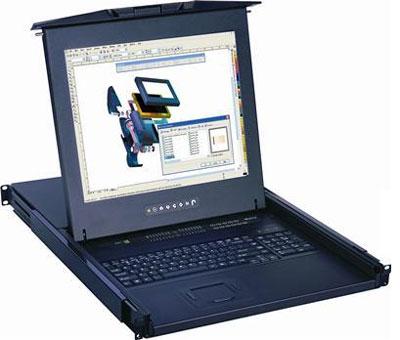
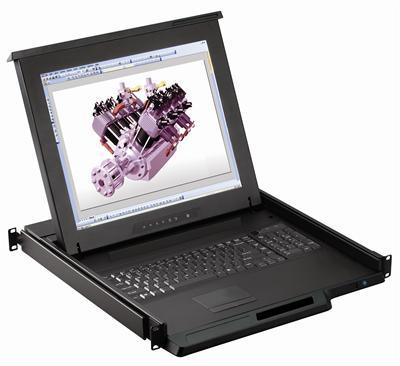
1U LCD Keyboard with IP Cat5 KVM Switch
1U 17" Rack Monitor with Integrated CAT5 KVM over IP Switch Touchpad, 32 Ports
$2,799.00
$3,299.00
In stock
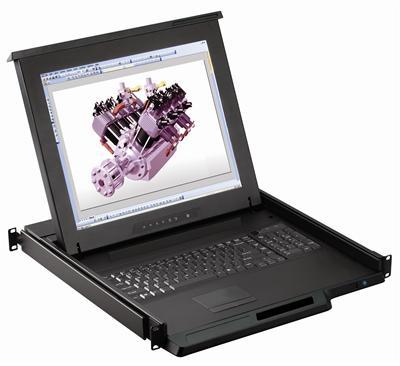
1U LCD Keyboard with IP Cat5 KVM Switch
1U 19" Rack Monitor with Integrated CAT5 KVM over IP Switch Touchpad, 16 Ports
$2,799.00
$3,199.00
In stock
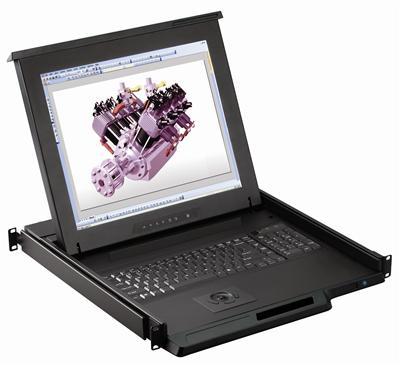
1U LCD Keyboard with IP Cat5 KVM Switch
1U 19" Rack Monitor with Integrated CAT5 KVM over IP Switch Trackball, 16 Ports
$2,799.00
$3,299.00
In stock
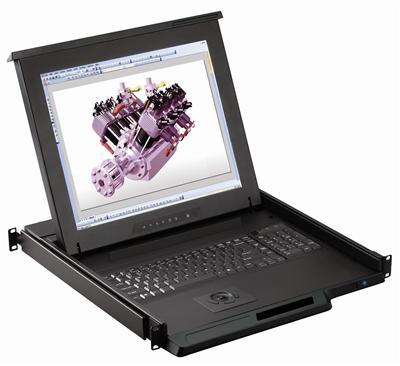
1U LCD Keyboard with IP Cat5 KVM Switch
1U 19" Rack Monitor with Integrated CAT5 KVM over IP Switch Trackball, 8 Ports
$2,799.00
$3,099.00
In stock
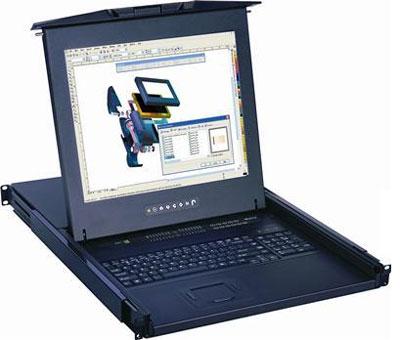
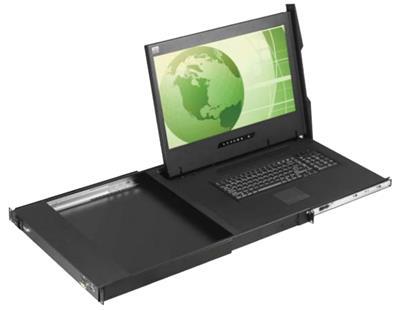
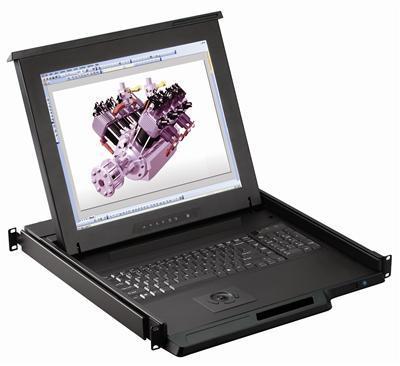
1U LCD Keyboard with IP Cat5 KVM Switch
1U 17" Rack Monitor with Integrated CAT5 KVM over IP Switch Trackball, 32 Ports
$2,899.00
$3,499.00
In stock
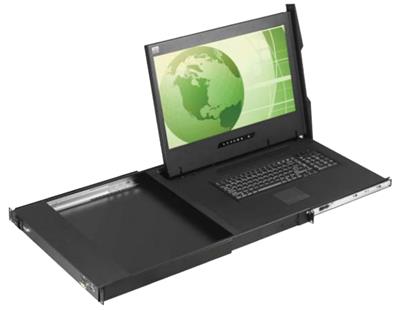
Key features to confirm
- Cat5/Cat6 server connections via inexpensive structured cabling.
- KVM over IP for remote, BIOS-level access over the network.
- Dual console – 1 local + 1 IP user on many models.
- 8, 16, or 32 ports to match server count.
- 17"/19"/20"/21"/24" sizes on select IP models.
| Need | Choose |
|---|---|
| Remote + Cat5 cabling | IP Cat5 KVM drawer (this category) |
| Remote, direct KVM cables | IP KVM drawer |
| Local only, Cat5 | Cat5 KVM drawer |
Compare the IP KVM drawer and local Cat5 KVM drawer.
Frequently Asked Questions
What does IP Cat5 KVM add?
It connects servers over Cat5/Cat6 cable and adds KVM-over-IP for remote, BIOS-level control from a browser.
How many remote users?
Many models support two consoles, one local at the rack and one over IP.
What port counts are available?
8, 16, and 32-port options depending on model.
Why Cat5 instead of direct KVM cables?
Cat5/Cat6 is cheaper, thinner, and runs much farther than bundled KVM cabling.
Need remote access with tidy Cat5 cabling? Our engineers help match port count, screen size, and console count to your rack and servers. Call (216) 798-7530 for free system design help.
Filters