
IP KVM Switch
An IP KVM switch (also called KVM over IP) gives local rack access plus remote keyboard, video, and mouse over TCP/IP, including BIOS and crash screens. KVMSwitchTech stocks 1U combo USB/PS2 VGA units and Cat5 IP KVM matrices for 8, 16, and 32 servers, single or multi-user IP. Call (216) 798-7530 for port count and concurrent IP users. Do not assume 4K60; match the SKU sheet.
Cat5 KVM switch
USB KVM switch
matrix KVM switch
HDMI KVM switch
KVM drawer
rackmount KVM switches
1U LCD keyboard with IP KVM switch
IP KVM vs local KVM vs KVM over IP extender
An IP KVM switch combines local rack control with remote access over the network. A local KVM switch is for technicians standing at the rack. A KVM over IP extender is usually point-to-point remote access for one workstation or server. Choose this category when several servers need centralized keyboard, video, and mouse control with browser or network access to BIOS-level screens.
Single-user IP vs multi-user matrix
Single-user IP models are a good fit when one administrator needs remote access at a time. Multi-user matrix IP KVM systems are built for teams, NOCs, and server rooms where several users may need local, Cat5 remote, or IP sessions at the same time. Confirm concurrent IP users before ordering.
Cat5 dongle vs combo USB/PS2 cable
Combo USB/PS2 cable models connect each server with a traditional KVM cable and are simple for smaller racks. Cat5 KVM over IP systems use server dongles and Cat5/Cat6 cabling, which keeps cable bundles thinner and supports larger 8, 16, and 32-port deployments.
Port count: 8 vs 16 vs 32
Use 8 ports for small racks and lab systems, 16 ports for a standard server row, and 32 ports when the switch must cover dense racks or leave room for growth. If the deployment may expand, choose the port count and user model before deciding on cable type.
Browse products
IP KVM Switch
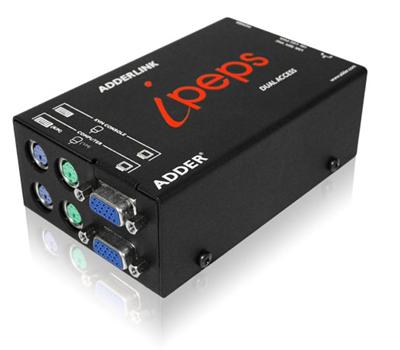
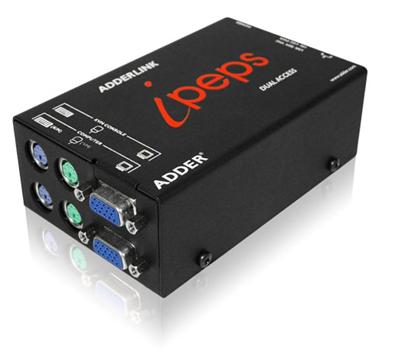
AdderLink AL-IPEPS-DA, Dual Access KVM over IP Solution with Real VNC
$762.00
$899.00
In stock
IP KVM Switch
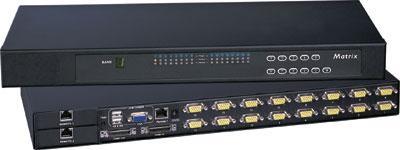
IP-802 Cyberview KVM over IP Switch 1U Rackmount combo USB and PS2 and VGA Interface 8 Ports
$1,280.00
$1,600.00
In stock
IP KVM Switch
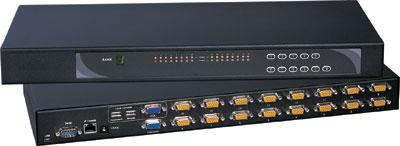
KVM over IP Switch 1U Rackmount combo USB and PS2 and VGA Interface 8 Ports
$1,299.00
$1,599.00
In stock
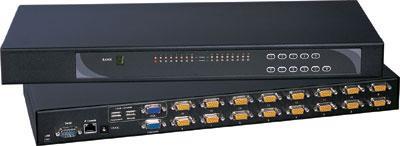
IP KVM Switch
IP-1602 Cyberview Austin Hughes 16 Port combo KVM over IP Switch
$1,465.00
$1,800.00
In stock
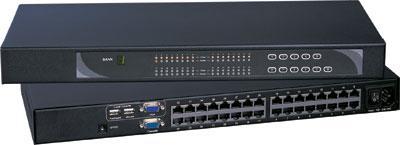
IP KVM Switch
U-IP802 Cyberview Cat5 KVM over IP Switch 1U Rackmount 8 Ports (1 x Local; 1 x IP)
$1,465.00
$1,800.00
In stock
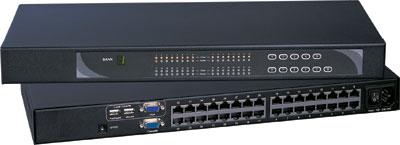
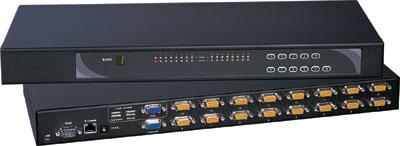
IP KVM Switch
KVM over IP Switch 1U Rackmount combo USB and PS2 and VGA Interface 16 Ports
$1,499.00
$1,799.00
In stock
IP KVM Switch
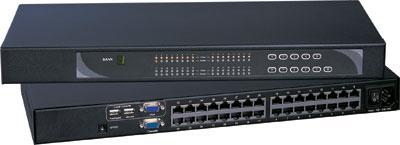
U-IP1602 Cyberview Cat5 KVM over IP Switch 1U Rackmount 16 Ports (1 x Local; 1 x IP)
$1,568.00
$1,999.00
In stock
IP KVM Switch
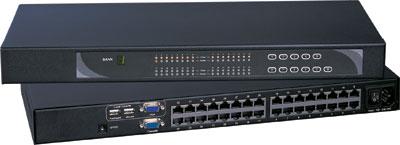
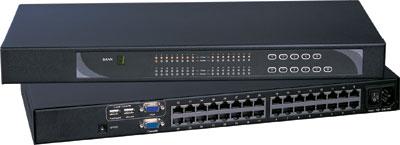
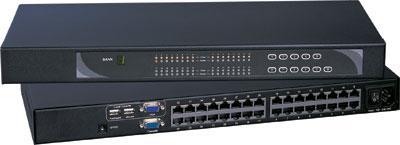
U-IP3202 Cyberview Cat5 KVM over IP Switch 1U Rackmount 32 Ports (1 x Local; 1 x IP)
$1,711.00
$2,299.00
In stock
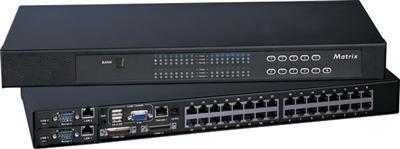
IP KVM Switch
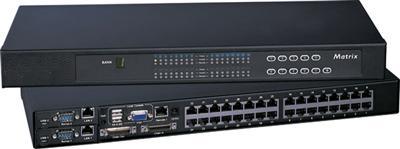
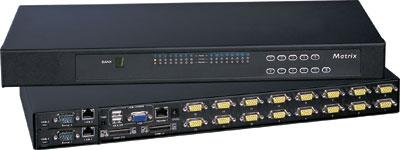
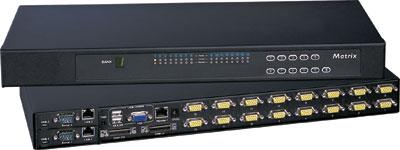
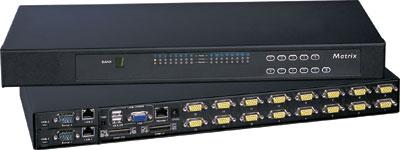
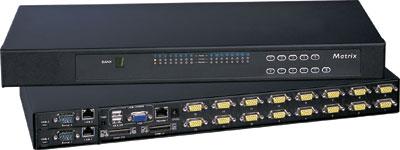
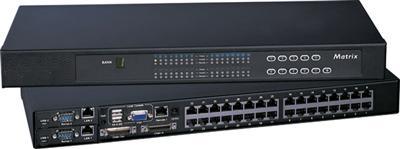
Cat5 Matrix KVM Switch over IP 1U Rackmount two IP Users 4X16
$2,780.00
$3,000.00
In stock
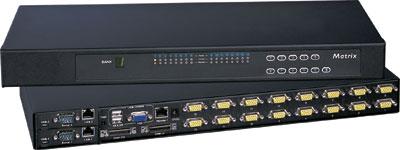
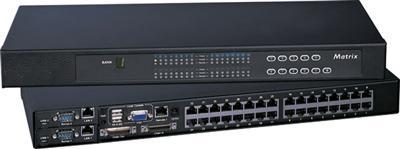
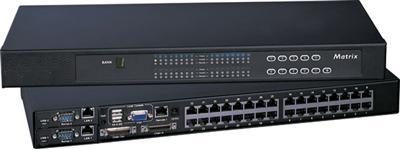
IP KVM Switch
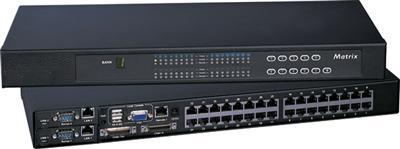
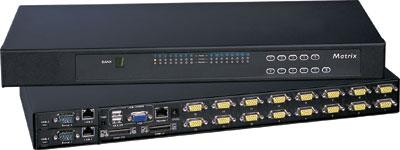
Cat5 Matrix KVM Switch over IP 1U Rackmount two IP users 4X32
$3,183.00
$3,400.00
In stock
Choosing the right IP KVM switch
An IP KVM switch should be selected by access model first, then by port count and cabling. For local-only racks, a USB KVM switch or KVM drawer may be enough. For remote BIOS access over LAN/WAN, choose a KVM over IP model in this grid. For larger rooms, Cat5 matrix units reduce cable bulk and make it easier to manage many servers from one rack location.
| Need | Choose |
|---|---|
| Local rack only | USB KVM switch or KVM drawer |
| Remote BIOS over LAN/WAN | IP KVM switch (this category) |
| Many servers, Cat5 dongles | Cat5 KVM over IP SKU in this grid |
| Several simultaneous IP users | Matrix IP KVM SKU |
| HDMI/DVI at the rack, no IP | HDMI KVM switch |
For category-level comparisons, see Cat5 KVM switch, matrix KVM switch, and rackmount KVM switches. For integrated LCD console access, use 1U LCD keyboard with IP KVM switch.
Need help choosing ports, users, and cable type? Call (216) 798-7530.
IP KVM Switch FAQ
What is an IP KVM switch?
An IP KVM switch lets administrators control keyboard, video, and mouse locally at the rack and remotely over TCP/IP. It can show BIOS, boot, and crash screens that normal remote desktop tools may miss.
IP KVM vs KVM over IP?
The phrases usually describe the same remote-access function: KVM control over a network. Product families may differ by port count, cable type, and number of simultaneous users.
How many remote users?
Some models support one IP user at a time, while matrix models may support several users. Confirm local, Cat5 remote, and IP user counts on the SKU sheet before ordering.
Cat5 or combo cable?
Use combo USB/PS2 cables for smaller racks and direct server connections. Use Cat5 dongles for larger systems where thinner cabling, longer in-rack runs, or matrix access is needed.
Confirm the right IP KVM switch before you buy. Call (216) 798-7530 for port count, Cat5 dongles, combo USB/PS2 cables, and concurrent IP users.
Filters