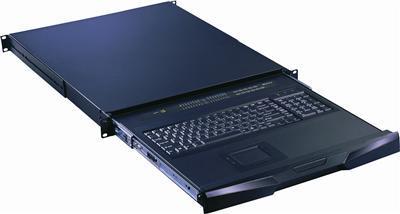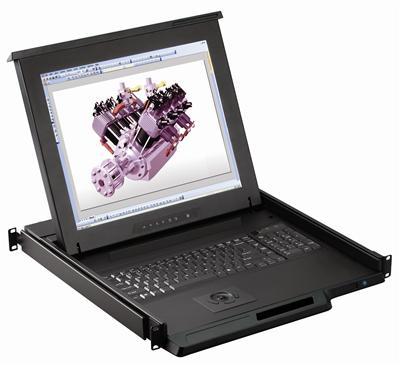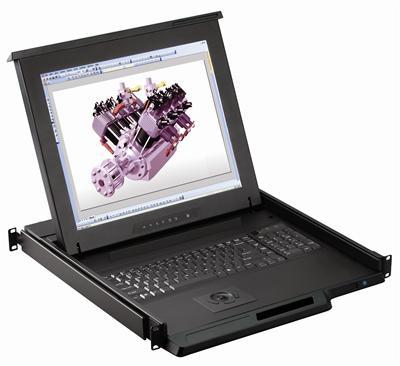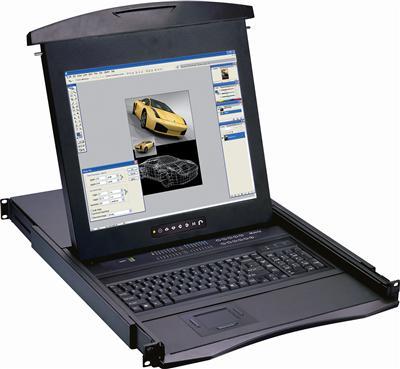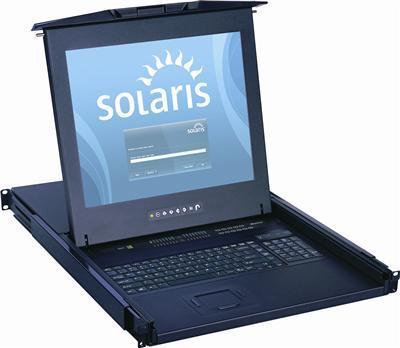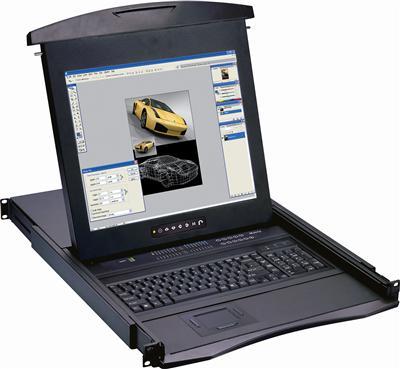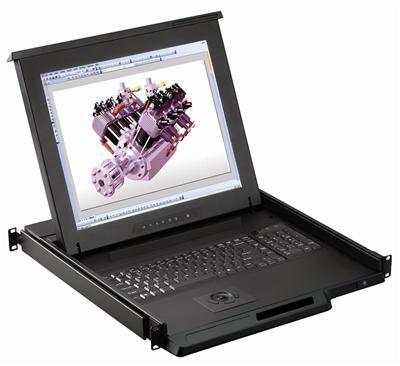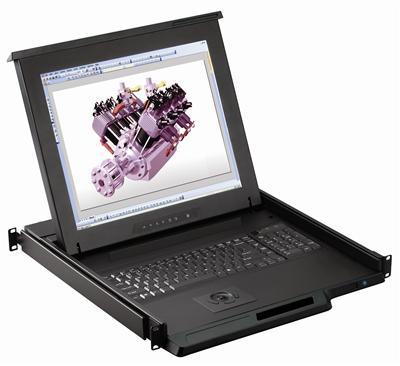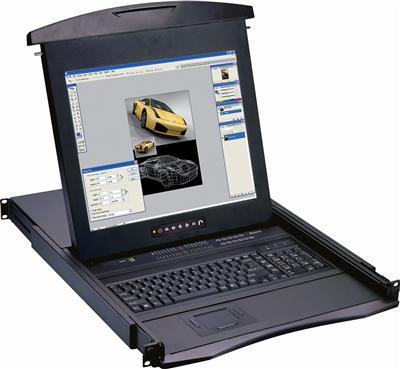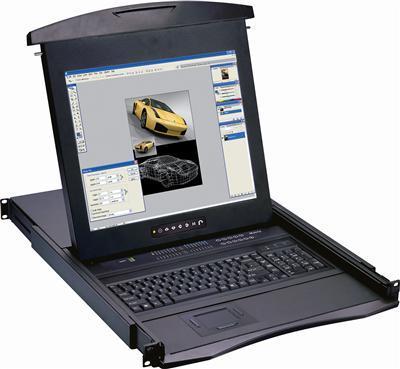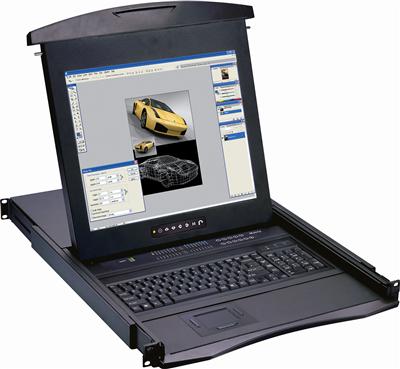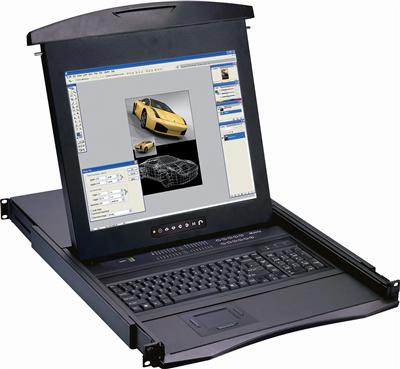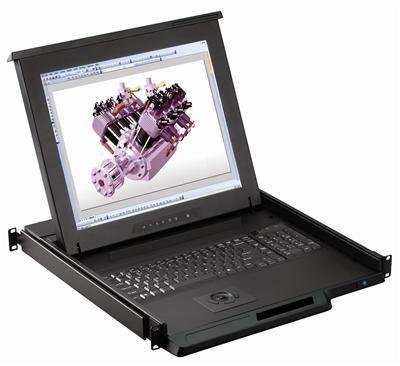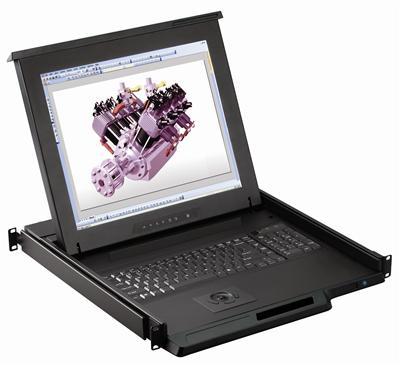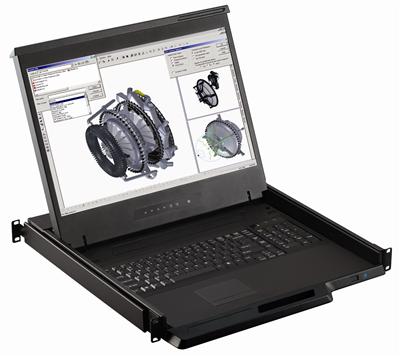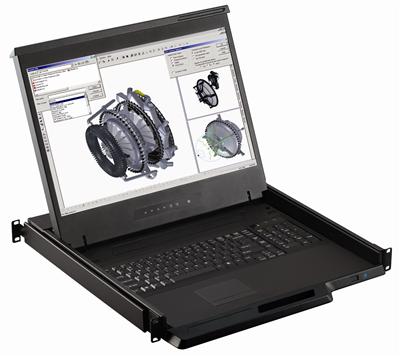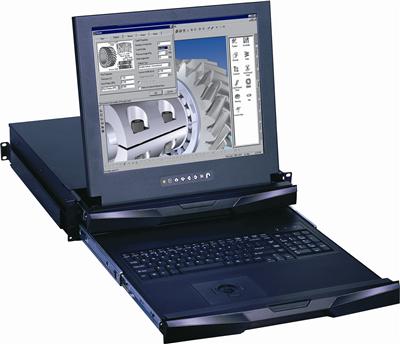
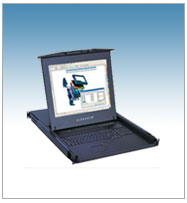
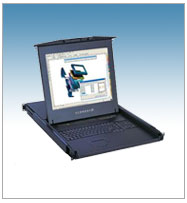
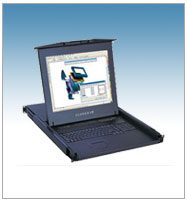
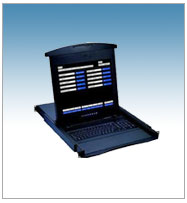
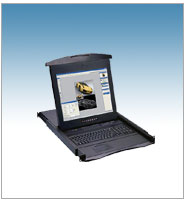
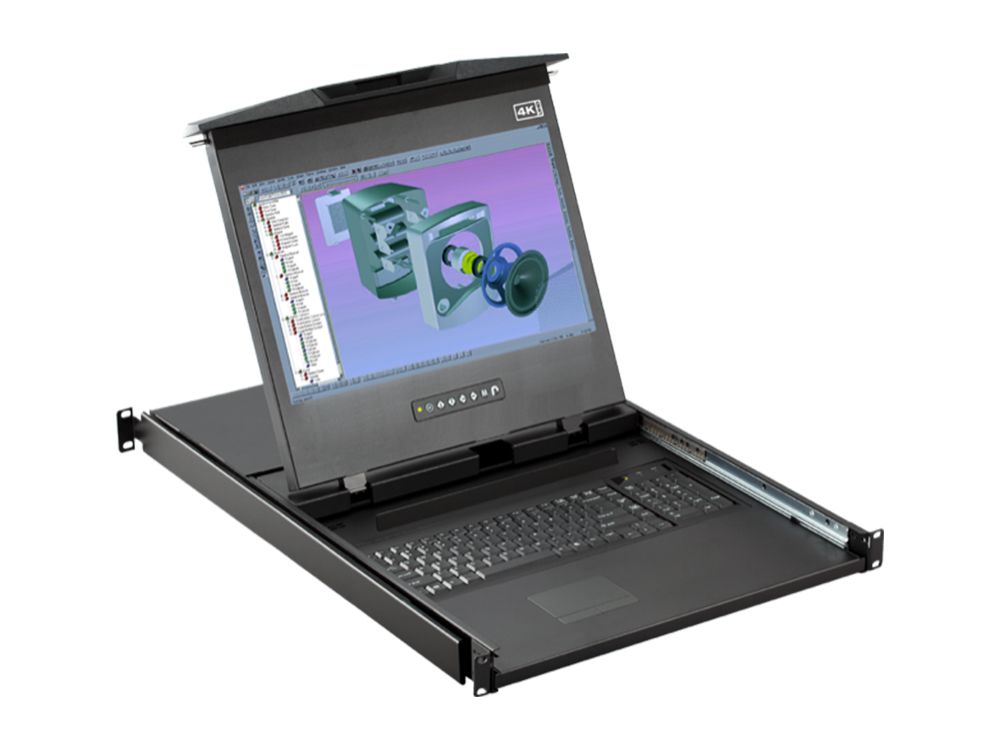
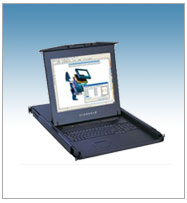
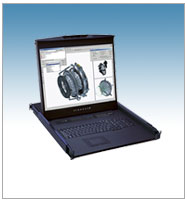
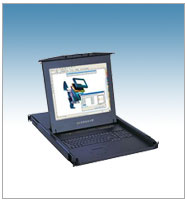
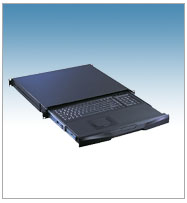
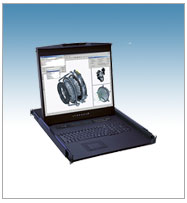
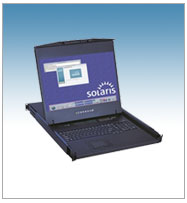
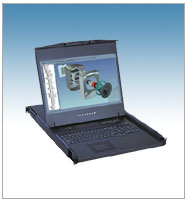
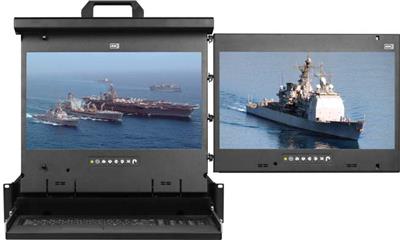
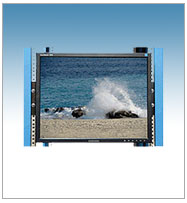
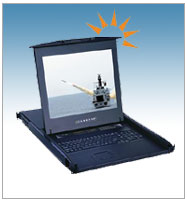
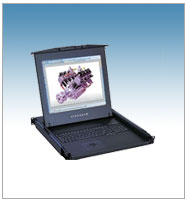
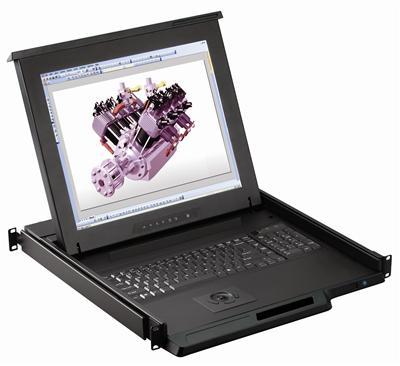
1U 17" Composite and S-Video KVM Drawer with Combo USB and PS2 Interface Trackball
In stock
Browse by system
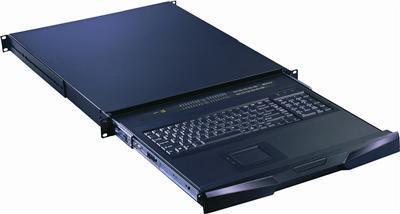
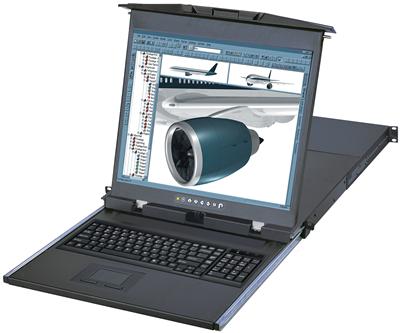
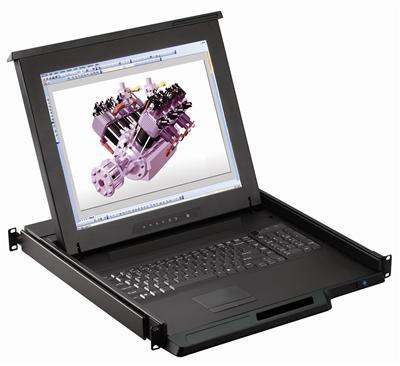
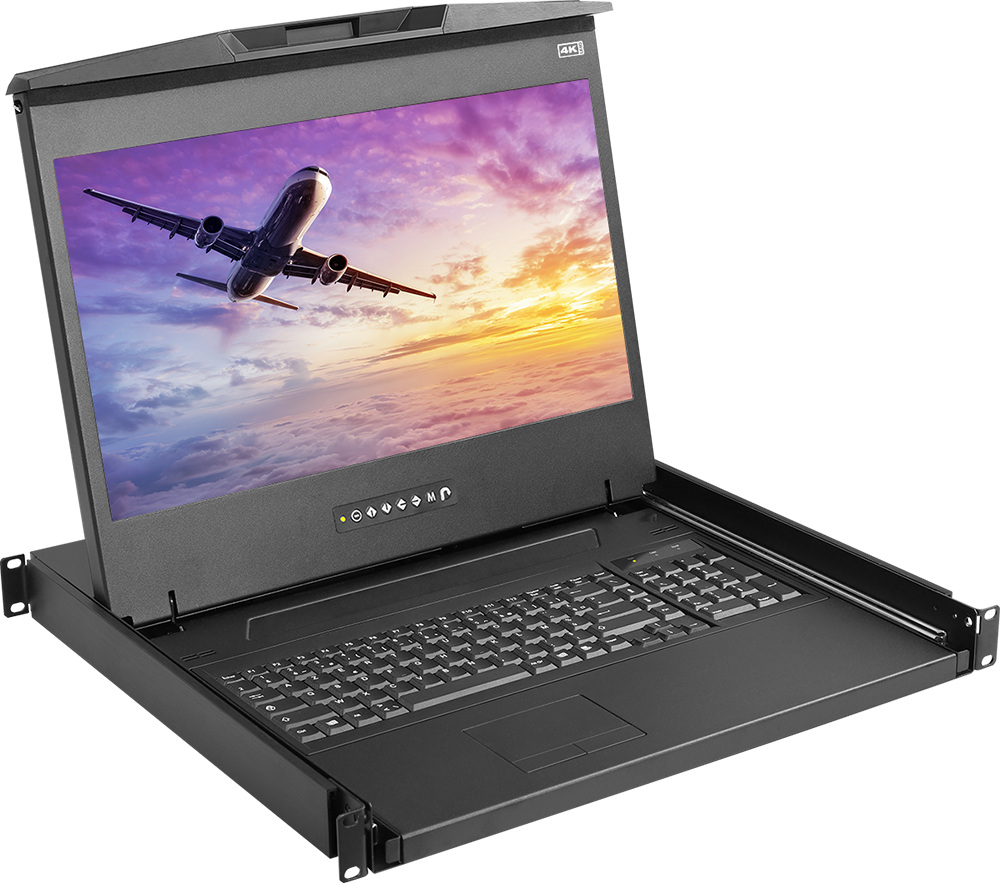
A rackmount monitor is a display, and usually a keyboard and pointing device, built into a 1U or 2U drawer that slides into a standard 19-inch server rack. Instead of a separate monitor, keyboard, and mouse at every server, one rack mount monitor gives IT teams a single console to view and control every machine in the rack, folding flat when not in use to reclaim space. KVMSwitchTech stocks 17", 19", and 20" rackmount monitors, dual and triple display models, high-brightness panels, short-depth drawers for shallow racks, and IP-enabled units for remote KVM access over Cat5.
Related reading: KVM over IP in 2026: a data center decision framework.
Subcategories
1U KVM Drawer w USB KVM Switch
1U KVM Drawer w PS2 KVM Switch
1U LCD Keyboard with IP Cat5 KVM Switch
1U LCD Keyboard with IP KVM Switch
KVM Drawer
1U Composite LCD Keyboard
1U DisplayPort LCD Keyboard Console Drawer
1U Dual Slide LCD Keyboard
1U DVI LCD Keyboard
1U HDMI LCD Keyboard
1U LCD Keyboard with Cat5 KVM Switch
1U Rackmount Keyboards
1U Rackmount LCD Keyboard
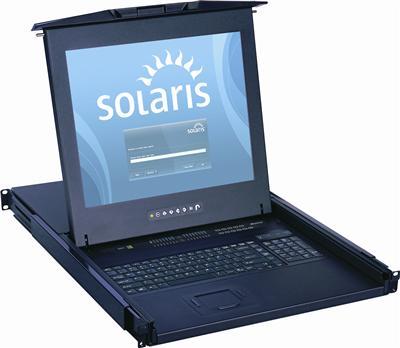
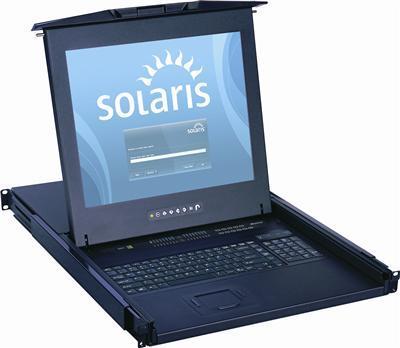
1U Solaris LCD Keyboard
1U WideScreen LCD Keyboard
Dual and Triple Display Rackmount Monitors
LCD Mounts
Rackmount High Brightness LCD Keyboard
Short Depth LCD Keyboard
Decide whether you need a full rackmount keyboard and display drawer (a "KVM console drawer") or a display-only rackmount LCD. Console drawers integrate screen, keyboard, and touchpad or trackball in one slide-out unit; LCD-only drawers pair with your own keyboard or a separate KVM. If you manage many servers from one console, add a built-in KVM switch.
| Type | What's included | Best for |
|---|---|---|
| KVM Console Drawer | LCD + keyboard + touchpad/trackball | Single-console control of one or many servers |
| Rackmount LCD (display only) | Flip-up LCD in a 1U drawer | Monitoring where a keyboard is not needed |
| Drawer with built-in KVM | LCD + keyboard + 8/16-port KVM switch | Controlling multiple servers from one drawer |
| Dual / triple display | Two or three panels in one drawer | Control rooms, monitoring walls, NOCs |
The most common rackmount monitor sizes are 17" and 19" (typically 1280x1024), with 20" units reaching 1600x1200 and widescreen 1080p (1920x1080) and 1920x1200 options for detailed work. Match resolution to what your servers and KVM output natively so the image stays sharp and correctly scaled.
Rackmount monitors ship with VGA, DVI-D, HDMI, or DisplayPort inputs, and some support composite or S-Video for legacy AV gear. Choose a unit whose input matches your servers or KVM switch to avoid adapters. For a display-only drawer, see our 1U Rackmount LCD range.
Full-depth drawers can be too long for wall-mount racks, network cabinets, and shallow enclosures. Measure the usable mounting depth of your rack before ordering, and choose a short-depth rackmount monitor when space behind the rails is limited.
| Size | Typical resolution | Best for |
|---|---|---|
| 17" | 1280x1024 (or 1080p widescreen) | General server-room console, tight budgets |
| 19" | 1280x1024 (or 1080p widescreen) | Most common all-purpose choice |
| 20" | 1600x1200 | Detailed monitoring, more screen real estate |
Browse products
In stock
In stock
In stock
In stock
In stock
In stock
In stock
In stock
In stock
In stock
In stock
In stock
In stock
In stock
In stock
In stock
In stock
In stock
In stock
In stock
In stock
A rackmount monitor is an LCD display, often combined with a keyboard and touchpad or trackball, built into a 1U or 2U drawer that slides into a 19-inch server rack. It gives IT teams a single fold-away console for the servers in the rack.
A KVM console drawer includes the display, keyboard, and pointing device in one slide-out unit, and often a built-in KVM switch to control multiple servers. A display-only rackmount LCD provides just the screen.
17" and 19" units (1280x1024) cover most server rooms; 20" units reach 1600x1200 and widescreen models support 1080p or 1920x1200 for detailed monitoring. Match resolution to your KVM or server output.
Only if you choose a short-depth model. Measure the usable mounting depth of your rack first, then select a short-depth rackmount monitor drawer for cabinets and wall-mount racks.
Yes. Choose a KVM console drawer with a built-in 8- or 16-port KVM switch, or an IP/Cat5 KVM model to switch between and remotely access many servers from one console.
VGA, DVI-D, HDMI, and DisplayPort are all available, with composite and S-Video on select AV models. Pick the input that matches your servers or KVM switch to avoid adapters.
Not sure which rackmount monitor fits your rack? Our engineers help match size, resolution, interface, rack depth, and power to your environment. Call (216) 798-7530 for a system design.
Filters