
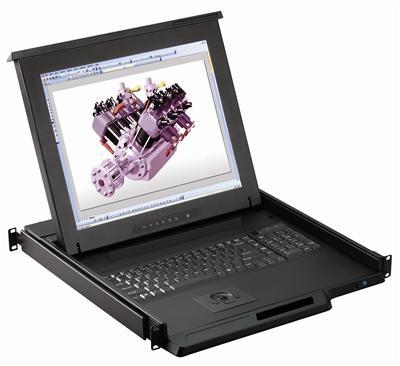
1U KVM Drawer with USB KVM Switch Buyer's Guide
A 1U KVM drawer with a USB KVM switch combines a slide-out LCD monitor, keyboard, and touchpad or trackball with a built-in USB KVM switch, giving you local control of 8 or 16 servers from a single 1U console. It is the space-saving choice for USB-based server rooms that need one keyboard, monitor, and mouse for the whole rack.
Browse products
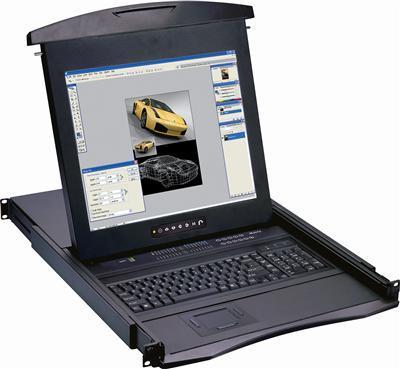
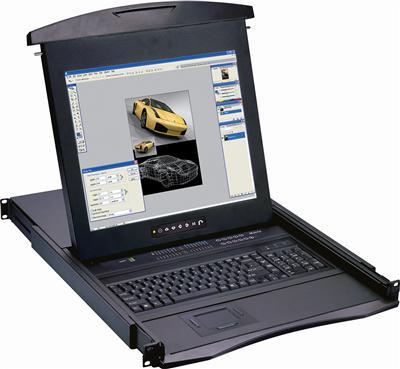
1U KVM Drawer w USB KVM Switch
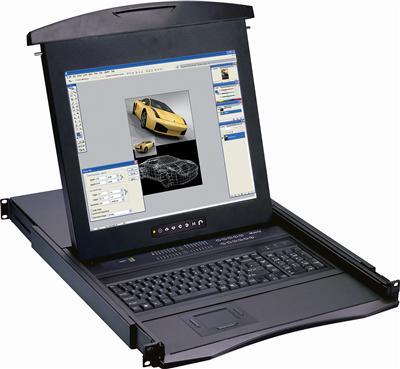
1U 17" Rackmount Monitor Keyboard with combo KVM Switch USB and PS2 Touchpad, 16 Ports
$1,999.00
$2,299.00
In stock
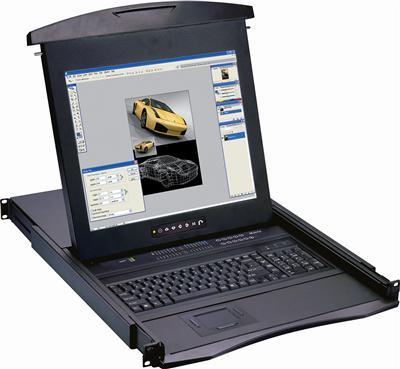
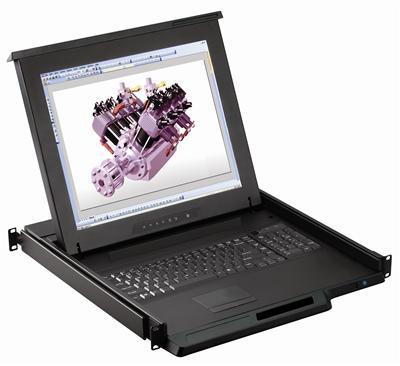
1U KVM Drawer w USB KVM Switch
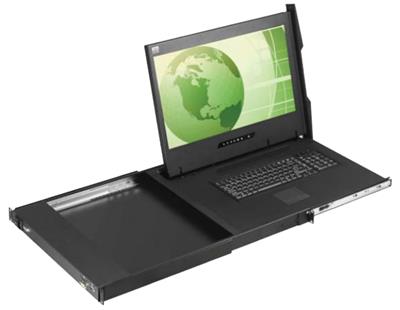
1U 19" Rackmount Monitor Keyboard with combo KVM Switch USB and PS2 Touchpad, 16 Ports
$1,999.00
$2,399.00
In stock
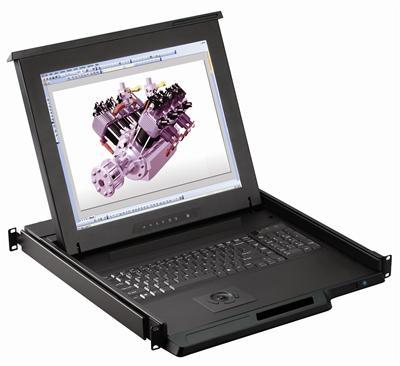
1U KVM Drawer w USB KVM Switch
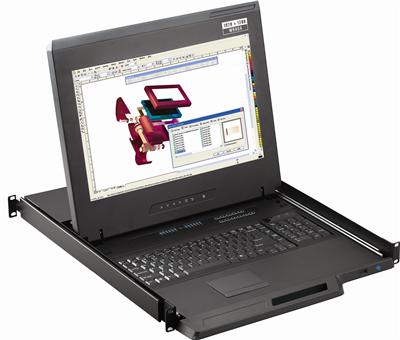
1U 19" Rackmount Monitor Keyboard with combo KVM Switch USB and PS2 Trackball, 16 Ports
$2,040.00
$2,399.00
In stock
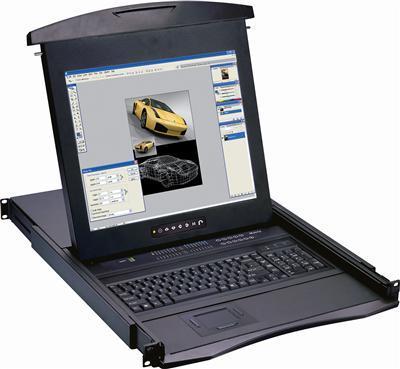
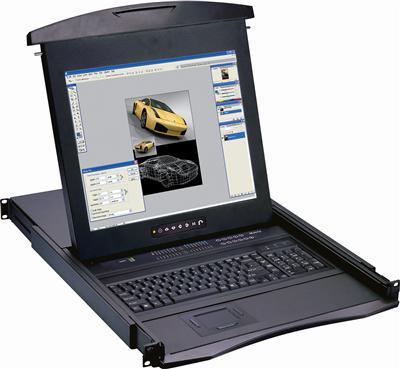
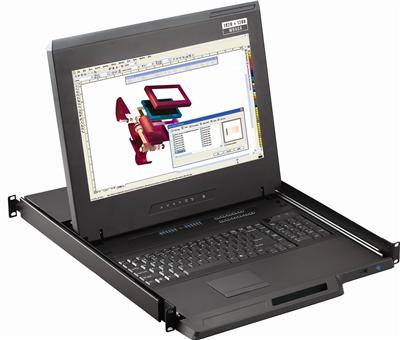
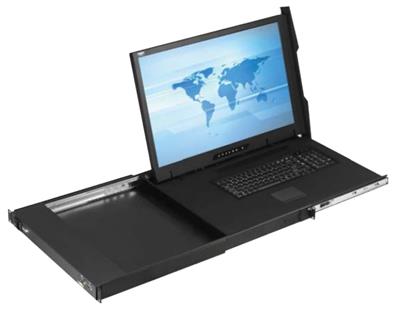
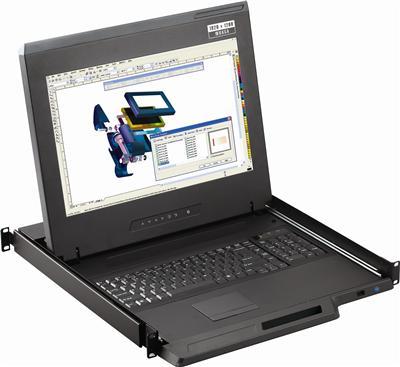
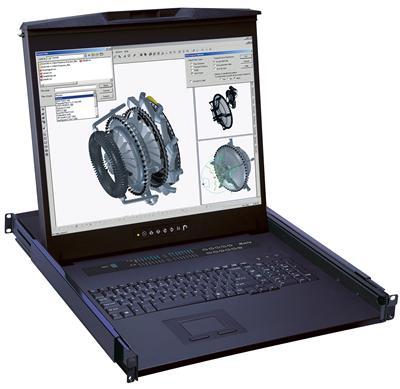
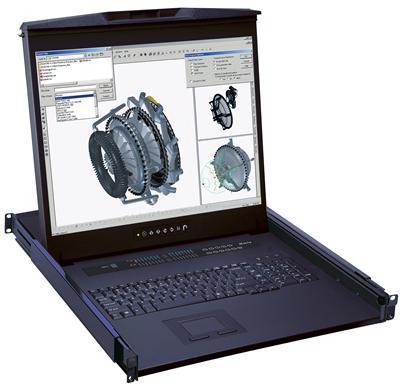
1U KVM Drawer w USB KVM Switch
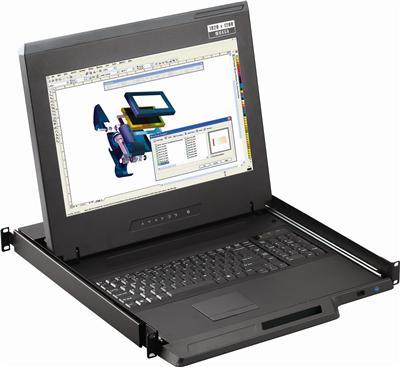
1U 20" Rackmount Monitor Keyboard with combo KVM Switch USB and PS2 Touchpad, 8 Ports
$2,799.00
$3,099.00
In stock
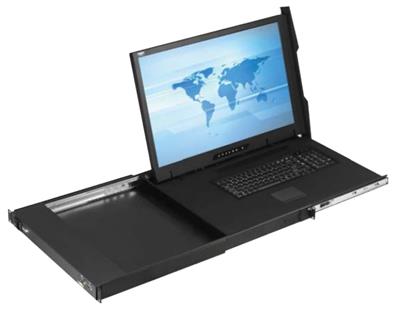
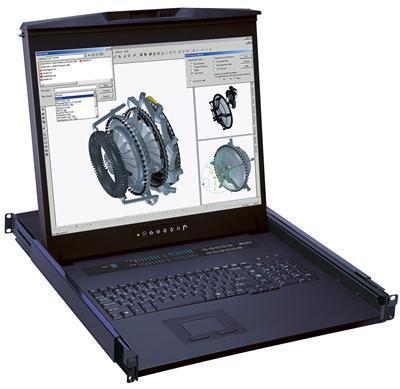
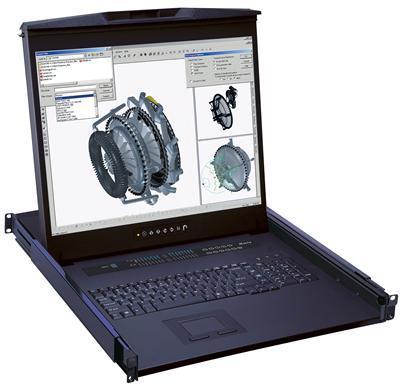
1U KVM Drawer w USB KVM Switch
1U 20" Rackmount Monitor Keyboard with combo KVM Switch USB and PS2 Touchpad, 16 Ports
$2,999.00
$3,399.00
In stock
Key features to confirm
- Port count – 8 or 16 ports; size to your server count plus growth.
- Combo USB and PS/2 interface for broad server compatibility.
- 17" or 19" LCD with VGA input to the servers via the KVM.
- Pointing device – choose touchpad or trackball.
- OSD switching with hotkey and on-screen display port selection.
| Servers to control | Choose |
|---|---|
| Up to 8 | 8-port USB KVM drawer |
| Up to 16 | 16-port USB KVM drawer |
| PS/2 servers | See the PS/2 KVM drawer |
| Remote access needed | See the IP KVM drawer |
Compare with the PS/2 KVM drawer and IP KVM drawer, or see all rackmount monitors.
Frequently Asked Questions
What is a 1U KVM drawer with USB KVM switch?
A 1U console (LCD + keyboard + mouse) with an integrated USB KVM switch that controls 8 or 16 servers locally from one drawer.
How many servers can it control?
8-port and 16-port models are stocked; pick based on server count and future growth.
Does it support PS/2 servers too?
Yes, units use a combo USB and PS/2 interface. For PS/2-only environments, see the dedicated PS/2 KVM drawer.
Can I access servers remotely?
No, this is a local console. For remote/BIOS-level access, choose a drawer with KVM over IP.
Rolling out a USB KVM console? Our engineers help match port count, screen size, and pointing device to your rack and servers. Call (216) 798-7530 for free system design help.
Filters