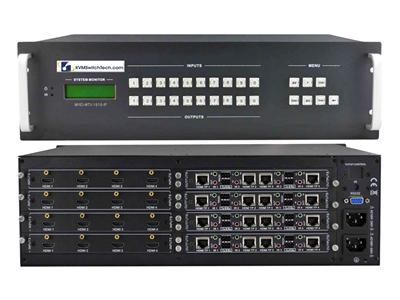
Step 1: Size the matrix (inputs x outputs)
Count your independent sources (media players, PCs, cameras, decoders) and your displays (monitors, projectors, video walls). Buy for growth: matrices scale in fixed sizes, and moving from an 8x8 to a 16x16 later means replacing the unit, not adding a card on most models.
| Configuration | Best for | Typical use case |
|---|
| 4x2 / 4x4 | Small conference rooms, bars, digital signage | A few sources to a couple of screens |
| 8x8 | Control rooms, classrooms, house-of-worship | Mid-size AV distribution with independent routing |
| 16x16 | Command centers, broadcast, large signage networks | Many sources, video-wall feeds, redundancy |
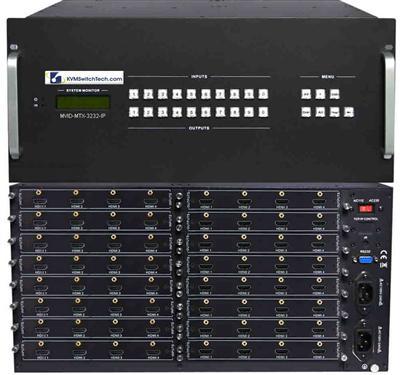
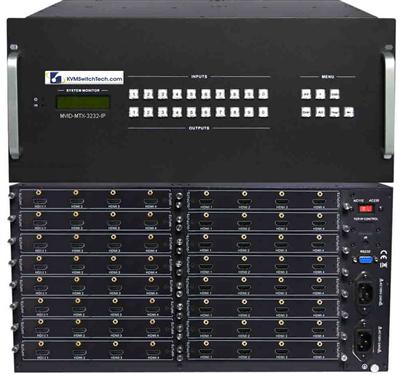
| 32x32 / 64x64 | Enterprise, data center, large venues | Facility-wide routing, often with TCP/IP control and fiber |
Step 2: Confirm resolution and HDCP
For 4K deployments, verify the matrix supports 4K@60Hz 4:4:4 (not just 4K@30Hz) and HDCP 2.2/2.3 if you route protected content like Blu-ray or streaming boxes. A matrix that only handles HDCP 1.4 will black out protected 4K sources.
Step 3: Decide how far the signal travels (HDBaseT vs. direct HDMI)
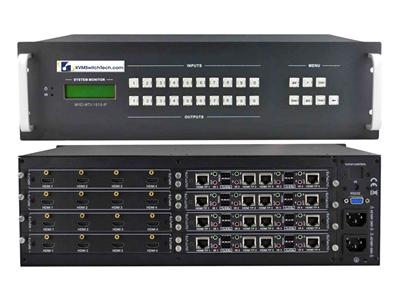
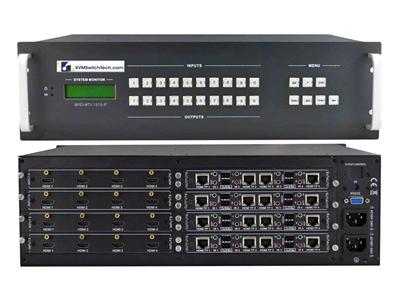
Native HDMI is reliable to about 15-25 ft. Beyond that, choose a matrix with HDBaseT outputs that send video, audio, and control over a single Cat5e/6/7 cable up to ~330 ft to a paired receiver at each display. For runs beyond HDBaseT distances or in high-EMI environments, pair the matrix with a fiber optic extender.
Step 4: Understand EDID management
EDID is how a display tells a source what resolutions it supports. In a matrix, mismatched EDID causes handshake failures, black screens, or dropped audio when you switch routes. Look for a matrix with built-in EDID management (copy, fixed, or learned modes) so every source negotiates a stable, common format across all outputs.
Related reading: HDMI KVM switch buyer's guide: port count, 4K & EDID explained.
Step 5: Pick your control method
- Front panel / IR remote – simplest, for manual switching.
- RS-232 – for integration with Crestron, AMX, or Control4 systems.
- TCP/IP – control and monitor the matrix over the network from a browser or control system; best for unattended and multi-site deployments.
HDMI Matrix vs. Splitter vs. Switch
| Device | Sources | Displays | Independent routing? |
|---|
| HDMI Splitter | 1 | Many (same image) | No |
| HDMI Switch | Many | 1 | No |
| HDMI Matrix Switch | Many | Many | Yes |