
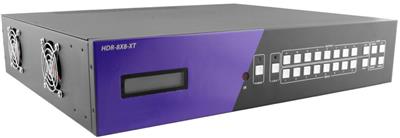
HDMI Matrix Switch Buyer's Guide: How to Route Multiple Sources to Multiple Displays
An HDMI matrix switch routes any of its HDMI inputs to any of its outputs independently and simultaneously, so an 8x8 matrix lets 8 sources feed 8 displays in any combination at the same time. Unlike a splitter (one source to many identical displays) or a basic switch (many sources to one display), a true HDMI matrix gives every output its own independent source selection. KVMSwitchTech stocks configurations from 4x2 up to 64x64, with 4K/UHD support, HDBaseT extension over Cat5e/6/7, and RS-232, IR, front-panel, and TCP/IP control.
Browse products
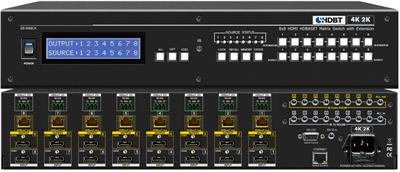
HDMI Matrix Switch
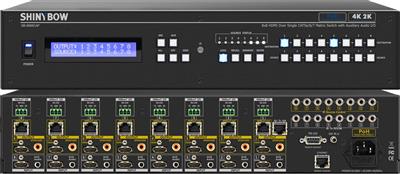
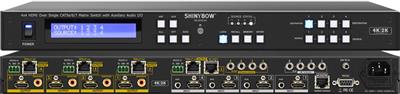
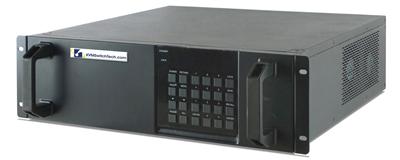
8x8 Cat5e/6/7 HDMI Matrix Switch 4K x 2K with HDBaseT over Single Cat5e/6/7 cable
$3,790.00
$6,000.00
In stock
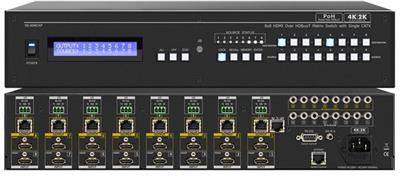
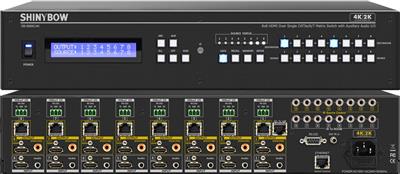
HDMI Matrix Switch
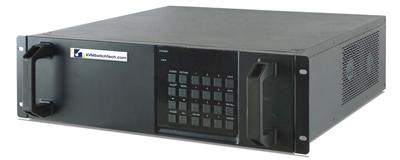
16x8 HDMI Matrix Switcher with RS232, IR and TCP/IP Control
$4,650.00
$5,850.00
In stock
HDMI Matrix Switch
8x16 HDMI Matrix Switcher with RS232, IR and TCP/IP Control
$4,650.00
$5,850.00
In stock
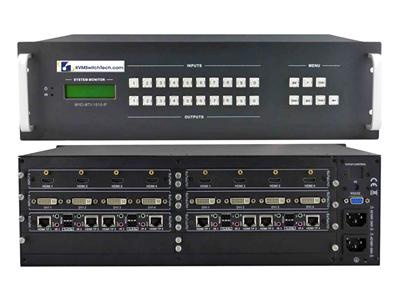
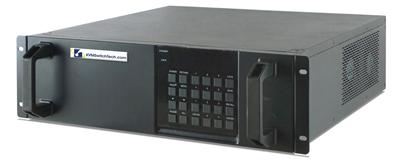
HDMI Matrix Switch
16x8 4Kx2K HDMI Matrix Switcher with RS232, IR and TCP/IP Control
$4,800.00
$6,300.00
In stock
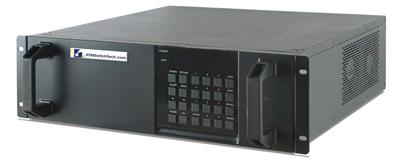
HDMI Matrix Switch
8x16 4Kx2K HDMI Matrix Switcher with RS232, IR and TCP/IP Control
$4,800.00
$6,300.00
In stock
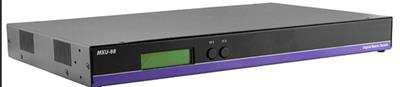
HDMI Matrix Switch
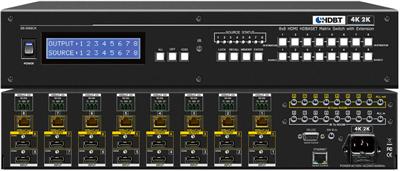
8X8 HDMI/USB 2.0 matrix switch with 4K resolution and keyboard-mouse capabilities (no emulation)
$5,040.00
$6,999.00
In stock
HDMI Matrix Switch
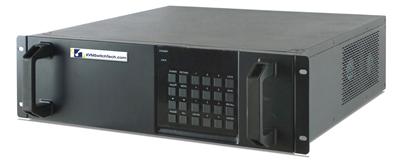
16x16 HDMI Matrix Switcher with RS232, IR and TCP/IP Control
$5,200.00
$6,060.00
In stock
HDMI Matrix Switch
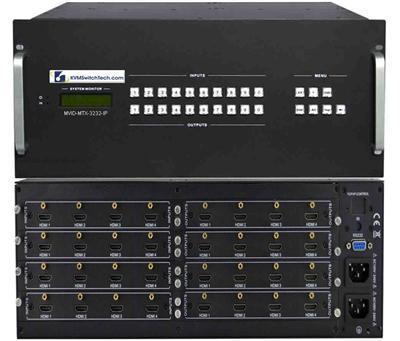
12x12 HDMI Video Matrix Switch with RS232, IR and TCP/IP Control
$6,000.00
$9,999.00
In stock
HDMI Matrix Switch
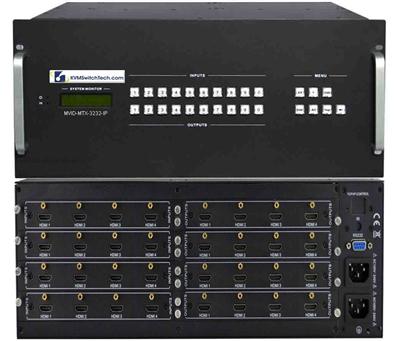
16x8 HDMI Video Matrix Switch with RS232, IR and TCP/IP Control
$6,099.00
$12,000.00
In stock
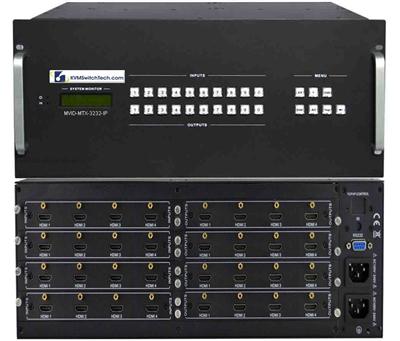
HDMI Matrix Switch
8x16 HDMI Video Matrix Switch with RS232, IR and TCP/IP Control
$6,099.00
$12,000.00
In stock
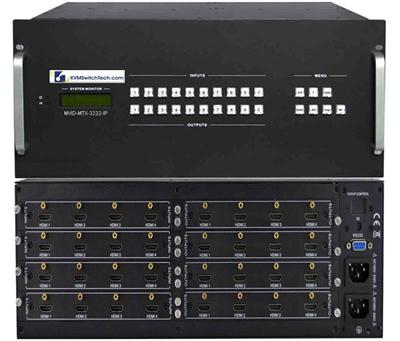
HDMI Matrix Switch
16x16 HDMI Video Matrix Switch with RS232, IR and TCP/IP Control
$6,171.00
$12,000.00
In stock
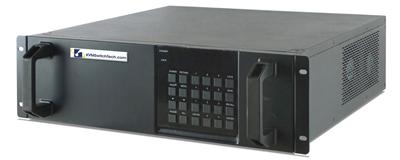
HDMI Matrix Switch
16x16 Modular Matrix Switch 4Kx2K with HDMI, DVI, VGA support and TCP/IP Control
$6,600.00
$8,000.00
In stock
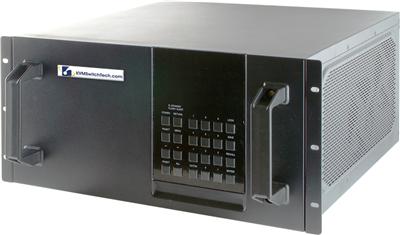
HDMI Matrix Switch
32x32 Modular Matrix Switch 4Kx2K with HDMI, DVI, VGA support and TCP/IP Control
$7,999.00
$9,999.00
In stock
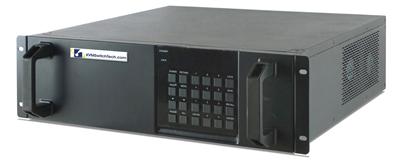
HDMI Matrix Switch
16x16 4Kx2K HDMI Matrix Switcher with RS232, IR and TCP/IP Control
$9,000.00
$9,999.00
In stock
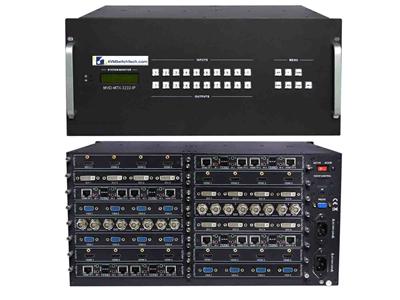
HDMI Matrix Switch
32x32 Multi Video Format Matrix Switch with HDMI, DVI, SDI, VGA, Fiber Optic support and TCP/IP Control
$9,999.00
$15,000.00
In stock
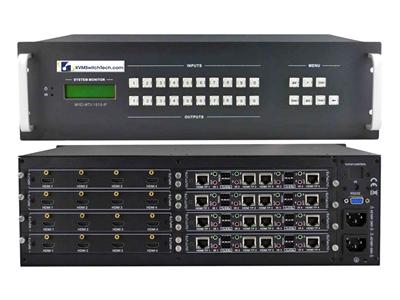
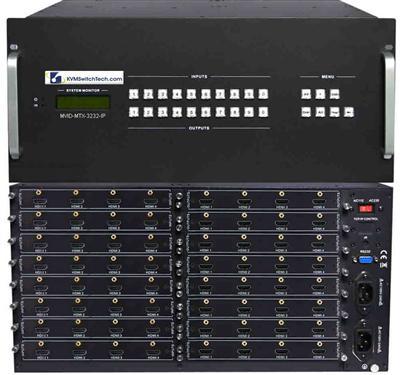
HDMI Matrix Switch
16x32 HDMI Video Matrix Switch with RS232, IR and TCP/IP Control
$13,500.00
$24,000.00
In stock
Step 1: Size the matrix (inputs x outputs)
Count your independent sources (media players, PCs, cameras, decoders) and your displays (monitors, projectors, video walls). Buy for growth: matrices scale in fixed sizes, and moving from an 8x8 to a 16x16 later means replacing the unit, not adding a card on most models.
| Configuration | Best for | Typical use case |
|---|---|---|
| 4x2 / 4x4 | Small conference rooms, bars, digital signage | A few sources to a couple of screens |
| 8x8 | Control rooms, classrooms, house-of-worship | Mid-size AV distribution with independent routing |
| 16x16 | Command centers, broadcast, large signage networks | Many sources, video-wall feeds, redundancy |
| 32x32 / 64x64 | Enterprise, data center, large venues | Facility-wide routing, often with TCP/IP control and fiber |
Step 2: Confirm resolution and HDCP
For 4K deployments, verify the matrix supports 4K@60Hz 4:4:4 (not just 4K@30Hz) and HDCP 2.2/2.3 if you route protected content like Blu-ray or streaming boxes. A matrix that only handles HDCP 1.4 will black out protected 4K sources.
Step 3: Decide how far the signal travels (HDBaseT vs. direct HDMI)
Native HDMI is reliable to about 15-25 ft. Beyond that, choose a matrix with HDBaseT outputs that send video, audio, and control over a single Cat5e/6/7 cable up to ~330 ft to a paired receiver at each display. For runs beyond HDBaseT distances or in high-EMI environments, pair the matrix with a fiber optic extender.
Step 4: Understand EDID management
EDID is how a display tells a source what resolutions it supports. In a matrix, mismatched EDID causes handshake failures, black screens, or dropped audio when you switch routes. Look for a matrix with built-in EDID management (copy, fixed, or learned modes) so every source negotiates a stable, common format across all outputs.
Related reading: HDMI KVM switch buyer's guide: port count, 4K & EDID explained.
Step 5: Pick your control method
- Front panel / IR remote – simplest, for manual switching.
- RS-232 – for integration with Crestron, AMX, or Control4 systems.
- TCP/IP – control and monitor the matrix over the network from a browser or control system; best for unattended and multi-site deployments.
HDMI Matrix vs. Splitter vs. Switch
| Device | Sources | Displays | Independent routing? |
|---|---|---|---|
| HDMI Splitter | 1 | Many (same image) | No |
| HDMI Switch | Many | 1 | No |
| HDMI Matrix Switch | Many | Many | Yes |
Frequently Asked Questions
What is an HDMI matrix switch used for?
It routes multiple HDMI sources to multiple displays independently and at the same time, common in control rooms, classrooms, digital signage, and video walls where each screen may need a different source.
Can an HDMI matrix switch do 4K?
Yes. Choose a model rated for 4K@60Hz 4:4:4 with HDCP 2.2/2.3 to pass protected 4K content without dropouts.
How far can an HDMI matrix send video?
Native HDMI outputs reach ~15-25 ft. HDBaseT models extend to ~330 ft over Cat cable; fiber optic extenders push distances to 1,000 m (3,300 ft).
What is the difference between a matrix switch and a splitter?
A splitter sends one source to many displays showing the same image. A matrix lets any source reach any display independently.
Filters