KVMSwitchTech
Call (216) 798-7530 Free quote

Browse by system

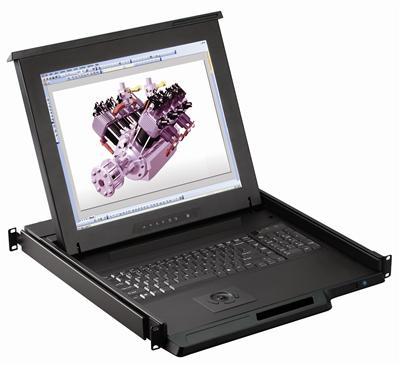
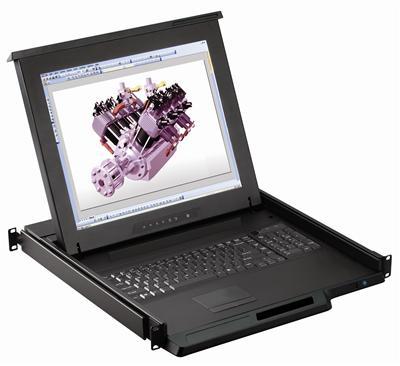
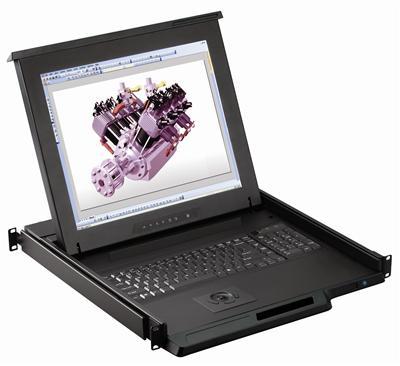
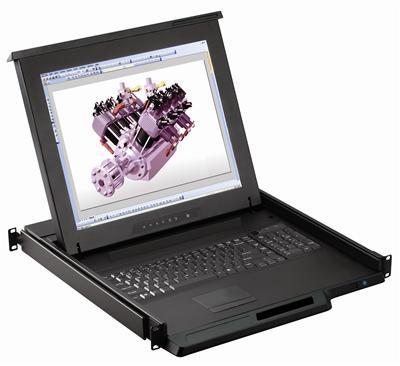
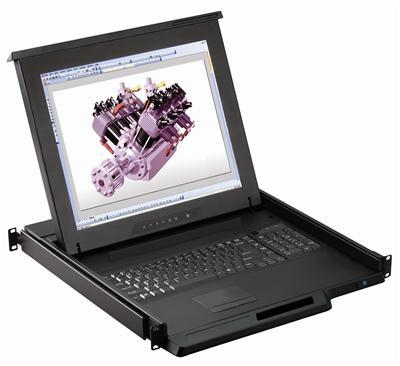
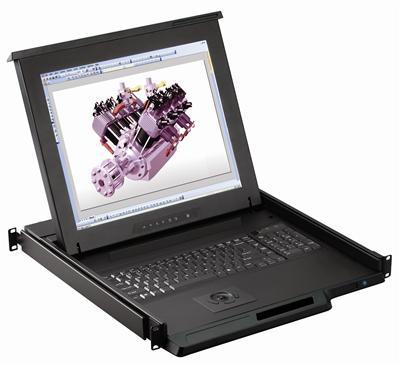
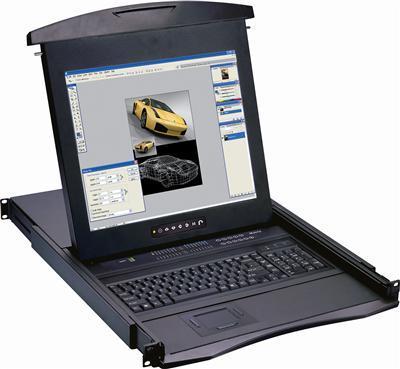
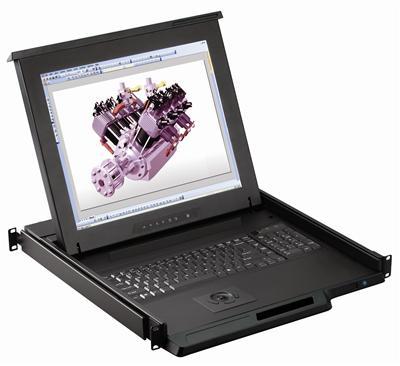
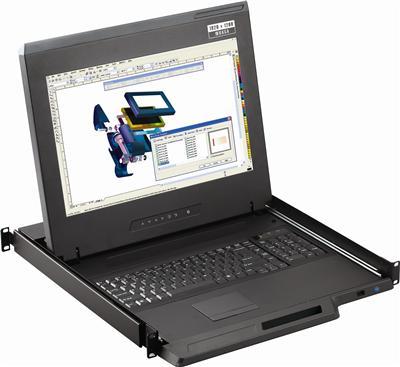
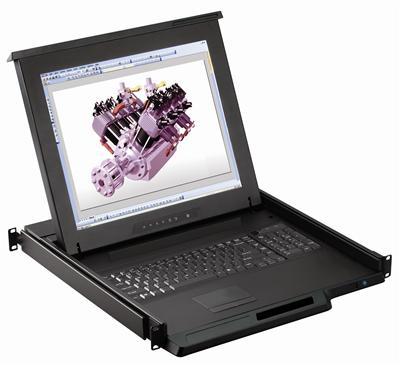
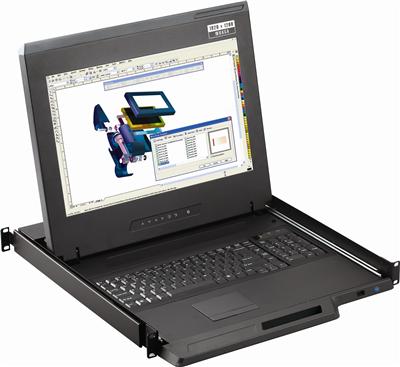
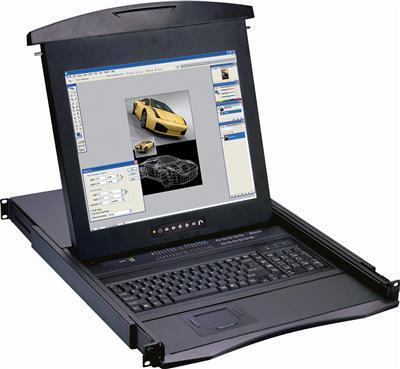
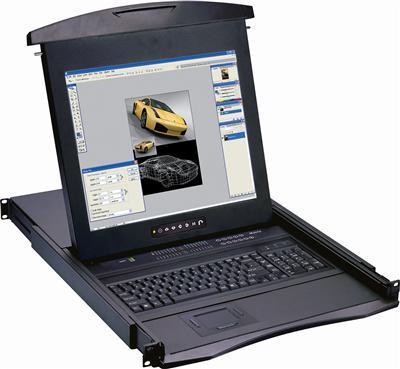
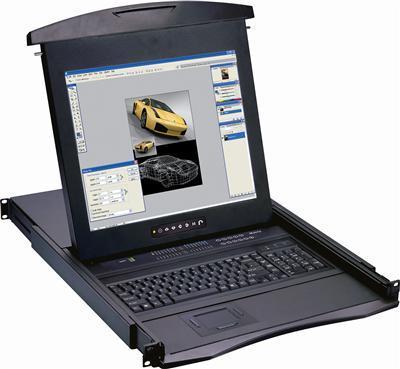
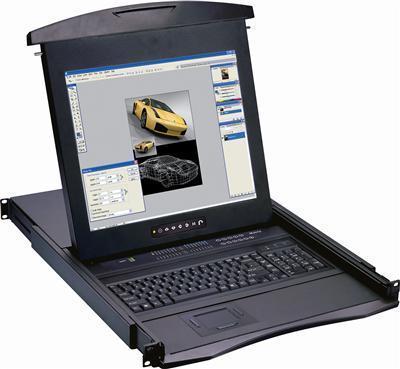
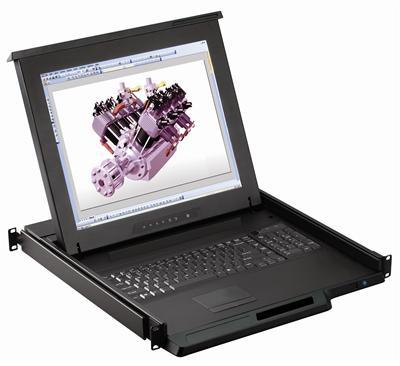
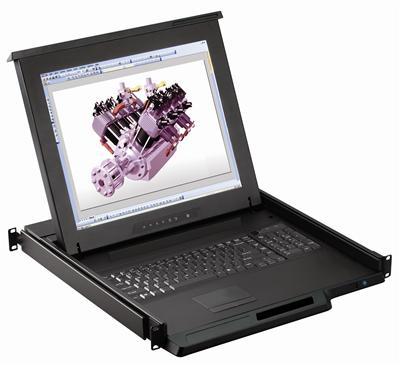
Rackmount KVM Drawer

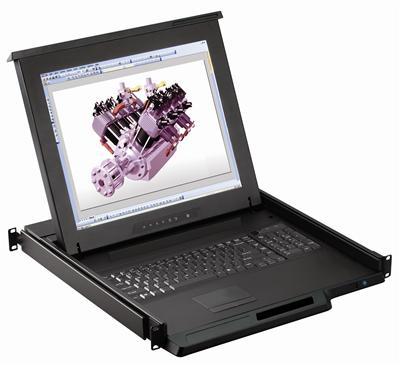
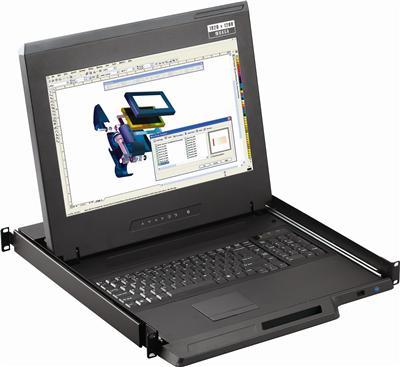
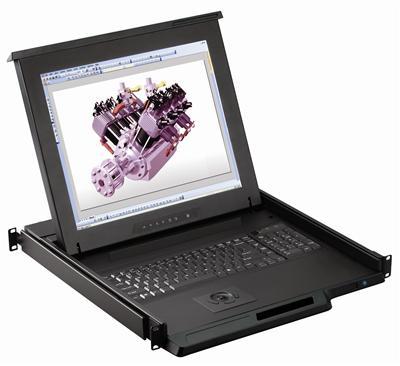
A rackmount KVM drawer is a 1U slide-out console: LCD, keyboard, and pointing device in one rack unit, with or without an integrated KVM switch. KVMSwitchTech stocks 17" and 19" drawers, short-depth chassis, combo USB/PS/2, HDMI/DVI/VGA/DisplayPort, touchpad or trackball. Call (216) 798-7530 for port count and rail depth.

Rackmount KVM drawer vs plain console drawer

A plain console drawer is LCD + keyboard + pointing device for one server or an external KVM. A rackmount KVM drawer with an integrated 8, 16, or 32-port switch lets one 1U console drive many servers without a second chassis. Buy the plain drawer when the rack already has a KVM. Buy the integrated switch when the console is the only local access point.

Screen size: 17" vs 19"

17" drawers fit most 19" racks and keep rail travel shorter. 19" panels give more desktop for BIOS and KVM OSD work. Stay on 17" or 19" unless the SKU is a larger chassis in this grid.

Video: VGA, DVI, HDMI, DisplayPort

Match the drawer video input to the server or KVM output. VGA and DVI remain common on older gear. HDMI and DisplayPort cover current servers. Do not assume 4K60; live panels are 4K30-class unless the SKU sheet lists 3840×2160 @ 60 Hz (K117e via DisplayPort).

Browse products

Short-depth vs standard rails

Short-depth drawers belong in wall-mount and shallow cabinets. Standard-depth drawers use full rear rails in a four-post rack. Confirm rail kit length against cabinet depth before order. See short depth LCD keyboard units when rear clearance is tight.

Integrated 8/16/32-port KVM vs external switch

USB and PS/2 integrated switches live in the same 1U as the LCD. Cat5 and IP options push the switch farther from the console. Start with 1U KVM drawer with USB KVM switch or 1U KVM drawer with PS2 KVM switch when servers sit in the same rack.

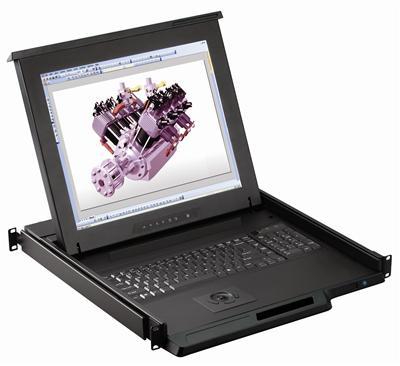
Touchpad vs trackball

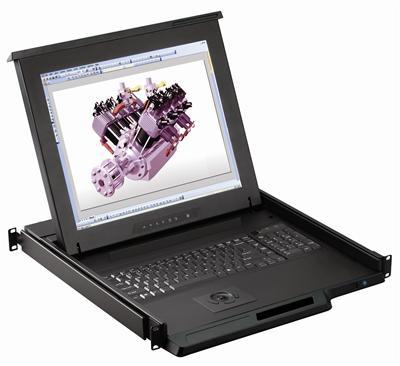
Touchpad is the default for gloved and ungloved use. Trackball stays put when the drawer is half-open in a tight aisle. Combo USB and PS/2 keyboards cover mixed server generations.

Key features to confirm

  • With or without KVM switch, plain console or 8/16/32-port.
  • 17" or 19" LCD.
  • Touchpad or trackball.
  • Combo USB and PS/2 interface.
  • One-man install slides.
NeedChoose
Single-server consolePlain KVM drawer
Multi-server, localDrawer with USB/PS/2/Cat5 KVM
Multi-server, remoteDrawer with IP KVM
Shallow rackShort-depth drawer

Austin Hughes CyberView and Raloy-class drawers in this catalog are 1U commercial units. Call out MIL-STD-810H methods, CAC reader type, and MS3470W8-33P pinout on quote. Do not assume commercial CyberView ships 810H-tested from stock.

Frequently Asked Questions

What is a rackmount KVM drawer?

A 1U rack console combining an LCD, keyboard, and pointing device, optionally with an integrated KVM switch.

Do I need a built-in KVM switch?

Only if one console must control multiple servers. Otherwise a plain drawer is enough.

What sizes and video inputs?

17" and 19" LCDs with combo USB and PS/2, VGA, DVI, HDMI, or DisplayPort, and touchpad or trackball.

Will it fit a shallow rack?

Choose the short-depth drawer for wall-mount and shallow enclosures.

Choosing a console drawer? Our engineers match screen size, pointing device, and KVM option to your rack. Call (216) 798-7530 for free system design help.

Filters